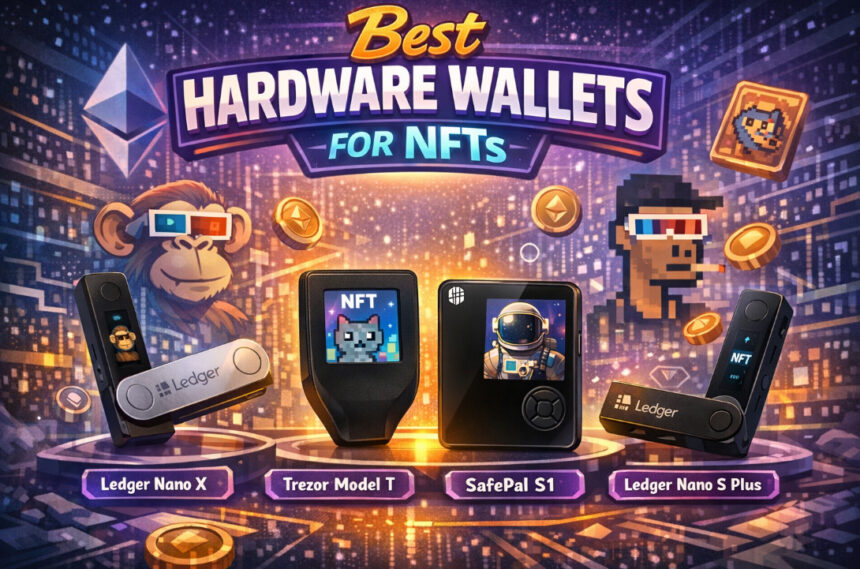
With the growing value and popularity of NFTs protecting your digital assets is even more important. The Best Hardware Wallets for NFTs offer offline storage and keep your private keys secure from hackers, phishing scams, and malware.
- What Is a Hardware Wallet for NFTs?
- Key Point
- 1. Ledger Nano X
- Ledger Nano X
- Ledger Nano X Features
- 2. Ledger Nano S Plus
- Ledger Nano S Plus
- Ledger Nano S Plus Features
- 3. Trezor Model T
- Trezor Model T
- Trezor Model T Features
- 4. Model One by Trezor
- Trezor Model One
- Trezor Model One Features
- 5. SafePal S1
- SafePal S1
- SafePal S1 Features
- 6. Keystone Pro
- Keystone Pro
- Keystone Pro Features
- 7. Ellipal Titan
- Ellipal Titan
- Ellipal Titan Features
- 8. GridPlus Lattice1
- GridPlus Lattice1
- GridPlus Lattice1 Features
- 9. SecuX V20
- SecuX V20
- SecuX V20 Features
- 10. NGRAVE ZERO
- NGRAVE ZERO
- NGRAVE ZERO Features
- Why You Need a Hardware Wallet for NFTs?
- Key Features to Look for in NFT Hardware Wallets
- Secured Hardware Modules
- Support for NFTs and Multiple Chains
- Protection by Air Gap
- Integration of web 3 Wallets
- Options for Backup/ Recovery
- Screening for Transaction Confirmation
- Options for Connectivity
- Multi-Layer Authentication
- Firmware Security & Updates
- Build Quality & Tamper Resistance
- Conclusion
- FAQ
The Ledger Nano X and the Trezor Model T offer good security and simple access to Web3. In this guide, we look at the best hardware wallets for NFTs that will allow you to safely store, manage, and protect your NFT investments in 2026.
What Is a Hardware Wallet for NFTs?
A hardware wallet for NFTs is a special kind of wallet that is more secure than any online wallet. Hardware wallets protect private keys from hacking by keeping keys offline, whereas online wallets have targets for hacking, phishing, and malware attacks.
NFTs are not kept inside a wallet, but private keys are. Do not confuse hardware wallets with standard wallets. A hardware wallet is a protective device that keeps your keys. These keys prove ownership of NFTs and grant the holder the power to control, move, or sell the NFTs.
The wallet hardware device signs all required keys for a move. So, the keys are always inside the device, and even if the device is interfaced with wallets or apps, the keys stay internal.
NFTs can be manipulated through new technologies that are accessible by all. For example, Ledger Nano X, Trezor Model T, and Ellipal Titan can be integrated with Web3 wallets like MetaMask, and then, NFTs can be manipulated at any point through an online device.
To summarize, a hardware wallet is a vault for keeping control of your keys. Only the wallet holder can grant permission for an operation, even through Internet access, and that is all technically at no risk to the wallet holder.
Key Point
| Hardware Wallet | Key Point |
|---|---|
| Ledger Nano X | Supports NFTs on Ethereum & Polygon with Bluetooth connectivity and secure element chip for high-level protection. |
| Ledger Nano S Plus | Affordable option with strong NFT support via Ledger Live and wide compatibility with Web3 wallets like MetaMask. |
| Trezor Model T | Open-source security with touchscreen interface; supports NFT management through third-party integrations. |
| Trezor Model One | Budget-friendly hardware wallet offering solid NFT security via external wallets like MetaMask integration. |
| SafePal S1 | Air-gapped security with QR code transactions, making it ideal for securely managing NFTs offline. |
| Keystone Pro | Fully air-gapped wallet with fingerprint security and QR-based signing for enhanced NFT protection. |
| Ellipal Titan | Metal-sealed, tamper-proof design with air-gapped technology for safe NFT storage and transactions. |
| GridPlus Lattice1 | Advanced wallet with large display and smart card support, ideal for managing high-value NFT collections. |
| SecuX V20 | Large touchscreen and Bluetooth support with secure chip, allowing easy NFT management across platforms. |
| NGRAVE ZERO | EAL7-certified security with completely offline operation, offering top-tier protection for NFTs and private keys. |
1. Ledger Nano X
When it comes to mobile and security options, the Ledger Nano X is one of the best options for hardware wallets on the market. It has the Secure Element chip and chain support for Ethereum, Polygon, and over 5,500 other coins and NFTs.
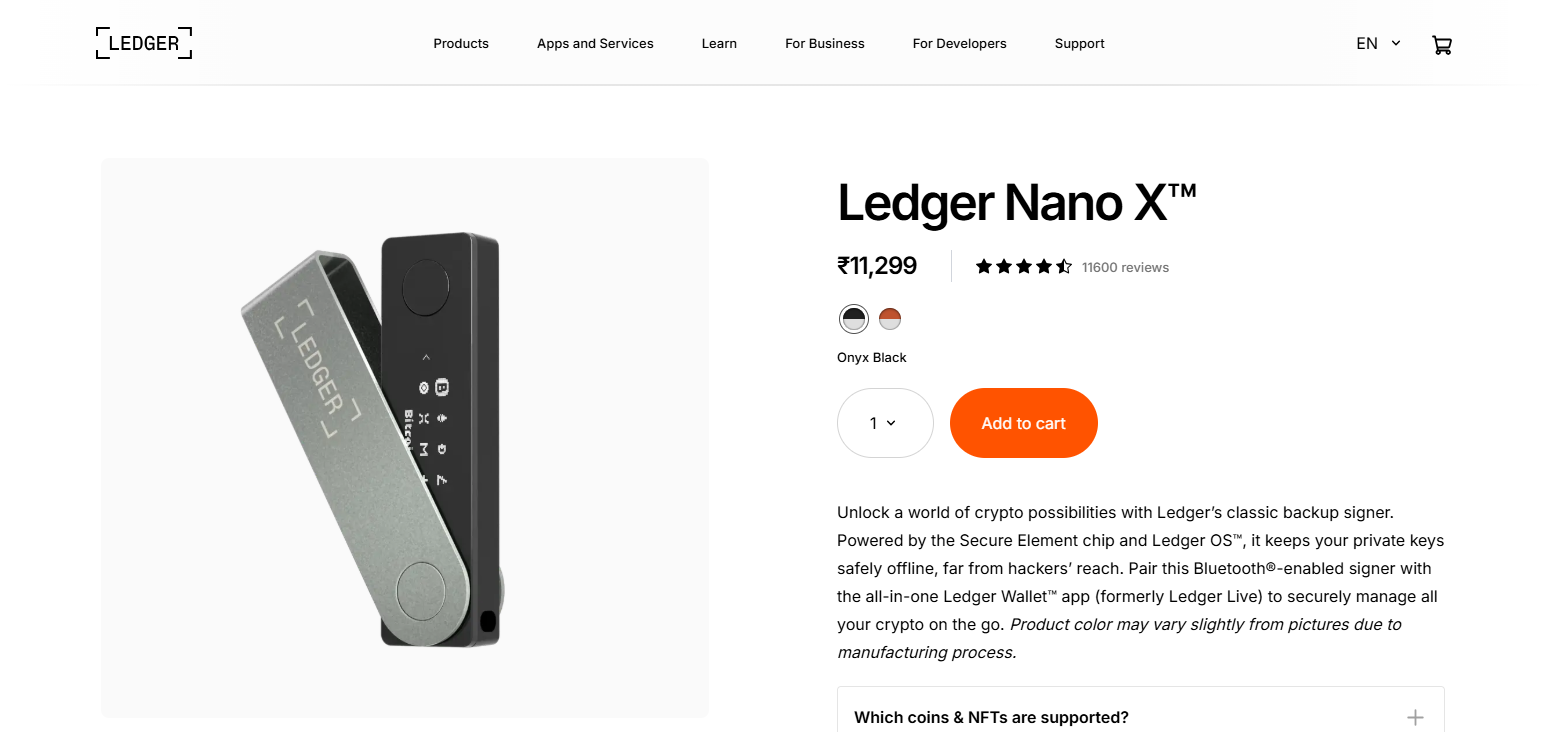
It also has Bluetooth, so users can manage cryptocurrency and NFTs via Ledger Live directly from their phones. Among Best Hardware Wallets for NFTs, it offers convenience and tremendous value for the price.
It also syncs perfectly with MetaMask and Web3 apps. Because of this, NFT storage and transfers become incredibly easy. Because it is battery powered, you can take it on the go, while still having military grade encryption.
Ledger Nano X
| Pros | Cons |
|---|---|
| Strong security with Secure Element chip | Higher price compared to basic wallets |
| Bluetooth support for mobile usage | Some users worry about Bluetooth security risks |
| Supports thousands of coins and NFTs | Battery dependency for wireless use |
| Easy-to-use Ledger Live app | Closed-source firmware |
| Portable and convenient design | Not fully air-gapped |
Ledger Nano X Features
- CC EAL5+ Secure Element chip for superior security
- Bluetooth as well as USB-C for use with mobile and desktop
- Supports 5,500+ cryptocurrencies and NFTs
- Ledger Live app for management and transactions of NFTs
- Offline storage of private keys with communications encryption
2. Ledger Nano S Plus
Ledger Nano S Plus is a great entry-level hardware wallet that is inexpensive and highly reliable. Using the same Secure Element chip as the pricier models, the S Plus will give you the ability to secure thousands of tokens and NFT assets.
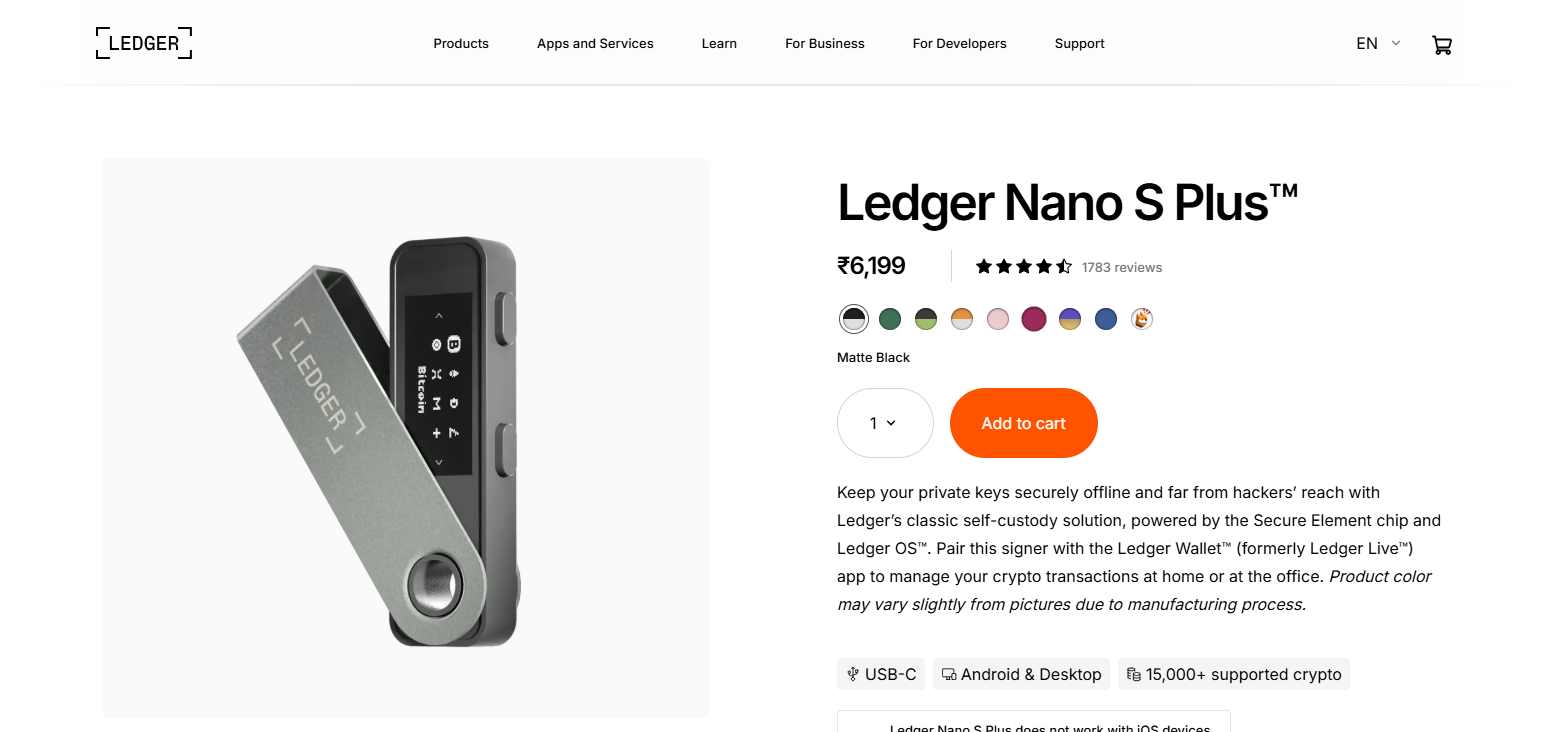
It can’t connect via Bluetooth like the Nano X and is USB connected, but this is marginal considering Nano S Plus is one of the Best Hardware Wallets for NFTs as it offers great value for your dollar without compromising on security.
The wallet works notably well with Ledger Live as well as web3 wallets like MetaMask for NFT management and trading on the go. This wallet also has increased storage capacity (compared to the standard Nano S wallets) making it a great choice for NFT collectors on multiple blockchains.
Ledger Nano S Plus
| Pros | Cons |
|---|---|
| Affordable with strong security chip | No Bluetooth connectivity |
| Supports wide range of crypto & NFTs | Requires USB connection always |
| Good storage for multiple apps | Less portable than Nano X |
| Compatible with Ledger Live & MetaMask | Closed-source system |
| Reliable brand reputation | Limited mobile flexibility |
Ledger Nano S Plus Features
- Secure Element chip (CC EAL5+) for high security
- USB-C only (no Bluetooth for extra security)
- Thousands of coins and NFT tokens supported
- Compatible with Ledger Live and MetaMask
- Higher app storage space
3. Trezor Model T
Designed for premium cryptocurrency safekeeping, Trezor Model T boasts cutting edge security measures and open-source software. The wallet features an easy to use color touchscreen, and safes access to the device PIN and a passphrase right on the display. NFTs can also be stored using the wallets integrated Web3 wallet access and MetaMask.
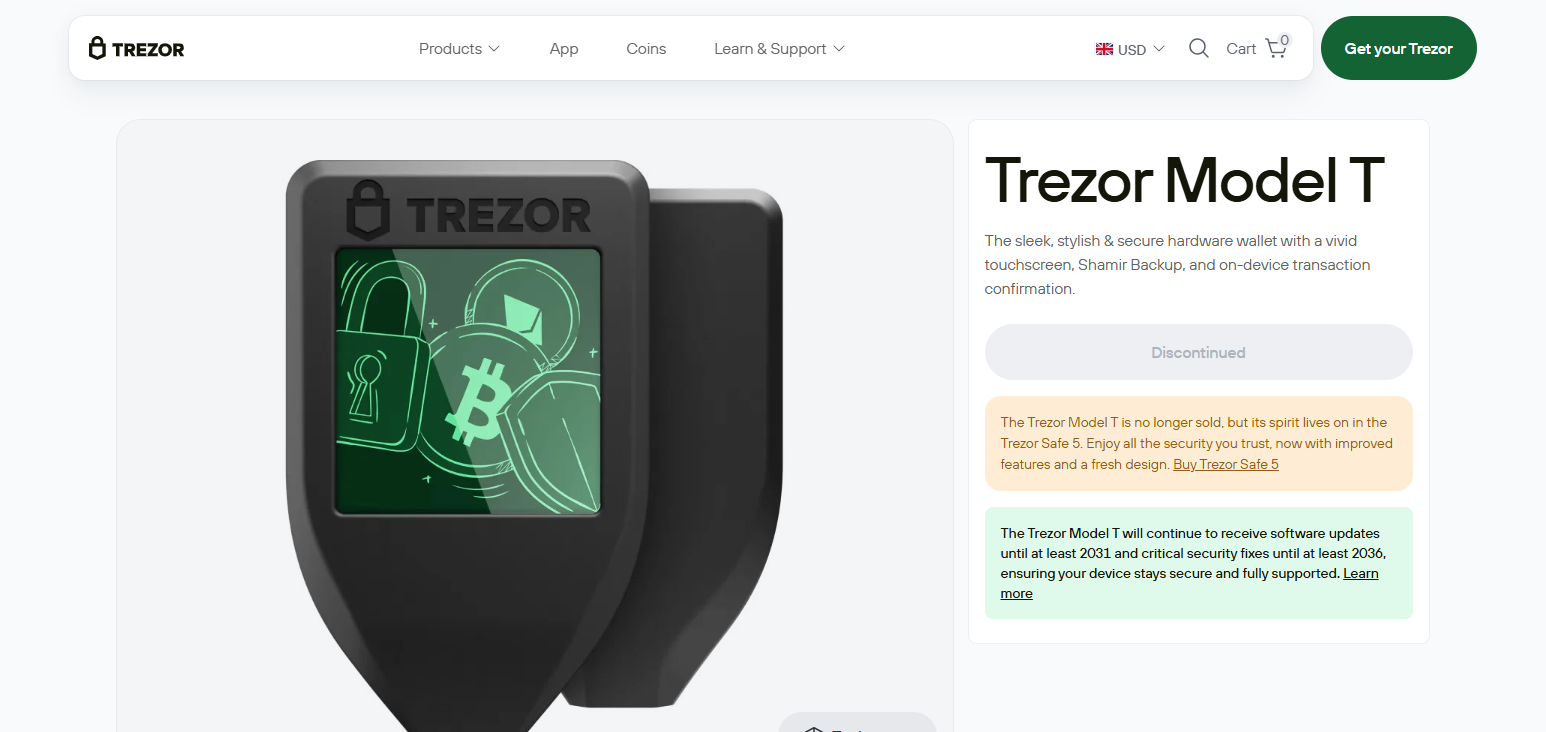
Trezor Model T was also rated highly among the Best Hardware Wallets for NFTs due to its transparency and reputation within the community.
The wallet provides users with Shamir backup which is a method for improving the security of your backups, and while the wallet does not contain a Secure Element chip, its also open-source which offers the ability for users to fully audit the wallet.
Overall, the Trezor Model T offers the most value for experienced users who want to maintain extreme control and transparency of their NFTs.
Trezor Model T
| Pros | Cons |
|---|---|
| Touchscreen for secure input | Expensive compared to entry wallets |
| Open-source firmware (transparent) | No Bluetooth support |
| Advanced backup options (Shamir) | No dedicated secure element |
| Strong third-party integrations | Requires cable connection |
| User-friendly interface | Slight learning curve for beginners |
Trezor Model T Features
- Touchscreen for secure PIN/passphrase entry
- Transparency of open-source firmware
- NFTs supported with MetaMask and others
- Shamir Backup and other advanced backup solutions
- High compatibility for crypto assets
4. Model One by Trezor
Model One by Trezor is a low-cost option that is also a solid opportunity for basic protection. The wallet is basic, having no touchscreen, but basic protection is provided along with the ability to keep private keys offline.
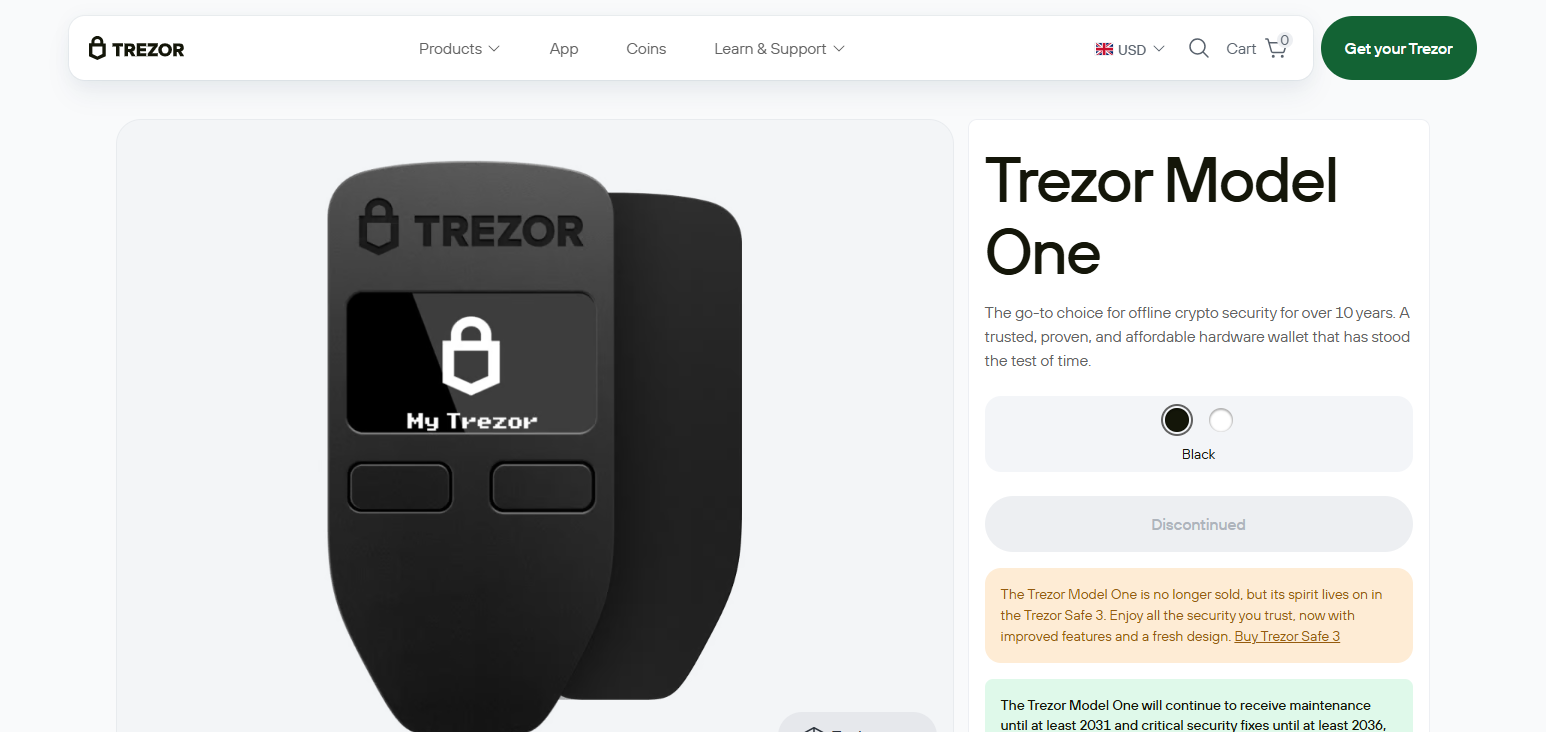
The wallet can be integrated with third-party services for NFT support. Among the Best Hardware Wallets for NFTs, the Trezor Model One is the best option for beginners.
The wallet can also be used for NFT transactions on MetaMask. The wallet is simple and excellent for NFT holders, and it has a strong reputation for both security and ease of use.
Trezor Model One
| Pros | Cons |
|---|---|
| Budget-friendly hardware wallet | Limited coin/NFT support compared to newer models |
| Open-source firmware | No touchscreen display |
| Reliable and simple to use | Fewer advanced features |
| Good security for beginners | Needs third-party apps for NFTs |
| Lightweight design | Basic interface |
Trezor Model One Features
- Entry-level hardware wallet
- Transparency of open-source firmware
- Major cryptocurrencies supported
- MetaMask integration for NFT access
- Good offline security, simple interface
5. SafePal S1
The SafePal S1 wallet is airgapped and uses the utmost protection methods for safeguarding your data. S1 mobile app integration allows for NFT management while keeping the private keys secure.
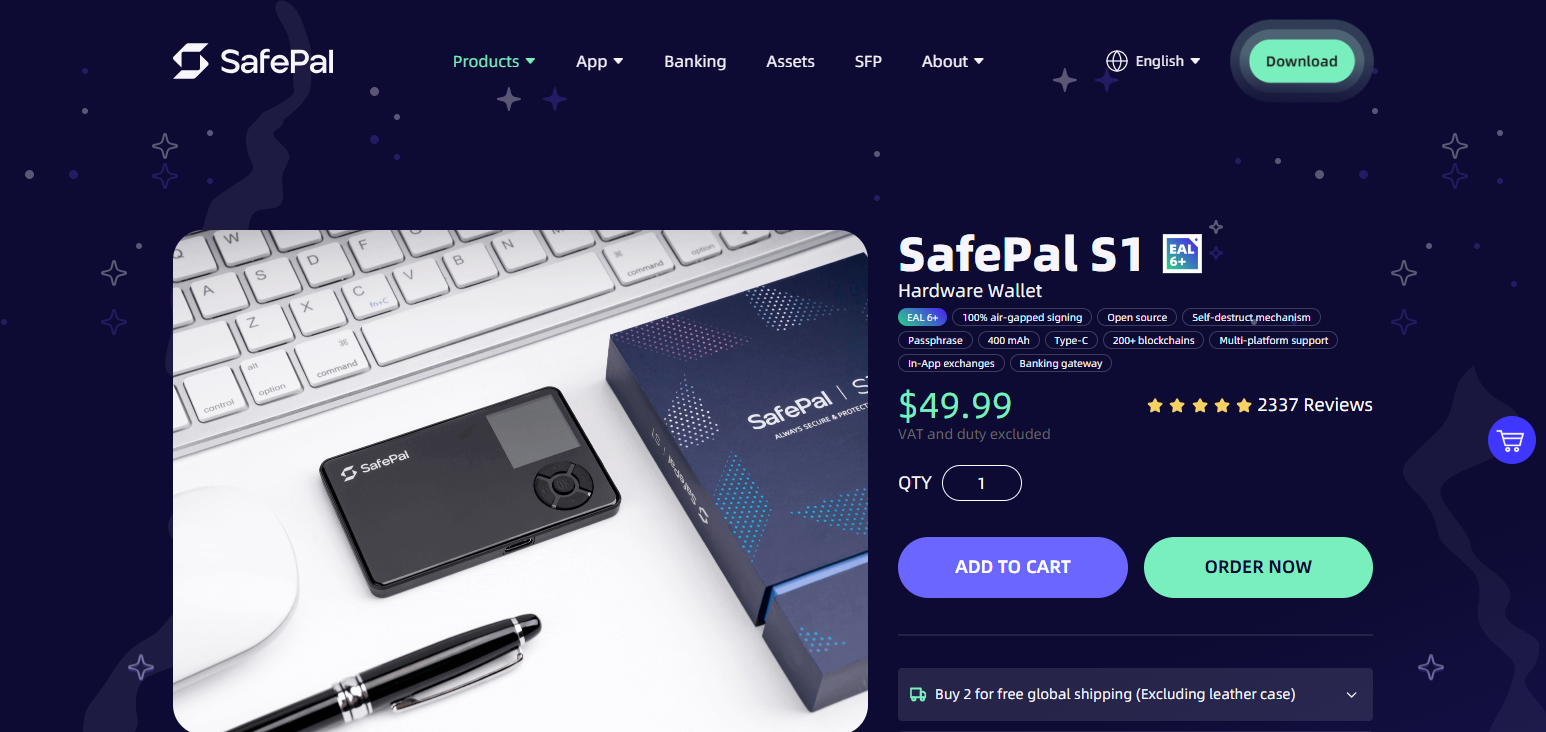
The wallet even comes equipped with a self-destruct alarm for even greater security. The wallet supports 10k+ crypto and NFT tokens, making it a tough competitor for the NFTs Wallets category and a great choice for offline protection wallet options for NFT assets management. The wallet uses QR code transactions, so USB and Bluetooth connections are eliminated.
SafePal S1
| Pros | Cons |
|---|---|
| Fully air-gapped security (no connections) | Smaller screen size |
| QR code-based transactions | App dependency for operations |
| Supports thousands of tokens & NFTs | Build quality less premium |
| Affordable pricing | Slower transaction process |
| Self-destruct security feature | Limited desktop support |
SafePal S1 Features
- 100% air-gapped (no USB, Wi-Fi, or Bluetooth)
- Transaction signing with QR code
- 10,000+ tokens and NFTs supported
- Self-destruct mechanism for security
- NFT management via mobile app integration
6. Keystone Pro
The Keystone Pro wallet puts emphasis on QR code technology. Because of this, Wi-Fi, Bluetooth, and other wireless connections are not present.
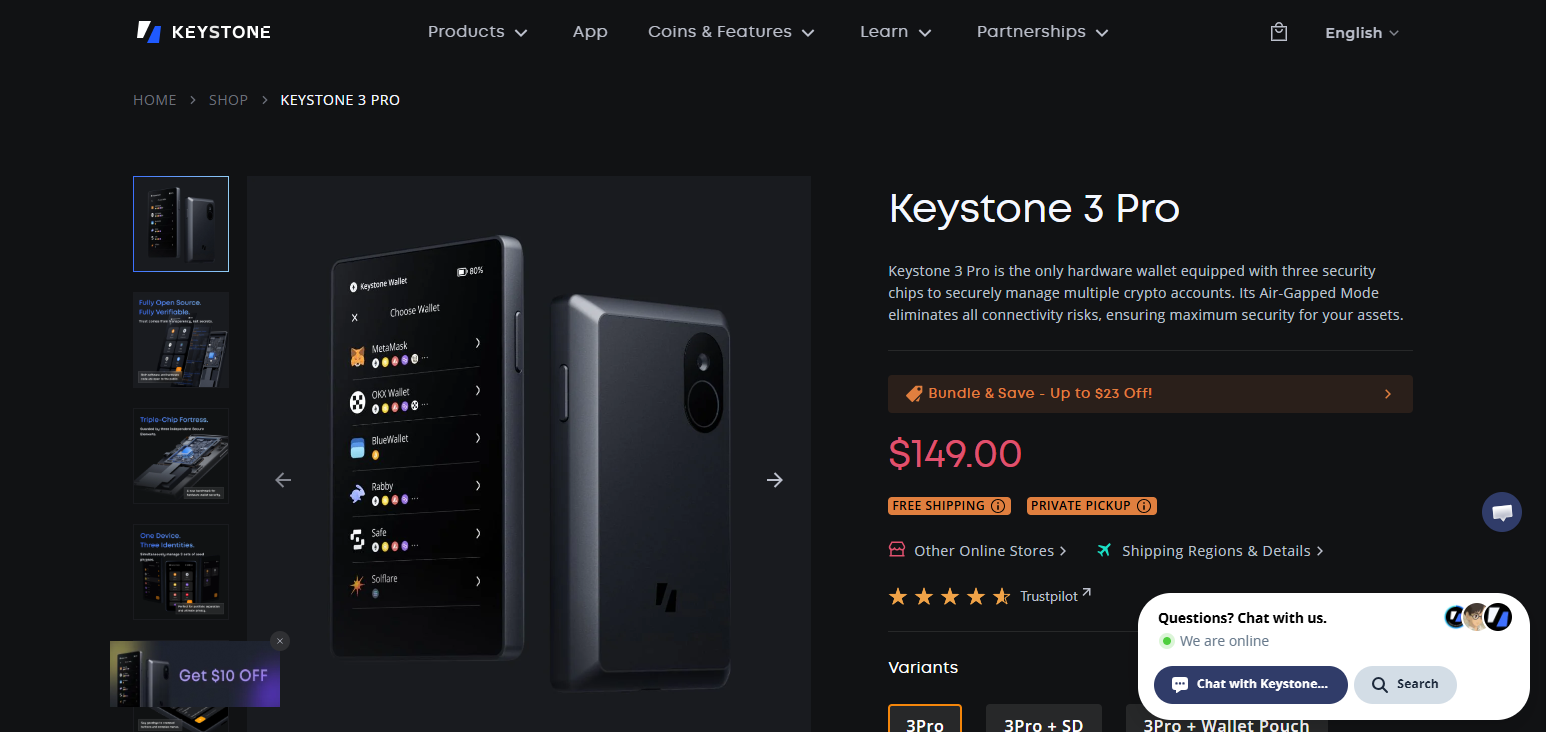
Keystone Pro is compliant with the MetaMask and other Web3 wallet systems, and with NFT management it allows for extra layers of security and protection with multi-finger biometric authentication.
If you are seeking a good combination of security, loss, and risk with usability, the large touchscreen and numerous secure elements will provide a great deal for beginners and experienced users alike.
Keystone Pro
| Pros | Cons |
|---|---|
| Air-gapped with QR-based signing | Bulkier than USB wallets |
| Fingerprint authentication | Higher price for features |
| Open-source firmware options | Requires mobile app usage |
| Large touchscreen for usability | Limited direct connectivity |
| Strong NFT/Web3 compatibility | Not beginner-friendly |
Keystone Pro Features
- Transactions with QR codes for air-gapped security.
- Supports fingerprint verification.
- Transparent with open-source firmware.
- Large screen for easy use.
- Works with MetaMask and DeFi/NFT applications.
7. Ellipal Titan
The Ellipal Titan provides the security of a fully air-gapped hardware wallet and has a metal body that is sealed and tamperproof. Its range of supported cryptocurrencies and NFTs span multiple blockchains. It is also exemplary in NFT protection and security.
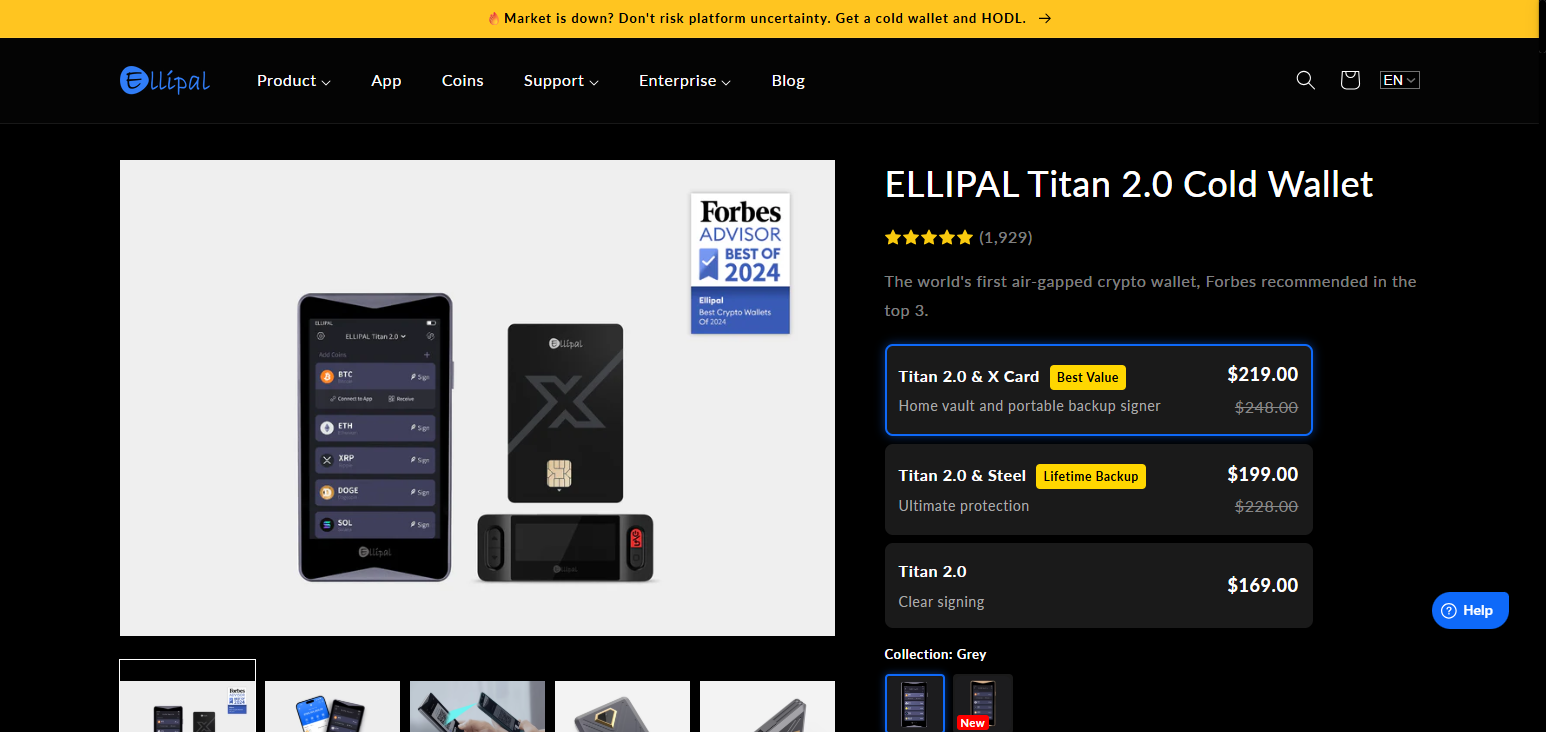
Multiple transaction methods mean no online exposure, as the process uses a QR code system, and the companion app facilitates NFT management.
Its anti-tampering system will auto-erase data at the first sign of a breach. NFT investors who need offline protection will benefit the most from Titan’s features.
Ellipal Titan
| Pros | Cons |
|---|---|
| Fully air-gapped for maximum security | Heavier metal body |
| Tamper-proof durable design | No USB or Bluetooth connectivity |
| QR-based secure transactions | Slightly expensive |
| Supports many coins and NFTs | Depends on mobile app |
| Anti-tamper self-destruct feature | Less convenient for frequent traders |
Ellipal Titan Features
- Completely air-gapped hardware wallet.
- Body encased in metal, sealed for anti-tampering.
- Transactions via QR codes.
- Supports NFTs and multiple blockchains.
- Self-destruct mechanism in case of tampering.
8. GridPlus Lattice1
GridPlus Lattice1 is for advanced users and heavyweight NFT investors as the wallet is in the premium category.
For optimal use of the wallet, the SafeCard system will achieve that, as it allows for the separate storage of private keys, and it is the reason the wallet stands out for its size and desktop-like functionality in the Best Hardware Wallets for NFTs ecosystem.
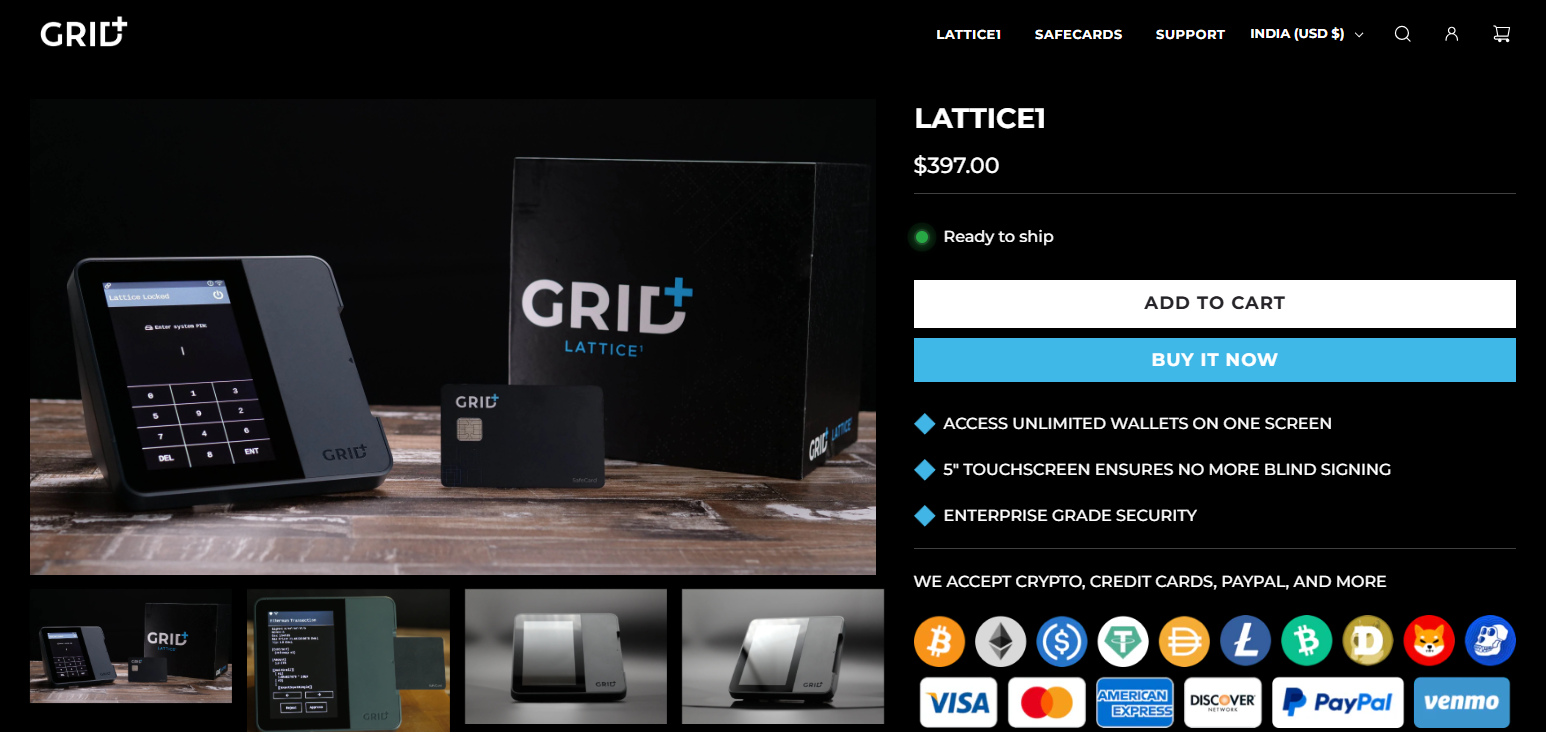
NFT transactions become safe and streamlined with the wallet’s deep integration with MetaMask. Managing large NFT collections is easy, while the wallet’s security allows for professional use within institutions that regulate critical digital assets.
GridPlus Lattice1
| Pros | Cons |
|---|---|
| SafeCard system for key storage | Expensive compared to others |
| Large display for verification | Desktop-style setup (less portable) |
| Strong MetaMask integration | Requires external power |
| Ideal for large NFT portfolios | Complex for beginners |
| Enterprise-level security | Limited mainstream adoption |
GridPlus Lattice1 Features
- Private keys stored using SafeCard system.
- Large display for transaction verification.
- Immense collaboration with MetaMask.
- Supports multiple accounts and NFT portfolios.
- Enterprise-grade security architecture.
9. SecuX V20
SecuX V20 hardware wallet is designed for everyday users with its large touchscreen and Bluetooth connection. It features an encryption element and supports an extensive list of cryptocurrencies and NFTs.
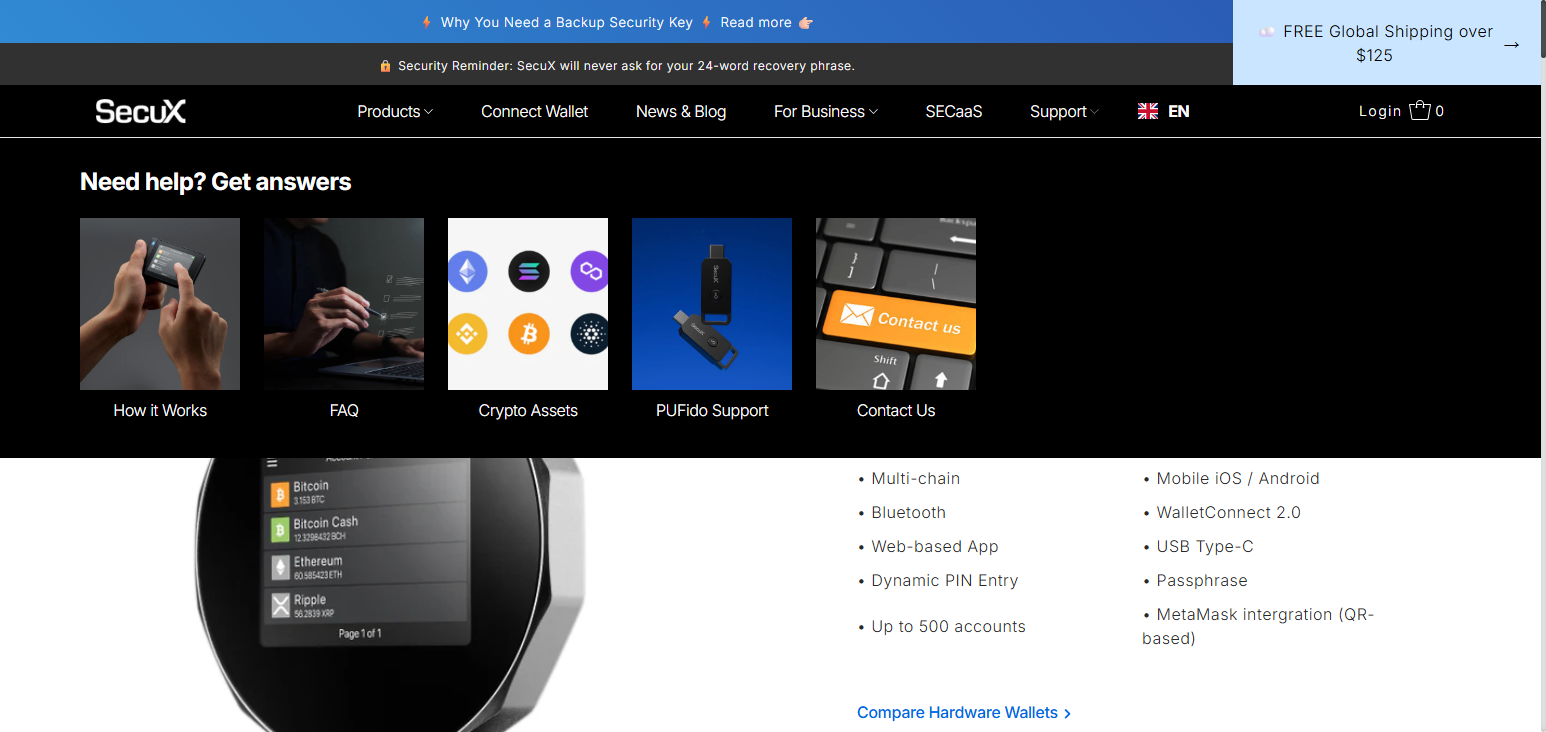
It is one of the most recommended wallets for securing and managing NFTs due to its robust encryption and user-friendly interface. NFTs can be managed via MetaMask and other Web3 wallets.
It’s designed to be portable and aesthetically pleasing for everyday use. It is one of the most hardware wallets recommended for novice to intermediate investors due to its solid combination of security and user-friendly features.
SecuX V20
| Pros | Cons |
|---|---|
| Large touchscreen for easy navigation | Slightly bulky design |
| Bluetooth connectivity support | Not fully air-gapped |
| Secure element chip protection | Premium pricing |
| Cross-platform compatibility | Smaller ecosystem than Ledger |
| Easy NFT/Web3 integration | Less popular brand |
SecuX V20 Features
- Large touchscreen display for easy use.
- Mobile access via Bluetooth.
- Protective secure element chip.
- Supports NFTs via Web3 wallets.
- Works across platforms.
10. NGRAVE ZERO
With an industry-high EAL7 certification, NGRAVE ZERO stands out for its extreme security. It is the most extreme hardware security wallet because it creates the private keys from an offline, operating entirely offline, and requires the user to connect to the internet.
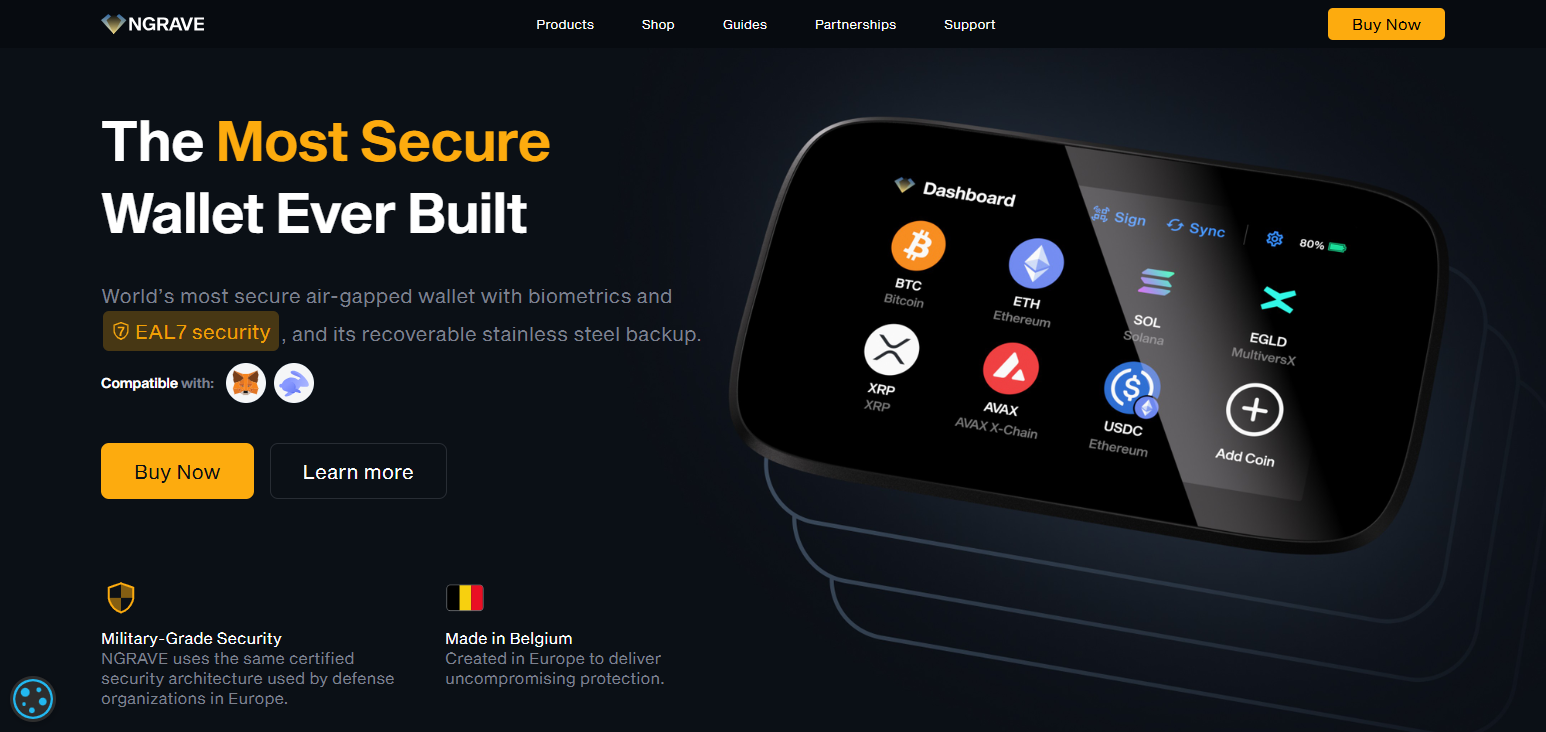
It has a safety wallet of NFTs and NFTs are easily integrated with wallets. It offers the highest security parameters and is the only wallet that is considered to be at the institutional level, keeping the user entirely in control of the datasphere. NGRAVE ZERO is perfect for users with big NFT collections.
NGRAVE ZERO
| Pros | Cons |
|---|---|
| Highest security level (EAL7 certified) | Very expensive |
| Fully offline (no connectivity) | Limited convenience for daily use |
| Advanced biometric security | Learning curve for beginners |
| Secure key generation & backup | Fewer integrations than competitors |
| Ideal for high-value NFT storage | Not ideal for frequent transactions |
NGRAVE ZERO Features
- EAL7 certification (highest certified security.
- Completely offline.
- Supports biometric verification.
- Key generation remains secure and offline.
- Encrypted backup (GRAPHENE) solution.
Why You Need a Hardware Wallet for NFTs?
Most direct wallet and extension phishing attacks are aimed at digital asset managers and holders. Hardware wallets keep your digital assets offline where digital threats cannot access them.
For example, Ledgers or similar devices, sign transactions via the device, thereby ensuring that private keys remain in the device, preventing any further transfers of NFTs without consent.
Hardware wallets are a requirement for protecting degenerate digital assets from theft via the web. NFT collectors typically keep high value digital assets, and Web theft is a vulnerability.
With web3, many smart contract transactions are potentially dangerous. With hw wallets, you have to approve each transaction in order to gain access to the NFTs coded in the contract.
For safe and long-term NFT storage, Ellipal Titan and Trezor Model T are almost insurmountable with air-gapped protection and passphrases.
Custodial wallets are always at a higher risk for theft. Hardware wallets are an off-chain safe solution for NFTs across multiple arbitrary networks.
Because of the collaboration with Web3 virtual wallets such as MetaMask, hardware wallets offer users the opportunity to engage with NFT marketplaces while keeping their private keys offline.
They offer backup and recovery with the use of seed phrases, which means that you will still be able to access your NFTs even if the device is lost, stolen, or damaged.
Key Features to Look for in NFT Hardware Wallets
Secured Hardware Modules
Wallets that have Secured Hardware Modules with CC EAL5+ or equivalent are recommended because these modules guard the private keys against any and all physical attacks, theft, and hacking.
Support for NFTs and Multiple Chains
The wallet should allow support for NFTs on any of the three major blockchains, i.e. Ethereum, Polygon, and Solana, and support thousands of tokens and other digital assets.
Protection by Air Gap
Air Gap wallets don’t connect to the web at all and use QR codes or other off-line methods. This way they are virtually untouched by remote hacking and Trojans or other malware.
Integration of web 3 Wallets
Top tier NFT Hardware wallets should be able to work with web 3 wallet applications such as MetaMask or WalletConnect, to be able to transact with NFT marketplaces and morph with decentralized applications of the web 3 world.
Options for Backup/ Recovery
Wallets that permit 12 or 24- words seeds or offer the option of Shamir Backup are important to recover your NFTs should the device be lost.
Screening for Transaction Confirmation
Verify addresses, and NFT transactions right from the device owing to the presence of a built- in screen, to combat phishing, scam transactions or otherwise.
Options for Connectivity
Depending on your preference for convenience vs maximum security (air-gapped devices offer the highest isolation), you can select from USB, Bluetooth, or QR-based wallets.
Multi-Layer Authentication
The more security mechanisms like PIN, passphrase, and biometric features, the more difficult it is for an intruder to access the system.
Firmware Security & Updates
To improve system performance and minimize the system’s exposure to threats, the system must be regularly updated, and the system must continuously detect threats to the integrity of your NFT assets.
Build Quality & Tamper Resistance
Metal exterior wallets (or wallets with self-destruct features) are more difficult to destroy and gain unauthorized access to, greatly increasing protection from unwarranted access.
Conclusion
When selecting a hardware wallet for NFTs in 2026, your main focus could be on security, ease of use, or price, therefore wallets would be chosen differently across different profiles. Also, devices like Ellipal Titan and NGRAVE ZERO provide top-of-the-line offline protection features with so-called air-gapped systems, while Ledger Nano X and Ledger Nano S Plus provide a good balance between ease of use and flexibility as well as security. For a transparent wallet, especially in the crypto community, Trezor Model T is an excellent option, as it is trusted and open-source.
Hot wallets are posing a greater and greater risk as threats become more and more frequent. This is especially true for NFTs, as the hacker’s wallet will contain the collected NFTs, and therefore the liability will be worse for a collector with NFTs spans over a large number of hot wallets. For your NFTs to be safe, to use non-custodial wallets to sell and store NFTs, a hardware wallet to store your NFTs is the best option. This is true whether you are an average user or a collector with a large number of NFTs.
FAQ
The safest options are wallets with air-gapped security and high certification levels. NGRAVE ZERO offers EAL7 certification, while Ellipal Titan provides full offline protection using QR-based transactions.
Ledger Nano S Plus and Trezor Model One are ideal for beginners due to their affordable price, simple setup, and reliable security for storing and managing NFTs safely.
No, NFTs are stored on the blockchain. Hardware wallets like Ledger Nano X secure the private keys that give you access and control over your NFT assets.
Yes, most hardware wallets integrate with Web3 wallets like MetaMask, allowing secure access to NFT marketplaces such as OpenSea while keeping private keys offline.
An air-gapped wallet never connects to the internet or external networks. Devices like SafePal S1 and Keystone Pro use QR codes for secure, offline transaction signing.