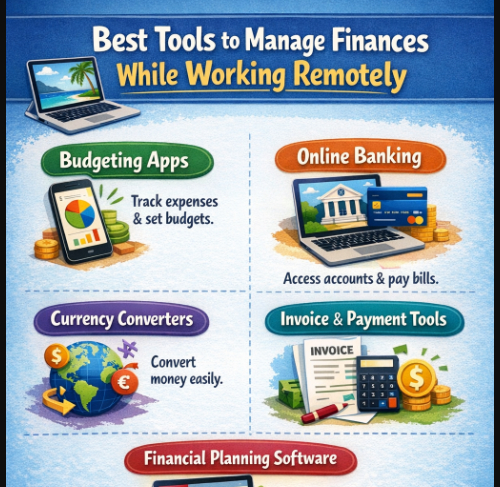
We will explore the Professionals can keep their finances organized and in control with the help of Best Tools to Manage Finances While Working Remotely.
- key point & Best Tools to Manage Finances
- 1. Mint
- Mint Pros & Cons
- Mint Key Feature
- 2. YNAB (You Need A Budget)
- YNAB (You Need a Budget) Key Feature
- 3. QuickBooks Online
- QuickBooks Online Pros & Cons
- QuickBooks Online Key Feature
- 4. Fresh Books
- FreshBooks Pros & Cons
- FreshBooks Key Feature
- .5. Zoho Books
- Zoho Books Pros & Cons
- Zoho Books Key Feature
- 6. Expensify
- Expensify Pros & Cons
- Expensify Key Feature
- 7. PayPal
- PayPal is a popular means of online payment for freelance workers as it allows them to receive and send money to any country. PayPal is great for freelancers that have clients from different countries as it provides an easy way to perform international payments and supports multiple currencies.
- PayPal Pros & Cons
- PayPal Key Feature
- 8. Wise (TransferWise)PayPal
- Wise (TransferWise) Pros & Cons
- Wise (TransferWise) Key Feature
- 9. Tiller Money
- Tiller Money Pros & Cons
- Tiller Money Key Feature
- 10. Personal Capital
- Personal Capital Pros & Cons
- Personal Capital Key Feature
- Criteria for Choosing the Best Finance Tools
- Usefulness and Accessibility
- Possibilities for Apps and Cloud Access
- Budgeting and Expense Tracking Functionality
- Connection to Banks, Wallets, and Business Apps
- Security and privacy
- Cost and value for money
- Customization and reporting
- Tips for Managing Finances Remotely
- Conclusion
- FAQ
Mint, YNAB, and QuickBooks Online track expenses, budgets, and finances, while Personal Capital and Expensify and Wise make payments and finances ever more accessible to users. Financial management has never been easier, and can now be done from anywhere.
key point & Best Tools to Manage Finances
| Tool Name | Key Feature |
|---|---|
| Mint | Automatic expense tracking & budgeting |
| YNAB (You Need A Budget) | Zero-based budgeting system |
| QuickBooks Online | Automated bookkeeping & reporting |
| FreshBooks | Invoicing & expense tracking |
| Zoho Books | GST-ready accounting & automation |
| Expensify | Receipt scanning & expense reports |
| PayPal | Easy international money transfers |
| Wise (TransferWise) | Real exchange rates & low fees |
| Tiller Money | Google Sheets automation |
| Personal Capital | Net worth & investment tracking |
1. Mint
Remote workers need effective financial management. Mint is one of the most popular tools to help track and manage finances. It connects to users’ bank accounts and credit cards to track real-time income and expenses.

Mint offers users budgeting tools and spending alerts to avoid overspending. Mint’s main feature is its automatic categorization that divides spending into customizable categories, such as food, bills, and subscriptions. The tool offers financial insights and users’ credit health. Mint is ideal for users wanting to manage their finances without the burden of paying for the service.–
Mint Pros & Cons
| Pros | Cons |
|---|---|
| Free to use with no subscription cost | Contains ads that may distract users |
| Automatic expense categorization | Limited customization for budgets |
| Easy setup and beginner-friendly | Not suitable for business accounting |
| Tracks bills and sends reminders | Limited investment tracking features |
| Provides credit score monitoring | Data syncing delays may occur |
Mint Key Feature
- Tracking of expenses (automatically) and connected to banks
- Creation of budget (intelligent) and alerts to inform
- Monitoring of credit score
- Tracking of bills and reminders
- Financial dashboard (real time)
2. YNAB (You Need A Budget)
YNAB (You Need A Budget) is one of the strongest budgeting apps available. It uses a zero-based budgeting approach, meaning every dollar is assigned a job. This encourages remote workers to plan their spending to the more and stop them from spending money for no reason.
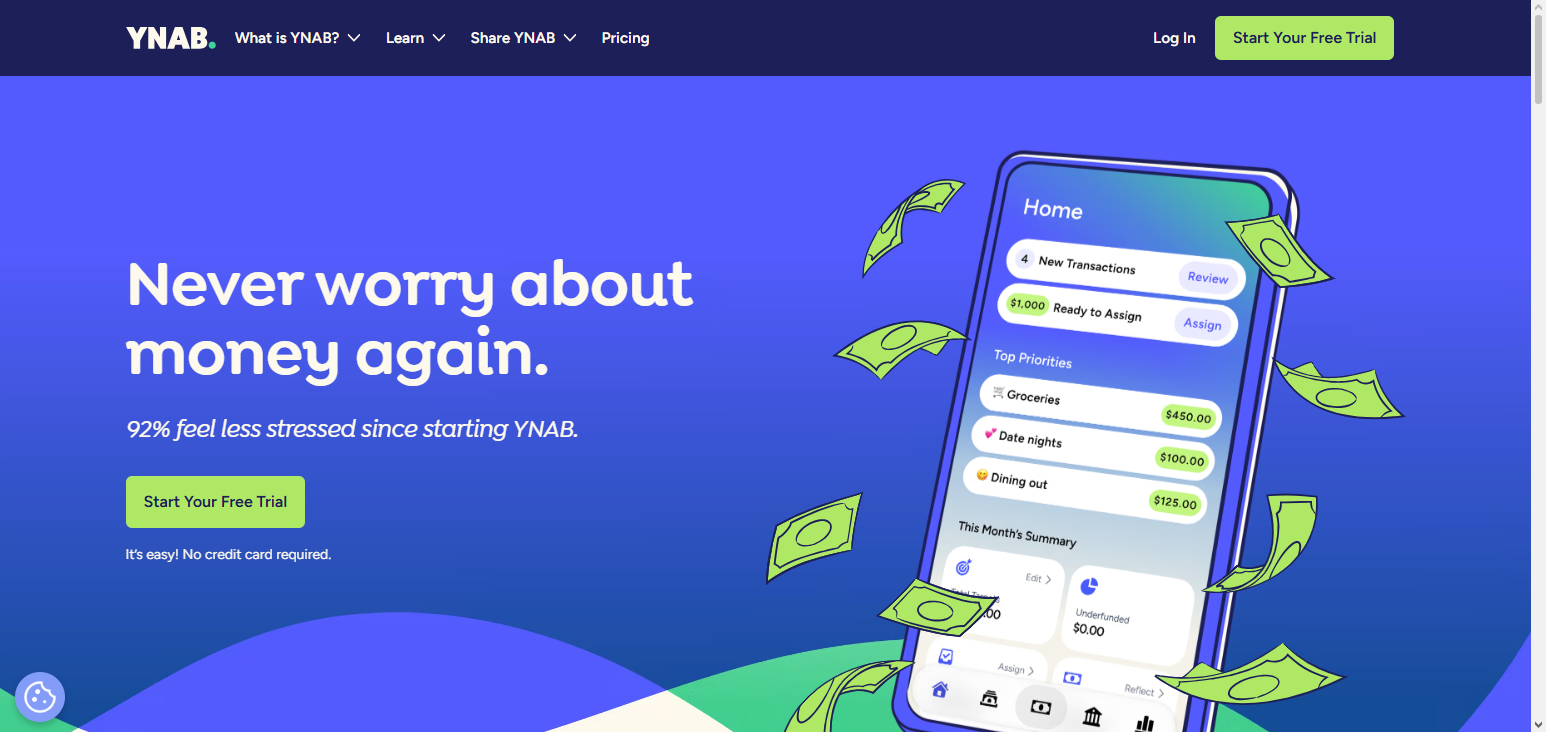
Some of YNAB’s features include real-time syncing, automatic device syncing, and detailed reporting to track your financial journey. YNAB also provides educational tools to teach you the best financial practices. Although it is a paid tool, its structured system makes it worth it.—
YNAB (You Need A Budget) Pros & Cons
| Pros | Cons |
|---|---|
| Zero-based budgeting system helps users assign every dollar a purpose, improving financial control and discipline | Subscription-based pricing (~$14.99/month) is higher than many budgeting apps |
| Real-time syncing with bank accounts provides up-to-date financial tracking and insights | Steep learning curve for beginners unfamiliar with its budgeting method |
| Strong goal tracking features help users save money and plan future expenses effectively | Requires manual approval and categorization of transactions, which can be time-consuming |
| Available on multiple platforms (web, mobile, tablet) for easy access anywhere | Limited investment tracking features compared to other financial tools |
| Provides educational resources and financial guidance to improve money management habits | Limited automation features like bill tracking or subscription management |
YNAB (You Need a Budget) Key Feature
- Zero balanced budget
- Synchronization (real time) across all devices
- Tracking goals (for saving)
- Reports of spending (detailed)
- Education (financial) for budgeting
3. QuickBooks Online
Leading accounting software available to freelancers, remote employees, and small businesses. QuickBooks Online automates tedious bookkeeping functions including income and expense tracking as well as invoicing. The customer’s financial data is available in real-time because QuickBooks integrates with a customer’s bank and payment systems.
Mid-year, the developed the ability to create powerful reports and summaries of P and L as well as tax reporting. QuickBooks Online is a multi-user and cloud-based software and is best for users that wish to grow their business and manage their financial data with a high accuracy le
QuickBooks Online Pros & Cons
| Pros | Cons |
|---|---|
| Use it anytime, anywhere from any device with internet. | Monthly pricing can be high for small businesses or startups. |
| Includes invoicing, expense tracking, payroll, and tax tools. | New users may need time to understand all features. |
| Automates tasks like recurring invoices, reports, and bank syncing. | Invoice templates and reports have limited flexibility. |
| 4Works with many third-party apps for payments, CRM, and more. | Support response can sometimes be slow. |
| Suitable for growing businesses with increasing accounting needs. | Payroll, advanced reports, and extra users cost more. |
QuickBooks Online Key Feature
- Bookkeeping (automated) and also expense tracking
- Invoices (automation) and payment tracking
- Reporting (real time) financially
- Banks and app (real time) integrations
- Access (multi) and cloud storage
4. Fresh Books
Even users without bookkeeping knowledge can appreciate the clean design and efficiency of the FreshBooks dashboard. Small business owners can locate all of their reports, expenses, and invoices with the ease of dragging and dropping any needed files.
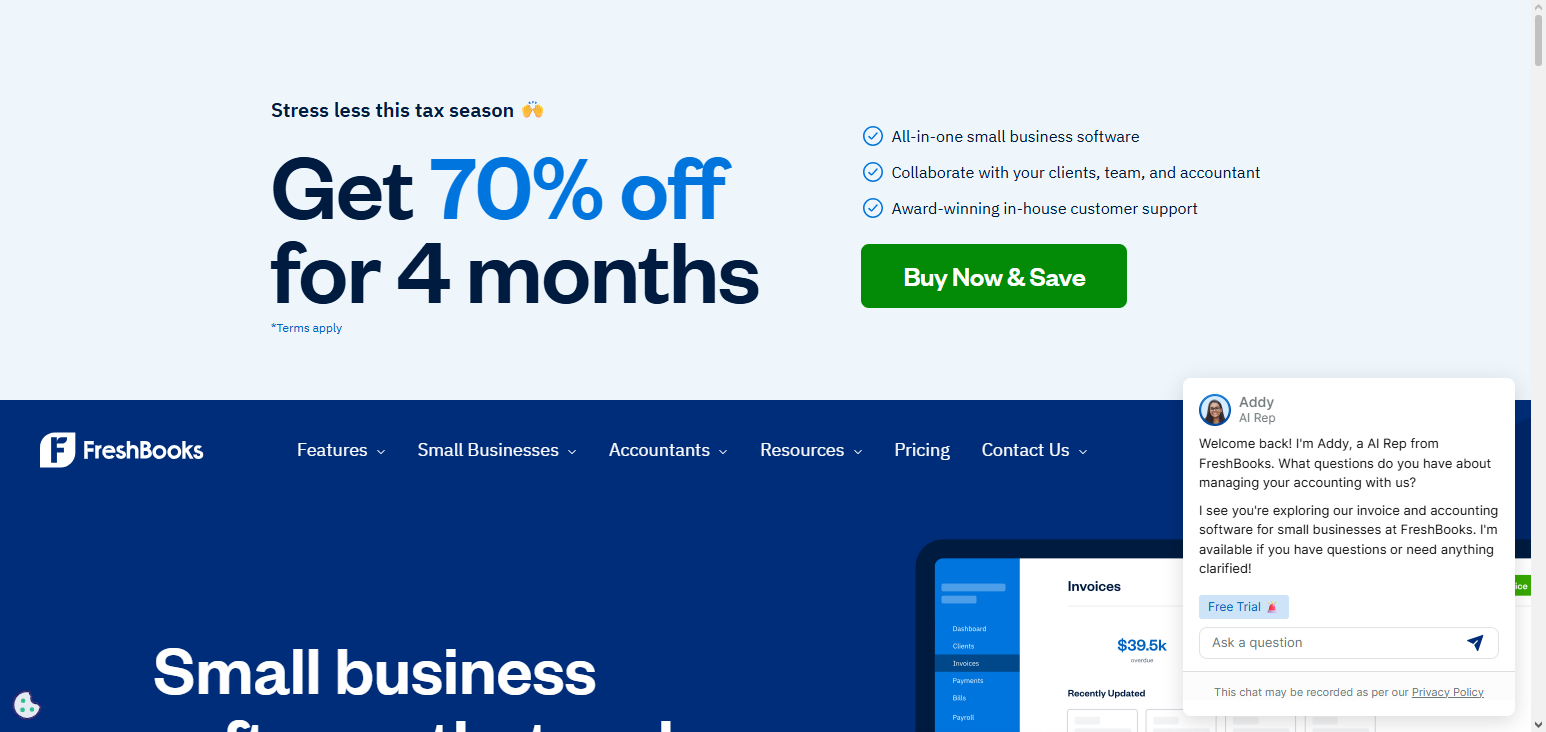
Clients can be managed and finances summarized without the dreaded learning curve. Simple invoice generation and project management makes payment collection seamless.
With such simplicity, owners can put their time and effort into growing their businesses, rather than getting stuck in the numbers. Mobile applications only add to the flexibility of getting financial management done when and where it is needed.
FreshBooks Pros & Cons
| Pros | Cons |
|---|---|
| Excellent invoicing & time tracking | Limited advanced accounting |
| User‑friendly interface | Some features need add‑ons |
| Great for freelancers & small biz | Fewer integrations than competitors |
| Fast client billing & estimates | Reporting less deep than QuickBooks |
| Solid mobile apps | No built‑in payroll |
FreshBooks Key Feature
- FreshBooks allows you to create and edit invoices and lets you set up and manage automatic billing and payments.
- It can help record and sort expenses, capture receipts, and link to certain clients/projects.
- It can track time for billing by jobs that are integrated into the invoices.
- It does profit/loss, tax, and expense reporting.
- Integrations include Stripe, Shopify, PayPal, and Trello.
.5. Zoho Books
Simplified bookkeeping for small businesses and remote workers. Zoho Books features expense management, invoicing, bookkeeping, and Indian tax compliance (ZOHO GST). As part of the ZOHO ecosystem, it integrates with many of their apps and with several third-party apps.
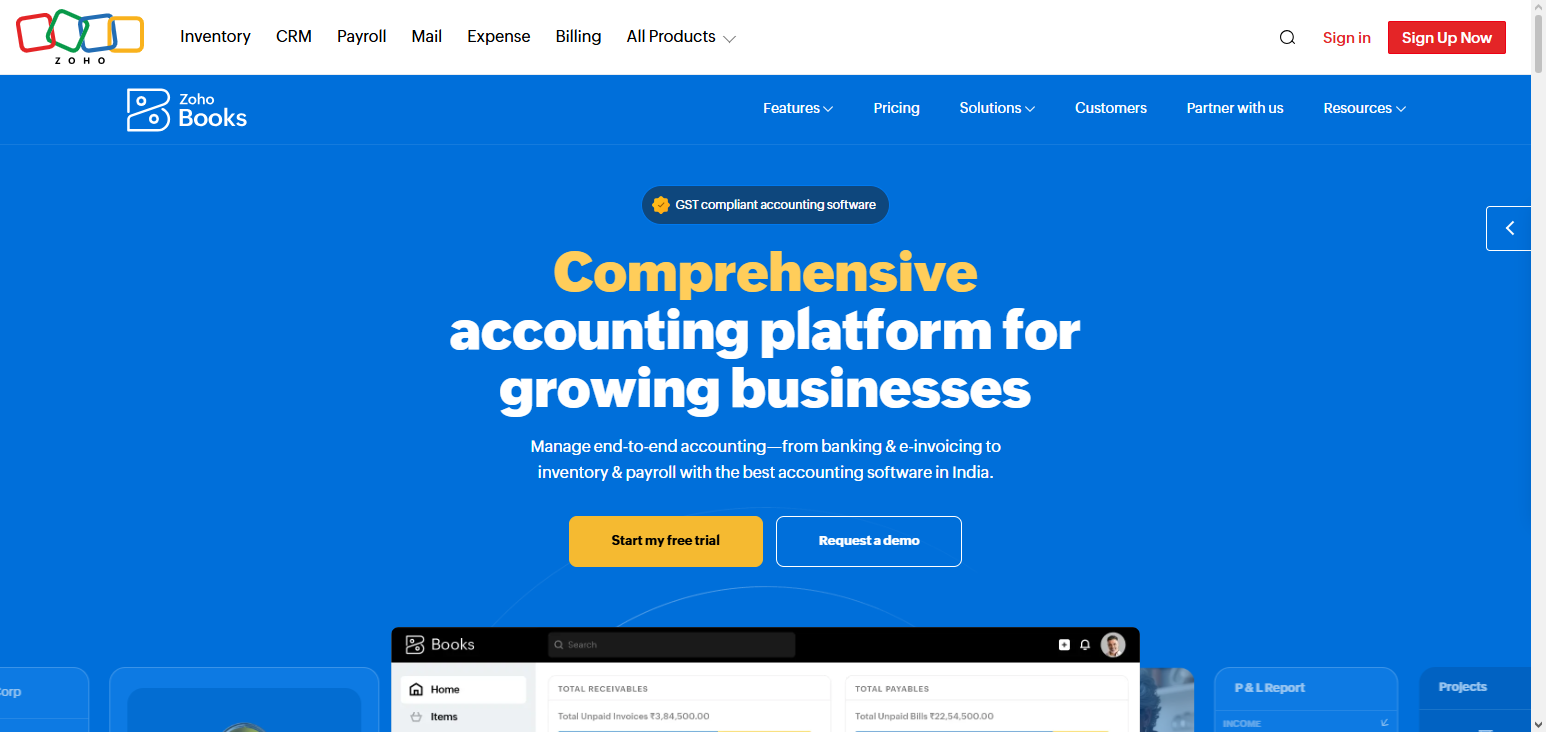
Along with other features, ZOHO Books can automate things like recurring invoices, payment reminders, and bank reconciliations. For better decision-making, ZOHO Books helps create better financial reports.
A complete solution for financial management, Zoho Books with its simplistic pricing structure and user-friendly layout is an excellent choice for new businesses and freelancers.
Zoho Books Pros & Cons
| Pros | Cons |
|---|---|
| Affordable pricing | Some advanced features limited |
| Strong automation & workflows | UI slightly dated |
| Good invoicing & expense tracking | Limited project accounting |
| Integrates well with Zoho suite | Support varies by region |
| Multi‑currency support | Advanced reporting not as rich |
Zoho Books Key Feature
- Accounting (system) ready for GST
- Invoices (automated) and reminders of payment (automated)
- Bank reconciling (automated)
- Tracking and categorization (automated) of expenses
- Integration (with) ecosystem of Zoho
6. Expensify
Simplified expense management. Expensify helps you track and report your business expenses. Users can use the mobile app to scan receipts. Data is then automatically extracted and categorized. Great for remote workers for business expenses.
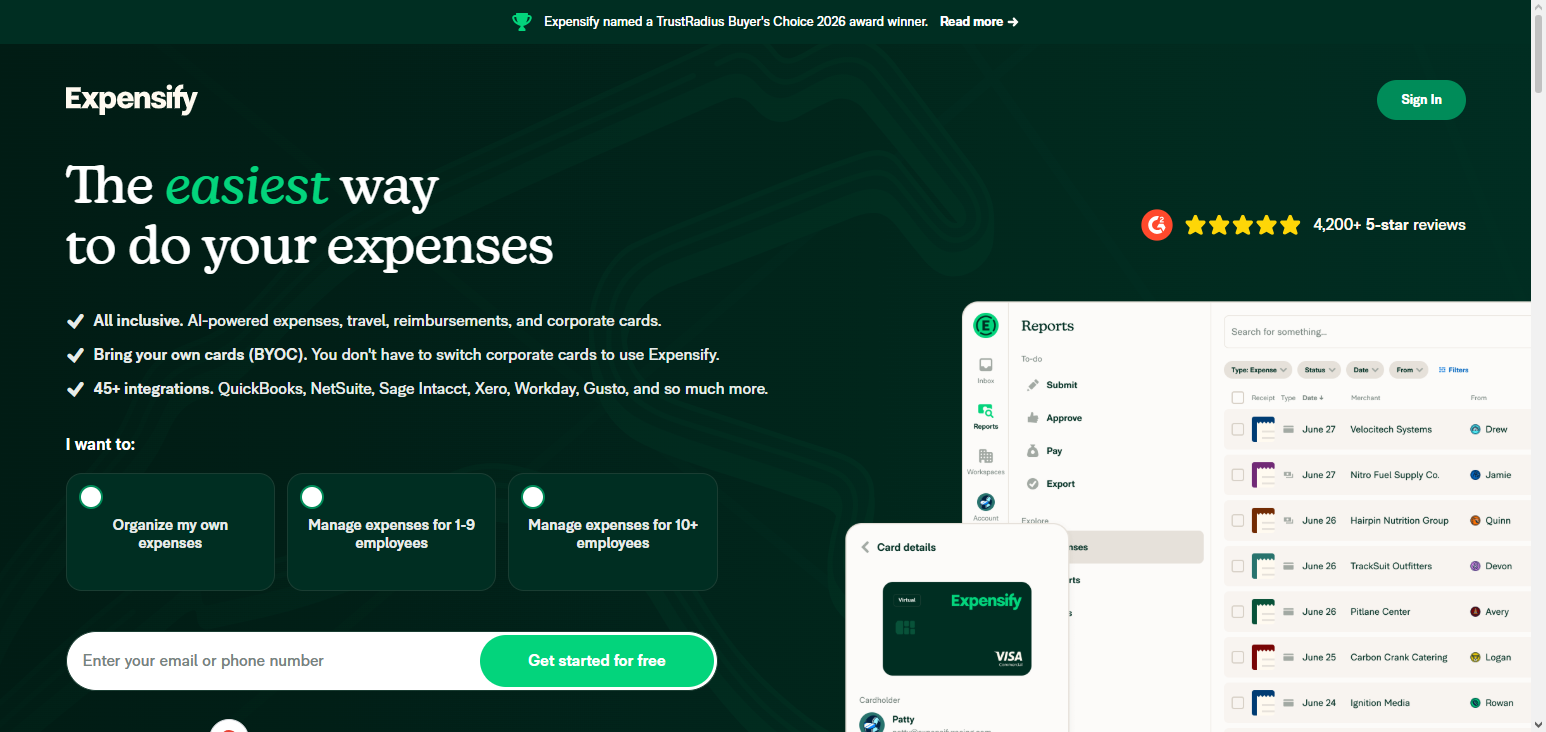
Along with other features, Expensify can create automated expense reports, create approval workflows, and integrates with accounting platforms like QuickBooks. You can also track reimbursements and manage corporate cards. Great for freelancers and teams to simplify expense management.
Expensify Pros & Cons
| Pros | Cons |
|---|---|
| Excellent receipt scanning | Subscription cost per user |
| Automates expense reporting | Learning curve initially |
| Integrates with business systems | Not a full accounting suite |
| Fast approvals & compliance | Best for business expenses only |
| Mileage & corporate card syncing | UI can be confusing |
Expensify Key Feature
- SmartScan (for receipt scanning)
- Reports (automated) of expenses
- Workflows for team approvals
- Tools for accounting (integrated)
- Cards (corporate) management
7. PayPal
PayPal is a popular means of online payment for freelance workers as it allows them to receive and send money to any country. PayPal is great for freelancers that have clients from different countries as it provides an easy way to perform international payments and supports multiple currencies.

Users can create invoices and receive payments through invoices and also has protection for both buyers and sellers. PayPal is also used by many online payment marketplaces for payments. PayPal does have a few transaction fees but its payment methods are great and super easy to use internationally. PayPal is a great payment option for freelancers.
PayPal Pros & Cons
| Pros | Cons |
|---|---|
| Widely accepted payment platform | Fees can be high |
| Fast transfers & checkout | Customer disputes can be slow |
| Buyer/seller protection policies | Exchange rates markup fees |
| Easy to use internationally | Account holds possible |
| Mobile app & broad integrations | Limited advanced financial tools |
PayPal Key Feature
- Money transfer (global) supported
- Transactions (multi) in varying currencies
- Invoices (creation) and payment tracking
- Buyer and seller protection
- Seamless online platform integration
8. Wise (TransferWise)PayPal
Wise (TransferWise) is a payment option that is used to make payments internationally and is one of the cheapest options. Wise provides its users with a real exchange rate and transparent fees to make it as easy as possible for remote workers as they have a High level of currency manipulation.

Wise allows users to store money in different currencies and gives them the ability to have and manage money in many currencies at the same time as they can have multiple accounts. Wise also provides a debit card to make spending money easier and a local bank account for receiving money in different countries. Wise is perfect for a remote worker as it is fast and cheap.
Wise (TransferWise) Pros & Cons
| Pros | Cons |
|---|---|
| Low‑cost international transfers | No credit/debit cards for all users |
| Real exchange rate with low fees | Limited lending features |
| Multi‑currency account | Not ideal for domestic banking |
| Fast transfers in many corridors | Not a full bank |
| Transparent fee structure | Limited physical support |
Wise (TransferWise) Key Feature
- Transfer with real time exchange rates
- International payments with debit card
- Multi-currency account
- Local bank details in several countries
9. Tiller Money
Tiller Money is a financial management service that automatically imports financial data to Google Sheets and Excel. The tailored finance management service allows users to personalize and manage their finances using spreadsheets which is perfect for remote workers who want a flexible approach to finance management.
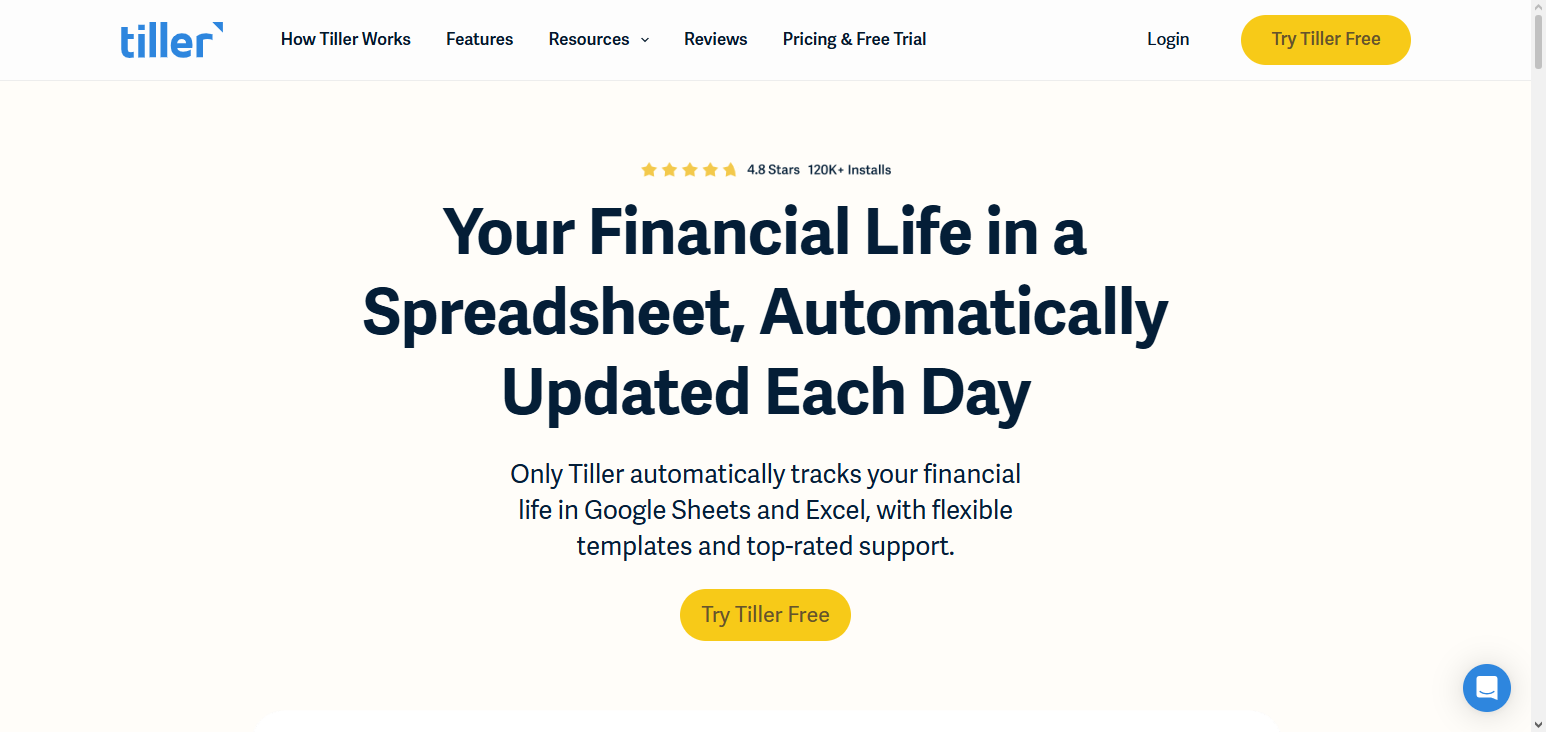
Besides, Tiller Money also provides customizable templates for users to budget, track expenses and analyze their incomes. Users can also customize their Preferences and create their own reports. For flexible finance management, Tiller Money is a top choice among data centered users because it combines automation with spreadsheet flexibility.
Tiller Money Pros & Cons
| Pros | Cons |
|---|---|
| Customizable spreadsheets (Google Sheets/Excel) | Subscription required |
| Auto‑flows transactions into sheets | Requires spreadsheet comfort |
| Full control over categories | No standalone app |
| Flexible budgeting & reporting | Setup takes time |
| Ideal for power users | Limited alerts & notifications |
Tiller Money Key Feature
- Imports financial data into spreadsheets automatically
- Integrates with Google Sheets and Excel
- Offers templates for budgeting
- Updates financial data daily
- Tracking can be manual or automated
10. Personal Capital
Personal Capital is a wealth management and investment tracking financial service tool. Personal Capital allows users to connect to their bank, investment and retirement accounts to create a complete financial overview.

With tracking net worth, retirement planning, investment analysis, and budgeting, Personal Capital provides detailed financial reports. For basic financial management tasks, Personal Capital is free, while advisory services come with a fee. Remote workers looking to manage their everyday finances and their long-term finances find this tool useful.
Personal Capital Pros & Cons
| Pros | Cons |
|---|---|
| Strong investment tracking | Wealth management service costs |
| Clear net worth & retirement planning | Best for wealthier users |
| Cash flow & budgeting tools | Some features need advisor sign‑up |
| Free financial dashboard | Learning curve for beginners |
| Excellent long‑term planning tools | Not focused on daily budgeting |
Personal Capital Key Feature
- Dashboard for tracking net worth
- Analysis for portfolio and investments
- Tools for retirement planning
- Insights for budgeting and expenses
- Tracks financial goals
Criteria for Choosing the Best Finance Tools
Usefulness and Accessibility
Finance tools should be understandable, and should be simple to use and understand regardless of expertise. Remote workers should be able to manage their finances quickly which means tools that have simple interfaces and uncomplicated workflows are tools that will save remote workers time and allow them to make less mistakes.
Possibilities for Apps and Cloud Access
Flexibility is a big part of remote work so the tools have to be flexible as well. Users should be able to use their tablets and smart devices to check budgets and expenses and make payments as well as on their laptops.
Budgeting and Expense Tracking Functionality
The tool needs to be able to track income, expenses, and bills. Budget alerts, and spending reports are functionality that help remote workers to maintain their financial discipline and prevent them from spending more than their budgets.
Connection to Banks, Wallets, and Business Apps
Finance tools need to be able to connect to other financial apps so remote workers can have their information centralized and easy to manage for better visibility. Other financial apps include PayPal, Wise, and accounting and other business apps.
Security and privacy
Strong security is equally important due to dealing with sensitive personal and business data. For your peace of mind, secure tools with features such as two-factor authentication, SSL encryption, and data protection regulations.
Cost and value for money
There are free tools and tools that require subscriptions. Look at pricing and consider the features provided, and pick a tool that offers valuable features without paying for extras. Financially remote workers tools that suit their requirements.
Customization and reporting
Top tools offer customization for categories, alerts, and dashboards. Advanced reporting is the best for remote workers to analyze spending, track goals, and take action.
Tips for Managing Finances Remotely
Automate Recurring Payments and Invoices To avoid late payments and the stress of having to remember payment/service dates, invoices and bills like subscriptions, etc., should be automated. This boosts the opportunity to manage finances more effectively and brings more freedom to your hands.
Track Your Spending On A Daily Basis Tracking your spending daily allows you to see if your values match your spending. This is essential to developing a healthy spending relationship. Spending within reason is important. Using expense tracking apps like Mint or Expensify to categorize your spending helps you understand your spending.
Have A Spending Goal And Budget Having a budget for your essential spending, your savings, and your non-essential spending is crucial to developing a healthy relationship with your finances. If you are trying to pay off a loan, or if you are trying to save a certain amount for retirement, these goals should help you stay focused on what is important.
Keep Tracking Your Savings And Investments Remote workers should be tracking their savings and retirement accounts just like anyone else should. Tracking savings, retirement accounts, and investments should be a priority. Financial tools like Personal Capital or YNAB help tracking savings and investments easier and help manage finances better.
Manage Alerts and Notifications Alerts help with keeping track of balances, bills, and outlier transactions. They help with budgeting and reducing the risk of fraudulent activity. This gives mental reassurance to remote workers managing their finances.
Keep Business and Personal Finances Separate For remote freelancers and entrepreneurs, separate business and personal finances makes for easier accounting, tax, and budgeting. With software like QuickBooks Online and FreshBooks you can track both areas.
Regular Finance Review Regular reviews of income, expense, and goals is easier to stay on track. Adjustments can be made to trends and potential issues. These reviews should be weekly or monthly.
Conclusion
Professionals working remotely must focus on the best tools to manage finances while working remotely so that they can remain organized and track their financial health over time. Expense reporting and payment tools like Wise and Expensify handle international payments and business expenses while Mint, YNAB, QuickBooks Online, and Personal Capital assist in budgeting, tracking expenses, and providing investment opportunities.
Remote workers seeking to monitor their cash flow and plan their budgets can make key financial decisions almost anywhere. Combining the right personal and business finance tools will reduce stress and increase productivity for remote workers.
FAQ
Tools like Mint, YNAB, QuickBooks Online, FreshBooks, Personal Capital, Expensify, and Wise help track expenses, budgets, and investments from anywhere.
They automate expense tracking, provide real-time financial insights, simplify invoicing, and manage international payments efficiently.
Yes, many offer dual functionality, supporting personal budgeting, freelance income management, and small business accounting.
Most provide mobile apps for seamless budgeting and financial monitoring on the go.