
In this article, I will discuss the best websites to compress, resize, and optimize media online. These tools help reduce file sizes, improve loading speeds, and maintain image quality—essential for websites, social media, and digital projects.
Whether you need quick compression or advanced editing features, these websites offer easy and effective solutions to manage your media efficiently.
Key Points & Best Websites To Compress, Resize, and Optimize Media Online List
| Website Name | Key Feature / Description |
|---|---|
| TinyPNG | Compresses PNG and JPEG images with smart lossy compression |
| Compress JPEG | Simple, fast JPEG compression |
| ImageResize.org | Resize images online with various format support |
| Optimizilla | Compress JPEG and PNG images with quality control |
| ILoveIMG | Resize, compress, and convert images easily |
| ResizeImage.net | Crop, resize, and compress images |
| JPEG-Optimizer | JPEG image compression and resizing tool |
| Compressor.io | Supports JPEG, PNG, GIF, and SVG compression |
| BulkResizePhotos.com | Bulk resize and compress images without uploading |
9 Best Websites To Compress, Resize, and Optimize Media Online
1.TinyPNG
One of the greatest websites for online media optimization, resizing, and compression is TinyPNG. It specializes in applying clever lossy compression algorithms to reduce the file size of PNG and JPEG images without sacrificing good visual quality.
Because of this, it’s perfect for bloggers, web designers, and anybody else who needs faster-loading photos without compromising style.
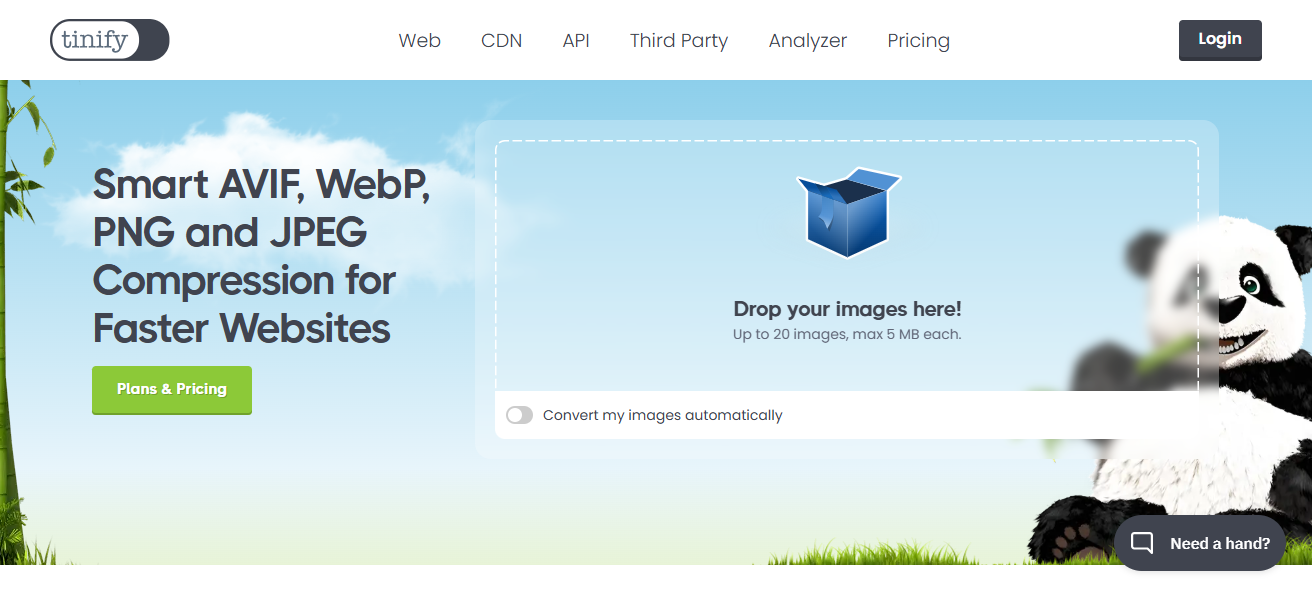
Batch processing and drag-and-drop uploading are made simple by the user-friendly interface. Transparency in PNG files is another feature that TinyPNG offers that many other compressors do not.
It is a great option for rapidly and effectively optimizing photographs for the web because of its dependable performance and outstanding outcomes.
| Feature | Description |
|---|---|
| Smart Lossy Compression | Reduces PNG and JPEG file sizes with minimal quality loss |
| Supports PNG and JPEG | Optimizes the two most common web image formats |
| Batch Processing | Upload and compress multiple images simultaneously |
| Transparency Support | Maintains transparency in PNG images |
| Easy Drag-and-Drop Interface | Simple user experience for quick uploads |
| API Available | For developers to integrate compression into workflows |
2.Compress JPEG
One of the best sites for easily compressing, resizing, and optimizing JPEG photos online is Compress JPEG. Users can rapidly upload many JPEG files to lower their size without noticing a notable drop in quality because to its simple, user-friendly interface.
Photographers, web developers, and anybody else who needs smaller image files for quicker online loading or simpler sharing will find this application ideal.

Effective compression techniques are used by Compress JPEG to preserve image quality while drastically reducing file size. Managing numerous photos at once is made easier by its capabilities for batch processing. All things considered, Compress JPEG is a dependable and successful online image optimization tool.
| Feature | Description |
|---|---|
| JPEG Focused Compression | Specialized tool for JPEG files |
| Batch Upload | Compress multiple JPEGs at once |
| Quick and Simple Interface | Minimal steps needed for compression |
| Quality Preservation | Maintains image clarity while reducing file size |
| Free to Use | No payment required for basic compression |
3.ImageResize.org
A flexible and user-friendly website for online picture optimization, resizing, and compression is ImageResize.org. Because it supports a variety of picture formats, users may easily crop, compress, and change the size of photographs to save file size without compromising quality.
For customers looking for a straightforward tool for creating photos for emails, social media, or websites, the platform is ideal. ImageResize.org preserves crisp, clear images while saving time and effort with features like batch processing and format conversion.
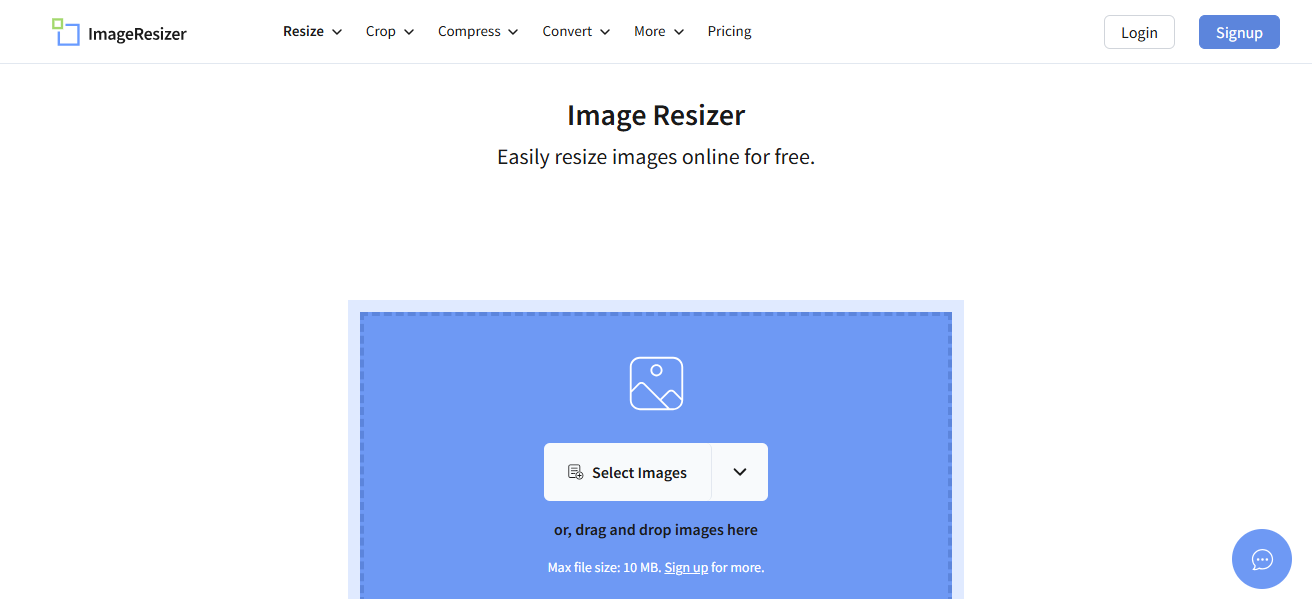
It is a dependable option for online media optimization because of its user-friendly interface, which makes image editing accessible to both novices and experts.
| Feature | Description |
|---|---|
| Resize and Crop | Change image dimensions and crop unwanted areas |
| Supports Multiple Formats | Works with JPEG, PNG, GIF, BMP, and more |
| Batch Processing | Handle multiple images in one session |
| Image Compression | Reduce file size without visible quality loss |
| Format Conversion | Convert between image formats |
4.Optimizilla
Optimizilla is a top website for optimizing, resizing, and compressing photos online. It supports both PNG and JPEG formats. Its user-friendly interface and robust lossy compression algorithms enable users to batch process up to 20 photos at once.
Its interactive quality control slider, which allows users to preview and modify the compression level to precisely balance file size and image quality, is what distinguishes Optimizilla.
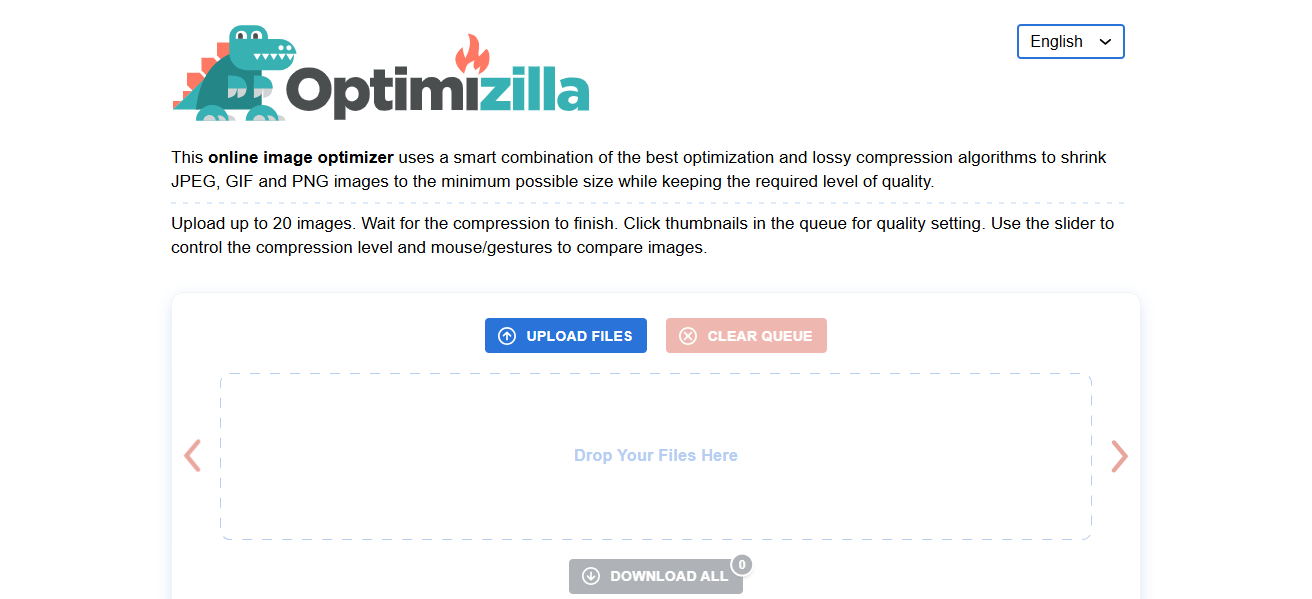
A well-liked option for effective and adaptable image optimization, Optimizilla helps websites load faster without sacrificing aesthetic appeal, making it perfect for web designers, bloggers, and marketers.
| Feature | Description |
|---|---|
| Supports JPEG and PNG | Optimizes both popular image formats |
| Batch Compression | Compress up to 20 images simultaneously |
| Interactive Quality Slider | Preview and adjust compression level in real-time |
| Lossy Compression | Significant size reduction with controlled quality |
| Free and Easy to Use | No registration required |
5.ILoveIMG
A well-known website for easily compressing, resizing, and optimizing photos online is ILoveIMG. It offers a range of capabilities, including image compression, resizing, cropping, and conversion, and supports several formats, including JPEG, PNG, and GIF.
It is ideal for both novice users and experts who require quick and effective media optimization because users can upload photographs one at a time or in large quantities.
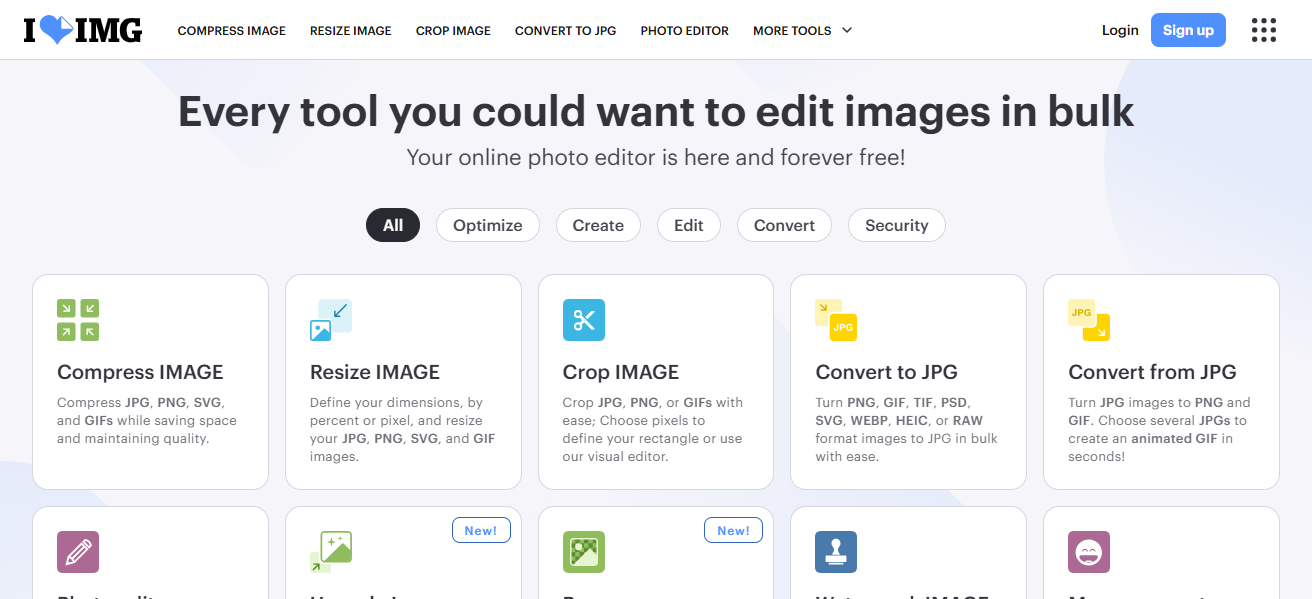
The platform’s clear, user-friendly interface makes editing easier while preserving image quality even after compression. ILoveIMG is perfect for enhancing website functionality, conserving storage space, and getting photos ready for digital projects or social media.
| Feature | Description |
|---|---|
| Multiple Format Support | Works with JPEG, PNG, GIF |
| Image Compression | Reduce file sizes effectively |
| Resize, Crop, and Convert | Various editing options available |
| Batch Processing | Upload and edit multiple images at once |
| User-Friendly Interface | Easy to navigate and operate |
| Cloud Storage Integration | Connects with Google Drive and Dropbox |
6.ResizeImage.net
A trustworthy website for rapidly and effectively resizing, compressing, and optimizing photos online is ResizeImage.net. With its support for well-known file types like JPEG, PNG, and GIF, users may easily resize, crop, rotate, and compress images with no loss of quality.
With the help of the platform’s simple interface, users of all skill levels can lower file sizes and change image dimensions for quicker website loading or simpler sharing.

ResizeImage.net is a flexible solution for a range of media requirements because it also provides options to convert picture formats. It is a great option for online image optimization because of its quick processing and high-quality output.
| Feature | Description |
|---|---|
| Resize Images | Adjust dimensions easily |
| Crop and Rotate | Basic editing features |
| Compression Options | Optimize image file size |
| Format Conversion | Convert images between formats |
| Simple Upload | Easy interface for quick editing |
7.JPEG-Optimizer
JPEG-Optimizer is a straightforward and efficient website for online JPEG picture optimization, resizing, and compression. It is perfect for social media, email attachments, and web use since it enables users to swiftly reduce file sizes without sacrificing image quality.
Users can upload photos, adjust the compression level, and resize images by providing new dimensions using the tool’s user-friendly interface.
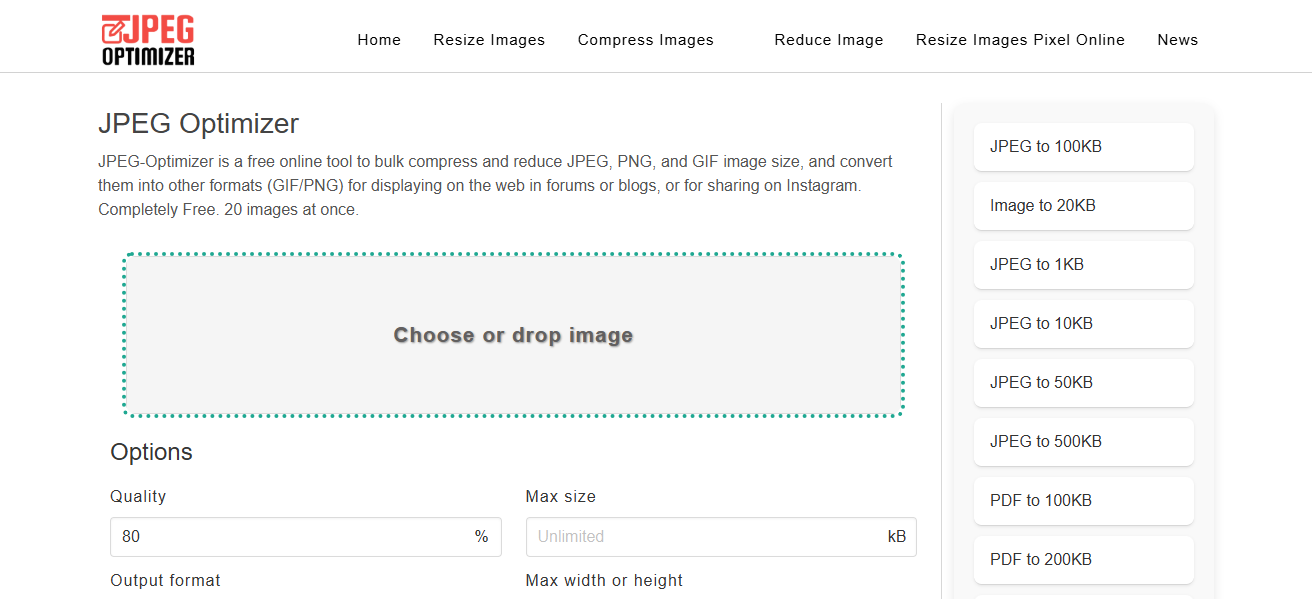
For anyone wishing to increase website speed or conserve storage space without the need for complex software, JPEG-Optimizer is ideal. It is a well-liked option for simple JPEG optimization due to its quick processing speed and consistent output.
| Feature | Description |
|---|---|
| JPEG Specific Compression | Focused on optimizing JPEG images |
| Resize Option | Resize images by pixel dimensions |
| Adjustable Compression Level | Users set compression strength |
| Quick Processing | Fast image upload and compression |
| Free and No Signup Needed | Accessible to all users |
8.Compressor.io
Compressor.io is a robust web application that supports JPEG, PNG, GIF, and SVG image formats and may be used to compress, resize, and optimize images. Users may greatly reduce file sizes while maintaining outstanding image quality thanks to its lossy and lossless compression methods.
Users can effortlessly upload photographs and view real-time comparisons between compressed and original files thanks to the user-friendly interface. Compressor.io is perfect for marketers, web designers, and anybody else who needs quick, effective image optimization.
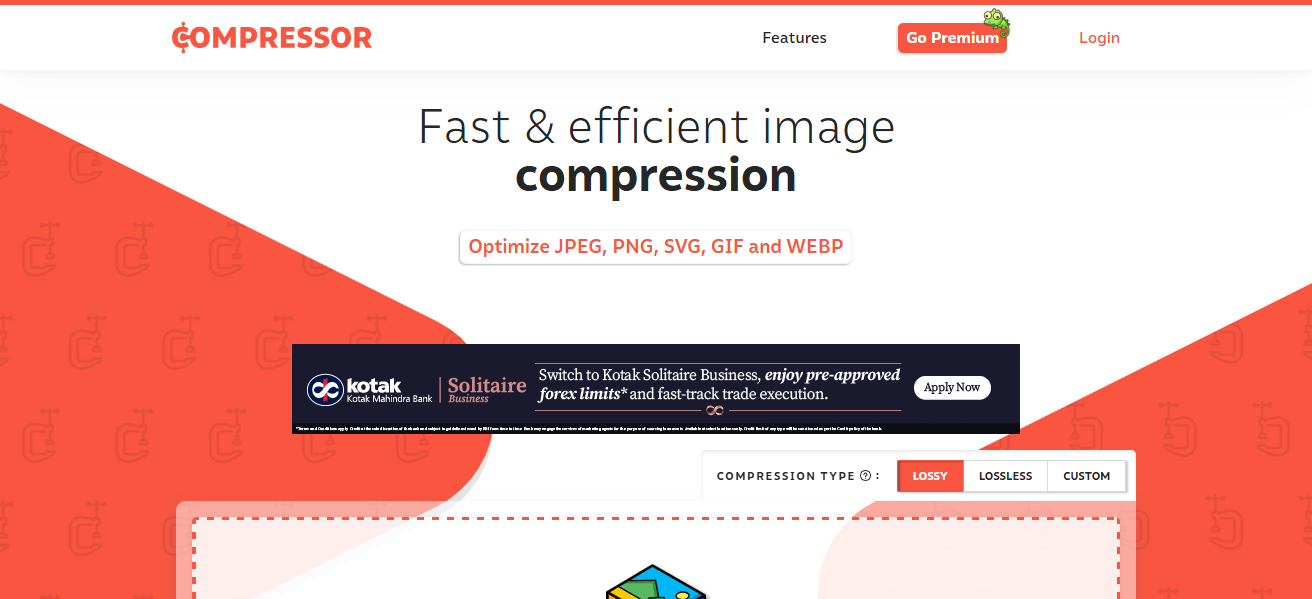
It speeds up loading times and enhances website performance. One of the greatest websites for online media compression and optimization is this one because of its adaptability and high-quality output.
| Feature | Description |
|---|---|
| Supports JPEG, PNG, GIF, SVG | Wide range of image formats supported |
| Lossy and Lossless Compression | Choose between quality and size optimization |
| Real-Time Preview | Compare original vs compressed images |
| Easy Drag-and-Drop Upload | Convenient image uploading |
| No File Size Limit | Compress large images efficiently |
9.BulkResizePhotos.com
BulkResizePhotos.com is an easy-to-use website that specializes in rapidly resizing, compressing, and optimizing photographs in large quantities without requiring server uploads, guaranteeing speed and privacy.
With its support for widely used formats like JPEG, PNG, and WebP, users can easily convert formats, compress files, and change image dimensions.

This application, which handles many files at once with drag-and-drop ease, is perfect for photographers, designers, and anybody else processing a big number of photographs.
BulkResizePhotos.com is a great option for quick, safe, and easy online picture optimization and resizing since it produces high-quality results.
| Feature | Description |
|---|---|
| Bulk Image Processing | Resize, compress, and convert multiple images locally |
| No Upload Needed | Images processed on user’s device, ensuring privacy |
| Supports JPEG, PNG, WebP | Multiple image formats supported |
| Adjustable Resize and Compression | Control over size and quality |
| Fast Processing | Instant results without server delays |
Conclsuion
In the context of For image editing, the top websites for resizing, compressing, and optimizing media provide quick, simple, and excellent results.
Whether you require advanced compression options, batch processing, or format support, TinyPNG, Optimizilla, and Compressor.io are dependable solutions. These systems make it easy to increase user experience, reduce storage, and speed up websites.
FAQ
To reduce file size, improve website loading speed, and save storage without losing quality.
Yes, many sites like TinyPNG and Optimizilla support batch processing.
Yes, popular formats like JPEG, PNG, GIF, and sometimes SVG are supported.