
In this article, I will cover the top AI Browser Companies. Artificial intelligence is being incorporated into internet browsers to create products that provide users with a faster internet searching experience, automated task summarization, and enhanced work-related tools.
From tools that prioritize user privacy to innovative digital assistants, this crop of companies is transforming the the internet in a way that optimizes the user experience. Browsing the web is about to get even more user-friendly and efficient.
Introduction To AI Browser Companies
AI-enabled browser companies are altering the user online experience by embedding AI into the browsing experience.
Traditional searching is left behind and modern browsing includes artificial intelligence features such as contextual summary comprehension, conversational Q&A, and various productivity resources. Companies in the forefront of this development include Arc, Brave, Opera, Microsoft Edge, etc.
Their AI browsing resources are designed to be faster, more personal, and highly efficient. Users from all over the globe will be able to conduct faster, more engaging, and intelligent online advanced searching.
Why People Trust Best AI Browser Companies Changing the Internet Experience
- Top AI capabilities integrated into the best AI browsers save you time by completing menial tasks.
- Secure AI browsers with end-to-end encryption built by the most reputable companies keep you safe.
- Well-developed AI browsing applications are responsive and even anticipate your online needs.
- Reliable AI apps are constantly online and refreshed to provide a steady stream of the most pertinent answers to your questions, including summaries, translations, and writing.
- As emerging security risks evolve on the Internet, so too do the updates made to the best AI browsing applications to keep you safe from phishing and other malware.
- Simple, clean designs that are easy to navigate improve the browsing experience for new and veteran users.
- The best AI browsing apps are built for seamless use across Windows, Mac, Android, and iOS.
- The best AI browsing apps allow users to fine-tune their experience through a wealth of customization options.
- Well established tech companies have built a reputation on innovation, transparency, and improving their products.
- The best AI browsing apps have been built to last, as their functionality improves and integrates more user feedback.
Key Points & Best AI Browser Companies
| Browser | Explanation |
|---|---|
| Arc Browser | Arc Browser offers modern interface with AI features and tab management tools |
| Arc Search | Arc Search mobile browser uses AI to summarize web pages instantly quickly |
| Brave Browser | Brave Browser includes Leo AI assistant for privacy focused browsing experience enhancement |
| Opera Browser | Opera Browser integrates Aria AI for chat and content generation tools features |
| Microsoft Edge | Microsoft Edge uses Copilot AI for search, writing, and productivity tasks support |
| Google Chrome | Google Chrome integrates Gemini AI improving search and browsing experience overall productivity |
| Perplexity Comet | Perplexity Comet browser focuses AI powered answers directly within browsing interface tools |
| Mozilla Firefox | Mozilla Firefox supports AI extensions enhancing search summarization productivity workflows efficiency boost |
| Vivaldi | Vivaldi browser offers customization with AI extensions for smarter workflows productivity boost |
| SigmaOS | SigmaOS AI browser organizes tabs intelligently improving productivity and focus workflow efficiency |
10 Best AI Browser Companies
1. Arc Browser
Arc Browser makes replacing traditional tab browsing with organized interfaces easier than ever. Arc Browser groups tabs, separates workspaces and even has AI tools that help summarize browsing and generate new ideas to help navigate and research.
Built on the foundation of productivity and minimal distractions, Arc Browser has a sidebar that helps organize workflows and makes multitasking a lot easier.
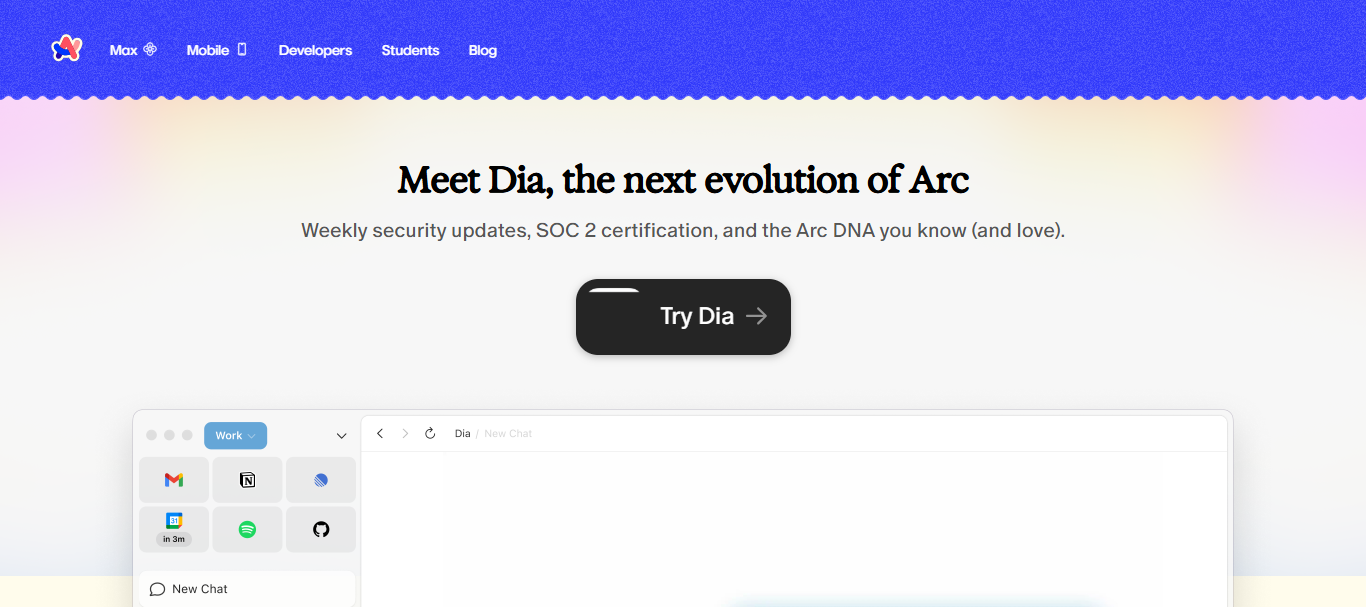
The browser focuses on design and structures that help remote workers, and has a lot of features that are appealing to developers. Arc Browser is an evolving product that’s a great competitor to AI browsing.
| Pros | Cons |
|---|---|
| Modern AI-first interface improves productivity | Limited availability on some platforms |
| Smart tab grouping reduces clutter | Learning curve for new users |
| Built-in AI tools for summarization | Still in active development phase |
| Excellent workspace organization | Fewer extensions than Chrome ecosystem |
2. Arc Search
Arc Search is a mobile centric browsing tool that uses intelligent summarization to make finding information easier than ever. Instead of offering dozens of links, dragging and clicking the browser to search, Arc Search uses AI to generate web answers and provides summaries in sentences.
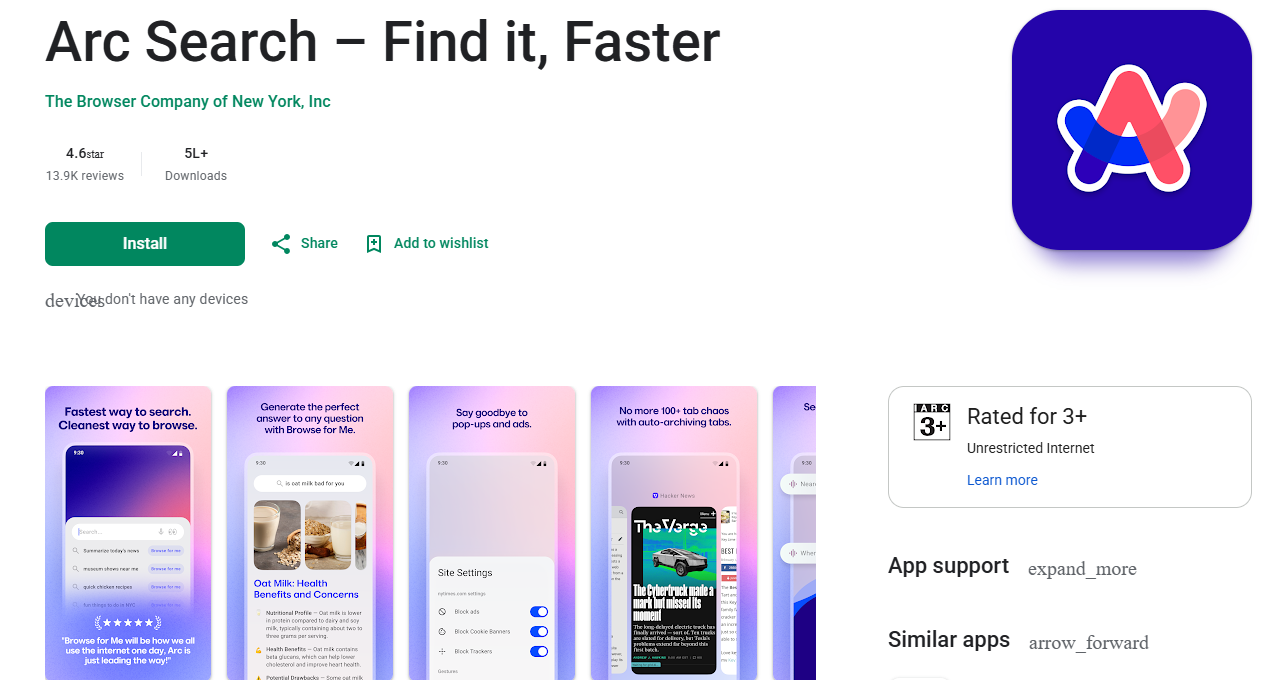
This trick, named “Browse for Me”, actually increases productivity. Arc Search is great for mobile research, reading the news, or answering questions that require a quick query. Recent improvement in fast citation and accuracy is helping the tool progress. Allowing easier answers helps navigation flourish and becomes the new browsing standard.
| Pros | Cons |
|---|---|
| AI “Browse for Me” gives instant answers | Mobile-only limitation reduces flexibility |
| Fast summarized results for queries | Less control over raw search results |
| Clean and distraction-free interface | Not ideal for advanced research users |
| Strong citation-based responses | Limited customization options |
3. Brave Browser
Brave Browser’s combination of user privacy and architecture with AI features, like the Leo AI assistant, makes it a popular choice. Users have secure browsing with ads, trackers, and fingerprinting being blocked by default.

AI tools are used to summarize articles and content and even to ask questions in the appropriate context. These tools do this without the need to leave the page. Brave also allows users to gain cryptocurrency if they choose to see ads that respect user privacy.
The most recent updates improve Leo AI and make it better at working in several languages. Brave is best for those who care for fast, secure, and smart browsing that processes user data in the most privacy-centric manner.
| Pros | Cons |
|---|---|
| Strong privacy and tracker blocking | Some websites may break due to blocking |
| Built-in Leo AI assistant | AI features still evolving |
| Faster browsing with fewer ads | Reward system can feel complex |
| Supports crypto rewards system | UI less polished than competitors |
4. Opera Browser
Opera Browser has completely integrated AI into browsing through its AI assistant, Aria. Aria is a great tool for generating text, summarizing, and answering questions of all sorts. Aria is even helpful for coding. Built-in VPN, ad-blocking, and social media make Opera a very engaging and productive browser.
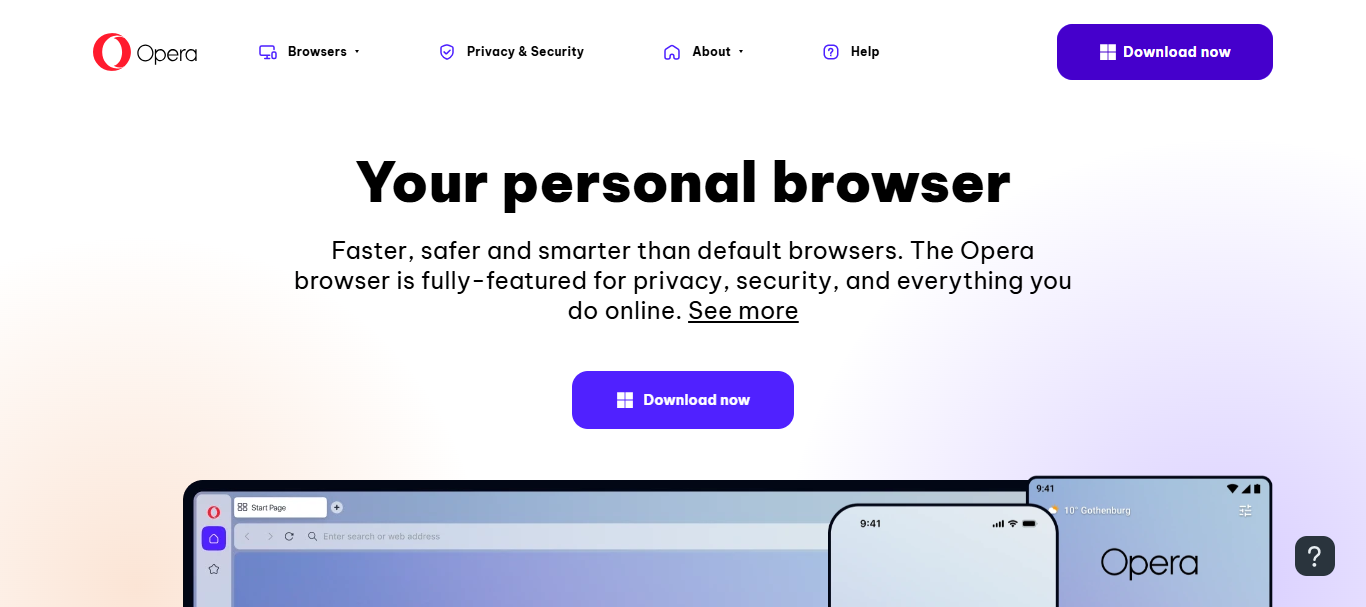
The AI sidebar makes multitasking easy without needing to switch to a different tab. The most recent updates have improved the speed of responses and the contextual awareness of Opera’s AI.
Users who especially want a stimulating and productive communication browser can choose this privacy and AI assistance integrated all-in-one browser.
| Pros | Cons |
|---|---|
| Aria AI assistant built-in | Can feel heavy on system resources |
| Built-in VPN and ad blocker | Privacy concerns in past history |
| Multi-tool sidebar improves productivity | Limited enterprise adoption |
| Good multitasking features | Some features feel overloaded |
5. Microsoft Edge
Microsoft Edge has become an impressive AI browser after integrating with Copilot. This AI assistant allows users to write emails, summarize articles, compare products, research, and more, all from the browser. Edge, built on Chromium, aids in both speed and performance.
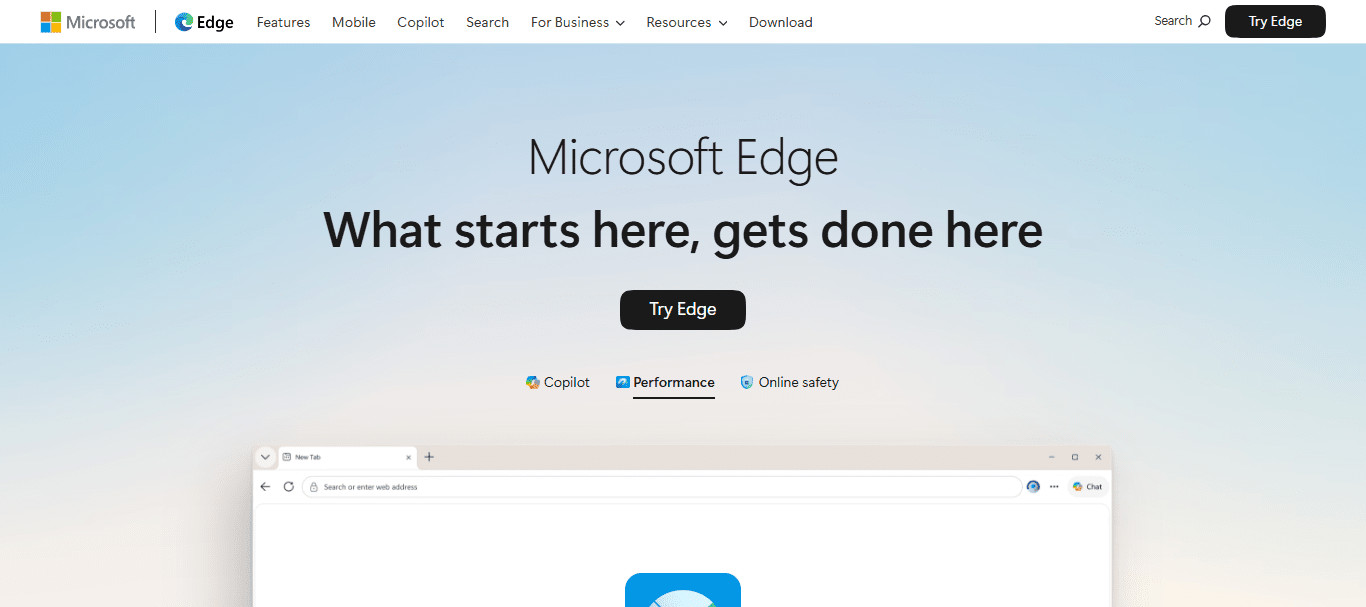
It also supports all Chrome extensions. Microsoft Edge incorporates additional features to aid productivity for the working professional, such as vertical tabs, sleeping tabs, and additional security features.
Frequent updates focus on AI integration in the Windows system and enterprise workflows. Microsoft Edge is especially advantageous for office users, students, and businesses due to its heavy AI assistance and cloud syncing productivity across all devices.
| Pros | Cons |
|---|---|
| Deep Copilot AI integration | Heavy Microsoft ecosystem dependency |
| Fast Chromium-based performance | Occasional background resource usage |
| Excellent productivity tools | Frequent feature updates may confuse users |
| Strong security for enterprise use | Some users dislike Microsoft prompts |
6. Google Chrome
Google Chrome has maintained the highest usage record as an internet browser, and has now begun to evolve with Gemini AI, which has the ability to assist with a user’s content and search in a more intelligent manner.
Gemini is the latest improvement to browsing, which assists with questions, page summaries, and searches in a more intelligent manner. Chrome is known for speed, stability, performance, and the greatest selection of extensions.
The latest changes with AI in mind have improved Chrome by assisting users in their search simultaneously reducing information overload. Also, thanks to its AI tools, integration of Google services like Gmail, Docs, and Drive is seamless.
| Pros | Cons |
|---|---|
| Fast and highly stable browser | High RAM usage problem |
| Gemini AI improves search experience | Privacy concerns due to tracking |
| Huge extension ecosystem | Battery drain on laptops |
| Seamless Google ecosystem integration | Can feel bloated over time |
7. Perplexity Comet
Perplexity Comet is a browser that puts AI front and center — prioritizing the generation of direct answers over the display of traditional search results. Deep integration of conversational AI allows users to input queries that Comet answers in real time and with citations.
This leads to less reliance on multiple web pages and better efficiency in research overall. Comet is best suited for users looking to carry out academic research, fact-check, and/or perform knowledge discovery.
With recent emphasis on speed and citation accuracy, Comet is for users that prefer the answer engine experience over a link search experience. Overall, Comet offers a busy but focused, intelligent, and efficient browsing experience.
| Pros | Cons |
|---|---|
| Direct AI-generated answers | Limited traditional browsing features |
| Strong citation-based research | Still new and evolving platform |
| Excellent for academic use | Smaller user ecosystem |
| Fast knowledge discovery | Not ideal for heavy multitasking |
8. Mozilla Firefox
Mozilla Firefox is a flexible, community-driven, open-source browser that prioritizes customization and user privacy. While it is not natively AI first, Firefox and its extensions are able to support powerful AI agents with summarization, search and writing capabilities.
Firefox prioritizes protection from tracking, secure browsing, and control over personal data. The latest iterations of Firefox focus on performance and optimized AI for Extension APIs.

Because of its flexibility, it is one of the more popular browsers among developers and the privacy centered community. Compared to Chromium-based products, when considering customizable AI browsing without open-source and transparent browsing compromises, Firefox is a top contender.
| Pros | Cons |
|---|---|
| Strong privacy and open-source base | AI not built-in natively |
| Highly customizable | Slower feature adoption vs competitors |
| Supports AI extensions | Smaller extension ecosystem than Chrome |
| Lightweight and stable | UI less modern than new browsers |
9. Vivaldi
Vivaldi is a customizable browser ideal for users who manage their browsing environments meticulously. It has the capability to incorporate AI extensions and automation tools, giving users an edge to be more productive and efficient.
Its unique features include Split view, tab stacking, and in-app note-taking. While other browsers lend focus to their users, Vivaldi specializes in allowing users to have as much control as possible to implement and modify their unique browsing styles.
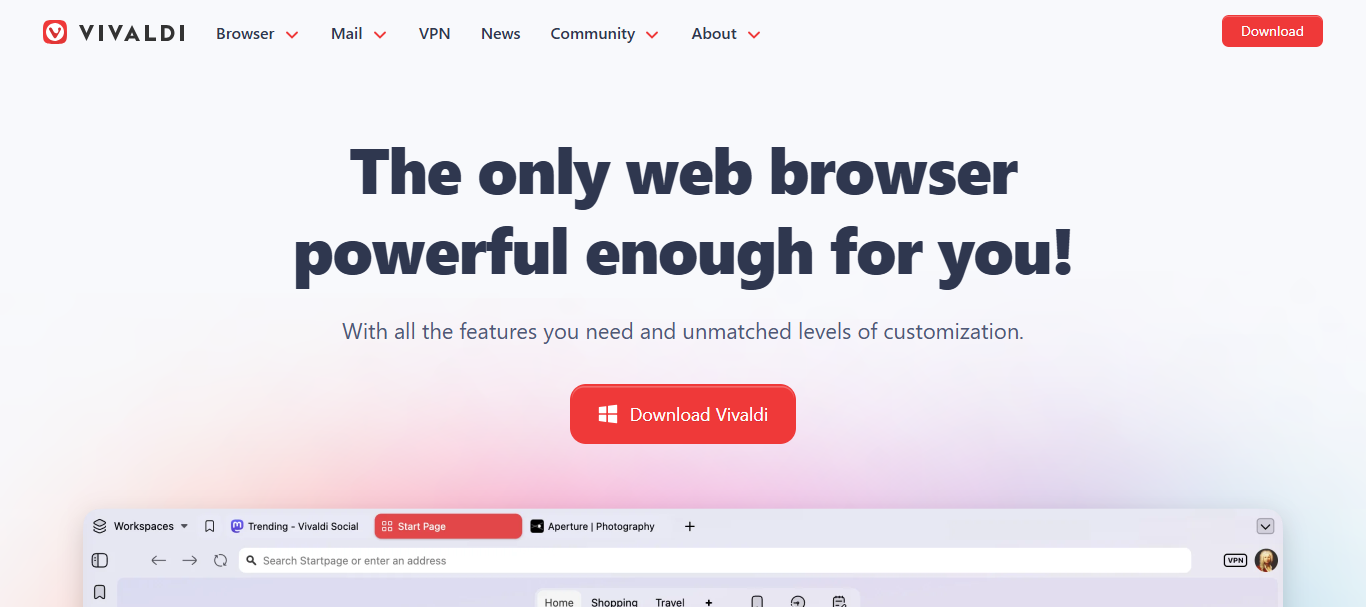
Vivaldi has released updates to increase the speed of the browser and improve compatibility with AI. Advanced users who manipulate and manage information multiple times a day, will find Vivaldi the best option to give users the browsing styles with AI-enhancements and utmost efficiency.
| Pros | Cons |
|---|---|
| Extremely customizable interface | Can feel complex for beginners |
| Strong tab management system | Heavier learning curve |
| Supports AI extensions | Mobile experience less polished |
| Built for power users | Setup takes time |
10. SigmaOS
Browsers with AI tools have arrived to declutter the digital workspace, and SigmaOS is a great example. SigmaOS replaces tab chaos with task-centered windows. This allows users to maintain focus on one task and declutter workflows with automatic tool aids.
SigmaOS is great for professionals with multiple projects. Its recent upgrades include speed in AI task management and workspace synchronization.
Its aesthetic and user interface promote focus. SigmaOS is the browser for highly productive users who want an AI-organized browsing experience with task-based windows override the traditional tab system.
| Pros | Cons |
|---|---|
| Workspace-based productivity system | Limited mainstream awareness |
| AI helps organize tasks | Not suitable for casual users |
| Minimal and distraction-free design | Mac-focused availability |
| Great for project management | Still evolving feature set |
Key Features to Look for in AI Browsers
AI Summarization and Writing Assistance Incorporating AI Summarization and Writing Assistance allows for quick content generation and understanding.
Speed and Performance Users expect an experience devoid of lags or delays. Speed and Performance Optimization should meet this demand.
Privacy and Security A concern for users is exposed data and tracking. Implementing Privacy and Security Controls ensures Protection and Peace of Mind.
Extension and Ecosystem Support Integration with other tools is essential for continued productivity and flexibility. Extension and Ecosystem Support fulfills this need.
Conclusion
In conclusion, Best AI Browser Companies use smart automation and intelligent browsing to transform user experiences. Combining AI search, content summarization, and productivity features, these firms automate user experience, especially for privacy.
Incorporating new solutions, these browsers transform advanced ecosystem integration, speed, accuracy, and convenience.
The evolution of AI continues shaping the world. These companies will help define the global scope of web browsing and its unlimited possibilities.
FAQ
What are AI browser companies?
AI browser companies develop web browsers that integrate artificial intelligence features for smarter browsing.
Which are the best AI browser companies?
Top companies include Arc, Brave, Opera, Microsoft Edge, and Google Chrome.
How do AI browsers work?
They use AI to summarize content, answer queries, and improve search results.
Are AI browsers better than traditional browsers?
Yes, they offer faster answers, better productivity, and smarter navigation tools.