
This article focuses on the Best AI Tax Filing Software for Freelancers and Creators and discuss tools that streamline tax management, optimize tax deductions, and file tax returns accurately.
- Key Points & Best AI Tax Filing Software For Freelancers and Creators
- 10 Best AI Tax Filing Software For Freelancers and Creators
- 1. Hive Tax AI
- 2. TurboTax Self‑Employed
- 3. QuickBooks Self-Employed + AI Assistant
- 4. Keeper Tax
- 5. FlyFin
- 6. H&R Block AI Tax Assist
- 7. TaxGPT (Agent Andrew)
- 8. AiTax
- 9. Xtracta
- 10. K1x
- Conclusion
- FAQ
AI tools like Hive Tax AI, TurboTax Self‑Employed, and FlyFin, assist in tax management for freelancers, gig workers, and content creators by minimizing errors and making tax filing season less stressful.
Key Points & Best AI Tax Filing Software For Freelancers and Creators
| Tool / Software | Key Points for Freelancers & Creators |
|---|---|
| Hive Tax AI | Smart AI tax research, personalized planning, self‑employment deduction guidance, compliance checks. |
| TurboTax Self‑Employed | Automatically tracks business expenses, finds deductions, integrates with QuickBooks Self-Employed. |
| QuickBooks Self-Employed + AI Assistant | AI analyzes your transaction history, suggests deductible expenses, estimates quarterly taxes. |
| Keeper Tax | Scans bank/credit card transactions for write-offs, uses AI to flag deductions, and supports rule‑based expense categorization. |
| FlyFin | AI-powered deduction tracker + option for CPA‑prepared tax filing; estimates quarterly taxes; includes audit‑insurance. |
| H&R Block AI Tax Assist | AI helps identify freelancer-specific deductions, optimizes quarterly payments, organizes documents |
| TaxGPT (Agent Andrew) | AI agent that reviews tax returns, flags issues, helps with research using tax law, cuts review time by 90%. |
| AiTax | Uses AI to prepare your taxes by simulating tax-legal strategies, aiming to minimize tax legally. |
| Xtracta | Document data extraction using AI/OCR: extracts data from invoices, receipts, and tax forms to streamline filing. |
| K1x | Cloud-based tax automation with AI for document processing, especially useful if you handle K-1s, 1099s, or complex filings. |
10 Best AI Tax Filing Software For Freelancers and Creators
1. Hive Tax AI
Hive Tax AI services freelancers and self-employed creators, helping to simplify tax filing and planning through artificial intelligence.
The solution reviews income, expenses, and deductions, and files to determine maximum tax savings.
Hive Tax AI reduces manual data entry and brings time savings for tax calculation, as well as providing tax strategy personalization.

The system’s AI identifying deductions that other tax firms may overlook and optimizing how much taxes to pay quarterly.
The AI assists with self-employed tax compliance and integrates with accounting to streamline tax transaction capturing and filing for freelancers.
| Feature | Description |
|---|---|
| Smart AI Tax Research | Uses AI to give fast, authoritative answers to tax questions, backed by IRS publications, court cases, and state laws. |
| Personalized Tax Planning | Lets freelancers model different tax scenarios (deductions, quarterly payments, income changes) and optimizes for tax savings. |
| Compliance Monitoring | Keeps up with tax laws and self‑employment regulations to ensure recommendations are compliant. |
| Secure Data Handling | SOC II–compliant security, end‑to‑end encryption, and automatic PII redaction to protect sensitive user data. |
| Solo‑Professional Focus | Designed specifically for independent workers: freelancers, creators, consultants — works even without a full accounting team. |
2. TurboTax Self‑Employed
TurboTax Self Employed is an option for freelancers and gig economy workers. It leverage AI to detect an entire business’s expenses and deductions.
Self Employed users can quickly and easily maximize their tax savings. It works with QuickBooks Self Employed.
It lets users easily import income and expenses from QuickBooks as Stephanie Self Employed provides tailored step-by-step support to self-employed users on their quarterly payment, home office claims, vehicle use, and retirement contributions.
TurboTax is a reliable option for creators with a fluctuating income. TurboTax lets you select an audit and easily upload it
Contrary to popular foul YouTube. TurboTax has a smooth and simplified interface to serve tax complexities.
| Feature | Description |
|---|---|
| ExpenseFinder™ | AI‑powered tool that scans your income and spending to find business expenses and deductions you might miss. |
| SmartLook™ Live Help | Live, one-way video access to tax experts (CPAs/enrolled agents) to answer self-employment tax questions. |
| Integration with QuickBooks SE | Automatically syncs with QuickBooks Self-Employed for real‑time transaction import and categorization. |
| Mileage & Receipt Tracking | Helps you capture business mileage and receipts via mobile app by snapping photos or tracking drive. |
| Year-round Tax Estimation | Estimates your quarterly self-employment taxes based on your categorized expenses and income. |
3. QuickBooks Self-Employed + AI Assistant
QuickBooks Self-Employed employs artificial intelligence tools to help freelancers track their expenses and file their taxes.
Its AI assistant automatically categorizes transactions, recognizes possible tax deductions, and prepares quarterly tax estimates to help users avoid tax surprises.
Users can link their bank and credit card accounts to keep track of cash flow, and AI focuses on overlooked expenses that can be deducted.
They also offer invoicing, mileage tracking, and profit reporting to keep freelancers on top of their finances.
QuickBooks Self-Employed also lessens the manual labor, increases accuracy, and pre-prepares tax reports.
This is especially useful for freelancers with multiple competing clients and varying income streams, providing ease of use and regulatory compliance.
| Feature | Description |
|---|---|
| AI‑Driven Transaction Categorization | Automatically sorts your bank and card transactions into business vs personal, matching Schedule C categories. |
| Quarterly Estimated Tax Calculation | Calculates your estimated quarterly tax payments based on your categorized income and expenses. |
| Mileage Tracking | Tracks business mileage via mobile app to help claim vehicle-related deductions. |
| Profit & Loss Reporting | Generate reports to understand your profit, revenue, and expense workflows. |
| Easy Export to TurboTax | When ready, you can export your data to TurboTax Self‑Employed for seamless tax filing. |
4. Keeper Tax
Keeper Tax is an AI tool that examines bank and credit card transactions to find deductible expenses.
Keeper Tax is an expense tracking tool specifically built for freelancers and creators to automate a difficult expense tracking process.
The AI organizes tax expenses into categories by spending patterns and flags tax-deductible expenses.
Keeper Tax also connects to accounting apps, offers instructions on paying quarterly taxes, and helps automate tax-deductible expenses.
Freelancers save time on manual bookkeeping, and Keeper Tax helps prevent the under-deducting from taxes by missing write offs.
Keeper Tax’s automated tax expense identification helps maximize the savings on taxes. Tax write offs are often automated through bookkeeping.
| Feature | Description |
|---|---|
| AI Write-Off Detection | Scans bank and credit card transactions across 20,000+ institutions to automatically flag possible deductible business expenses. |
| Hyper-Intuitive UI | Easy-to-use interface for uploading tax forms, expenses, and receipts; designed for non-accountants. |
| Unlimited Tax Help | Provides year‑round access to tax experts to clarify deduction questions or filing uncertainties. |
| Secure Connections | Uses secure connections to banks and credit cards to fetch transaction data safely. |
5. FlyFin
FlyFin is an AI tax filing assistant for freelancers and self-employed people. FlyFin uses AI to review financial transactions, find deductible expenses, and build tax returns.
FlyFin has optional CPA support, and offers professional reviews and tax filing. FlyFin estimates quarterly taxes to minimize the risk of penalties, and the platform provides audit insurance.
FlyFin seeks to minimize tax liability and maximize compliance with current tax laws. Freelancers benefit from FlyFin’s ability to manage multiple income streams and value-added seamless connectivity with their bank accounts.
By marrying AI with optional Human support, FlyFin smoothens tax season and enhances the user’s financial planning.
| Feature | Description |
|---|---|
| AI Deduction Tracker | Analyzes your expense accounts using AI to suggest business deductions from 200+ categories. |
| CPA + AI Combined | A dedicated CPA reviews your deductions, helps file your return, and ensures accuracy. |
| Quarterly Tax Estimator | Estimates how much you owe quarterly based on your income and deductions. |
| Unlimited Tax Advice | You can ask tax‑related questions (via chat or Zoom) from CPAs or AI whenever you want. |
| Audit Insurance | FlyFin offers audit insurance — a safeguard in case of an IRS or tax‑authority inquiry. |
6. H&R Block AI Tax Assist
H&R Block AI Tax Assist serves freelancers and creators who want an easy way to file taxes. Self Employment Tax Assist’s AI identifies write-offs for self employment, estimates quarterly payments, and assists the user with complex tax forms.
Advanced algorithms are employed on the user’s financial documents to optimize deductions, identify flags for errors, and execute the file.
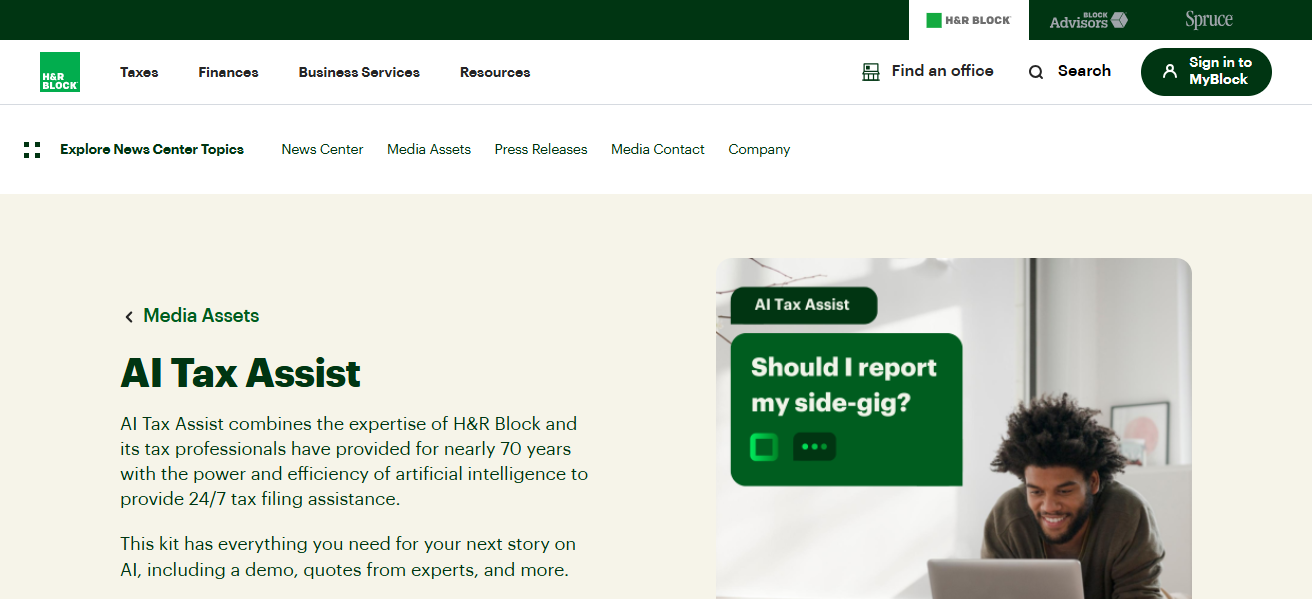
Automated transaction tracking and expense categorization is achieved through integrations with accounting and banking systems.
H&R Block provides human support as well, for a greater AI-human collaboration. Overall, H&R Block Tax Assist helps freelancers save time and file taxes with maximum efficiency and minimum errors.
| Feature | Description |
|---|---|
| 24/7 AI‑Powered Chat Assistant | Built with Azure OpenAI — helps answer free‑form tax questions, provide guidance on deductions, credits, and forms. |
| Live Tax Pro Support | Even with AI, you get access to H&R Block’s tax professionals (CPAs, enrolled agents) at no extra cost. |
| Real-Time Guidance | The AI helps you as you fill your tax return — guiding on tax code, law changes, and optimal filing paths. |
| Form & Deduction Help | Explains different tax forms, credits, and deductions to maximize your refund or minimize tax liability. |
| Seamless Onboarding | A dynamic onboarding experience to pick the right H&R Block DIY plan depending on your self‑employed status. |
7. TaxGPT (Agent Andrew)
TaxGPT and Agent Andrew are helping freelancers spend less time preparing tax returns. TaxGPT analyzes tax returns and identifies errors and self-employment deductions and strategies.
TaxGPT does tax compliance research so it can find tax savings opportunities legally. TaxGPT can review and analyze filings and provide instant feedback.
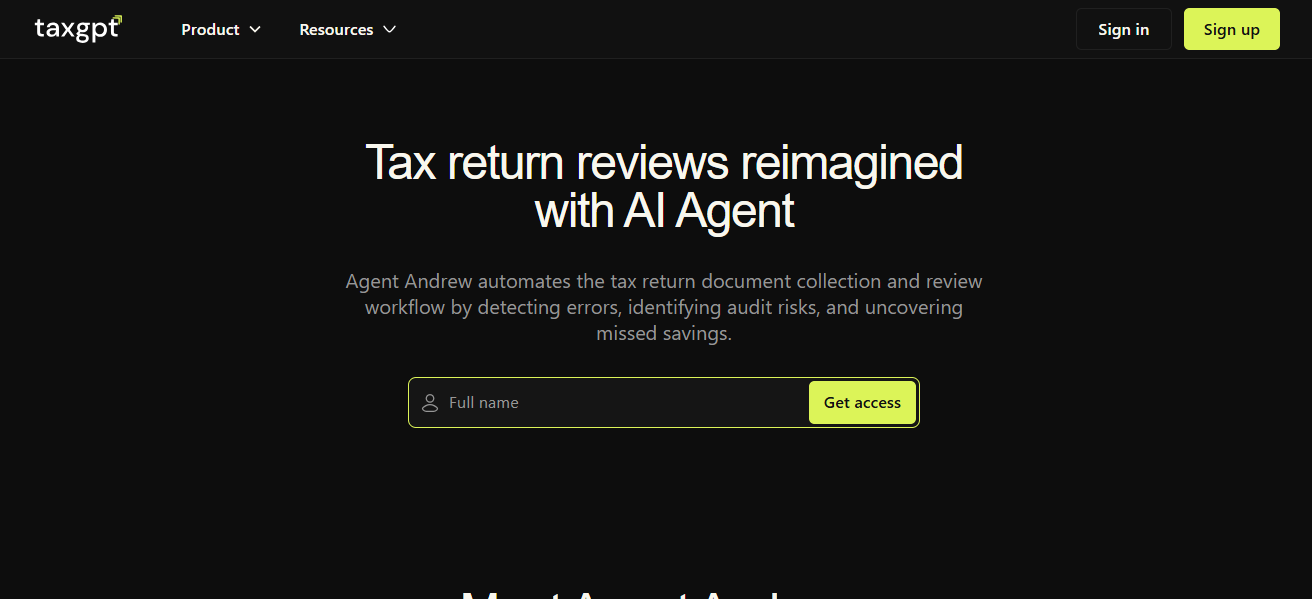
TaxGPT helps freelancers handle and analyze transaction volumes and recommend deductible spend. TaxGPT helps freelancers manage multiple clients.
| Feature | Description |
|---|---|
| AI Agent Review | Uses a “tax‑agent” that reviews your draft tax return, flags potential errors, and suggests optimizations. |
| Tax Law Research | Can automatically pull in relevant tax law, recent cases, and official guidance to support your filings. |
| Self‑Employment Deduction Insights | Specifically tuned to find deductions and strategies useful for freelancers or creators. |
| Time‑Efficient Review | Cuts down tax review time dramatically with AI-driven pre‑analysis and summarization. |
| Scalable for Many Transactions | Designed to handle large volumes of transactions and complex self-employed tax scenarios. |
8. AiTax
This service AiTax helps you file taxes, and optimally calculate how much money you 2019 be able to save on taxes, and how much taxes you legally owe to the U.S. government.
The service processes your income and expnes and automatically finds relevant deductions, and files taxes for you.

The outstanding AI processes data from the internet and changes to automatically comply the your legal requirement to file taxes every year.
As a U.S, freelance creator, be able to save and gain more business time. The service is perfect for U.S. freelance creators who 2019 income, clients, and business taxes have a graduated complexity.
| Feature | Description |
|---|---|
| Scenario Simulation | AI simulates multiple tax scenarios (e.g., different deduction strategies) to choose the most tax‑efficient path. |
| Automated Categorization | Automatically processes income and expense data, classifying them into tax‑relevant categories. |
| Deduction Identification | Recognizes a wide range of deductible items and suggests ones you may not know about. |
| Report Generation | Produces tax‑ready reporting and summaries to simplify final filing or sharing with an accountant. |
| Law‑Aware AI | Continuously updates its models based on the latest tax regulations to maintain compliance. |
9. Xtracta
Xtracta helps freelancers and creators prepare their taxes by extracting data from uploaded digital and paper documents.
The service uses OCR to read and enter text from uploaded documents, and machine learning to file the data in the correct category to organize financial documents like invoices, receipts and tax forms.

This guarantees that tax reports are correct and that errors are minimized. Transaction heavy freelancers gain the most from the service because they can easily centralize their documents and their time is freed up.
There is a feature that allows the user to easily import financial data into their preferred tax filing software.
| Feature | Description |
|---|---|
| Document OCR & Extraction | Uses AI + OCR to pull data from invoices, receipts, and tax forms into digital format. |
| Automated Data Entry | Eliminates manual data-entry by extracting line items, amounts, and dates from documents. |
| Categorization & Structuring | Sorts extracted data into tax-relevant fields (income, expense, vendor) for easier filing. |
| Integration | Works with accounting software or tax-prep tools to export structured data seamlessly. |
| High Accuracy | Machine learning improves over time, making document extraction more accurate and reliable. |
10. K1x
K1x helps with automated tax processing which is especially useful for freelancers with complex filings like K-1s or 1099s.
K1x automates data extraction, document organizing, and compliance so that freelancers and creators can minimize their manual efforts.
K1x is able to help freelancers and creators manage more than one client account, find and track tax deductions, and generate tax reports.
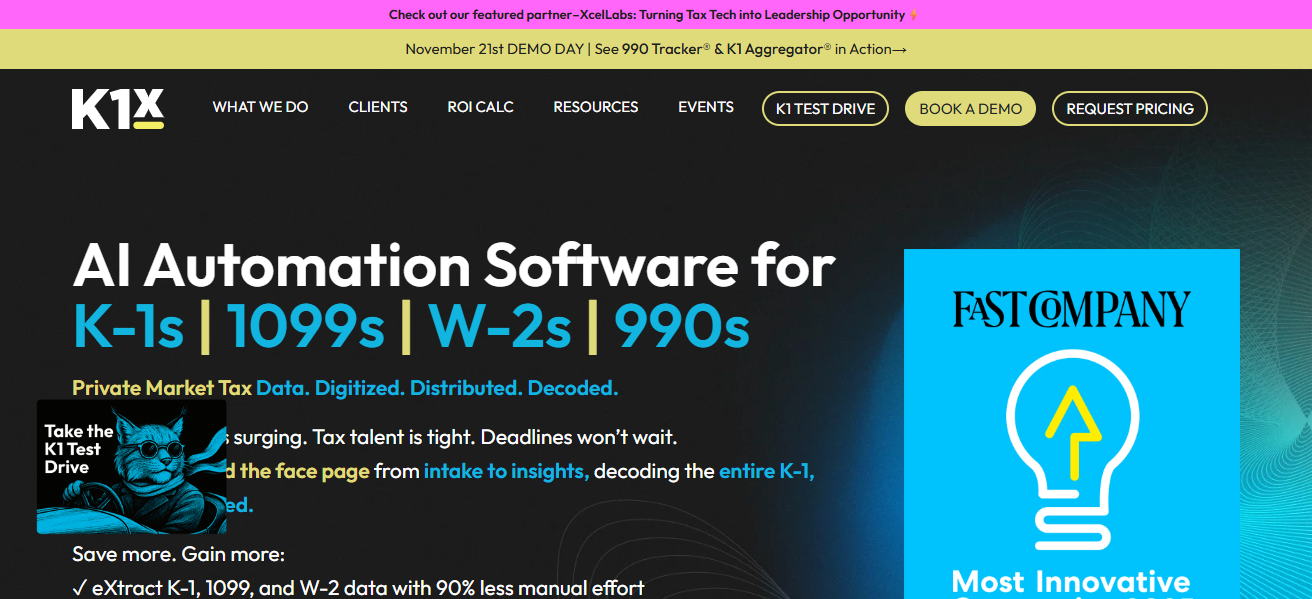
K1x can also be integrated with accounting systems so that there is no inconsistency in financial data.
K1x is especially helpful for freelancers with multiple jobs and investment filings as K1x helps with tax management for the self-employed in a smart, scalable and efficient manner.
| Feature | Description |
|---|---|
| AI Document Processing | Automates processing of complex tax documents such as K-1s, 1099s, and partnership statements. |
| Compliance Checking | Validates tax‑relevant data against compliance rules and highlights discrepancies. |
| Multi‑Client Support | Designed for creators or freelancers who need to manage multiple income sources or clients. |
| Integration with Accounting Systems | Syncs processed tax data into accounting platforms to minimize manual rework. |
| Scalable Automation | Scales with your business as income sources grow, reducing manual tax-admin burden. |
Conclusion
In summary, the leading options for the best AI tax filing software for freelancers and creators are those that best ease self-employment tax, deduction, and compliance quandaries.
The best to use are Hive Tax AI, TurboTax Self-Employed, and FlyFin, all exceptional at digitized processes combined with top tier human assistance to error check, time save, and financial optimization.
The best selection, though, is based on income complexity, desired automation and professional support.
FAQ
AI tax filing software uses artificial intelligence to automate tax calculations, track expenses, identify deductions, and assist in filing accurate returns for self-employed individuals and creators.
Top options include Hive Tax AI, TurboTax Self‑Employed, QuickBooks Self-Employed, FlyFin, Keeper Tax, H&R Block AI Tax Assist, TaxGPT, AiTax, Xtracta, and K1x.
Yes, most AI-powered platforms scan expenses and transactions to identify common and often overlooked deductions for freelancers and creators.
Many, like QuickBooks Self-Employed, TurboTax Self‑Employed, FlyFin, and Hive Tax AI, automatically calculate quarterly estimated taxes to help avoid penalties.
Yes, top AI tax software uses encryption, secure bank connections, and SOC II–compliant systems to protect sensitive data.