In this article, I will examine the most efficient AI Tools for the Reduction of Enterprise Costs. Today’s enterprises grapple with increasing operational and cloud costs, making cost management critical.
- Key Poinst & Best AI Tools For Enterprise Cost Reduction
- 10 Best AI Tools For Enterprise Cost Reduction
- 1. Prompts.ai
- 2. Domo
- 3. Moveworks
- 4. Relay.app
- 5. Asana AI Studio
- 6. CloudHealth by VMware
- 7. Apptio Cloudability
- 8. Harness Cloud Cost Management
- 9. Flexera One
- 10. Turbonomic (IBM)
- How To Choose Best AI Tools for Enterprise Cost Reduction
- Conclusion
- FAQ
While automation of workflows, optimization of resource allocation, and actionable insights are aspects of AI-powered tools, they assist in avoiding unnecessary spending. Here, we will analyze the leading AI Solutions that enhance operational efficiency and cost savings.
Key Poinst & Best AI Tools For Enterprise Cost Reduction
| AI Tool | Key Point |
|---|---|
| Prompts.ai | Simplifies AI orchestration with access to 35+ language models and cost-saving credits |
| Domo | Real-time business intelligence and predictive analytics for smarter resource allocation |
| Moveworks | Automates IT and HR support with conversational AI, reducing ticket resolution costs |
| Relay.app | Combines AI workflows with human oversight for critical decision-making |
| Asana AI Studio | Optimizes project management with smart task automation to cut wasted effort |
| CloudHealth by VMware | Cloud cost optimization through visibility into underutilized resources |
| Apptio Cloudability | Financial governance for cloud spending, ensuring budget alignment |
| Harness Cloud Cost Management | Automated cloud savings with anomaly detection and rightsizing |
| Flexera One | Software license optimization to eliminate unused or duplicate subscriptions |
| Turbonomic (IBM) | AI-driven resource allocation for applications, reducing infrastructure costs |
10 Best AI Tools For Enterprise Cost Reduction
1. Prompts.ai
Prompts.ai utilizes cutting-edge AI automation to save work hours and costs by streamlining processes. Generating intelligent prompts assist employees in making quicker decisions and spending less time on monotonous tasks.
Companies can improve communication and reduce time and mistakes in managing projects and responding to customers.
Additionally, predictive analytics identify cost-saving opportunities by recommending the best allocation of resources.
Overall, Prompts.ai enables businesses to improve productivity and reduce costs associated with manual work and operational processes.
Prompts.ai Features
- Enhances efficiency through automation of repetitive tasks.
- Assists in decision-making with AI generated prompts for speed and intelligence.
- Predictive analytics to identify and recommend savings.
- Improvement in team productivity and workflow error reduction.
| Pros | Cons |
|---|---|
| Automates repetitive tasks, saving time and labor costs. | May require training for employees to use effectively. |
| Generates intelligent prompts for faster decision-making. | Limited integration with some legacy enterprise systems. |
| Identifies cost-saving opportunities via predictive analytics. | Can be less effective in highly complex workflows without customization. |
| Enhances productivity across teams and reduces errors. | Initial setup and AI tuning may take time. |
2. Domo
Domo helps businesses integrate information from various sources to enhance data-driven decision-making at any level of the enterprise.
By offering real-time dashboards and AI insights, Domo helps firms identify areas of operational waste and overspending.
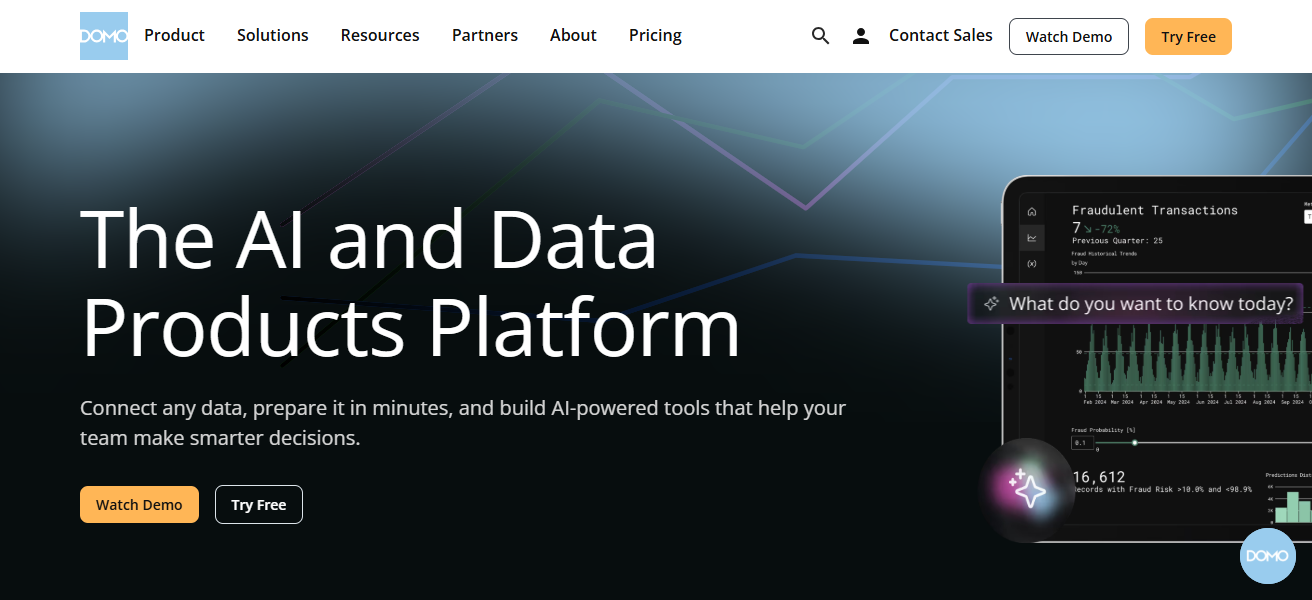
It helps finance, operations, and IT manage key performance indicators (KPIs), spot unproductive spending, and refine the distribution of business resources.
Domo’s predictive analytics help companies position themselves to avoid costs and make data-driven decisions regarding strategic cost savings. It provides actionable data to help businesses manage costs.
Domo Features
- Integrates analytics from a variety of sources.
- Provides timely insights and recommendations through dashboards and AI.
- Identifies and recommends strategies for cost savings.
- Spend and budget management through predictive analytics.
| Pros | Cons |
|---|---|
| Consolidates data from multiple sources for better decision-making. | Can be expensive for small-to-medium enterprises. |
| Provides real-time dashboards and AI-driven insights. | Requires ongoing training for teams to maximize analytics. |
| Identifies inefficiencies and cost-saving opportunities. | Data integration setup can be complex. |
| Predictive analytics help forecast trends and optimize spending. | May have limited offline functionality. |
3. Moveworks
Overhead operational costs and IT support are automated with Moveworks. The AI chatbot provides immediate answers to employee IT questions which helps avoid the need for large support teams.
Enterprises benefit from reduced labor costs through the automation of ticketing, password resets and system troubleshooting. The system becomes more efficient with additional interactions and continually learns.
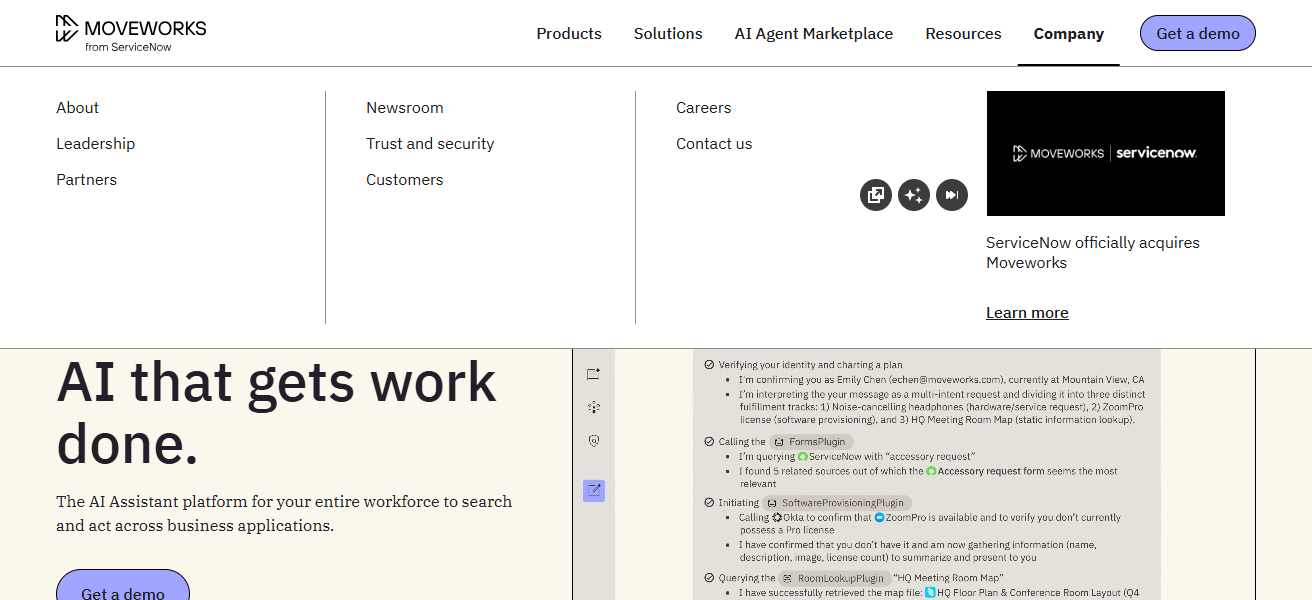
Moveworks must be integrated with enterprises systems to reduce productivity lost from downtime. Overall costs are reduced in IT support, employee onboarding, service management and support.
Moveworks Features
- Reduces the need for human staff through the automation of IT help desk.
- Resolves IT issues instantly with AI powered chatbots.
- Provides uninterrupted adaptability to the enterprise.
- Reduces costs through improved efficiency from interaction learning.
| Pros | Cons |
|---|---|
| Automates IT support, reducing labor and operational costs. | Initial AI learning curve may slow early adoption. |
| Resolves employee IT issues instantly via AI chatbot. | May struggle with very complex or custom IT requests. |
| Integrates with existing enterprise systems seamlessly. | Licensing costs can be high for large enterprises. |
| Continuously improves efficiency through machine learning. | Limited visibility for IT admins in early stages. |
4. Relay.app
Relay.app utilizes AI to help automate workflows which helps improve efficiency and the overall completion of tasks.
The app cuts down on tedious work and the chance for any mistakes to be made. The AI that Relay.app utilizes helps make intelligent decisions on how to best prioritize tasks and allocate resources.
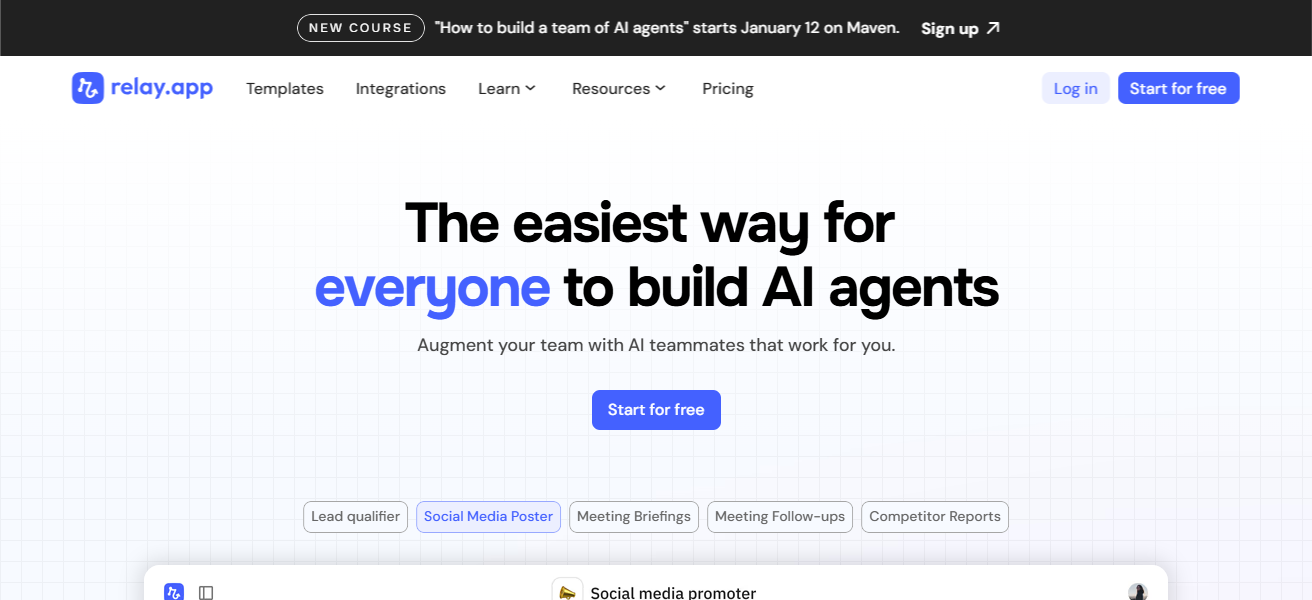
This helps with the project completion cost for the enterprise. The app also is compatible with numerous other enterprise software systems and can be used to analyze the productivity of the workforce.
More sustained and optimized workflows help companies see enterprise savings and reductions in numerous areas.
Relay.app Features
- Reduces time and costs with automation of repetitive workflows.
- Smart task management to prioritize and allocate resources.
- Bottleneck management through elimination of human error.
- Provides insights to team productivity improvement.
| Pros | Cons |
|---|---|
| Automates routine business processes to save time and costs. | Custom workflow setup may require technical expertise. |
| Prioritizes tasks and allocates resources intelligently. | Limited features compared to full-scale enterprise automation suites. |
| Reduces human errors and operational bottlenecks. | May require additional tools for full enterprise integration. |
| Provides actionable insights to optimize productivity. | Smaller community and fewer support resources than larger platforms. |
5. Asana AI Studio
Asana AI Studio improves efficiency in project management by predicting obstacles and automating tasks using AI.
The platform streamlines project timelines, analyzes resource distribution, and offers suggestions to save time.
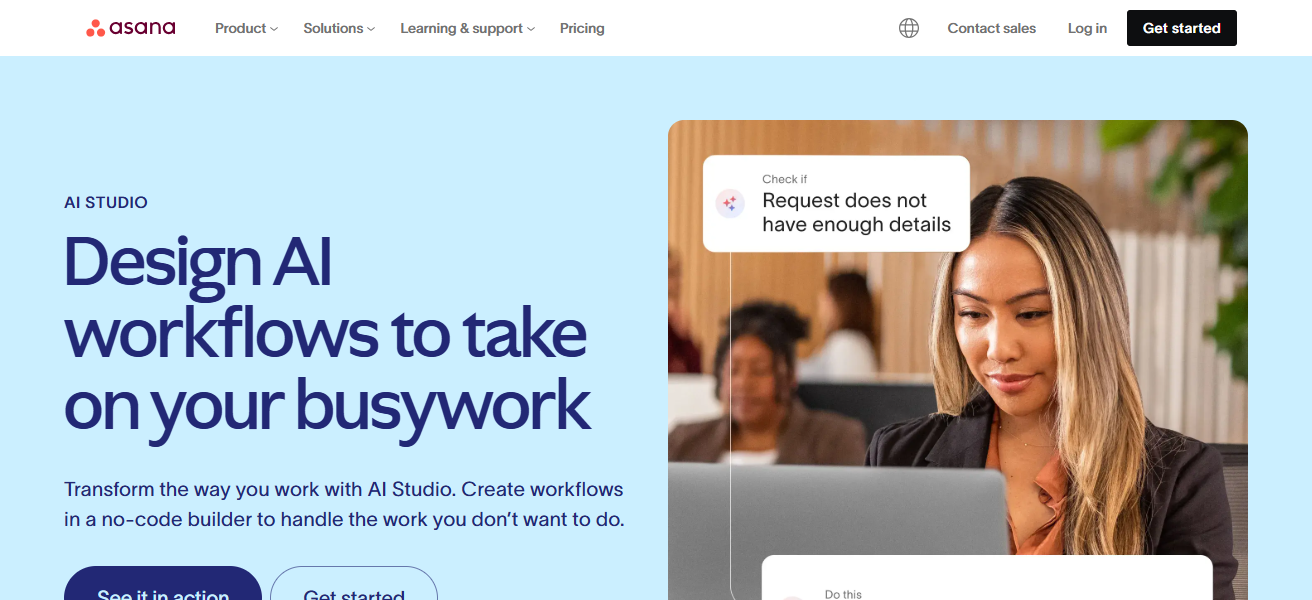
The AI features help to focus on the most important tasks, foresee obstacles, simplify inter-team collaboration, and help to avoid costly project overruns.
By avoiding over project timelines and reducing consumables, Asana AI Studio helps to improve operational planning, increases team effectiveness, and reduces organizational costs.
Asana AI Studio Features
- Reduces effort and wasted time with AI task automation.
- Forecasts potential bottlenecks and optimizes resource imbalances.
- Improves collaboration and visibility across teams.
- Reduces project overspending and increases on-time, on-budget delivery.
| Pros | Cons |
|---|---|
| AI-driven task automation reduces wasted effort and delays. | Some features may not be suitable for non-technical teams. |
| Predicts project bottlenecks and optimizes resource allocation. | Subscription pricing may increase with AI add-ons. |
| Streamlines collaboration and improves team productivity. | AI suggestions may require human validation. |
| Reduces project overruns and operational costs. | Limited offline capabilities for remote teams. |
6. CloudHealth by VMware
CloudHealth by VMware is a multimodal cloud management application that leverages artificial intelligence to optimally allocate resources and spend.
The application provides a budget, underutilization, and cost anomaly insights. Through the automation of governance and the recommendation of economically efficient cloud configurations, businesses can diminish excessive cloud spending.
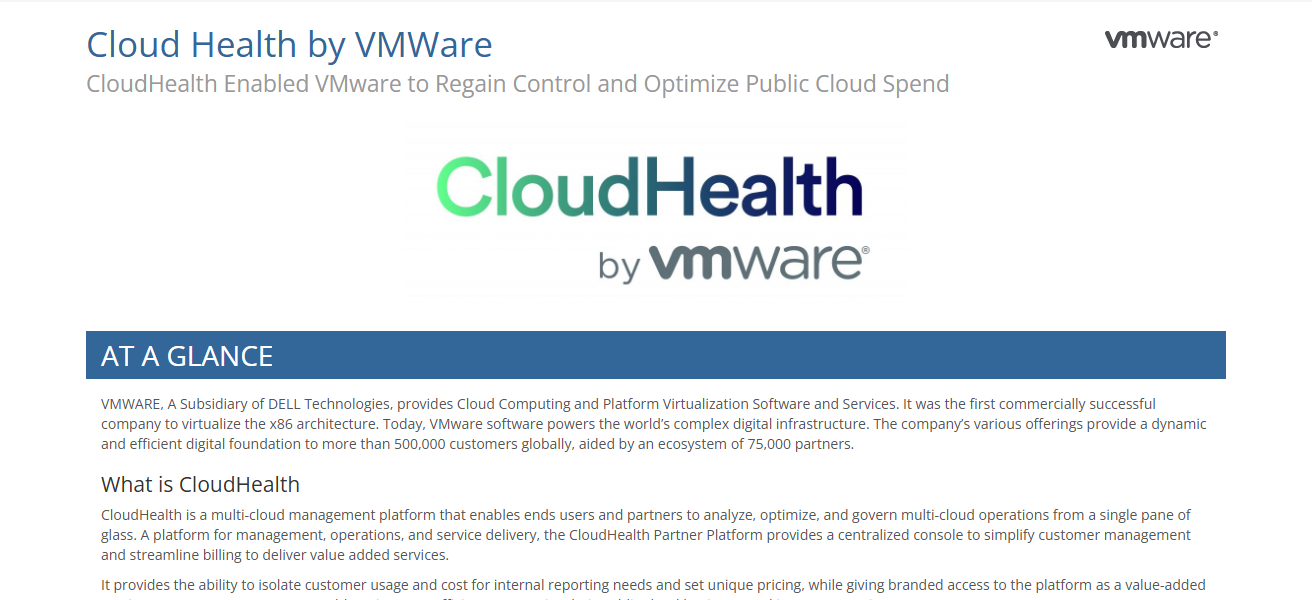
Additionally, CloudHealth provides multi-cloud visibility, enabling businesses to maximize ROI by optimizing workloads across different clouds.
It also employs predictive analytics and sophisticated reporting to aid IT and finance departments in developing actionable strategies to reduce operational cloud costs.
CloudHealth by VMware Features
- Uses AI analytics to improve resource allocation and cloud spending.
- Recognizes budget anomalies and over provisioned resources.
- Automates compliance and governance to improve cloud environments.
- Offers proactive prediction to manage cloud costs.
| Pros | Cons |
|---|---|
| Optimizes cloud spend and resource allocation using AI. | Initial setup and integration can be complex. |
| Provides insights into underutilized resources and budget anomalies. | Best suited for multi-cloud environments; single-cloud ROI may vary. |
| Automates governance and cloud cost management. | Can be expensive for smaller enterprises. |
| Predictive analytics help in proactive cost control. | Requires skilled personnel to interpret analytics effectively. |
7. Apptio Cloudability
Apptio Cloudability uses AI-powered analytics for cloud cost management. It analyzes cloud spending, identifies areas for cost savings, and offers recommendations on how to reduce cloud spending.
Enterprises can set budgets, allocate budgets, and apply governance to curb expenditures. Cloud spend forecasting helps enterprises avoid cloud cost overages.
Cloudability helps reduce cloud infrastructure spend with its insights on reserved instances, optimization of workloads, and billing anomalies.
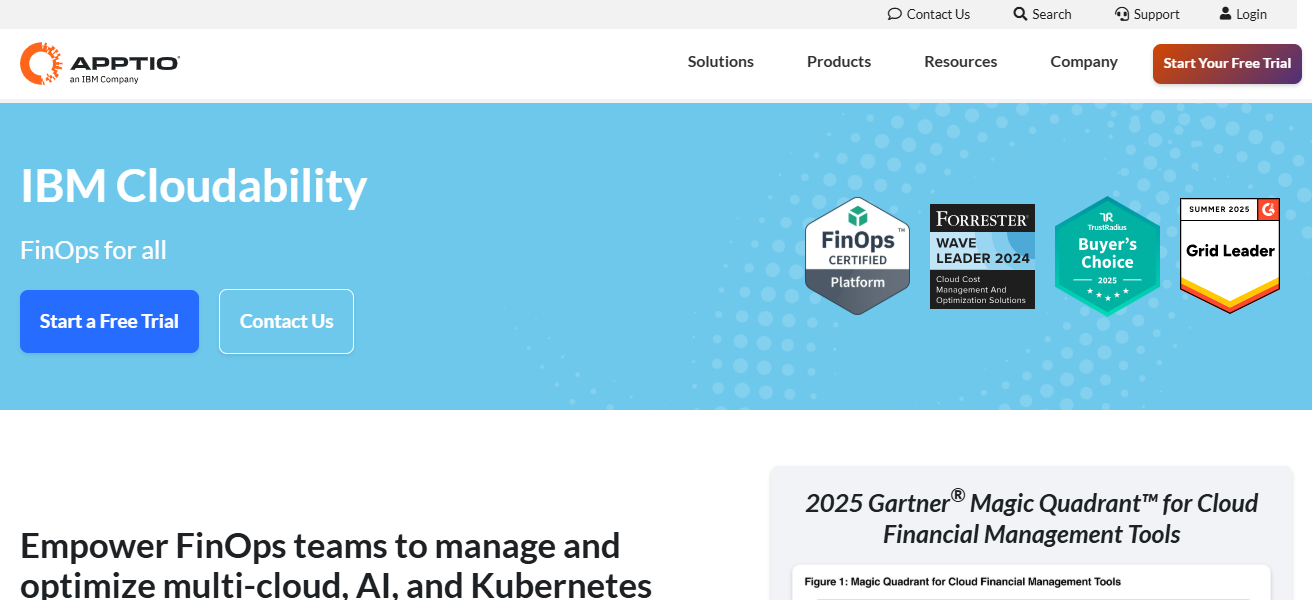
As a provider of consolidated cloud financial management, Cloudability helps reduce cloud spend while improving operational efficiency.
Apptio Cloudability Features
- Detects overspending by tracking patterns in cloud usage.
- Provides budget control, cost-saving strategies and actionable recommendations.
- Manages cloud spending in advance by predicting future cloud costs.
- Eliminates waste by centralizing financial management of the cloud.
| Pros | Cons |
|---|---|
| Monitors cloud usage and identifies overspending. | May have a steep learning curve for new users. |
| Provides actionable cost-saving strategies and budget control. | Some integrations require additional configuration. |
| Forecasts future cloud expenditures for proactive planning. | Can be expensive for enterprises with multiple cloud vendors. |
| Centralizes cloud financial management to reduce waste. | Limited offline capabilities. |
8. Harness Cloud Cost Management
Harness Cloud Cost Management uses AI to help companies save on cloud infrastructure costs, employing real-time monitoring and automation.
The system detects resources that are not being used or adequately used, and it recommends right-sizing to optimize spending.
When embedded within existing DevOps pipelines, it assists enterprises in automating budgeting, alerts, and resource allocation.
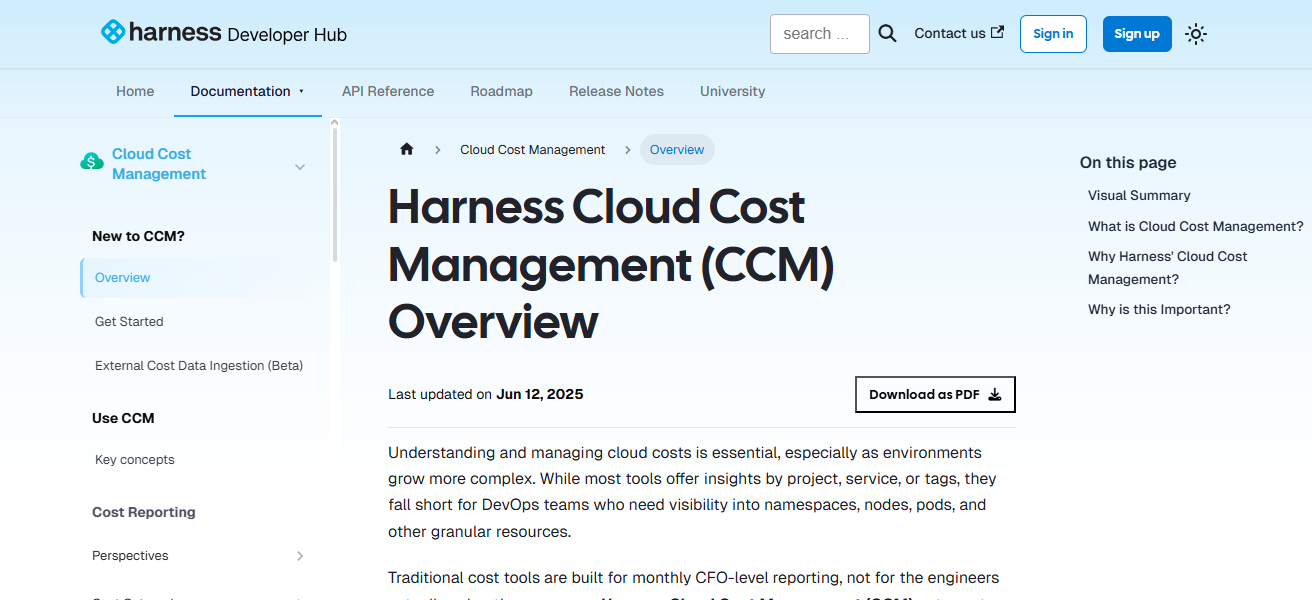
Additionally, Harness offers cloud spend forecasting to aid in forming strategies. With cloud spend forecasting, companies receive actionable insights
That allow them to optimize operational costs, reduce waste, and improve cloud resource utilization while maintaining operational excellence.
Harness Cloud Cost Management Features
- Monitors cloud resources in real-time to spot unused and underused cloud resources.
- Suggests cost-efficient optimizations and right-sizing.
- Provides automated cost control management by integrating with DevOps pipelines.
- Uses predictive analytics for cloud budget planning
| Pros | Cons |
|---|---|
| Real-time monitoring identifies underutilized cloud resources. | May require DevOps expertise for full implementation. |
| Provides right-sizing and optimization recommendations. | Smaller organizations may find features excessive. |
| Integrates with DevOps pipelines for automated cost management. | AI insights sometimes need human validation. |
| Forecasting and predictive analytics enable strategic decisions. | Initial learning curve for teams can be moderate. |
9. Flexera One
Flexera One is an enterprise tool that utilizes AI analytics and automation to manage IT assets and spend on cloud more efficiently.
It offers a consolidated view of software, hardware and cloud resources, pinpointing underutilized or duplicate resources.
With AI recommendations, companies can optimize their licenses, eliminate purchasing redundancies, and improve vendor negotiations.
Flexera One also observes consumption trends, streamlines compliance, and predicts future costs. It helps businesses to improve IT governance and spend less by providing them with substantial operational cost savings.
Flexera One Features
- Unified management of cloud costs with IT assets.
- Shows unused or redundant software and hardware assets.
- Decreases costs by optimizing vendor contracts and licensing.
- Complies with automated processes and usage monitoring.
| Pros | Cons |
|---|---|
| Manages IT assets and cloud costs efficiently with AI. | Can be expensive for smaller organizations. |
| Highlights underused or redundant software and hardware assets. | Some AI recommendations may require manual verification. |
| Optimizes licensing and vendor contracts to reduce costs. | Integration with legacy systems can be complex. |
| Monitors usage patterns and automates compliance. | Training required to fully leverage analytics features. |
10. Turbonomic (IBM)
Using AI, Turbonomic, an IBM solution, optimizes workload and resource management for cloud and on-premise integration.
Its AI analyzes application and infrastructure metrics and cost factors, providing recommendations to reduce resource waste.
Enterprises can scale resources as needed to ensure optimal performance without over-provisioning.
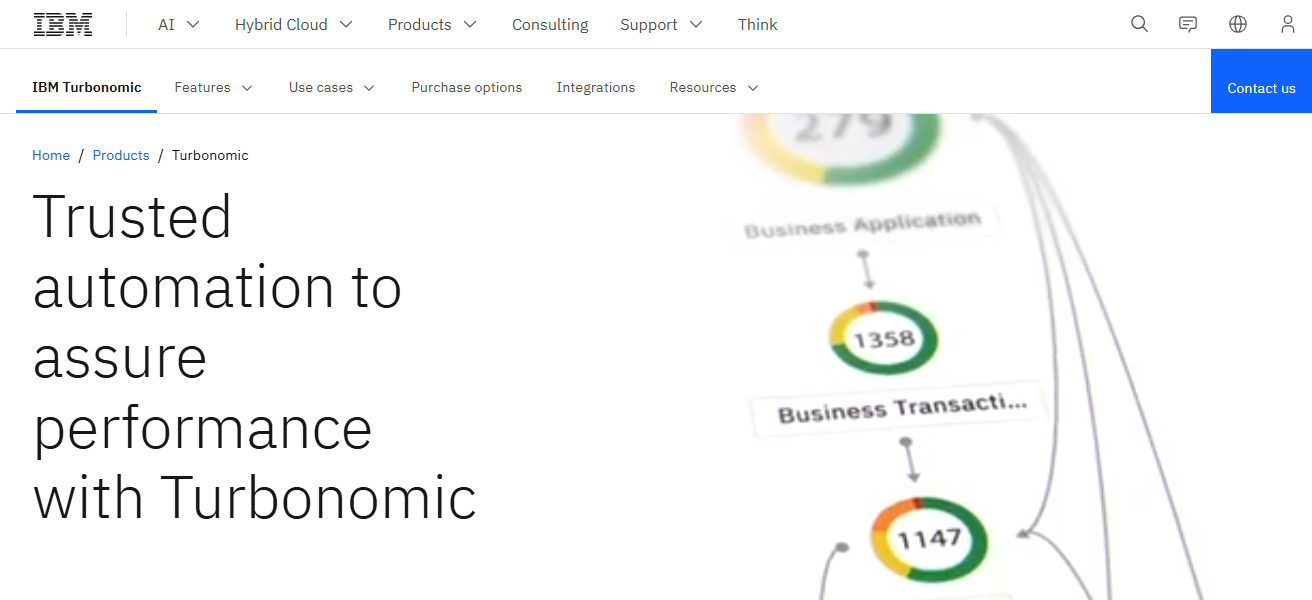
Turbonomic also offers insights to optimize workload placement, licenses, and energy. By combining performance management with cost management
Turbonomic enables organizations to improve service and operational reliability while reducing IT costs.
Turbonomic (IBM) Features
- Reduces IT waste by automating workload management.
- Monitors performance and expenses for possible improvements.
- Offers concrete suggestions for adjusting and distributing resources.
- Integrates the balancing of performance and expenses across the IT framework.
| Pros | Cons |
|---|---|
| Automates resource management to minimize IT waste. | Complex setup for hybrid cloud environments. |
| Continuously analyzes workloads for cost and performance optimization. | Requires skilled personnel to interpret advanced AI insights. |
| Provides actionable recommendations for workload placement and scaling. | May be expensive for smaller enterprises. |
| Integrates performance management with cost efficiency. | Limited customization in some legacy IT environments. |
How To Choose Best AI Tools for Enterprise Cost Reduction
- Define goals: Where do you want to save costs? Labor, cloud, IT, etc.
- Evaluate compatibility: Do the AI tools integrate with current enterprise systems and workflows?
- Assess scalability: Will the tools continue to be valuable as the enterprise and data volume grow?
- Evaluate AI capability: Choose tools with analysis, automation, and cost-saving recommendations to improve intelligence.
- Assess ease of use: Choose tools that are easy to use and don’t require much training.
- Examine ROI: Look for enterprise solutions that improve efficiency and save costs.
- Evaluate customer service: Choose vendors who are responsive and add value with updates.
- Consider pricing strategy: Do the enterprise budget and anticipated savings match the pricing strategy?
- Assess the tool’s ability to analyze: Look for tools that provide analytics, dashboards, and alerts in real time.
- Pilot the tool: Before full rollout, test the tool on a small scale to confirm its benefits.
Conclusion
In summary, the Best AI Tools for Enterprise Cost Reduction allows companies to optimize processes, manage resources, and reduce waste.
AI automation, predictive analytics and real-time analytics help enterprises make better decisions, work more efficiently, and reduce costs.
Using these AI tools provides companies with operational and financial excellence for the long-term.
FAQ
They are software solutions using AI to automate processes, optimize resources, and reduce operational expenses.
By identifying inefficiencies, automating tasks, optimizing cloud usage, and providing actionable insights.
IT, finance, manufacturing, retail, and enterprises with high operational or cloud expenses.