In this article, I will discuss the Best Apps for Content Creators that will help enhance your creativity and streamline your workflow.
The right apps assist creators in optimizing their time and improving the quality of their content while expanding their audience. These tools are essential, regardless of your experience level.
Key Points & Best Apps for Content Creators
| App | Key Point |
|---|---|
| TikTok | Short-form video creation with built-in editing and trend tracking |
| Photo, reels, and story sharing with strong audience engagement tools | |
| Canva | Easy graphic design with templates for social media and branding |
| Adobe Premiere Rush | Streamlined video editing for quick publishing across platforms |
| CapCut | Mobile-first video editor with advanced effects and transitions |
| Notion | Content planning and collaboration with customizable workflows |
| Descript | Audio/video editing powered by transcription and AI voice tools |
| Figma | Collaborative design platform for UI, graphics, and creative projects |
| Buffer | Social media scheduling and analytics for multi-platform growth |
| Grammarly | AI-powered writing assistant for polished captions and scripts |
10 Best Apps for Content Creators
1. TikTok
TikTok is regarded as one of the top platforms for short form, video content. Its innovative algorithm allows new creators to go viral since it promotes content based on interest, not follower count.
Built in editing tools, effects, filters, and a large music library support rapid content creation. Using trends, challenges, and hashtags are all ways to gain more visibility.
TikTok also has a monetization program that includes a Creator Fund, brand partnerships, and gifting during livestreams. This platform offers a robust strategy for generating income as well as versatile content tools.
TikTok Features
- Short-Form Video Creation: Provides tools for users to design and edit 15-300 second videos. Various custom effects and filters are available in the app.
- Music & Sound Integration: Trendy sound effects and music are provided in the app that users can add to the videos for virality.
- Algorithm-Based Discovery: Users are provided a For You Page, personally curated to capture a wider audience. Even new content creators can breakout to have a substantial reach as videos are discovered based on the algorithm.
- Analytics & Monetization: Engagement, reach and overall growth can be monitored. Monetization through the Creator Fund and brand partnerships is available.
| Pros | Cons |
|---|---|
| Huge organic reach due to its interest-based algorithm. | Highly competitive; content can easily get lost without trending elements. |
| Built-in editing tools, effects, and music library simplify content creation. | Short-form content limits depth of storytelling. |
| Supports monetization via Creator Fund, live gifts, and brand partnerships. | Frequent algorithm changes can affect visibility unpredictably. |
| Viral trends and challenges can rapidly increase follower count. | May require constant engagement with trends to remain relevant. |
| Analytics help track audience growth and engagement. | Less control over content longevity compared to other platforms. |
2. Instagram
Instagram is a giant when it comes to visual storytelling as it supports a variety of content, from standard photos to videos, Stories, and Reels.
Because of the variety it has, Instagram allows creators to connect with their audiences through different ways, whether it is mini video clips or formatted feeder posts.
Instagram provides editing tools, filters, and stickers to ensign boost the users creativity, and the more they use it, the more the algorithm will reward them with a wider reach.
Creators have access to analytics that track engagement and follower gains to examine what content has done the best.
Monetization is available through collaborations, affiliate marketing, and Instagram Shopping. Instagram also works as a portfolio, and a community thus, it is great for personal branding and professional content growth.
Instagram Features
- Multiple Content Formats: Users can post photos, videos, and stories as well as use reels and guides to tell a story and engage their audience.
- Editing & Filters: Integration for improving and enhancing visuals, stickers, and interaction tools is available.
- Business & Shopping Tools: Accessories for direct buying and affiliate marketing through ecommerce are available to use for profit.
- Insights & Analytics: Users are able to see the performance of their posts, track the people in their audience and the demographics, and look at overall engagement.
| Pros | Cons |
|---|---|
| Multiple content formats: photos, videos, Reels, Stories. | Organic reach has declined due to algorithm prioritizing ads and Reels. |
| Strong visual branding platform for personal and business use. | High-quality visuals are often necessary to stand out. |
| Engagement tools like polls, questions, and stickers improve interaction. | Can be time-consuming to maintain consistent posting schedule. |
| Built-in analytics help track growth and performance. | Limited monetization options without brand collaborations. |
| Shopping and affiliate integrations support e-commerce. | Algorithm changes may reduce visibility of traditional posts. |
3. Canva
Canva is an amazing tool for managing and designing content for all your socials. Content creators usually need complicated software to design stunning professional visuals, but with drag and drop technology and thousands of templates, design becomes a breeze.
They have thousands of stock images, a million icons, and tons of fonts so you can make anything from social media posts to presentations and banners.
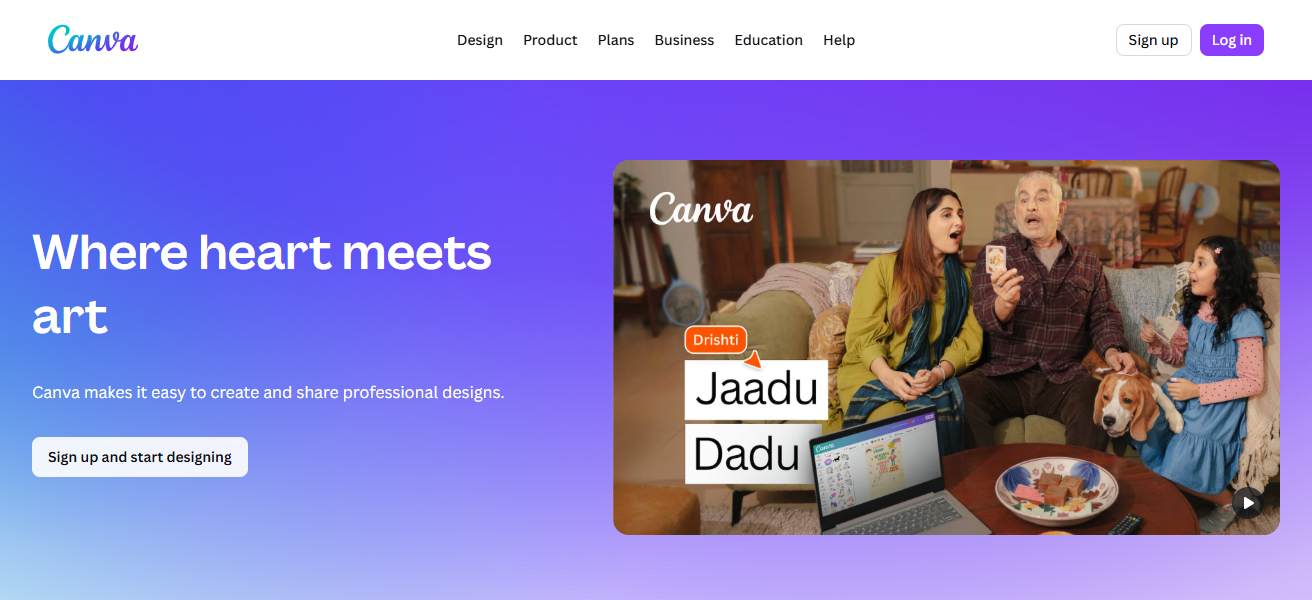
Teams can collaborate and work on projects together. They even allow you to upload a brand kit so your company can stay consistent! There’s even a video and animation creator to make your projects even better.
They have a free and a pro version, but even the free version is functional enough to be used the entire time. Canva is perfect for content creators and companies trying to elevate their social media and stay consistent.
Canva Features
- Drag-and-Drop Design: Users can make graphic designs, presentations, and visuals for social media easily through a simple interface.
- Templates & Stock Library: Users can use ready-made templates, and also use made images, icons, and fonts.
- Video & Animation: Users can make short videos and animated posts which includes GIFs.
- Collaboration Features: Users can work with other team members in real time and keep brand elements organized for consistent social media content.
| Pros | Cons |
|---|---|
| Easy drag-and-drop design interface suitable for beginners. | Free version has limited templates, stock images, and features. |
| Extensive library of templates, fonts, and stock media. | Advanced editing features require subscription. |
| Supports video, animation, and social media content creation. | Complex designs may lack professional polish compared to advanced software. |
| Collaborative features allow team workflow management. | Export options can sometimes reduce quality. |
| Brand kit ensures consistent visuals across all content. | Heavy designs may slow down the app on older devices. |
4. Adobe Premiere Rush
Adobe Premiere Rush, users can get professional videos done in a snap. They can edit videos on multiple tracks, add color, and make transitions and motion graphics.
Users can edit videos on multiple devices, allowing for effortless continuity. After editing videos, users can export Rush videos in formats ready for social apps like YouTube, Instagram, and TikTok.
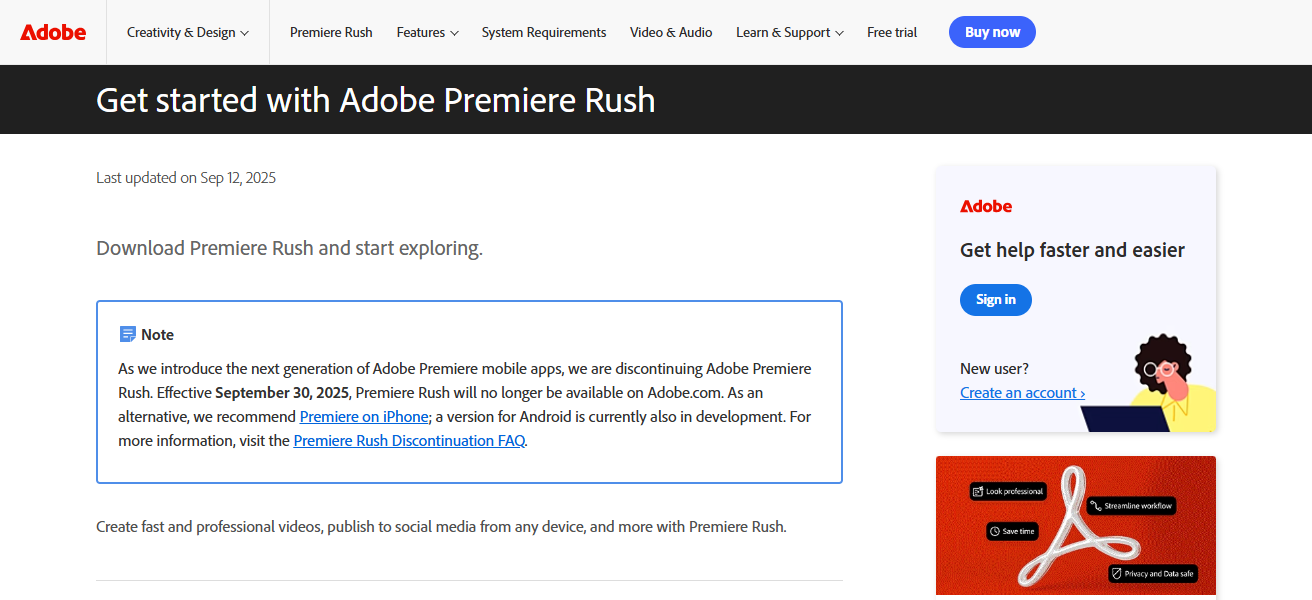
Edited videos can be sent to Premiere Pro for more advanced editing due to Rush’s Adobe Creative Cloud partnership. Premiere Rush helps users create polished videos while digitally learning a complex software.
Adobe Premiere Rush Features
- Multi-Track Editing: Rush also allow you to add multiple audio tracks and special effects.
- Cross-Device Editing: Rush enables you to edit and sync your projects across devices using Adobe Creative Cloud.
- Direct Export: Rush allows you to directly share optimized videos to multiple social media platforms such as TikTok and Instagram.
- Professional Tools: All the professional features such as color correction, transitions and motion graphics are available.
| Pros | Cons |
|---|---|
| Simplified video editing with professional-quality tools. | Lacks advanced editing features found in Premiere Pro. |
| Cross-device editing ensures workflow continuity. | Subscription required for full features. |
| Multi-track editing, transitions, and color correction included. | May have a learning curve for beginners unfamiliar with Adobe tools. |
| Supports direct social media export in optimized formats. | File sizes can be large, affecting storage on mobile devices. |
| Integration with Adobe Creative Cloud for advanced projects. | Occasional performance issues on low-end devices. |
5. CapCut
CapCut is a video editing app that has recently gained popularity amongst content creators. It offers subtitles, speed control, and a wide range of effects and transitions.
Many of these effects, including some that are generative AI-based, are available for free, making it a good choice for people on a budget. It is designed specifically for short form content for platforms such as TikTok and Instagram reels.
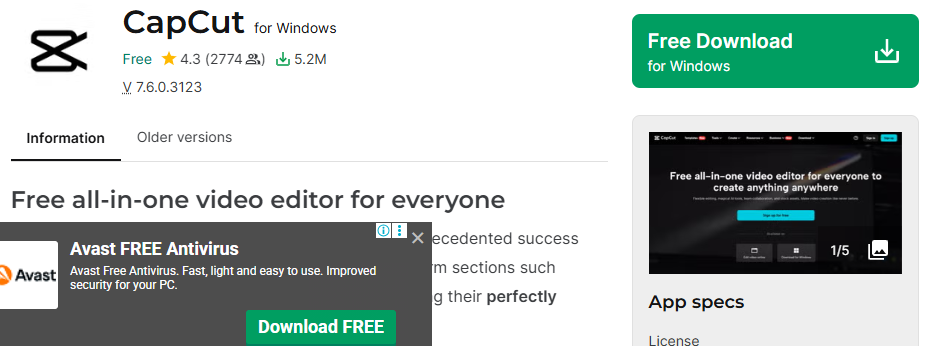
One of the most appealing aspects of the app is the user-friendly interface, which allows users of any editing skill level to produce polished, high quality videos.
Users are also able to upload audio from their device, as well as integrate songs and sounds that are trending to keep their videos fresh.
Users are able to publish their videos directly to their social media platforms. All of these features combined promote fast, efficient, and high quality video editing.
CapCut Features
- Social Media Optimization: You can directly share your videos to Instagram and TikTok as the app’s features are optimized for social media.
- Video Editing Tools: The app allows you to trim your videos, adjust the speed, and merge different videos.
- Special Effects & Filters: The app also has a variety of effects, transitions, and stickers to choose from.
- Music & Sound Integration: You can add sounds and your own voice to the videos.
| Pros | Cons |
|---|---|
| Free and beginner-friendly video editing app. | Limited advanced editing compared to desktop software. |
| Wide range of effects, transitions, and filters. | Watermark appears on some exports in free version. |
| Optimized for short-form content like TikTok and Reels. | Some features may feel gimmicky for professional videos. |
| Supports music integration and trending sound effects. | Export quality may reduce slightly on mobile devices. |
| Regular updates keep creative tools up-to-date. | Can be resource-heavy on older smartphones. |
6. Notion
Notion is an all-in-one productivity and organization tool that helps content creators strategize, manage, and perform their work. Notion is a task manager, note-taking app, and database all in one.
Creators build research documents, organize workflows, manage deadlines, and track their work. Team members can use Notion’s templates that help in customization, and its collaborative tools to ensure that everyone stays on track.
Notion makes planning and organizing content with its media, links, and file embedding tools. It removes the frustration and clutter of an overflowing workspace.
Notion keeps the task board for a content strategy organized, simplifies processes, and increases overall efficiency.
Notion Features
- Customization & Templates: Notion has different templates available for different projects which enhances customization.
- Content Planning: You can keep track of deadlines, draft ideas, and create calendars.
- Collaboration & Sharing: You can share documents and work collaboratively.
- All-in-One Workspace: Notion is a combination of calendars, notes, and tasks.
| Pros | Cons |
|---|---|
| All-in-one workspace: notes, tasks, databases, and calendars. | Can be overwhelming due to steep learning curve. |
| Highly customizable with templates for content planning. | Offline functionality is limited. |
| Supports team collaboration and project management. | Mobile interface is less intuitive than desktop. |
| Central hub for storing research, ideas, and deadlines. | Performance may lag with large databases. |
| Reduces content workflow chaos and improves organization. | Some advanced features require paid subscription. |
7. Descript
Descript is an audio and video editing software that caters to podcasters, video creators, and voiceover artists. It is particularly recognized for its audio editing feature that is based on transcription.
The editing process is fast and intuitive as creators edit audio by simply editing text. Descript offers features such as screen recording, editing on multiple tracks, and AI tools including filler words and voice dubbing.
There is an option to generate captions, which is great for accessibility and audience engagement on social media. Descript is also cloud based for collaborative work.
Descript is perfect for creators looking to save time and effort, as it allows them to work on audio and video content in a way that is usually very complicated to provide a professional finish.
Descript Features
- Automatic Captions & Subtitles: You can also make a caption file to add subtitles to your videos.
- Transcription-Based Editing: Descript allows you to edit videos based on the text instead of timelines.
- AI Tools: Removing filler words, overdubbing, voice cloning, etc.
- Screen Recording & Multi-Track Editing: Record screen and voice, and video, and edit them in sync.
| Pros | Cons |
|---|---|
| Unique transcription-based editing for audio and video. | Premium features require subscription. |
| Automatic captions and subtitles improve accessibility. | Not ideal for highly complex video editing. |
| AI tools like overdubbing and filler word removal save time. | May require internet for cloud-based editing. |
| Multitrack editing and screen recording supported. | Audio-only projects may feel limited for professional studios. |
| Collaboration features streamline team workflows. | Occasional transcription errors need manual correction. |
8. Figma
Figma is primarily used for UI/UX design, but it is also a great tool for content creators who need high-quality graphics. Along with real-time collaboration, it supports vector graphics, prototyping, and interface design.
Because of its various features, creators are able to design visual content, including web layouts, social media templates, and branding materials.
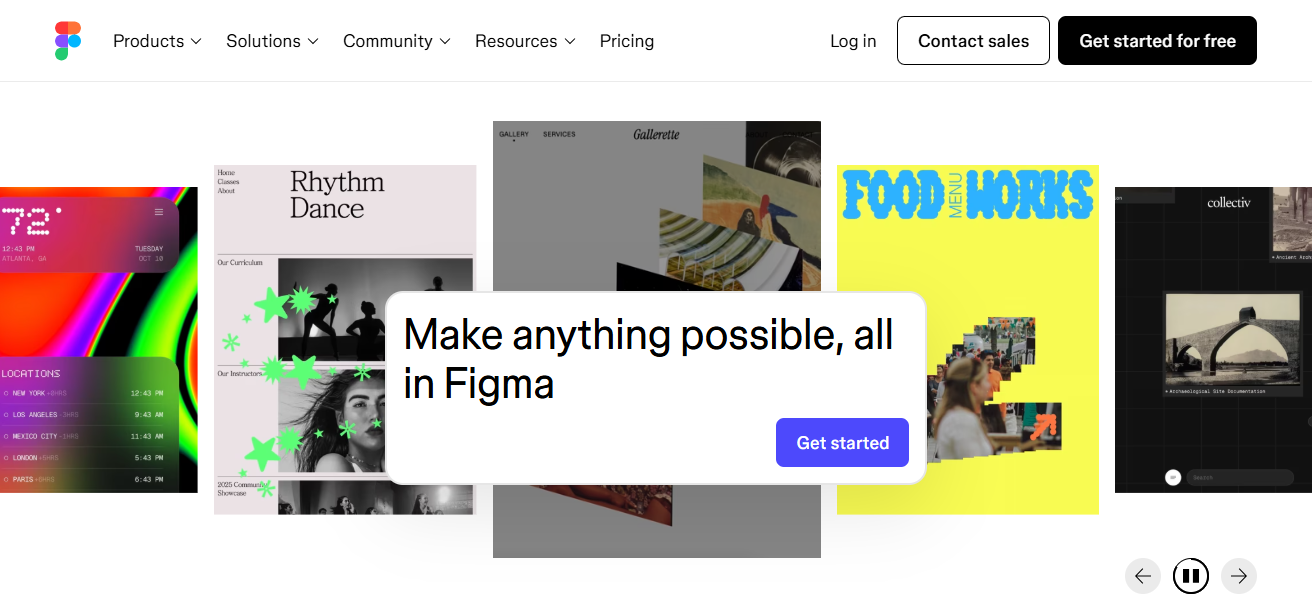
Users also have access to other features to increase functionality, such as stock photos and animations, as well as cloud-based storage.
Figma simplifies design and storage, empowering creators to maintain professional visual standards while working efficiently. Because of these features, it is a great tool for digital content projects.
Figma Features
- Vector & UI/UX Design: Make responsive graphics, designs, and interfaces.
- Real-Time Collaboration: All team members can simultaneously edit from different locations.
- Prototyping & Feedback: Create prototypes that are interactive, and leave comments on designs.
- Plugins & Integrations: Use stock images, animations, and other design tools.
| Pros | Cons |
|---|---|
| Cloud-based collaboration in real time for teams. | Learning curve for beginners unfamiliar with design tools. |
| Vector graphics and prototyping for web and app design. | Not ideal for video editing or non-design content. |
| Extensive plugins and integrations for creative workflows. | Requires internet for full functionality. |
| Supports brand consistency through reusable components. | Free version limits team collaboration features. |
| Easy sharing of design projects with stakeholders. | Large projects may slow down performance on older devices. |
9. Buffer
Buffer is a tool for social media management that allows users to create, schedule, and analyze social media posts from a multitude of platforms.
Composer, the universal post creator, allows you to create content for and post to Instagram, TikTok, Twitter, and Facebook, and is great for consolidating workflows.
In addition to creating and posting content on social media, Buffer allows you to analyze performance, engagement, and reach to better tailor your content.
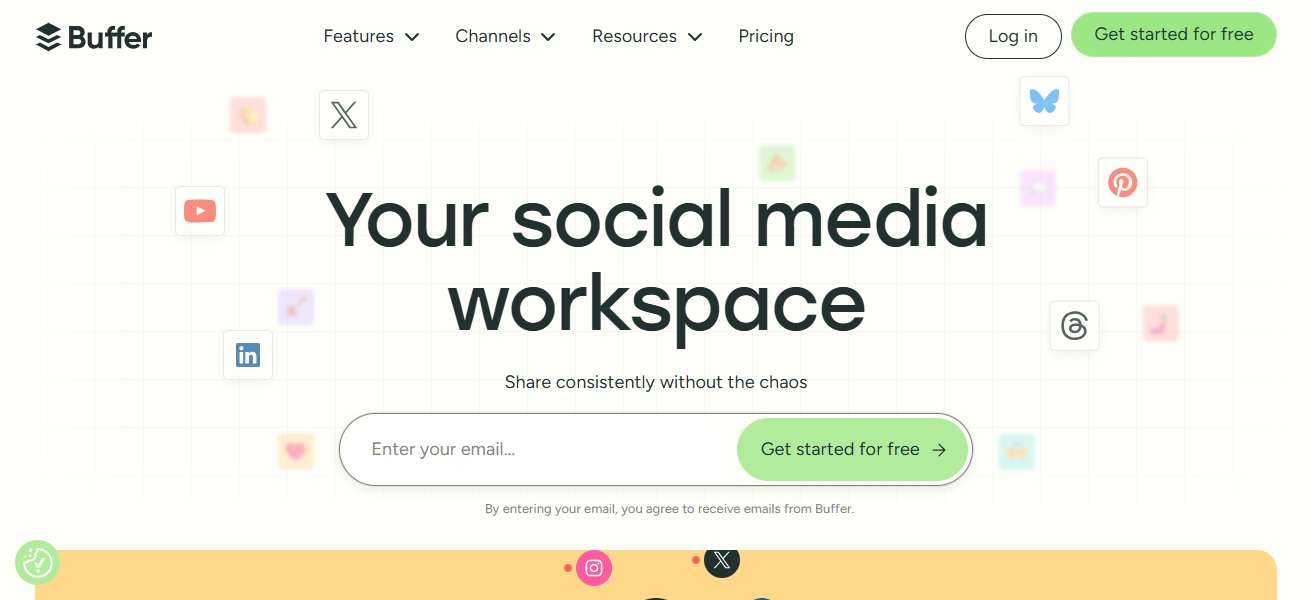
To aid in consistent posting, Buffer has a calendar feature that allows you to plan and schedule your social media content in advance.
Buffer is great for social media content creators and streamers since they can manage multiple social media accounts
letting Buffer post to social media accounts for you and analyze the posting so that your social media accounts can grow.
Buffer Features
- Social Media Scheduling: Schedule posts on different platforms and plan them ahead of time.
- Analytics & Reporting: Analyze and report on engagements, reach, clicks, and metrics.
- Team Collaboration: Oversee accounts with multiple users, and workflows on content approvals.
- Centralized Management: Manage posting across different platforms in order to save time and keep consistency.
| Pros | Cons |
|---|---|
| Schedule and automate posts across multiple social platforms. | Free version has limited posting capacity. |
| Analytics track engagement, reach, and content performance. | No built-in design tools; needs external apps for visuals. |
| Supports team collaboration and client management. | Posting frequency can feel restricted for high-volume creators. |
| Helps maintain consistent posting schedules. | Advanced analytics require paid plans. |
| Centralized workflow saves time for multi-platform creators. | Limited support for short-form video optimization. |
10. Grammarly
Grammarly is a digital writing assistant that runs on artificial intelligence to help content creators construct their work to be as clear and as error-free as possible.
It corrects any grammar issues, spelling, punctuation, style, and tone. It is versatile enough to be used on social media posts, blogs, scripts, and in business.
Grammarly can improve originality and readability by offering suggestions that enhance vocabulary and check for plagiarism. It can be integrated into everyday work with its desktop editor, an application for mobile devices, and browser add-ons.
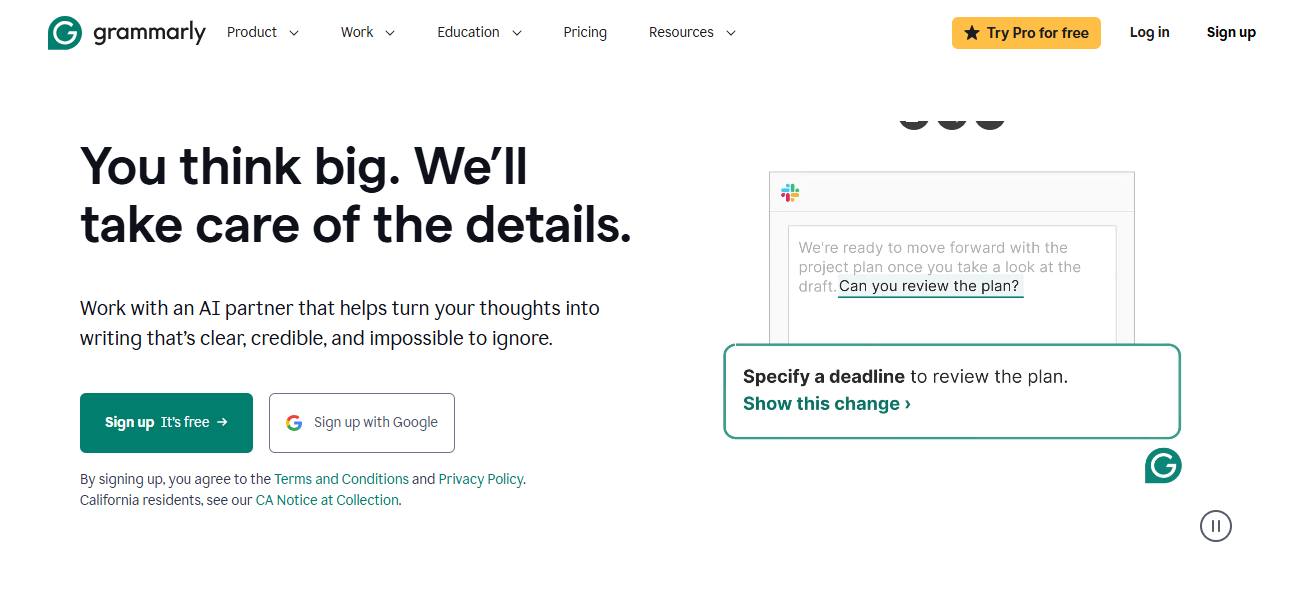
Grammarly puts a real-time standard on how polished and professional a piece can be without having to do manual proofreading.
Anyone who writes content for a living, Grammarly will increase their credibility and will help them edit in a fraction of the time.
Grammarly Features
- Grammar & Spell Check: Errors are detected in real time, and suggestions are made in order to correct them.
- Style & Tone Suggestions: For different audiences, the clarity, and conciseness, and writing tone is improved.
- Plagiarism Detection: Ensures copy content is not the same and originality is maintained.
- Multi-Platform Support: Uses a browser, desktop, and mobile apps to provide unobtrusive writing support
| Pros | Cons |
|---|---|
| Improves grammar, spelling, punctuation, and clarity. | Free version has limited features; advanced suggestions require subscription. |
| Offers tone, style, and vocabulary enhancement suggestions. | May not always understand nuanced writing context. |
| Plagiarism detection supports original content creation. | Occasional overcorrections can disrupt creative flow. |
| Works across browser, desktop, and mobile apps. | Dependent on internet connection for best functionality. |
| Saves time on editing, improving professionalism and readability. | Cannot fully replace human proofreading for complex writing. |
How To Choose Best Apps for Content Creators
- Purpose. Select apps that suit your needs. Different apps are made for videos, graphics, or writing.
- Ease of Use. Select apps that are simple to use.
- Features. Consider integrated tools that offer editing, analytics, cooperative functions, or scheduling based on your workflow.
- Platform Compatibility. Check that the app works with your preferred devices and operating systems.
- Cost. Assess the competing free and paid plans with regards to features, upgrades, and value over time.
- Collaboration. If applicable, choose apps that offer team permissions, access, sharing, and real-time collaboration.
- Integration. Consider the merging of apps that work together and combine with other tools you use.
- Support & Updates. Use apps that offer reliable support and tutorials along with frequent updates to features.
Conclusion
To sum up, creating good content requires the best applications that will help you improve. Good content creation applications help you improve your audience reach, improve your workflow, and help improve your content creation.
These applications help with professional and super streamlined content creation, from media management and planning to writing, graphic design, and video editing.
The best applications mean more efficiency, higher quality content, and more growth for content creators, no matter what level they are at.
FAQ
Apps like TikTok, Instagram, Canva, Adobe Premiere Rush, CapCut, Notion, Descript, Figma, Buffer, and Grammarly.
CapCut, Adobe Premiere Rush, and TikTok offer easy and professional video editing tools.
Canva and Figma are perfect for creating visuals, templates, and branding content.
Notion and Buffer help schedule posts, manage ideas, and track deadlines effectively.
Grammarly checks grammar, tone, and style for error-free, polished content