This article will tell you about the Best Apps for Freelancers. These apps assist professionals in working efficiently and advancing in their careers.
These applications help simplify everyday freelancing activities by aiding in client discovery and payment management
While also enhancing productivity, communication, and time management. The selection of the best tools will save time, increase efficiency, and help sustain freelance success.
Key Poinst & Best Apps For Freelancers
| App | Key Point |
|---|---|
| Upwork | Find freelance jobs and clients |
| Fiverr | Quick gigs marketplace for diverse skills |
| Trello | Visual project management with boards |
| Slack | Team communication and collaboration |
| FreshBooks | Easy invoicing and expense tracking |
| PayPal | Secure global payment processing |
| Canva | Design tool for graphics and branding |
| Google Workspace | Docs, Sheets, and cloud collaboration |
| Toggl Track | Time tracking for productivity and billing |
| Zoom | Video meetings and client calls |
10 Best Apps For Freelancers
1. Upwork
Upwork successfully connects freelancers and clients all over the world, providing them with multiple fields of work, such as design, programming, writing, marketing, and more.
As freelancers work on their profiles, they visually demonstrate their capabilities and portfolio, which effectively assists them in securing clients.
Upwork’s unique features include custom proposals and contracts, automated payment systems, client reviews, and freelancer ratings, which in turn creates and continues an efficient work environment.
She reviews and rating, paired with the time-tracking and milestone payment systems, progress transparency in the completed project, which further builds the freelancers.
Upwork Features
- Pairs freelancers with employers around the world in various job fields.
- Users can create profiles with portfolios, make proposals, and set up contracts.
- Time management tools, along with milestone payments and project management, are provided.
- Freelancers can build their clientele through rating and review systems.
| Pros | Cons |
|---|---|
| Connects freelancers with clients worldwide. | High competition can make winning jobs difficult for beginners. |
| Supports multiple categories like writing, design, and development. | Service fees (5%-20%) reduce earnings. |
| Offers time-tracking, milestone payments, and secure contracts. | Long approval processes for some clients. |
| Rating and review system builds credibility and repeat clients. | Limited control over pricing in some job postings. |
2. Fiverr
Fiverr is an established platform for freelance work where they can create and sell ‘gigs’ starting from $5. The gigs offered by the freelancers can be anything from writing and marketing to graphic design and application development.
Freelancers can design their own packages and boast their work in portfolios to help entice clients.
Fiverr is designed to be a place where communication is simple and project management is a part of the platform along with payment processing.
There is also a platinum membership that allows prominent clients to work with top professionals.
There is also a convenient place for freelancers to control and oversee many different tasks as they keep track of client ratings that increase their rank and business. Fiverr is great for freelancers who want to make money by working as much as they want.
Fiverr Features
- Freelancers create their own gigs to sell services with varying prices and packages.
- Creatives like designers, writers, marketers, and developers are all supported.
- Communication, project tracking and secure payments are provided.
- Fiverr Pro pairs freelancers that are top tier with high level clients.
| Pros | Cons |
|---|---|
| Flexible pricing with gigs and custom packages. | High competition for popular services. |
| Easy-to-use interface for beginners and pros alike. | Service fees (20%) can be significant for small gigs. |
| Supports creatives like designers, writers, and marketers. | Limited client interaction before order placement. |
| Fiverr Pro connects top freelancers with premium clients. | Difficult to stand out without strong reviews. |
3. Trello
Trello is a project management software which helps users manage tasks using boards, lists and cards in a visual way. Users can manage multiple projects, set deadlines, as well as make notes and attach files to each task.
Freelancers can make boards shareable to clients and team members to collaborate and use the comment feature for updates.
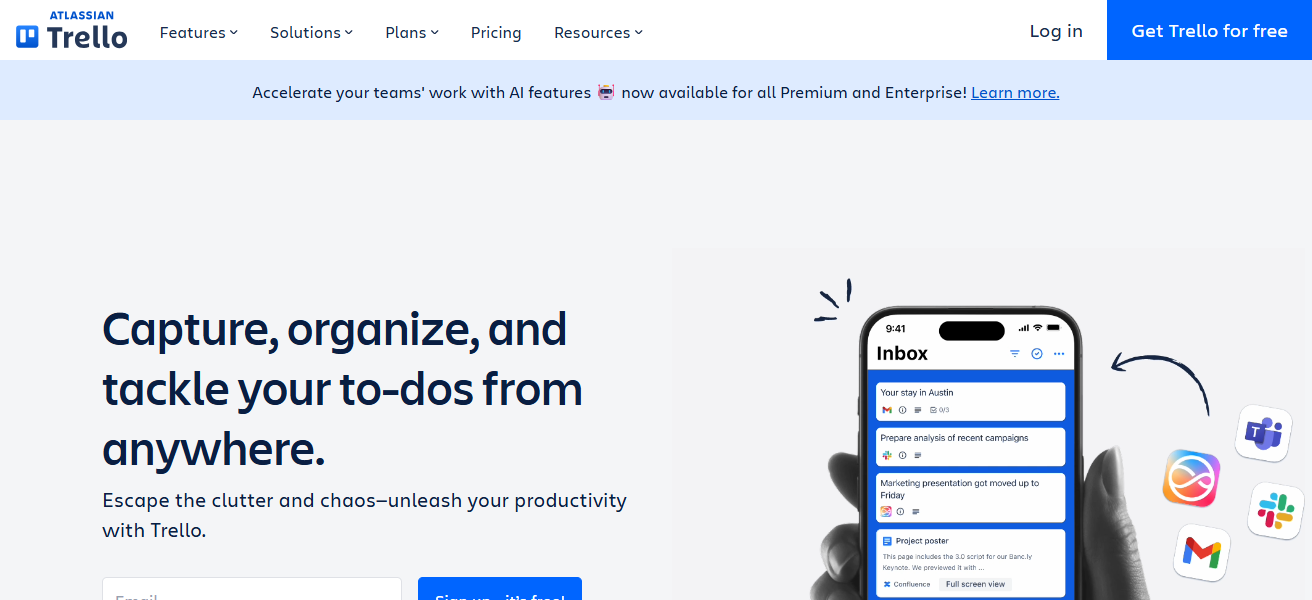
Trello also has integrations with other software and apps like Slack, Google and Zoom to make workflows more efficient.
It can also be used as a simple task tracker or as a software to manage more complex projects. Overall Trello helps freelancers be efficient and organized to meet deadlines.
Trello Features
- Offers visual management of tasks through cards, lists and boards.
- Tracks various projects with notes, deadlines and attachments.
- Collaboration with teams is supported through comments and real time updates.
- For additional streamlined workflow, Trello integrates with Google Workspace, Slack, and Zoom.
| Pros | Cons |
|---|---|
| Visual task management with boards, lists, and cards. | Can become cluttered with too many boards. |
| Tracks multiple projects with deadlines and attachments. | Limited advanced project management features in free version. |
| Supports real-time collaboration and comments. | Offline access is limited. |
| Integrates with Slack, Google Workspace, and Zoom. | Lacks built-in reporting and analytics tools. |
4. Slack
Slack was developed to enhance the communication and collaboration experience between clients and teammates. Slack organizes conversations into ‘channels’ focused around individual clients, projects, or specific topics.
Freelancers can integrate other tools like Google Drive, Trello, and Zoom to enhance their workflows, in addition to sending files, images, and links.
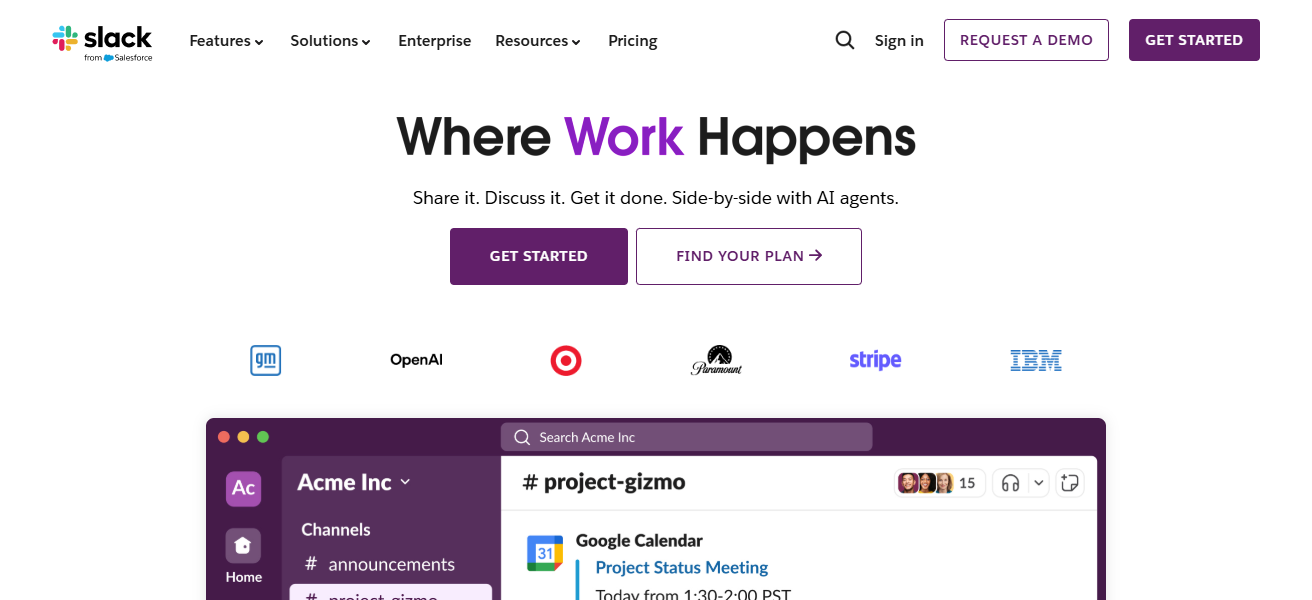
Slack also allows users to communicate and make video calls without switching to another application.
Slack reminders and notifications keep freelancers focused on messages and deadlines, while its task reminders keep them focused on their deadlines. Slack’s desktop and mobile apps allow seamless communication.
They also allow freelancers to keep communication professional, manage multiple projects at the same time, and respond to messages and tasks in a structured, organized, and central workspace.
Slack Features
- Users can centralize their communication in channels set up for teams, clients, or specific projects.
- File sharing, alongside tool integration is supported.
- Users can make calls and video chats through the app.
- Responding and organization is supported through reminders and notifications.
| Pros | Cons |
|---|---|
| Centralized communication for teams and freelancers. | Can become overwhelming with too many channels. |
| Supports file sharing, links, and app integrations. | Free version has limited message history and integrations. |
| Voice and video calls built-in. | Notifications can be distracting if not managed properly. |
| Mobile and desktop apps keep work accessible anywhere. | Requires internet for real-time collaboration. |
5. FreshBooks
Designed for small businesses and freelancers, FreshBooks offers accounting and invoicing services. FreshBooks’ financial services include automated expense tracking, payment reminders, and invoicing.
Users are able to invoice clients, oversee multiple client accounts, and monitor attainable hours in one invoice. FreshBooks has features that break down a user’s finances and aid in business decisions.
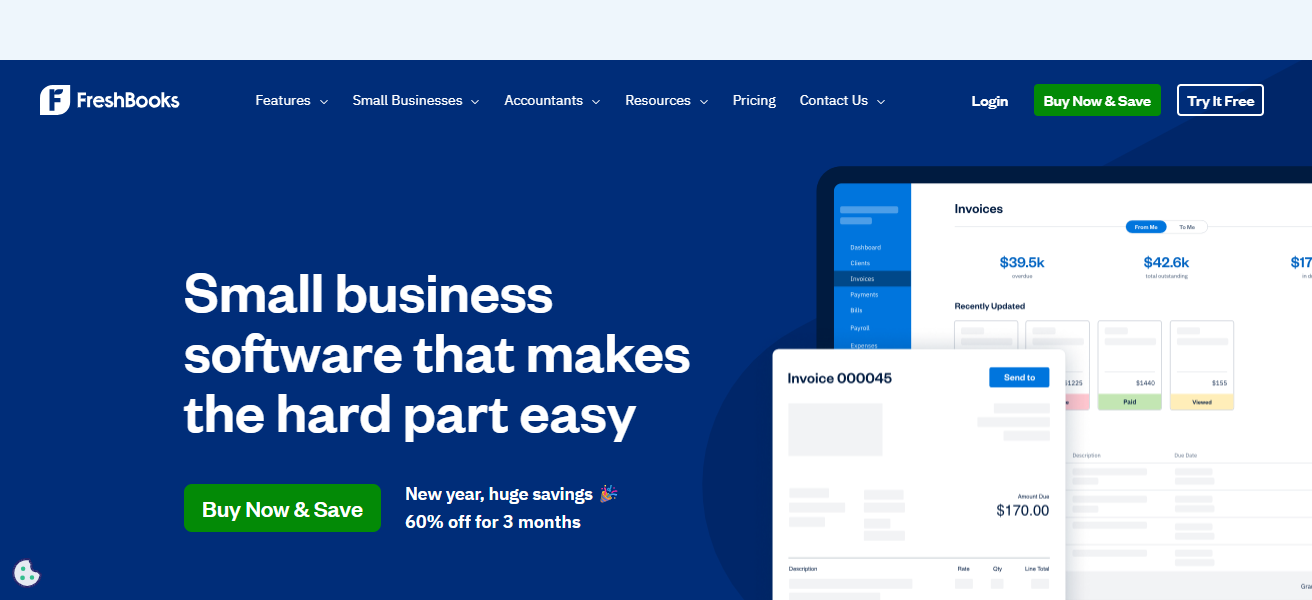
Users can integrate payment services to receive client payments smoothly and securely. FreshBooks also enables users to collaborate with one or more accountants
Which minimizes manual tasks. FreshBooks also has features that allow for more customization which make it a favorite among users.
FreshBooks Features
- Users can manage payments and invoicing, and track expenses.
- Users can manage multiple client accounts and keep track of billable hours.
- Calculates and provides financial analytics, reporting, and cooperation with accountants.
- Integrated payments help clients pay faster.
| Pros | Cons |
|---|---|
| Simplifies invoicing, expense tracking, and payments. | Can be expensive for larger teams. |
| Tracks billable hours and multiple client accounts. | Limited inventory management features. |
| Provides financial insights and reporting. | Learning curve for beginners in accounting. |
| Supports collaboration with accountants and clients. | Some features require paid plans. |
6. PayPal
PayPal is a highly popular digital payment system among many freelancers. Its recognition is due to its security and ability to work with many different currencies. This makes it easier to transact with clients from different countries.
Along with this, it allows payment tracking, bank account linking, and invoice creation. It also has buyer and seller protection which is a great plus to protect freelancers.
Access to PayPal is also simple with their mobile and web app. PayPal is well-known for its reliability and speed which are also important features for freelancers.
PayPal Features
- Safe site for buying and selling services and products anywhere.
- Works with different countries and supports a variety of currencies.
- Users can invoice and track payments, and link a bank account.
- Seller and buyer protection for safe freelance transactions.
| Pros | Cons |
|---|---|
| Secure and widely accepted payment platform. | High transaction fees for international payments. |
| Supports multiple currencies. | Currency conversion fees may apply. |
| Easy invoicing and payment tracking. | Account freezes are possible if flagged for unusual activity. |
| Mobile and web apps for easy access on the go. | Not ideal for very large transactions without fees. |
7. Canva
Freelancers working in marketing, content writing, and design will find Canva useful for creating professional graphics in minutes.
Canva, a graphics design platform, has stock images and fonts and offers a range of tools that design graphics using templates and a simple drag-and-drop interface.
Freelancers’ design capabilities go beyond creating social media graphics and logos; they can also make brochures, presentations, and more.
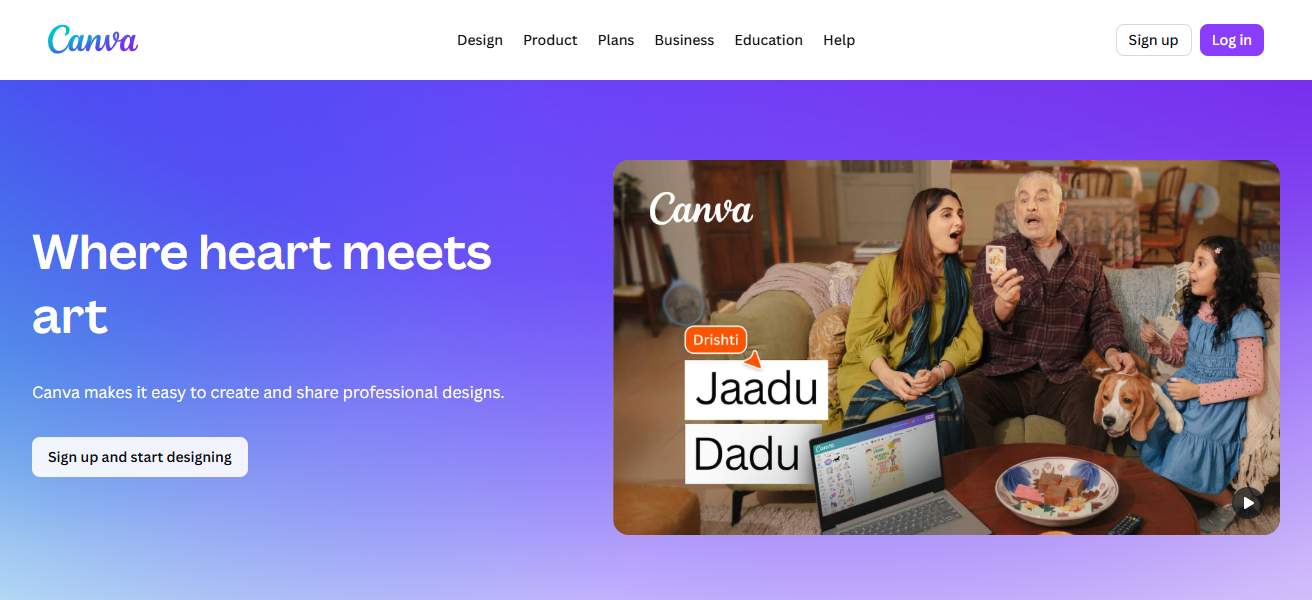
Clients and team members can provide design feedback, and Canva’s desktop and mobile apps enable designs to be worked on from wherever.
Canva can also be integrated with tools such as Google Workspace and Slack to enhance workflow.
Canva Features
- Graphic design site with simple functionalities, templates, and stock.
- Best for designing visuals for social ads, presentations, logos, and marketing.
- Allows users to collaborate and gather feedback.
- Works with Slack and Google Workspace for added functionality.
| Pros | Cons |
|---|---|
| Easy drag-and-drop design interface. | Free version has limited templates and assets. |
| Wide range of templates for social media, presentations, and logos. | Some advanced features only in paid Pro plan. |
| Supports collaboration and client feedback. | Export options can be limited for high-end print. |
| Integrates with tools like Slack and Google Workspace. | Can’t replace professional design software for advanced tasks. |
8. Google Workspace
Google Workspace was designed with freelancers in mind. The suite includes Google Drive, Gmail, Google Docs, Google Sheets, and Google Calendar, all integrated with Drive. Since all of these services are cloud-based, Drive is the only software you’ll need to access.
Google Drive gives you the ability to lower your reliance on storage devices and gives you the ability to share files.
Offering cloud storage with third-party integrations, such as Slack and Zoom, helps to unify your workflows.
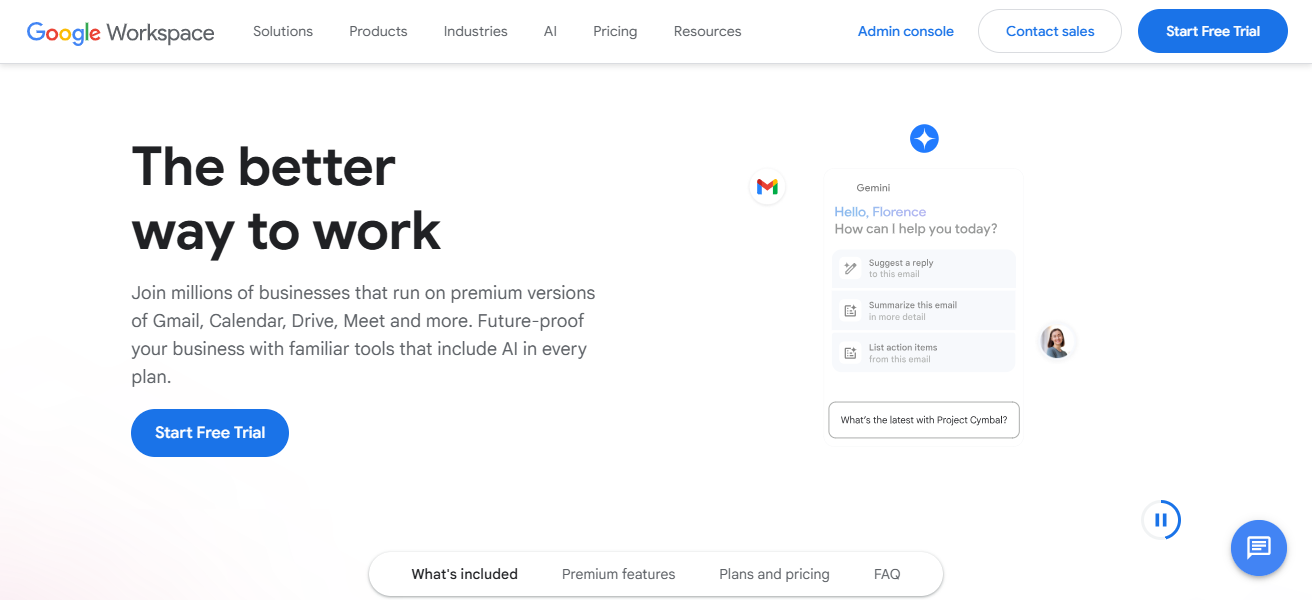
Offering document, spreadsheet, and slide deck collaboration in real time with other freelancers is invaluable.
With suite’s desktop application and mobile app, you can access your professional communications with clients from anywhere. Google Workspace is the ultimate software for organizing your work.
Google Workspace Features
- Toolbox of cloud products: Gmail, Docs, Sheets, Drive, and Calendar.
- Sharing files and collaborating is done in real time.
- Keeps track of projects, meetings, and appointments.
- Works with other applications to automate tasks and access them from anywhere.
| Pros | Cons |
|---|---|
| Cloud-based suite for email, documents, and storage. | Requires internet access for full functionality. |
| Real-time collaboration on files and projects. | Paid plans needed for business-level storage and features. |
| Integrates with third-party apps like Slack and Zoom. | Limited offline access for some apps. |
| Reliable, secure, and accessible across devices. | Can be overwhelming for new users due to multiple apps. |
9. Toggl Track
Toggl Track integrates seamlessly with Trello, Slack, Google Workspace, and other project management and communication tools, allowing freelancers to monitor time spent on projects and track billable hours.
Accurate billable hours tracken leads to better invoicing and more fair payment and Toggl Track’s detailed report generation and task categorization help managers analyze productivity more efficiently.
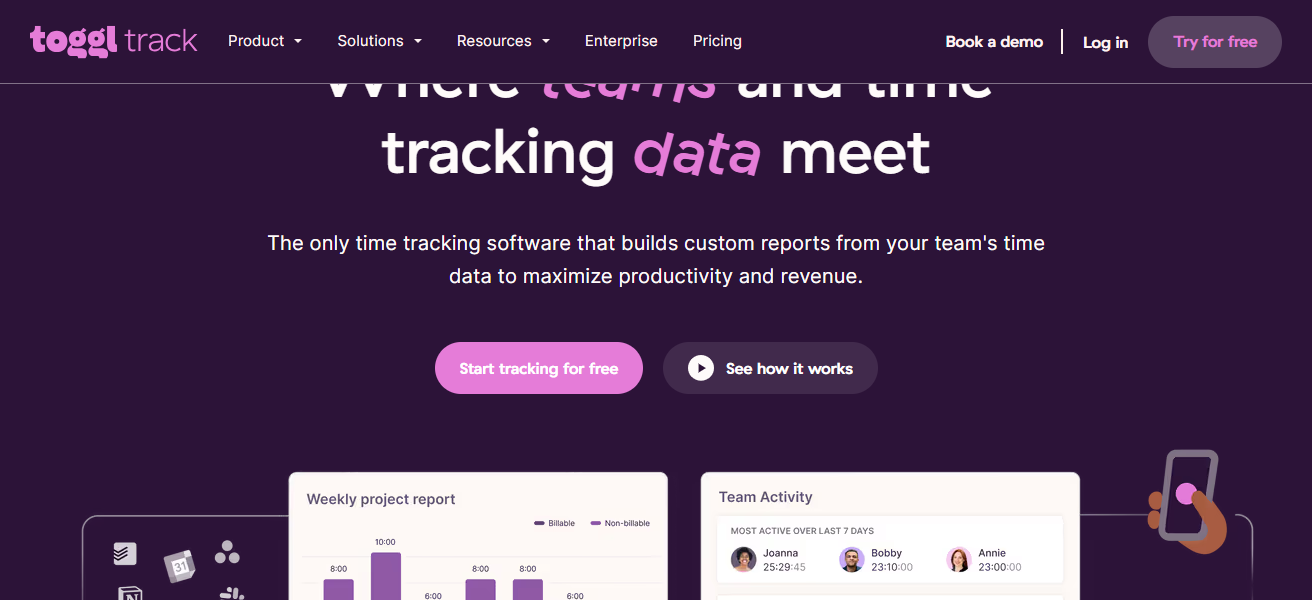
The mobile app and easy to use inter fact make tracking time on the into quite easy. Robust work patterns insights help freelancers identify schedule optimization areas and increase project management and productivity.
Toggl Track
- Keeps and manages record of time spent on different tasks.
- Generates comprehensive reports on productivity and work.
- Works with Trello, Slack, and Google Workspace.
- Assists freelance workers in time management and scheduling for effective billing.
| Pros | Cons |
|---|---|
| Accurate time tracking for tasks and projects. | Free version lacks advanced reporting and team features. |
| Categorizes tasks and generates productivity reports. | May require discipline to track all activities consistently. |
| Integrates with tools like Trello, Slack, and Google Workspace. | No native invoicing for clients. |
| Mobile and desktop apps allow tracking on the go. | Manual time entry can lead to errors if not careful. |
10. Zoom
Zoom Video Communications Inc. clients mostly include professionals and businesses. communication platform fosters
Video communication platform supporting video calls, webinars, and screen sharing, extensive and seamless collaboration.
Freelancers meet clients, train, and consult. integrated with google calendar, and slack. sessions can be recorded and archived for future reference.
Zoom can be accessed from desktop and mobile devices. It ensures communication and client management.
Zoom Features
- Online meetings platform with screensharing and webinars.
- Syncs with Google Calendar and Slack for appointments.
- Can record sessions and save them for later.
| Pros | Cons |
|---|---|
| Reliable video conferencing and screen sharing. | Free plan limits meeting duration to 40 minutes. |
| Supports webinars, client meetings, and training. | Security concerns if settings aren’t managed properly. |
| Integrates with Google Calendar, Slack, and other tools. | Can consume high bandwidth for long meetings. |
| Recording feature allows session archiving for reference. | Video quality may vary with internet speed. |
How To Choose Best Apps for Freelancers
- Before choosing apps, consider what aspects of freelancing you are focusing on (payments, communication, etc.)
- Select apps that integrate with your tools for a more seamless and efficient workflow.
- Use apps that are more straightforward and save you the time and effort of learning.
- Check for hidden prices and confirm that the app meets your budget and has no overage fees.
- Pick apps that allow for safe payments and keep you and your clients data secure.
- Make sure the app has responsive support and frequent improvements to ensure you can use it for a long time.
- Identify apps that have features that allow for strong collaboration to better communicate with clients or teams.
- Use findings from other people’s reviews and app stores to see the expected limitations of the app.
- Identify apps that have a good desktop and mobile interface to allow you to work flexibly.
- Identify apps that are focused on improving your organization and freelance efficiency to help with your overall productivity.
Conclusion
To sum up, picking the right freelancer applications can greatly enhance work efficiency, organization, and productivity.
The right tools can help freelancers streamline everyday tasks, covering everything from client work and project management to payments and communication.
With the right applications that fit one’s needs and budget, freelancers can optimize their workflow, save time, and achieve success professionally in the long run.
FAQ
Apps that help with clients, payments, communication, design, and productivity are best.
Apps save time, improve organization, and help manage work efficiently.
Many apps offer free plans with optional paid upgrades.
Upwork and Fiverr are popular platforms for finding clients.
Toggl Track is widely used for tracking work hours accurately.