
This article will examine the best apps for online business owners that assist in managing daily operations and improving productivity, communication, and business growth.
The apps provide tools for project management, marketing, accounting, customer relationship management, and team collaboration.
In the competitive digital age, online businesses need to be efficient, organized, and scalable. These tools help streamline operations and organize the online business.
Key Points & Best Apps For Online Business Owners
| App | Key Point |
|---|---|
| Slack | real-time team communication |
| Trello | visual project management |
| Asana | task tracking and workflow automation |
| Google Workspace | collaborative documents and cloud storage |
| Canva | easy design and branding tools |
| Hootsuite | social media scheduling and analytics |
| QuickBooks | accounting and expense management |
| FreshBooks | invoicing and time tracking |
| HubSpot | CRM and marketing automation |
| Zoho CRM | customer relationship management |
10 Best Apps For Online Business Owners
1. Slack
Designed for online business owners and their remote teams, Slack streamlines team communication by reducing the need for lengthy email conversations, helping managers keep track of team communication.
Instead of long email conversations, managers can use organized channels for communication focused on specific projects, departments, or clients.
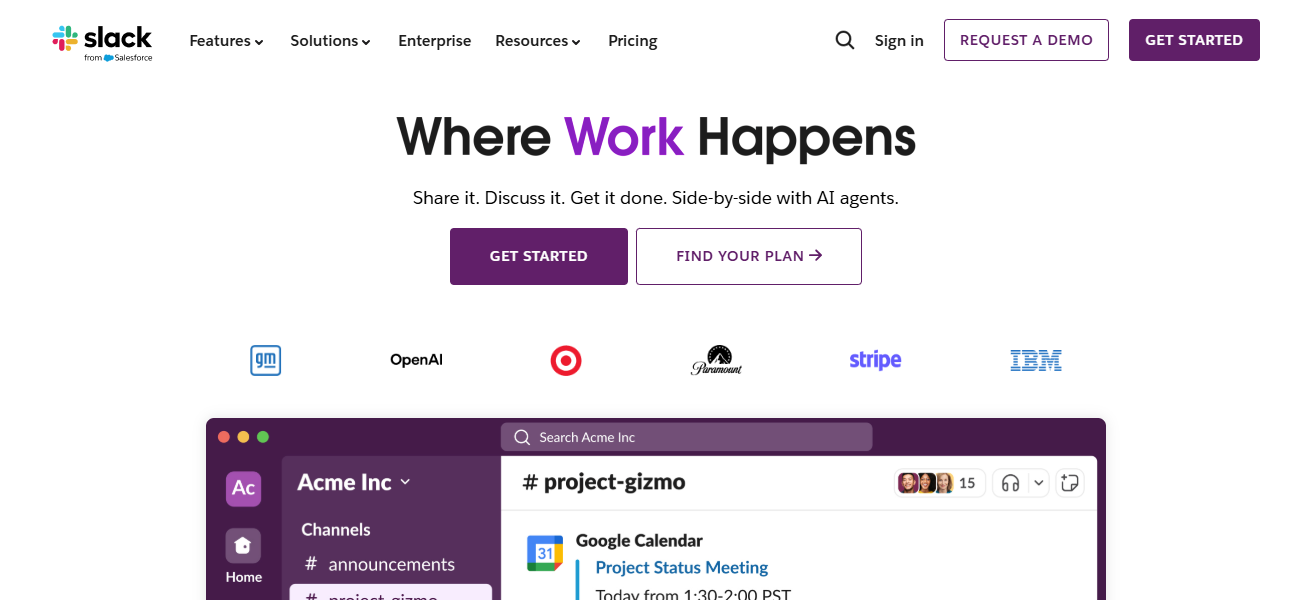
Slack integrates with Google Drive, Trello, and Zoom, and offers users the ability to share files, voice call, and instant message.
Slack is a great app for remote teams because it helps to enhance team collaboration, minimize the risk of miscommunication, and speed up decision-making, which significantly improves the productivity and efficiency of business processes.
| Pros | Cons |
|---|---|
| Improves team communication in real time | Can become distracting with many notifications |
| Supports channels for organized discussions | Free version has limited message history |
| Integrates with many business tools | Not ideal for task management alone |
| Easy file sharing and collaboration | Requires internet at all times |
2. Trello
Trello is a great visual project management tool for online business owners that need to simplify their organization of tasks. Using boards, lists, and cards, users track projects, their related deadlines, and responsibilities.
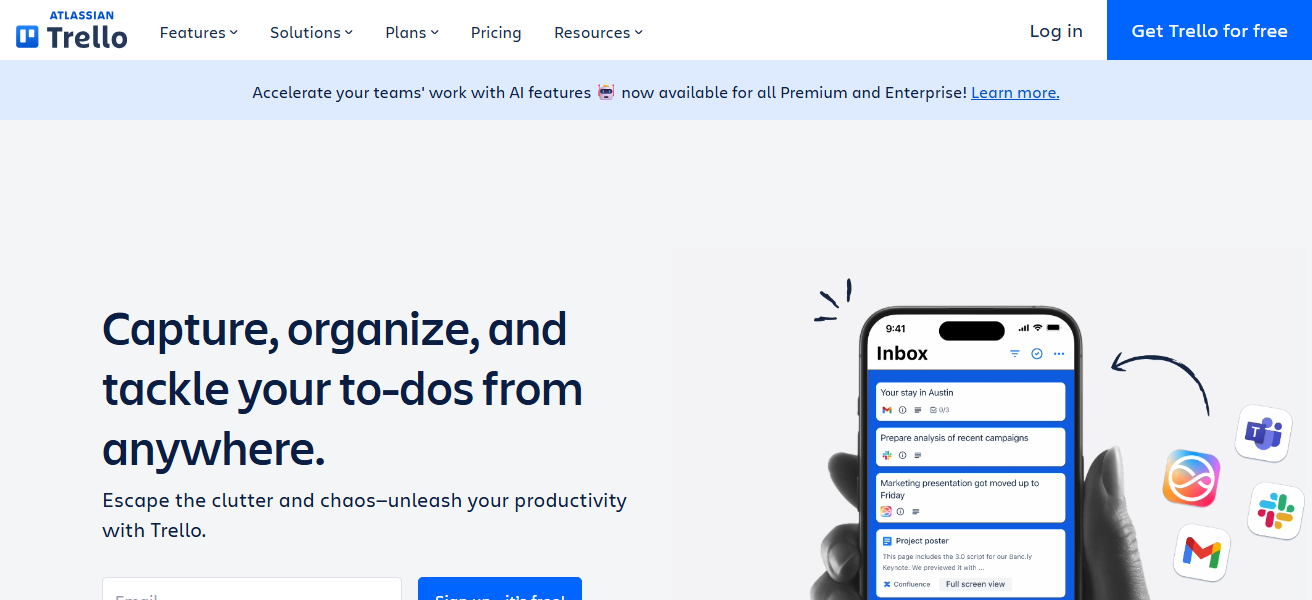
The tool is great at helping teams get a visual understanding of their tasks and workflows to ensure nothing is overlooked.
With features like due dates, checklists, automations, and third-party integrations, Trello also serves the needs of content management calendars, launches, and daily business tasks management.
| Pros | Cons |
|---|---|
| Simple and visual task management | Limited advanced project features |
| Easy to use for beginners | Not suitable for complex workflows |
| Supports checklists and deadlines | Automation is limited in free plan |
| Great for content and planning tasks | Reporting features are basic |
3. Asana
Asana provides the tools needed to grow your online business by streamlining your project and task management.
With the ability to assign tasks, set deadlines, and manage your team’s workload, task management has never been easier.
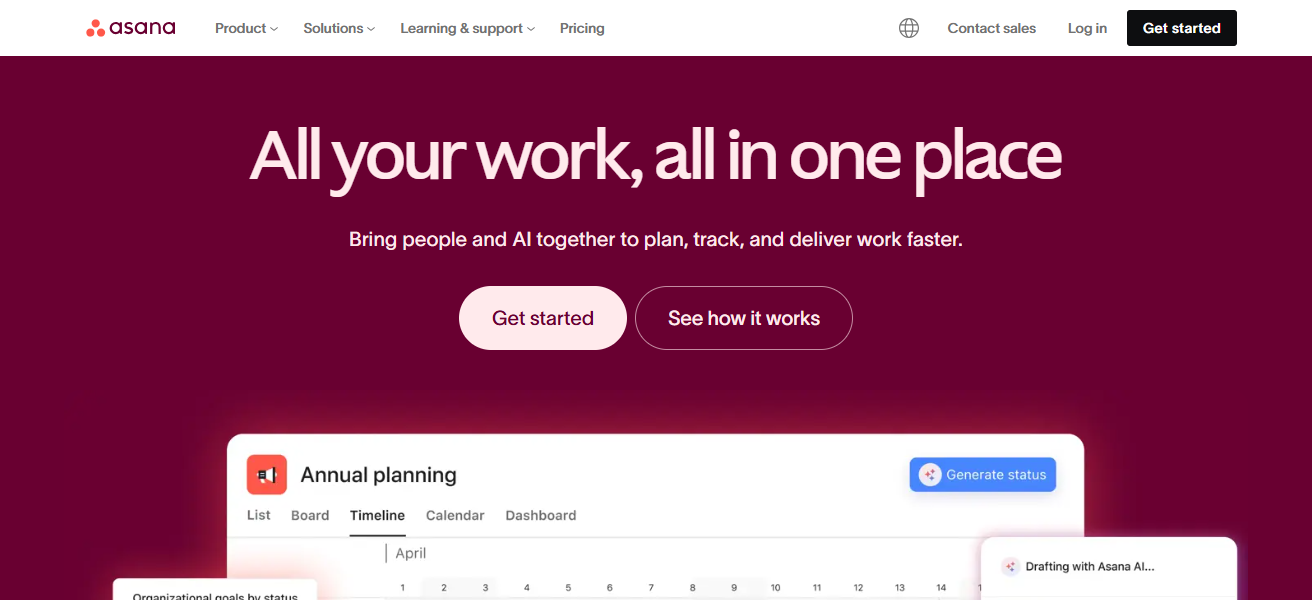
Asana’s advanced features such as performance tracking, task dependencies, and timelines provide the ability to manage the most complex of projects.
Asana lays out priorities and responsibilities, allowing online business owners to maximize productivity and meet deadlines.
| Pros | Cons |
|---|---|
| Powerful project and task tracking | Slight learning curve for new users |
| Supports timelines and dependencies | Can feel overwhelming for small teams |
| Improves team accountability | Premium features are costly |
| Good for scaling businesses | Requires regular updates to stay useful |
4. Google Workspace
Google Workspace is one of the most beneficial productivity suites for business owners. Gmail, Google Docs, Sheets, Drive, Meet, and Calendar.
Because of the tools’ software integrations, business owners can work together in real time, communicate through business emails with custom domains, and store files safely.
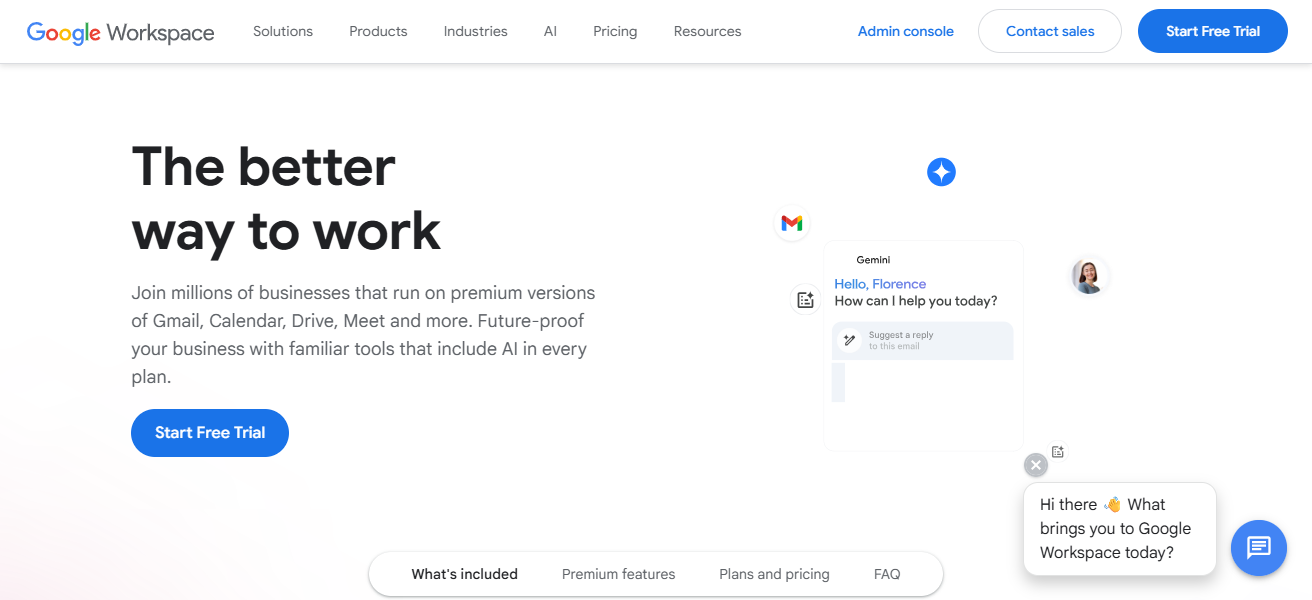
Google Workspace strengthens collaboration and teamwork, decreases software spending, and allows business data to be accessed and readily available at any time, making it a dependable core for business operations.
| Pros | Cons |
|---|---|
| All-in-one productivity solution | Monthly subscription required |
| Real-time collaboration | Limited customization in some tools |
| Secure cloud storage | Internet dependency |
| Professional business email | Advanced features need higher plans |
5. Canva
Canva is great for online entrepreneurs who want to make great visuals without needing extensive design knowledge.
Canva has a variety of templates for social media, presentations, logos, ads, websites, and more. Canva has templates for social media, presentations, logos, ads, websites, and much more.
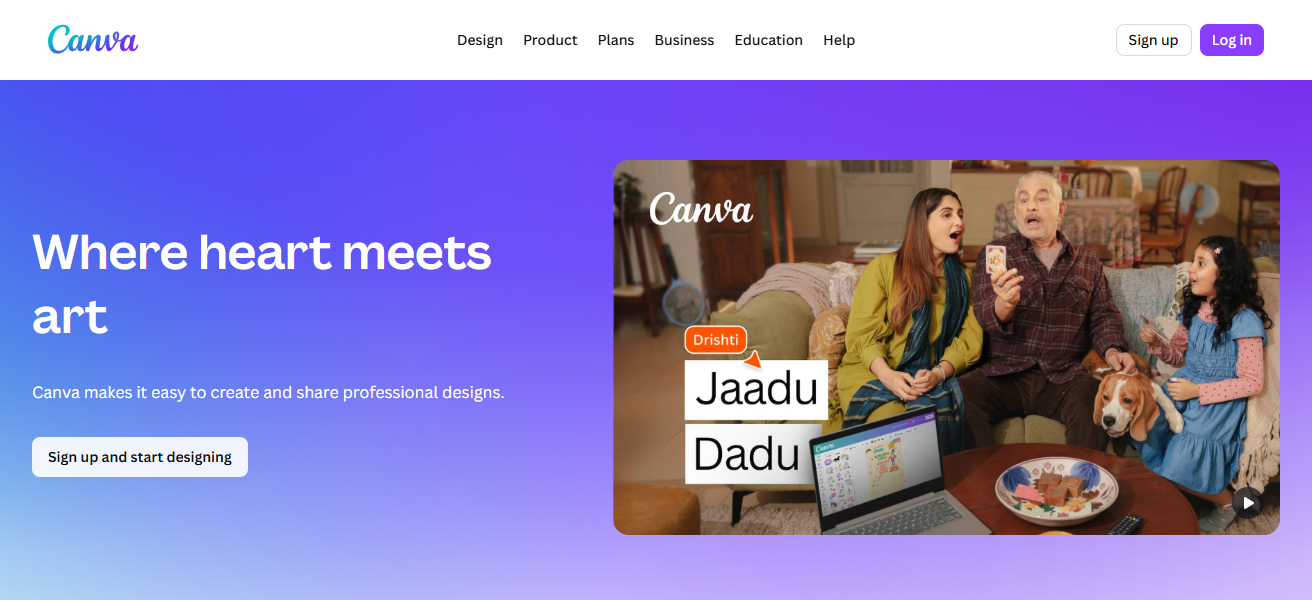
They save you the hassle of trying to ever hire a graphic designer. With features like brand kits, team collaboration, and export options, Canva helps businesses keep their branding uniform, and make visually appealing marketing content.
| Pros | Cons |
|---|---|
| Easy design without experience | Limited customization in free version |
| Thousands of ready-made templates | Designs may look generic |
| Saves time and money | Advanced exports need Pro plan |
| Great for marketing visuals | Not ideal for complex graphic design |
6. Hootsuite
Hootsuite is known as a social media management tool for online business owners who need to manage multiple social media platforms.
You can use this tool to manage your social media engagement, schedule posts, and track analytics and messages, all from the same dashboard.

In addition to providing audience performance analytics, Hootsuite automates social media tasks to save users time.
For digital marketing businesses, Hootsuite is effective in improving online visibility, and maintaining consistent posts to elevate the brand.
| Pros | Cons |
|---|---|
| Manages multiple social platforms | Expensive compared to competitors |
| Saves time with scheduling | Free plan is very limited |
| Provides analytics and insights | Interface can feel complex |
| Improves social media consistency | Best features require paid plans |
7. QuickBooks
QuickBooks is accounting software that helps business owners manage finances easily. QuickBooks tracks income, expenses, invoices, taxes, and payroll.
QuickBooks gives real-time reports so business owners can understand how their business is doing. Business owners can clear any doubts they have about their business data and make smart business decisions.
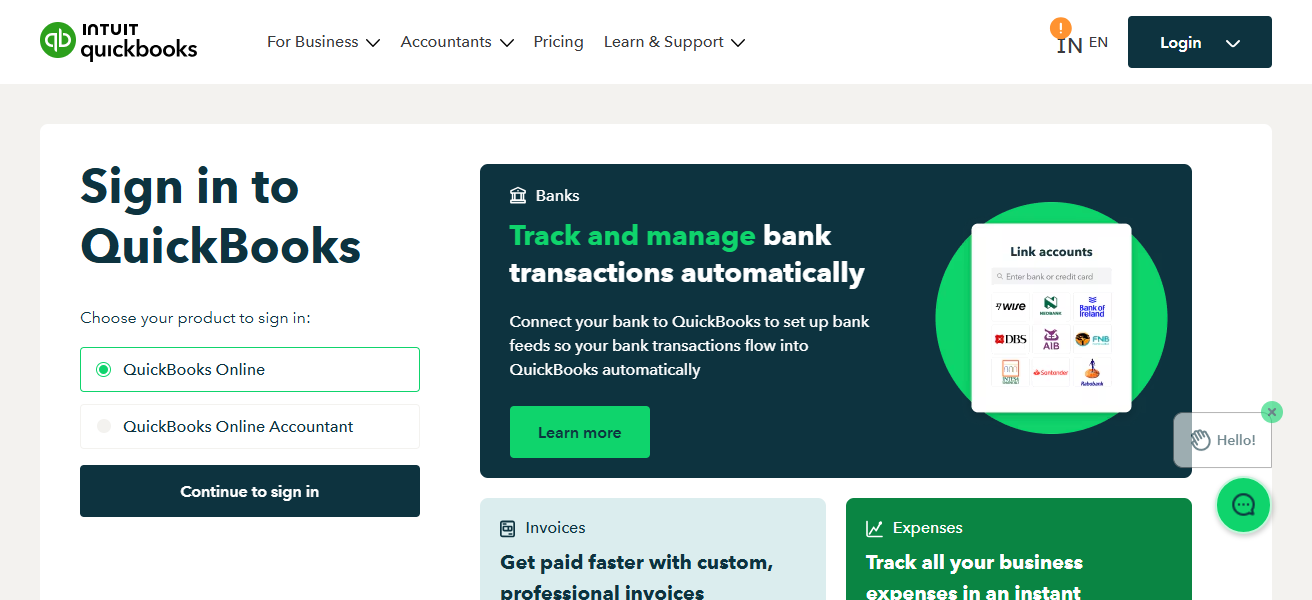
There are several more reasons QuickBooks is accounting software that is great for business owners. It automates bookkeeping tasks, so business owners save time and make fewer mistakes. It also helps business owners stay compliant with financial laws.
| Pros | Cons |
|---|---|
| Strong accounting and reporting | Pricing increases with features |
| Automates invoices and taxes | Learning curve for non-accountants |
| Real-time financial tracking | Limited customization |
| Trusted by small businesses | Occasional syncing issues |
8. FreshBooks
FreshBooks has meant easy accounting and invoicing for freelancers and online business owners for many years. It lets them create professional invoices that enable expense tracking, time management, and online payments.
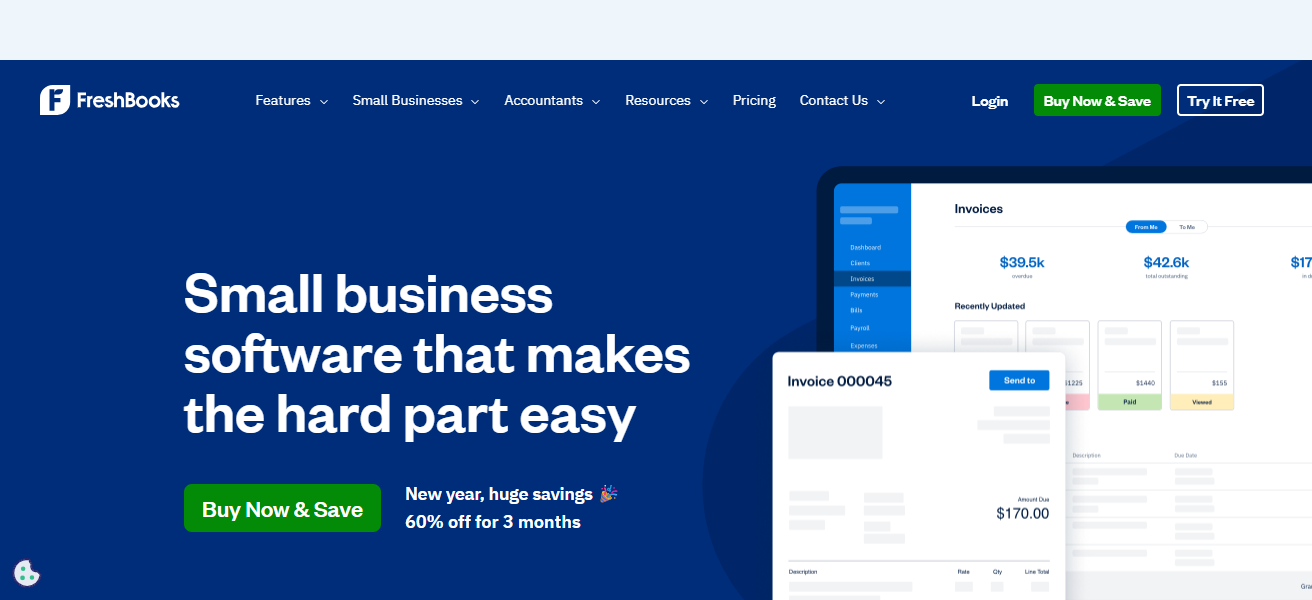
Users don’t have to worry about remembering to collect payments as FreshBooks takes care of reminders, making financial management a breeze and optimizing flow.
Thanks to detailed reports and improved functionality, business owners can use FreshBooks to organize and grow their business.
| Pros | Cons |
|---|---|
| Very easy to use | Less advanced accounting features |
| Excellent invoicing tools | Not ideal for large businesses |
| Good for freelancers and solopreneurs | Limited inventory management |
| Supports online payments | Costs increase with more clients |
9. HubSpot
HubSpot is a top all-in-one CRM and marketing solution for online business owners. HubSpot covers a range of business needs, including managing leads, customer interactions, email marketing, sales management, and customer support.
HubSpot’s automation tools improve relationships with customers and increase conversions, all while saving time.
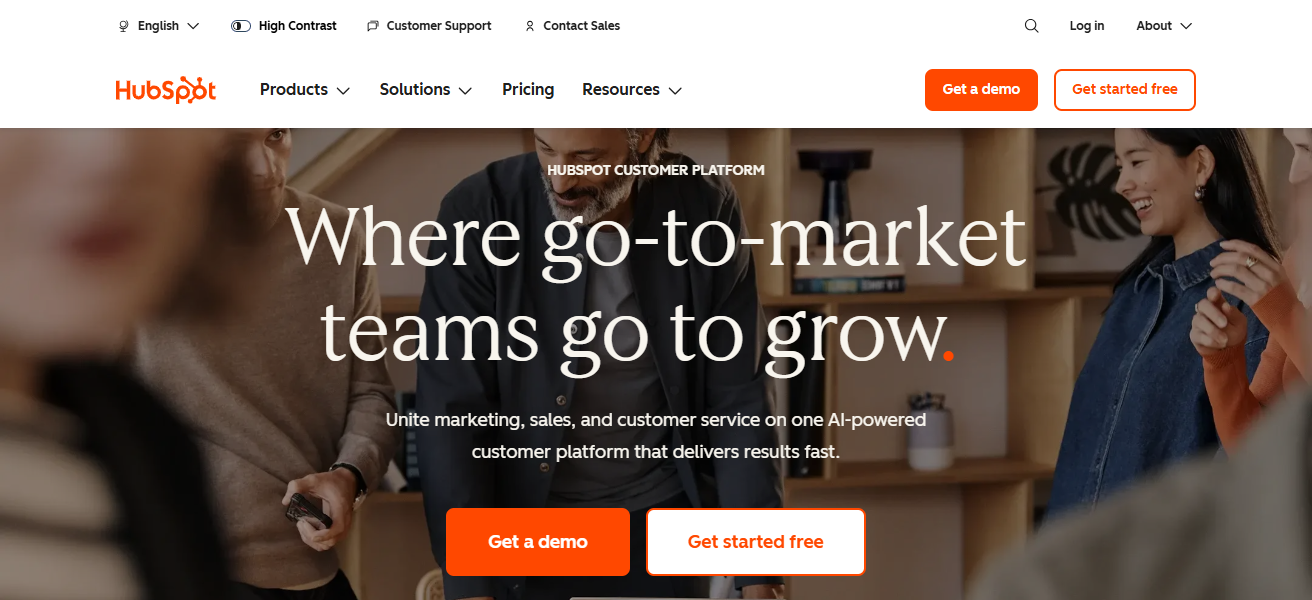
With HubSpot’s detailed integrations and analytics, businesses can improve the alignment of their marketing, sales, and services, making it more effective to attract, engage, and retain customer relationships.
| Pros | Cons |
|---|---|
| All-in-one CRM and marketing tool | Can become expensive at scale |
| Powerful automation features | Advanced tools need paid plans |
| Free CRM available | Customization can be complex |
| Strong analytics and reporting | Overkill for very small businesses |
10. Zoho CRM
Flexible for smaller and medium-sized online stores, Zoho CRM is a great option as a customer relationship management tool.
You can automate workflows, analyze information, manage sales pipelines, and track leads. Communication over social media, by phone, and by email is all supported by Zoho CRM.
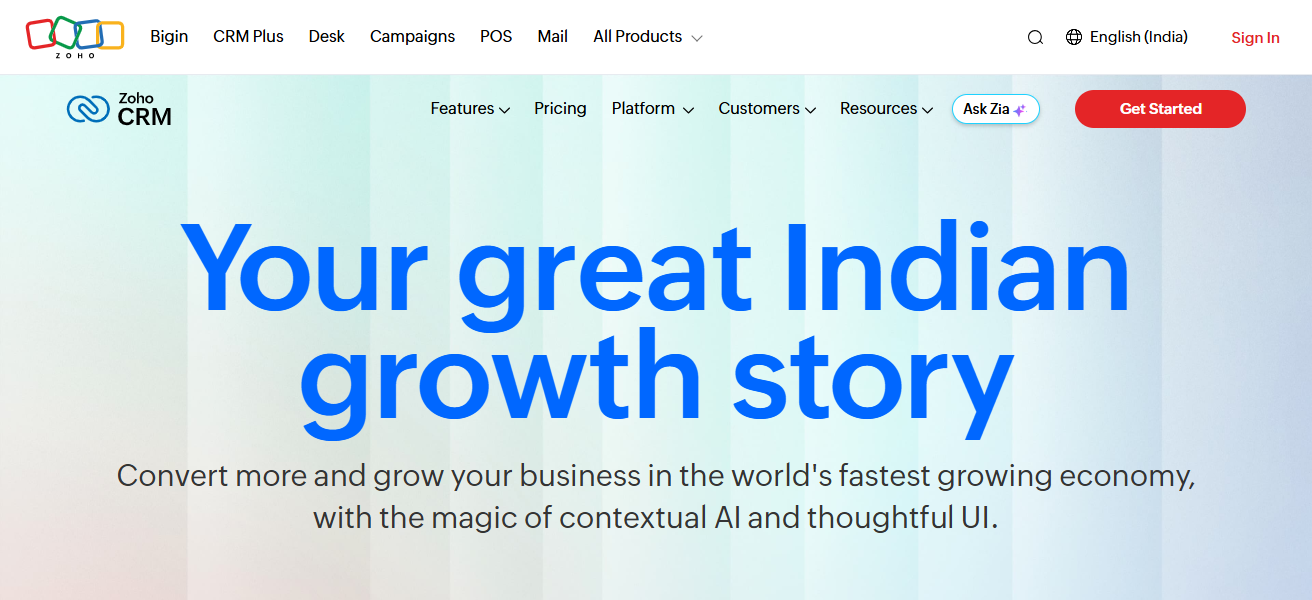
With customer data organized in one place, sales efficiency is improved further. Customer relationships are improved along with the long term growth of the business.
| Pros | Cons |
|---|---|
| Affordable CRM solution | Interface feels outdated to some users |
| Strong automation tools | Setup can be time-consuming |
| Supports multi-channel communication | Learning curve for beginners |
| Scales well with business growth | Some features require higher plans |
Conclusion
In conclusion, the Best Apps For Online Business Owners greatly assist in productivity, organization, and overall business advancement.
Communication, project management, design, finance, and customer management tools help simplify everyday business activities.
Online business owners can minimize operational activities and concentrate on growing their business by selecting the most appropriate applications.
FAQ
Apps like Slack, Trello, Asana, Google Workspace, and QuickBooks are widely used.
They save time, improve efficiency, and simplify daily business tasks.
Slack is one of the best apps for fast and organized team communication.
Trello and Asana are popular for managing tasks and workflows.