In this article I will talk about the Best Apps to grow on Instagram & YouTube. To grow on these platforms, you need to combine the right tools with a strategy and a sprinkle of creativity.
The apps I’m going to talk about assist with video editing, content planning, analytics, scheduling and engagement which will help creators gain more followers and reach and build a strong online presence.
Key Poinst & Best Apps to Grow on Instagram & YouTube
| App | Key Point |
|---|---|
| Clippie AI | AI-powered faceless short-form video creation |
| Canva | Easy design for thumbnails, posts, and stories |
| TubeBuddy | YouTube SEO and keyword optimization |
| VidIQ | Real-time analytics and growth insights |
| SocialPilot | Content scheduling and cross-platform management |
| Sprout Social | Advanced analytics and audience engagement tracking |
| InShot | Mobile-friendly video editing with effects |
| Hootsuite | Multi-platform scheduling and monitoring |
| Adobe Premiere Rush | Professional-grade video editing on the go |
| Later | Instagram-first scheduling and visual planning |
10 Best Apps To Grow on Instagram & YouTube
1. Clippie AI
Clippie AI is an editing app helps IG and YT creators reuse content fast. It auto generates shorts from long videos, captioning and formatting them to fit platform specs.
This is time efficient and keeps high engagement as social media loves short form content. Clippie AI also helps content reach a larger audience by suggesting trends and hashtags.
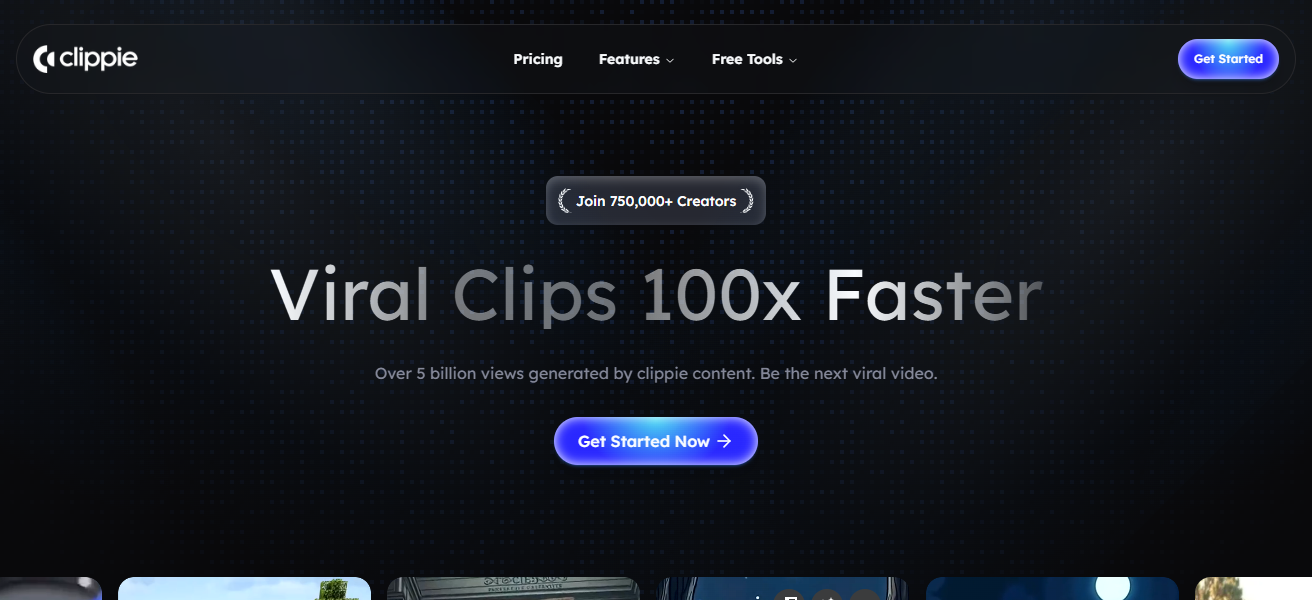
Besides improving editing speed and audience reach, Clippie AI keeps storytelling and consistency in focus, both vital to building a dedicated audience.
Clippie AI Features
- Uses artificial intelligence to edit videos and generate short snippets from long videos.
- Engagement and accessibility boost through the auto generation of subtitles and captions.
- Optimization in video format for other social media services, such as TikTok, Youtube shorts, and Instagram reels.
- Improvement in reach and discoverability with trending recommendations and hashtags.
| Pros | Cons |
|---|---|
| Automatically creates short clips from long videos, saving editing time. | AI edits may not always match your creative vision. |
| Adds captions and formats for multiple platforms (Instagram reels, YouTube shorts). | Some advanced features may require paid plans. |
| Helps repurpose long-form content efficiently. | Occasional inaccuracies in automated captioning. |
| Optimizes content for trend-based engagement. | Limited manual customization compared to professional editors. |
2. Canva
Canva is great for graphic design. It is also very easy for Instagram and YouTube creators to use because it does not require any professional design skills.
It also has thousands of templates, plaques, and other design features, and users can design banners and social media posts. users can also use its drag and drop easy to use interface for branding across platforms.
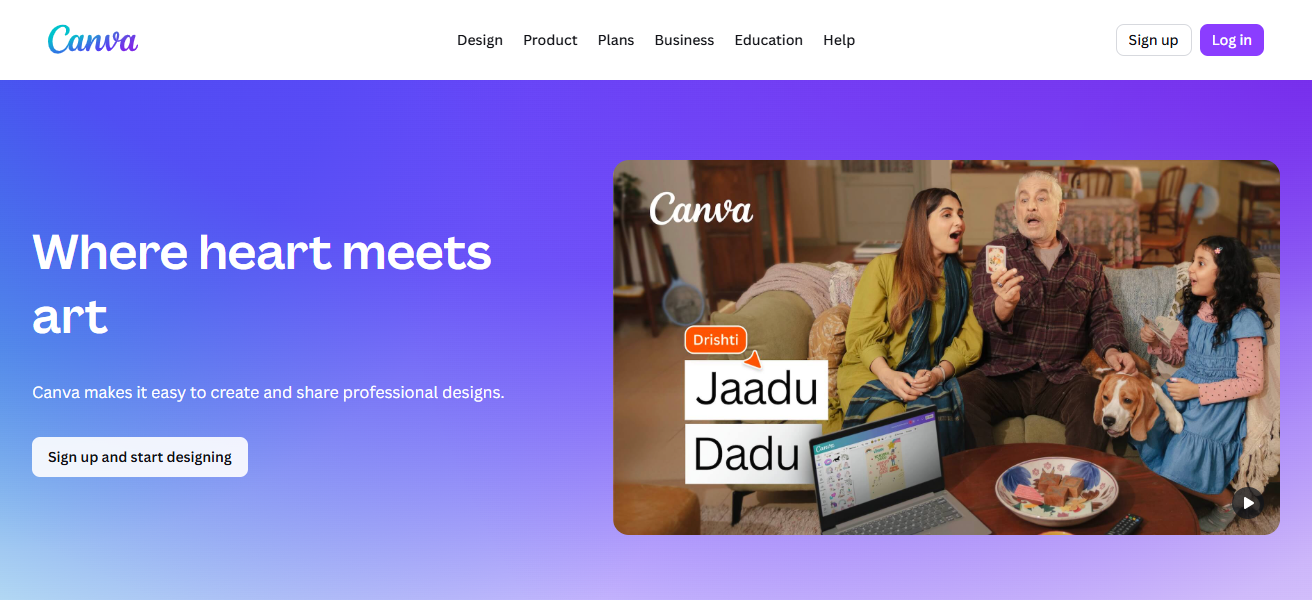
Its features also include videos, stock images, and more to help users enhance audience engagement.
There are also features for collaboration which help teams work together improve engagement and followers across both platforms.
Canva Features
- Design interfaces with thousands of banners and posts templates to choose from.
- Custom stock images, graphics, icons, and fonts are included.
- Dynamic content video and animation editing simple tools.
- Brand kit features to edit and maintain consistent logos, colors, and fonts.
| Pros | Cons |
|---|---|
| Easy drag-and-drop design with templates for thumbnails, social posts. | Templates can look generic if overused. |
| No professional design skills needed. | Free version has limited assets and features. |
| Supports graphic and simple video editing. | Export quality options can be limited without subscription. |
| Great for consistent branding across platforms. | Some features behind a paywall. |
3. TubeBuddy
TubeBuddy is an app and browser extension made for YouTube creators. It helps with things like analytics, competitor analysis, keyword research, and rank tracking.
It also has A/B testing for thumbnails and it gives tag suggestions. You can bulk update, schedule publish, and get suggestions on reach.
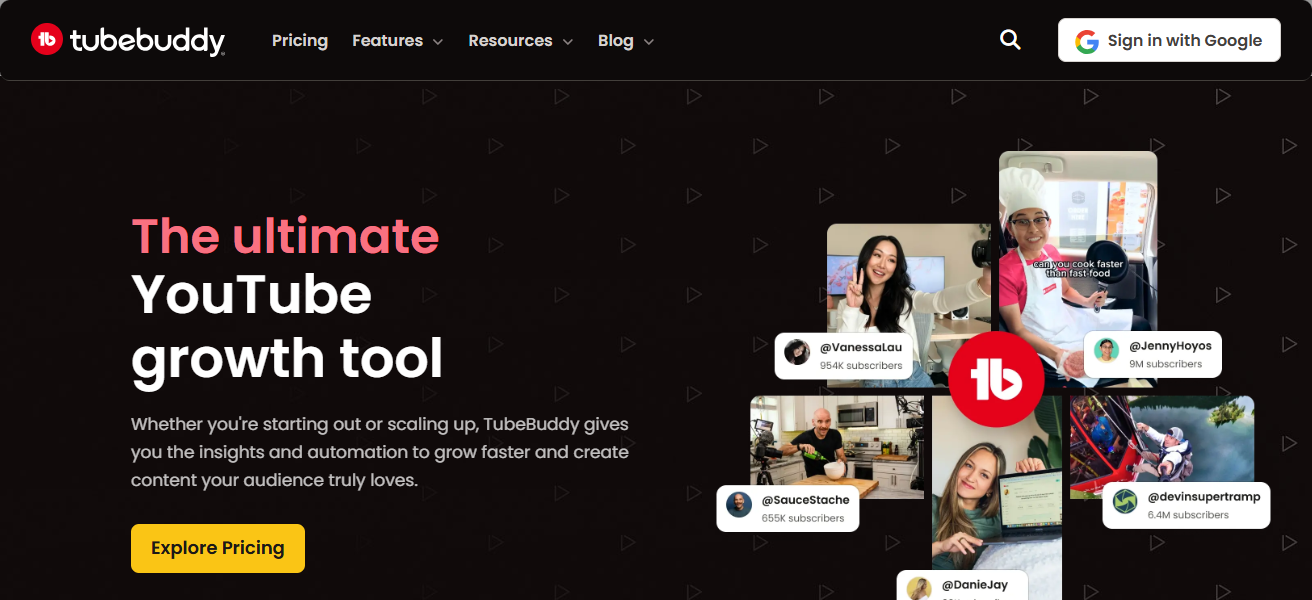
It helps creators optimize channels so videos are more discoverable and subscribers are gained quicker. It is especially helpful for creators wanting to build a channel strategy and use data to improve.
TubeBuddy Features
- Tools for Youtube SEO, tag and keyword suggestions, and research.
- Click-through rate improvement with thumbnail and title A/B testing.
- Updating cards, playlists, and desciptions with bulk processing.
- Competitor analysis, so content strategies can be refined, and alerts for trends.
| Pros | Cons |
|---|---|
| Powerful keyword and tag suggestions for YouTube SEO. | Limited use outside YouTube platform. |
| Helps improve video discoverability and rankings. | Free plan has restricted tool access. |
| Useful analytics and competitor insights. | Interface can feel overwhelming for beginners. |
| A/B testing for thumbnails and titles. | Some features require high-tier subscription. |
4. VidIQ
VidIQ is a YouTube growth tool that specializes in analytics, SEO, and strategy. It makes suggestions for keywords, tags, and videos that fit current trends in order to maximize engagement and reach.
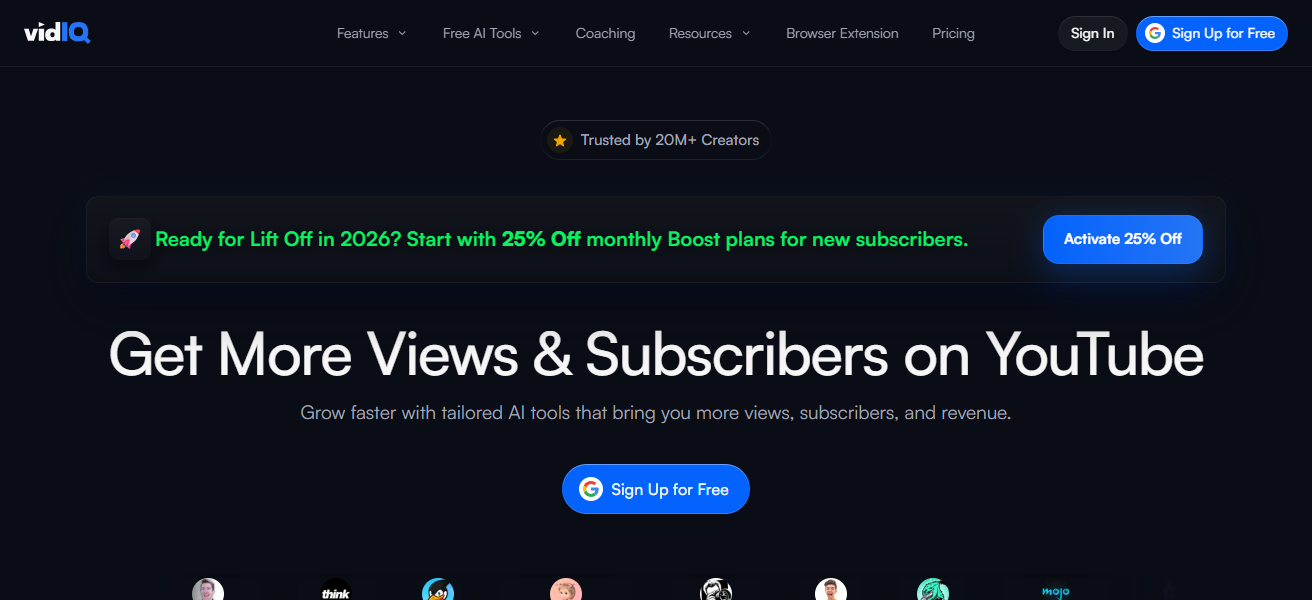
On top of this, VidIQ provides creators with analytics including audience details and trends in watch time. With a browser extension, VidIQ shows creators a score for videos, how well the video is doing in searches, and the engagement rate, enabling data-driven decisions for content.
VidIQ provides creators with A/B testing for titles and thumbnails so that they can optimize for a better CTR. Because of all of this, content creators can grow their channels and increase their audience with less effort.
VidIQ Features
- recommendations for keywords and tags from search demand and competition.
- Dashboards with real time analytics for audience engagement, views, and behavior.
- Strategies for publishing to optimize scores and rankings.
- Alerts for trends and topic suggestions for content.
| Pros | Cons |
|---|---|
| Great keyword research and trending topic suggestions. | Advanced features limited in basic plan. |
| Real-time analytics on views and engagement. | Browser extension can slow down older PCs. |
| Helps optimize video for better search visibility. | Focused only on YouTube. |
| Provides channel audit scores and improvement tips. | Some data can be overwhelming at first. |
5. SocialPilot
SocialPilot is an all-in-one social media management solution that caters to your needs for scheduling and publishing across a variety of platforms, such as Instagram and YouTube.
It features social media calendar capabilities that assist users in planning posts ahead of time, as well as managing multiple accounts and consistent posting.
You will also be able to access data analytics and assistant that measure social media engagement, follower growth, and content performance.
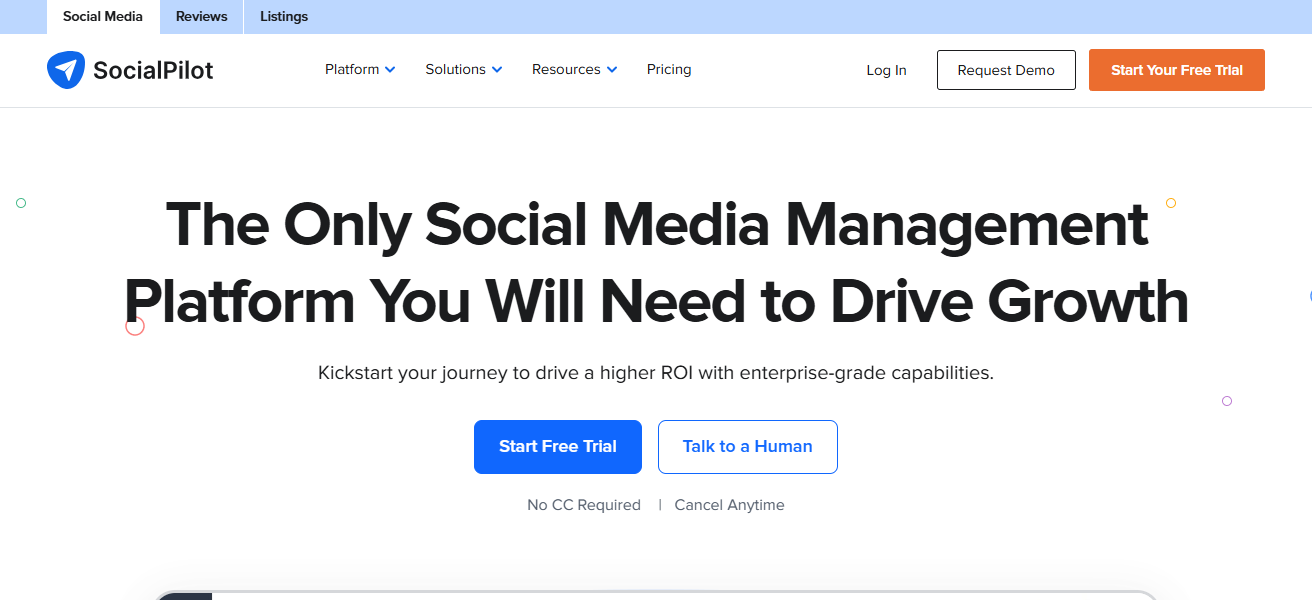
The social media analytics will help you make data-driven decisions and content analytics. Team collaboration features enable creators to smooth coordinate for group work.
SocialPilot is easily one of the most valuable social media management tools to automate monotonous tasks and enhance audience engagement in order to help creators grow their online presence. SocialPilot is a vital social media creator tool.
SocialPilot Features
- Scheduling posts on Instagram, YouTube, Facebook, Twitter, and others.
- Content calendar for planning and organizational view.
- Analytics on engagement and reach.
- Collaborative team functions, user roles, and workflow approvals.
| Pros | Cons |
|---|---|
| Schedule posts for Instagram, YouTube, and more. | Interface not as modern as some competitors. |
| Analytics for tracking engagement and growth. | Advanced analytics limited to higher plans. |
| Ideal for managing multiple accounts. | Learning curve for new users. |
| Team collaboration tools available. | Visual content creation features are minimal. |
6. Sprout Social
Creators can use the robust social media management tool, Sprout Social, to handle engagement, schedule posts, and analyze performance on Instagram and YouTube.
It offers community management tools, audience engagement, and ideal times to post. Sprout Social assists in tracking comments, mentions, and messages from one dashboard.
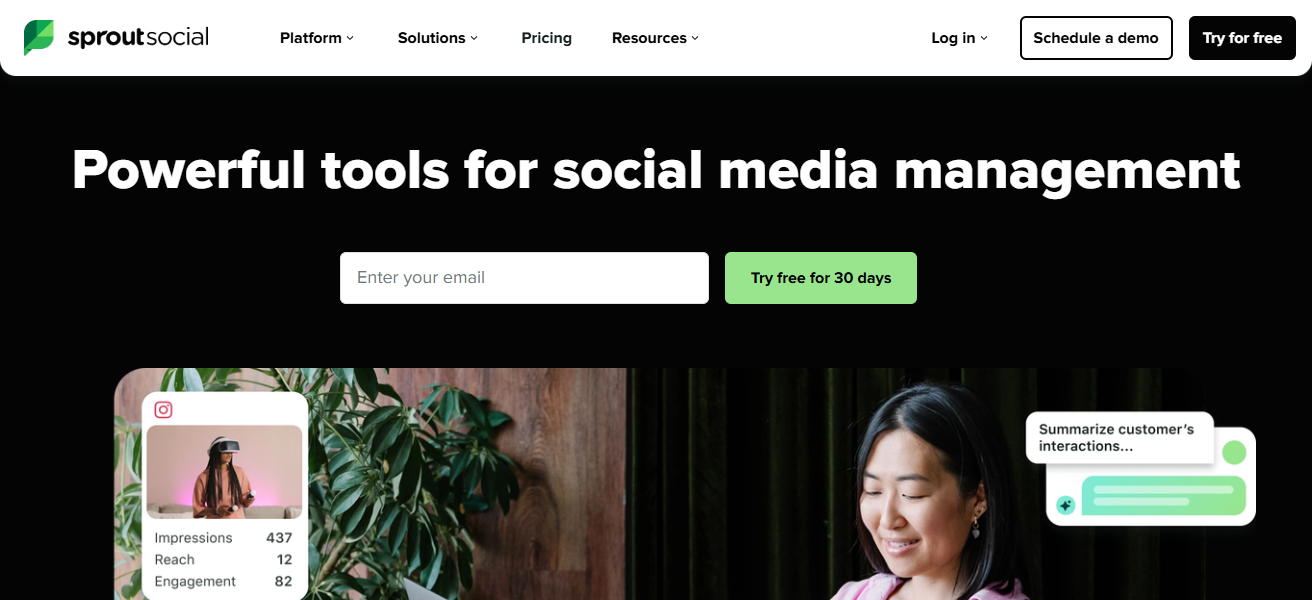
The reporting and analyzing features turn ROI and growth tracking into manageable tasks. Refining content strategies is result-driven.
Strong content management and insightful data turn social media presence into an efficient and effective process with the help of Sprout Social.
Sprout Social Features
- Managing comments, messages, and mentions via a unified inbox.
- Custom analytics and reporting for performance.
- Scheduling posts and calendar prompts.
- Brand sentiment and keyword social listening.
| Pros | Cons |
|---|---|
| Schedule posts for Instagram, YouTube, and more. | Interface not as modern as some competitors. |
| Analytics for tracking engagement and growth. | Advanced analytics limited to higher plans. |
| Ideal for managing multiple accounts. | Learning curve for new users. |
| Team collaboration tools available. | Visual content creation features are minimal. |
7. InShot
InShot is a mobile video editor that is great for working on Instagram and Youtube videos. The app helps with quick edits and videos of a high quality.
The app can edit videos by trimming, merging videos, adjusting speeds, adding filters, and adding texts. Videos can be made to look professional and high quality to make audiences engaged to the videos.
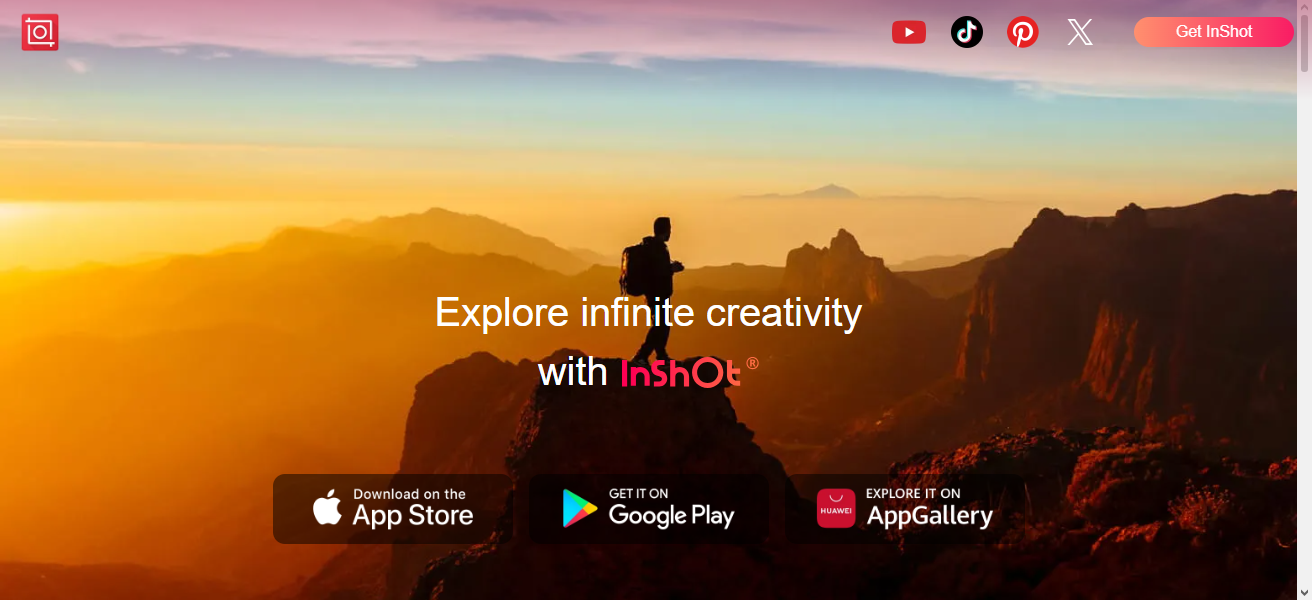
Videos are also able to be customized to the platform’s aspect ratio which is great for things like Youtube shorts and Instagram stories.
Editing is made easy with a simple interface which is great for beginners. Because of all of the usage of music, sound effects, and quality edits, audiences are more likely gonna be intrigued, InShot helps a ton with the growth on social media.
InShot Features
- Speed control, cutting, and merging videos for flexible editing.
- Effects, filters, text animations, and transition overlays.
- Library of sound effects and music to sync.
- Aspect ratios for YouTube, TikTok, and Instagram formats.
| Pros | Cons |
|---|---|
| Comprehensive analytics across platforms. | Higher price compared to basic tools. |
| Strong engagement tools (monitor mentions, comments). | Overkill for solo creators with simple needs. |
| Excellent post scheduling features. | Limited video editing options. |
| Good for brand reputation and community management. | Some features more suited to larger teams. |
8. Hootsuite
Hootsuite allows users to manage social media accounts from one platform. By integrating various tools, users can schedule posts to Instagram, YouTube, and other social media websites, while monitoring engagement and follower growth.
The platform makes data-driven content strategies possible by collecting analytics. Their analytics also help users understand performance trends over time.
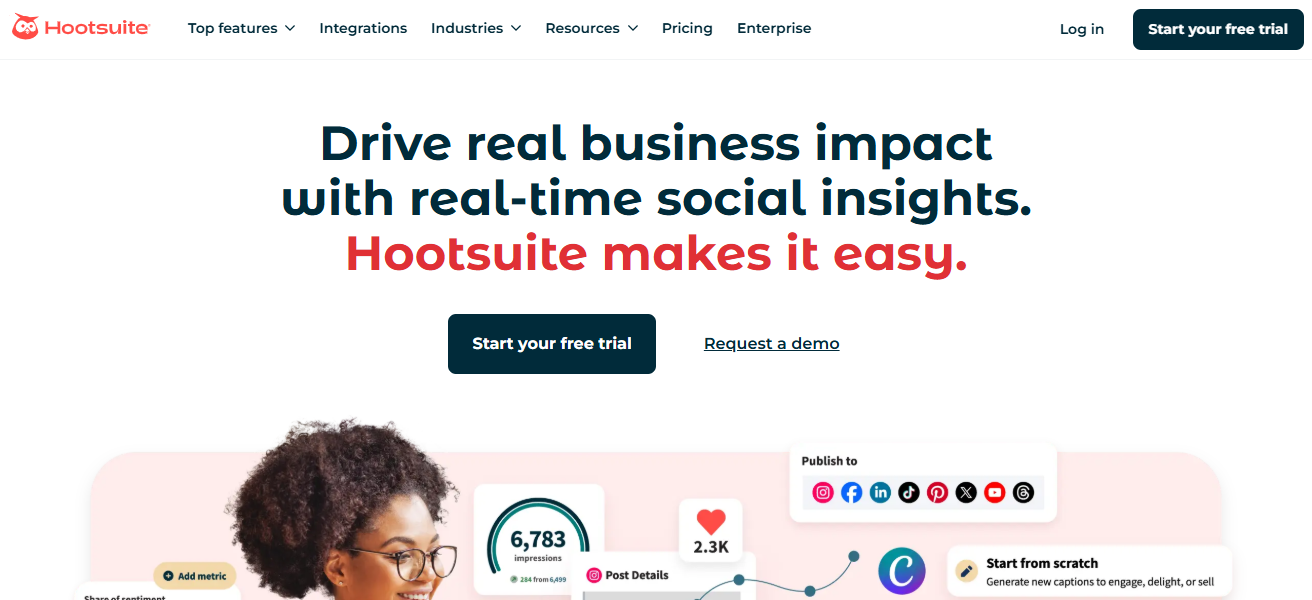
For accounts with multiple users, Hootsuite’s content calendars, automation tools, and collaboration features help streamline management.
With analytics to measure timelines and performance, Hootsuite simplifies accounts to one dashboard, making posts optimizations and audience engagement mess-free.
Hootsuite Features
- Scheduling posts on YouTube, Instagram, LinkedIn, and others via cross-platform.
- Analytics on engagement and follower gain.
- Assignments and workflow approvals for team management.
- Monitor trends and brand buzz via social listening.
| Pros | Cons |
|---|---|
| Schedule and manage multiple platforms in one place. | Pricing is expensive for individuals. |
| Analytics and performance dashboards included. | Steeper learning curve for beginners. |
| Collaboration features for teams. | Not ideal for content creation. |
| Saves time through automation. | Some reports limited to premium tiers. |
9. Adobe Premiere Rush
Adobe Premiere Rush is a great tool for new video editors. You can use many of Premiere Rush’s advanced editing features such as color corrections, audio edits, transitions, and multi-track timelines. You can also adjust your workflows and speed to your preference.
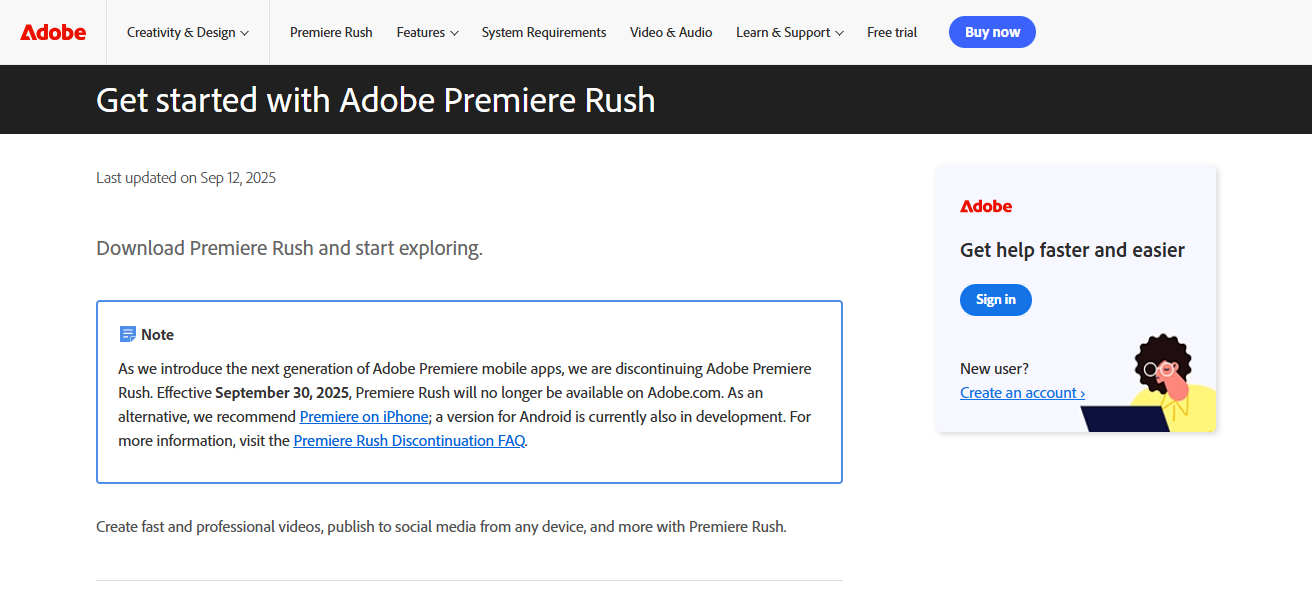
Premiere Rush is great for creators because of quick exporting features that let you adjust your video to the appropriate resolution to fit YourTube videos, story videos, and reel videos.
Premiere Rush can also be downloaded to your computers so you are able to edit anywhere. Premiere Rush is a good tool for creators because it allows them to make their videos look professional without using complicated programs.
Adobe Premiere Rush Features
- Detailed editing on multi-track timelines.
- Transitions, motion, and audio adjustments with corrections.
- Different presets for exports for platforms (YouTube, Instagram, etc.).
- Syncing with Creative Cloud on desktop and mobile.
| Pros | Cons |
|---|---|
| Powerful editing with multi‑track timeline. | Subscription cost can be high. |
| Works on mobile and desktop seamlessly. | Not as advanced as full Premiere Pro. |
| Professional tools (color, audio, transitions). | Steeper learning curve than simple apps. |
| Good export customization for platform formats. | Some features locked behind Creative Cloud. |
10. Later
Later is a social media scheduling and marketing tool that helps optimize content posting for YouTube and Instagram. Users can automatically post to engage with their audience.
Later also offers a visual content calendar and drag-and-drop scheduling. Later helps refine plans and strategies with analytics on follower growth, engagement, and best time to post.
Users can optimize their social media accounts for discoverability with Later’s link-in-bio, hashtag, and analytics suggestions.
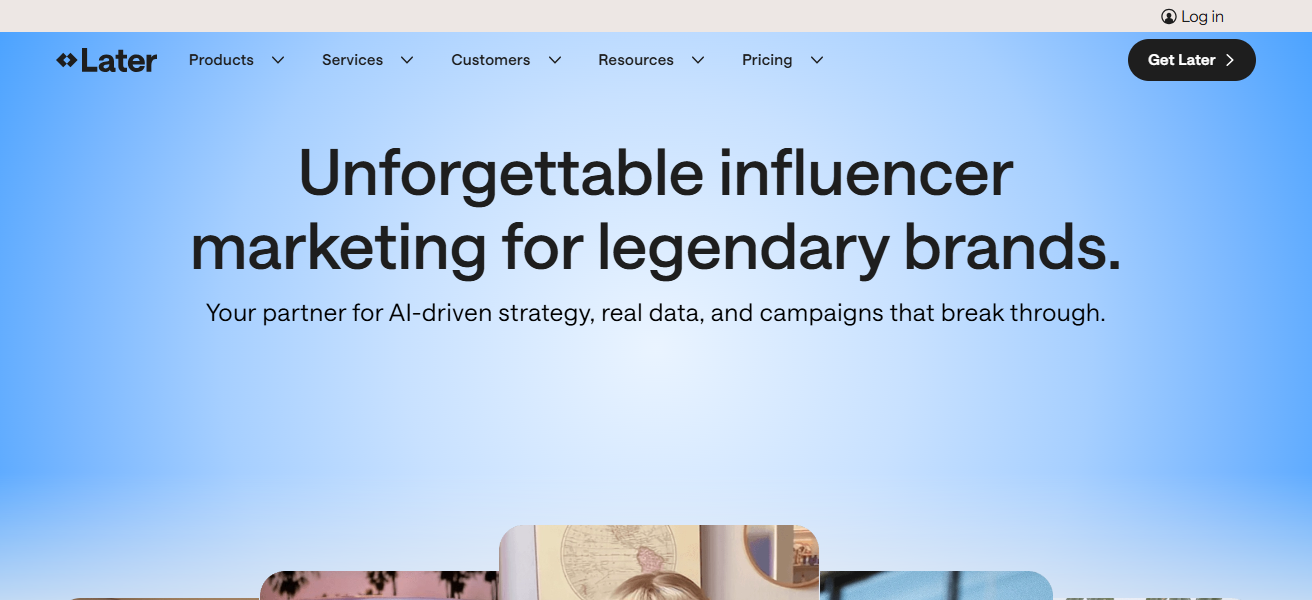
Managing, planning, and automating content saves users time. Later helps streamline content organization with media library management.
Later is a reliable tool that helps manage YouTube and Instagram content, engagement, and growth strategies for users wanting to primarily increase their audience on these platforms.
Later Features
- Visual planner with drag-and-drop functionality for scheduling posts.
- Engagement optimization best time recommendations.
- Saved caption templates and suggestions for hashtags.
- Analytics on post performance, engagement, and follower growth.
| Pros | Cons |
|---|---|
| Visual content calendar for planning posts. | Free tier has limited scheduling volume. |
| Best posting time suggestions boost engagement. | Analytics less advanced than others. |
| Easy drag‑and‑drop scheduling. | Video posting features limited compared to photo. |
| Hashtag suggestions and organization tools. | Some features require paid subscriptions. |
How To Choose Best Apps To Grow on Instagram & YouTube
- Define Your Goal – Is it content creation, scheduling, analytics, or tools for audience growth?
- Ease of Use – Save time by using apps that have simple, user-friendly interfaces.
- Platform Compatibility – Make sure app functions well with Instagram, YouTube, or both.
- Analytics & Insights – Use tools that give reports to help improve content and strategy to drive engagement.
- Editing Capabilities – Professional, visually appealing content is possible with good video and photo editing features.
- Scheduling & Automation – Apps that help with scheduling and automation should offer bulk posting.
- Cost vs. Features – For growth, you want a good feature set at a reasonable price.
- Trend & Hashtag Support – Increased reach can be accomplished with apps that suggest trending content and hashtags.
- Team Collaboration – Helpful for several creators to coordinate on managing content, with approval workflows and campaigns.
- Scalability – Use apps that will grow with your audience and will have advanced features over time.
Conclusion
To sum up, the most effective apps for growing Instagram and YouTube accounts simplify content creation, scheduling, editing, and analytic processes.
Apps such as Clippie AI, Canva, TubeBuddy, and VidIQ enable creators to maximize time efficiency, engagement, and audience reach.
With the most effective app combinations, creators can achieve and maintain consistent online growth.
FAQ
Clippie AI, InShot, and Adobe Premiere Rush are ideal for professional and quick video edits.
TubeBuddy and VidIQ provide keyword research, tag suggestions, and analytics for better visibility.
Yes, Hootsuite, Later, Sprout Social, and SocialPilot allow easy scheduling and automated posting.
Yes, Canva, InShot, Clippie AI, and Later are easy for beginners to use.
VidIQ, TubeBuddy, Sprout Social, Hootsuite, and SocialPilot track engagement, reach, and performance.