In this article, I will examine the Best Business Process Mining Tools that assist organizations in the analysis, optimization, and automation of their business processes.
- Key Points & Best Business Process Mining Tools
- 10 Best Business Process Mining Tools
- 1. Celonis
- 2. UiPath Process Mining
- 3. Software AG ARIS
- 4. SAP Signavio
- 5. Apromore
- 6. QPR ProcessAnalyzer
- 7. ABBYY Timeline
- 8. Minit
- 9. Skan.ai
- 10. Scribe Optimize
- How We Choose Best Business Process Mining Tools
- Conclsuion
- FAQ
These tools offer an analysis of actual processes and provide insights into inefficiencies and bottlenecks, and also reveal gaps in compliance and when processes become sub-optimal.
If you require automation integration, process visualization, or improvement of processes, finding the appropriate tool is crucial.
Key Points & Best Business Process Mining Tools
| Tool | Key Point |
|---|---|
| Celonis | AI-powered execution management that identifies inefficiencies and automates improvements |
| UiPath Process Mining | Integration with RPA to streamline repetitive workflows and accelerate automation |
| Software AG ARIS | Strong compliance monitoring with predictive analytics for risk detection |
| SAP Signavio | Enterprise-grade ERP integration enabling deep visibility into SAP-driven processes |
| Apromore | Open-source flexibility with advanced process discovery and conformance checking |
| QPR ProcessAnalyzer | Real-time KPI dashboards for monitoring performance and bottlenecks |
| ABBYY Timeline | Predictive process analytics to forecast outcomes and optimize workflows |
| Minit | User-friendly visualization with intuitive maps of process flows |
| Skan.ai | Agentic AI-driven discovery that adapts to dynamic enterprise workflows |
| Scribe Optimize | Workflow visibility and documentation that generates knowledge base insights |
10 Best Business Process Mining Tools
1. Celonis
Celonais one of the first and foremost business analytics and procress mining tools in the prostor. It allows organization the ability to access and analyze live processes to locate inefficiencies, bottlenecks, and issues with compliance.
It easily integrates with many ERP systems, including SAP and Oracle, and in addition, it gives you the ability to see your data in its entirety.
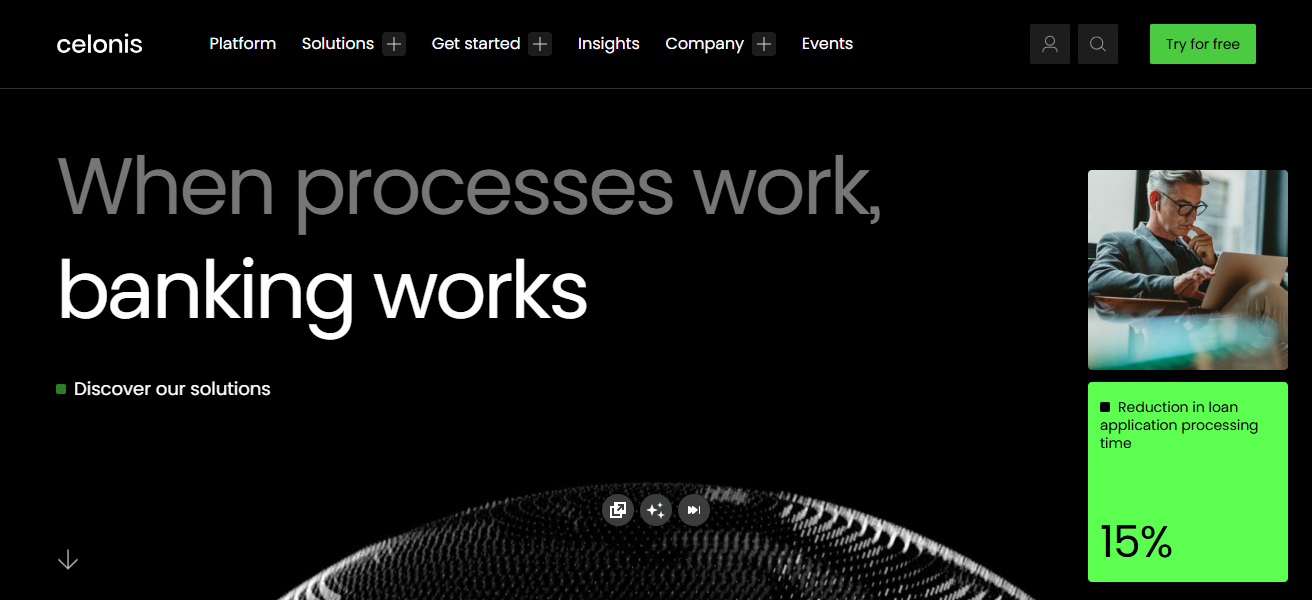
This, in conjunction with the artificial intelligence Execution Management System, allows companies to not only target issues, but also automate a solution to the problem in a fully hands off manner.
This makes Celonias systems perfect for large businesses trying to improve their operational excellence.
Features Celonis
Process discovery and visualization – The tool captures event logs to determine actual process flows and visually maps them out for further analysis.
AI Powered Insights – The tool uses Artificial Intelligence to identify process bottlenecks and inefficiencies as well as offer suggestions for optimization.
ERP and systems integrations – The tool can integrate with systems such as SAP, Oracle, and Salesforce and others to provide complete visibility.
Execution management – The tool understands the mining and goes further to remove inefficiencies as well as automate necessary actions.
| Pros | Cons |
|---|---|
| Market leader with powerful analytics and visualizations | Higher cost, especially for small businesses |
| Deep integration with major ERPs like SAP and Oracle | Can be complex to implement without expert support |
| AI-driven insights and action recommendations | Steeper learning curve for non-technical users |
| Strong automation and execution capabilities | Requires quality event log data |
2. UiPath Process Mining
UiPath Process Mining combines process discovery with automation insights and offers immense value to organizations that have adopted RPA.
It reviews event logs to reveal process variants and inefficiencies and identifies opportunities for automation.
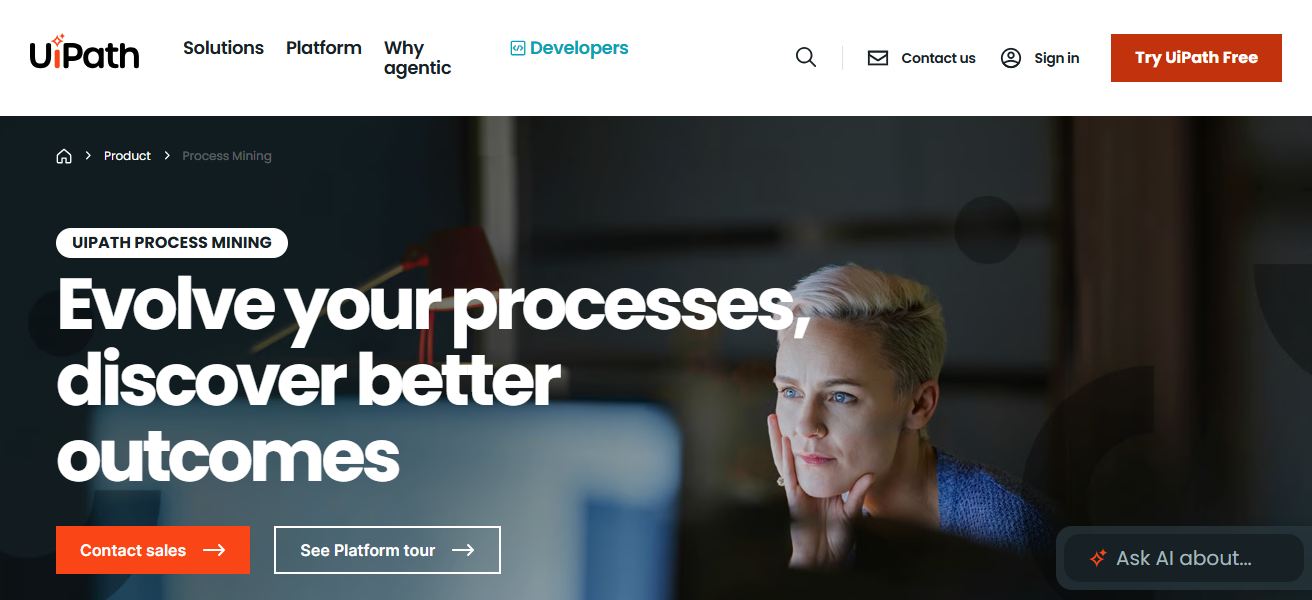
The tool integrates seamlessly with UiPath’s automation ecosystem, fostering rapid transition from process analysis to automation.
UiPath Process Mining is particularly good at finding candidates for automation with the greatest impact, resulting in improved ROI from automation of processes.
Features UiPath Process Mining
Seamless RPA integration – The tool works directly with UiPath automation solutions to link process insights with automation execution.
Process discovery – The application transforms event logs into visual representation of workflows, and highlights other quickly processes.
Automation opportunities – The tool focuses on prioritizing processes with the highest potential for automation return.
Dashboards and reporting – The tool offers excellent dashboards that allow stakeholders to manage process performance conveniently.
| Pros | Cons |
|---|---|
| Seamless integration with UiPath RPA tools | Best value when used with UiPath ecosystem |
| Good for identifying automation opportunities | Limited advanced process analytics vs specialized tools |
| User-friendly dashboards | Can lack deep customization |
| Helps prioritize automation ROI | Requires time to clean event logs |
3. Software AG ARIS
Software AG ARIS provides process management and process mining platforms that include process discovery, modeling, and optimization tools.
ARIS helps organizations visualize the actual process flows and compare them against designed process models. ARIS helps organizations identify process deviations.
ARIS’s compliance and documentation functionality makes it suitable for governance-focused industries.
ARIS integrates process mining with enterprise architecture to help organizations achieve operational and strategic alignment.
Features Software AG ARIS
Process modeling – The application allows for complete modeling and documentation of business processes.
Process mining analytics – The tool captures actual execution pathways from the system and contracts designed models.
Compliance and Governance – Excellent features for process governance and regulatory compliance tracking.
Enterprise Architecture Support – Integrates organizational design with process mining.
| Pros | Cons |
|---|---|
| Comprehensive process modeling + mining | Complex interface for beginners |
| Strong compliance and documentation features | Higher investment required |
| Excellent for enterprise governance | Not ideal for quick setup |
| Connects process mining with architecture | Heavy tool suite may be overkill |
4. SAP Signavio
SAP Signavio specializes in helping organizations comprehend, refine, and streamline their processes with its collaborative process transformation suite.
This tool mines both SAP and non-SAP data to identify and fill gaps in compliance and operational efficiency.
Among Signavio’s features, continuous process improvement and collaborative process modeling are industry differentiators.
Given its deep integration with SAP S/4HANA, Signavio is well-suited for digitally transforming organizations that need to enhance operational transparency and performance.
Features SAP Signavio
End-to-End Process Visibility – Provides integration on analytical processes in both SAP and non-SAP applications.
Collaboration Tools – Enables users to share modeling and provide feedback on process improvements across teams.
Continuous Improvement – Provides tools to monitor and improve processes over time.
Cloud-Native Platform – Provides remote access with minimal difficulty and a virtually limitless facility.
| Pros | Cons |
|---|---|
| Integrated with SAP S/4HANA | Best suited for SAP customers |
| Collaborative modeling and continuous improvement | Cost can be high for smaller firms |
| Clear visualization and benchmarking | Some advanced features need training |
| Cloud-first architecture | Limited offline capabilities |
5. Apromore
Apromore is an open-source process-mining application with unique features and analytical skills. The software helps users identify, assess, and improve business processes using event data.
Apromore helps users perform conformance checking, and analyze, monitor and predict process performance. Its open-system architecture tempts researchers and organizations looking for tailored solutions.
Apromore has established itself in academic and data-rich environments in which its powerful process analytical capabilities are devoutly utilized.
Features Apromore
Open-Source Architecture – Intended for users with technical skills, and researchers as a flexible and customizable system.
Conformance Checking – Identifies discrepancies between assumed and actual models in process performance.
Performance Analysis – Evaluates processes on measure of throughput, delays, and identifies bottlenecks.
Predictive Monitoring – Anticipates future risks and behaviors of a process using its historical data.
| Pros | Cons |
|---|---|
| Open-source flexibility | Support depends on community or third-party |
| Advanced analytics and conformance checking | Not as polished UI as commercial tools |
| Customizable and extensible | Setup requires technical skill |
| Good for research and deep analysis | Enterprise features may require plugins |
6. QPR ProcessAnalyzer
QPR ProcessAnalyzer concentrates on data-smart operational understanding by processing event logs from business applications. It highlights problem areas, rework, and compliance breakdowns through various visuals.
The software facilitates root cause analysis and KPI tracking, allowing for ongoing process optimization.
QPR ProcessAnalyzer boasts an impressive analytical engine, and is very flexible, making it ideal for organizations needing extensive process diagnostics for multifaceted operations.
Features QPR ProcessAnalyzer
Advanced KPI Tracking – Tracks key indicators for processes in performance efficiency.
Root Cause Analysis – Identifies major reasons for delays and bottlenecks in processes.
Interactive Visuals – Provides dashboards and charts to help users visualize and interrogate process data.
Scalability – Can manage to apply to extensive data from multiple system applications across an organization.
| Pros | Cons |
|---|---|
| Strong analytics and KPI dashboards | Less known than bigger brands |
| Excellent root cause and bottleneck identification | Some UI elements feel dated |
| Scalable for large datasets | Licensing and modules can be complex |
| Good performance monitoring | Learning curve for advanced features |
7. ABBYY Timeline
ABBYY Timeline is a process mining tool built for both business users and analysts who are just getting started with the software engineering and data analysis processes.
ABBYY Timeline recognizes actual processes from system data on its own and uncovers inefficiencies and delays and deviations from the expected process.
ABBYY Timeline has a variety of interactive dashboards and simulations to assess the gained improvements from a process.
ABBYY Timeline is incredibly efficient for organizations that just want to gain insights fast due to quick deployment and simple visualization.
Features ABBYY Timeline
Automatic Process Discovery – Generates process maps from event data.
Simulation & What-If Analysis – Analyzes possible outcomes before making actual changes on processes.
Business user self-service – Non-technical business users can probe outcomes and findings with ease.
Compliance deviations – Monitoring of compliance deviations and issues as they occur.
| Pros | Cons |
|---|---|
| Very intuitive and quick to deploy | May lack depth for highly complex needs |
| Strong visual analytics | Not as feature-rich as enterprise tools |
| Interactive dashboards and simulations | Limited customization |
| Good balance of speed and insight | Not best for heavy compliance use cases |
8. Minit
Minit is a data mining company that has a strict focus on operational efficiency and the improvement of overall performance.
They offer customers the ability to analyze extensive amounts of event data which allows users to determine bottlenecks in the data and identify compliance and other variations in the data.
Minit is capable of offering filtering-sophisticated root cause analysis and simulation features. The company has a, ”great flexibility and is easily utilized, making it applicable to analysts in business, and customers desiring quantifiable changes to be made in data improvement efficiency.
Features Minit
Fine-grained filtering – Quickly zooms in on particular journeys or other performance issues.
Origin detection – Finds out where performance issues are coming from.
What-if simulation – Useful for designing and improving alternative process strategies.
Decision-enabling dashboards – Dashboards that are visual and present actionable insights for decision-makers.
| Pros | Cons |
|---|---|
| Strong filtering & simulation tools | Pricing may be high for small teams |
| Better usability than some competitors | Advanced features need training |
| Great for operational insights | Customization limits vs enterprise giants |
| Quick root cause analysis | Can require data prep effort |
9. Skan.ai
Skan.ai is a fusion of process mining and task mining modern process intelligence software. Your desktop operating system logs and processes all data interactions and movements, and Skan will help you understand what you actually do.
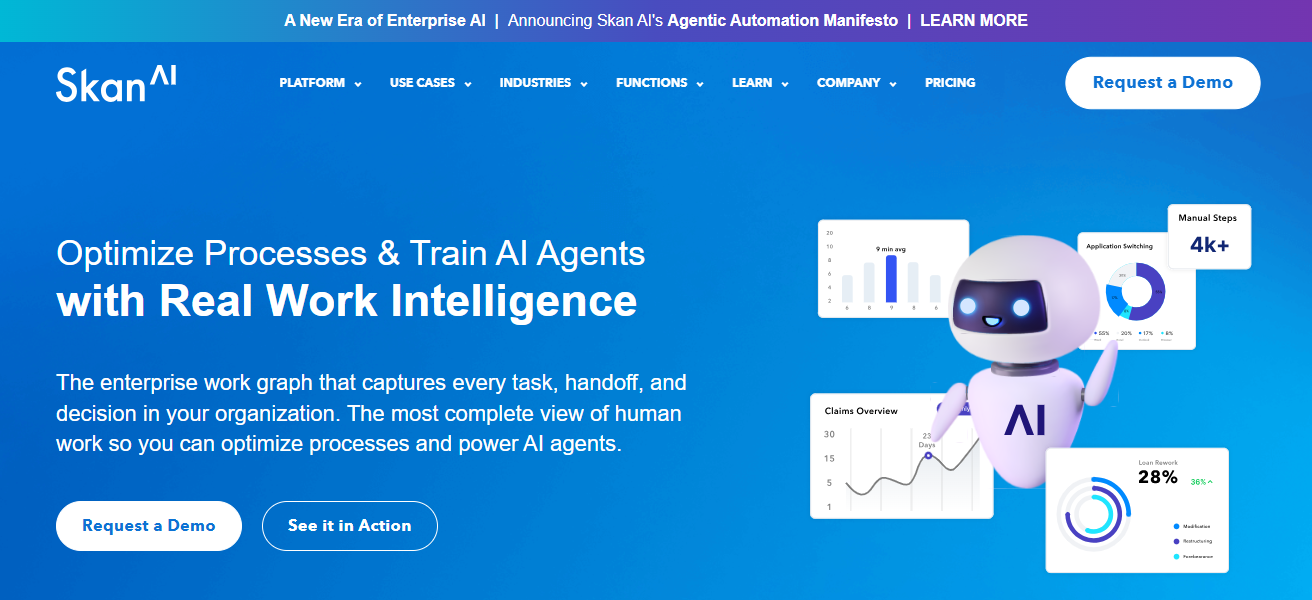
This is ideal for skaning inefficient processes, and where automation may help. Skan.ai is used across various industries, especially in shared services, finance and operations for obtaining a human-centric process granularity.
Features Skan.ai
Task + process mining – Captures user interactions and clicks at the task level.
Desktop activity monitoring – Observes actual work done by users during screen sharing sessions.
RPA potential identification – Identifies process steps that can be automated or optimized.
User-centered analytics – Displays ways work is done by users in the actual working environment.
| Pros | Cons |
|---|---|
| Combines task mining + process mining | Focused more on desktop tasks |
| Very detailed human interaction insights | Best suited to service environments |
| Highlights hidden inefficiencies | Requires user adoption and setup |
| Good for shared services and operations | Less strong on ERP-wide mining |
10. Scribe Optimize
Scribe Optimize aims at recognizing and documenting business processes by recording workflows as users execute their responsibilities.
This facilitates organizations’ understanding, classroom, and enhancement of operational processes in a timely manner.
Scribe Optimize is not a traditional event-log-based mining tool, but rather, it focuses on visibility and knowledge sharing.
It suits teams that want to streamline manual processes, assist training, and enhance operational consistency, provided that it does not pose complex technical installation of the application.
Features Scribe Optimize
Workflow capture – Captures user actions step by step for documentation.
Workflow consistency – Assists in standardizing processes for different teams.
Rapid deployment – Requires basic set up for easy visibility.
Process documentation for training – Automated document generation for training and SOPs.
| Pros | Cons |
|---|---|
| Easy capture of workflows as users work | Not a traditional event-log miner |
| Excellent for documentation & training | Limited deep analytics |
| Fast to implement | Best for manual process visibility |
| Improves knowledge sharing | Not suitable for complex ERP analysis |
How We Choose Best Business Process Mining Tools
Integration Capabilities – Make sure tool can connect to your ERP, CRM, and any other business system.
Process Discovery and Visualization – Find a tool that can accurately trace real subprocesses from event logs and draw them.
Analytics and Insights – Look for recommendations, AI to catch bottleneck, and active KPI scorecards.
Automation Support – Check if the tool can connect with any RPA workflow automation tools.
Ease of Use – Evaluate if dashboards are transparent and if business end-users won’t need a lot of training.
Scalability – Tool can manage the big data and can adapt along with the growing need of the clientele.
Compliance and Governance – Capable of process auditing and regulation and process standardization.
Cost and ROI – Consider process of the tool vs the features of the tools to ascertain how much improvements take place within a process.
Conclsuion
To summarize, the Business Process Mining Tool of choice in any organization is critical to the achievement of efficiency, compliance, and automation opportunities.
Celonis, UiPath Process Mining, and SAP Signavio provide excellent process insights and optimization.
By knowing your requirements, assessing capabilities, integration, and ease of use, the selected alternative should provide the foundation of operational excellence, and the growth of the organization will follow.
FAQ
A software that analyzes event logs from IT systems to discover, monitor, and optimize business processes.
Enterprises across finance, manufacturing, healthcare, IT, and service industries.
Yes, most tools like Celonis, SAP Signavio, and UiPath integrate with SAP, Oracle, and other ERPs.
Process discovery, analytics, automation support, visualization, simulation, and compliance tracking.
Yes, Apromore is a popular open-source process mining platform.