
In this article, I will review the Best Cloud Backup and Disaster Recovery Solution. Data has become the heart of the business, making its protection against human error, ransomware, and system failures of the utmost importance.
- Key Points & Best Cloud Backup & Disaster Recovery Solutions
- 10 Best Cloud Backup & Disaster Recovery Solutions
- 1. Acronis Cyber Protect
- 2. Veeam Backup & Replication
- 3. Zerto
- 4. Commvault Backup & Recovery
- 5. Carbonite Safe
- 6. Datto SIRIS
- 7. Microsoft Azure Site Recovery
- 8. VMware Cloud Disaster Recovery
- 9. Druva Phoenix
- 10. Unitrends Backup
- How To Choose the Best Cloud Backup & Disaster Recovery Solution
- Conclsuion
- FAQ
The right solution means the ability to back up the system without hassle, recover data almost instantly, and protect business flow without interruption. Let’s take a look at the best options in terms of protection, peace of mind, and adaptability.
Key Points & Best Cloud Backup & Disaster Recovery Solutions
| Solution | Key Point |
|---|---|
| Acronis Cyber Protect | Integrated backup with cybersecurity features |
| Veeam Backup & Replication | Advanced replication and instant VM recovery |
| Zerto | Continuous data protection with near-zero RPO |
| Commvault Backup & Recovery | Comprehensive enterprise-grade backup and automation |
| Carbonite Safe | Affordable cloud backup for SMBs |
| Datto SIRIS | All-in-one business continuity and disaster recovery |
| Microsoft Azure Site Recovery | Cloud-native disaster recovery for hybrid environments |
| VMware Cloud Disaster Recovery | On-demand failover with VMware integration |
| Druva Phoenix | SaaS-based backup with global deduplication |
| Unitrends Backup | Automated testing and ransomware detection |
10 Best Cloud Backup & Disaster Recovery Solutions
1. Acronis Cyber Protect
Acronis Cyber Protect integrates backup, disaster recovery, and cybersecurity onto a single platform. It safeguards physical, virtual, and cloud ecosystems, guaranteeing rapid recovery from ransomware and cyber threats.
The system incorporates AI malware protection as well as adaptable backup scheduling and centralized management for companies of all classes.
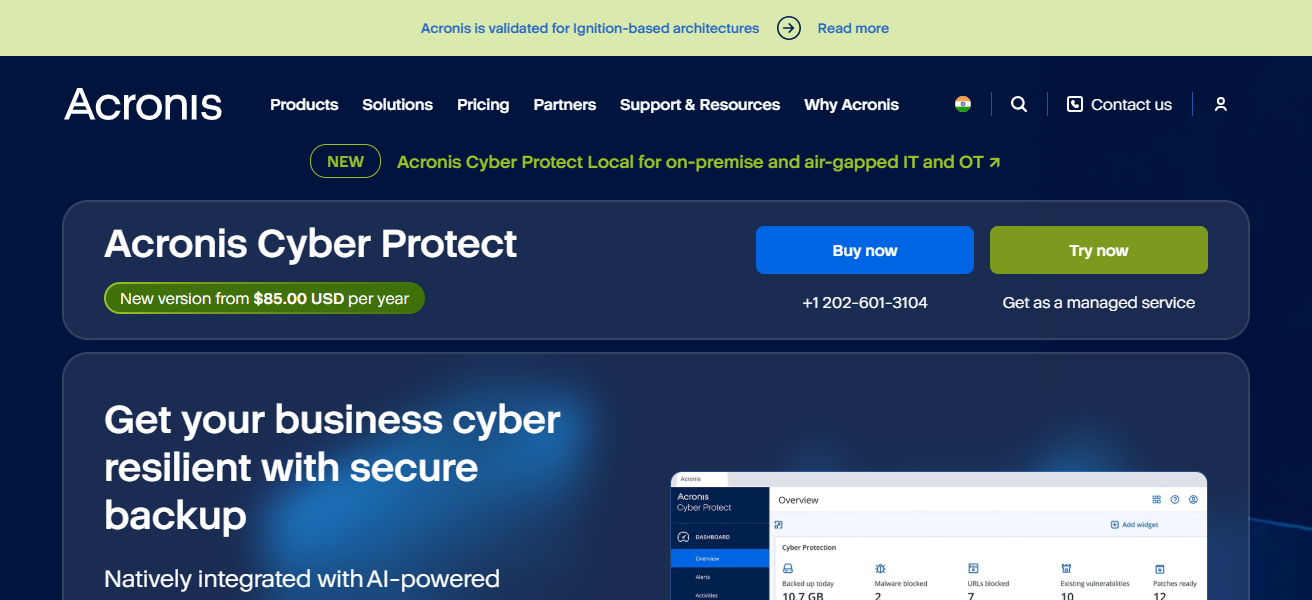
Adaptive and full backups, cloud storage, and endpoint protection are among the services provided to users.
The integration of cyber protection with data protection enhances the system’s efficacy and mitigates operational challenges, making it ideal for organizations aiming to protect data and sustain operational continuity.
Features Acronis Cyber Protect
- Integrated Backup \& Security: Backup, anti-virus, anti-malware, and it also combines ransomware protection, all in one.
- Multi-Platform Support: Protects networks, clouds, and virtual endpoints.
- Recovery Options: Full systems, individual files, and applications can be fully restored.
- Central Management: One console for policies, reports, and monitoring.
| Pros | Cons |
|---|---|
| Combines backup + cybersecurity in one platform, reducing tool sprawl | Can be more expensive than standalone backup tools |
| AI‑based malware and ransomware protection included | Initial setup and learning curve can be steep |
| Flexible backup for physical, virtual & cloud workloads | Advanced features may overwhelm smaller IT teams |
| Centralized management and reporting | Support can be slower during peak times |
2. Veeam Backup & Replication
Backup and Integrate Replication is foremost among conveniences. The retention of unavailability during disasters is heavily mitigated with quick and efficient backup of unallocated sectors. Virtual, physical, and location physical spaces are compatible with Veeam.
The specifics of the integration are instant backup and recovery of the VM, replication, recovery of the applications and systems, and recovery of the slots.
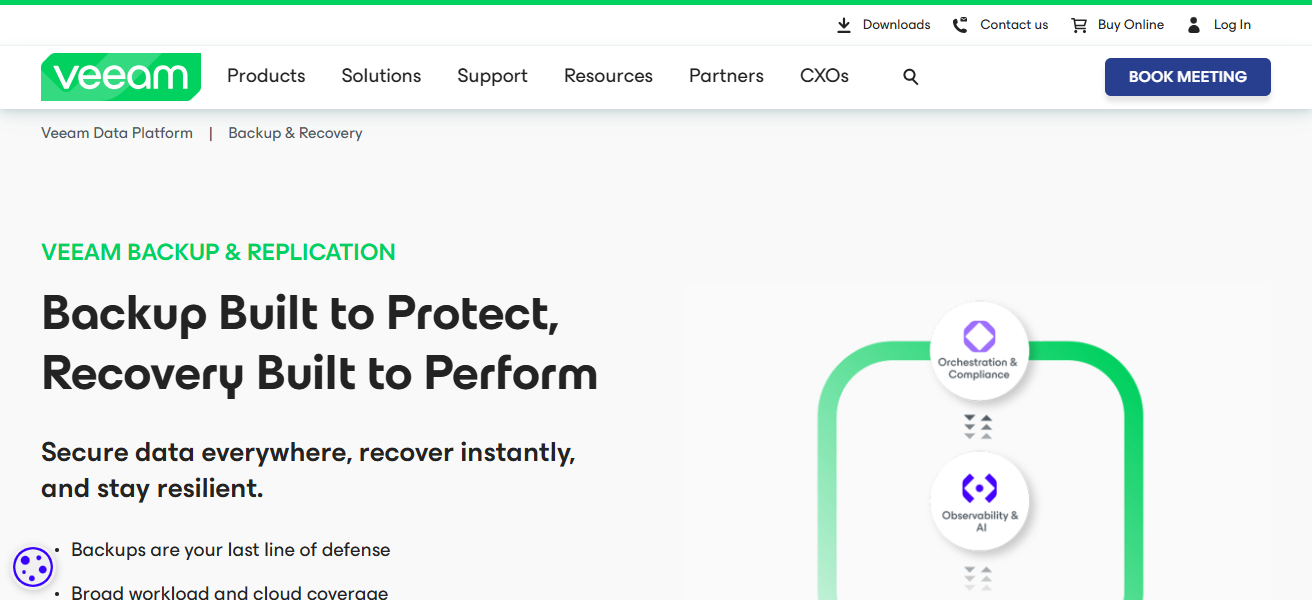
The retention of unavailability during disasters is heavily mitigated with quick and efficient backup of unallocated sectors.
Enterprises of all scales are catered to with the monitoring of storage systems and systems of clouds. The system’s support of the community and its simplicity are pluses to the efficiency.
Features Veeam Backup \& Replication
- Reliable Backup: Based on images, backup system created for virtual machines, backup of physical servers, and also all instances in the cloud.
- Instant Recovery: Full systems can be restored and individual files can also be (quickly) restored.
- Replication for DR: Integrated replication (that) provides and supports fast failover.
- Hybrid Cloud Support: Cloud use can be on-prem, and/or hybrid
| Pros | Cons |
|---|---|
| Extremely reliable for virtualized environments | Licensing can be complex for hybrid cloud |
| Fast recovery with granular restore options | Can be expensive for large infrastructures |
| Excellent community and support ecosystem | Some advanced features need add‑ons |
| Supports hybrid cloud and scalable deployments | Requires tuning to optimize performance |
3. Zerto
Zerto deals with the protection of information in a continuous manner and the recovery of information after a disaster in several cloud environments.
They use the technology of data protection recovery to give quick responses to recovery features. Their platform works with VMware and other processors give systems to protection recovery in an automated manner.
Zerto also provides the methods to synchronize systems to recover from operational failure. By losing parts of the complicated sequence of recovery they give simpler recovery.
They know that protection of data in the real time is another distraction that is seamless when moving to another center from the cloud. For customers they know that protection of data is operational in real time.
Features Zerto
- Continuous Data Protection: Slow replication can cause a loss of data, and also real-time replication.
- Fast Failover/Failback: Disaster failover uses automated workflows.
- Orchestrated DR Testing: Production impact is removed for simplified testing.
| Pros | Cons |
|---|---|
| Continuous data protection with minimal RPO | Licensing cost is on the higher side |
| Rapid failover and automated orchestration | Best suited for larger enterprises |
| Works well across multi‑cloud and hybrid infrastructures | Not focused on traditional file backup |
| Near‑zero downtime recovery | Setup requires careful planning |
4. Commvault Backup & Recovery
Backup & Recovery from Commvault has impeccable data protection. With Commvault you can backup, recover, and archive data from databases, virtual machines, applications, and other endpoints.
This data protection takes place in multiple environments, like on premise, in the cloud, or in hybrid flexible clouds.
Commvault emphasizes automation, policy-based management, and efficient data storage and Commvault has disaster recovery orchestration, quick recovery, and cloud recovery.
This is ideal for big companies Commvault also incorporates analytics and reporting for operation optimization and compliance.
Once backup and recovery is integrated, Commvault ensures business continuity, saves time for the administrative team, and protects data from harm.
Features Commvault Backup \& Recovery
- Comprehensive Coverage: Protects applications, databases, virtual machines, file systems and endpoints.
- Policy-Driven Automation: Backup, retention, compliance, and other (related) tasks are automated.
- Advanced Reporting/Analytics: Dashboards provide compliance and usage insights.
- Flexibility: Scalable for different settings: small, medium, and enterprise-grade environments.
| Pros | Cons |
|---|---|
| Very comprehensive and feature‑rich | Complex product with steep learning curve |
| Strong automation and policy‑based controls | High cost for licensing and maintenance |
| Supports many platforms & data types | Requires experienced administrators |
| Excellent reporting and compliance tools | Some UI elements feel dated |
5. Carbonite Safe
Carbonite Safe is a flexible backup software for customers who want a no-frills but safe solution for backing up their data.
Carbonite Safe provides cloud storage where users can back up their files, folders, and entire systems. It is easy to retrieve data after it is lost or after a disaster occurs.
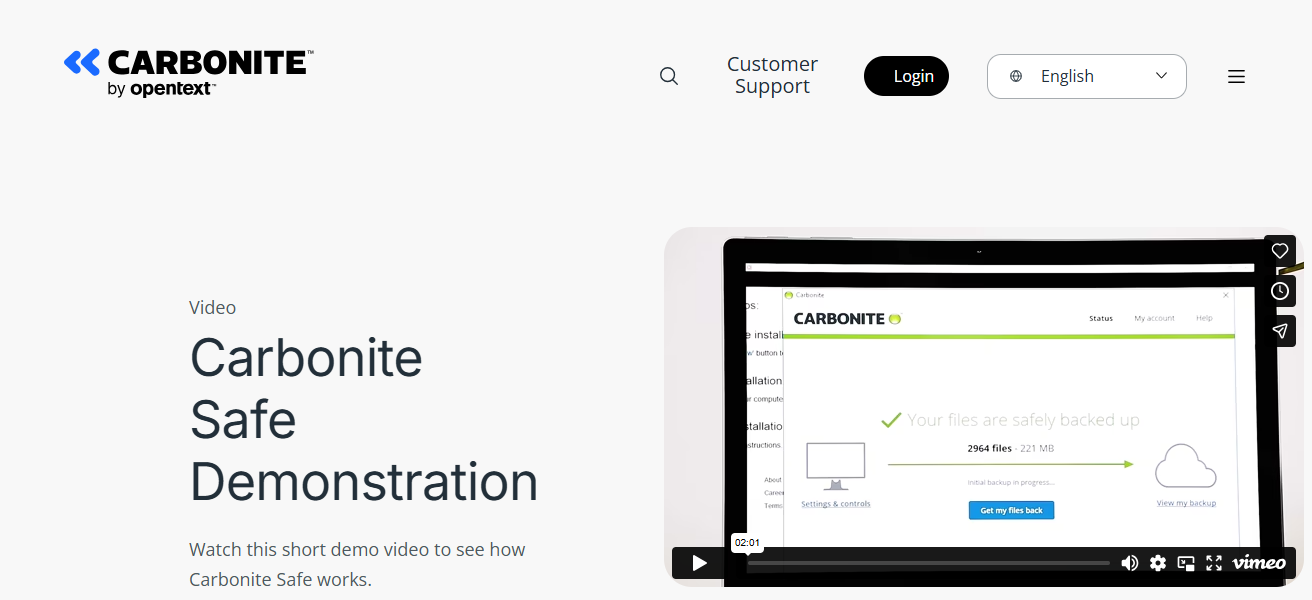
Carbonite Software protects its data records using versioning, encryption, and customers can use their data remotely. Because of its simple setup and management, it is most appropriate for small to mid-sized companies.
Moreover, Carbonite accommodates hybrid settings where urgent tasks can be continuously backed up. Carbonite provides peace of mind by storing data remotely so it is easily retrievable.
Features Carbonite Safe
- Automated Cloud Backup: Automatically backs up files and systems to cloud storage continuously.
- Versioning & Retention: Saves versions of files to recover older versions from historical backups.
- Remote Access: Access backed up files from any location.
- Encryption: Secures data during transfer and while stored.
| Pros | Cons |
|---|---|
| Easy, cloud‑based automatic backups | Less advanced DR orchestration than enterprise tools |
| Great for small to mid‑sized businesses | Limited granular restore features |
| Secure offsite storage with encryption | Not ideal for large virtual environments |
| Affordable entry‑level pricing | Fewer enterprise integrations |
6. Datto SIRIS
Datto SIRIS provides complete business continuity and disaster recovery solution. SIRIS images and backs up systems with minimal downtime and cloud storage.
This service supports hybrid IT environments and local recovery options. Automation, quick ransomware protection, and cloud recovery systems keep businesses online SIRIS provides centralized management with automated reporting and secure backups.
Businesses of all sizes Loss of operational continuity and financial impact from downtime using combined data backup and disaster recovery orchestration with full operational continuity.
Features Datto SIRIS
- All-in-One BCDR: Backup, replication, and disaster recovery all integrated in one platform.
- Instant Virtualization: Instantly boots systems in the cloud or on local devices.
- Ransomware Detection: Ransomware detection through anomaly and suspicious change detection.
- Hybrid Protection: Local snapshots and cloud replication to bolster protection.
| Pros | Cons |
|---|---|
| All‑in‑one BCDR with instant virtualization | Hardware appliances may add cost |
| Excellent for MSPs and small businesses | Cloud storage cost adds up with scale |
| Ransomware detection and automated restore | Some advanced features require training |
| Local + cloud backup reduces recovery time | Management UI can be complex |
7. Microsoft Azure Site Recovery
Microsoft Azure Site Recovery (ASR) provides automated disaster recovery services (failover and recovery) in the Azure Cloud for on-premises and Cloud workloads, with the added capability of supporting multi-tier applications.
ASR also provides customizable orchestration and compliance reporting, allowing users to create workflows with business rules to manage what systems to fail over, in what order, and what systems to leave online for reporting to orchestrate.
ASR maintains strong Azure integration to eliminate the challenges associated with weak third-party disaster recovery options, while also maintaining strong disaster recovery costs and reduced secondary data centers.
ASR also includes the ability for organizations to exercise and test recovery plans seamlessly and without impacting live operations. ASR provides organizations with flexible, reliable, and the best of all, cloud-native disaster recovery options.
Features Microsoft Azure Site Recovery
- Cloud-Native Replication: Replication from on-prem or other clouds to Azure.
- Automated Orchestration: Changes and manages the order of operations for workflows during failover, failback, and recovery.
- Multi-Tier App Support: Supports complex apps with multiple dependencies.
- Integrated Monitoring: Maintain replication health and alert systems within Azure.
| Pros | Cons |
|---|---|
| Seamless Azure‑native replication & DR | Costs can be unpredictable for outbound data |
| Automates failover and failback workflows | Needs Azure expertise to manage efficiently |
| No need for secondary DR data center | Limited offline/air‑gapped options |
| Integrates with Azure ecosystem | Dependent on Azure region performance |
8. VMware Cloud Disaster Recovery
VMware Cloud Disaster Recovery provides a cloud-native disaster recovery service for VMware workloads.
With this service, customers are able to recover workloads in the cloud, continuously replicate, and automate failover and failback to ensure uninterrupted business access.
The service provides seamless integration with VMware vSphere for rapid disaster recovery with minimal hardware spending.
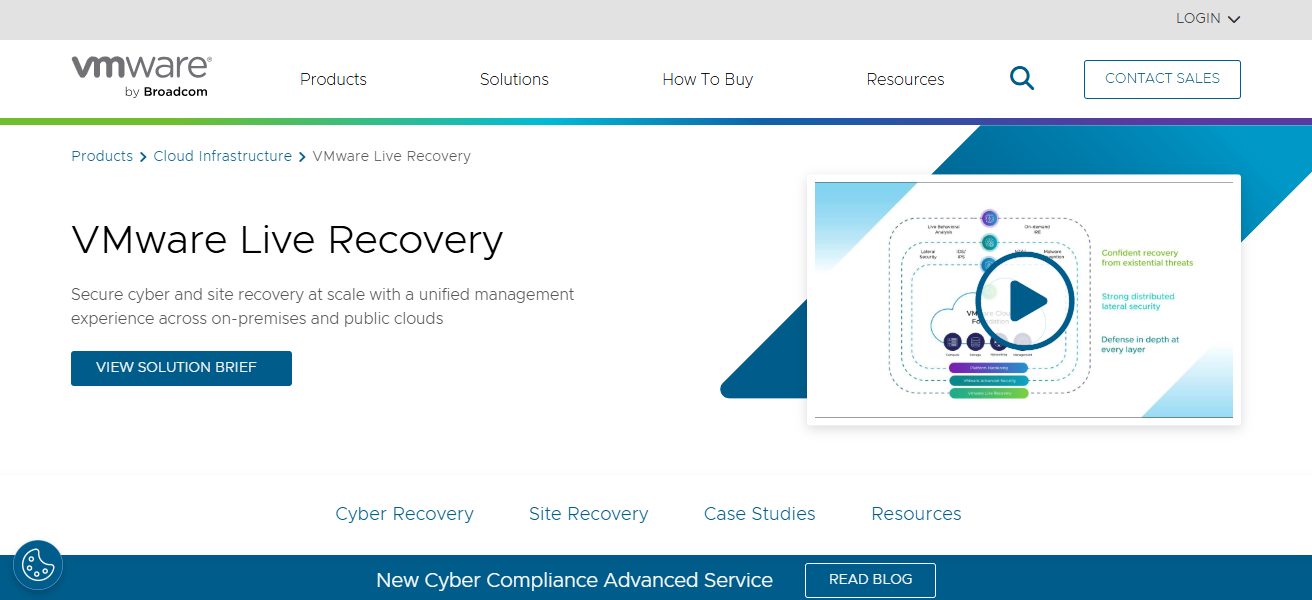
With support for orchestration, testing, and compliance reporting, VMware Cloud DR makes disaster recovery planning simple.
The elastic cloud storage is cost-effective and flexible for any business. Organizations experience and are able to manage centralized with minimal downtime, near-zero data loss, and downtime.
This service is great for VMware-focused infrastructures that are in need of dependable and cost-effective cloud disaster recovery.
Features VMware Cloud Disaster Recovery
- vSphere Integration: Natively supports VMware environments.
- Elastic Cloud Storage: Cloud storage that scales with demand.
- Orchestrated Recovery Plans: Automates recovery process through workflows and testing within the process.
- Rapid On-Cloud Failover: During outages, experience quick migration to the cloud.
| Pros | Cons |
|---|---|
| Natively integrates with VMware vSphere | Best fit for VMware environments only |
| Elastic cloud storage scales with needs | Cloud cost can grow with retention |
| Orchestrated recovery and testing | Setup requires VMware skillsets |
| Fast recovery for critical workloads | Less ideal for non‑VM workloads |
9. Druva Phoenix
Druva Phoenix is designed to provide backup and disaster recovery to physical servers, virtual machines and workloads on the cloud.
It is a cloud-native, automated and global deduplication/dr storage device that optimizes business continuity.
Druva Phoenix focuses on ransomware protection and fast recovery, managing all tasks in one console. It fits into a hybrid It environment and is designed for scalable, economical storage.
The platform also offers compliance and long-term retention. By removing on-site backup infrastructure
Phoenix allows businesses to focus operational overhead on infrastructure and on to seamless cloud disaster recovery.
Features Druva Phoenix
- Cloud-Native Platform: No on-prem backup infrastructure is necessary.
- Expanding Global Deduplication functionality lets organizations save extra costs on their data storage.
- Secure Offsite solution allows organizations to in a fully automated way create encrypted cloud backups.
- Policy Automation functionality allows organizations to automate their data management scheduling, data retention, and compliance policies.
| Pros | Cons |
|---|---|
| Cloud‑native backup with global deduplication | Requires consistent network bandwidth |
| No on‑prem backup infrastructure needed | Can be costly with very large data volumes |
| Strong ransomware and compliance features | Less customization than on‑prem tools |
| Centralized management and reporting | Limited offline recovery options |
10. Unitrends Backup
Unitrends Backup offers enterprise-scale protection and disaster recovery services across physical, virtual, and cloud environments.
Features like automated backups and instant recovery, with replication, help minimize downtime during system failures.
The platform safeguards data with ransomware protection, reporting, and compliance tools. Unitrends Backup supports hybrid infrastructures and integrates with cloud storage, minimizing the need for dedicated backup equipment.
Its centralized management console streamlines the process of monitoring and testing, and aids in the planning of disaster recovery.
Unitrends Backup offers organizations operational resiliency, protection of critical workloads, and recovery from outages and data loss events with the combination of backup, continuity, and archiving.
Features Unitrends Backup
- All-in-One Protection, so organizations can protect their physical, virtual, and cloud workloads.
- Instant Recovery, so organizations can rapidly restore their systems and data.
- Ransomware detection and reporting automatically creates anomalies in their systems without access reporting.
- Secondary Data Replication and Long-Term Archiving.
| Pros | Cons |
|---|---|
| All‑in‑one backup, DR, and archive | UI can feel cluttered with features |
| Ransomware detection & automated reporting | Some advanced DR features need extra modules |
| Supports physical, virtual & cloud workloads | Cloud storage adds to operational cost |
| Instant recovery with replication | Setup and optimization take time |
How To Choose the Best Cloud Backup & Disaster Recovery Solution
Range and Adaptability: Make sure the solution secures all workloads (servers, virtual machines, SaaS apps) and adapts to your IT infrastructure.
Growth Capacity: Choose a solution compatible with your expanding data resources and allows for hybrid/multi cloud configurations.
Safety and Permanence: Check for cybersecurity safeguards such as encryption, ransomware protection, and immutable backups for maintaining data integrity.
Legal & Compliance: Provide documentation to support the solution’s compliance with pertinent regulations (GDPR, HIPAA, ISO) in your industry.
Value: Consider the value of the features based on your needs; don’t overshoot a small business budget with enterprise-level features.
Speed of Recovery (RTO/RPO): Assess how much data will be at risk in a disaster and how quickly you can recover the lost data.
Conclsuion
To sum up, one of the most important things that every business should prioritize is the best available cloud backup and data recovery system.
Features such as rapid recovery, ransomware mitigation, and adaptive cloud storage can protect important data for every business.
Additional business features can bring electricity to dormant business and keep operation running at full capacity.
Analyzing your requirements, RTO/RPO, and the total funds available should guide the final selection of the platform that most cost-effectively to protect your data.
FAQ
It’s a service that stores copies of your data and systems in the cloud, enabling fast recovery during data loss or outages.
It ensures business continuity, protects against cyberattacks, hardware failures, and accidental deletion.
RTO is the maximum downtime tolerated, RPO is the maximum acceptable data loss.
Yes, most solutions support physical, virtual, and cloud workloads.
Top solutions offer end-to-end encryption, ransomware protection, and compliance features.