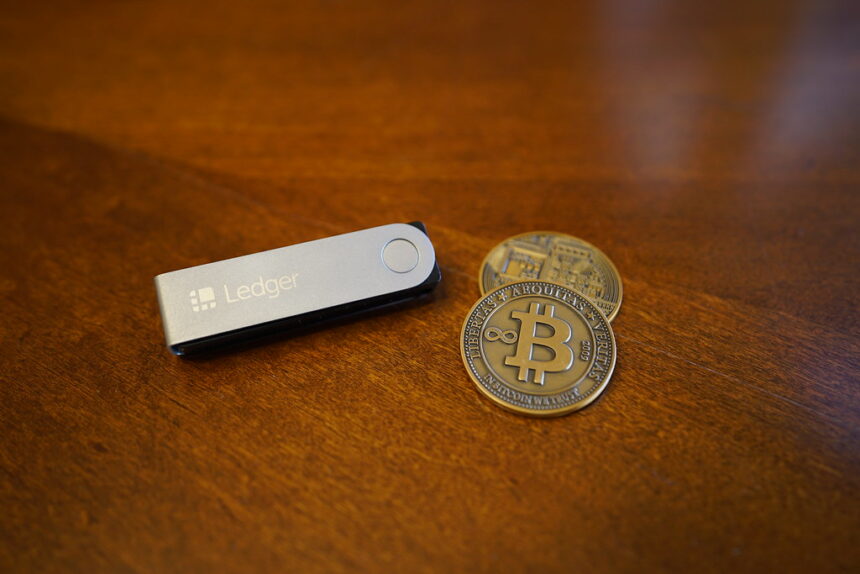
In this article, I will cover the best crypto wallets with on-chain risk controls focusing on the wallets’ security, protection while transacting, and safe use with decentralized apps.
- Key Points & Best Crypto Wallets With On-Chain Risk Controls
- 10 Best Crypto Wallets With On-Chain Risk Controls
- 1. MetaMask
- 2. Ledger Nano X
- 3. Trezor Model T
- 4. Exodus
- 5. Phantom
- 6. Trust Wallet
- 7. Tangem Wallet
- 8. SafePal S1
- 9. Coinbase Wallet
- 10. Zengo
- How To Choose Best Crypto Wallets with On-Chain Risk Controls
- Conclusion
- FAQ
Out of the various intelligent wallets, these offer the best risk management smart contracts, unapproved spenders’ protection, and digital assets protection.
To mitigate on-chain risk while trading, holding digital assets, or using DeFi, choosing the correct wallet is crucial.
Key Points & Best Crypto Wallets With On-Chain Risk Controls
| Wallet | Key Point |
|---|---|
| MetaMask | Advanced DeFi integration with customizable gas fees and phishing detection |
| Ledger Nano X | Hardware-based cold storage with secure element chip and multi-chain support |
| Trezor Model T | Open-source firmware with strong recovery options and risk monitoring |
| Exodus | User-friendly interface with built-in portfolio tracking and token risk alerts |
| Phantom | Solana-focused wallet offering transaction simulation and scam detection |
| Trust Wallet | Multi-chain support with integrated DApp browser and staking risk controls |
| Tangem Wallet | Card-based hardware wallet with tap-to-transact security and offline storage |
| SafePal S1 | QR-code transaction signing ensuring air-gapped security and malware resistance |
| Coinbase Wallet | Self-custody wallet with on-chain identity verification and risk alerts |
| Zengo | MPC cryptography eliminating seed phrases and reducing single-point failure risks |
10 Best Crypto Wallets With On-Chain Risk Controls
1. MetaMask
MetaMask is among the most popular non-custodial wallets for crypto and works as a browser extension and mobile app.
Users can take full ownership of their private keys and can use the wallet for Ethereum and most EVM-compatible blockchains.

MetaMask is among the few wallets that can seamlessly integrate with Web3 dApps and DeFi protocols. MetaMask can also be connected to hardware wallets like Ledger and Trezor for more security.
MetaMask is a hot wallet but includes security reminders, protective custom networks, and tools to help with the risk of signing a transaction.
Security and risk tools can be further topped with advanced add-ons, including transaction simulation.
MetaMask Features
- Multi-Chain Support: Ethereum and all the EVM-compatible blockchains, such as Polygon, BNB Chain, and Avalanche, are supported.
- Web3 Integration: Access to all DeFi applications, NFT marketplaces, and decentralized exchanges is available via the browser and mobile interfaces.
- Custom Network & Gas Control: RPC networks and gas fees are configurable for faster or cheaper transactions.
- Hardware Wallet Compatibility: Ledger and Trezor can be integrated for safer transaction signing.
| Pros | Cons |
|---|---|
| Very popular and widely supported by DeFi, NFTs, and Web3 apps | Hot wallet — private keys are connected to the internet |
| Supports many EVM chains (Ethereum, BNB Chain, Polygon, etc.) | Requires careful use to avoid phishing sites |
| Can connect with hardware wallets for added security | Less intuitive for beginners than simple mobile wallets |
| Custom gas fees and network settings | No built-in advanced risk scoring by default |
| Active community and regular updates | Browser extension risks if malicious extensions are installed |
2. Ledger Nano X
The Ledger Nano X stands out as the leading hardware wallet in the market. By keeping your private keys in secure chip that has been isolated and offline, the risk of attacks that stem from the internet on-chain are virtually eliminated.
Users are able to manage their assets through the Ledger Live app, and transactions on the app are only able to be approved through the hardware wallet’s screen, ensuring no potential for a malware to sign a transfer.
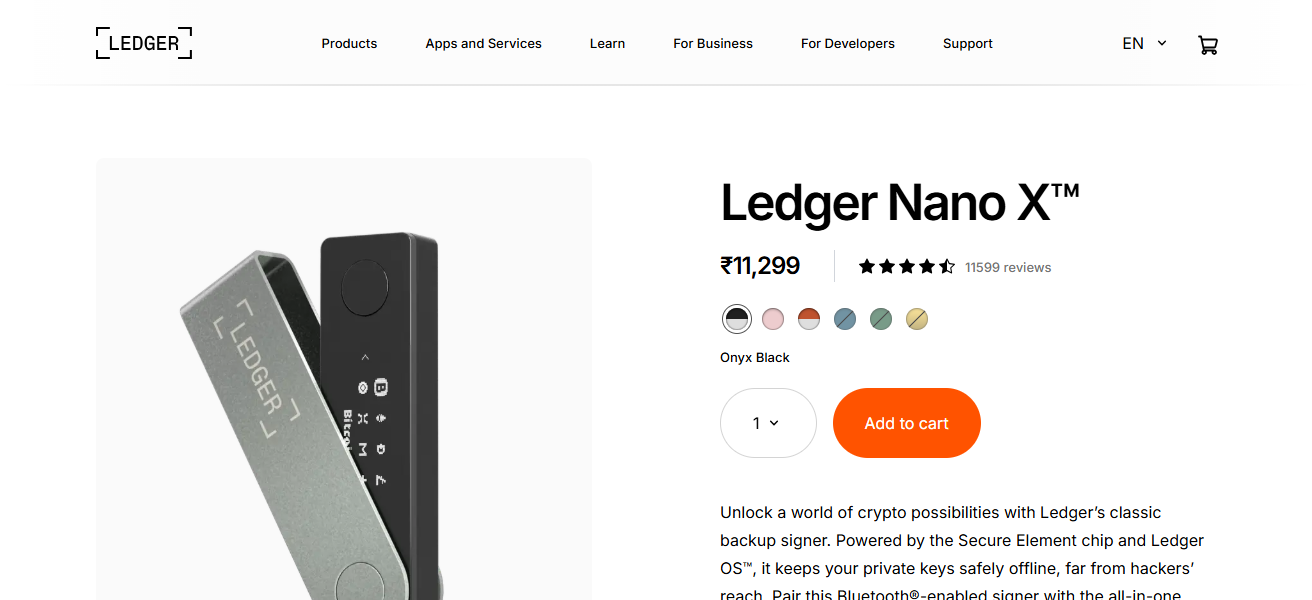
The wallet has partnerships with MetaMask and other DeFi wallets for the securing the management of assets through dApps.
The protection of physical buttons makes it that each transaction has to be confirmed on the wallet itself, reducing the likelihood of rogue transactions.
Ledger Nano X Features
- Cold Storage Security: Private keys are stored offline inside a secure chip, protecting against online hacks.
- Wide Asset Support: Coins and tokens from thousands of blockchains are supported.
- Physical Confirmation: The device itself must manually confirm each transaction.
- Bluetooth & USB Connectivity: Mobile and desktop management is available.
| Pros | Cons |
|---|---|
| Hardware wallet — keys stay offline (cold storage) | More expensive than software wallets |
| Large support for coins and tokens | Requires device to confirm every transaction (slower flow) |
| Bluetooth + USB connectivity | Bluetooth can be considered a security risk by some |
| Integrates with many wallet apps for safe DeFi access | Requires learning curve for new crypto users |
| Physical confirmation reduces unauthorized signing | Must securely store recovery seed phrase |
3. Trezor Model T
The Trezor Model T is a highly reputable, open-source hardware wallet with a commitment to transparency and security. Like other cold wallets, it keeps private keys stored offline and transactions require manual approval.
The Model T features a color touchscreen which works to simplify PIN and passphrase entry. The open-source firmware allows the community to inspect it, creating additional trust for security researchers.
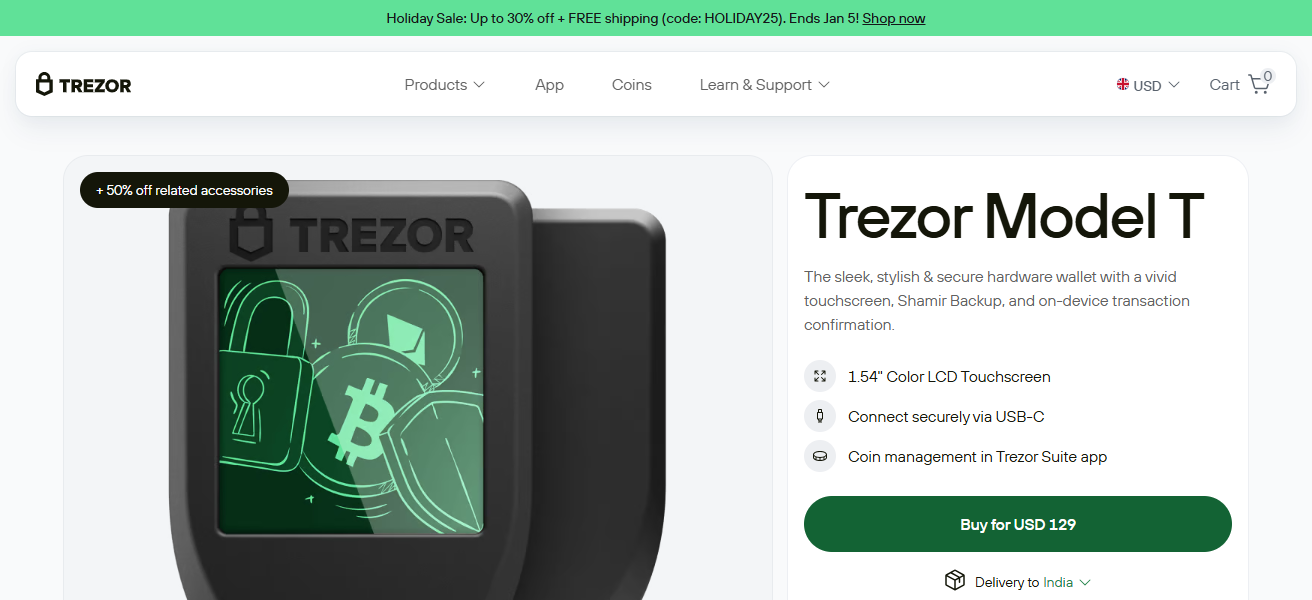
Trezor supports more than 1,400 cryptocurrencies, making it very versatile. By keeping critical security elements apart, and demanding manual approval on each transaction, Trezor significantly lowers the chances of unauthorized transfers losing funds.
Trezor Model T Features
- Offline Key Storage: Private keys are stored offline and protected from malware and unauthorized users.
- Touchscreen interface: The built-in touchscreen offers a simplified ways to enter the PIN and confirm transactions.
- Open-source firmware: The transparent code of the firmware offers community confidence for stronger trust and for security improvements.
- Multi-Asset Support: Works with multiple cryptocurrencies.
| Pros | Cons |
|---|---|
| Fully offline key storage — excellent security | Higher price point |
| Open-source firmware with auditability | Physical device needs safekeeping |
| Touchscreen makes transaction approval easier | Not as many supported coins as some competitors |
| Simple PIN and passphrase features | Not ideal for frequent mobile use (no Bluetooth) |
| Strong against malware on host devices | Initial setup is slower than simple apps |
4. Exodus
Exodus is easy to use S/W wallet available on mobile, desktop, and as an extension that integrates with Trezor. Trezor integration adds an additional layer of security.
The wallet is non-custodial, meaning that users are in complete control of their keys. Portfolio tracking, swapping, and staking are built-in features.
The wallet doesn’t have on-chain risk scoring, but keeping the wallet locally encrypted and with Trezor, users have an avenue to reduce their risk exposure.
Its usability and multi-chain support helps target beginner and some intermediate users with varied portfolios.
Exodus Features
- User-Friendly Interface: Simplified design for showing portfolios and tracking.
- Multi-Platform: Works on desktop and mobile for access anytime.
- Asset Diversity: Offers thousands of coins and tokens.
- Hardware Wallet Integration: Compatible with Trezor for extra protection.
| Pros | Cons |
|---|---|
| Very user-friendly and visually clear interface | Software wallet — keys stored on device |
| Desktop + mobile support | Lacks built-in advanced on-chain risk tools |
| Broad asset support | Not ideal for complex DeFi interactions |
| Optional connection to hardware wallets | Local backups rely on users managing phrases |
| Integrated swap and portfolio tracking | Not open-source, some trust concerns |
5. Phantom
Phantom started as a wallet for Solana and has become a popular software wallet for DeFi and NFTs as it now supports Ethereum and more blockchains.
It offers users a smooth and user-friendly experience paired with risk mitigation tools such as Dupe detection filters and transaction previews.
These let users see if a contract is malicious before they sign it, so users can be less worried about approving risky operations on-chain.
Fantom also has built-in staking and swapping tools to make managing assets more seamless, offering users real-time updates for network fees and transactions. All of this makes it one of the best options for users with frequent on-chain activity.
Phantom Features
- Fast UX for DeFi: Designed for quick use and access on Solana and other related blockchains.
- Scam & Contract Warnings: Alerts to risk on certain transactions and previews before users sign.
- Built-in Swap & Staking: Wallet has token swaps and staking.
- Cross-Platform Support: Compatible with mobile and has browser extension
| Pros | Cons |
|---|---|
| Clean, fast, and intuitive UI | Primarily mobile/browser — hot wallet risks |
| Built-in scam detection and contract previews | Risk warnings not perfect — may miss threats |
| Excellent for Solana and expanding ecosystem | Limited support for non-Solana assets historically |
| Fast interaction with DeFi & NFTs | Users must remain cautious signing unknown contracts |
| Shows real-time fees and network behavior | Not suitable for cold storage without external device |
6. Trust Wallet
Since a long time Trust Wallet has had a good reputation in the Web3 community. Trust Wallet has high custodian protection, using more than 100 blockchains and 1000+ tokens.
With Trust Wallet, you can stake tokens, buy/sell NFTs, and set custom cryptographic (dApp) browsers to interact with other decentralised applications.
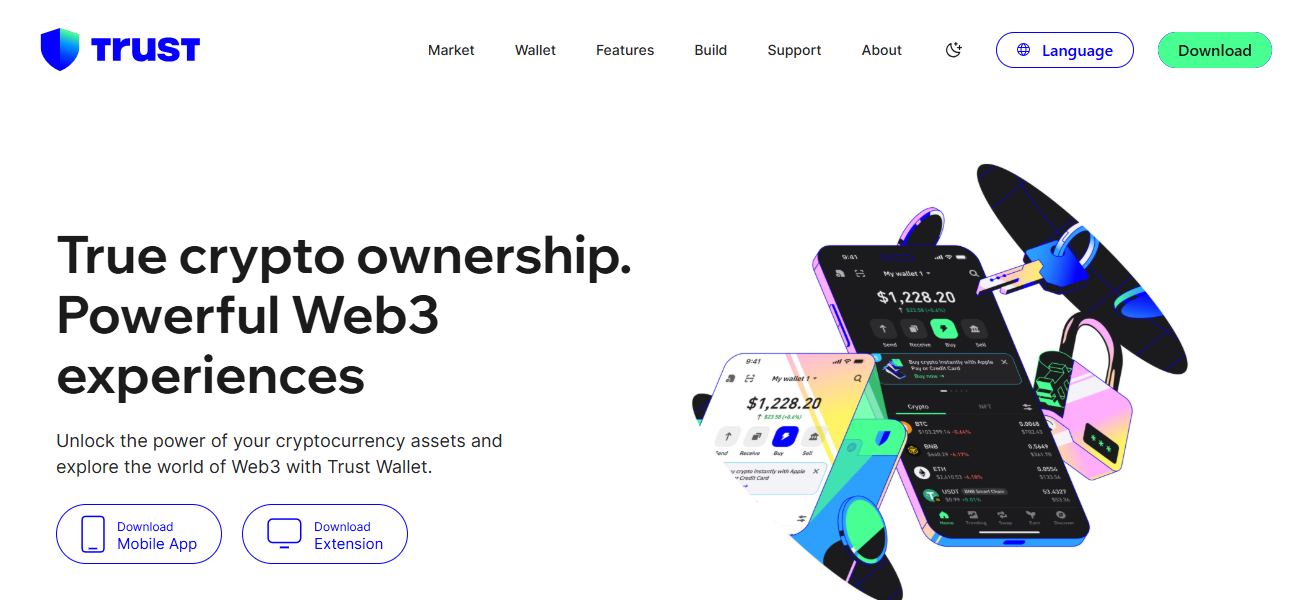
Trust Wallet has the best reputational security standards. private keys are guarded locally, and can be controlled by the user. The dApp browsers are also encrypted. Trust Wallet had dApp browsers to lessen on-chain risks.
Trust Wallet Features
- Mobile-First Design: Setup is straightforward and is especially mobile friendly.
- Broad Blockchain Support: Compatible with several layer-1 and layer-2 blockchains.
- Built-In dApp Browser: Offers access to DeFi and Web3 apps.
- Staking & NFTs: Users can earn rewards on NFTs and access their collection through the wallet.
| Pros | Cons |
|---|---|
| Easy mobile setup for beginners | Keys are stored on device (hot wallet) |
| Supports many chains and tokens | Risk controls are basic (confirmation dialogs only) |
| Built-in browser for DeFi dApps | Mobile app security depends on phone integrity |
| Integrated staking and NFT features | Not ideal for advanced risk profiling |
| Non-custodial — you hold your keys | Users must avoid fake versions and scams |
7. Tangem Wallet
Tangem Wallet has a different method than others by keeping your keys on a smart card that has NFC capability. The smart card is the same size as a credit card, has no batteries and no cables.
The card stores private keys in a secure chip that is certified to high assurance levels (EAL6+) which keeps your keys offline and safe from online threats.
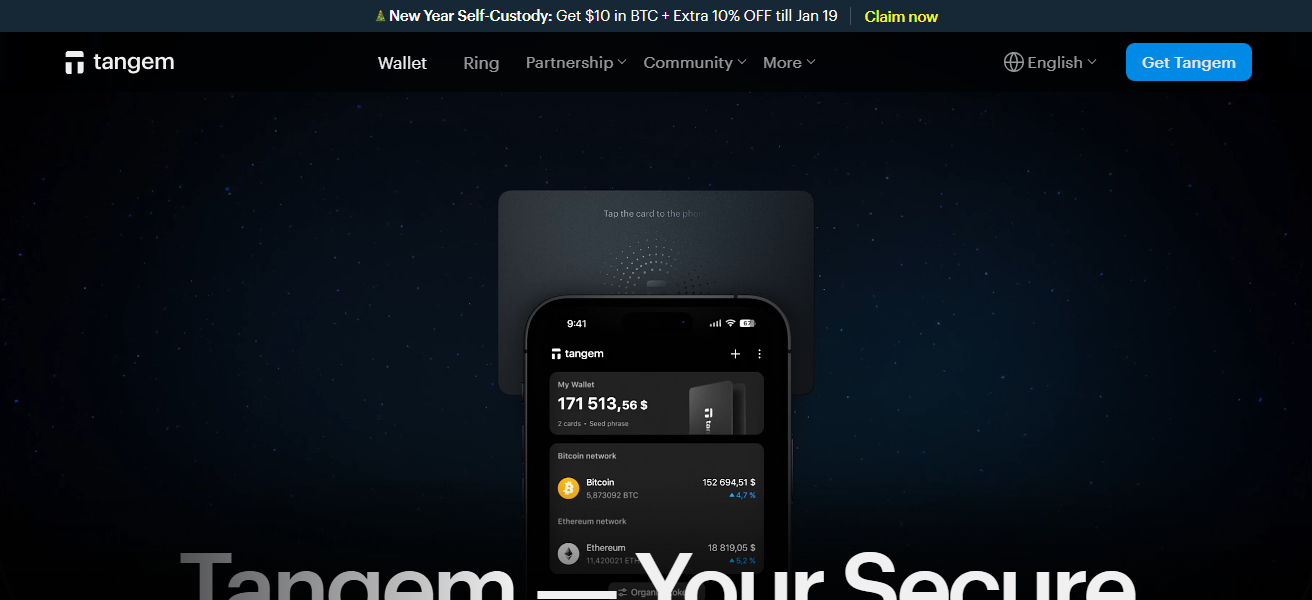
The wallet supports thousands of tokens and blockchains, and you can sign transactions by simply tapping the card on your smartphone.
By using the card-based model, traditional seed phrases are removed, and crypto is kept out of internet-connected devices until signing, which greatly reduces on-chain risk for crypto holders.
Tangem Wallet Features
- Smart Card Security: Private keys are on cards with NFC… fully offline.
- No Seed Phrase: Uses card backups instead of regular seed phrases.
- Easy Tap-to-Sign: Users can approve transactions by tapping their card on their smartphone.
- Tamper-Resistant Hardware: Made with both physical and digital protection in mind.
| Pros | Cons |
|---|---|
| Smart card hardware — keys never online | Requires purchase of physical cards |
| No seed phrase; card recovery alternative | Not ideal for frequent frequent DeFi use |
| Very simple tap-to-sign UX | Limited advanced portfolio features |
| Strong tamper resistance | Must protect physical card carefully |
| Good for long-term, secure storage | Fewer third-party integrations than major wallets |
8. SafePal S1
The SafePal S1 is a low-cost hardware wallet. It uses a signing method called air-gapped transaction signing which means that the wallet will never have to connect to your computer or phone via USB or Bluetooth.
Instead, the wallet will communicate via QR code and this will isolate the wallet’s private keys from any connected device. Because of this, there is no way that malware or remote hackers will be able to intercept or modify a transaction.
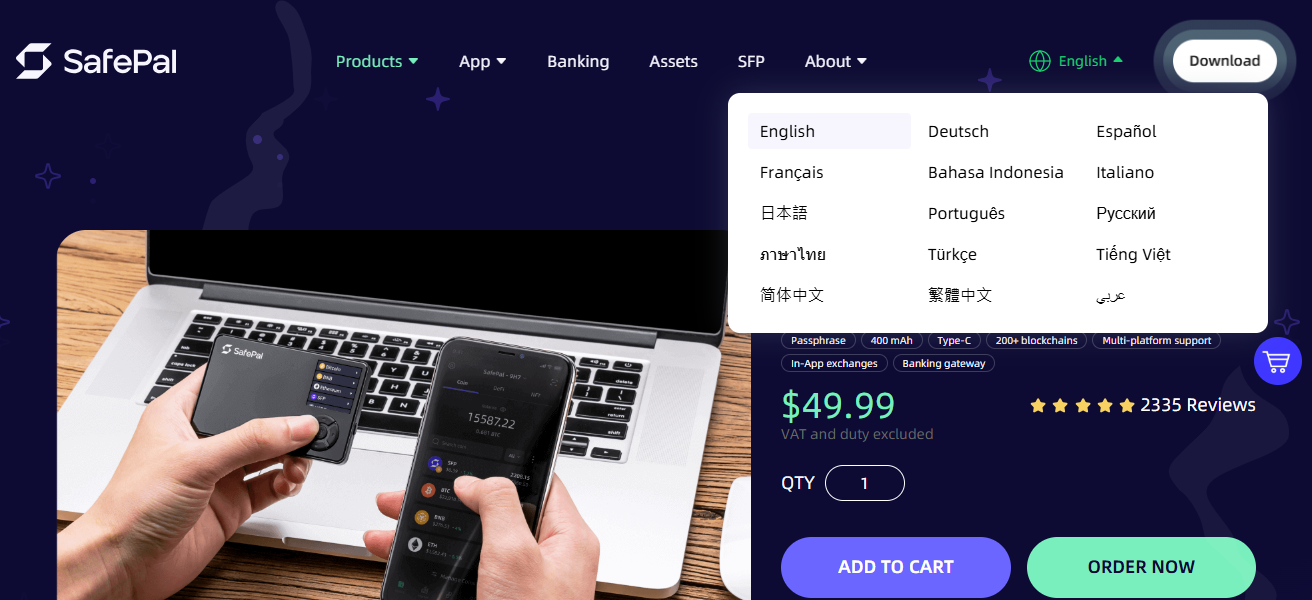
Because the wallet will have to connect to a mobile app to manage certain aspects of your portfolio, there is a feature that will allow the wallet to physically destroy the private keys to protect them from being compromised. Sefepal’s wallet supports a variety of blockchains.
SafePal S1 Features
- Air-Gapped Transactions: Never makes direct connections, uses QR codes to sign transactions.
- Affordable Cold Wallet: Budget-friendly hardware solution with added security.
- Tamper Detection: Device can destroy itself if it detects physical tampering.
- Wide Asset Support: Compatible with a large number of cryptocurrencies and tokens.
| Pros | Cons |
|---|---|
| Air-gapped signing via QR (strong isolation) | Smaller ecosystem than Ledger/Trezor |
| Affordable cold storage | Requires scanning for every transaction |
| Supports wide range of assets | Learning curve for new users |
| Physical tamper detection | Not as widely integrated with apps |
| Good balance of security & cost | Air-gapped UX slower than direct USB |
9. Coinbase Wallet
Coinbase Wallet is a distinct non-custodial wallet (separate from the Coinbase exchange) where users can store and manage their own keys.
Wallet users can manage various crypto assets and access NFT marketplaces, DeFi apps, and Web3 apps. Key management is local. Users must approve every transaction and every interaction with a contract
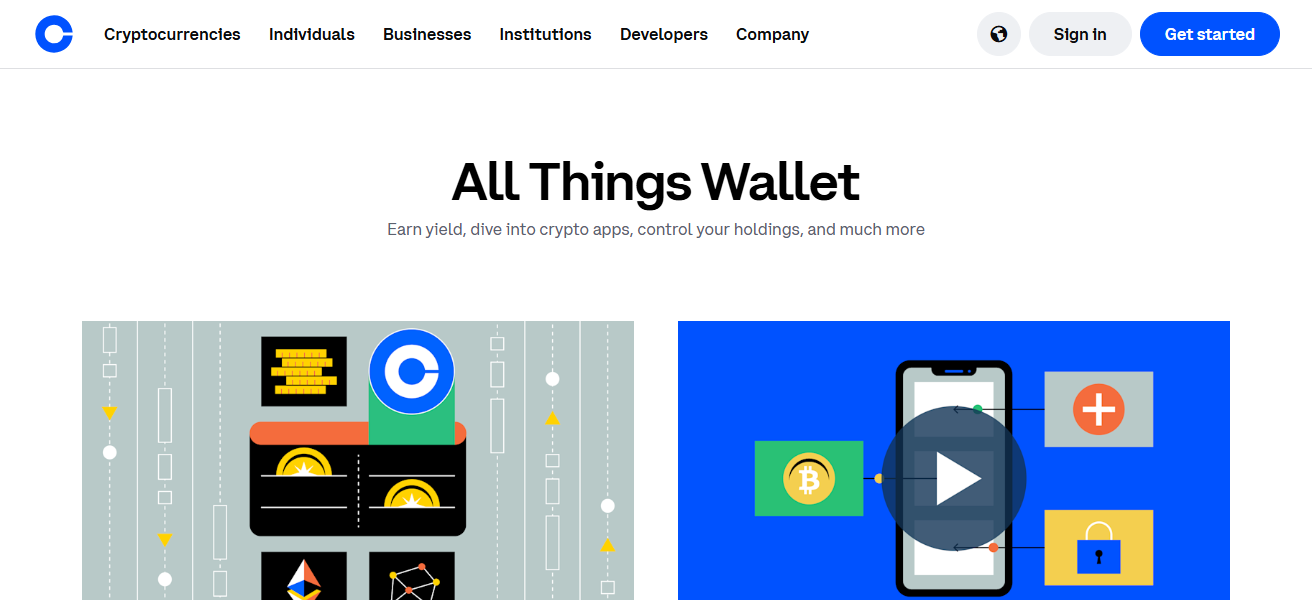
Which helps to mitigate some blind signing risks. Forgetting to sign a transaction is not as big of a problem with wallets that are more advanced in risk scoring, but with the most significant risk being user error
Coinbase Wallet is a good option to use in conjunction with the other Coinbase services. It provides a good user interface, solid recovery options, and is good for participants who are looking for a safe way to get more involved in on-chain activities.
Coinbase Wallet Features
- Self-Custody Control: Users are able to keep, control, and manage their own private keys.
- Easy DeFi Access: Links to a number of decentralized exchanges and Web3 applications.
- NFTs & Portfolio Integration: Users can view NFTs in addition to their tokens and trade them.
- Cross-Platform Use: Works on mobile and as a web extension.
| Pros | Cons |
|---|---|
| Easy setup, beginner-friendly | Hot wallet — keys stored online/mobile |
| Smooth Web3 and dApp access | Basic risk warnings only |
| Self-custodial — you control keys | Not as advanced as MPC or hardware |
| Good support for NFTs and DeFi | Not ideal for large long-term holdings |
| Linked ecosystem if you use Coinbase exchange | Risk of cross-platform confusion |
10. Zengo
Zengo Wallet employs Multi-Party Computation (MPC) to remove seed phrases and distribute key control to independent shares. Removing single points of failure helps to mitigate loss from misplaced recovery phrases.
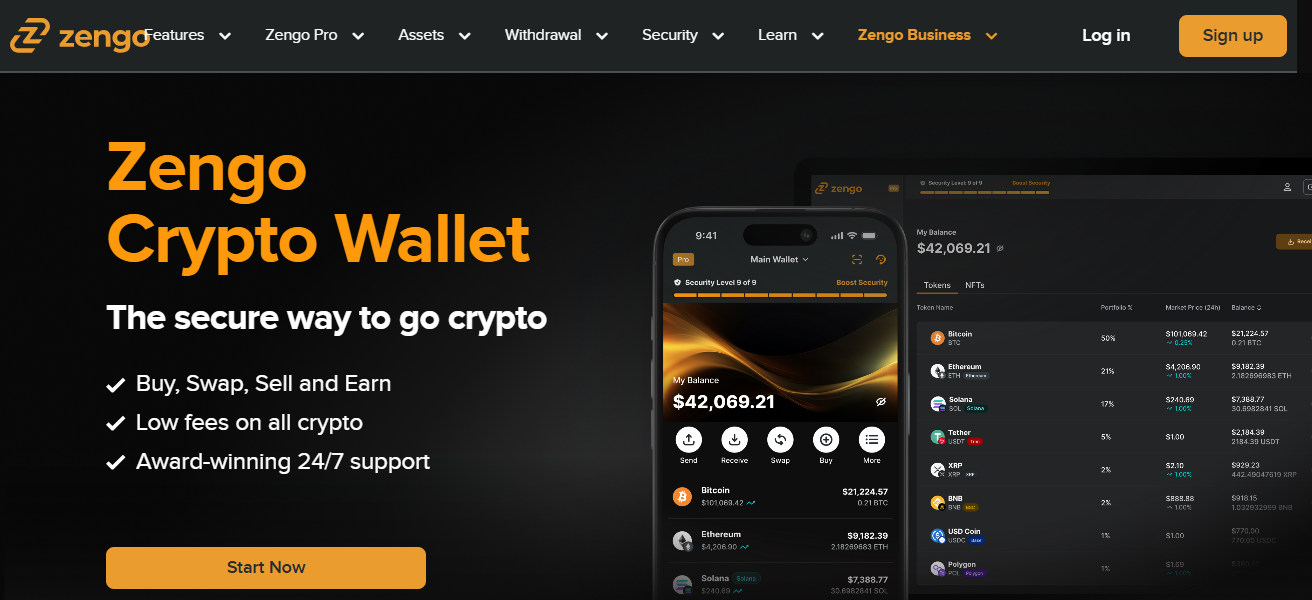
Zengo’s Web3 Firewall analyzes and categorizes on-chain transactions to provide risk alerts, and warns users of unsafe smart contract interactions prior to providing approval.
Coupled with three-factor authentication, biometric approval, and encrypted backups, Zengo is one of the most sophisticated risk averse wallets to use for on-chain transactions.
Zengo Features
- MPC-Based Security: Multi-Party Computation divides and distributes key control to remove single-point vulnerabilities.
- No Seed Phrases Required: Does not rely on recovery phrases because of their use of cryptography and backup systems.
- Real-Time Risk Alerts: Users receive alerts on dangerous transactions prior to signing.
- Authentication Layers: Includes both biometrics and multi-factor authentication.
| Pros | Cons |
|---|---|
| MPC tech — no traditional seed phrase | Relatively new tech for some users |
| On-chain risk alerts (before signing) | Still software-based crypto access |
| Biometric and multi-factor security | Not as large asset support as others |
| Simple mobile UX | Limited hardware-level control |
| Encrypted cloud backups | Users reliant on recovery systems |
How To Choose Best Crypto Wallets with On-Chain Risk Controls
- Prioritize wallets that provide** contract warning and transaction preview** before signing on-chain action.
- Prefer wallets that are non-custodial and that offer full control of private keys.
- Consider hardware wallets or cold wallets for large holdings to minimize online attacks.
- Consider wallets with real-time risk alerts to identify and block harmful interactions.
- Check if the wallet offers manual transaction approvals instead of auto signing.
- Consider wallets that provide biometric or multi-factor authentication for stronger access controls.
- Look for hardware wallet compatibility for use with DeFi and Web3 platforms.
- Prioritize wallets that manage access controls to revoke harmful smart contract approvals.
- Use wallets that offer cross-chain support to manage different cryptocurrencies and portfolios.
- Look for wallets that are regularly updated with ongoing efforts for added on-chain safegards.
Conclusion
To sum up, the top crypto wallets implementing on-chain risk controls smartly protect users from losing their assets to smart contract risks, scams, and unauthorized transactions.
Transaction previews, offline key storage, and real-time alerts are examples of features that enable users to protect themselves when using blockchains. The right wallet allows users to engage on-chain with greater asset safety, and confidence.
FAQ
It helps detect, warn, or prevent risky transactions before assets are signed or transferred on-chain.
Yes, hardware wallets keep private keys offline, reducing exposure to hacks and malicious contracts.
Yes, many hot wallets include transaction previews, contract warnings, and approval confirmations
No, they reduce risk but users must still verify contracts, addresses, and permissions carefully