In this article , I will explore the best dictation software that can aid productivity, accuracy, and writing without the need to use hands. I can consider myself a professional, student, or a casual user, but picking the correct voice to text software will minimize the amount of time and work done.
This guide contains a comprehensive selection custom to your requirements, from simple free web services to advanced AI speech recognition engines.
Key Points & Best Dictation Software List
| Software Name | Key Features / Highlights |
|---|---|
| Dragon Professional Anywhere (Nuance) | Cloud-based; industry-grade accuracy; ideal for professionals (legal, healthcare); customizable vocabulary. |
| Otter.ai | Real-time transcription; speaker identification; team collaboration tools; mobile + web apps. |
| Braina Pro | AI-powered; voice commands; supports 100+ languages; automation tasks and dictation. |
| IBM Watson Speech to Text | Enterprise-level API; customizable language models; real-time transcription; strong developer tools. |
| Tazti Speech Recognition | Offline desktop software; supports PC control with voice; simple UI; good for basic dictation. |
| Speechnotes | Web-based; Google speech API; punctuation commands; saves to Google Drive; simple interface. |
| Dictation.io | Free online dictation; fast, lightweight; supports multiple languages; works in browser. |
| SpeechTexter | Browser-based (Chrome); custom command setup; multilingual; exports to text or Word formats. |
| Just Press Record | iOS/macOS only; one-tap recording; iCloud sync; supports over 30 languages. |
| Verbit.ai | AI + human transcription; designed for enterprise & education; accuracy-focused; live captions. |
10 Best Dictation Software
1.Dragon Professional Anywhere (Nuance)
Dragon Professional Anywhere (Nuance) is known as one of the most effective dictation software solutions for professionals. It offers speech recognition in the cloud with minimal lag and exceptional transcription accuracy.
It is tailored for legal, healthcare, and finance industries, providing custom vocab, proprietary voice commands, and secure data handling. Its simple setup and compatibility with Windows-based systems facilitates team-wide deployment.
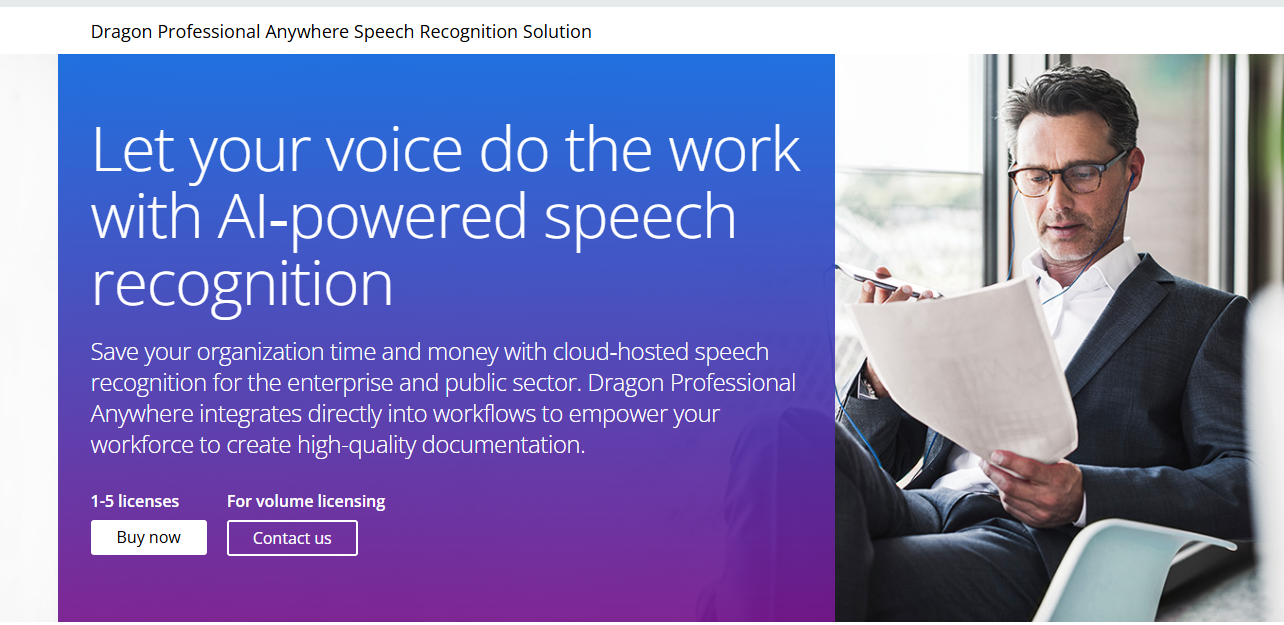
With advanced learning algorithms and AI-powered voice recognition, Dragon Professional Anywhere reduces typing fatigue, streamlines documentation, and improves productivity—earning its reputation as the go-to solution for professionals who mean business.
| Feature | Description |
|---|---|
| Cloud-Based | Access dictation tools from anywhere with an internet connection. |
| Industry-Level Accuracy | Highly accurate speech recognition, ideal for professionals. |
| Custom Vocabulary | Add industry-specific terms and abbreviations. |
| Voice Commands | Control apps and automate tasks via voice. |
| Low Latency | Real-time, near-instant transcription. |
| Secure and Compliant | HIPAA and GDPR compliant, suitable for legal/medical use. |
2.Otter.ai
Otter.ai tops the list of dictation software due to its real-time transcription and collaborative features. It’s perfect for meetings, interviews, and lectures as it automatically transcribes and distinguishes between different speakers with admirable accuracy.
It integrates seamlessly with tools like Zoom and Google Meet, making it ideal for professionals and students. Productivity is elevated with cloud storage, transcript searches, adding images, and highlights.

Otter’s web and mobile access, combined with free and premium options, ensure efficiency and accessibility of high-quality speech-to-text services for both individuals and teams.
| Feature | Description |
|---|---|
| Real-Time Transcription | Live speech-to-text conversion. |
| Speaker Identification | Differentiates between speakers in conversations. |
| Collaboration Tools | Share transcripts and add comments/highlights. |
| Multi-Platform Support | Available on web, Android, iOS. |
| Integration Support | Works with Zoom, Google Meet, Dropbox, and more. |
| Cloud Storage & Searchable Logs | Access transcripts anytime, searchable history. |
3.Braina Pro
Braina Pro is powerful software for dictation and voice control that is AI-based and uniquely multilingual. Users can dictate over 100 languages with high precision, and she acts as a virtual assistant for voice-activated PC functions, web searches, and file openings.

Braina Pro works with Windows and Android, giving real-time speech-to-text and custom command execution. It is superb for professionals, students, and individuals who need hands-free productivity.
Braina Pro stands out even more with sophisticated features like voice automation and customized commands that make it even more effective for productivity and efficient dictation.
| Feature | Description |
|---|---|
| AI-Based Assistant | Includes virtual assistant capabilities. |
| Multilingual Dictation | Supports over 100 languages. |
| Voice Commands for PC | Open programs, search the web, or control your PC via voice. |
| Offline Mode | Basic dictation possible without internet. |
| Android App Sync | Dictate via Android and sync with PC. |
4.IBM Watson Speech to Text
IBM Watson Speech to Text provides enterprise-level dictation software for companies and developers requiring scalable and precise speech recognition. It “listens” to audio and voice in numerous languages and acoustic models and transcribes the spoken content into text in real time.
IBM Watson allows extensive customization, enabling users to teach the system accent and vocabulary specific to their industries. It uses APIs for integration, which makes voice-enabled apps and automated transcription services easy to develop.
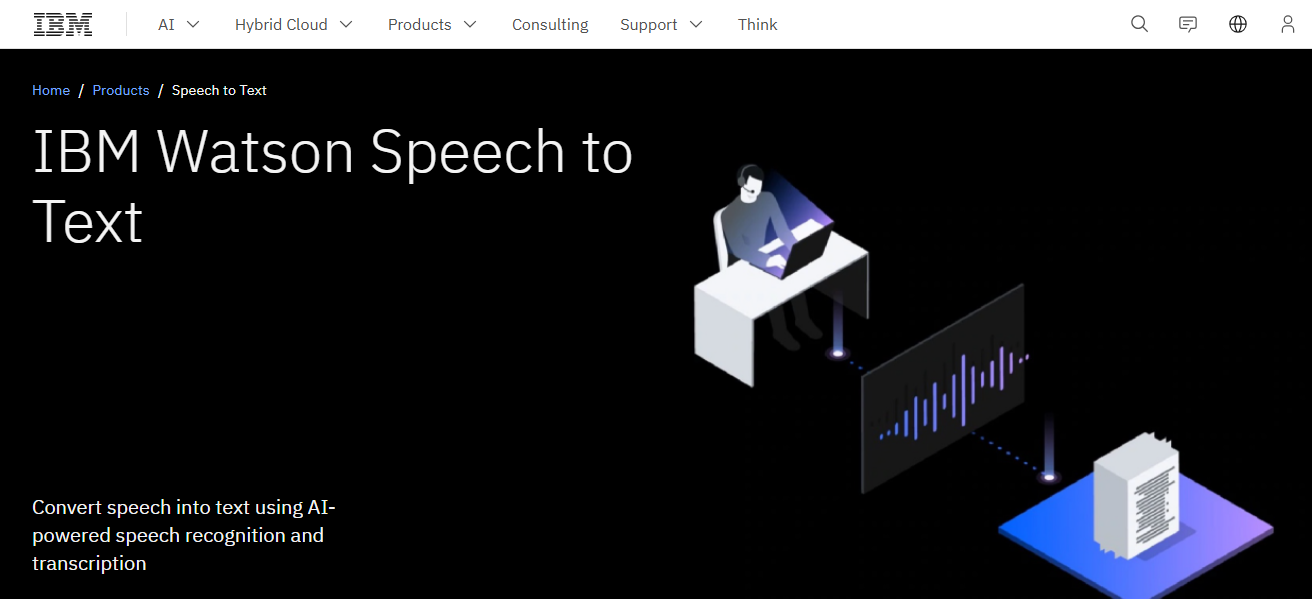
Businesses, broadcasters, call centers, and other organizations that need large-scale reliable dictation solutions prefer IBM Watson due to its unmatched accuracy, secure cloud infrastructure, and real-time processing.
| Feature | Description |
|---|---|
| Enterprise-Grade API | Build custom voice applications with high accuracy. |
| Real-Time & Batch Processing | Supports both live and recorded transcription. |
| Language & Acoustic Model Customization | Tailor for accents, terms, or industries. |
| Multiple Language Support | Offers transcription in various global languages. |
| Security & Compliance | Meets enterprise-level data protection standards. |
5.Tazti Speech Recognition Software
Tazti Speech Recognition Software is a simple dictation tool and voice software tailored for users who require basic speech-to-text services. It is suitable for gamers, general users, and programmers as it does voice command based PC navigation, application launching and web browsing.
It works offline which guarantees privacy and constant performance without needing the internet. Voice commands and macros can be made for custom tasks which helps in completing repetitive tasks. While not as feature rich as enterprise solutions
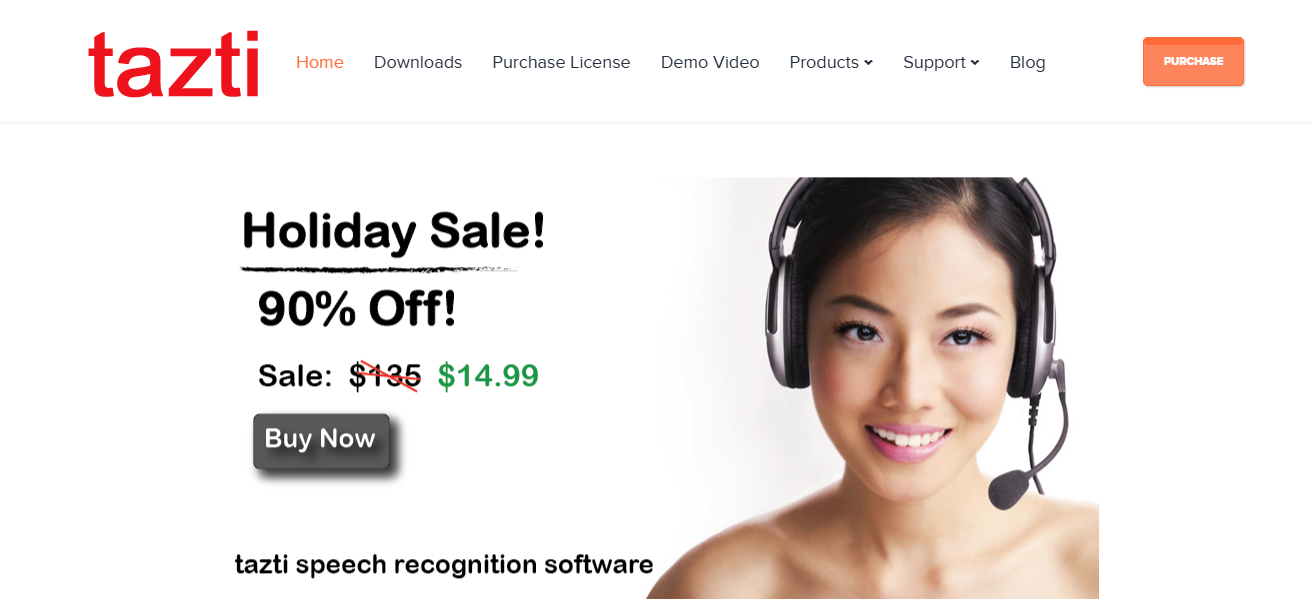
Tazti offers a hands-free computing solution that is straightforward and economical, meeting essential dictation requirements. It is easy to use and performs reliably, making it suitable for casual and home users.
| Feature | Description |
|---|---|
| Voice Commands for Applications | Launch programs or control software using voice. |
| Offline Software | No internet needed once installed. |
| Custom Commands | Users can define specific voice triggers for tasks. |
| Windows-Only | Works only on Windows PCs. |
| Gaming & Programming Support | Voice control features tailored for gamers and coders. |
6.Speechnotes
Speechnotes is a highly rated online-based speech recognition program which provides Google-based speech-to-text services. Its user-friendly design allows operation directly from the Chrome browser with no software installation needed.
Speechnotes is perfect for students and professionals who need real-time dictation, voice command for punctuation, or auto-save to Google Drive. Other notable features include offline note-taking, saving in text or Word document formats, and custom shortcuts.

For users seeking convenient and dependable voice-to-text software, Speechnotes offers exceptional value at no cost or a small fee due to its straightforward interface, minimal distractions, and multilingual support.
| Feature | Description |
|---|---|
| Web-Based | Runs in Chrome; no installation required. |
| Google Speech API | Utilizes Google’s powerful recognition engine. |
| Voice Punctuation | Insert commas, periods, etc., via voice. |
| Auto Save to Google Drive | Keeps your notes safe in the cloud. |
| Export Options | Save as .txt or .docx. |
7.Dictation.io
Dictation.io is a no-cost online dictation application that uses Google Speech Recognition to convert spoken words into text instantaneously. It is useful for creating documents and emails, taking notes, and writing essays.
It works within the Chrome browser on Windows, macOS, and Linux. It offers more than 50 global languages, including regional ones like Hindi and Tamil. Commands for voice punctuation, new paragraphs, and emojis are supported.
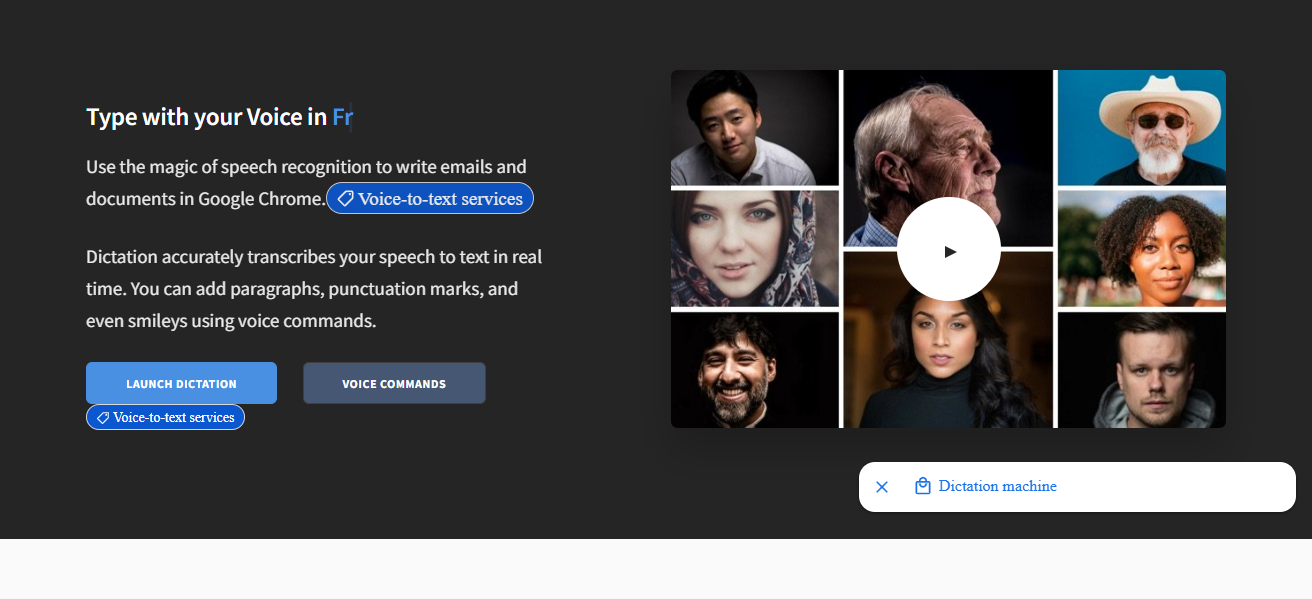
All the text that gets transcribed is kept within the browser’s local storage, which guarantees privacy and security of data. It offers basic features for dictation. Although it has no offline support and lacks sophisticated editing features, its streamlining focus makes it easy to use and dependable.
| Feature | Description |
|---|---|
| Free & Browser-Based | No downloads; just open in Chrome. |
| Multiple Language Support | Supports over 50 global languages. |
| Voice Commands | Insert punctuation and formatting with speech. |
| Local Storage | Data stored in-browser for privacy. |
| Simple Interface | Minimal, distraction-free environment. |
8.SpeechTexter
SpeechTexter is a powerful online dictation tool that utilizes Google’s speech recognition technology, allowing you to transcribe text directly in your browser. It is perfect for real-time dictation voice to text for writers, students, professionals, and anyone looking for typing alternatives.
It offers SpeechTexter allows for custom voice command for punctuations, formatting, email addresses, etc. Users can enable templates and macros for frequently-used texts, enhancing productivity.

It also allows exporting transcripts as .txt and .docx files which integrates seamlessly with other tools. It is free, effortless, and incredibly user friendly allowing tangible impact SpeechTexter enables without needing to touch the device.
| Feature | Description |
|---|---|
| Custom Voice Commands | Create macros for common phrases or formatting. |
| Google Speech Recognition | Provides fast and accurate recognition. |
| Multi-Language Support | Dictate in over 60 languages. |
| Export Options | Save transcripts in text or Word format. |
| Templates & Hotkeys | Build document templates with voice commands. |
9.Just Press Record
Just Press Record is an elegantly simple dictation application tailored for iOS and Mac users. It supports more than thirty languages and automatically transcribes recorded audio as text simultaneously.
Recitations and transcripts can be synced via iCloud which allows access on iPhones, iPads, Apple Watches, and Mac computers. Apart from preserving audio and timestamp data for effortless editing and playback, Just Press Record also syncs recordings and transcripts using iCloud.

Journalists, students, and professionals will find its offline recording feature particularly useful for capturing ideas on the move. Apple users looking for transcription powered voice notes will appreciate Just Press Record for its cloud-powered features, swift performance, and ease of use.
| Feature | Description |
|---|---|
| One-Tap Recording | Simple tap to start recording & transcribing. |
| iCloud Sync | Syncs across iPhone, iPad, Apple Watch, and Mac. |
| Offline Recording | Works even without an internet connection. |
| Multi-Language Transcription | Supports 30+ languages. |
| Edit & Share Options | Allows in-app editing and export of transcripts. |
10.Verbit.ai
Verbit.ai is an accurate dictation and transcription platform that uses AI integrated with human review achieving 99% accuracy. Along with transcription services, Verbit provides closed captioning, speaker identification, timestamps, and even custom dictionaries.
All these features guarantee clarity for over 50 languages. It’s integration with Zoom, YouTube, and Dropbox along with many other platforms make it cloud-based API cloud based.
It is tailored towards education, media, legal and other industries working with sensitive data as it is designed for scalability and compliance such as meeting ADA and GDPR standards.
For precision and efficiency along with seven twenty seven support, quick responses and actionable feature extraction, keyword summaries, and fast turnaround make Verbit the best choice.
| Feature | Description |
|---|---|
| AI + Human Review | Combines automation with human editors for 99%+ accuracy. |
| Real-Time Transcription | Live captions and transcripts during events or meetings. |
| Integrations | Compatible with Zoom, YouTube, Canvas, and more. |
| Industry Focus | Designed for education, legal, media, and enterprise sectors. |
| Accessibility Compliance | ADA, GDPR, and WCAG-compliant transcription and captioning. |
Conclusion
In summary, we believe that every user has their own unique reason for using dictation tools. Dragon Professional Anywhere remain unmatched when accuracy is necessary for professionals. For collaborative work, Otter.ai is best in class.
If enterprise transcription is your desire, Verbit.ai is best in class. For casual purposes, Speechnotes and Dictation.io remain solid.
As we discussed in previous sections, dictation tools have multi purposes and the range of users span through various industries.
FAQ
What is dictation software?
It’s a tool that converts spoken words into written text using speech recognition technology.
Which is the most accurate dictation software?
Dragon Professional Anywhere is known for its industry-leading accuracy.
Is there any free dictation software?
Yes, Speechnotes, Dictation.io, and SpeechTexter offer free versions.