This article focuses on document management systems that aid in the storage, organization, security, and management of business documents.
Selecting a suitable document management system increases productivity, maintains compliance, and facilitates collaboration.
These systems optimize workflow, minimize manual tasks, and grant safe access to critical documents for small and large businesses alike.
Key Points & Best Document Management Systems
| Document Management System | Key Point |
|---|---|
| DocuWare | Cloud-based automation for workflows and secure document storage |
| M-Files | Metadata-driven organization that eliminates folder chaos |
| SharePoint Online | Microsoft ecosystem integration with collaboration and version control |
| eFileCabinet | Compliance-ready features for industries like finance and healthcare |
| Laserfiche | Process automation with strong analytics and reporting |
| OpenText Documentum | Enterprise-grade scalability for large organizations |
| Box | Cloud collaboration with advanced security and integrations |
| Zoho Docs | Affordable solution with productivity suite integration |
| SuiteFiles | Simple interface designed for small to mid-sized businesses |
| pdf.ai DMS | AI-powered search for quick document retrieval |
10 Best Document Management Systems
1. DocuWare
DocuWare is a cloud document management system that helps businesses streamline their workflows.
It allows users to store and index documents securely, and retrieve them quickly, using metadata and full-text searching.
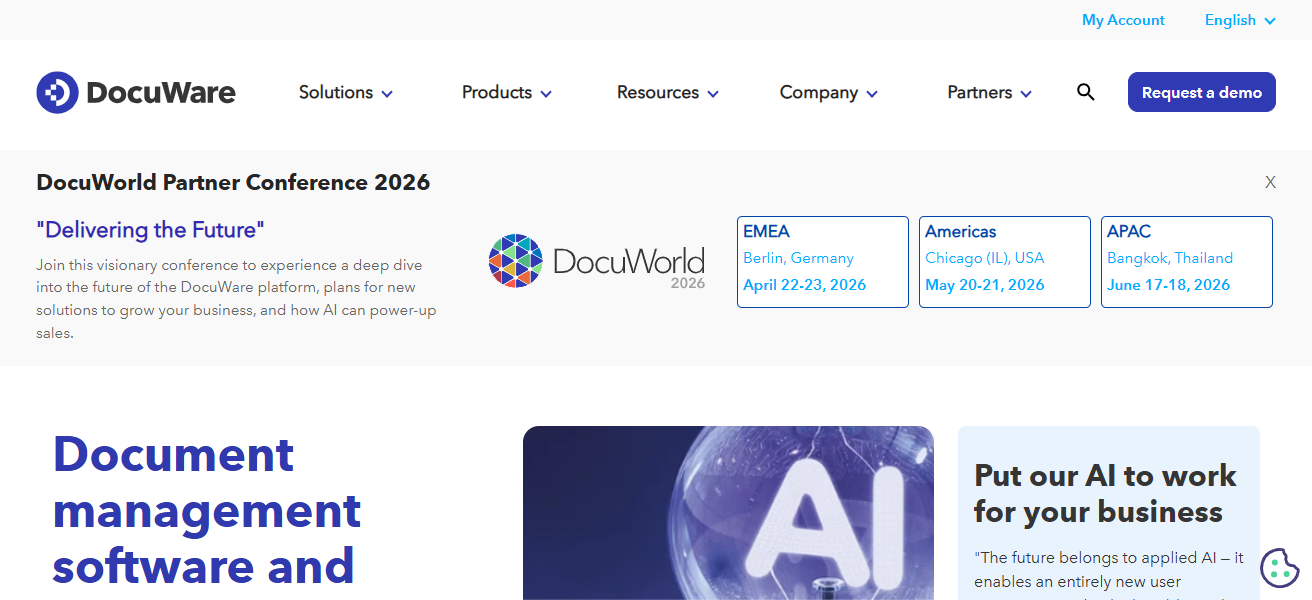
DocuWare is commonly used to automate accounts payable, manage HR documents, and in other compliance-focused industries.
Its document and employee role-based access integrations with ERP and accounting software streamline processes and increase transparency. It continues to help businesses reduce their manual processes.
DocuWare – Features
- Automated Workflows – There is no more manual work to be done when it comes to the routing of documents, the approvals of documents, and the tasks that are repetitive.
- Intelligent Indexing – The documents can easily be retrieved using the metadata as well as the full-text search.
- Secure Storage – Your documents are stored safely and centrally, the storage is also encrypted. In addition, there are role-based access controls.
- Integration Ready – There is interoperability with ERP, accounting systems, and other business applications.
| Pros | Cons |
|---|---|
| Excellent workflow automation for AP, HR, and compliance-heavy processes | Pricing can be high for small businesses |
| Strong document indexing with metadata and full-text search | Interface may feel complex for first-time users |
| Robust ERP and accounting software integrations | Customization often requires vendor support |
| High-level security with role-based access control | Limited offline access capabilities |
2. M-Files
M-Files employs a unique strategy centered on metadata, where documents are structured according to their content instead of their location. This method enhances efficiency and simplifies the retrieval of documents.
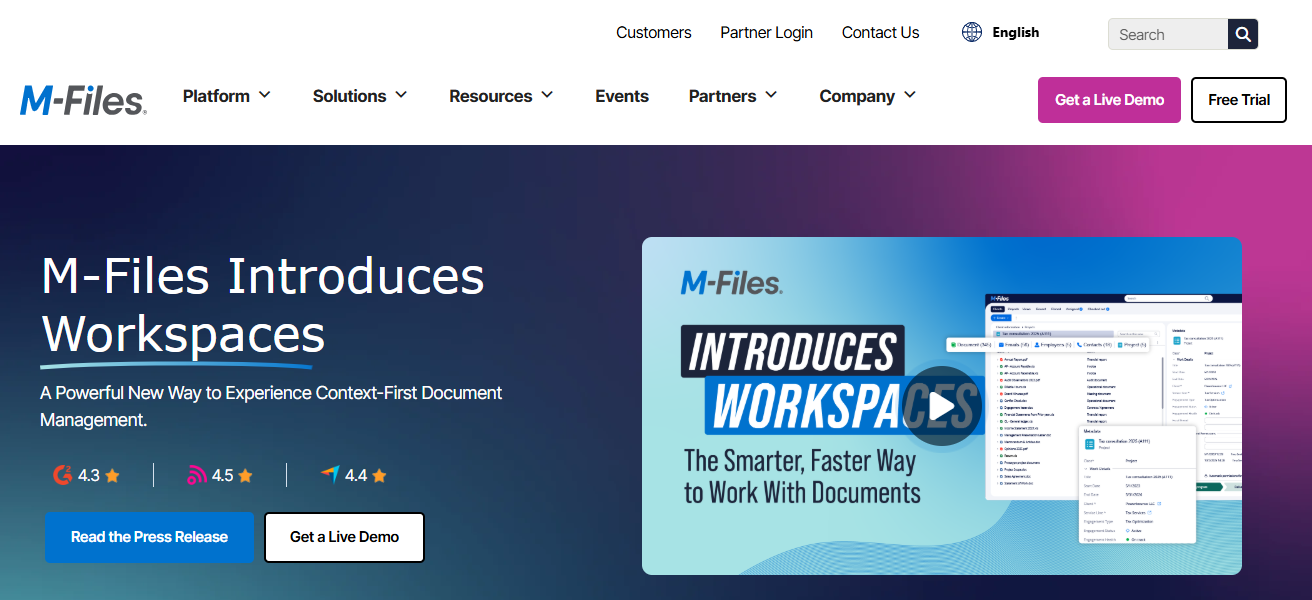
Compliance management, along with version control, workflow automation, and industry-specific customization, is beneficial for users in regulated sectors.
Users can manage their documents across platforms and maintain security and governance as M-Files integrates with Microsoft 365, Google Workspace, and CRM solutions.
M-Files – Features
- Automation of Metadata – The automated metadata categorization of documents.
- Version Control – An automated increase in tracking edits and changes when there is the possibility to rollback.
- Workflow Automation – There are automated reviews, approvals, and also repetitive actions with documents.
- Cross-Platform Integration – There is easily synchronized access to Microsoft 365, Google Workspace, and the CRM tools.
| Pros | Cons |
|---|---|
| Metadata-based organization improves document retrieval | Learning curve for users unfamiliar with metadata concepts |
| Strong version control and compliance features | Initial setup can be time-consuming |
| Works well across cloud, on-premise, and hybrid environments | UI feels less modern compared to newer DMS tools |
| Seamless integration with Microsoft 365 and CRMs | Advanced automation may require higher-tier plans |
3. SharePoint Online
Microsoft 365 includes SharePoint Online which includes a vast array of resources focused on document collaboration and management that can be utilized by any size business.
Teams can utilize SharePoint to manage the storage, organization, management, sharing, and co-authoring of documents in real time. SharePoint’s integration with Microsoft Teams,

OneDrive and Outlook improves productivity as does version history, and management of permissions.
SharePoint being scalable and customizable with enterprise level security makes it a great option for organizations using Microsoft tools.
SharePoint Online – Features
- Real-Time Collaboration – There are multiple users that can be co-authors and be in the editing of documents at the same time.
- Document Libraries – There is centralized storage with structured folders and also metadata.
- Permissions and Security – There are specific control settings that are granular over access rights and also the adjusting of settings related to sharing.
- Microsoft 365 Integration – There is seamless interoperability with Microsoft Teams, Outlook, OneDrive, and the Office apps.
| Pros | Cons |
|---|---|
| Deep integration with Microsoft 365 ecosystem | Complex configuration for advanced document management |
| Real-time collaboration and co-authoring | Can become cluttered without proper governance |
| Highly scalable for growing organizations | Customization often requires technical expertise |
| Enterprise-grade security and compliance | Not a dedicated DMS out of the box |
4. eFileCabinet
eFileCabinet ensures compliance, data protection, and hits the mark on ease of use, with streamlined document management features.
Automated document workflows, secure file sharing, versioning, and audit trail features provide the ease of use and data protection.
eFileCabinet balances compliance and document protection, providing file encryption, role based permissions, and cloud/on premise deployment.
This is especially useful for managing sensitive documents in compliance with regulatory guidelines, for small to mid-sized companies, accounting firms, and legal professionals.
eFileCabinet – Features
- Secure Document Storage: Compliance ready controls with encrypted file storage.
- Automated Workflows: Automates activities like route approvals, filing, and other activities.
- Audit Trials: For compliance and oversight, documents what a user does.
- Flexible Deployment: Offers both cloud and on-premise solutions.
| Pros | Cons |
|---|---|
| Strong compliance, encryption, and audit trails | Limited third-party integrations |
| Easy-to-use interface for SMBs | UI design feels dated |
| Cloud and on-premise deployment options | Less suitable for very large enterprises |
| Excellent for accounting and legal firms | Pricing can rise with storage needs |
5. Laserfiche
Laserfiche provides tools for business process automation and and enterprise-level management systems. It offers automated workflows coupled with detailed records management and analytics.
Its powerful compliance and governance features make it a staple in large enterprises, education sectors, and government institutions.
With support for both self-hosted and cloud solutions, integration to other third-party solutions, and the ability to assist organizations to reduce their use of paper, the platform streamlines complex business workflows.
Laserfiche – Features
- Business Process Automation: Builds workflows that automate how documents are processed.
- Records Management: Documents are kept, and policies are followed, and they are kept according to policies.
- Analytics & Reporting: Provides analysis on workflow, usage, and performance of the system.
- Hybrid Deployment: Works in both cloud and on-premise solutions.
| Pros | Cons |
|---|---|
| Powerful workflow automation and records management | Setup and deployment can be complex |
| Strong compliance for government and education sectors | Higher cost compared to SMB-focused tools |
| Advanced analytics and reporting tools | Requires training for effective use |
| Supports cloud and self-hosted environments | Overkill for simple document storage needs |
6. OpenText Documentum
OpenText Documentum is a powerful tool for enterprise content management for big, compliance-heavy firms.
It encompasses secure document storage, records management, version control, and document lifecycle management.

It is widely used in verticals such as, healthcare, life sciences, energy, and finance. Documentum helps enterprises with strong governance, regulatory compliance, and scalability manage the large volumes of both structured and unstructured content across diverse global operations.
OpenText Documentum – Features
- Enterprise Content Storage: Maintains large amounts of both structured and unstructured data.
- Governance & Compliance: For compliance with governing and regulatory audits.
- Lifecycle Management: Oversees the retention, creation, and retirement of documents.
- Scalable Architecture: For large scale global enterprise deployments.
| Pros | Cons |
|---|---|
| Enterprise-grade governance and lifecycle management | Very expensive for small and mid-sized businesses |
| Ideal for highly regulated industries | Complex implementation process |
| Handles massive volumes of structured and unstructured data | Requires dedicated IT resources |
| Strong compliance and audit capabilities | Not beginner-friendly |
7. Box
Box is a cloud-based platform that offers safe collaboration, content management, and file sharing. It offers safe and secure ways for teams to manage, share, and collaborate on files remotely.
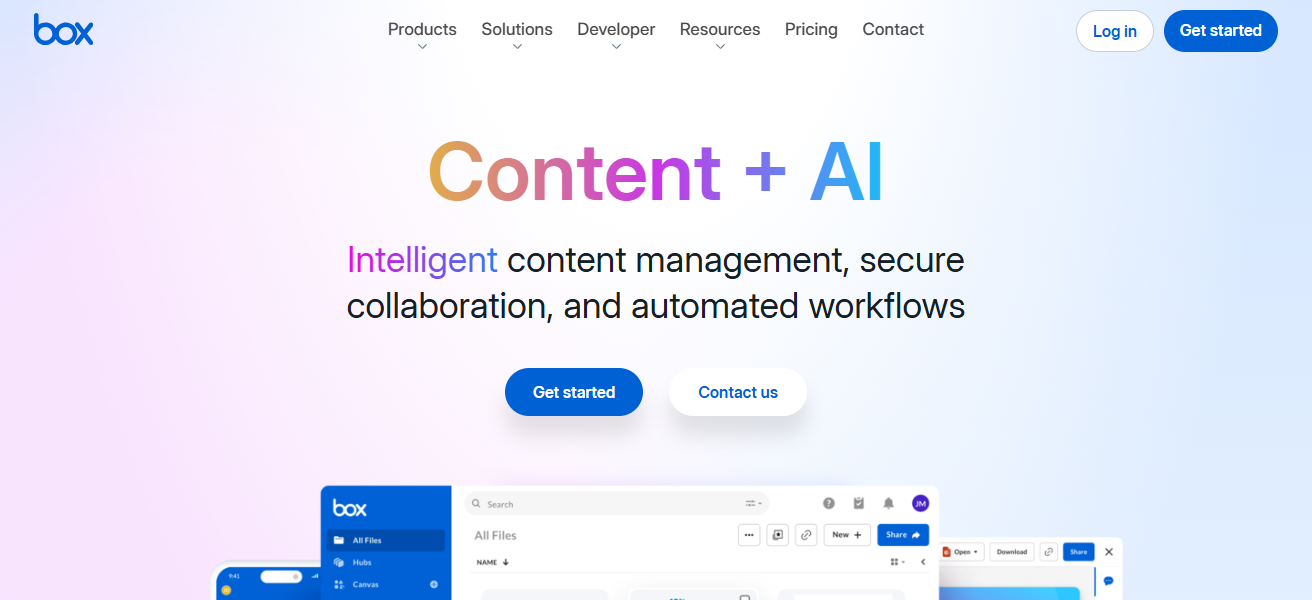
Box includes document access permissions, workflow automation, document versioning, and integrations with Google Workspace, Microsoft 365, and Salesforce. Its strong security, ease of use, and scalability is perfect for both large enterprises and small businesses.
Box – Features
- Cloud Storage & Sharing: Allows an easy share and access to files from any device.
- Collaboration Features: Real-time editing, and also supports comments and previews.
- Security Features: Compliance, encryption, and permission controls.
- Integrations: Salesforce, Slack, Google Workspace, Microsoft 365 and more.
| Pros | Cons |
|---|---|
| Easy-to-use cloud collaboration platform | Limited advanced DMS features |
| Strong security and compliance framework | Offline access is restricted |
| Excellent third-party integrations | Costs increase significantly with storage |
| Scales well from SMBs to enterprises | Workflow automation is basic compared to competitors |
8. Zoho Docs
As part of the Zoho Ecosystem, team members can keep documents, collaborate, and perform basic document management all within the Zoho Docs platform.
Users can create, edit, and share documents securely in the cloud. For small businesses, Zoho Docs is already integrated with other Zoho applications like the CRM, Projects, and Mail, which makes it an economical option.

Everyday document workflows are simplified with features such as team collaboration, document access control, and version history.
Zoho Docs – Features
- Cloud Document Storage: Manage and upload documents in the cloud securely.
- Team Collaboration: Shared real-time document editing.
- Version History: Reverts to prior document versions and tracks updates.
- Zoho Suite Integration: Compatible with projects, Mail, and Zoho CRM.
| Pros | Cons |
|---|---|
| Affordable and ideal for small businesses | Limited advanced document management features |
| Seamless integration with Zoho ecosystem | Not suitable for complex compliance needs |
| Simple interface and easy collaboration | Fewer third-party integrations |
| Good version control and access permissions | Less powerful automation capabilities |
9. SuiteFiles
SuiteFiles has been built as a document management system for professional service firms like legal, accounting, and consulting firms.
It is integrated deeply with Microsoft 365 which allows document management directly in Outlook, Word, and Teams.

Some features include structured folder templates, document versioning, email management, and secure portals for clients.
With an emphasis on simplicity, SuiteFiles helps teams organize and manage client files compliantly and securely.
SuiteFiles – Features
- Microsoft 365 Integration: Control documents through Word, Outlook, and Teams.
- Structured Templates: Organize files with ready-made folder schemes.
- Email Filing: SuiteFiles can archive and file your emails.
- Client Portals: Portals where clients can securely access documents.
| Pros | Cons |
|---|---|
| Designed specifically for professional service firms | Not ideal for non–Microsoft users |
| Tight Microsoft 365 and Outlook integration | Limited customization options |
| Excellent email and client document management | Smaller feature set compared to enterprise DMS |
| Easy-to-use folder templates | Pricing may be high for very small teams |
10. pdf.ai DMS
pdf.ai DMS utilizes artificial intelligence to help users stay organized with their documents and manage their interactions with different documents.
Users can upload, save, and analyze different documents. Users can analyze documents with the help of AI-driven summaries, question-and-answer features, and smart search features.

Businesses with reports, contracts, and research files can utilize this system to help manage and organize their documents.
pdf.ai DMS helps users save time and increases productivity because users do not need to manually review documents.
pdf.ai DMS – Features
- AI Document Search: Search across PDFs with AI smart search.
- Instant Summaries: Summaries of documents can be generated.
- Question–Answer Feature: Get instant answers to your questions about document content.
- PDF Focused: Managing and working with PDFs is optimized.
| Pros | Cons |
|---|---|
| AI-powered PDF search, summaries, and Q&A | Limited support for non-PDF file types |
| Saves time on document review and analysis | Not a full enterprise DMS solution |
| Ideal for research, contracts, and reports | AI accuracy depends on document quality |
| Modern and productivity-focused approach | Fewer integrations than traditional DMS platforms |
How We Choose Best Document Management Systems
- Ease of Use: The system should have a simple interface which decreases training time and increases adoption.
- Security and Compliance: We assess encryption, access controls, audit logs, and compliance with industry regulations.
- Search and Retrieval: Quick access to documents requires advanced search options, including metadata, filters, and full text search.
- Workflow Automation: More tasks can be completed with less effort through automation of approvals, routing, and other repetitive tasks.
- Integration Capabilities: The ability of a DMS to integrate with Microsoft 365, ERP, CRM, and accounting tools is considered.
- Scalability: More users, more storage, and more advanced features are necessities as business needs evolve.
- Deployment Options: Different business needs will dictate whether a Cloud, on- premise, or hybrid solution is required.
- Pricing and Value: A DMS will be considered to have long-term value if its features outweigh its costs.
Conclsuion
In conclusion, Selecting the Best Document Management Systems enables companies to boost efficiency, security, and collaboration.
An ideal DMS streamlines the storage of documents and retrieval is quick. It also automates processes while keeping workflows compliant.
Investing in a dependable document management system as a small company or large corporation minimizes tedious work, improves productivity, and fosters sustained growth in your business.
FAQ
What is a Document Management System (DMS)?
A DMS is software that stores, manages, tracks, and secures digital documents.
Why are document management systems important?
They improve organization, security, compliance, and team productivity.
Who should use a DMS?
Small businesses, enterprises, legal firms, healthcare, and government organizations.
Are document management systems secure?
Yes, most offer encryption, access controls, and audit logs.
Can a DMS automate workflows?
Yes, many systems automate approvals, routing, and document processing.