
This article covers some of the Best E-commerce Automation Tools to help online businesses simplify their operations.
Tools that automate order fulfillment and inventory management, marketing, and customer support save time, improve accuracy, and increase efficiency.
E-commerce brands of all sizes need to select the right automation software to help their business grow.
Key Points & Best E-commerce Automation Tools
| Tool | Key Point |
|---|---|
| ShipEak | Streamlines shipping and order management |
| Netsuite | Comprehensive ERP for inventory and finance automation |
| Klaviyo | Advanced email and SMS marketing automation |
| Zapier | Connects apps and automates workflows |
| Brightpearl | Retail operations automation with inventory and accounting |
| Omnisend | Omnichannel marketing automation for e-commerce |
| Recharge | Subscription billing and recurring payments automation |
| Hootsuite | Social media scheduling and campaign automation |
| ShipBob | Fulfillment automation with warehousing and logistics |
| Tidio | AI-powered customer support and chatbot automation |
10 Best E-commerce Automation Tools
1. ShipEak
ShipEak simplifies the order and shipping processes as an end-to-end e-commerce automation tool. Online shops integrate with ShipEak and it takes care of the inventory management, update them about shipments, and notify them about deliveries.
It helps businesses eliminate manual mistakes, quicken order fulfillment, and improve customer experience.
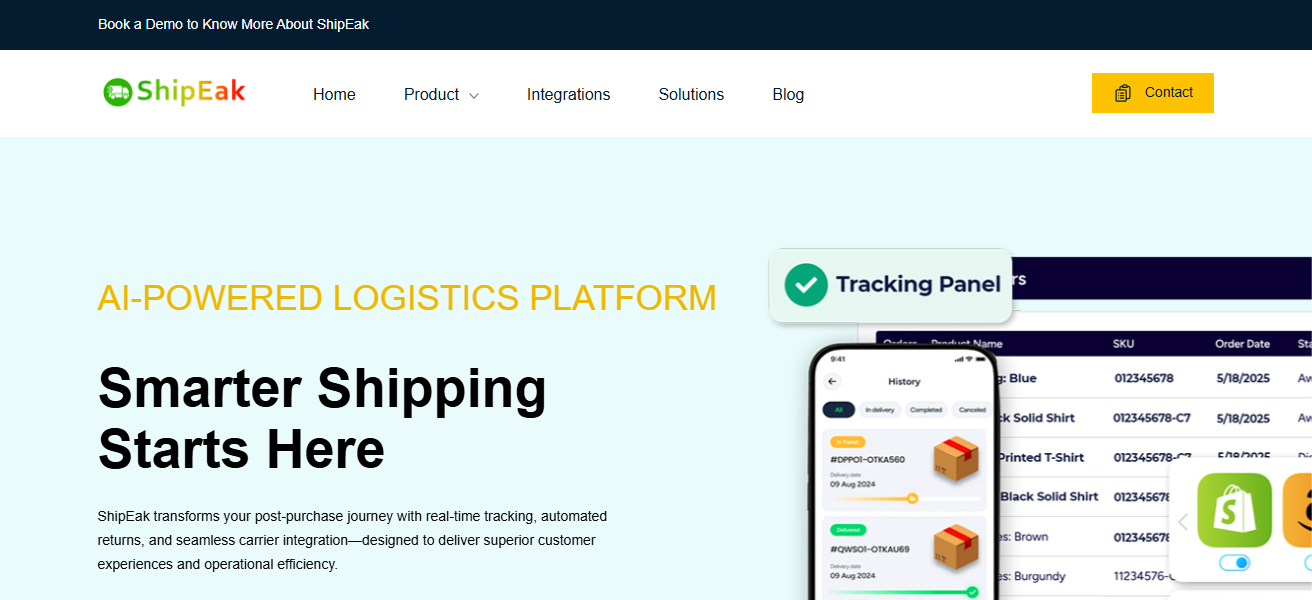
The dashboard is designed for easy use and provides real time updates on shipping, the reduction of costs, and time of delivery.
Since ShipEak handles the tedious jobs of logistics, e-commerce businesses can shift their focus to customer engagement and business growth rather than operational blockages.
ShipEak Features
Order Fulfillment Automation – Redirect orders from your online store to the shipping systems and processes to eliminate sorting and delay, thus increasing efficiency.
Inventory Syncing – In order to avoid overselling, the system updates stock levels in real-time across different sales channels.
Shipment Tracking & Notifications – Customers are sent updates automatically with tracking detail/status to improve and transparency.
Shipping Performance Insights – The system offers dashboards with delivery times and costs to help you analyze and improve your logistics.
| Pros | Cons |
|---|---|
| Automates order fulfillment, inventory updates, and shipment tracking. | Limited brand recognition compared to larger logistics platforms. |
| Reduces manual errors and speeds up order processing. | May require initial setup and integration effort. |
| Provides real-time insights on shipping performance and costs. | Could be costly for very small businesses. |
| Enhances customer satisfaction with timely notifications. | May not support all niche e-commerce platforms. |
2. Netsuite
NetSuite integrates all key functions of an e-commerce business into a single cloud-based system.
By automating order management, inventory, and financial processes/ reports, it improves efficiency across divisions.
Its real-time data capabilities reduce the need for manual work, and assist in cross- department collaboration.
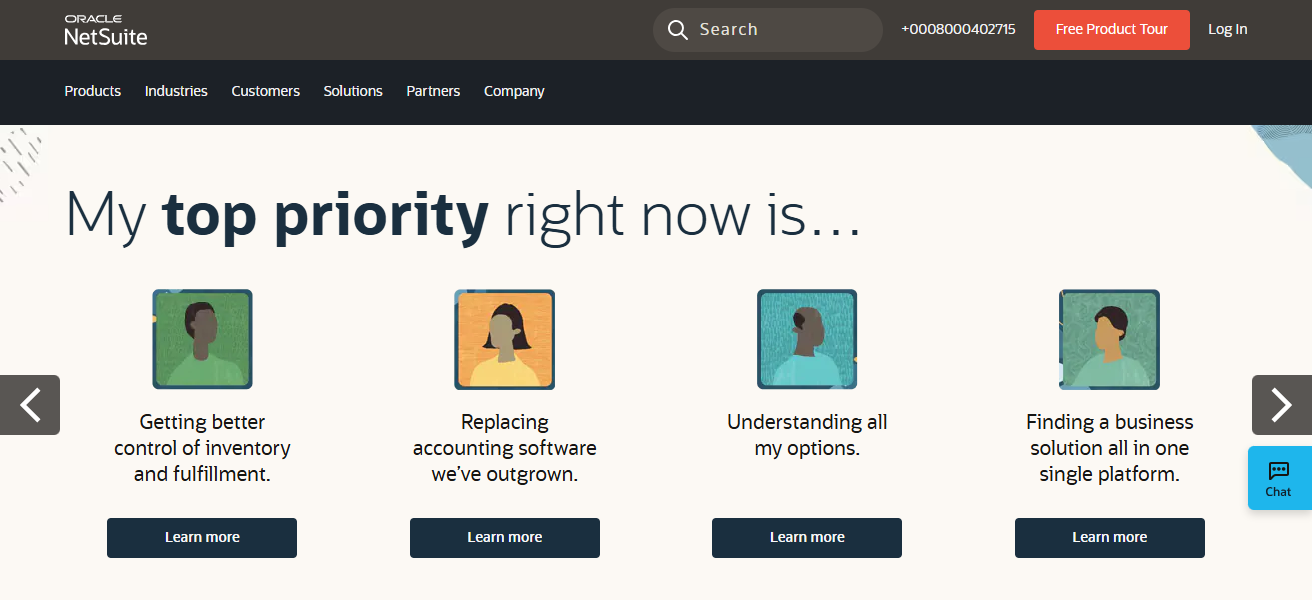
Enhanced functions like business analytics, CRM integration, and custom dashboards further streamline business operations.
By centralizing previously fragmented e-commerce activities, NetSuite maximizes operational scalability, improves customer satisfaction, and seamlessly automates workflow across multiple software applications.
NetSuite Features
Unified ERP System – Merges e-commerce, finance, CRM, and inventory together with full visibility in one cloud platform.
Automated Inventory Management – Stock levels, forecasting, and scheduled replenishment are automated so there’s no need for manual spreadsheets.
Order & Financial Automation – Order entry, billing, accounting, and reporting across the system are streamlined.
Customization & Scalability – Business growth and change are supported through flexible dashboards and modules so they don’t need to change platforms.
| Pros | Cons |
|---|---|
| Centralizes business operations with cloud-based ERP. | High cost, more suitable for medium to large businesses. |
| Automates inventory, orders, and financial reporting. | Complexity may require dedicated training. |
| Provides real-time data for informed decisions. | Overkill for small e-commerce startups. |
| Scalable and integrates with CRM and analytics. | Implementation can take significant time. |
3. Klaviyo
Klaviyo is a top-tier email and SMS marketing automation platform for e-commerce brands. Personalised marketing experiences are built through the use of customer data which analyses behaviour, purchase history, and engagement to segment audiences.
Timely custom automation workflows give follow-ups, recover abandoned carts, and make recommendations to increase conversion.
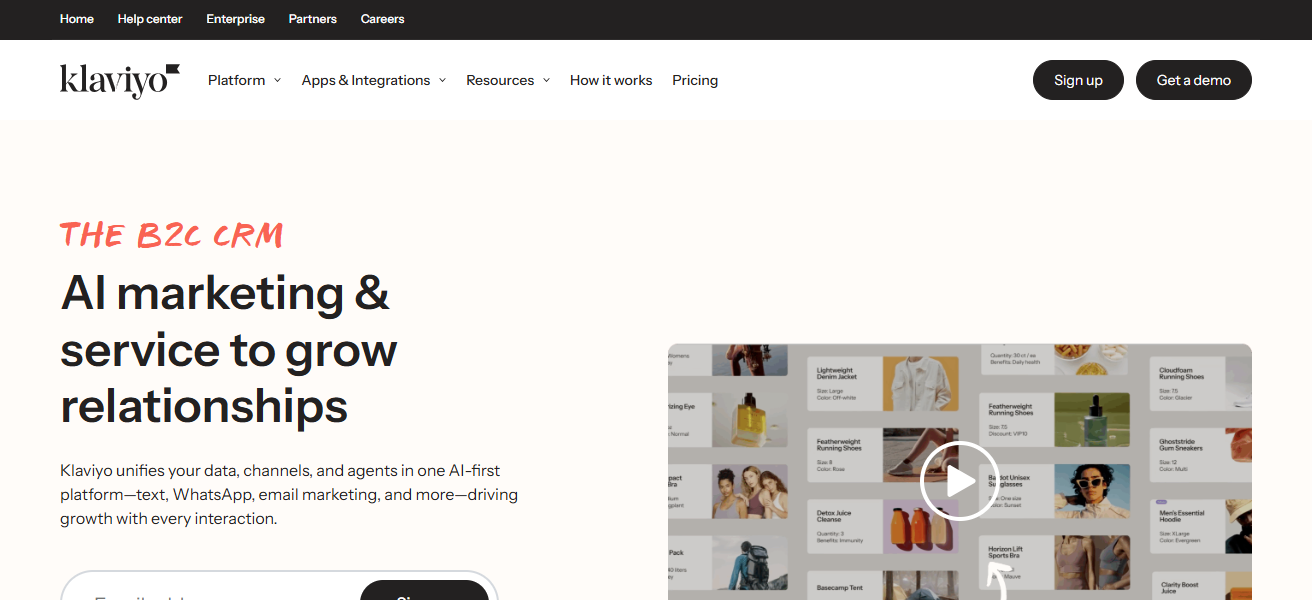
Actionable insights are provided in the analytics dashboards to help clients understand their campaigns and ROI.
With e-commerce platform integrations, Klaviyo allows brands to cultivate customer connections, increasing retention and revenue sans manual marketing.
Klaviyo Features
Behavior-Driven Campaigns – Automates messages via email/SMS triggered by specific actions taken by the user, like abandoning the cart, among others.
Advanced Segmentation – Identifies distinct customer groups through behavioral insights, buying patterns, and customer interaction for tailored message delivery.
Performance Analytics – Monitors and analyzes email opens, clicks, revenue, and conversions to improve marketing strategies.
Pre-Built Workflow Templates – Flows that are ready to use (win-back campaigns, welcome series) to improve ROI and speed up configuration.
| Pros | Cons |
|---|---|
| Personalizes email and SMS marketing campaigns. | Pricing can increase with a large subscriber base. |
| Automation workflows improve conversions and retention. | Steeper learning curve for beginners. |
| Segmentation based on behavior, purchase history, and engagement. | Requires data accuracy for best results. |
| Provides analytics and actionable campaign insights. | May need integration effort with some platforms. |
4. Zapier
Zapier joins several e-commerce plugins and processes together without writing the code, and even without the technical expertise.
Zapier integrates automate processes, and allows users to create “Zaps” where users can, for example, pass and update customer info, sync orders, or trigger a new marketing campaing. Zapier decreases tedious work, and errors caused by humans.

Automating processes can be very useful especially in sales, communication, or to any of the thousands of other apps to manage your inventory.
Connecting multiple tools streamlines processes and enhances productivity throughout the e-commerce ecosystem.
Zapier Features
No-Code Workflow Builder – Allows the creation of automated sequences (“Zaps”) that join various applications without the need for coding.
Multi-App Integrations – Works with thousands of applications to integrate and share data across e-commerce, CRM, marketing, and other solutions.
Conditional Logic Automation – Workflows are triggered by only the pertinent data through the use of rules and filters.
Task Logging & Monitoring – Automation of processes and error correction is documented for ease of access to process improvements.
| Pros | Cons |
|---|---|
| Connects multiple apps without coding. | Free plan has limited automation tasks. |
| Automates repetitive workflows, saving time. | Complex workflows may require advanced knowledge. |
| Supports thousands of app integrations. | Some integrations can be slow with high-volume data. |
| Reduces human error in operations. | May not replace full-featured ERP or CRM. |
5. Brightpearl
Brightpearl is a unified retail operations platform that for automates e-commerce inventory, order management, and accounting. It tracks stock levels, sales, and financial data to enhance reporting and operational efficiency.
Along with automation, Brightpearl integrates with e-commerce, marketplace, and shipping solutions to streamline operational centralization.
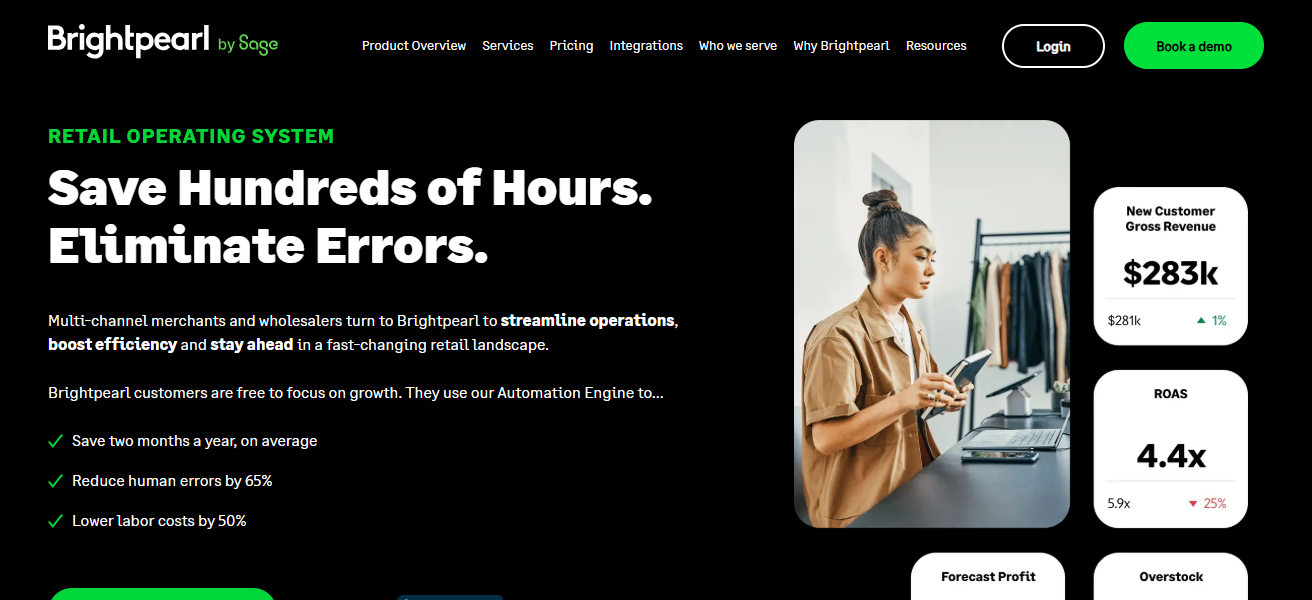
Automated processes, including order routing, purchase order generation, and customer messaging, reduce operational repetition.
This operational simplification improves reporting, customer experience, and allows businesses to scale at an accelerated rate.
Brightpearl Features
Retail-Focused Operations Engine – Consolidates sales, inventory, purchasing, and accounting functions into a single integrated solution.
Real-Time Inventory Visibility – Displays stock across various locations and channels to avoid stockouts and overselling.
Automated Order Routing – Streams orders to the appropriate warehouse or fulfillment center.
Financial & Sales Reporting – produces accounting entries and performance reports automatically without requiring manual reconciliation.
| Pros | Cons |
|---|---|
| Automates inventory, order management, and accounting. | Expensive for smaller e-commerce businesses. |
| Real-time visibility into stock, sales, and finances. | Requires some training to use advanced features. |
| Integrates with marketplaces and shipping providers. | Limited customization compared to some ERP systems. |
| Reduces manual errors and operational workload. | May not be ideal for niche e-commerce platforms. |
6. Omnisend
Omnisend is a top-tier marketing automation solution built for the growth of e-commerce brands. It does multi-channel marketing via Email, SMS, Push Notifications, and Social Media.
Customers are sent personalized message targeting based on automation rules, customers’ behaviors, cart abandonment, and previously made purchases.
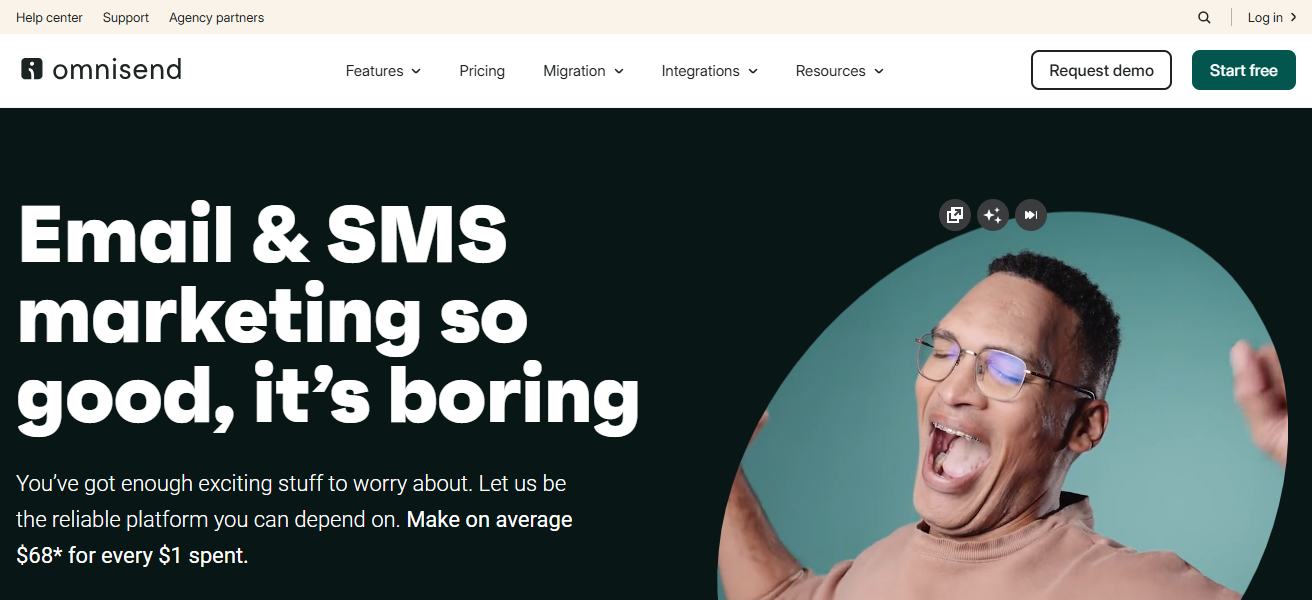
Omnisend also offers marketing pre-built templates, segmentation, and analytic tools to measure campaigns. Omnisend increases conversions, lowers churn, and most importantly frees up time by automating marketing tasks.
They also seamlessly integrate to e-commerce platforms which improves communication, engagement, and increases revenue.
Omnisend Features
Multichannel Campaigns – Sends messages via email, SMS, and web push notifications.
Smart Automation Workflows – Automated messages for abandoned carts, product suggestions, and birthday greetings.
Segmentation Engine – Separates audiences by behavior, purchase amount, and engagement for custom messages.
Pre-Configured Templates – Ready templates allow for faster and easier design and creation of campaigns via drag and drop.
| Pros | Cons |
|---|---|
| Supports multi-channel marketing: email, SMS, push notifications. | Free plan has limited features. |
| Automation workflows increase engagement and conversions. | Advanced features may require paid plan. |
| Provides pre-built templates and segmentation tools. | Learning curve for new users. |
| Integrates seamlessly with e-commerce platforms. | Some integrations may need manual adjustments. |
7. Recharge
Recharge is a subscription management and recurring billing tool designed for e-commerce businesses. It streamlines recurring revenue by automating the collection of payments, processing orders, and sending notifications to customers.
Recharge automates all steps of the subscription management process, and integrates with major e-commerce platforms to manage mid-cycle upgrades, subscription cancellations, and renewals.
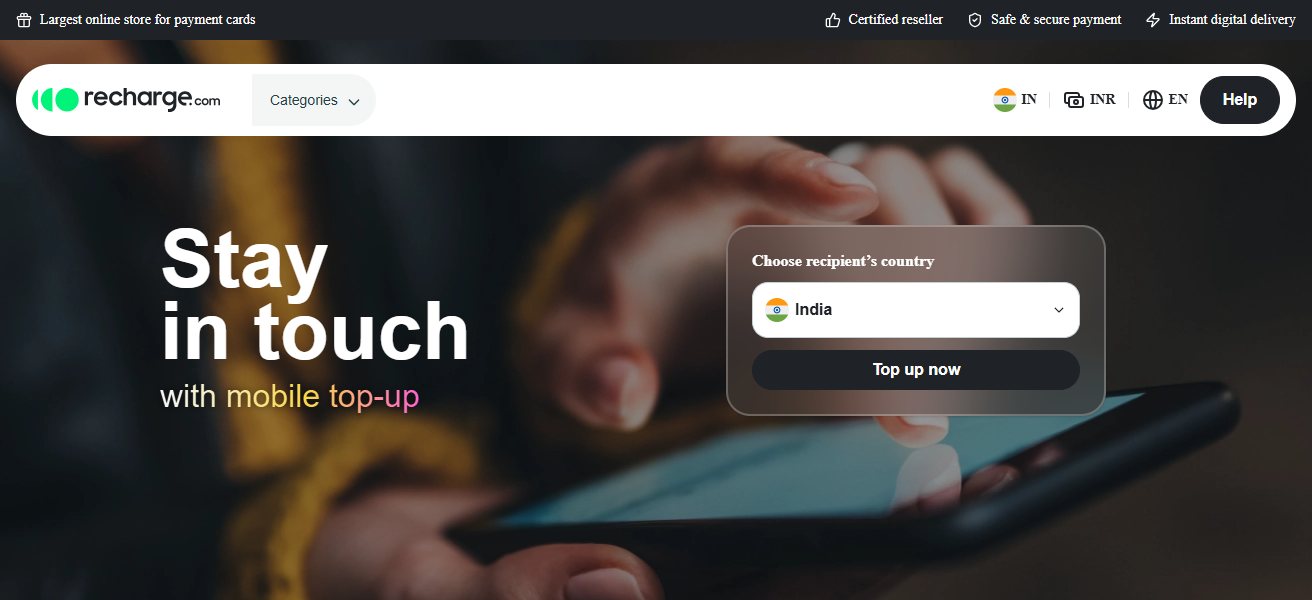
Recharge eliminates the manual management of subscriptions, saves time, and improves the overall customer experience by reducing errors.
E-commerce businesses can scale their subscription offerings with the predictable revenue and a great subscriber experience.
Recharge Features
Subscription Lifecycle Automation – Takes care of new signups, renewals, and recurring invoice processing.
Customer Self-Service Portal – Customers can manage their own subscriptions, skip orders, and update their payment information without creating support tickets.
Analytics Dashboard – Monitors churn, revenue, and metrics related to subscriptions to improve retention.
Platform Integrations – Integrates with e-commerce solutions and payment processors for smooth recurring billing.
| Pros | Cons |
|---|---|
| Automates subscription management and recurring billing. | Limited to businesses offering subscription products. |
| Handles upgrades, cancellations, and renewals efficiently. | Pricing scales with subscriber count. |
| Provides analytics on retention, churn, and revenue. | Integration setup can be complex. |
| Reduces manual errors and saves time. | Not ideal for one-time purchase-focused stores. |
8. Hootsuite
Hootsuite is an example of a social media automation tools e-commerce brand use to manage content across several channels, schedule posts, and analyze results.
Teams can schedule posts ahead of time, track engagement, and address customer concerns. Campaign automation, along with tracking mentions, hashtags, and performance, improves campaign management.

Audience behavior is analyzed through Hootsuite’s analytics, and content strategies can be optimized to improve reach and drive conversions.
The consolidation of social media activities minimizes manual work, boosts brand uniformity, and enhances the online presence of businesses.
Hootsuite Features
Social Scheduling & Publishing – Plan and post to multiple networks at the best times.
Unified Inbox – Combines messages and mentions so teams can respond quickly and stay in one application.
Campaign Analytics – Tracks metrics related to reach and engagement to improve content strategy.
Team Collaboration Tools – Dashboards for assigning tasks and approvals to teams to streamline workflows.
| Pros | Cons |
|---|---|
| Centralizes social media management across multiple platforms. | Can be expensive for multiple users. |
| Schedules posts in advance to save time. | Some features limited on free or basic plans. |
| Monitors engagement, mentions, and hashtags. | Interface can feel complex for beginners. |
| Provides analytics to optimize social media strategy. | May not fully automate all social interactions. |
9. ShipBob
ShipBob is a shipping optimization tool for eCommerce companies. It automates processes like order fulfillment, inventory management, and shipment tracking.
It also integrates with online storefronts. ShipBob has fulfillment centers across the country which help in providing cheaper and faster shipping.
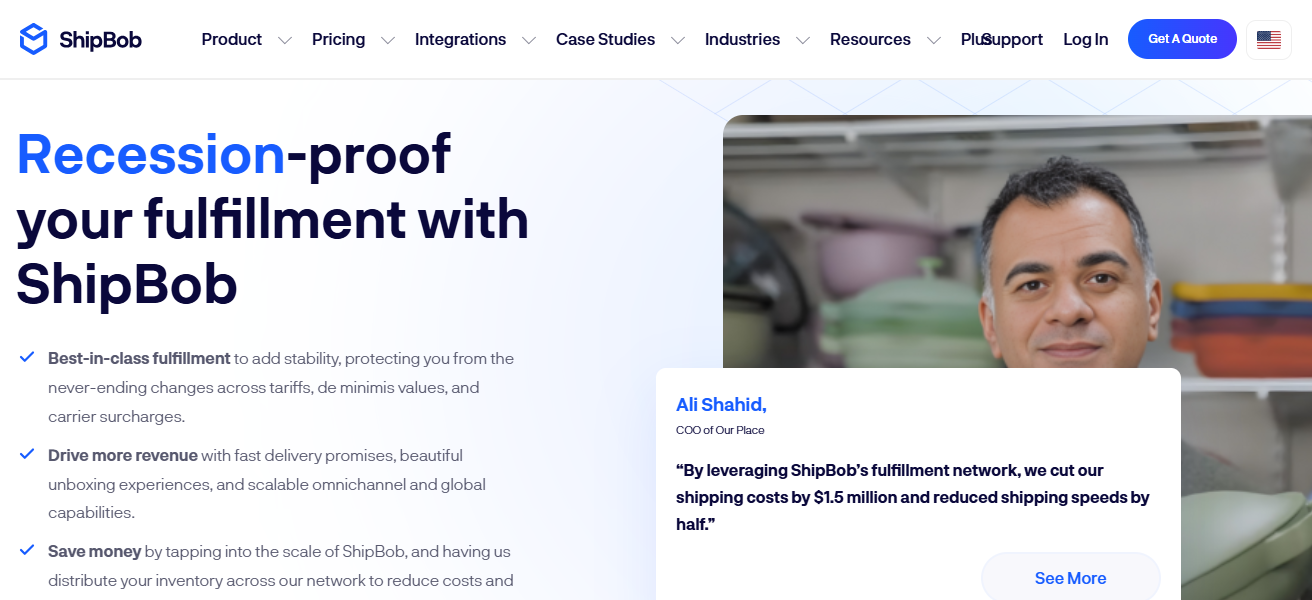
Their reporting helps track inventory, shipping, and key performance indicators. Businesses can also divert their attention from logistics
focusing more on customer satisfaction, marketing, and product development. ShipBob is great for improving logistics for growing eCommerce companies.
ShipBob Features
Fulfillment Centers – ShipBob provides faster shipping and lower costs by spreading your inventory over their network of fulfillment center.
Order Routing Automation – ShipBob fulfills orders by automatically pulling order data from your eCommerce platform and sending the order to the appropriate fulfillment center.
Inventory and Fulfillment Module – Live inventory tracking, Order Tracking and Performance metrics.
Managed Returns – optimized reverse logistics with automated return labels and customizable workflows.
| Pros | Cons |
|---|---|
| Automates order fulfillment and shipping logistics. | Fulfillment fees may be high for small orders. |
| Network of centers ensures faster delivery. | Less control over packaging and branding. |
| Provides real-time reporting on inventory and shipping. | Integration may take time with niche platforms. |
| Reduces manual logistics workload and errors. | Best suited for growing businesses, not micro-stores. |
10. Tidio
Tidio is an automation tool for customer service and live chats which is integrated with AI. It is made for eCommerce stores and automates answers for common questions that customers may have.
It has the ability to synchronize chatbots with email and Messenger, and manage multiple boxes from a single dashboard. With Tidio, you can capture leads, increase response time, and engage customers more.
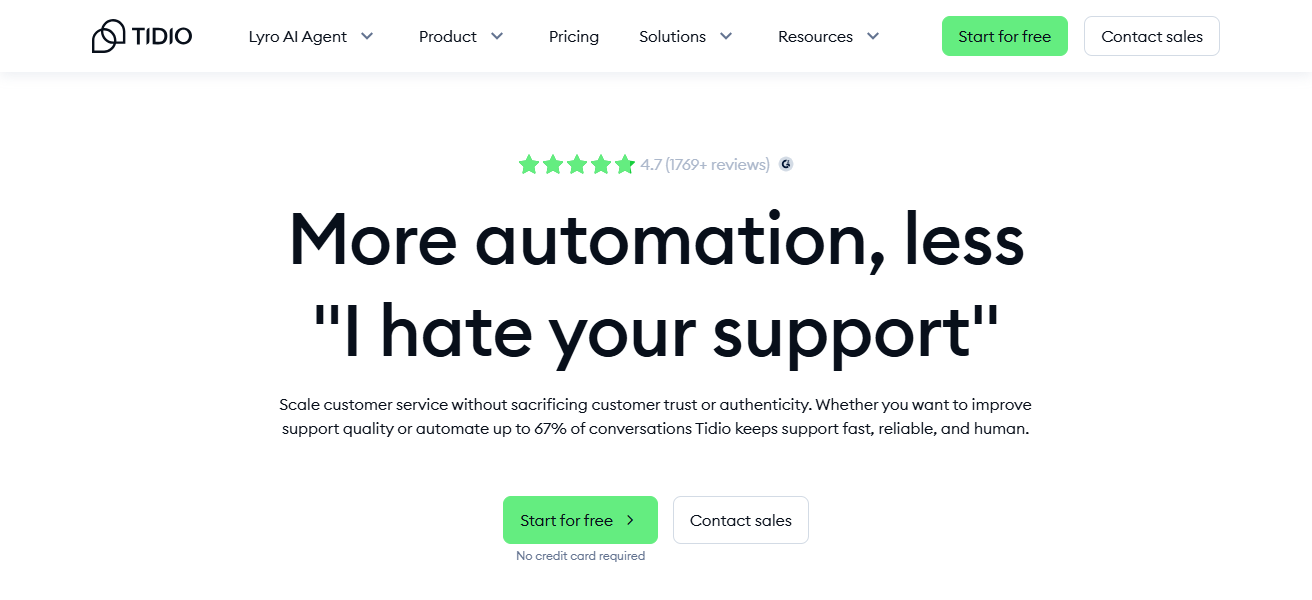
Its analysis features give more information about customer trends, chats, and sales. Automating support tasks drives a positive user experience
Improves business conversions, and increases service values without additional demands to the teams. It is the best choice for growing your eCommerce business.
Tidio Features
Automated Chat Responses – Chatbots are able to lead capture, and respond to common questions without human help.
Integrated Chat Solutions – Integrated interface for web chat, email and Messenger.
Behavior Based Targeting – Chat window serves different offers based on the actions of the current visitor.
Analytics – Time to respond, number of chats, number of users that are engaged and other relevant metrics to calculate chat effectiveness.
| Pros | Cons |
|---|---|
| Automates customer support with AI chatbots. | Free version has limited chatbot capabilities. |
| Integrates multiple channels in one dashboard. | Advanced features require paid plan. |
| Reduces response time and improves customer engagement. | Some customization may require coding knowledge. |
| Provides analytics to improve support and sales opportunities. | May not replace a full customer service team for large stores. |
How To Choose Best E-commerce Automation Tools
Identify business needs clearly. List core responsibilities that need automation, such as marketing, e-fulfillment, or customer support.
Integrate a system with the e-commerce platform. Choose tools that work with your e-commerce platform and other relevant apps.
Assess future expansion needs. The tool must be able to expand with your number of orders, customers, and sales channels.
Check ease of use. Choose systems that have an easy interface with as little training as possible.
Consider the level of automation available. Look for more advanced systems that have more complex workflows, multiple triggers, and customizable systems.
Consider the level of automation available. Choose systems that have more advanced systems that have more complex workflows, multiple triggers, and customizable systems.
Examine the different subscription models. Look for subscription limits, other hidden fees, and different priced models.
Assess customer service. Choose a system that provides more advanced systems that have more complex workflows, multiple triggers, and customizable systems.
Examine the reviews. Determine how other customers view the service.
Conclusion
As a final point, selecting e-commerce automation tools of the highest quality can change the way your online business functions because it saves time, cuts down mistakes, and improves the customer journey.
The proper tools enhance and optimize workflows, from inventory and order automation to marketing and customer support.
Businesses can invest with the confidence that automation will deliver efficiency, scalability, and better engagement, allowing them to compete in the rapidly evolving e-commerce market.
FAQ
They are software solutions that automate tasks like orders, inventory, marketing, and customer support.
They save time, reduce errors, improve efficiency, and enhance customer experience.
Tools like Tidio, Omnisend, and Klaviyo are beginner-friendly and cost-effective for small stores.
Pricing varies; some offer free plans, while advanced features may require subscriptions.