
In the following article, the focus will be on the best enterprise workflow intelligence platforms that assist companies in process automation, achieving operational efficiency, and gaining real-time insights.
- Key Points & Best Enterprise Workflow Intelligence Platforms
- 10 Best Enterprise Workflow Intelligence Platforms
- 1. UiPath
- 2. Automation Anywhere
- 3. Blue Prism
- 4. WorkFusion
- 5. Nintex
- 6. Pegasystems
- 7. Appian
- 8. Kofax
- 9. IBM Process Mining
- 10. Celonis
- How We Choose Best Enterprise Workflow Intelligence Platforms
- Conclsuion
- FAQ
These enterprise innovations improve cost-effective and seamless decision-making by integrating process automation, artificial intelligence, and process analytics to improve workflows.
Key Points & Best Enterprise Workflow Intelligence Platforms
| Platform | Key Point |
|---|---|
| UiPath | Robotic process automation with AI-driven orchestration for enterprise-scale workflows |
| Automation Anywhere | Cloud-native architecture enabling flexible deployment and scalability |
| Blue Prism | Governance-first design ensuring compliance and secure automation |
| WorkFusion | Pre-trained AI bots specialized for financial services and operations |
| Nintex | Low-code workflow builder simplifying process automation for non-technical teams |
| Pegasystems | Decision management engine integrating real-time analytics into workflows |
| Appian | Unified platform combining process automation, case management, and AI |
| Kofax | Document intelligence with OCR and cognitive capture for workflow automation |
| IBM Process Mining | Process discovery using AI to identify inefficiencies and optimize workflows |
| Celonis | Execution management system that continuously monitors and improves enterprise processes |
10 Best Enterprise Workflow Intelligence Platforms
1. UiPath
UiPath is a top tier platform in Robotic Process Automation (RPA) a d workflow intelligence that helps businesses automate and scale their business to deal with repetitive, rule-based tasks.
The platform is integrated with AI, low-code automation, task mining, and centralized orchestration, and integrates business outcomes to streamline automation across different levels of a business.
Also, with the ability to analyze data robustly and deploy the platform in the cloud or in private facilities, UiPath is a platform that assists businesses to decrease their operational costs, and transform their business through digital means more rapidly.
Features UiPath
- Robotic Process Automation (RPA): Offers the ability to automate a large volume of manual process automation by eliminating the need for human manual efforts while saving time, eliminating errors, and saving costs.
- AI and Machine Learning Integration: Enables automation decisions to include the use of AI for discerning decisions, pattern recognition, and predictive modeling.
- Orchestration and Monitoring: Offers a single dashboard with the ability to organize, schedule and manage the process by monitoring the bots through various functions.
- Process and Task Mining: Provides features to analyze the processes from the existing task and steps executed by the user in order to determine automation capabilities and identify the bottlenecks.
| Pros | Cons |
|---|---|
| Strong RPA capabilities with broad ecosystem | Can be expensive for enterprise licensing |
| Excellent community support and learning resources | Requires skilled developers for complex workflows |
| Integrates with AI/ML tools and analytics | Some users report performance issues at scale |
| Good for attended & unattended automation | On‑premise deployment can be complex |
2. Automation Anywhere
Automation Anywhere is an RPA and intelligent process automation solution for enterprises’ automation of workflows.
It combines bots, artificial intelligence, and cognitive automation to simplify complex business processes, enable attended and unattended automation, and derive insights from workflows.
Being highly scalable and with a bot marketplace, organizations can timely implement automations to reduce manual work, increase accuracy, and release business value in different departments.
Features Automation Anywhere
- Intelligent Bots: Provides both attended and unattended bots to automate a wide range of functions.
- Cognitive Automation: Addresses the ability to automate with AI and use the other features in processing unstructured documents like emails with the use of NLP and OCR.
- Bot Insights Analytics: Offers the ability to illustrate dashboards that allow monitoring the operational activities of bots, efficiency of the workflow automation, and the ROI that is achieved.
- Secure Control and Compliance: Provides the automation with strong enterprise features that include governance, encryption, and access by role.
| Pros | Cons |
|---|---|
| Powerful bot creation with cognitive capabilities | Pricing may be high for mid‑sized businesses |
| Strong attended/unattended automation | Steeper learning curve for beginners |
| Good governance and security features | Some users find interface less intuitive |
| Supports wide integrations | Limited process mining without add‑ons |
3. Blue Prism
Blue Prism is top-notch automation software catering to large businesses with robust and secure automation needs.
It is suited to heavily regulated industries like finance and healthcare and offers workflow, governance, and compliance management.
With Blue Prism, companies can achieve process uniformity and lower employee hours with secure and audit-proof automation.
Organizations are given oversight in process outcomes and bot activity through Blue Prism’s control and analytic features.
Features Blue Prism
- Scalable RPA Architecture: Provides the ability to automate the processes at the enterprise level in a manner that the load is scalable.
- Digital Workforce: Offers the ability to deploy automation bots through the provision of rule-based automation that is both reliable and able to cope with complex functional business rules.
- Enterprise Grade Security: Offers features for securing all functionalities using encrypted passwords, audit trails, and compliance requirements.
| Pros | Cons |
|---|---|
| Enterprise‑grade security and compliance | Less intuitive for non‑technical users |
| Scales well for global deployments | Limited attended automation capabilities |
| Strong process governance controls | Requires technical expertise to maintain |
| Good audit and control features | Relatively slower implementation time |
4. WorkFusion
WorkFusion, enterprises can automate the entire document processing cycle, case handling, and any rule-based activities.
WorkFusion combines RPA, AI, and machine learning with workflow automation, enabling companies to automate document handling and resolve more complex, data-centric processes.
While heaving document automation, enterprises can gain actionable insights from real-time WorkFusion analyzes workflows and process performances.
WorkFusion enables business automation and empowers users to develop complex automations without any heavy IT requirements.
Features WorkFusion
- Smart Automation Platform: Combines RPA and other forms of AI to handle processes that require both automation and human cognition.
- Intelligent Document Processing: Extracts, classifies, and other verifies data from documents of both unstructured and semi-structured nature.
- No-Code/Low-Code Tools: Allows non-technical business personnel to create and manage workflows.
- Process Analytics: Automation performance measurement analytics that detects and analyzes automation performance issues.
| Pros | Cons |
|---|---|
| Combines RPA with AI & machine learning | Can be costly for full suite deployment |
| Excellent for document‑centric automation | Learning curve for AI/ML features |
| Low‑code/ no‑code options for business users | Some functional overlap causes complexity |
| Good data extraction & case handling | Less ecosystem than UiPath or Automation Anywhere |
5. Nintex
Nintex is a workflow automation and process intelligence platform focused on workflow automation and process intelligence.
This platform includes workflow automation, process design, and optimization through drag and drop workflow automation and process mapping.

This enables organizations to automate and optimize their business process. Also, Nintex includes operational process improvements tools, allowing teams to automate and visualize their workflow and identify operational gaps.
Features Nintex
- Visual Workflow Designer: Allows users to build workflows using a drag-and-drop feature that facilitates rapid no-code development.
- Process Mapping & Discovery: Capture a visual representation of entire processes and generate identification of the obtained visualization to pinpoint inefficiency and process enhancement.
- Form & Document Automation: Automates initiation, approval, and generation of documents contained in a form.
- Integration Hub: Connects effortlessly with applications like Microsoft 365, Salesforce, and SharePoint.
| Pros | Cons |
|---|---|
| Intuitive drag‑and‑drop designer | Not as powerful for complex automation |
| Strong process mapping and mining tools | Limited deep AI capabilities |
| Good integration with Microsoft ecosystem | Can require multiple modules to cover needs |
| Affordable for small/medium workflows | Less structured governance than RPA leaders |
6. Pegasystems
Pega is a customizable platform that combines BPM (business process management), low-code development, and AI-enabled automation to automate enterprise workflows and streamline decision-making.
Pega assists with customer engagement and supports case management, and automation of real-time decisions, allowing organizations to seamlessly interlock workflows with smart, real-time decision-making.
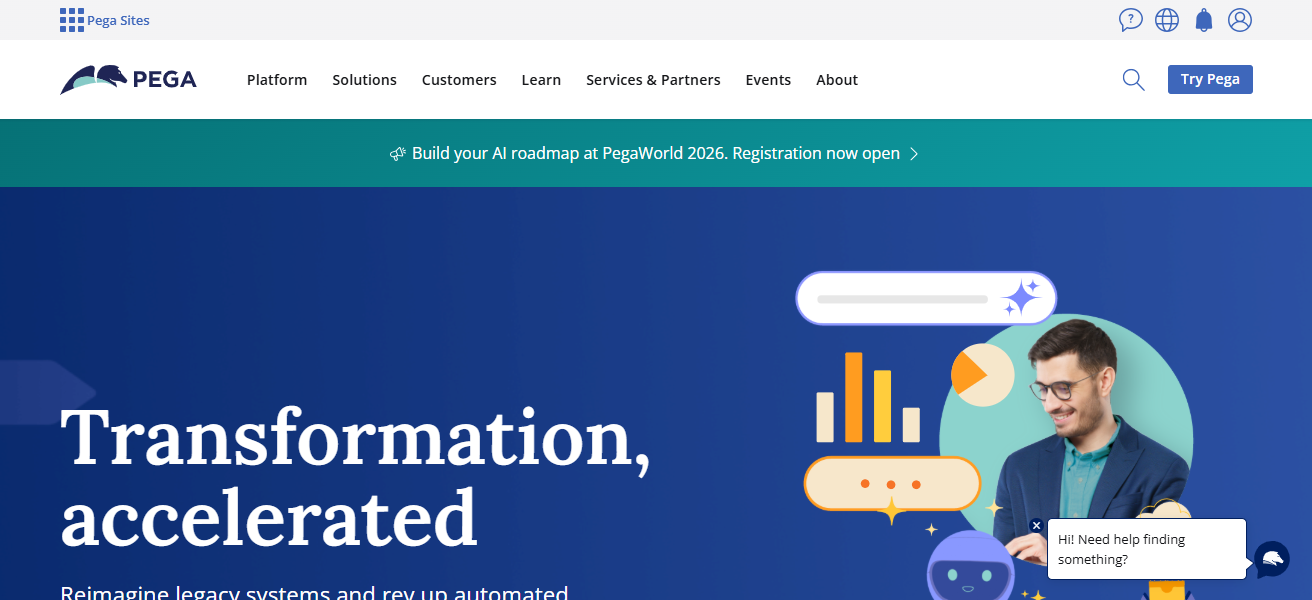
Pega’s process mining capability, along with other features, further improves the automation of complex, cross-functional workflows, and uses AI to optimize automation.
Features Pegasystems (Pega)
- Business Process Management (BPM): Effectively processes complex and multi-step workflows along with case management.
- Low-Code App Development: Rapid development and deployment of applications that manage workflows is possible with a low amount of programming.
- AI-Driven Decisioning: Context-based automation and actions are determined with a real-time decision engine that customizes and personalizes actions.
- Unified Engagement: Integration of customer engagement and management of workflows for business processes via multiple operational channels.
| Pros | Cons |
|---|---|
| Combines BPM, low‑code, and decisioning | Higher overall cost structure |
| Strong for customer engagement workflows | Can be complex to implement |
| Real‑time decision automation built‑in | Requires specialized Pega developers |
| Great for cross‑functional case management | Customization may increase project timelines |
7. Appian
Based on data until October 2023, Appian sells a low-code automation platform which consolidates workflow design, implementation, and management into a single product which users can put into use quickly.
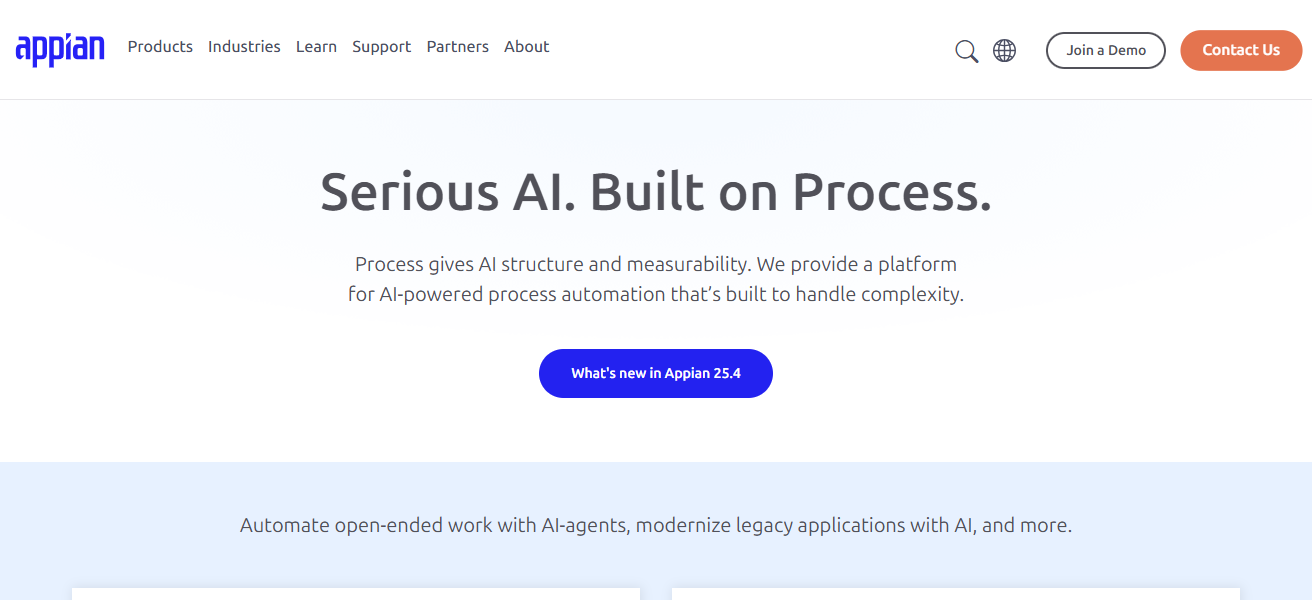
Appian’s features such as workflow management automation, integration case management, and system connections enable users to minimize development time and achieve operational alignment with automation.
Appian also helps users support digital transformation efforts in employee functions (such as human resources, finance, and support).
Features Appian
- Low‑Code Automation Platform: Effortless construction and execution of workflow applications.
- Process Automation: Enhances efficiency by performing activities and directing workflows across multiple systems.
- Integration Capabilities: Compatible with data repositories, legacy systems, and cloud applications.
- Case & Task Management: Handles both structured and unstructured workflows and provides various levels of visibility and control
| Pros | Cons |
|---|---|
| Unified low‑code automation platform | Licensing and enterprise costs can add up |
| Rapid app & workflow deployment | Some advanced analytics features limited |
| Centralized orchestration & visibility | Less specialized process mining |
| Good integration capabilities | UI limitations reported by some users |
8. Kofax
Kofax, now known as Tungsten Automation, provides intelligent automation software in document and workflow processing, cognitive capture, and complete process orchestration.
Its solutions support business automation by allowing the extraction, validation, and routing of information in conjunction with other automation activities.

Kofax tools assist businesses in workflow automation of unstructured content, allowing process error reduction and operational efficiency improvement in finance, supply chain, and customer service.
Features Kofax
- Intelligent Data Capture: Applies OCR and AI to accurately pull information from various types of documents, emails, and forms.
- Workflow Orchestration: In document-centric workflows, it automates the routing of documents, approvals, and the sequencing of tasks.
- Cognitive Document Processing: Increases its accuracy to process documents by learning the patterns to recognize the documents.
- Enterprise Integrations: Offers end to end automation by integrating with ERPs, CRMs, and other applications
| Pros | Cons |
|---|---|
| Excellent document capture + workflow | Best suited for document‑heavy processes |
| Cognitive capture and extraction | UI can feel outdated |
| Strong for unstructured data processing | Integrations require careful setup |
| Improves data quality and accuracy | Not as broad RPA ecosystem |
9. IBM Process Mining
IBM Process Mining assists businesses in visualizing, evaluating, and improving various workflows by taking data from event log records in IT systems.
With the help of the tool, businesses can discover the real workings of various processes, determine their inefficiencies, and obtain suggestions to optimize processing and resilience.
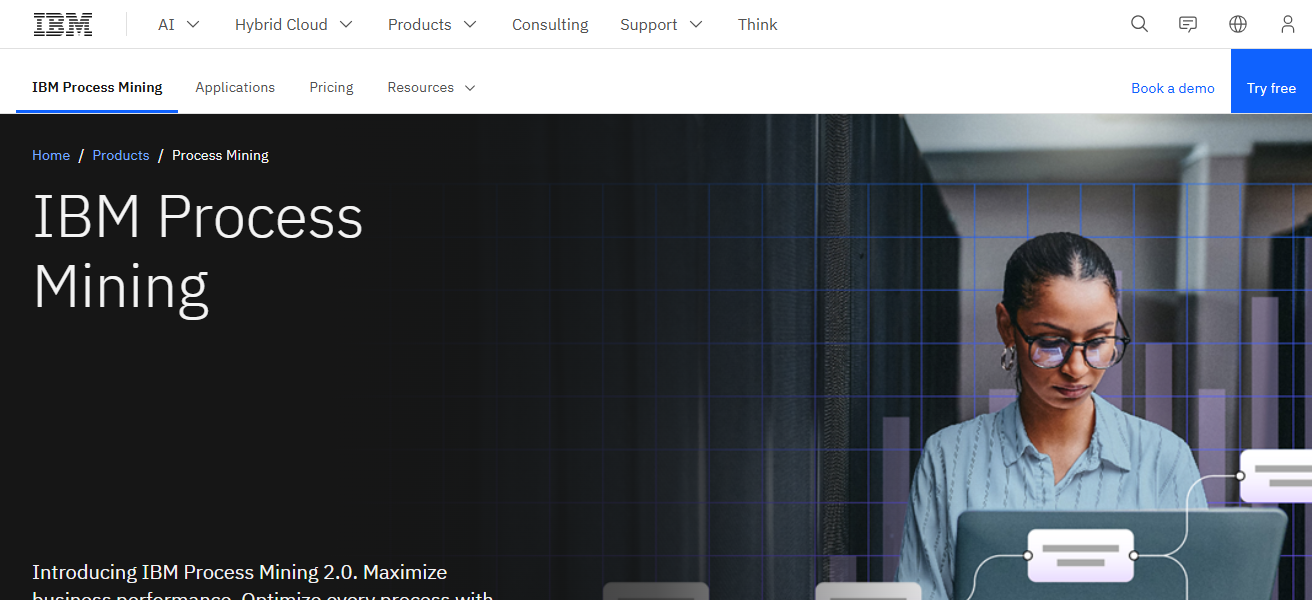
IBM Process Mining assists businesses in making data-informed decisions through continuous monitoring and predictive analysis, and helps them implement flexible changes to their workflows as needed.
Features IBM Process Mining
- Automatic Process Discovery: It utilizes event logs from systems to recreate real workflows without manual mapping.
- Bottleneck Detection: Discovers the location of delays, rework loops, and other inefficiencies of business processes.
- Predictive Analytics: Uses AI to provide recommendations for optimizations by forecasting future outcomes.
- Continuous Monitoring: For ongoing process improvement and compliance, it provides performance tracking of processes over time.
| Pros | Cons |
|---|---|
| Powerful process discovery & analytics | Requires quality event‑log data |
| Predictive insights and bottleneck detection | Implementation complexity |
| Integrates with IBM automation tools | Higher cost for analytics modules |
| Strong continuous monitoring | Learning curve for non‑analysts |
10. Celonis
Celonis operates in the top position in process mining and process intelligence. With the help of operational event data, Celonis derives actionable results.
By building a digital twin of real business processes, Celonis identifies weaknesses in workflow, search for opportunities to eliminate obstacles, and pinpoint differences in performance.
With Celonis’ real-time tracking and execution management tools, organizations can streamline processes, increase the speed with
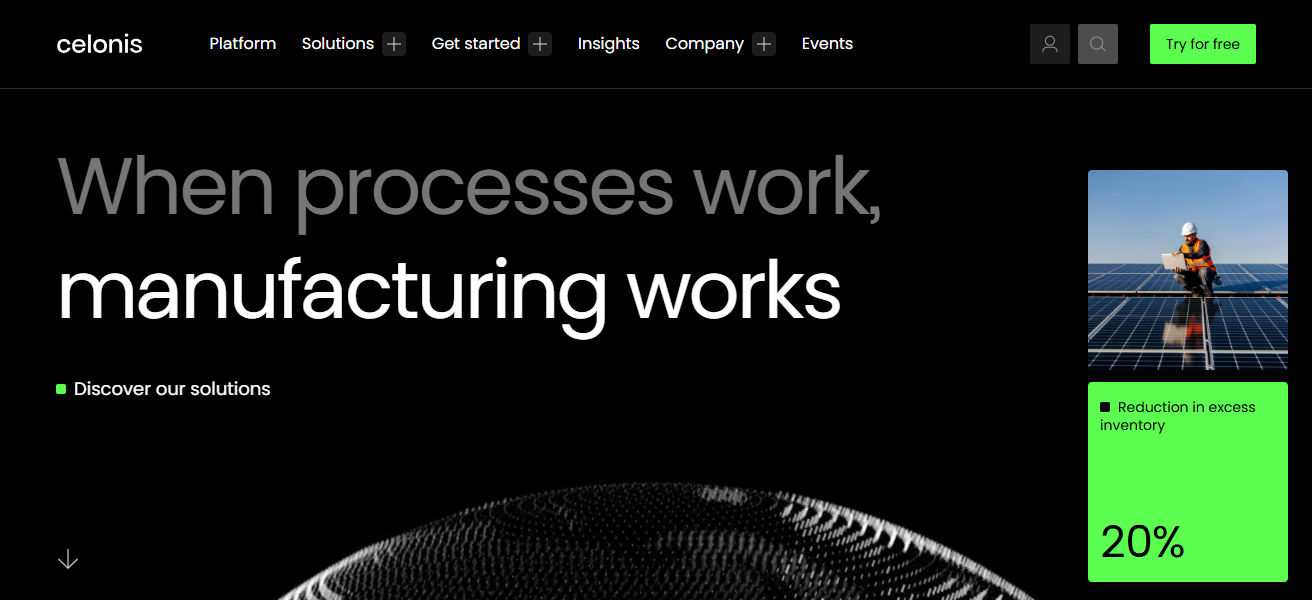
Which processes can be completed, and maximize the benefits ofoptimized processes.Order to cash, procurement, and customer services are just a few of the functions that can be improved.
Features Celonis
- Process Intelligence Engine: It provides a digital map of real processes derived from the system data and offers end-to-end visibility.
- Action Engine: Uses information to initiate automated processes and corrective tasks and make outcomes of workflow more effective.
- Real-Time Dashboards: Offers performance KPIs and visualizations of data to analyze supervisory processes and how effective they are.
- Execution Management: Coordinates systems and actions to maximize productivity from execution in finance, procurement, and customer service.
| Pros | Cons |
|---|---|
| Best‑in‑class process mining & intelligence | Licensing is premium |
| Real‑time workflow visibility | Implementation can be resource‑intensive |
| Actionable execution management tools | Needs good data integration strategy |
| Strong at uncovering inefficiencies | Analytics may overwhelm new users |
How We Choose Best Enterprise Workflow Intelligence Platforms
Automation Capability: Evaluates the extent of the platform’s capabilities automation of redundant tasks, utilized attended/unattended bots, and uses AI for intelligent decisioning.
Process Discovery and Intelligence: This considers the platform’s features of process mining, task mining, analytics which identify inefficiencies and optimize workflows.
Scalability and Performance: This is meant to see if the platform is able to manage workloads at an enterprise level, if it is able to scale across different teams and sustain reliability with high usage.
Ease of Use: This looks at intuitive design features, low-code/no-code options, and overall how quickly customers are able to construct, execute, as well as govern workflows.
Integration Ecosystem: Assesses how well the platform interfaces with existing systems such as ERP, CRM, databases, and other cloud applications to facilitate automation across the board.
AI and Cognitive Features: This is about the application of AI, machine learning, natural language processing, and optical character recongition in decision automation to process unstructured content.
Security and Governance: This looks at the provision of role-based access, support of compliance, maintenance of audit logs, and other enterprise security features.
Analytics and Reporting: This is about the provision of real-time metrics, performance KPIs, and other actionable insights to understand the factors driving improvements in processes.
Conclsuion
In summary, the leading Enterprise Workflow Intelligence Platforms Assist companies in the automation of complex processes, the identification of inefficiencies with AI, and the attainment of operational excellence.
The combination of RPA with process mining, analytics, and integrations enhances productivity, lowers spend, and improves decisions.
Determining the right solution comes down to scalability, user-friendliness, integration assistance, and particular organizational requirements for automation of workflows.
FAQ
An integrated solution that automates, analyzes, and optimizes business processes using RPA, AI, process mining, and analytics.
To increase operational efficiency, reduce manual errors, improve visibility into processes, and drive data-driven decisions.
Key features include automation, process discovery, analytics, integration capabilities, security, and scalability.
It uncovers real process flows, identifies bottlenecks, and reveals inefficiencies by analyzing event logs from systems.
Yes. AI enhances automation by handling unstructured data, enabling predictive insights and intelligent decisioning.