This article will cover the Best Expense Tracking Apps in Europe that make it easier for businesses and freelancers manage their spending.
Receipt automation and syncing to accounting software increases the efficiency of managing expenses. These tools improve compliance and keep you up to date with the financial picture.
All businesses, big and small, will save time and gain better control of their finances with the right app.
Key Points & Best Expense Tracking Apps in Europe
| App | Key Point |
|---|---|
| Expensify | Smart receipt scanning and automated expense reports |
| Zoho Expense | Strong integration with Zoho ecosystem and compliance features |
| QuickBooks Online | Comprehensive accounting plus expense tracking for SMEs |
| FreshBooks | User-friendly interface with invoicing and expense management |
| SAP Concur | Enterprise-grade travel and expense management |
| Rydoo | Mobile-first design with real-time expense submission |
| Pleo | Smart company cards with automated expense categorization |
| Spendesk | All-in-one spend management with approval workflows |
| Wave | Free expense tracking and accounting for freelancers |
| Xero | Cloud-based accounting with strong European adoption |
10 Best Expense Tracking Apps in Europe
1. Expensify
Expensify is an expense tracking and reporting application that has built a reputation because of its user-friendly interface and its exceptional automation features.
Small businesses appreciate how it allows users to effortlessly capture receipts and process expenses because of its SmartScan technology, which scans and reads details from receipts and sorts expenses, thus bypassing hours of manual data entry.
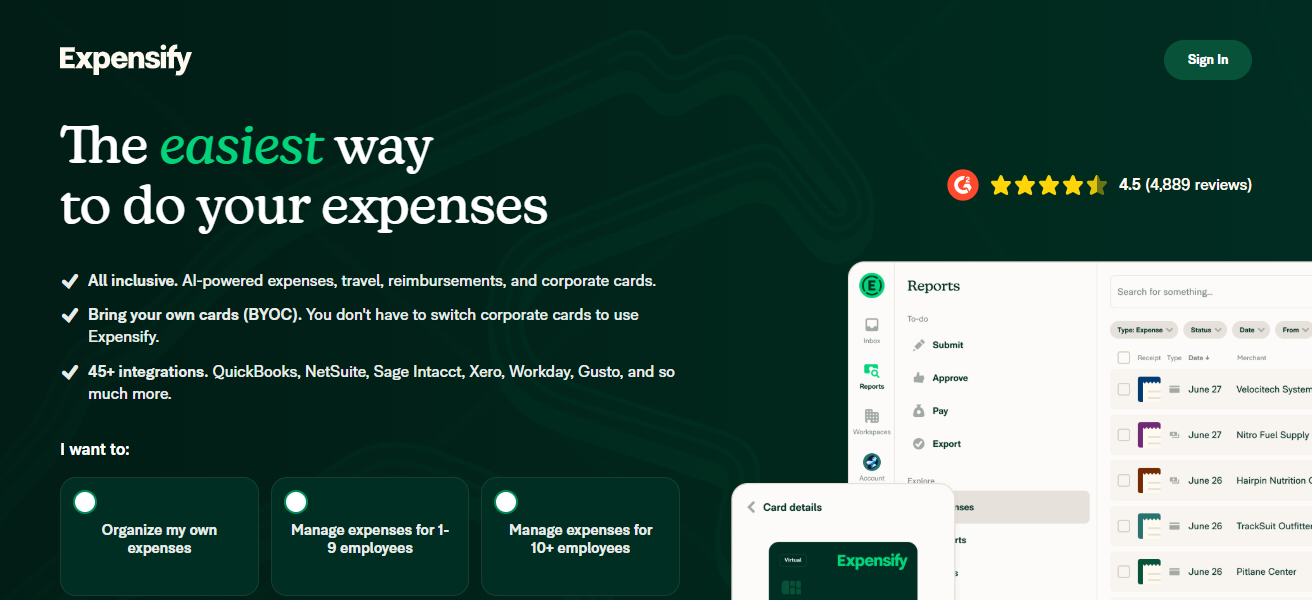
The application is convenient to small and medium-sized businesses because of its approval workflows, team spending policy, and seamless integrations to accounting platforms such as QuickBooks and Xero.
Expensify also assumes the admin roles for mileage tracking and reimbursement flows. The systems design allows workers to submit expenses through their phones whenever they want, and finance teams gain instantaneous access to the consumed budget.
Features Expensify
SmartScan Receipt Capture – Receipts are scanned in using AI via SmartScan and the necessary information is extracted to create expense entries without the user having to do anything.
Automated Expense Reports – Expense reports are generated from the scanned receipts and transactions inputs to the account.
Travel and Mileage Tracking – This app has special features for mobile teams as they can use the app to track travel and travel expenses.
Accounting Integrations – There is accounting software integration with QuickBooks, Xero or NetSuite.
| Pros | Cons |
|---|---|
| Excellent receipt scanning (SmartScan) that automates data entry | Can become expensive for larger teams |
| Strong integrations with accounting systems like QuickBooks, Xero | Some advanced features have steep learning curves |
| Mobile‑first and easy for employees to submit expenses on the go | Limited budgeting and forecasting features |
| Good support for mileage and travel expenses | Customer support response times vary |
| Real‑time reporting for finance teams | Not ideal for companies needing deep ERP integration |
2. Zoho Expense
Expense reporting and travel management is seamlessly integrated into one automated process which makes Zoho Expense stand out the most.
If you are part of the Zoho ecosystem, Expense works well with your business. Employees are able report expenses quickly and easily with receipt uploads, report creation, policy approval, and AI with minimal manual work.
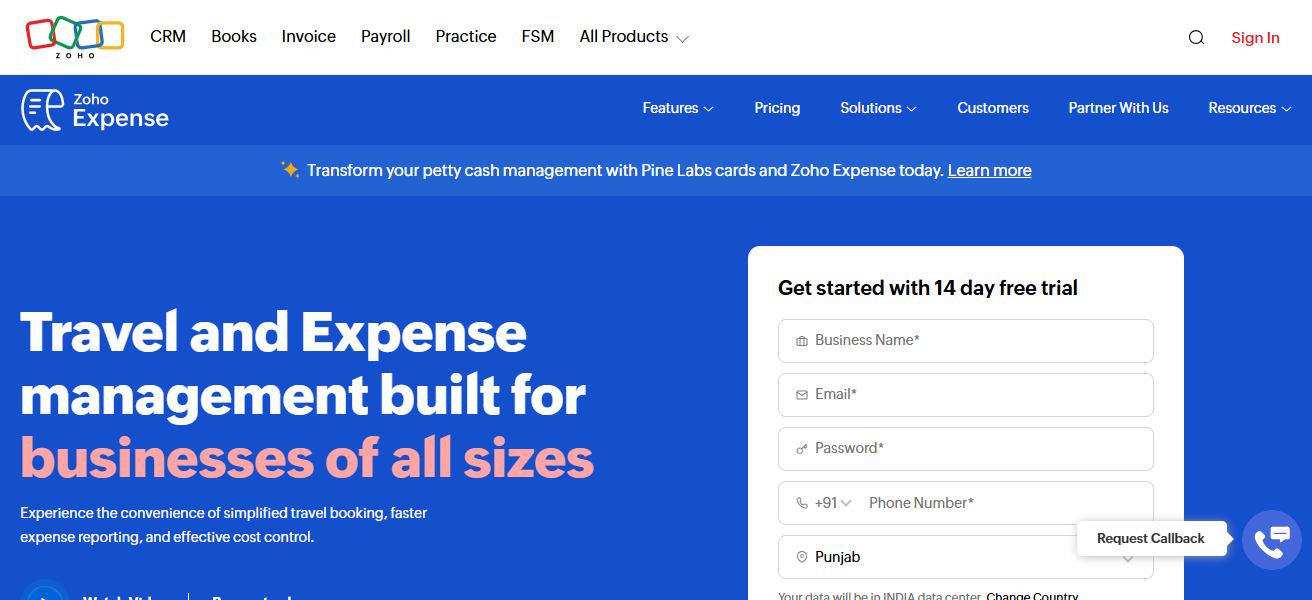
It is valuable for global teams, as Zoho Expense provides corporate card integration, is able to track per-diems, is multi-currency, and is integrated with Zoho Books, QuickBooks, and Xero.
With customizable expense policies, reporting features, and analytic dashboards reporting, Zoho Expense guides business towards responsible spending and, as a result, expenses optimization.
Features Zoho Expense
Multi-Currency Support – Expenses can be converted into various currencies, along with automatic adjustments to comply with local tax regulations.
Policy Compliance and Approvals – Automated policies and approvals to ensure that the spending caps are enforced.
Receipt Scanning and Import – User can take a picture of the receipt or upload a _, the user can also easily import transactions from a card.
Accounting Integrations – There is accounting software integration with Zoho Books, QuickBooks, Xero and others. This allows for real-time synchronization of bookkeeping data.
| Pros | Cons |
|---|---|
| Great automation for reporting and approvals | UI can feel cluttered for first‑time users |
| Deep integration with Zoho’s ecosystem | Some features require upgrading plans |
| Excellent multi‑currency and international support | Advanced customisation may need training |
| Supports corporate card feeds and per‑diem tracking | Integrations outside Zoho can require extra setup |
| Strong analytics and policy enforcement tools | Less intuitive than lighter tools |
3. QuickBooks Online
QuickBooks Online is more than just accounting software, built-in expense tracking is also an important business feature.
Users can link bank accounts and credit cards to automatically import and categorise business expenses for tax and reporting, as well as easily reconcile accounts.
Their reporting tools make tracking spending and profit/loss and cash flow very easy. businesses can track expenses on the go as receipt capture is also available via quickbooks mobile app.
Quickbooks is also very appealing to SMEs as they have a very complete ecosystem that includes payroll, invoicing, and tax filing.
Features QuickBooks Online
Bank and Card Sync – If the user links a bank account and a credit card account to the app, it will automatically import expenses in to the account and categorize the expenses.
Mobile Receipt Capture – Users can upload receipts through the mobile app and link them to expense entries.
Comprehensive Financial Reporting – Generates cash flow statements and profit and loss reports to breakdown expenses and assist decision-making.
All-in-One Accounting Software – Offers expense management and integrates accounting, invoicing, payroll, and tax services all into one application.
| Pros | Cons |
|---|---|
| Automated expense import from bank/credit cards | Accounting features might overwhelm small teams |
| Full financial suite beyond just expenses | Pricier than standalone expense apps |
| Good reporting and tax categorisation | Limited travel and mileage tracking |
| Strong ecosystem with payroll, invoicing, taxes | Mobile app expense features are basic |
| Easy reconciliation and dashboard overviews | Custom workflows limited compared with niche tools |
4. FreshBooks
FreshBooks is aimed at freelancers and small service‐based businesses, to which it provides easy to use expense tracking functionalities alongside invoicing and time tracking.
The software allows users to link their bank accounts to automatically import their expenses. To streamline workflows, users can also use the mobile app to take pictures of receipts and attach them to expense entries.
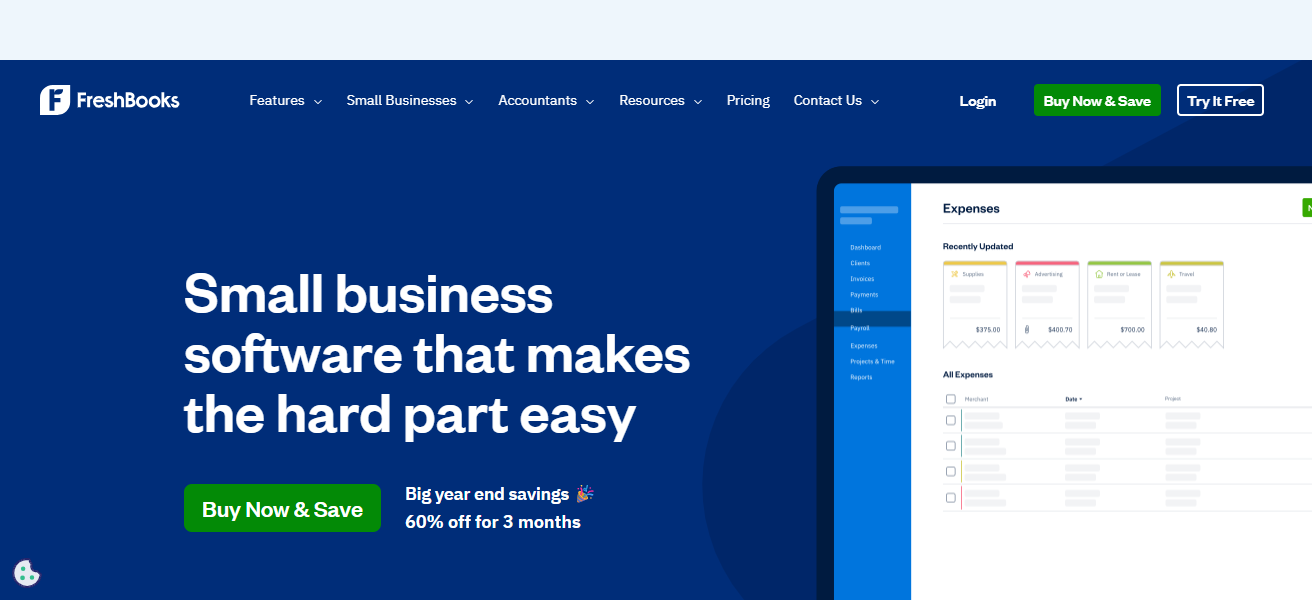
The software is also great for solo professionals and small teams that need to assign multiple expenses to various clients for accurate profitability tracking.
The software is also one of the few that preserves tax‐ready categorization and generates basic reports, and is thus great for businesses that require straightforward workflows for managing expenses without necessitating the cumbersome functionalities of enterprise tools.
Features FreshBooks
Spending Monitoring and Custom Tracking – Monitors business expenditures and allocates expenses.
Time Tracking – Tracks expenses and integrates with time sheets to bill accurately.
Mobile Management – Update expenses and take pictures of receipts whenever, wherever.
Easy Accessibility – Offers reports summarizing expenses and profit, ideal for smaller companies.
| Pros | Cons |
|---|---|
| Simple, intuitive for freelancers and small teams | Not designed for complex enterprise needs |
| Easy receipt capture and categorisation | Budgeting and advanced spend analytics limited |
| Assign expenses to clients or projects | Less robust than full accounting suites |
| Great for service‑based billing with expense tracking | Integrations fewer than competitors |
| Helpful reporting for profitability | Multi‑currency support restricted on lower plans |
5. SAP Concur
SAP Concur is a specialized and volumetric automated expensing system that offers comprehensive solutions to expense and travel management that includes travel itineraries, invoices, and compliance features.
More focused on big corporations and companies with a global workforce, Concur streamlines expense report submissions, automates the visibility of spend data, and policies corporate spending.
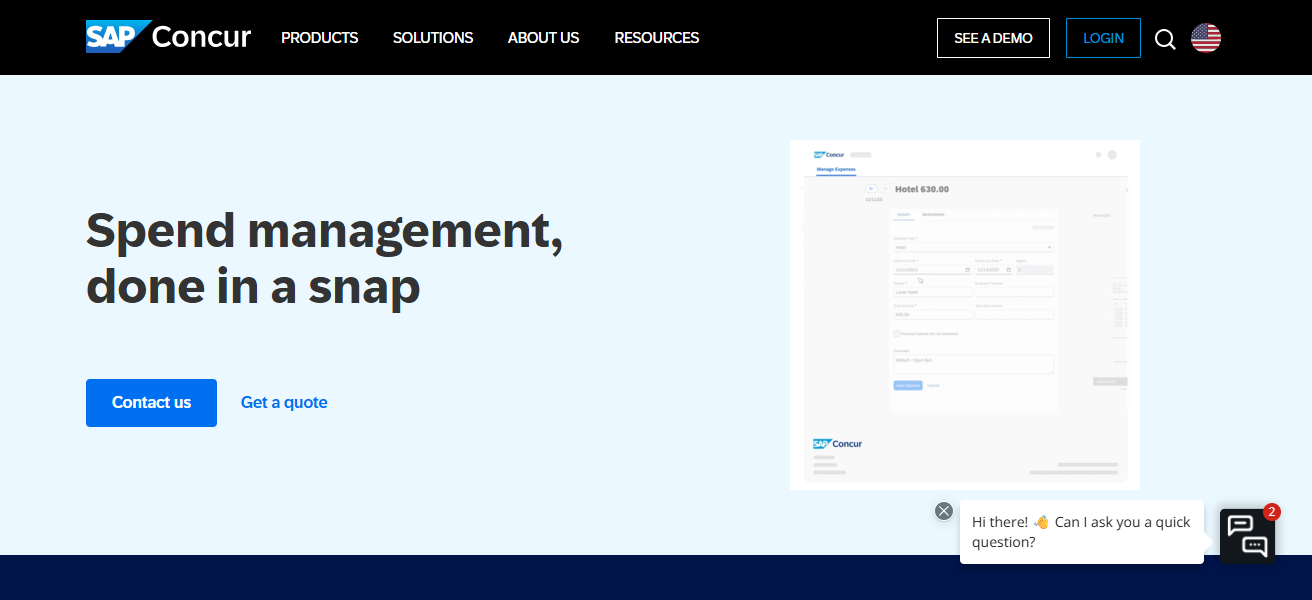
Receipt capture is done using a mobile application and automated reimbursement is done using a series of triggers. There are integrations with large ERP, HR, and accounting packages.
Data is synthesized from multiple sources providing companies with comprehensive audits and analytics to proactively manage spending, and compliance.
Features SAP Concur
Comprehensive Enterprise Expense Management – Specifically designed for large-scale companies with complicated and international spending activities.
Integrated Travel & Invoice – Travel reservation, expense, and invoice processes are supported in one system.
Automated Compliance & Policy Management – Automates spending policies, corporate compliance, and audit processes.
Enhanced Reporting – Gives control over finances with comprehensive reports.
| Pros | Cons |
|---|---|
| Enterprise‑grade expense management | Costly for small companies |
| Excellent travel, policy, and compliance capabilities | Setup and onboarding can be complex |
| Strong analytics and audit‑ready reporting | Heavy system for simple use cases |
| Integrates with ERP and HR systems seamlessly | Might require specialist admin support |
| Global travel and multi‑currency support | Not budget‑friendly for startups |
6. Rydoo
Rydoo is a real-time, automated expense management system focused on compliance for teams all over the world. Capture receipts, have them categorized, and process them for approval all in an instant for every foreign currency.
Rydoo is one of the few systems that enables companies to circumvent the reimbursement cycles and manage spending actively, all while remaining compliant with global tax and regulatory requirements.
Rydoo removes the burden of legal spending and reimbursement for multinational companies. The system smoothes workflows, reducing the burden of manual tasks,
and syncs with all major account and ERP systems for integrated financial management. Rydoo suits organizations with a lot of travel and complex, cross-border expenses.
Features Rydoo
Instant Expense Capture – Receipts can be submitted immediately and will be automatically sorted.
Multicurrency Payment with Global Compliance – Seamlessly manage global travel and tax regulations.
Quick Approval Process – Expense submission undergoes rapid, customizable approval processes.
Accounting Synchronization – Implements with primary ERP and accounting platforms to ensure continuous flow of information.
| Pros | Cons |
|---|---|
| Very fast receipt capture and approval workflows | Pricing can scale with usage |
| Strong real‑time visibility for finance teams | Some advanced analytics limited |
| Global compliance and multi‑currency support | Less recognised than bigger brands |
| Good for frequent travel expense reporting | Integrations vary by region |
| Clean UI focused on automation | Smaller ecosystem than ERP‑scale tools |
7. Pleo
Pleo provides employees with flexible spending options with smart business cards, connected to an expense management system to maintain visibility and control for Finance.
Every employee gets a card, physical or virtual, with an allowed spending cap. Users are prompted to take a picture of the receipt, which are automatically sorted and sent to compatible accounting systems like Xero or QuickBooks.
Pleo’s instantaneous overview of company spending mitigates the risk of sudden overspending, and enables finance to maintain control over company policies without the necessity of manual approval of expense reports.
European startups and small businesses are drawn to the streamlined, automated solution for managing company spending and avoiding the traditional manual reimbursement methods.
Features Pleo
Smart Company Cards – Distribute physical and virtual cards to employees with customizable spending caps.
Automatic Receipt Matching – Users are prompted to upload receipts, which are automatically matched to transactions.
Real-Time Spend Monitoring – Company spend visibility in real time for finance teams.
Accounting Integrations – Integrations with key accounting platforms like Xero and QuickBooks.
| Pros | Cons |
|---|---|
| Combines company cards with expense tracking | Not ideal without using the Pleo card system |
| Real‑time spend visibility | Limits on integrations unless upgraded |
| Automated receipt capture | Can be expensive for small budgets |
| Empowers teams without manual claims | Budgeting tools are basic |
| Syncs with major accounting software | Less customizable policy controls |
8. Spendesk
Spendesk is a multifunctional spend management service that combines expense tracking, budgeting, approvals, and corporate card usage into one.
To top it off, it provides unlimited physical and virtual corporate cards. Spendesk provides real-time tracking of project and departmental spending, custom tracking, and seamless accounting integration for real-time reconciliation.
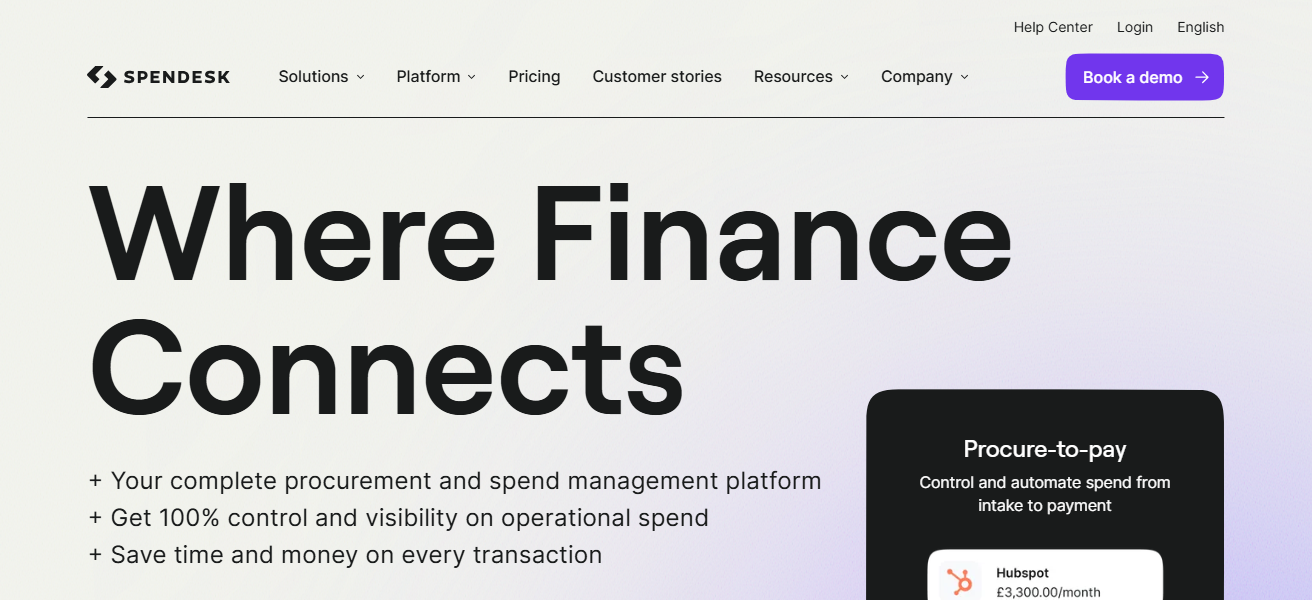
Spendesk even manages invoices and automates receipt matching, improving expenditure management.
Spendesk is designed for finance departments to control spending against budgets, policy, and forecasts, and to assist mid-sized and growing businesses with centralized financial governance. Flexibility and control are key to Spendesk’s design.
Features Spendesk
Centralized Spend Management – Merges cards, invoices, and expenses in a single platform.
Virtual and Physical Cards – Distribute unlimited spend cards with specific budgetary controls.
Approval and Budget Workflows – Custom workflows ensure spending is aligned with company policy.
Accounting Connections – Syncs transactions and receipts with QuickBooks and Xero.
| Pros | Cons |
|---|---|
| Centralised spend management and virtual cards | More expensive than simple trackers |
| Excellent budgeting and approval workflows | Some advanced features locked behind higher tiers |
| Simplifies invoice and card spend in one place | Onboarding can take time |
| Good visibility and cost control | Reporting requires customisation |
| Integrates with popular accounting software | Not ideal for solo freelancers |
9. Wave
Since freelancers and microbusinesses include almost all industries, Wave’s combination of no charge and accounting and expense tracking offers invaluable value for money.
Pure income and expense tracking, bank accounts and transactions import, and mobile app receipt scanning.
Basic to more advanced enterprise tools, Wave offers reporting functions and others (categorization, financial summary) more developed than core.
Being free makes it especially helpful for solo business operators and tiny teams that want to manage their finances without dealing with other more complicated paid tools.
Features Wave
Free Expense & Accounting Tools – Monitor the inflow and outflow of funds without any subscription fee.
Transaction Import – Automatically retrieves and pulls in bank/card transactions for easier classification.
Upload Receipts – For record keeping, upload images of the receipt from your mobile or desktop.
Reports – Financial Snapshot – Provides small teams to an extent, an elementary overview of profit & loss along with cash flow.
| Pros | Cons |
|---|---|
| Free accounting and expense tracking | Feature set is basic compared to paid tools |
| Easy bank import and receipt scanning | Limited multi‑currency support |
| Good for sole proprietors and microbusinesses | Reporting is simple and rudimentary |
| Simple user interface | Not enterprise ready |
| No subscription cost for core features | Add‑ons (payroll, payments) cost extra |
10. Xero
Xero is an expense management solution that is cloud based and permits expense tracking and management. Users can track expenses and obtain digital copies of receipts.
Users can easily track and categorize their expenses for reporting, tax, and management purposes.
Furthermore, Xero has a real-time cash management dashboard that shows users their cash position and expense cash flow.
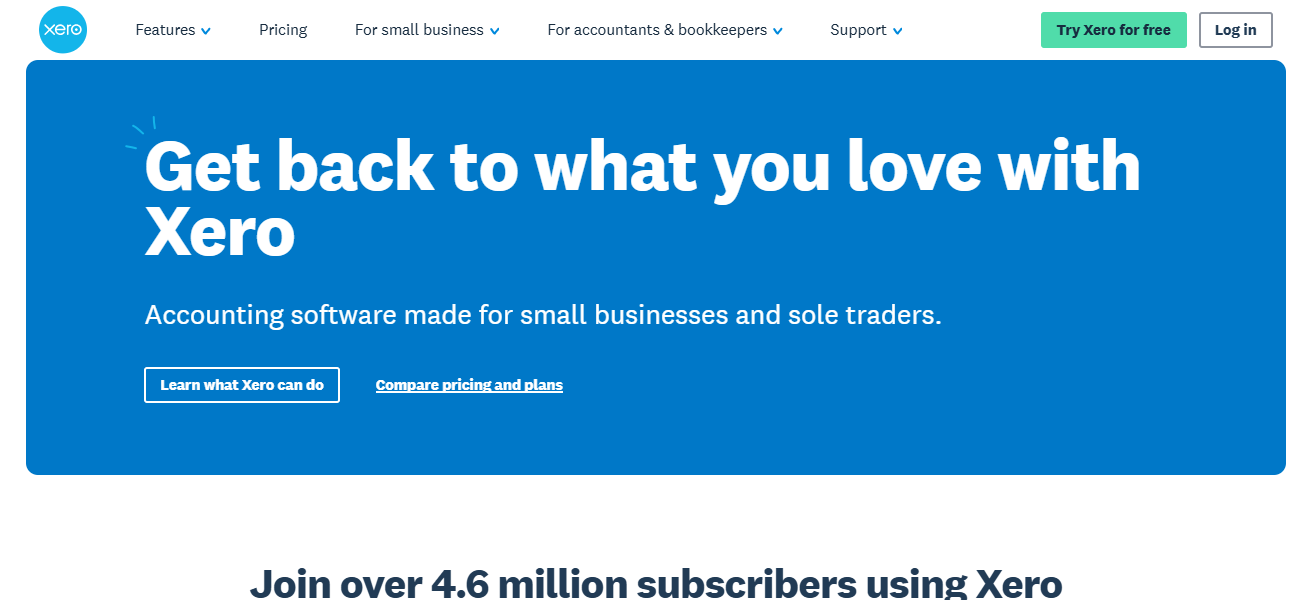
Xero is a provider of expense management software that services all sizes and industries, but markets mainly to small and medium businesses
Because Xero offers a complete suite of financial management services where many other providers patch their expense tracking software with other providers.
Features Xero
Reconciliation of Bank – Transactions are auto categorised to ensure easy and quick reconciliation.
Handling Multiple Currencies – Great for businesses that have international received and made payments.
Photo of Receipt Processing – Receipts can easily and quickly be photographed and added to expenses.
Integrations – Is partnered with hundreds of other applications to help out with payroll, Customer Relationships Management, budgeting, and etc.
| Pros | Cons |
|---|---|
| Strong banking and expense automation | Can be pricey for small budgets |
| Excellent reporting and dashboards | Learning curve for deep features |
| Supports multi‑currency and international teams | Project tracking less advanced |
| Integrates with many apps and services | Requires setup time to optimise |
| Smooth reconciliation and claims workflows | Add‑ons often needed for advanced use |
How To Choose The Best Expense Tracking App In Europe
Intuitive Design: Make sure that expense tools have simple design and easy step by step processes, this way employees can submit expenses and not have to go through complex training.
Reduce Data Entry: Automate processes like receipt uploading, categorization, and distance tracking to reduce the need for manual input.
Regulatory Requirements: Your tools should have the flexibility to comply with NDA rules, reimbursement processes, and European tax regulations.
Cross-Platform Compatibility: Verify that the tools can seamlessly work with your accounting tools, such as QuickBooks or Xero, as well as your ERP.
Future-Proof: Consider what your tools can offer in the future and not just in the present; for small teams, this could mean simple software, while enterprises need a comprehensive solution like SAP Concur.
Value: Weigh the tools offered with the subscription cost; Wave is appropriate for expense management of freelancers, while expense management of businesses needs expense management software.
User-Friendliness: Employees can submit expenses anytime with an expense management software that has a comprehensive mobile application.
Cocnlsuion
To conclude, selecting the most appropriate expense management app in Europe depends on the size, operational structure, and spending capability of your company.
Companies like Expensify, Zoho Expense, and Xero provide excellent automation and integration, whereas Wave and FreshBooks work better for individual freelancers and smaller teams.
Focusing on usability, compliance, and real-time access improves the effective management of expenses and better control over the finances.
FAQ
An app that helps businesses and individuals record, manage, and monitor spending efficiently.
It saves time, reduces errors, ensures compliance, and provides real‑time financial insights.
Wave and FreshBooks are ideal due to simplicity and low cost.
SAP Concur and Rydoo provide advanced workflows, compliance, and analytics.
Yes, most reputable apps ensure European data protection compliance.