
I am going to talk about the Best Financial Scenario Planning Software today. Forecasting, budgeting, and “what if” scenario analysis require the right tool.
From enterprise solutions such as Anaplan, OneStream, and flexible tools like Cube and Microsoft Excel, these software solutions assist companies of all sizes to make informed financial decisions and optimize planning to improve efficiency.
Key Points & Best Financial Scenario Planning Software
| Software | Key Point |
|---|---|
| Vena | Excel-native interface tailored for enterprise users who prefer spreadsheet familiarity. |
| Anaplan | Cloud-based connected planning designed for large enterprises with complex forecasting needs. |
| Carta | Equity management integration enabling scenario planning tied to ownership structures. |
| Prophix | Mid-market focus with strong budgeting and forecasting automation. |
| Microsoft Excel | Flexible spreadsheet modeling for custom scenario planning without specialized software. |
| Abacum | Real-time data integration with user-friendly dashboards for finance teams. |
| Planful | Continuous planning workflows that streamline collaboration across departments. |
| Cube | Fast implementation with strong integrations for agile FP&A teams. |
| OneStream | Unified corporate performance management platform for enterprise-scale scenario modeling. |
| Jedox | AI-powered predictive analytics to enhance scenario planning accuracy |
10 Best Financial Scenario Planning Software
1. Vena
Vena is a FP&A software specializing in scenario planning, budgeting, and forecasting. It collaborates with Microsoft Excel, enabling finance teams to utilize and manage data in spreadsheets.
It allows finance teams to consolidate, automate, and manage data in a way, so manual errors can be eliminated, and scenario “what-if” planning is simulated in real time.
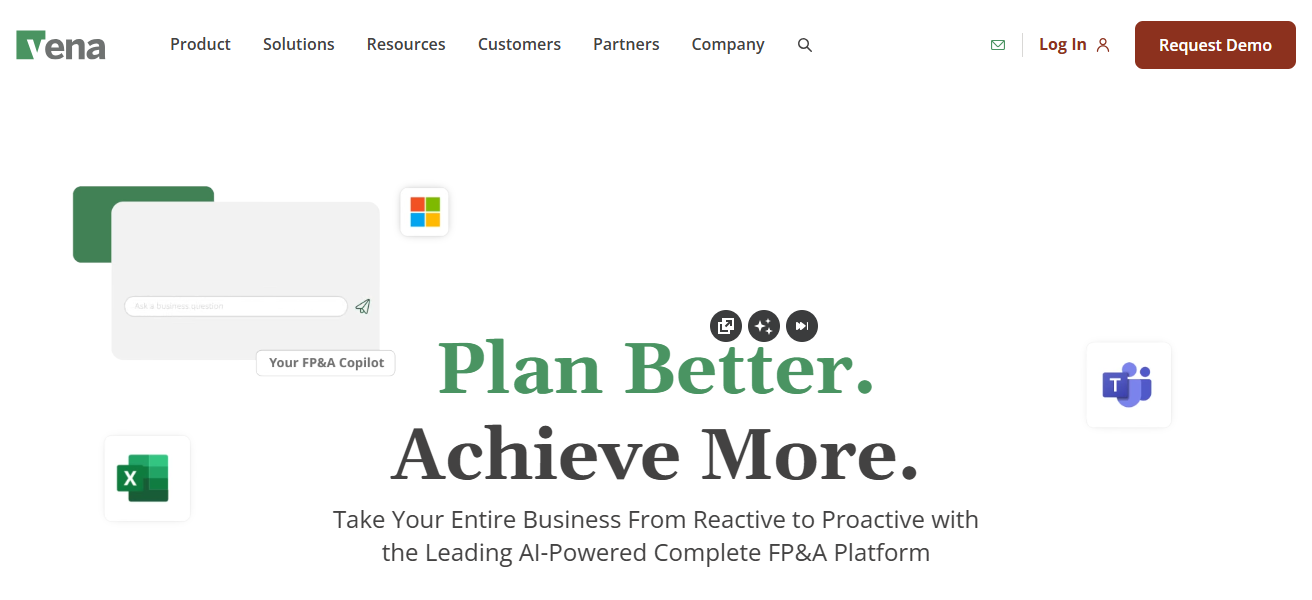
Vena offers dashboards and reporting tools to communicate with stakeholders that can scale to mid-sized and large companies needing effective planning to streamline financial decision-making.
Features Vena
Excel-Native Interface – Allows users to model with Excel while centralizing the data to minimize errors as well as ramp-up time.
Scenario Planning & Forecasting – Supports the formulation of “what if” models to help the prediction of outcomes.
Automated Data Consolidation – Extracts data automatically from several resources to eliminate the need to do things manually.
Dashboards & Reporting – Stakeholders are provided with data visualization to assist in making decisions strategically.
ERP & System Integrations – Aligns with accounting/ERP systems to maintain data correctness throughout the processes.
| Pros | Cons |
|---|---|
| Combines Excel with a centralized FP&A engine, reducing manual errors. | Can be expensive for smaller companies. |
| Strong budgeting, forecasting & scenario planning capabilities. | Requires setup and training for full usage. |
| Integrates with ERPs and data sources for real-time insights. | Advanced features may be complex for new users. |
| Dashboard reporting helps visualize outcomes clearly. | Some users find workflows rigid for non‑standard use cases. |
2. Anaplan
Anaplan is a consolidated planning tool that incorporates intricate financial calculations and scenario planning within its capabilities.
The application promotes cooperative work within the financial, operational, and sales teams and allows for live, adaptable forecasts and planning simulations.
The product is optimal for enterprise-level planning due to its capacity to process and analyze massive histories quickly.
The platform is easily modifiable by the user due to its modular structure that allows for customizing planning models, as well as its self-explanatory graphs that allow for quick strategic planning.
The application is a consolidated planning and reporting tool that incorporates planning with execution and offers the capability to forecast, manage, and optimize the placement of financial resources against the business strategy.
Features Anaplan
Real-Time Planning Engine – Enables in-memory calculations that provide instantaneous updates onto the extensive data sets.
Collaborative Modeling – Offers a single planning space for finance, sales, ops, etc. to work collaboratively.
Scenario Simulation – Provides advanced “what if” models to assist with complex planning at the enterprise level.
Modular Architecture – Offers the ability to customize planning modules with no need for code.
Strong Integrations – Offers connection to data lakes and ERPs for planning at an enterprise level.
| Pros | Cons |
|---|---|
| Enterprise‑grade scenario planning with real‑time collaboration. | Expensive compared to mid‑market tools. |
| In‑memory calculation engine handles large datasets. | Steep learning curve for non‑technical users. |
| Highly customizable planning models without coding. | Longer implementation cycle. |
| Strong integration capabilities with financial systems. | Overkill for simple planning or small businesses. |
3. Carta
Carta has a strong focus on equity management while also being adept at scenario planning for firms with intricate capital structures.
It assists firms in accounting for the effects of dilution on ownership stakes and prioritizes the complexity of valuation and return on investment in terms of ownership and investor valuation for options granted and funding rounds.
Scenario planning enables startups and emerging companies to model the. financial result from a particular investment approach.
Its interface enables users to simulate equity ownership at varying intervals while providing an easy to understand visualization of equity ownership dilution
Allowing it to serve its purpose for creators and CFOs. It enhances strategic decision making and clarifies the financial implications to different stakeholders for its users.
Features Carta
Cap Table Management – Consolidates the equity ownership, displaying the real-time positions of each stakeholder.
Scenario Modeling for Equity – Supports the simulation of the dilution effect and fundraising rounds.
Valuation Tools – Provides tools that assist with the value estimation of a company at different stages.
| Pros | Cons |
|---|---|
| Excellent cap table and equity scenario management. | Not a full FP&A solution like budgeting or cash flow forecasting. |
| Helps simulate dilution, fundraising impacts, and valuations. | Limited traditional financial planning features. |
| Useful for startups and investor reporting. | Pricing can be high relative to features for general finance. |
| Easy‑to‑use interface for equity planning. | Focused primarily on equity, not overall finance. |
4. Prophix
Prophix is considered corporate performance management software that focuses on financial planning, budgeting as well as scenario modeling.
Automating data consolidation, forecasting, and reporting is where finance teams get the majority of their benefits.
Prophix allows organizations to conduct effective financial risk assessments using “what-if” scenario modeling for strategies.
Prophix’s user-friendly design enables seamless reporting for non-technical users to extract valuable insights.
Accuracy and consistency are achieved by Prophix’s data integration with ERP systems. Trend identification, cash flow optimization, and resource allocation improvement is achieved with Prophix’s predictive analytics.
Prophix is most valuable for organizations that want to improve strategic planning, efficiency, and overall decision-making in their finance functions.
Features Prophix
Budgeting & Forecasting – Provides long-term directional plans and short-term tactical forecasts.
Scenario Analysis – Evaluates and compares the financial impact of different assumptions.
Data Consolidation – Gathers financial data from different operational systems.
Automated Workflow – Minimizes manual effort involved in planning cycles.
Visual Dashboards – Provides clear performance insights for various levels of management.
| Pros | Cons |
|---|---|
| Automates budgeting, forecasting, and data consolidation. | User interface less modern than newer cloud tools. |
| Supports powerful scenario modeling. | Setup requires careful planning and expertise. |
| Integrates with ERP systems for data accuracy. | Some users report performance lag with large data volumes. |
| Helps standardize processes and reduce manual work. | Predictive analytics capabilities are limited. |
5. Microsoft Excel
Microsoft Excel is still the most used tool for financial scenario planning owing to its customizability and availability.
It allows users to rfine scenario financals on to the detail they need, do calculations and model sensitivity.
Data support data visualization, pivot tables, and connection to external sources, data Excel is viable for organizations of all sizes.
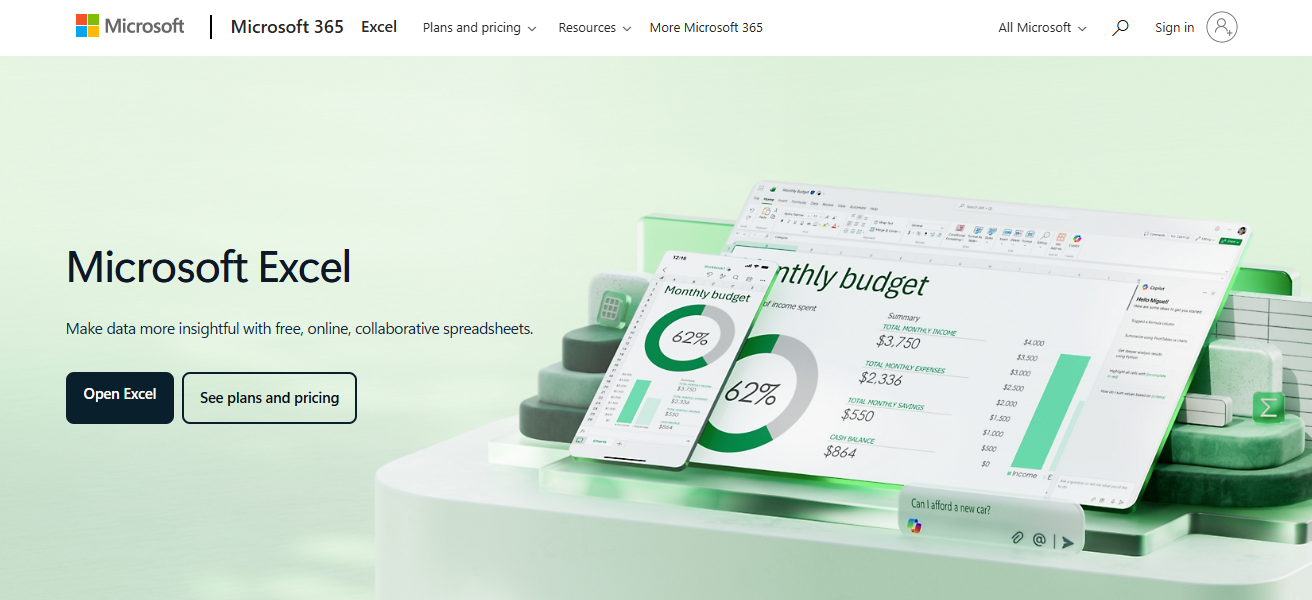
Excel has no advanced automation or collaboration features and fp&a software, but is highly used due to the low learning curve.
It is most widely used for ad hoc scenario planning and the modeling of specific financial situations. Excel can do advanced scenario simulations quite well, especially with some add ins or VBA scripting.
Features Microsoft Excel
Flexible Modeling – Unlimited diversity in building tailored financial models.
Formulas & Functions – Offers deep analytical capabilities via sophisticated calculations.
Pivot Tables & Charts – Aids in the quick summarization and visualization of data.
Wide Compatibility – Functions well with many different tools and file types.
Low Adoption Barrier – Microsoft Excel is well known to many in the finance industry.
| Pros | Cons |
|---|---|
| Extremely flexible and widely used in finance. | Manual work increases risk of errors. |
| Powerful formula, modeling, and visualization features. | Lacks built‑in collaboration controls. |
| Low overall cost and easy adoption. | Not designed for automated, multi‑user planning. |
| Supports ad‑hoc scenarios not supported by rigid tools. | Harder to manage large enterprise planning workflows. |
6. Abacum
Abacum is a software meant for scenario planning made to assist finance teams. It helps companies to analyze their finances to create models for multiple scenarios, control and forecast their revenues, budget, and cash flow.
It pulls and updates data in real-time from popular accounting, CRM, and ERP applications. With Abacum, finance teams and CFOs can build dashboards to visualize key numbers in a glance to help them for fast, real-time, and inflexible decision making.
It is also for Abacum to assist firms in all phases of their business cycles whether starter, expanding or large with steady finance and risk control.
Features Abacum
Collaborative Budgeting – Multi-user planning with role-based access.
Scenario Simulations – Simulations of various business and financial conditions.
Cloud Delivery – Secure, accessible planning from anywhere.
Integration with ERPs & Accounting – Ensures accuracy by synchronizing financial data.
Built-In Reporting Tools – Predefined and customized reports for various stakeholders.
| Pros | Cons |
|---|---|
| Designed for budgeting, forecasting, and scenario planning. | Smaller ecosystem compared to major vendors. |
| Cloud‑based collaboration and visibility. | May lack deeper advanced analytics. |
| Integrates with ERP and finance systems. | Smaller community and fewer tutorials/support. |
| Built‑in dashboards and reports. | Not as widely adopted, less market presence. |
7. Planful
Planful, previously known as Host Analytics, is a cloud based FP\&A platform that focuses primarily on scenario based financial planning and perpetual budgeting.
It provides finance teams a collaborative space to build and analyze forecasts, run trend analyses, and simulate various “what-if” scenarios.
Planful streamlines and automates reporting by accurate aggregating information, pulling from various sources and eliminating manual reporting processes.

Its dashboards are intuitive and display information in a manner that allows users to understand the impact of their strategic choices on revenue, variable costs, and cash balances.
Planful is capable of placing information in a multitude of ERPs and financial systems, making the data available to the users.
Organizations using Planful are able to speed up their planning cycles, err less, and react to market conditions in a timely manner.
Features Planful
Continuous Planning – Supports rolling forecasts while being adaptable to change.
Automated Consolidations – Integrate financial data from several systems.
Scenario Modeling – Analyze the effects of various strategic decisions.
Real-Time Dashboards – Provides executives with high-level overview.
Strong ERP Connectivity – Guarantees that the planning is based on source system data.
| Pros | Cons |
|---|---|
| Strong continuous planning and scenario modeling. | Higher cost for smaller organizations. |
| Automates consolidation and financial workflows. | Some users find interface less intuitive. |
| Good ERP integration and reporting tools. | Steeper learning curve for advanced features. |
| Real‑time dashboards for decision‑making. | Not ideal if simple planning is all that’s needed. |
8. Cube
Cube is an FP&A tool that is optimized for scenario planning, budgeting, and forecasting for small and mid-sized businesses.
It integrates seamlessly with Excel, allowing finance teams to centralize their data for realtime collaboration and reporting while retaining their familiarity with spreadsheets.
Cube is designed for scenario modeling so that decision makers can preview and choose from an array of possible financial outcomes.
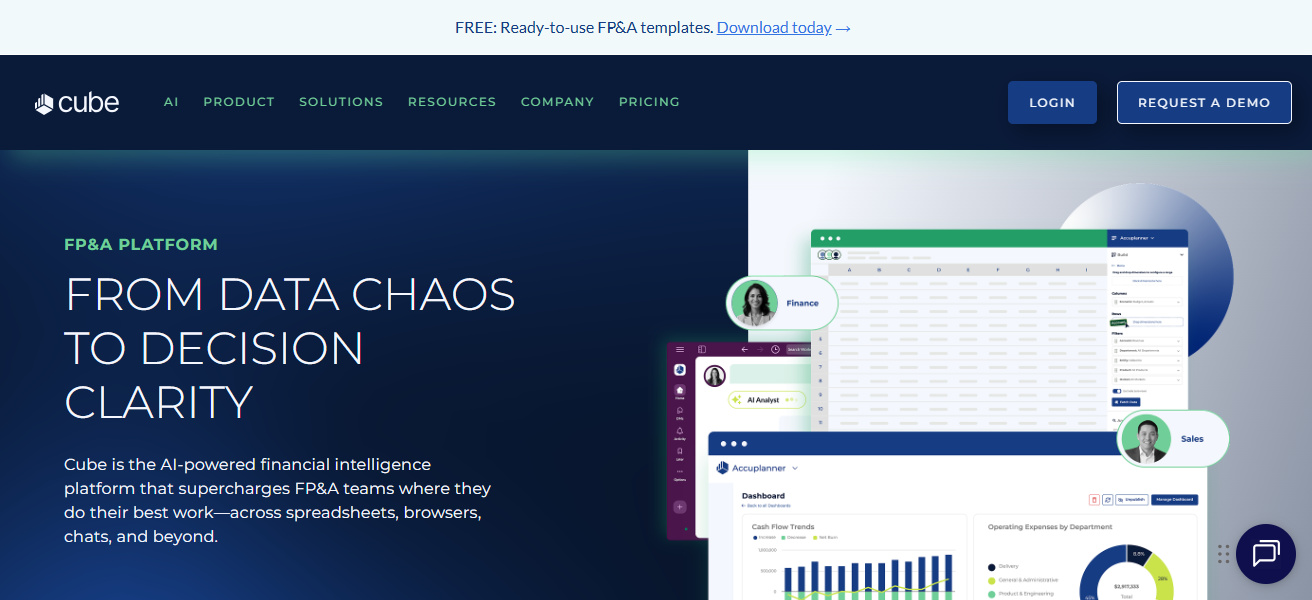
Users can visualize revenue, expense, and cash flow trends over selected time periods with Cube’s reporting and dashboard tools.
Cube helps mest popular accounting and ERP systems so that users don’t have to manually consolidate their data
All without sacrificing accuracy. Cube’s scenario planning capabilities improve agility and accuracy in financial management.
Features Cube
Excel + Cloud Hybrid – Merges the comfort of spreadsheets with central data.
Multi-Scenario Forecasts – Create and analyze various business predictions with ease.
Data Integration – Collaboration with accounting systems and ERPs.
Collaborative Workflows – Teams can modify and leave comments on planning models.
Visual Reporting – Dashboards that provide insights without requiring deep Excel skills.
| Pros | Cons |
|---|---|
| Excel‑connected — retains spreadsheet comfort. | Fewer advanced capabilities vs enterprise tools. |
| Centralized data reduces manual consolidations. | Best suited for SMBs rather than large enterprises. |
| Easy scenario planning and collaboration. | Growing feature set, still expanding functionality. |
| Integrates with accounting and ERP systems. | Complex modeling may need more enterprise features. |
9. OneStream
Offered by OneStream, their products offer advanced building scenario modeling, consolidation, and reporting.
Streamlining and consolidating financial data from numerous locations, OneStream provides comprehensive data for accurate and tactical planning.

OneStream’s intricate modeling design assistance of larger organizations detailed complex modeling of revenue, expenses, and investment predicts cash flows greatly, which set the OneStream. Predictive analytics and machine learning forecasting capabilities.
Removing fragmented legacy systems improves OneStream company’s efficiency and decision-making capabilities, which makes them the financial scenario planners needed for large scale enterprises.
Features OneStream
Unified Financial Platform – Integrates planning, consolidation, and reporting into one system.
Advanced Scenario Modeling – Complex modeling designed for large enterprises.
Predictive Analytics – Improves forecasts using machine learning.
One Version of Truth – Centralized data model eliminates discrepancies.
Extensive Reporting Suite – Advanced dashboards and regulatory reporting.
| Pros | Cons |
|---|---|
| Enterprise‑level planning, consolidation, and forecasting. | Very expensive for small/mid‑market use. |
| Replaces multiple legacy systems with one platform. | Requires certified consultants for full setup. |
| Advanced predictive analytics and machine learning. | Long deployment cycles. |
| Strong reporting and dashboard capabilities. | Overpowered if simple planning is needed. |
10. Jedox
Jedox is a cloud analytics software focused on financial scenario modelling, planning, and budgeting.
It enables finance teams to craft adaptable models, automate routine tasks, and simulate ‘what-if’ analytical workflows to assess the impact of specific business decisions.
Integration with Excel and a number of ERP systems allows Jedox to reduce data integration tasks and automation errors.
The software displays key financial metrics on its dashboards which allows organizations to better manage and optimize their financial situations.
Jedox also brings advanced AI to financial forecasting and predictive planning and adds collaborative features to support cross-functional strategic planning.
It is well suited for any organization looking for a simple yet powerful software to manage and optimize financial forecasting, scenario planning and financial continuous improvement.
Features Jedox
Integrated Planning & BI – Merges budgeting and business intelligence.
Cloud & Excel Interfaces – Use web dashboards or excel as preferred.
What If Scenarios – Creates models with different financial assumptions.
Lifecycle Automation – Minimizes the occurrence of manual processes in planning cycles.
ERP/BI Integration – Constant stream of information from central systems to maintain accuracy.
| Pros | Cons |
|---|---|
| Flexible planning with cloud and Excel integration. | Some advanced configurations require support. |
| Automates workflows and consolidations. | Learning curve for complex models. |
| Strong scenario modeling and budgeting. | Smaller user base than some large FP&A competitors. |
| Integrates with ERP and BI systems for consistent data. | Some UI areas could be more intuitive. |
How To Choose Best Financial Scenario Planning Software
Outline Business Requirements – Comprehend the intricacies and aims of your planning.
Power of Scenarios & Forecasting – Consider robust predictive and “what-if” analysis capabilities.
Integration of Data – Must link to ERP, accounting, CRM, and other platforms.
User-friendliness – Intuitive interface and seamless teamwork.
Dashboards and Reporting – Customized graphics for insight and visualization for decision making.
Adaptability – The ability to extend with your organization alongside growing information demands.
Protection & Compliance – Data safety management with robust audit trails.
Value & Cost – Compare features to pricing and anticipated ROI and weight value accordingly.
Support Offered by Vendor – Quality training, helpdesk, and community for users.
Immutability – Customizable flexible workflows with scenario building and varied modeling.
Cocnlsuion
To conclude, the best financial scenario planning software depend on the business’s size, complexity, and objectives.
Vena, Anaplan, and OneStream are leaders in planning for large enterprises, while Cube, Planful, and Microsoft Excel are more appropriate for smaller teams.
Important factors encompass scenario modeling, integration, usability, reporting, and scalability to support accurate predictions, guided choices, and streamlined financial management.
FAQ
It’s a tool that helps businesses forecast, model “what-if” scenarios, and make data-driven financial decisions.
Finance teams, CFOs, startups, and enterprises looking to improve budgeting, forecasting, and risk management.
Anaplan, OneStream, and Vena are ideal for complex, large-scale planning.
Cube, Planful, Limelight, and Microsoft Excel offer flexible, easy-to-use solutions.
Yes, most tools like Vena, Prophix, and Jedox support ERP and accounting integrations.