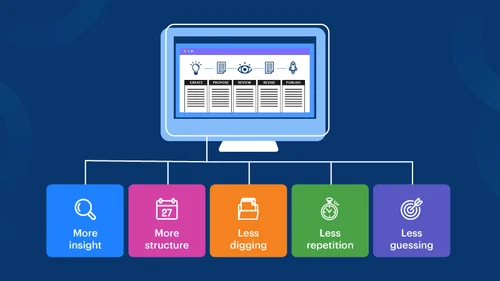
In this article, I will go over the best financial workflow automation platforms that assist companies in optimizing financial operations, minimizing manual tasks, and increasing accuracy.
- Key Points & Best Financial Workflow Automation Platforms
- 10 Best Financial Workflow Automation Platforms
- 1. FlowForma
- 2. QuickBooks
- 3. NetSuite
- 4. Xero
- 5. Tipalti
- 6. Stampli
- 7. Bill.com
- 8. Zoho Finance Plus
- 9. Sage Intacct
- 10. Workday Financial Management
- How To Choose Best Financial Workflow Automation Platforms
- Cocnlsuion
- FAQ
These platforms provide powerful tools for both small and large businesses and include invoice approval and accounts payable automation, real time reporting, and compliance management.
Time saving, increased efficiency, and better financial control are advantages of selecting the most appropriate system.
Key Points & Best Financial Workflow Automation Platforms
| Platform | Key Point |
|---|---|
| FlowForma | AI-powered process automation enabling no-code workflow building |
| QuickBooks | Streamlined accounting automation for small and mid-sized businesses |
| NetSuite | Comprehensive ERP integration with finance workflows |
| Xero | Cloud-based bookkeeping with automated reconciliation |
| Tipalti | Global payables automation for compliance and efficiency |
| Stampli | AI-driven invoice management with collaboration features |
| Bill.com | Automated AP/AR workflows with integrated payments |
| Zoho Finance Plus | Unified finance suite covering invoicing, expenses, and reporting |
| Sage Intacct | Advanced financial reporting with automation for compliance |
| Workday Financial Management | Enterprise-grade automation for planning and analytics |
10 Best Financial Workflow Automation Platforms
1. FlowForma
FlowForma is a platform that helps automate tedious tasks finance teams face such as invoice approvals, expense approvals, and budget approvals.
It takes the no-code automation solutions needed by finance teams and streamlines them through the use of a drag and drop interface which does not require techincal skills to operate.
FlowForma is able to provide real time updates on the requests, notifications, and other features to help firms automate finance approvals.
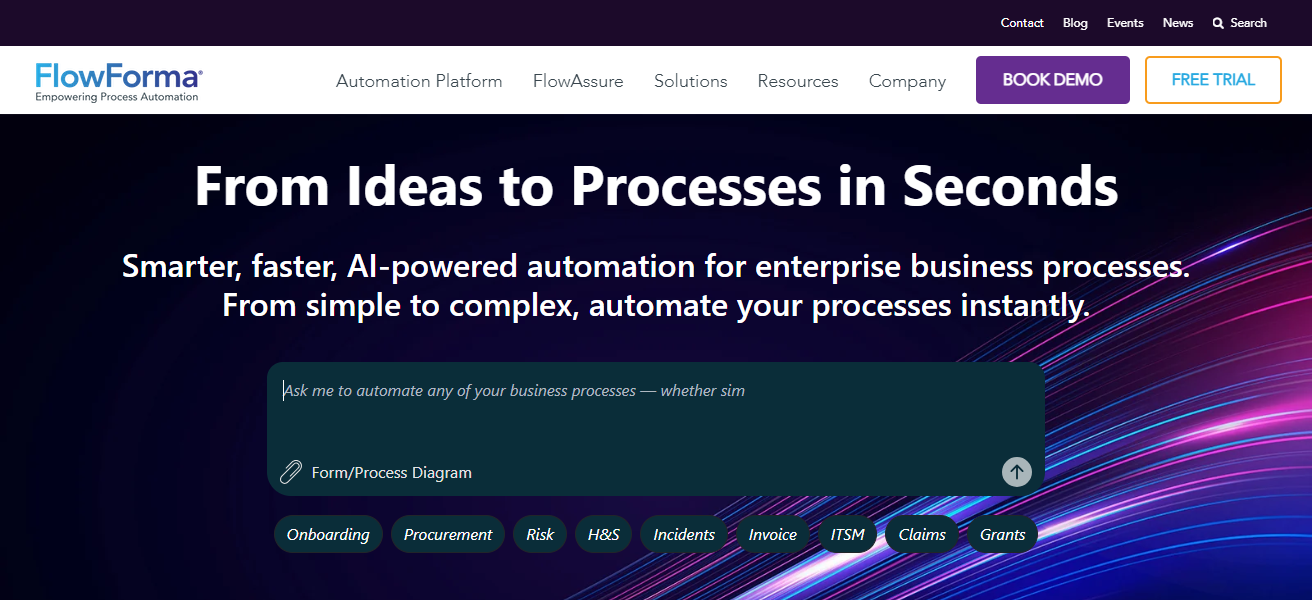
FlowForma integrates directly with your accounting and ERP systems to enhance the automation finance teams receieve.
This way financial teams can leave the automation to FlowForma and focus on more important analysis and strategy.
Features FlowForma
- No-code workflow builder: Empowers business users to automate and design processes independently without IT.
- Microsoft 365 integration: Integrates smoothly with Outlook, Teams and Sharepoint.
- Drafted processes with compliance workflows: Specialized features of audit trails and governance to meet the industry compliance.
- Process analytics: Workflows are analyzed for efficiency and bottlenecks.
| Pros | Cons |
|---|---|
| No-code workflow automation makes it easy for non-technical users | Limited advanced customization compared to developer-heavy tools |
| Strong compliance features for regulated industries | Smaller ecosystem compared to larger ERP platforms |
| Integration with Microsoft 365 | May require training for complex workflows |
2. QuickBooks
QuickBooks is popular accounting and financial automation software used by small and mid-sized businesses.
The software streamlines bookkeeping work by automating accounting activities such as invoicing, bank reconciliations, expense tracking, and categorizing transactions.
Additionally, the software automates workflows by automatically sending reports, routing approvals, and reminding users of outstanding payments.
QuickBooks is equipped with bank feeds and automated bookkeeping which reduce the likelihood of error and allow users to maintain accurate, up-to-date financial records.
QuickBooks also offers a plethora of integrations to further automate workflows across the ecosystem including sales, payroll, and tax activities.
Features QuickBooks
Remote hosting: Financial data is accessible to users from any location with a secure log in.
Invoice and billing automation: Automates the generation of invoices and processing of recurring payments.
Expense tracking: System automatically reconciles expenses and classifies them based on categories.
Payroll automation: Facilitates payments to employees and tax return filings.
| Pros | Cons |
|---|---|
| User-friendly interface for small businesses | Not ideal for large enterprises |
| Automated invoicing and expense tracking | Limited advanced reporting |
| Wide adoption and support community | Integration with third-party apps can be clunky |
3. NetSuite
NetSuite is a SaaS platform to manage the finance and accounting functions of a company along with the corresponding operational processes utilizing an integrated approach.
It streamlines core functions of finance such as billing and revenue recognition along with budgeting and financial reporting while offering real-time reporting.
NetSuite is an all-inclusive solution that allows enterprises to standardize and operationalize processes across all functions and departments and integrates the work of the purchasing, order management, and accounting functions to ensure that all data is constantly updated.
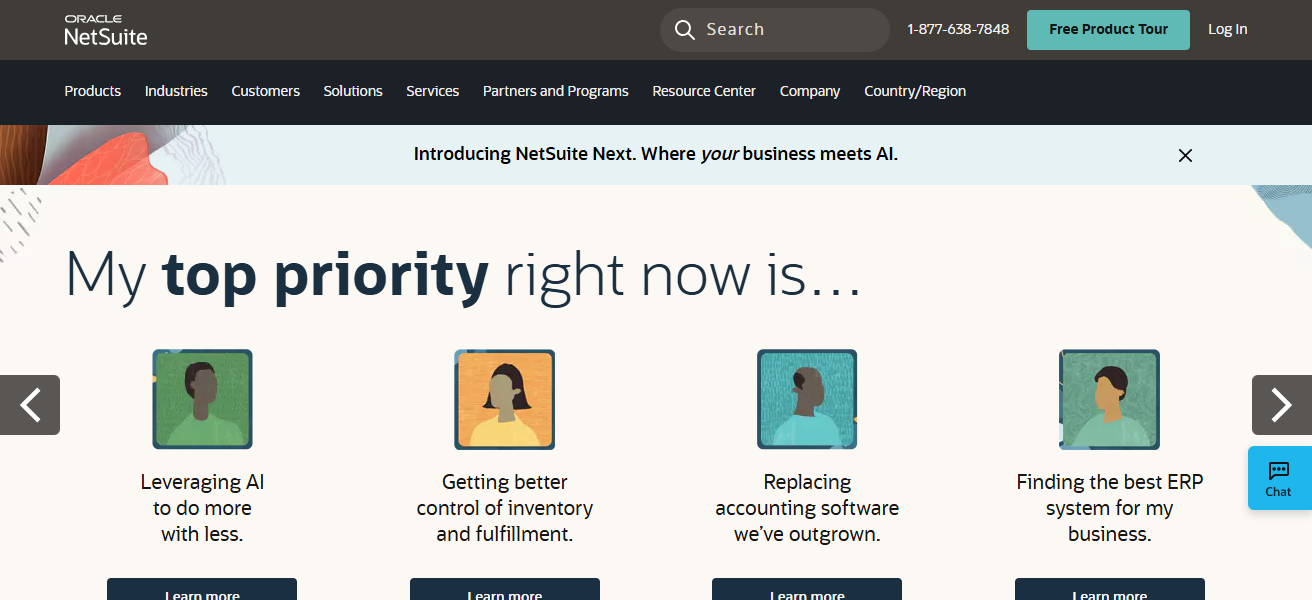
It also provides a variety of tools to customize processes and automate task approval, reduce manual processing, and ensure regulatory compliance.
NetSuite provides financial automation and the management of diverse operations to the large and mid-sized enterprises.
Features NetSuite
Interdepartmental Automation: Eliminates duplication of manual tasks in data entry and enhances efficiency of work from different departments.
All-in-one ERP system: Includes finance, HR, supply chain and customer relationship management.
More dynamic reporting: Dashboards are customizable along with reports and are ready for compliance.
Great for Growing: Designed for larger and growing businesses that have intricate workflows.
| Pros | Cons |
|---|---|
| Comprehensive ERP solution covering finance, HR, and operations | High cost for small businesses |
| Scalable for enterprises | Implementation can be complex and time-consuming |
| Advanced financial reporting and compliance | Requires dedicated IT support |
4. Xero
Xero is designed for small and growing businesses and is one of the leading cloud accounting software program offerings with a good level of automation of routine financial practice tasks.
It simplifies bookkeeping by automated bank feeds that bring in transactions from accounts and categorize them automatically, removing a huge amount of data entry.
Xero automaties and also deals with the frustrating problems with recurring invoicing, payment reminders, operational cooperation with finance teams and advisors, and more.
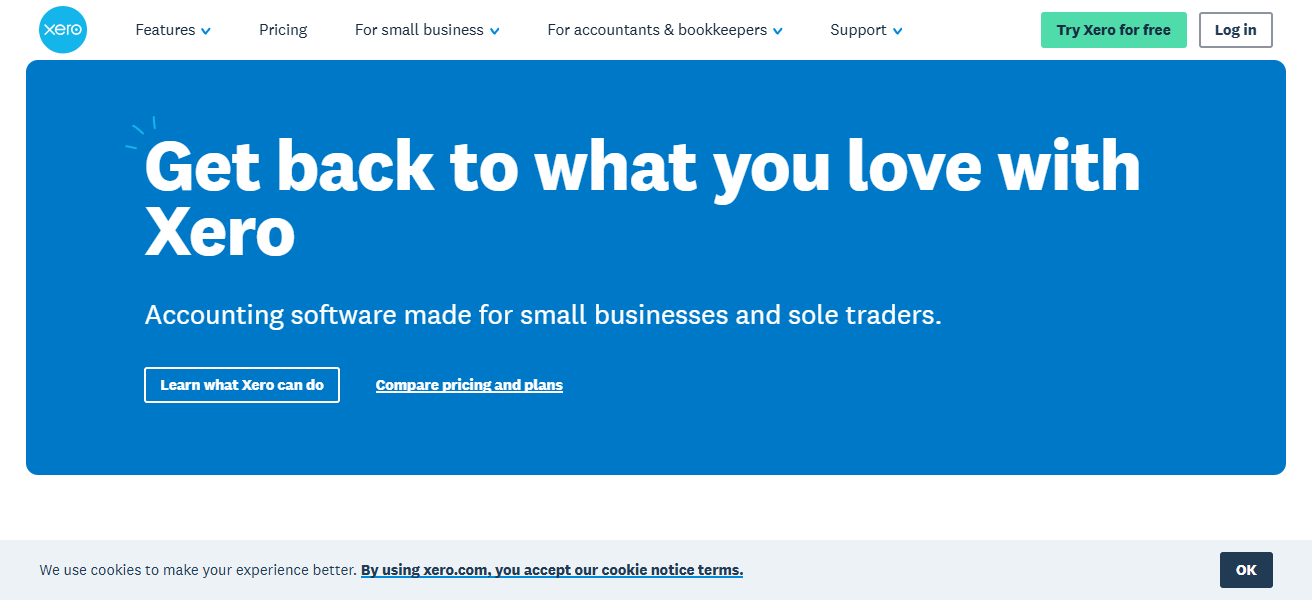
It leaves businesses with cleaner books with far less effort. Being online and mobile, that allows staff even more flexibility when managing from remote financial workflows.
Features Xero
Support for multiple currencies: Simplifies international financial operations.
App marketplace– Additional integrations with many third-party applications.
Real-time cloud accounting: System can be accessed from mobile or computer with active internet connection.
Automated bank reconciliations: System automatically matches bank transaction feeds to reconcile.
| Pros | Cons |
|---|---|
| Cloud-based accounting accessible anywhere | Limited functionality for very large enterprises |
| Automated bank reconciliation | Some advanced features require add-ons |
| Strong mobile app support | Customer support can be slow |
5. Tipalti
Tipalti specializes in providing automation for financial functions such as accounts payable, procurement, and international payments.
Invoicing, onboarding suppliers, and disbursing payments in compliance with tax regulations can all be automated for companies with complex international operations.

Tipalti’s features such as workflow automation for approval routing and invoice matching mitigate risks and limit the manual work required in the accounts payable functions.
Tipalti’s compliance, fraud mitigation, and regulatory features round out the offerings. Increasing clarity and control over payments, as well as improving efficiency in operational processes, allows the finance teams to unblocking payment delays to suppliers.
Features Tipalti
Fraud Prevention– Compliance checks and validation built in to reduce fraud.
Global payables Automation– Administers payments to suppliers internationally.
Tax compliance tools– Automation of W-9 and W-8 and VAT collection.
Multi- Currency Support– payments in over 120 currencies.
| Pros | Cons |
|---|---|
| Global payables automation with compliance checks | Expensive for smaller firms |
| Supports multiple currencies and tax compliance | Setup complexity for international workflows |
| Reduces manual errors in payments | Limited customization outside payables |
6. Stampli
Stampli is an AI-based, cloud computing software best described as an invoice processing approval workflow automation tool.
It is an Agile automation tool as it takes invoice processing from various workflows, data entry, and system routing to automation.
It has an integrated automation tool workflow collaboration. It removes the email traffic from the workflows. It reduces the time cycle.
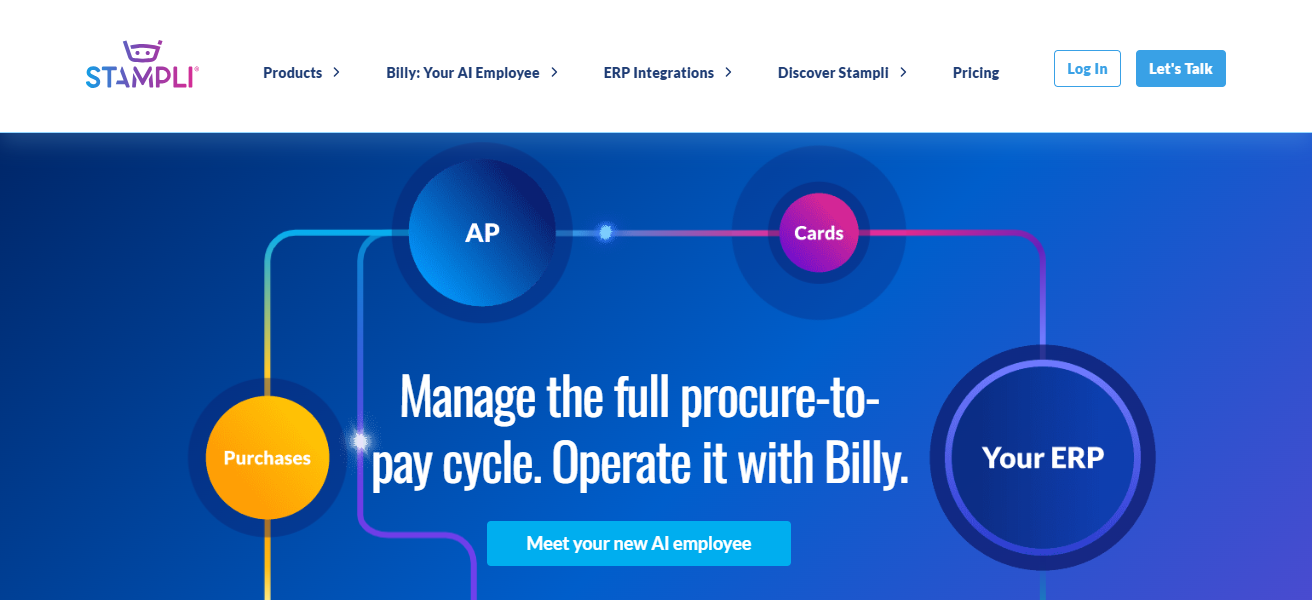
It removes processing time from manual interventions with rapid and automated data processing and effective software integrations performed with ERP platforms.
It is designed to improve automation in AP. It reduces processing errors, improves compliance, and enables easy audit access for periodically reviewed or examined transaction data.
Features Stampli
ERP System Integration– NetSuite/SAP/Oracle, etc.
Self- Service Workflow– Designed for End-users to approve stipulated amounts with ease; guides users on the following steps in the workflow.
AI powered Invoice– Data is extracted from invoices.
Collaboration Features– Communicate easily with other members of the finance team and with approvers.
Approval Workflows– Invoice approvals via prompt routing; Workflow routing for invoice approval is extremely flexible.
| Pros | Cons |
|---|---|
| AI-driven invoice management | Focused mainly on AP, not full finance |
| Collaboration features for invoice approvals | May need integration with other finance tools |
| Fast implementation | Limited scalability for very large enterprises |
7. Bill.com
Bill.com streamlines the way small and mid-sized operate by digitizing and automating accounts receivable and accounts payable.
The platform works by capturing bills through emails, coding them with automation, and sending them to the appropriate approvers before automating payment scheduling and execution.
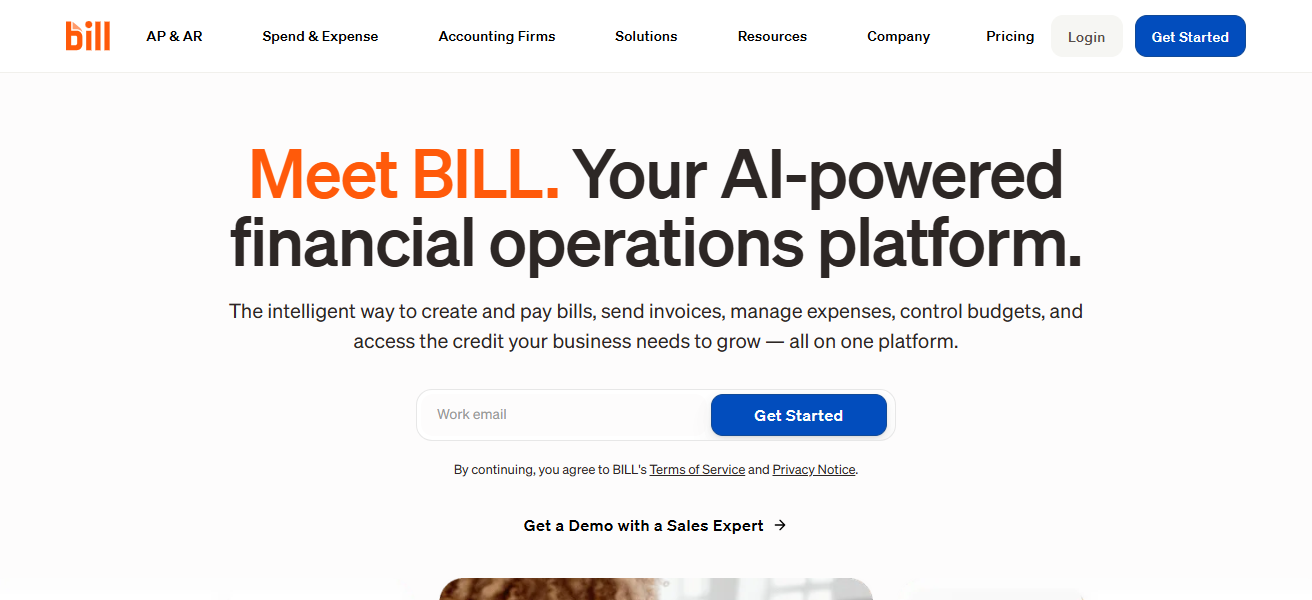
Automatic payment reminders and accessible payment methods improve the speed of collections, and therefore cash flow. Bill.com syncs with other software, such as QuickBooks and Xero, to further reduce the time spent during the reconciliation process.
This provides a more efficient set of operations to reduce errors, and therefore allows employees to perform higher level tasks.
Features Bill.com
Sync with Accounting Software– Linkage with QuickBooks and Xero and NetSuite.
Automated AP/AR Workflows– Automation of accounts receivable and payable.
Integrated Payments– ACH and credit card payments and other transfers globally.
Document Management– Retains and stores invoices and receipts in the cloud.
| Pros | Cons |
|---|---|
| Automated AP/AR workflows | Transaction fees can add up |
| Integrated payments system | Limited customization |
| Strong SMB adoption | Not as robust for enterprise-level needs |
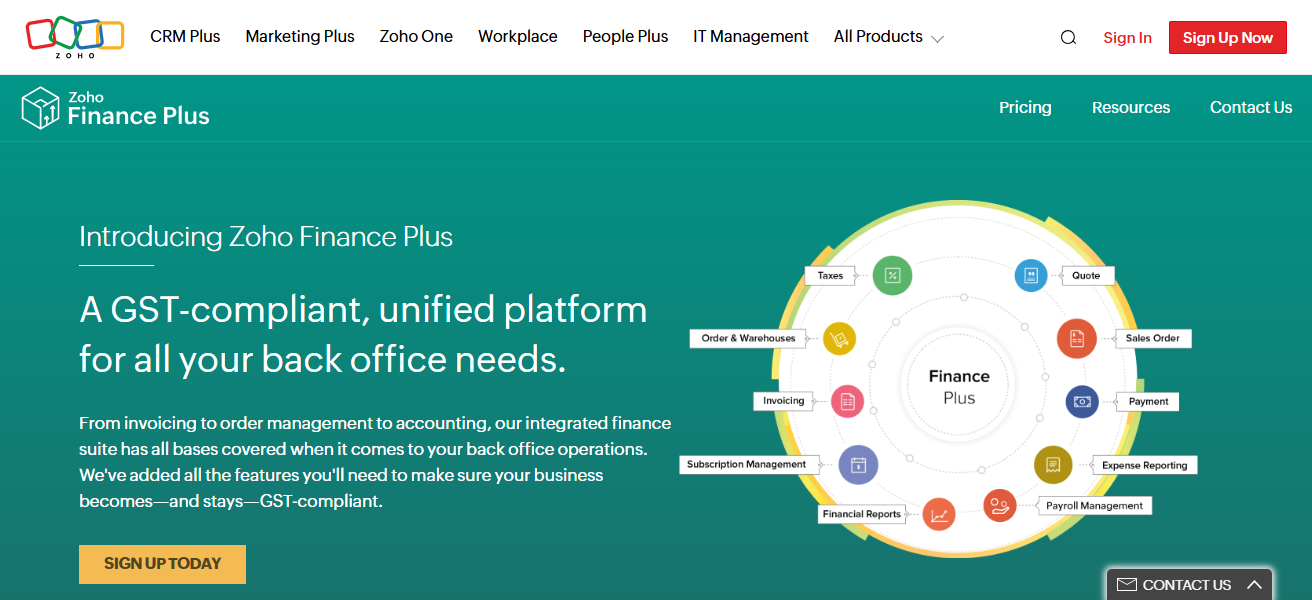
8. Zoho Finance Plus
Zoho Finance Plus is a set of financial and accounting applications specially designed for small and medium-sized companies.
Zoho Finance Plus is a suite of automated banking and accounting functions seamlessly integrated with billing, invoicing, and payment processing, and expense management applications for automating functions such as invoice generation, payment reminders, and invoice reconciliation through a single user dashboard.
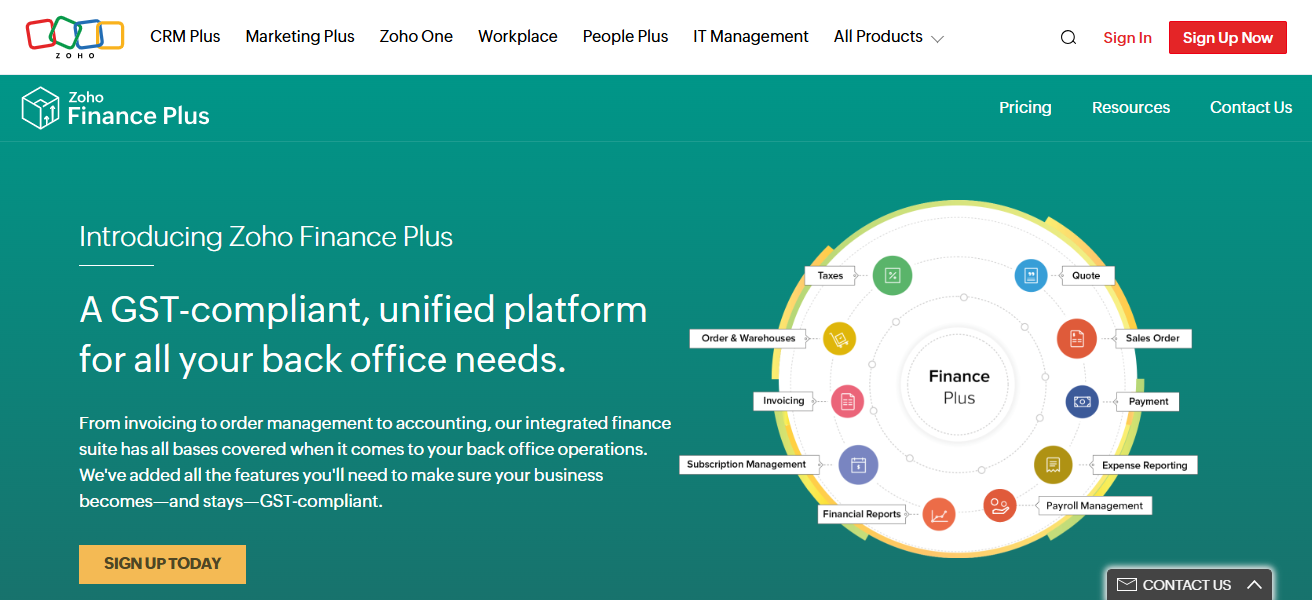
With no other integration with other financial and banking solutions, Zoho’s cloud banking automation delivers a wealth of insight and visibility for operational compliance, tax automation, multi-department collaboration, and workflow approvals.
With automation, tax compliance, multi-department approval workflows, and collaboration, Zoho cloud automation seamlessly integrates with other suite applications such as CRM and inventory for visibility operational streamlining cross-functional financial workflows and is an end-to-end streamlining solution for overall finance management.
Features Zoho Finance Plus
Customizable Dashboards– Real time visibility on financial health.
Unified Finance Suite– Finance, Invoicing, expenses, and reporting.
Automation of Recurring Tasks– Subscriptions, workflow automation, billing, reminders.
Comprehensive Integration with the Zoho Ecosystem– CRM, HR and Projects Management Integration.
| Pros | Cons |
|---|---|
| Unified suite covering invoicing, expenses, and reporting | Interface can feel overwhelming |
| Affordable pricing | Limited advanced ERP features |
| Strong integration with Zoho ecosystem | May lack deep industry-specific workflows |
9. Sage Intacct
Sage Intacct is a financial management solution that offers services such as managing payments that come in, payments that go out, the cash flow, the financial reportings, and the general ledger, and automates them.
With Sage Intacct, you can see and track financial performance in real time using customizable dashboards and workflow automations that follow business rules and approval processes. Effects of Sage Intacct’s automation are lesser manual entry of data and accelerated closure of cycles.
With the procurement and other operational systems integration, there are a number of processes that can be streamlined.
For example, purchase orders can be matched with invoices, journal entries automation, and more. If you are a business looking for more advanced automation and reporting solutions than basic accounting systems, you can gain scalability from this platform.
Features Sage Intacct
Scalable cloud platform: For mid to large enterprises.
Advanced Reporting and Analytics– Compliance-ready financials.
Multi-entity consolidation: Allows automatic reporting across subsidiaries.
Audit-ready workflows: Provides transparency and ensures compliance.
| Pros | Cons |
|---|---|
| Advanced financial reporting | Higher learning curve |
| Strong compliance and audit features | Costly compared to SMB-focused tools |
| Scalable for mid-to-large enterprises | Implementation requires expertise |
10. Workday Financial Management
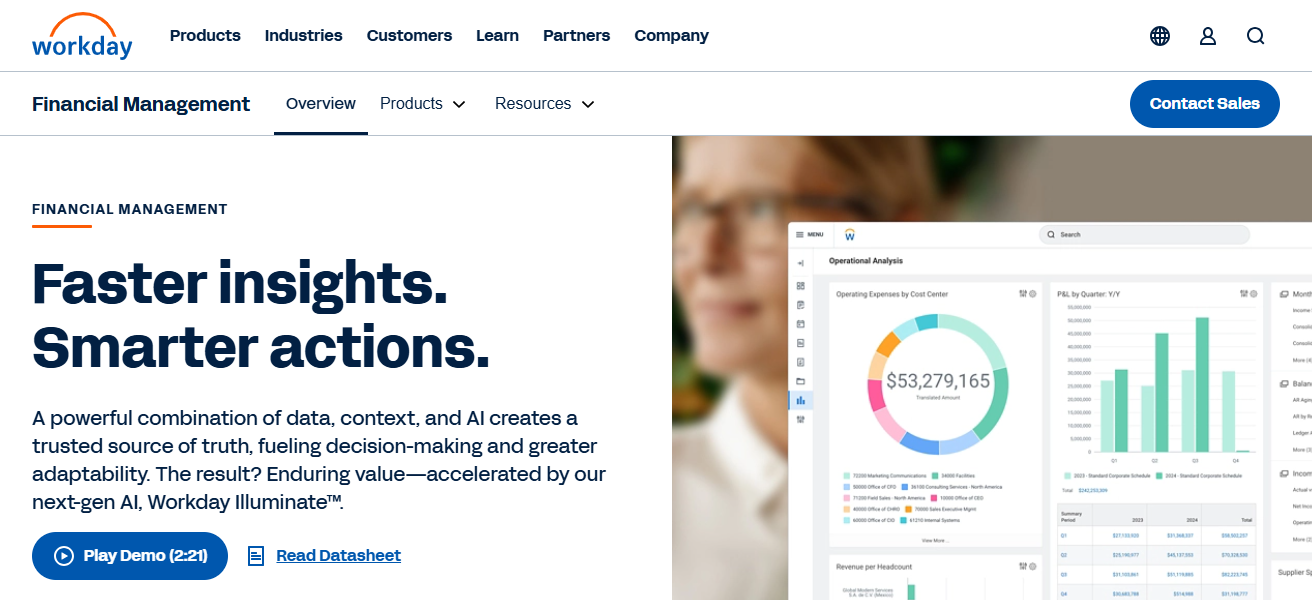
Workday Financial Management is a high-end solution in the cloud ERP marketplace that integrates financial and operational processes.
With automated transactional accounting, revenue-recognition, and analytics planning, a wide array of financial workflows are automated.
Workday, with its modern-analytics and AI capabilities, significantly reduces manual processes and provides real-time insights that aid finance teams in making fully-informed decisions.
Automated approval routing, compliance, and operational audit trails maintain regulatory equilibrium and operational control.
With fast-growing complex organizations and its adaptable architecture, the solution enables streamlined automated workflows across transparency, efficiency, and strategy for all financial processes.
Features Workday Financial Management
Integrated planning and budgeting: Syncs financial processes to strategic objectives.
Enterprise-grade automation: Integrates finance, HR, and planning in one system.
Real-time analytics: Predictive analytics to assist in decision making.
Global compliance support: Addresses cross-border regulation and taxation.
| Pros | Cons |
|---|---|
| Enterprise-grade automation | Very high cost |
| Integrated planning and analytics | Complex implementation |
| Strong HR + Finance integration | Best suited only for large organizations |
How To Choose Best Financial Workflow Automation Platforms
Find Your Requirements – Decide whether you need complete ERP, automation for your accounting, or only full automation for AP/AR workflow.
Flexible platforms – Find a product that is able to grow with your business by being able to add more users and transaction volumes and even adding more business entities.
User Experience – Select platforms that have more intuitive, no-code or low-code workflow builders that reduce a company’s training and adoption time.
Integration – Identify and confirm whether the platform is able to seamlessly connect with your accounting systems, ERP, or any of your payment systems.
Built-in Automation – Check if invoice processing is automated, if approvals are automated, if reconciliations are automated, if automated reminders are sent out, and if any reporting is automated.
Security and Authorization – Identify the platform’s security with preserved audit trails, and their regulatory compliance with proper payment gateways.
Assess costs with Returns on investments – Estimate the subscription or licensing fee for the platform to the time or mistakes you’re going to save.
Cocnlsuion
To conclude, choosing the right financial workflow automation platform is subject to the size, complexity, and specific use case of your organization. For small and medium businesses the right fit is QuickBooks and Xero, while larger corporations would NetSuite, Sage Intacct, and Workday.
If you need to optimize your accounts payable and receivable processes, you can use Tipalti, Stampli, and Bill.com. To optimize workflow automation, compliance, and efficiency, consider using FlowForma and Zoho Finance Plus.
FAQ
It’s software that automates financial tasks like invoice processing, approvals, payments, and reporting to reduce manual work and errors.
It saves time, improves accuracy, ensures compliance, and provides real-time financial visibility.
QuickBooks, Xero, Bill.com, and Zoho Finance Plus are ideal for SMBs due to ease of use and lower costs.
NetSuite, Sage Intacct, and Workday Financial Management scale for multi-entity, multi-currency, and complex workflows.
Yes, most integrate with ERP, CRM, payroll, and banking systems for seamless data flow.