In this article I will describe The Best Forex Slippage Analysis Tool for Traders that helps with trade accuracy. Using the right tool is essential to reduce slippage, which could eat into trading profits.
- Key Points & Best Forex Slippage Analysis Tools For Traders
- 10 Best Forex Slippage Analysis Tools For Traders
- 1. MetaTrader
- 2. Myfxbook
- 3. FX Blue
- 4. cTrader
- 5. TradingView
- 6. Tick Data Suite
- 7. QuantAnalyzer
- 8. Dukascopy tools
- 9. Forex Tester
- 10. TradeBench
- Why Does Slippage occur in forex Trading?
- How To Choose Best Forex Slippage Analysis Tools for Traders
- Conclusion
- FAQ
These tools play a role in tracking price disparities, determining the speed of execution, and optimizing strategies to enable traders to make more informed decisions effectively and mitigate trading risks when acting in changing forex markets.
Key Points & Best Forex Slippage Analysis Tools For Traders
MetaTrader tracks execution speed, slippage data, and broker performance, helping traders optimize forex trade entries.
Myfxbook provides detailed slippage reports, trade analytics, and broker comparison tools for smarter trading decisions.
FX Blue offers advanced execution statistics, slippage breakdowns, and performance tracking to improve trading strategies effectively.
cTrader ensures transparent execution with real-time slippage data, helping traders evaluate order fill quality accurately.
TradingView supports slippage analysis using scripts, charts, and broker integrations for better visual trading insights.
Tick Data Suite simulates real market conditions, including slippage, for accurate backtesting and strategy validation results.
QuantAnalyzer delivers deep analytics, highlighting slippage impact and helping traders refine and optimize trading systems.
Dukascopy tools provide detailed execution reports, including slippage, spreads, and liquidity insights across forex markets.
Forex Tester allows customizable slippage settings, helping traders test strategies under realistic market execution scenarios.
TradeBench analyzes trading performance, including slippage costs, helping traders improve execution efficiency and profitability.
10 Best Forex Slippage Analysis Tools For Traders
1. MetaTrader
MetaTrader is among the most popular forex trading platforms and includes built-in tools to help you track slippage and execution quality.
They can examine speeds of order execution, requested versus filled prices and broker-induced delays. EAs and custom indicators allow users to do so automatically with slippage reports being generated time by time.
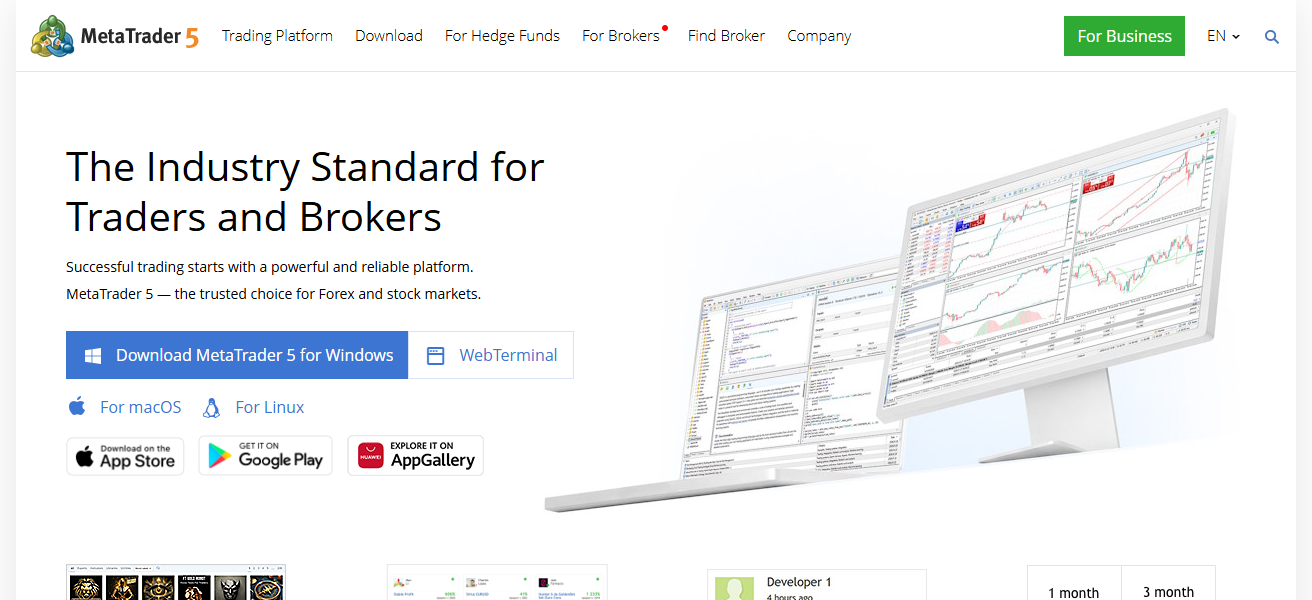
A history tab on the platform enables traders to go over past trades, helping them calculate how accurately they executed their strategy over time.
MetaTrader is particularly helpful for new traders as well as advanced users looking for a stable environment to analyze slippage and continuously enhance trading performance.
| Pros | Cons |
|---|---|
| Widely used platform with strong community support and extensive documentation available for traders worldwide. | Limited advanced slippage analytics without third-party plugins or custom indicators for deeper execution insights. |
| Built-in tools allow monitoring execution speed, order history, and price differences effectively. | Interface may feel outdated compared to modern trading platforms with enhanced visualization features. |
| Supports Expert Advisors for automated slippage tracking and strategy optimization easily. | Requires technical knowledge to configure advanced slippage monitoring tools and automation features properly. |
| Compatible with multiple brokers, offering flexibility in execution comparison and performance evaluation. | Broker-dependent execution quality may affect accuracy of slippage analysis results significantly. |
2. Myfxbook
Myfxbook is an online tool which helps traders to analyze their forex profitability and slippage. It connects directly to your trading accounts and offers detailed statistics comparing expected vs actual execution prices.
In addition to other broker slippage trends, traders can also choose better execution providers. Community insights are also provided to help users benchmark their performance against others.
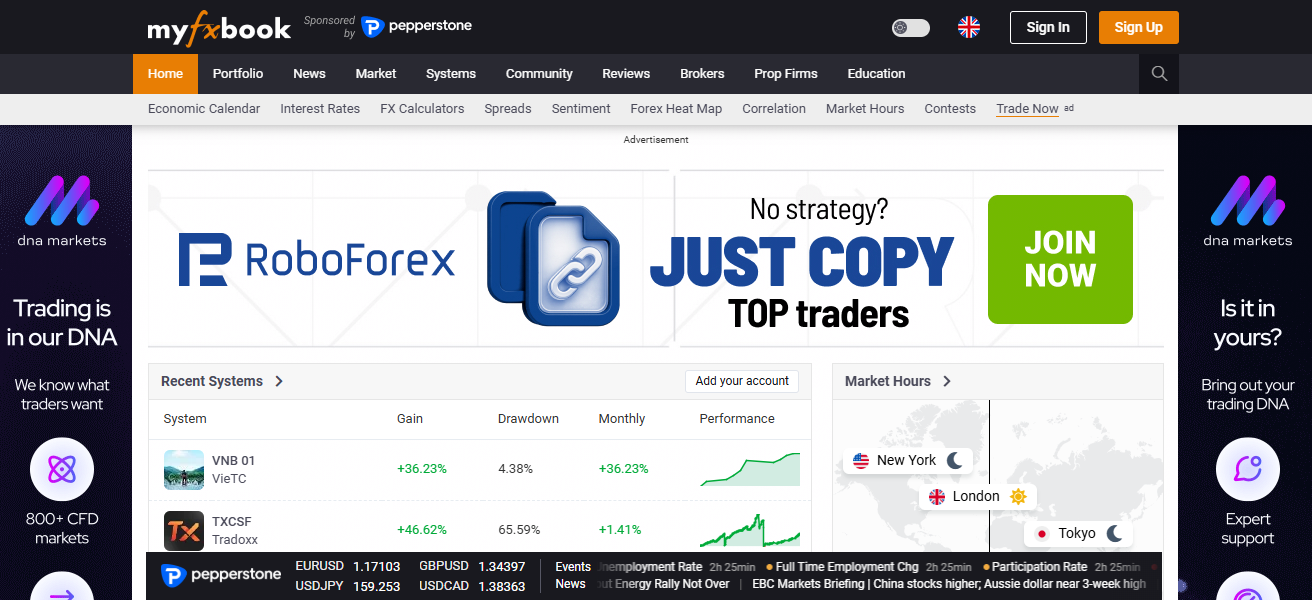
The intelligent dashboard and auto reporting at Myfxbook provide the guidance to determine where trading strategies are ineffective.
This is useful especially for traders looking for transparency and data-driven decisions to minimize slippage effect.
| Pros | Cons |
|---|---|
| Provides detailed slippage reports comparing expected and executed trade prices across brokers. | Requires account linking, which may raise privacy concerns for some traders. |
| Easy-to-use dashboard with automated performance tracking and analytics for better decision-making. | Limited customization options for advanced users seeking deeper analytical control. |
| Helps compare broker execution quality using real user data and community insights. | Dependent on broker data accuracy, which may affect reliability of slippage analysis. |
| Cloud-based platform accessible anywhere without installation, enhancing convenience for traders. | Internet dependency required for full functionality and real-time performance tracking. |
3. FX Blue
FX Blue is a professional-level analytics tool that provides in-depth analysis of your trading performance, including slippage. It provides in-depth execution statistics like slippage, trade time and how well your trades are filled.
Traders can create detailed reports that focus specifically on inefficiencies and opportunities to improve. FX Blue is easy to use and tracks performance in real time with integration of popular platforms.
Its visualization tools allow traders to see how slippage impacts profitability. Best for: Serious traders looking to refine strategies and maintain consistent execution results.
| Pros | Cons |
|---|---|
| Offers detailed execution metrics including slippage, trade duration, and fill quality analysis. | Interface may feel complex for beginners unfamiliar with advanced analytics tools. |
| Generates comprehensive reports to identify inefficiencies and improve trading strategies. | Requires integration setup with trading platforms, which may take time initially. |
| Real-time tracking helps monitor ongoing trading performance and execution accuracy. | Limited standalone functionality without connection to supported trading platforms. |
| Strong visualization tools enhance understanding of slippage impact on profitability clearly. | Some advanced features may require experience to interpret data effectively. |
4. cTrader
It is a fair and modern trading platform that offers advanced execution features known as cTrader. It also provides real-time slippage data to show traders what their orders are actually filled at versus the price they requested.
It focused on the detailed band of trade analytics for evaluating execution speed and liquidity conditions. cTrader supports algorithmic trading as well, allowing traders to track slippage when executing automated strategies.
It is known for its simple platform and reporting features which help spot patterns and better suit trades. Used by traders and looking for a clear view and precise measure to look at slippage, cTrader is an ideal one.
| Pros | Cons |
|---|---|
| Provides transparent execution data with real-time slippage tracking and order fill details. | Limited broker availability compared to more widely supported platforms like MetaTrader. |
| Modern interface with advanced charting and analytics tools for better user experience. | Smaller community support compared to more established trading platforms. |
| Supports algorithmic trading with detailed execution monitoring for automated strategies. | Learning curve for traders switching from traditional platforms may be slightly challenging. |
| Offers precise liquidity and execution insights for improved trading decisions. | Fewer third-party plugins and tools compared to other major platforms. |
5. TradingView
Most importantly, TradingView can be used to write custom scripts and integrate the brokers with a reliance on best execution policies and slippage сalculations.
Pine Script can be used to simulate slippage conditions and study how such effect from execution affects strategy performance.
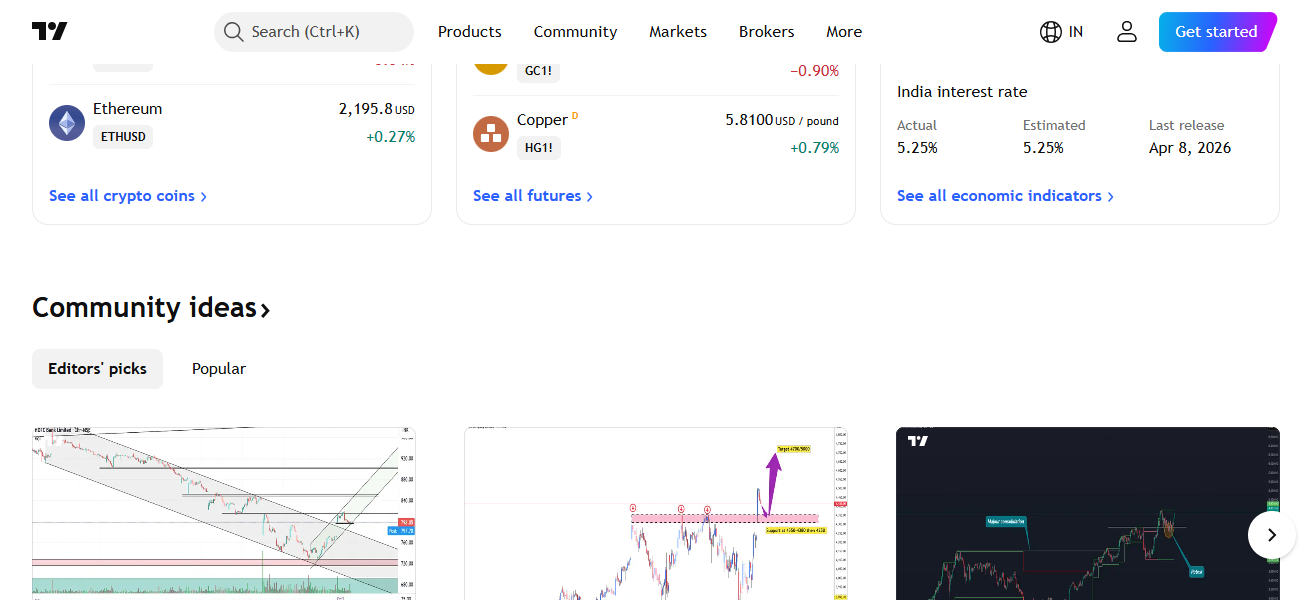
The platform’s visual charts allow you to see differences between expected and actual prices. TradingView also has broker integrations with real-time execution capabilities.
Traders learn novel techniques to manage slippage through its strong community and shared ideas. By this means, TradingView can be used both to analyze assets and to find optimal conditions for implementing trading strategies.
| Pros | Cons |
|---|---|
| Advanced charting tools with customizable scripts for slippage simulation and analysis. | Slippage analysis depends on custom scripts, not built-in native feature directly. |
| Strong community sharing ideas, indicators, and strategies for better trading insights. | Limited direct execution data unless connected to supported brokers. |
| Easy-to-use interface with powerful visual tools for identifying price discrepancies clearly. | Requires coding knowledge for advanced Pine Script slippage simulations. |
| Cloud-based access allows seamless use across devices without installation requirements. | Some premium features require paid subscription for full functionality access. |
6. Tick Data Suite
Tick Data Suite — is a specialized tool for high-precision backtesting using real tick data. It enables traders to simulate realistic market conditions, including slippage, spreads and latency.
This also helps assess how well strategies perform across different execution scenarios. With accurate tick-by-tick data, traders are able to identify weaknesses and enhance the robustness of their strategy.
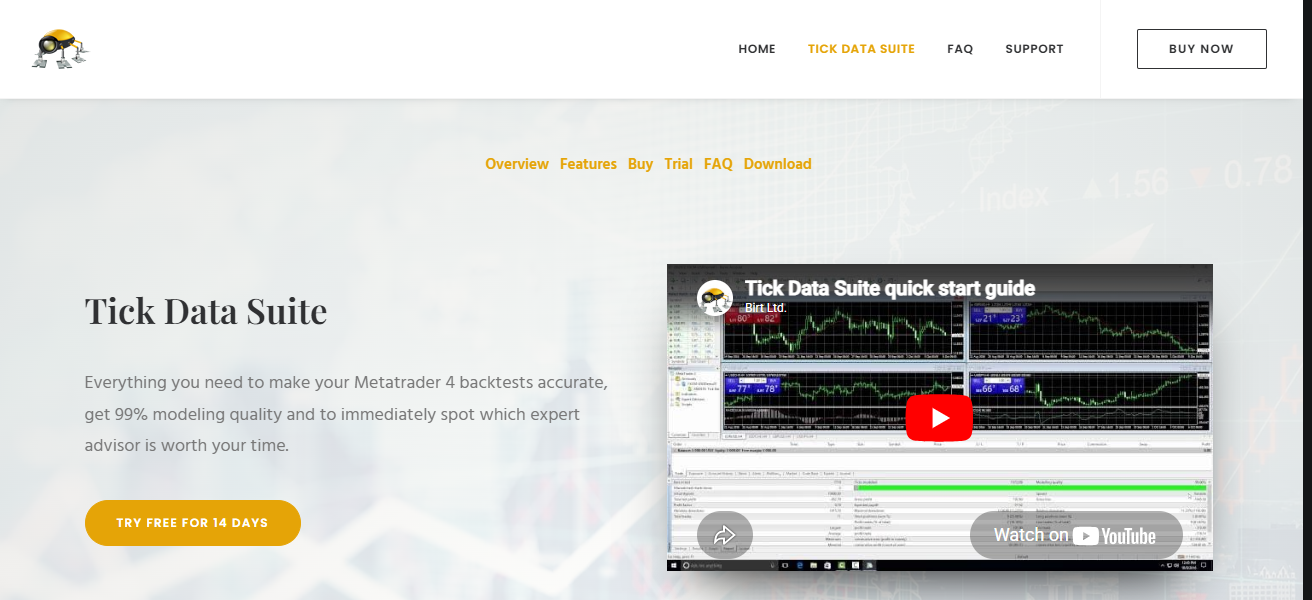
Tick Data Suite is suitable for algorithmic traders in need of accurate data for decision making. Simulating actual trading environments to avoid risks of slippage is one of its essential features.
| Pros | Cons |
|---|---|
| Provides highly accurate tick-by-tick data for realistic slippage and spread simulation. | Primarily focused on backtesting, not suitable for real-time execution monitoring. |
| Enables testing strategies under real market conditions including latency and execution delays. | Requires high-quality data sources, which may involve additional costs. |
| Ideal for algorithmic traders needing precise data for system development and validation. | Setup process can be complex for beginners unfamiliar with data integration. |
| Enhances strategy robustness by simulating real-world trading scenarios effectively. | Limited usability for manual traders focusing on live trading performance. |
7. QuantAnalyzer
It runs on Windows and the latest version is 1.2 QuantAnalyzer is a performance analysis software designed for traders who want to test their trading systemsslippage impact without worrying about complex coding processes.
It also gives you in-depth metrics, such as drawdowns, trade distribution and execution efficiency. Import data from any platform and create detailed reports that help identify the patterns impacting performance.
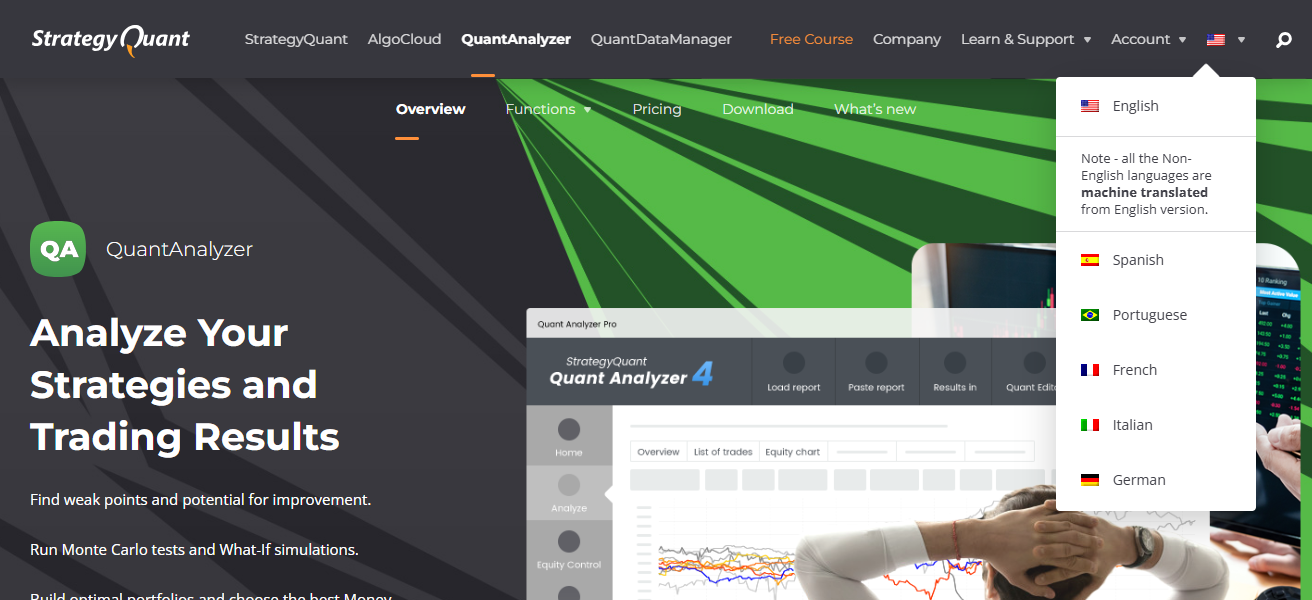
The tool also enables portfolio analysis to help traders understand how slippage affects overall returns. QuantAnalyzer is a perfect solution for professional traders and system developers who want to optimize the results of the strategy by using analytical information.
| Pros | Cons |
|---|---|
| Offers deep performance analytics including slippage impact on overall trading systems. | Requires importing data from external platforms, adding extra steps for users. |
| Provides detailed metrics like drawdowns, trade distribution, and execution efficiency insights. | Not a trading platform, only an analysis tool, limiting direct trading capabilities. |
| Supports portfolio-level analysis for comprehensive performance evaluation across strategies. | Interface may be complex for beginners without analytical experience. |
| Helps refine strategies using data-driven insights for better execution results. | Requires learning curve to fully utilize advanced analytical features effectively. |
8. Dukascopy tools
Dukascopy stretch tools allow high level analysis and reporting, including advanced slippage analytics. Execution reports showing disparities of price, spread and conditions of liquidity are available to traders.
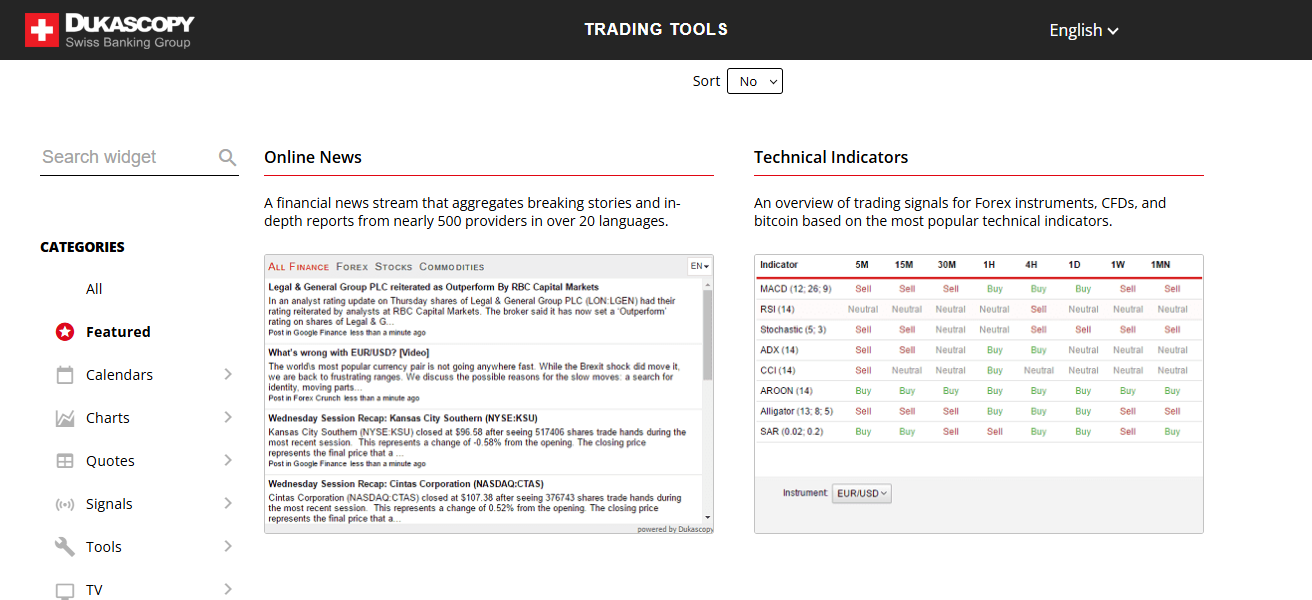
Supported by a powerful trading ecosystem, be it accurate or transparent data. Traders can thus analyze the behavior of a market or the quality of executions over time using Dukascopy’s historical data and advanced charts.
This helps in identifying ineffectiveness and optimising strategies. The platform holds especially well for traders who value transparency and would like reliable data that can mitigate the effect of slippage.
| Pros | Cons |
|---|---|
| Provides transparent execution reports including slippage, spreads, and liquidity data insights. | Limited primarily to Dukascopy ecosystem, reducing flexibility with other brokers. |
| Offers high-quality historical data for analyzing long-term execution performance trends. | Interface may not be as user-friendly for beginners compared to modern platforms. |
| Strong analytical tools help identify inefficiencies and optimize trading strategies effectively. | Requires familiarity with platform tools to fully leverage available features. |
| Reliable data accuracy ensures better evaluation of slippage and execution quality. | Less third-party integration compared to more widely used platforms. |
9. Forex Tester
It is a simulator for Forex testers and it allows you to test your strategies in real market conditions like with slippage.
In addition, the trade slippage settings are customizable, allowing users to compare how different options affect their trades and potentially change them as well.
This is helpful in analyzing the real-life implications of trade delays and price fluctuations. The platform offers comprehensive performance reports, ensuring traders can optimize their strategies prior to the live trading phase.
Forex Tester also allows for the practice of managing slippage, which is especially beneficial to beginners and intermediate traders who wish to get a better handle on their strategy without risking actual currency.
| Pros | Cons |
|---|---|
| Allows realistic simulation of trading conditions including customizable slippage settings easily. | Not suitable for real-time trading, limited to simulation and backtesting purposes only. |
| Helps traders practice strategies without risking real money in live markets. | Requires manual setup of scenarios, which may take time for beginners. |
| Provides detailed performance reports for improving strategies before live execution. | Data quality depends on imported historical data accuracy and completeness. |
| Ideal for beginners and intermediate traders learning execution and slippage management. | Lacks direct broker integration for live performance tracking and analysis. |
10. TradeBench
TradeBench is an analytics platform that can be used in the cloud to analyze trading performance including slippage costs.
Traders can import trade data and create detailed reports that emphasize execution efficiency and profitability.
It offers insights into how slippage impacts overall performance, allowing traders to pinpoint opportunities for improvement.

TradeBench also provides visualizations and metrics for clear strategy optimization. It is simple and accessible so it can be used by traders at all levels.
Through TradeBench, traders gain insight on their struggles with execution that they can work towards improving over time.
| Pros | Cons |
|---|---|
| Cloud-based platform offering easy access to performance and slippage analysis tools. | Requires manual data upload, which may be time-consuming for frequent traders. |
| Provides clear visual reports highlighting execution efficiency and profitability insights. | Limited automation compared to platforms with direct broker integration features. |
| Helps identify slippage costs and optimize trading strategies effectively over time. | Fewer advanced analytics features compared to professional-grade tools available. |
| Suitable for traders of all levels due to its simple and user-friendly interface design. | Dependent on accuracy of uploaded data for reliable performance evaluation results. |
Why Does Slippage occur in forex Trading?
In Forex trading, slippage commonly occurs when there are sudden market movements between the time the trader is placing an order and it gets executed.
This occurs most often in times of high volatility like major news releases or economic events. Lack of buyers or sellers at a particular price, due to poor liquidity, can also lead to slippage.
Furthermore, order processing delays or execution speeds can result in a trade being filled at an unexpected price.
How To Choose Best Forex Slippage Analysis Tools for Traders
Data Accuracy – Use tools that offer accurate execution price comparisons and trustworthy slippage reports.
Platform Compatibility – Choose tools that easily integrate with platforms such as MetaTrader or cTrader
Backtesting functionality – Look for software that allows simulation of slippage in past data to “test” the strategy.
User-Friendly Interface – Traders can easily monitor their slippage metrics and performance with a simple dashboard.
Advanced Analytics – Find detailed reports on execution speed, spreads and fill quality
Customization Options – The tools should also allow the user to customize settings, such as slippage tracking and performance metrics.
Automation Support – Ensure all tools are supported for automated tracking by coding scripts or trading bots.
Conclusion
To sum up, the best analysis tools on Forex slippage help traders learn about execution quality and add to their performance.
Traders can keep pace with price variances, minimize risks therewith and streamline strategies adequately by employing credible frameworks.
Having the appropriate tool/system aids in making better decisions with added accuracy and consistent results; thus, it is a fundamental aspect of effective Forex trading while dealing with fluctuating market situations.
FAQ
They track execution differences, helping traders improve strategies and choose better brokers with accurate data.
MetaTrader and Myfxbook are beginner-friendly with simple dashboards and basic slippage tracking features available.
MetaTrader needs custom indicators or plugins to accurately record and analyze slippage data effectively.
Yes, Myfxbook provides detailed execution statistics comparing expected and actual trade prices automatically.