In this article, I will discuss the Best Forex Trade Execution Monitoring Tools that help traders track performance, reduce slippage, and improve execution accuracy.
- Key Points & Best Forex Trade Execution Monitoring Tools
- 10 Best Forex Trade Execution Monitoring Tools
- 1. MetaTrader 5 (MT5)
- 2. cTrader
- 3. NinjaTrader
- 4. Quantower
- 5. TradingView
- 6. Myfxbook
- 7. FOREX.com
- 8. TradesViz
- 9. Forex Copier
- 10. Tradesmarter
- Why is Execution Monitoring Important In forex Trading?
- How To Pick The Best Forex Trade Execution Monitoring Tools
- Conclusion
- FAQ
These tools provide real-time insights, analytics, and automation features to enhance trading strategies.
Whether you are a beginner or professional trader, choosing the right monitoring tool can significantly impact your overall trading efficiency and profitability.
Key Points & Best Forex Trade Execution Monitoring Tools
- MetaTrader 5 (MT5): Advanced platform offering real-time execution tracking, slippage analysis, automated trading, and detailed performance reporting tools.
- cTrader: Provides transparent execution monitoring with Level II pricing, fast order execution, and detailed trade analytics tools.
- NinjaTrader: Powerful platform featuring trade simulation, execution replay, advanced charting, and detailed performance analytics for traders.
- Quantower: Multi-asset platform with smart order routing, execution tracking, volume analysis, and customizable trading interface tools.
- TradingView: Popular charting platform enabling trade monitoring through broker integration, advanced charts, and community-driven strategy insights sharing.
- Myfxbook: Analytics tool tracking forex accounts, providing execution statistics, performance metrics, and independent verification of trading results.
- FOREX.com: Broker offering integrated platforms with execution reports, fast order fills, analytics tools, and reliable liquidity access.
- TradesViz: Advanced journaling tool analyzing execution quality, slippage, and performance using visual dashboards and AI-driven insights.
- Forex Copier: Software enabling trade copying across accounts while monitoring execution speed, slippage, and synchronization accuracy efficiently.
- Tradesmarter: Web-based platform offering simple execution tracking, performance analytics, and user-friendly tools for beginner traders learning basics.
10 Best Forex Trade Execution Monitoring Tools
1. MetaTrader 5 (MT5)
MetaTrader 5 (MT5) -Best forex trading platform for window and for strong trade execution monitoring It offers real-time order tracking, sophisticated charting tools and detailed execution reports that assist traders in analyzing slipage and latency.
OM-Global is a professional platform that supports algorithmic trading via Expert Advisors (EAs), which can monitor and optimize your MT4 trading strategies automatically.
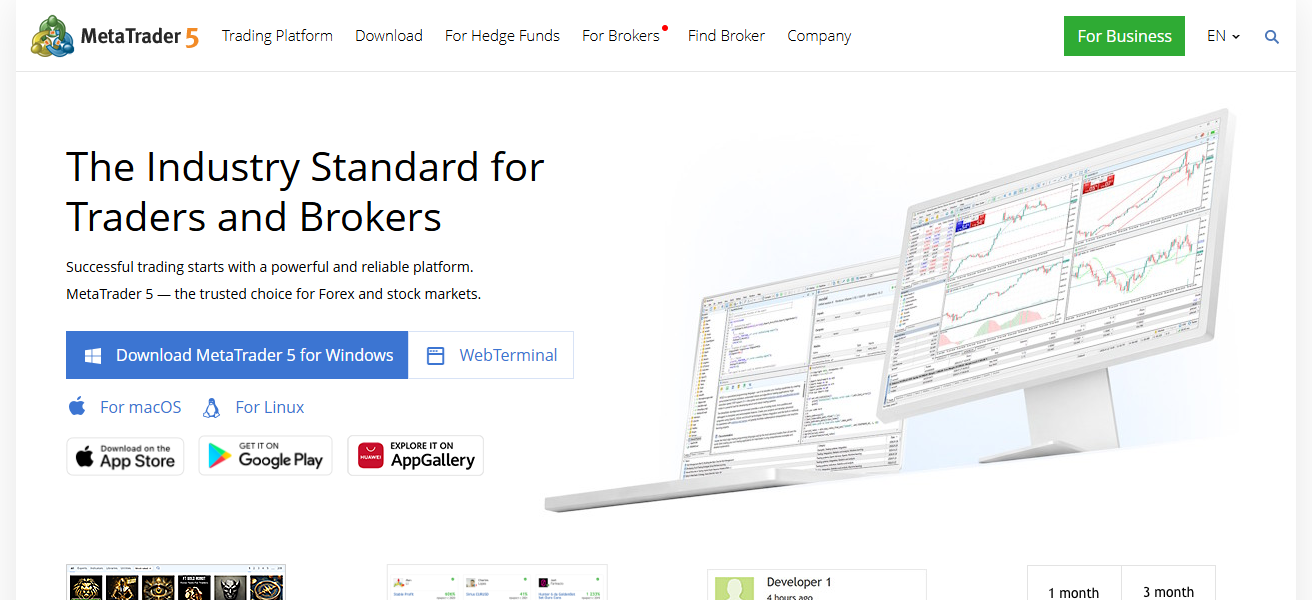
Along with trading functions, MT5 also contains depth of market (DOM) features that provide deeper insights into liquidity and price movements.
Offering multi-asset support, VPS hosting, and customizable indicators, MT5 is perfect for traders looking to have exact control over their execution process and analyze their performance across multiple financial markets.
| Pros | Cons |
|---|---|
| Advanced execution tracking with detailed reports and analytics | Interface can feel complex for beginners |
| Supports algorithmic trading with Expert Advisors | Requires setup and coding knowledge for automation |
| Multi-asset trading with deep market insights (DOM) | Limited customization compared to some modern platforms |
| Strong community and broker support worldwide | Performance depends on broker execution quality |
2. cTrader
cTrader is an impressive and professional-grade trading platform especially for monitoring and transparency on Forex trade execution.
It provides Level II pricing and allows traders to use detailed market depth and liquidity provider data. The service covers full trade analysis per category, such as execution speed, slippage and the number of orders filled.
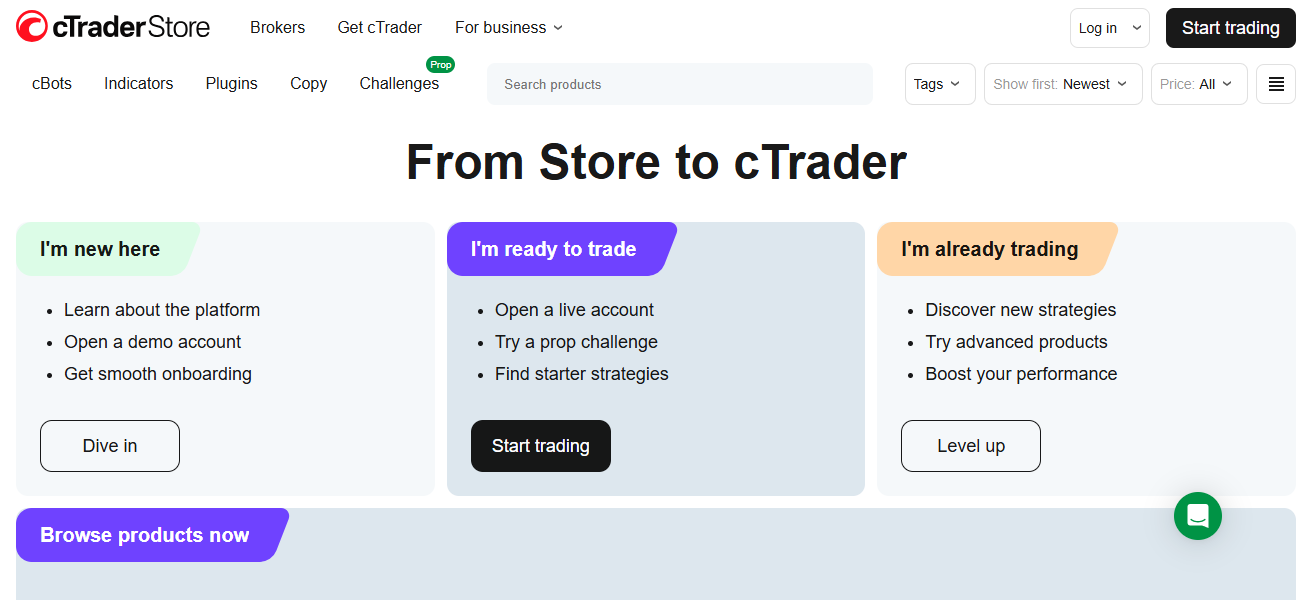
Traders can also automate their strategies with cAlgo through cTrader. Its user-friendly interface, cloud synchronization, and advanced order types make trading more efficient.
cTrader is specifically designed for traders who want to keep a close eye on market maker execution quality as well as enhance their trading, with an emphasis in fairness and transparency.
| Pros | Cons |
|---|---|
| Transparent execution with Level II pricing and liquidity visibility | Fewer brokers support cTrader compared to MT5 |
| Fast execution speeds with detailed trade analytics | Limited third-party tools and plugins |
| Clean, user-friendly interface with cloud sync | Algorithmic trading requires cAlgo integration |
| Advanced order types for precise execution control | Smaller community than MT platforms |
3. NinjaTrader
NinjaTrader is an effective trading platform for analyzing forex trade execution and performance with high adoption.
This includes features designed for advanced charting, and trade simulation, as well as performance analytics that allow traders to evaluate execution quality.
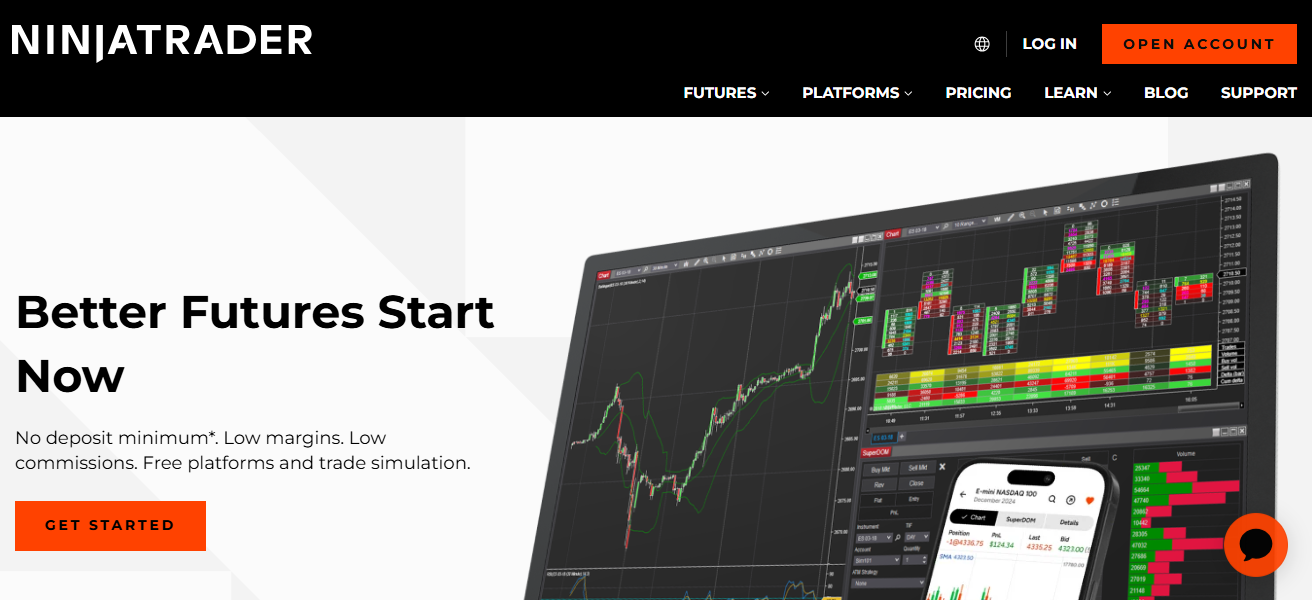
A market replay function helps you jog past your trades and learn beating inefficiencies in execution strategies. For power-users, NinjaTrader allows you to use custom indicators and automated trading systems.
Its granular reporting tools measure slippage, latency, and execution accuracy. This service is especially useful for active traders and developers seeking high-level insights as well as control over their trade execution systems.
| Pros | Cons |
|---|---|
| Powerful analytics and execution replay tools | Steeper learning curve for beginners |
| Supports custom indicators and automated strategies | Primarily focused on futures and US markets |
| Market Replay feature for execution analysis | Requires paid license for full features |
| Highly customizable platform environment | Complex setup for advanced tools |
4. Quantower
Quantower is a powerful multi-asset trading platform that enables advanced monitoring of your trade execution.
Includes Smart Order Routing, depth of market analysis and volume profiling tools to help traders analyze execution efficiency.
It is compatible with a number of brokers and liquidity providers, providing enough flexibility and transparency.
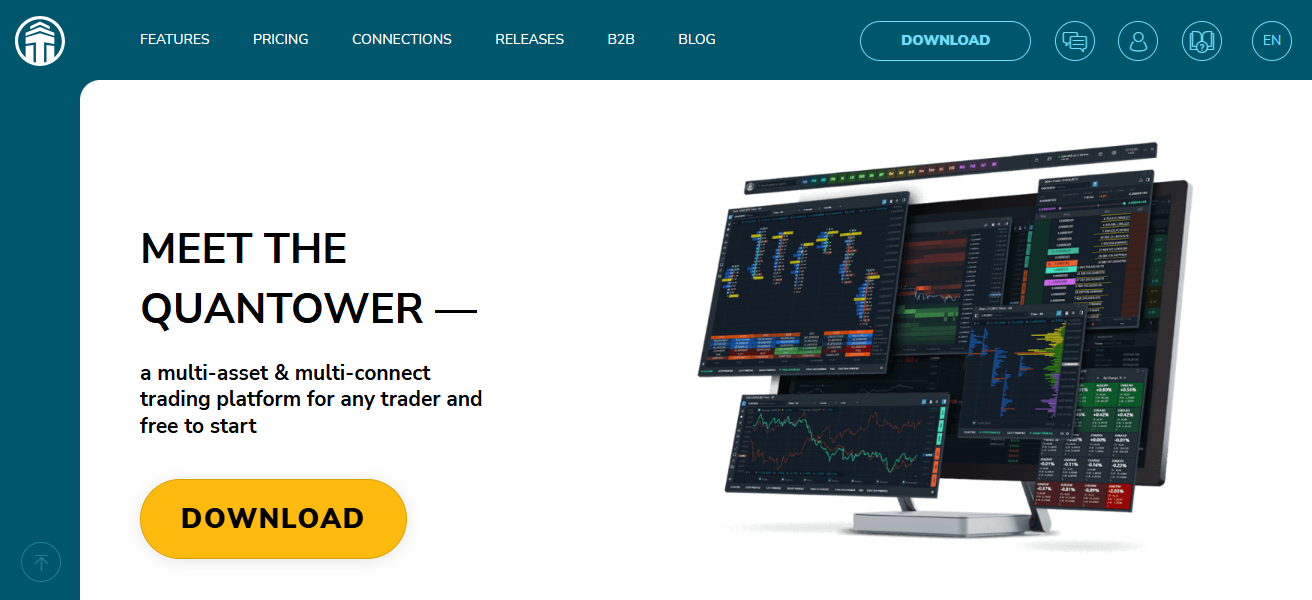
The user-customizable Quantower interface allows traders to design dashboards for both trade execution monitoring and performance analysis.
Traders can build optimal strategies thanks to built-in risk management tools and algorithmic trading support.
Quantower boasts an extensive array of economics and statistics, making it perfectly suited for professional traders who demand complete control over their forex trade execution.
| Pros | Cons |
|---|---|
| Smart order routing and advanced execution tools | Not as widely known or adopted |
| Multi-broker integration for flexibility | Limited community and educational resources |
| Highly customizable interface and analytics dashboards | May require technical knowledge to configure |
| Strong volume and DOM analysis capabilities | Some features depend on broker compatibility |
5. TradingView
TradingView is a highly popular charting platform that also offers trade executions monitoring via broker integrations.
It also offers real-time data, advanced charting tools, and strategy testing capabilities to analyze execution outcomes.

Users can link their brokerage accounts to monitor live trades on interactive charts. With a vast community on TradingView who share scripts, ideas and insights that ideal execution analysis.
This tool is primarily a charting instrument, but its intuitive interface and visualization tools enable traders to see their timing performance, entry and exit efficiencies. It is perfect for traders who prefer collaboration and visual analysis.
| Pros | Cons |
|---|---|
| Excellent charting and visualization tools | Limited direct execution monitoring features |
| Large community with shared strategies and scripts | Requires broker integration for live trading |
| Easy-to-use interface across devices | Advanced features require paid subscription |
| Supports multiple asset classes and indicators | Not a dedicated execution analytics platform |
6. Myfxbook
Myfxbook is a unique forex analytics service that focuses primarily on trading performance metrics and execution quality.
It integrates directly with trading accounts and allows for much more detailed metrics like slippage, trades over time, profit factors etc.
It is also a transparent way for traders to check broker performance and compare execution records between accounts.
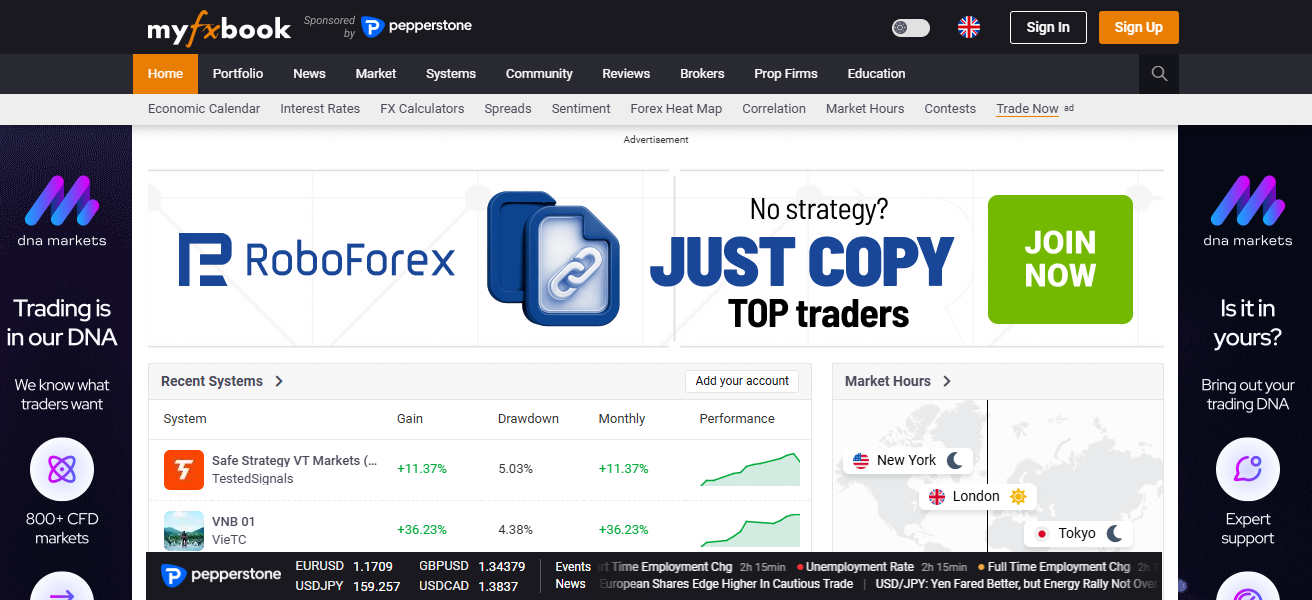
For example, Myfxbook provides social trading capabilities along with AutoTrade solutions which allow you to copy strategies and check the effectiveness of execution.
As such, this platform serves as a valuable tool for traders looking for independent verification of their trading performance and additional insights regarding execution behavior thanks to its user-friendly dashboard and transparent reporting.
| Pros | Cons |
|---|---|
| Independent trade tracking and execution analysis | No direct trading or execution capabilities |
| Detailed performance metrics and statistics | Limited customization for advanced users |
| Broker verification and transparency tools | Dependent on account connection accuracy |
| Social trading and AutoTrade features | Interface can feel outdated |
7. FOREX.com
FOREX. com is a famous forex broker that provides embedded tools to track trade execution in its platforms. Traders can review reports on order execution, fill speed, slippage, and their trade history.
This broker offers powerful charting, analytics and risk management features to help traders improve their performance. FOREX. com provides them reliable and efficient execution conditions.

Built for both beginner and professional traders, its platforms are transparent and give you control over your trading activities — making it a good option if you want execution monitoring with brokerage services.
| Pros | Cons |
|---|---|
| Reliable execution with strong liquidity access | Trading costs may be higher than competitors |
| Detailed execution reports and analytics tools | Limited customization compared to standalone platforms |
| Regulated broker with high transparency | Platform features vary by region |
| Integrated trading and monitoring environment | Less flexibility for third-party integrations |
8. TradesViz
The tool is an advanced trade journaling and analytics tool that gives a real-time surveillance on forex trade execution.
This will enable traders to import data from over a dozen trading platforms to measure key metrics like slippage, latency and entry/exit times.
This platform offers visual dashboards, performance charts, as well as AI-based insights that help in spotting patterns in execution. Traders can utilize its strategy optimization and risk management tools to achieve better outcomes.
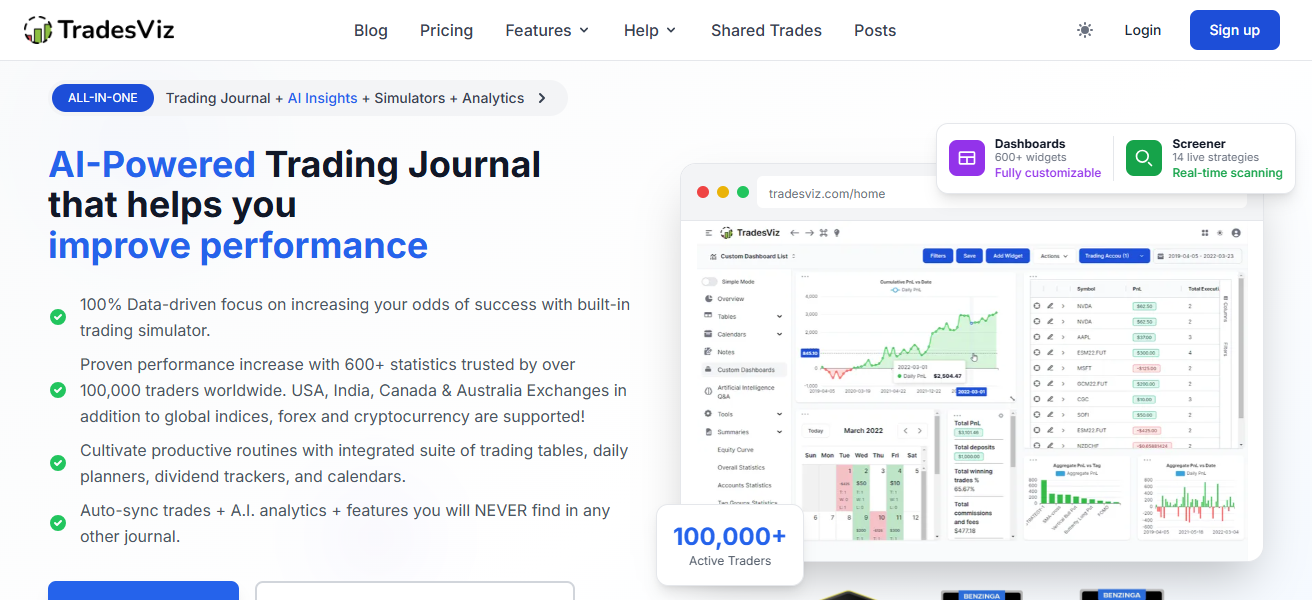
TradesViz is extremely versatile and caters to both individual traders and professionals who prefer data-driven insights into fine-tuning their execution strategies for better overall trading performance.
| Pros | Cons |
|---|---|
| Advanced trade journaling with execution insights | Requires manual or API-based data import |
| AI-powered analytics and performance tracking | Learning curve for new users |
| Supports multiple platforms and brokers | Not a trading platform itself |
| Custom dashboards and visual reports | Some advanced features are paid |
9. Forex Copier
Forex Copier is a specialized tool for precise trade copying between accounts. It allows traders and account managers to track copied trades with minimal lag/slippage.
You can customize everything from how many lots are traded, the rate of execution and risk specifications with this software which gives you a specific control on your copies.
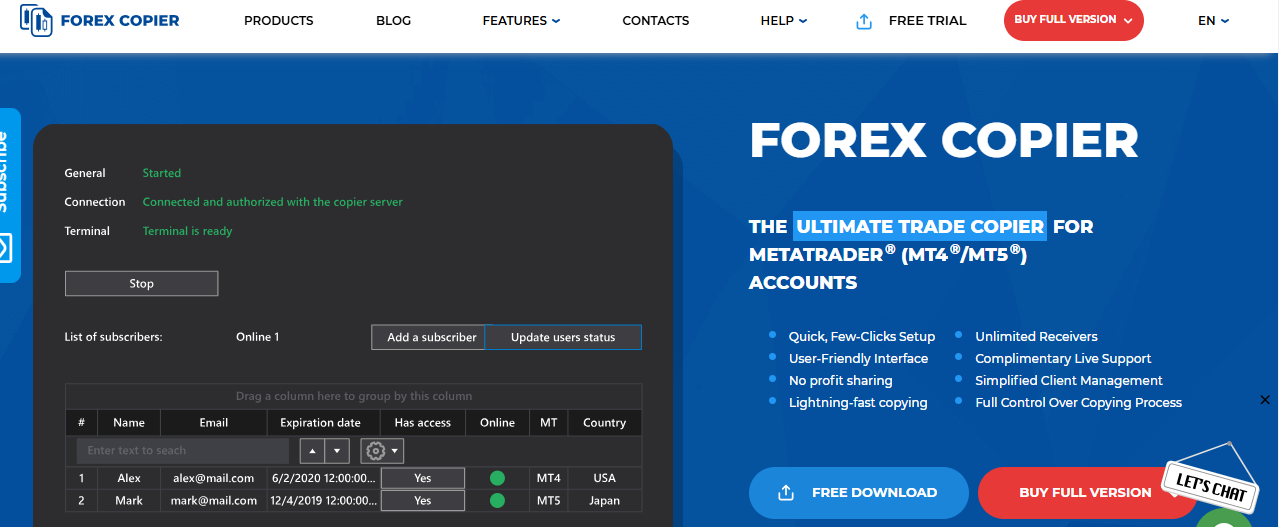
Users can optimize execution performance the analysis of differences between the master accounts and slave accounts.
This feature is especially useful for signal providers and portfolio managers who require consistent execution of their trading strategies across multiple accounts in various market conditions.
| Pros | Cons |
|---|---|
| Accurate trade copying with minimal slippage | Limited to copying, not full trading platform |
| Customizable risk and execution settings | Requires stable connection for best performance |
| Supports multiple accounts simultaneously | Setup can be technical for beginners |
| Useful for signal providers and account managers | No built-in analytics beyond execution tracking |
10. Tradesmarter
Tradesmarter is an online based trading platform that provides a handful of basic tools for tracking trade execution and performance.
It offers real-time trade tracking, basic analytics and a user-friendly interface, all of which is good for beginners.
In terms of execution monitoring features for the trades done, it is less sophisticated than professional platforms but serves users with basic understanding of trade time and results.
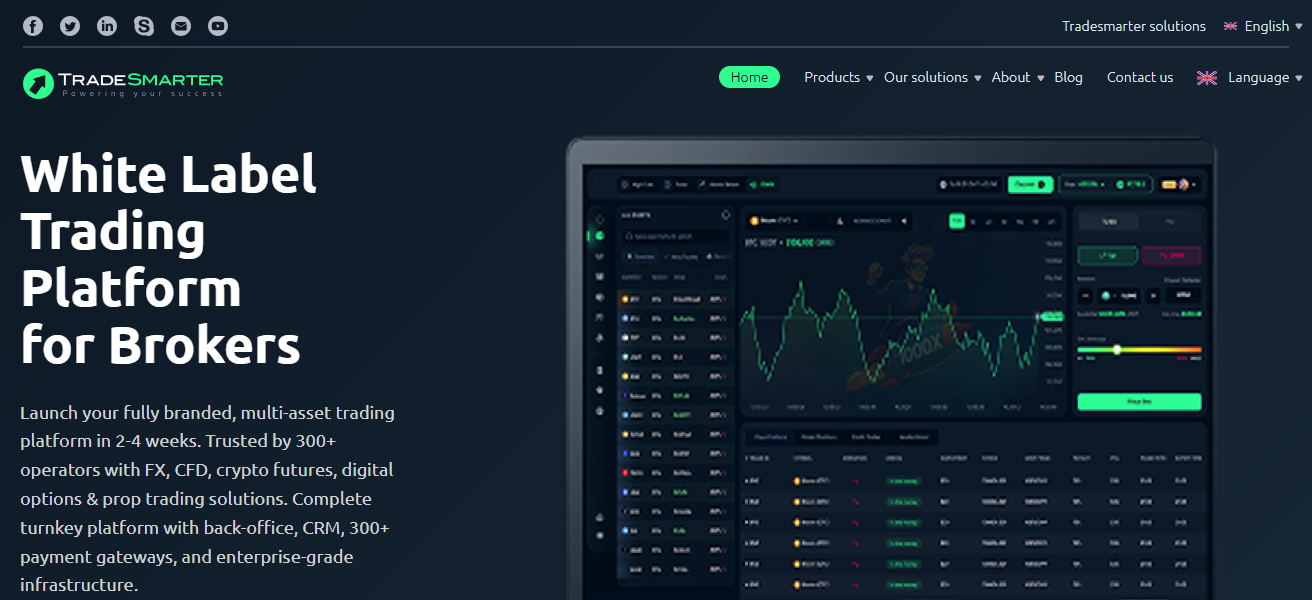
Due to its simplified trading environments, Tradesmarter is utilized in automated systems so that novice traders can learn the ropes.
With a relatively plain design and minimal features, it is a useful program for beginners in forex trading and execution analysis.
| Pros | Cons |
|---|---|
| Simple and beginner-friendly interface | Limited advanced execution monitoring tools |
| Real-time trade tracking and basic analytics | Not suitable for professional traders |
| Easy to access via web-based platform | Lacks deep customization and automation |
| Good for learning trading basics | Limited asset coverage and features |
Why is Execution Monitoring Important In forex Trading?
Detects Slippage: Tracers apps identify differences between expected and actual trade price.
Assesses Your Broker Quality: Shows your broker execution speed, spreads and reliability.
Reduces Trading Costs: Captures hidden costs such as delays, requotes and bad fills
Improves Timing Accuracy: Makes certain trades happen at the correct time, free from lags.
Reduces The Risk: Prevents accidental losses due to execution mistakes
Automation Ensure: Ensure trading bots or algorithms efficiently execute trades.
Execution speed tracking: Latency and order processing time
Maintains Transparency: Aids in understanding execution of trades.
Increases Profitability: By executing better, you get much better results overall.
How To Pick The Best Forex Trade Execution Monitoring Tools
Monitor Execution Analytics: Select platforms that measure slippage, latency, and fill quality.
Broker Compatibility: Verify that the tool can be used with your forex broker or trading platform.
Real-Time Data: Choose tools for live execution tracking and instant updates.
User-Friendly: Choose a platform that has an easy and intuitive interface.
Automation Support — Search for tools that support algorithmic trading and automated monitoring.
Customizable Options: Invest in tools with customizable dashboard and reporting options.
Performance Reports: Complete information for detailed trading history and analytics.
Community & Support: Strong user communities and support make tools reliable.
Access on Multiple Devices: Choose platforms available on desktop, web and mobile devices.
Conclusion
Ultimately, the Best Forex Trade Execution Monitoring Tools is vital in achieving better trading accuracy, lowering slippage, and enhancing performance for traders.
Working with reputable platforms helps traders monitor the quality of their execution, review in-depth other strategies used and adjust their own accordingly.
All of them help in maximizing efficiency, taking more effective risks and consistently being profitable in the forex market.
FAQ
Forex trade execution monitoring tools are platforms or software that track order execution quality, including slippage, latency, fill rates, and pricing accuracy to help traders evaluate performance.
MetaTrader 5 provides detailed execution reports, real-time order tracking, and Expert Advisors, allowing traders to analyze latency, slippage, and overall execution performance effectively.
Yes, cTrader is known for transparency due to Level II pricing, depth of market data, and detailed analytics that help traders evaluate execution quality precisely.
NinjaTrader offers Market Replay and backtesting tools, allowing traders to review past trades, identify inefficiencies, and improve execution strategies using historical data insights