
This article covers the Best Free Wireframe Tools so that designers, developers, and teams can visualize their ideas for free.
- Key Points & Best Free Wireframe Tools for Designers & Teams
- 10 Best Free Wireframe Tools for Designers & Teams
- 1. Figma
- 2. Adobe XD
- 3. Sketch (free trial)
- 4. Wireframe.cc
- 5. Balsamiq Wireframes
- Balsamiq Wireframes
- 6. MockFlow
- 7. Pencil Project
- 8. Marvel
- 9. InVision Freehand
- 10. UXPin (limited free plan)
- Conclusion
- FAQ
With easy drag-and-drop layouts, instant collaboration, and prototyping tools, they can accommodate every part of the design procedure.
And no matter your expertise, there’s something available for free, whether you are a beginner or a professional.
Key Points & Best Free Wireframe Tools for Designers & Teams
| Tool | Key Point |
|---|---|
| Figma | Collaborative browser-based design with real-time editing |
| Adobe XD | Intuitive interface with prototyping and animation features |
| Sketch (free trial) | Mac-only vector design tool with plugin support |
| Wireframe.cc | Minimalist interface ideal for quick wireframes |
| Balsamiq Wireframes | Drag-and-drop simplicity with sketch-style visuals |
| MockFlow | Cloud-based wireframing with UI packs and templates |
| Pencil Project | Open-source desktop app with built-in shapes |
| Marvel | Easy-to-use prototyping and user testing features |
| InVision Freehand | Collaborative whiteboard for brainstorming and wireframing |
| UXPin (limited free plan) | Advanced prototyping with logic and states |
10 Best Free Wireframe Tools for Designers & Teams
1. Figma
Figma is a cloud-based design tool and is created for teams working remotely and in real-time collaboration. Users can create wireframes, prototypes, and UI designs in the browser with no need to install any software.
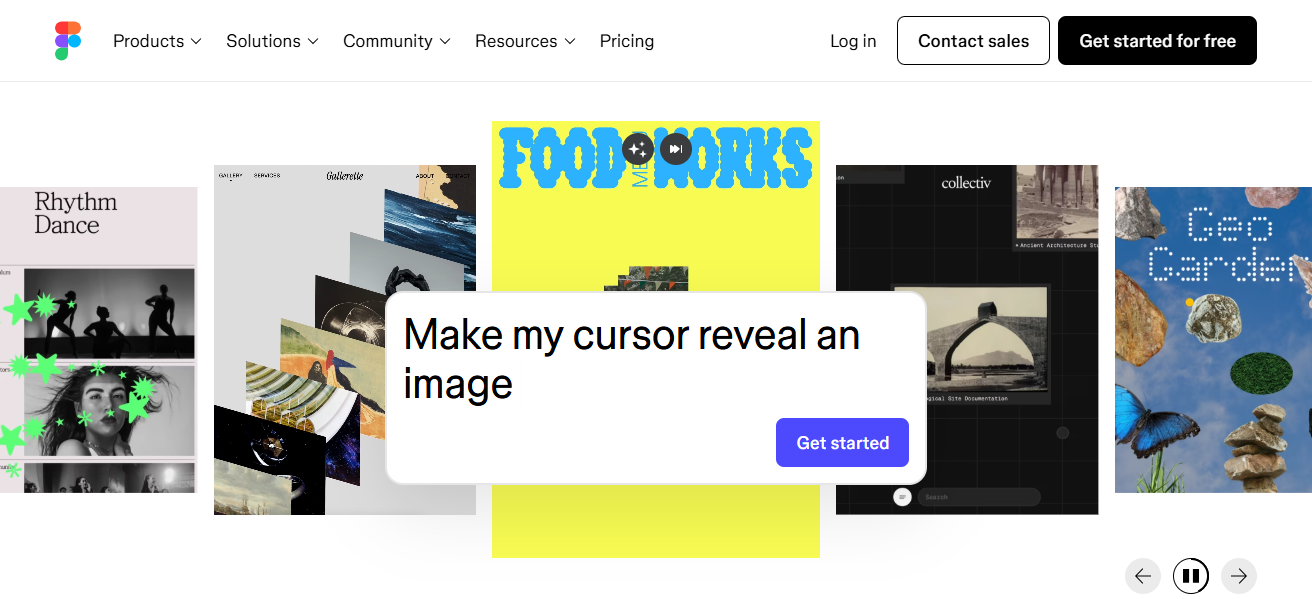
Figma is easy to design with as it has a drag-and-drop feature, design components, and plugins. For free plans, Figma allows unlimited files for individuals and up to 3 editors per team.
Designers value its version history and commenting. Figma is known for its amazing integrations with Slack, Jira and for its innovative accessibility, enterprises actually rely on it.
| Feature | Description |
|---|---|
| Platform | Web-based (cross-platform) |
| Collaboration | Real-time multi-user editing |
| Components | Reusable design components |
| Plugins | Extensive plugin ecosystem |
| Version Control | Built-in version history |
| Integrations | Slack, Jira, and more |
| Free Plan | Unlimited files, 3 editors per team |
2. Adobe XD
Adobe XD stands out as an excellent tool for wireframing, prototyping, and UI design, particularly for those accustomed to Adobe products.
It offers an intuitive interface, tools for responsive design, and features for interactive prototyping.
Users can design artboards for various screen sizes and create linked elements to mimic user flow for a seamless user experience.
Even with a free version, XD provides enough design tools, collaboration features, and cloud storage to make wireframe development straightforward.
XD’s ability to integrate with various Adobe products and other creative apps and tools makes it a widely chosen tool among creative experts.
The auto-animate functionality enables code-free animated screen transitions, improving prototype realism.
| Feature | Description |
|---|---|
| Platform | Windows, macOS |
| Prototyping | Interactive linking and transitions |
| Auto-Animate | Smooth screen transitions |
| Artboards | Responsive design for multiple screens |
| Plugins | Integration with Adobe Creative Cloud |
| Sharing | Cloud-based sharing and feedback |
| Free Plan | Basic tools and limited storage |
3. Sketch (free trial)
Sketch remains a widely-used and rapid design application, and it’s only available for Mac. Users can test the application for free with a trial version, which contains essential components for vector editing, symbol creation, and prototyping.
The application design focuses on the intelligent use of reusable elements and the development of design systems.
This makes it particularly useful to the consistent development of user interfaces. Sketch allows seamless integration with zeplin and Abstract.
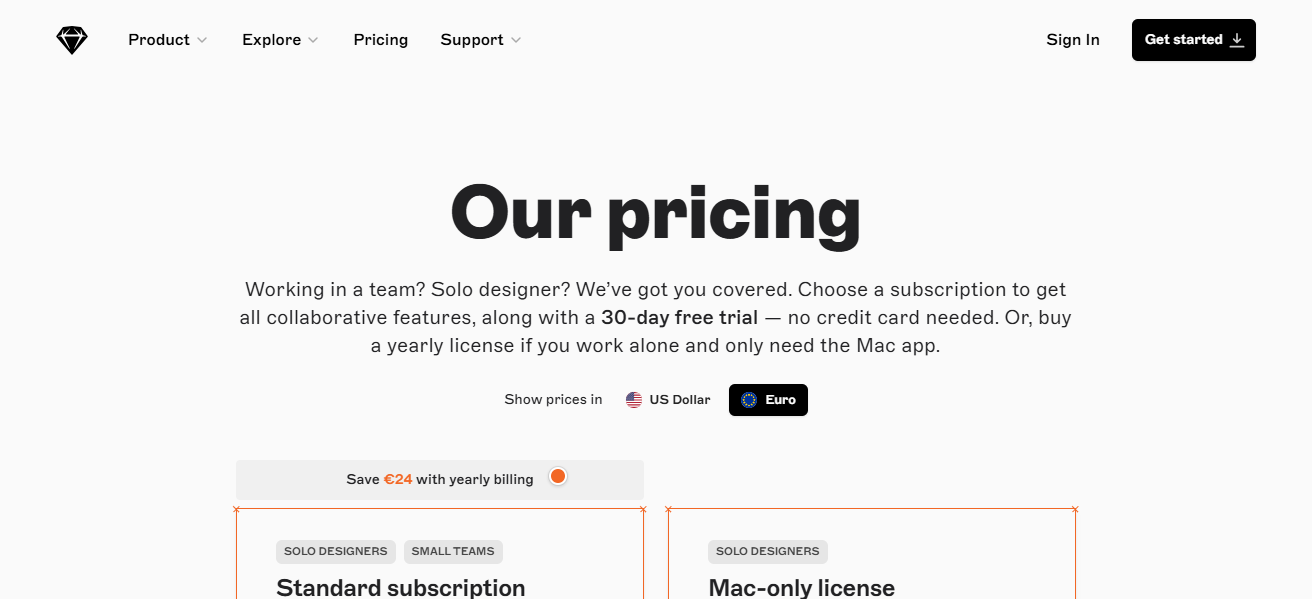
Sketch provides great interface and export features, so it’s great for individual designers and smaller groups.
It presents a minimalist and customizable interface, which provides an excellent environment for seamless wireframing.
| Feature | Description |
|---|---|
| Platform | macOS only |
| Vector Editing | Precision design tools |
| Symbols | Reusable UI components |
| Plugins | Zeplin, Abstract, and more |
| Export Options | Multiple formats and resolutions |
| Design Systems | Supports scalable UI libraries |
| Free Trial | Full access for limited time |
4. Wireframe.cc
Wireframe.cc is a very minimalist wireframing tool that can be used for very quick sketches and low-fidelity mockups.
Its very simple interface design allows for very simple drawings on a canvas and users can focus on drawings with very little interference and distractions.
Users can create wireframes for a mobile device, a tablet, and a desktop computer with No SignUp. The free version allows users to work with very basic wireframe shapes, simple annotations, and wireframe sharing and collaboration via a URL.
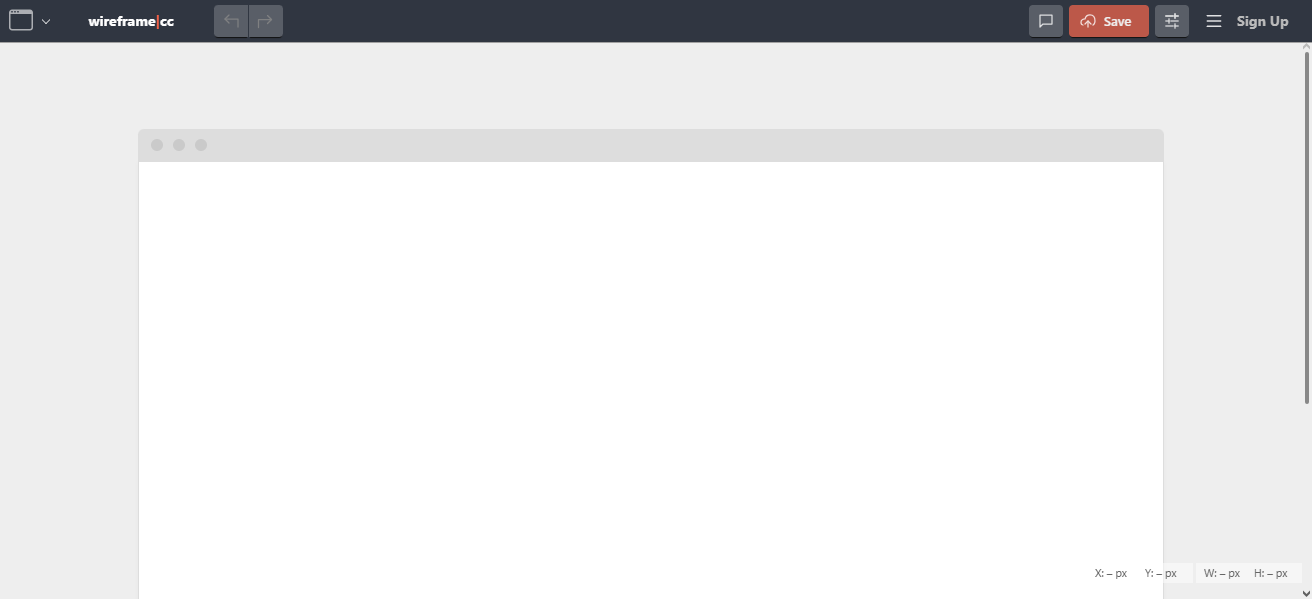
This application is best for brainstorming, early stage ideation, and simple layout communication, all without inhibiting a person with unnecessary complexity.
The app’s simple one-click export and simple design are optimal for users that are not designers and work in environments that may be stressful or very fast.
| Feature | Description |
|---|---|
| Platform | Web-based |
| Interface | Minimalist and distraction-free |
| Layouts | Mobile, tablet, desktop |
| Shapes | Basic UI elements |
| Sharing | URL-based sharing |
| Export | One-click PNG export |
| Sign-up | Not required for basic use |
5. Balsamiq Wireframes
Whenever someone uses Balsamiq Wireframes, it is as if they are drawing on a whiteboard and it helps teams focus in on the very particular structure as well as functionality, rather than any unnecessary things.
Users may quickly build wireframes due to the wide variety of elements that can be very simply be used and the very simple design of the application interface as well.
The application increases the ease of early stage design due to the suggestion of quick iterations and feedback.
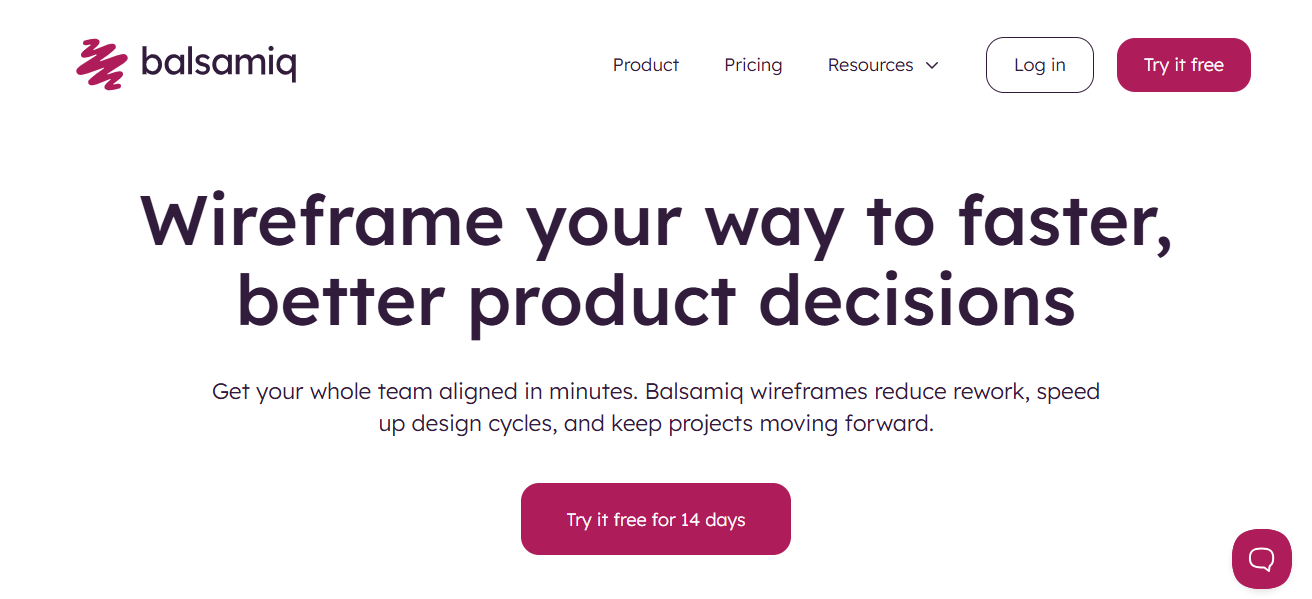
Users in objects and designs for work, or the desk or cloud version is the free trial for the application and it also allows for simple linking, exportation, collaboration mechanisms and integration.
This app is very popular in the UX circle and for communication with stakeholders as it helps to visualize.
Balsamiq Wireframes
| Feature | Description |
|---|---|
| Platform | Desktop and cloud |
| Style | Hand-drawn sketch look |
| UI Components | Extensive drag-and-drop library |
| Linking | Create interactive flows |
| Export | PNG and PDF support |
| Collaboration | Commenting and feedback tools |
| Free Trial | Full access for limited time |
6. MockFlow
MockFlow is a cloud-based wireframing and UI planning tool that supports a range of designs, including mobile, web, and desktop.
Its free plan includes access to basic wireframing functions, a few templates, and an UI pack. Users can drag and drop elements, build sitemaps, and even collaborate in real-time which makes everything easier in MockFlow.
Users can also keep communication organized with in-built chat tools, and control which users can change various project versions.
MockFlow is excellent for planning user journeys, preparing design documentation, and organizing your design assets.
MockFlow is also a great design planning tool due to its large integration possibilities and design components libraries.
| Feature | Description |
|---|---|
| Platform | Web-based |
| Templates | Pre-built UI packs |
| Sitemaps | Visual site structure planning |
| Collaboration | Real-time team editing |
| Project Tools | Version control, chat |
| Export | Multiple formats supported |
| Free Plan | Basic features and templates |
7. Pencil Project
Pencil Project is a free, open-source wireframing tool available for Windows, macOS, and Linux. It offers a wide range of built-in shapes and templates for creating mockups of desktop and mobile applications.
Users can export wireframes in formats like PNG, PDF, and HTML. Pencil Project supports linking between pages, making it useful for creating interactive prototypes.
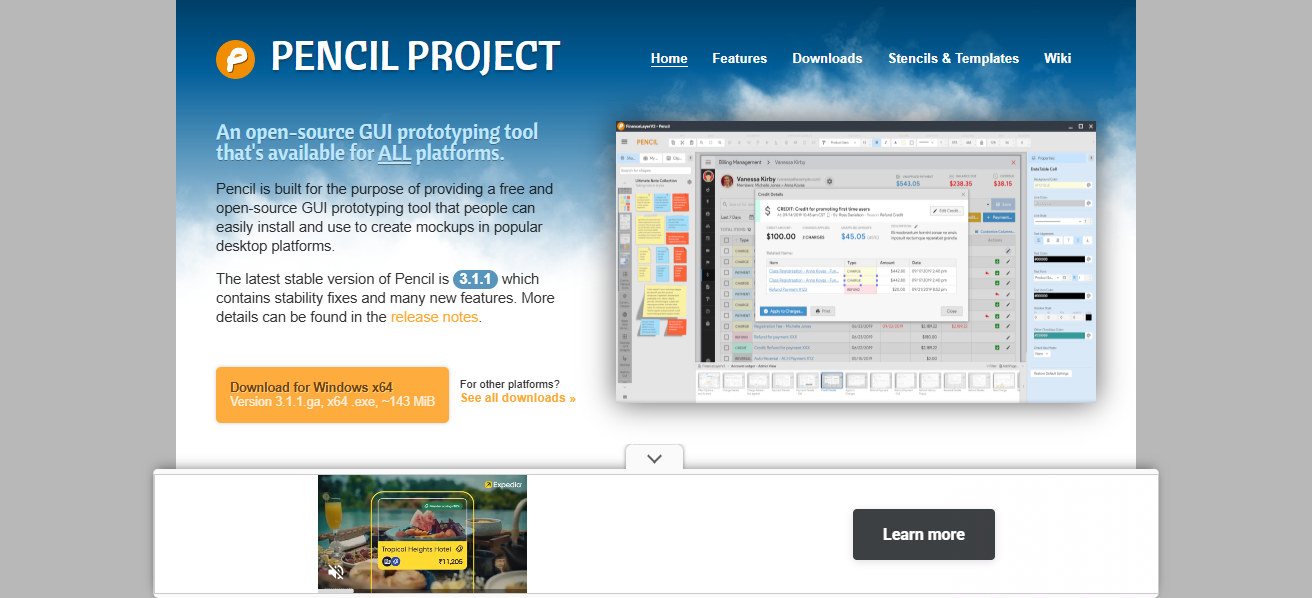
While its interface is more basic compared to cloud-based tools, it’s a solid choice for offline use and quick drafts.
Designers and developers appreciate its no-cost accessibility and flexibility, especially when working in environments with limited internet connectivity or budget constraints.
| Feature | Description |
|---|---|
| Platform | Windows, macOS, Linux |
| Open Source | Free and community-supported |
| Templates | Built-in UI stencils |
| Export | PNG, PDF, HTML |
| Linking | Page-to-page navigation |
| Offline Use | No internet required |
| Cost | Completely free |
8. Marvel
Marvel is easy-to-use design and prototyping software, wireframing programs for newbies and experts alike.
Each account has a free plan that encompasses basic design and prototyping tools, and user testing tools.
Users can build wireframes and add interactions for testing and share designs with stakeholders for feedback.

Integrations with Sketch, Figma, and Jira and other tools are supported. For startups and agile teams trying to rapidly test their ideas, its no-code clickable prototype builder is an invaluable tool.
The platform’s analytics and feedback testing tools, along with all other features, serve to enhance user experience.
| Feature | Description |
|---|---|
| Platform | Web-based |
| Prototyping | Clickable interactions |
| User Testing | Built-in testing tools |
| Integrations | Figma, Sketch, Jira |
| Interface | Drag-and-drop simplicity |
| Analytics | Feedback and usage insights |
| Free Plan | Basic design and testing tools |
9. InVision Freehand
InVision Freehand is the collaborative digital whiteboard used for brainstorming, sketching wireframes, and team ideation. Users can sketch, comment, and iterate simultaneously.
Freehand templates offer wireframes, flowcharts, and design systems, and is useful in multiple product development stages.
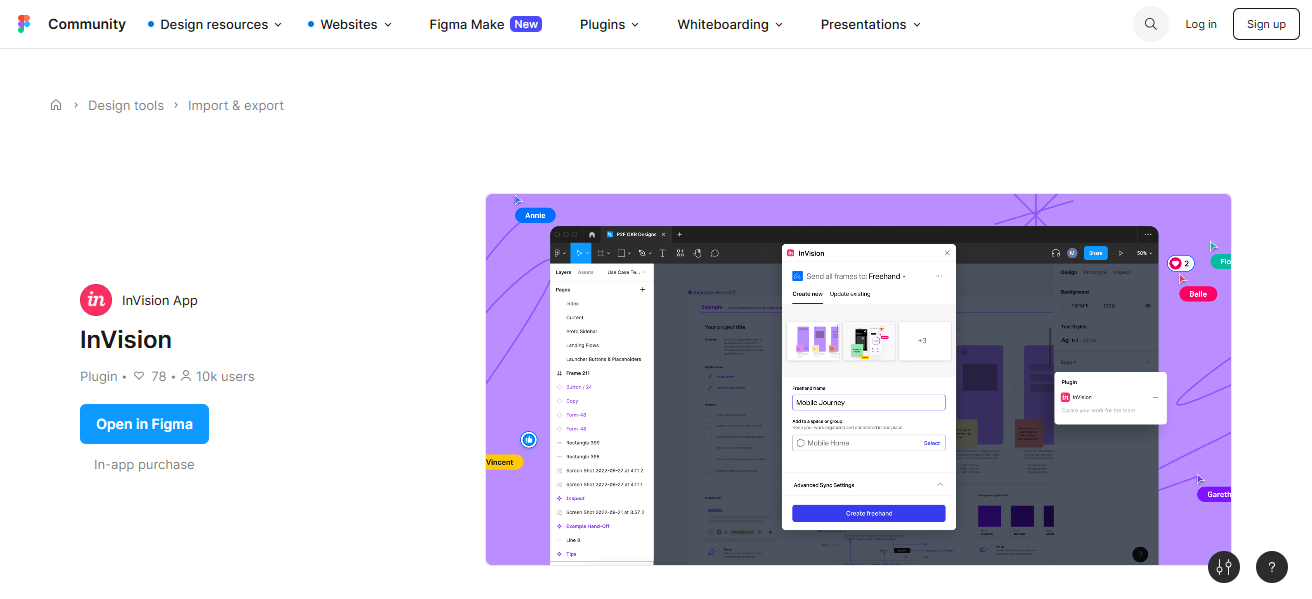
The free plan offers unlimited boards and integrates with Slack, MS Teams, Jira, and more. Its ease of use and design makes it useful for remote teams and workshops.
Before moving on to high-fidelity design tools, Freehand is used by designers, product managers, and developers to align on ideas. This promotes creativity and inclusiveness in the workflow.
| Feature | Description |
|---|---|
| Platform | Web-based |
| Whiteboard | Digital sketching and ideation |
| Templates | Wireframes, flowcharts, diagrams |
| Collaboration | Real-time multi-user input |
| Integrations | Slack, Teams, Jira |
| Boards | Unlimited with free plan |
| Use Case | Brainstorming and early design |
10. UXPin (limited free plan)
UXPin has one of the most sophisticated tools for prototyping and wireframing. It provides access conditional logic, advanced interactivity, and integration with several design systems.
UXPin’s limited free plan provides access to the most basic wireframing and prototyping functions.
What makes UXPin unique is its capacity to provide simulation of real user interactions which allows to prototype the product.
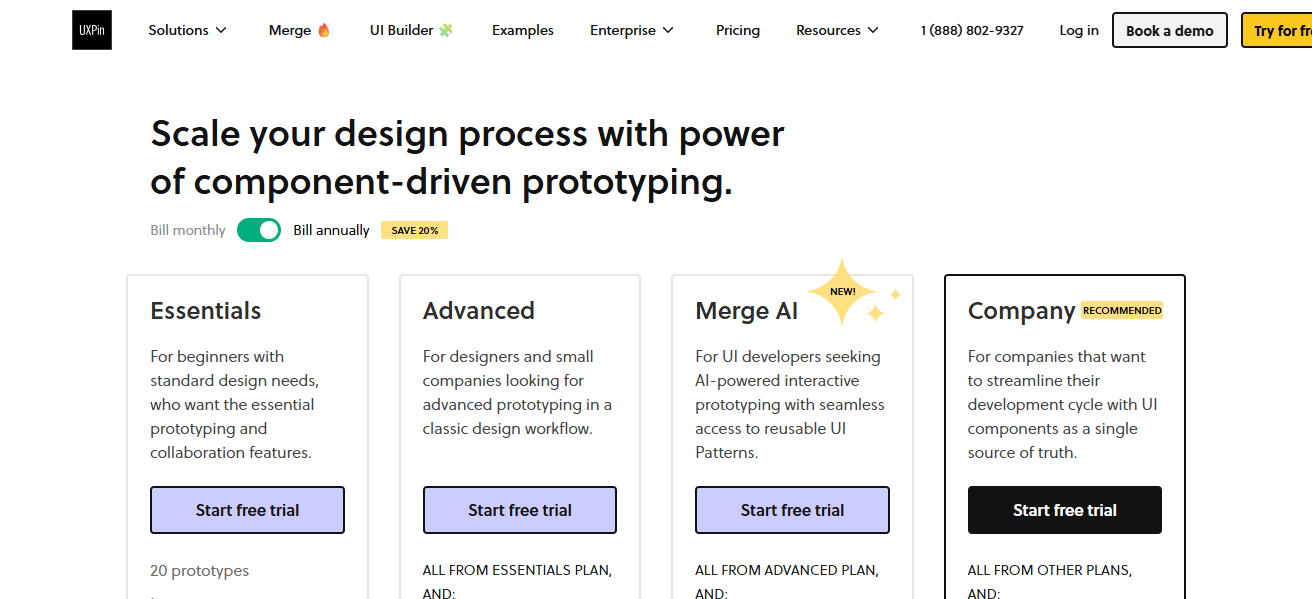
For collaboration, UXPin provides versioning and integration with Sketch and Figma. Teams that provide complex workflows and usability testing will find UXPin most useful.
Although the free version does not offer the complete range of features, it is still sufficient for constructing and testing wireframes.
| Feature | Description |
|---|---|
| Platform | Web-based |
| Interactions | Conditional logic and states |
| Design Systems | Component libraries and tokens |
| Prototyping | High-fidelity, interactive flows |
| Collaboration | Team editing and feedback |
| Integrations | Sketch, Figma, Git |
| Free Plan | Limited features for individuals |
Conclusion
In conclusion, the most efficient free wireframe tools cater to designers, developers, and teams with varied functionalities—from simple sketcing with Wireframe.cc to complex UXPin prototyping.
For those with specific workflows, whether it be real-time collaboration, reusable components, or offline, there are perfectly entoolments designed to suit these needs.
These tools significantly help users to swiftly and affordably translate concepts into visual form.
FAQ
A wireframe tool helps visualize the layout and structure of a website or app before development.
Yes, many free tools like Figma and Adobe XD offer robust features for professional design teams.
Figma and InVision Freehand excel in real-time collaboration across teams.
Tools like Wireframe.cc and Marvel are beginner-friendly with intuitive interfaces.
Yes, Adobe XD, Marvel, and UXPin offer interactive prototyping features.