In this article, I am going to discuss the best Marketing Automation Tools for Agencies to streamline campaigns, save time, and achieve better client results.
- Key Points & Best Marketing Automation Tools for Agencies
- 10 Best Marketing Automation Tools For Agencies
- 1. HubSpot
- 2. Marketo Engage
- 3. ActiveCampaign
- 4. Pardot (Salesforce)
- 5. SharpSpring
- 6. Mailchimp
- 7. Keap (Infusionsoft)
- 8. Sendinblue
- 9. Zoho Marketing Automation
- 10. Autopilot
- How We Choose Best Marketing Automation Tools for Agencies
- Cocnlsuion
- FAQ
These tools allow agencies to customize and automate marketing while being able to manage and track client leads, and improve from previous, performance tracked, campaigns.
With tools ranging from marketing emails, to CRM, to multi-channel automation, agencies can effectively grow and scale every client.
Key Points & Best Marketing Automation Tools for Agencies
| Tool | Key Point |
|---|---|
| HubSpot | Comprehensive CRM integration for managing leads and clients seamlessly |
| Marketo Engage | Advanced lead nurturing with AI-driven personalization |
| ActiveCampaign | Affordable automation tailored for small to mid-sized agencies |
| Pardot (Salesforce) | B2B-focused campaigns with deep Salesforce ecosystem connectivity |
| SharpSpring | White-label options allowing agencies to rebrand the platform for clients |
| Mailchimp | Easy email automation with drag-and-drop campaign builders |
| Keap (Infusionsoft) | Strong client management combining CRM and automation in one |
| Sendinblue | Multi-channel automation across email, SMS, and chat |
| Zoho Marketing Automation | Budget-friendly scalability for growing agencies |
| Autopilot | Visual journey mapping for intuitive customer flow design |
10 Best Marketing Automation Tools For Agencies
1. HubSpot
HubSpot is plaftorm that focuses primarily in inbound marketing. It is perfect for agencies that want to control multiple automatons campaigns.
HubSpot has email campaigns, CRM, campaign analytics, social media management, content optimization, and much more.
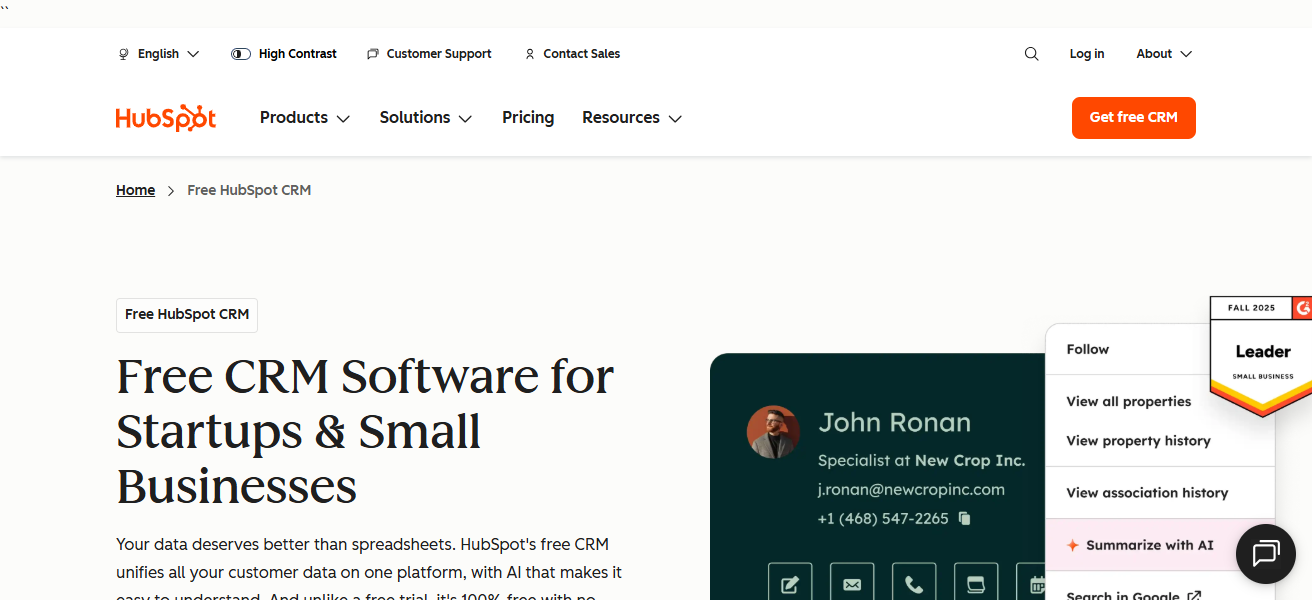
Their automation allows an agency to create workflows that dynamically change to adapt to the user. HubSpot has features that makes it a great tool for both small and large organizations, including advanced return on investment reporting.
Finally, the numerous employee training, agency certification, and focus on self-service makes it an excellent option for many firms.
Features HubSpot
- All-in-One Platform: HubSpot integrates the functionalities of a CRM, marketing automation, sales, service, and content tools, which enhances the efficiency of the campaigns.
- Smart Automation Workflows: Create sophisticated automation with actions based on behavioral activity, lead score, or the stage of the lifecycle.
- Deep Analytics & Reporting: Create customizable dashboards to track campaign performance, attribution, and ROI.
- Extensive Integrations: Offers connectivity with hundreds of popular applications (for instance, Salesforce, Shopify, and Zoom) to ensure data flow remains consistent.
| Pros | Cons |
|---|---|
| All‑in‑one platform (CRM + automation + analytics + CMS) | Can be expensive at enterprise tier |
| Easy to use with drag‑and‑drop workflow builder | Some advanced features require higher plans |
| Strong reporting and ROI dashboards | Learning curve for deeper customization |
| Excellent integrations ecosystem | Limits on contacts can raise costs |
| HubSpot Academy offers free certifications | Pricing complexity can confuse new agencies |
2. Marketo Engage
Marketo Engage, within the Adobe Experience Cloud, is an enterprise level marketing automation solution used by marketing agencies with large clientele.
It is particularly strong with lead management, and advanced segmentation and multi-channel campaign automation (email, web, mobile and social).
With Marketo, smart campaigns and real-time personalization ensure that relevant messaging is received by prospects based on behavior and demographics.
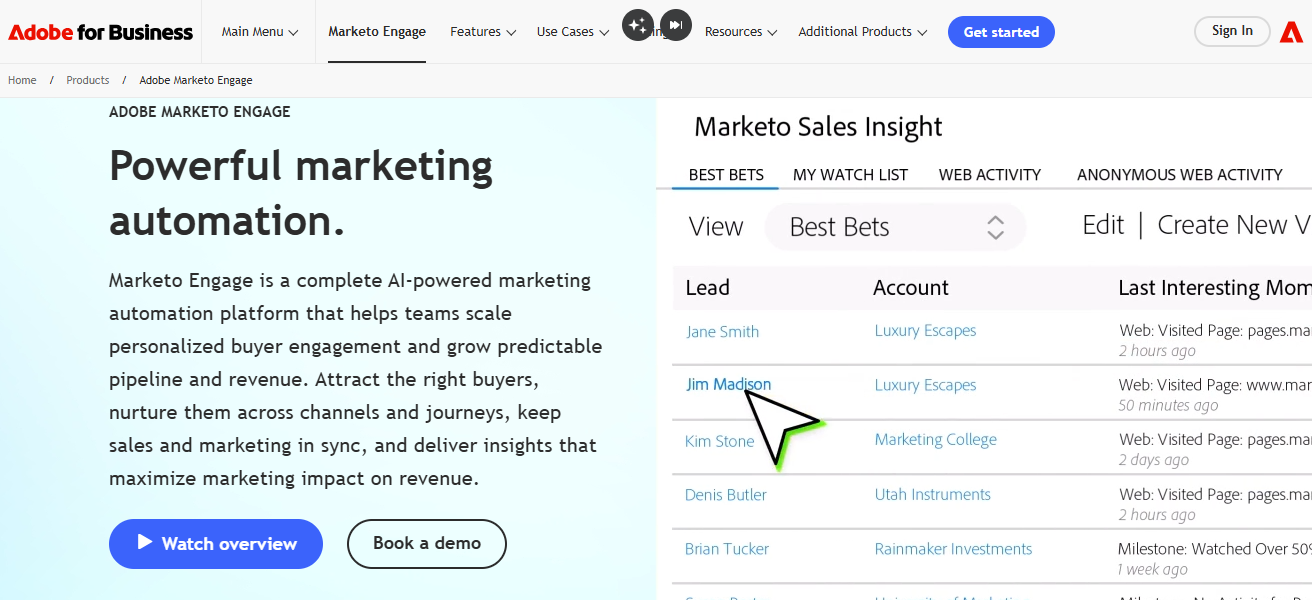
Marketo’s comprehensive analytics and attribution models allow agencies to show the correlation between revenue and marketing dollars.
Although Marketo is complex with the initial setup, for agencies with high volume, complex marketing programs with a need for deep customization and scalability, Marketo is the only viable option.
Features Marketo Engage
- Enterprise-Grade Automation: Capable of executing large scale, complex, and multi-touch marketing campaigns.
- Advanced Segmentation: Focus on targeting audiences with behavioral, demographic, and predictive data.
- Cross-Channel Campaigns: Automation of marketing campaigns across email, web, mobile, social, and paid channels.
- Robust Analytics & Attribution: Offers insight on the impact of a campaign on generated revenue and the engagement trends on the campaign.
| Pros | Cons |
|---|---|
| Powerful enterprise‑grade automation | High cost, often above small agency budgets |
| Advanced segmentation & personalization | Complex setup and training required |
| Excellent multi‑channel campaign management | Interface can feel dated |
| Strong analytics and attribution tools | Implementation often needs specialist support |
| Scales well for large client portfolios | Time‑consuming for basic campaigns |
3. ActiveCampaign
ActiveCampaign merges CRM, Sales Automation, and email marketing with automation flexibility to create a marketing experience in a class all its own. For contact campaigning, great segmentation allows a personalized experience to be created.
Along with lead scoring and responsive content to behavior triggers, agency automation can elevate and refine client experience for increased campaign performance on conversion engagement.
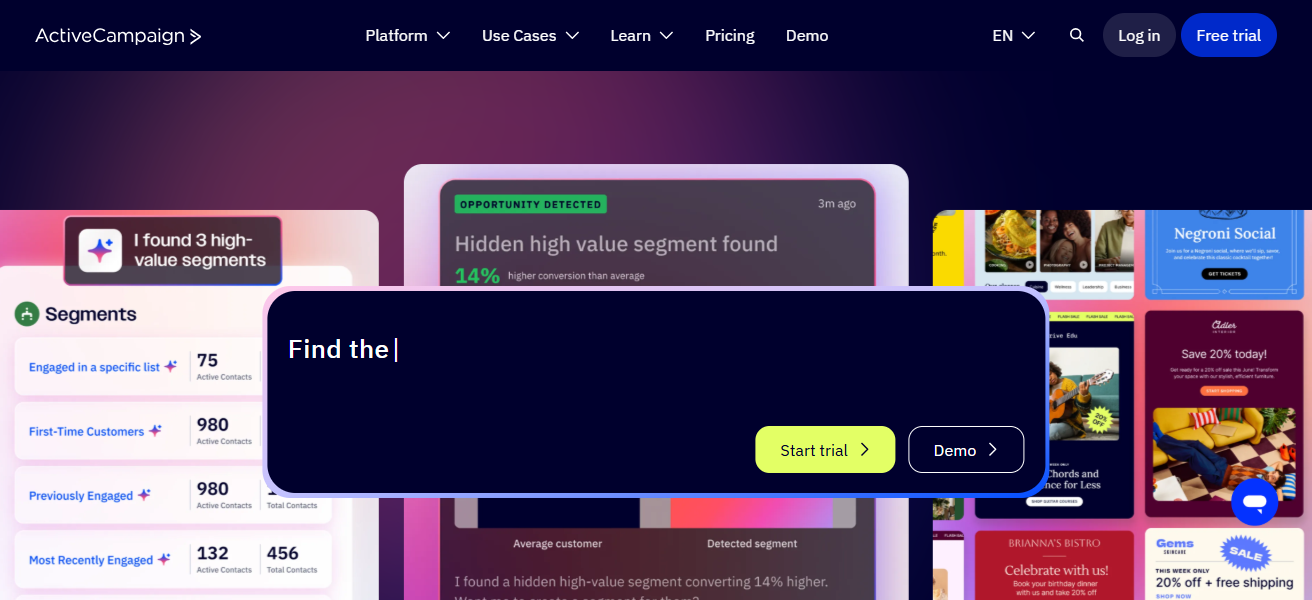
Deep integrations with Shopify WordPress, payment systems, and more enhance e-commerce experience and automates agency service client care.
For all levels, the product is truly affordable with a charming interface complexity. And real time contact insight reporting shows how to refine campaigns end performance further.
Features Active Campaign
- CRM + Automation: Combines a sales CRM and marketing automation into a single platform.
- Conditional Workflows: Implement if/then logic to send specific messages based on the behavior of the user.
- Dynamic Segmentation: Split audiences into highly focused groups to run customized campaigns.
- Multi-Channel Messaging: Automation of follow-ups, and messaging (via email, SMS, and site messages) are all included.
| Pros | Cons |
|---|---|
| Affordable with robust automation features | Some reporting is not as deep as enterprise tools |
| Combines CRM & automation in one place | Advanced automation takes time to master |
| Excellent segmentation & conditional logic | Limited native landing page builder |
| Great for SMB and mid‑sized agency clients | Scaling to very large databases can be costly |
| Integrates with many 3rd‑party apps | UI may feel complex initially |
4. Pardot (Salesforce)
Pardot, recently rebranded as Marketing Cloud Account Engagement, is a B2B marketing automation tool designed for agencies focused on complex sales cycles.
It leads the market in nurturing prospects with tiered scoring and customizable engagement programmes, preparing S marketing’s prospects for sales.
With seamless integration with Salesforce’s CRM, marketing and sales data flows freely. Agencies can implement advanced, data-sensitive, and ROI-driven strategies using dynamic content, automated emails, landing pages, and reports.
Even though Pardot is Salesforce-centric and is designed for B2B, its analytics and revenue reporting has made it a go-to for many agencies focused on growth.
Features Pardot (Salesforce)
- Sales & Marketing Alignment: Salesforce CRM integration allows for aligned and combined customer information.
- Lead Scoring & Grading: Identifies active leads and engages while assigning a rank based on level.
- Automated Nurture Campaigns: Develop and implement a nurture-track drip campaign that helps leads along.
- ROI & Pipeline Analytics: Tracks marketing influence on potential revenue and sales.
| Pros | Cons |
|---|---|
| Best for B2B and enterprise clients | Pricing geared toward larger organizations |
| Seamless Salesforce CRM integration | Can be complex without expert setup |
| Powerful lead scoring and nurturing | Limited creative email design tools |
| Detailed ROI & engagement reporting | Steeper learning curve |
| Strong automation for long sales cycles | Requires Salesforce subscription |
5. SharpSpring
SharpSpring is a highly adaptable and budget-friendly marketing automation solution designed specifically for agencies that require flexibility and a full white label solution.
Email automation, dynamic landing pages, behavior tracking, CRM integration, and blogging tools are available.
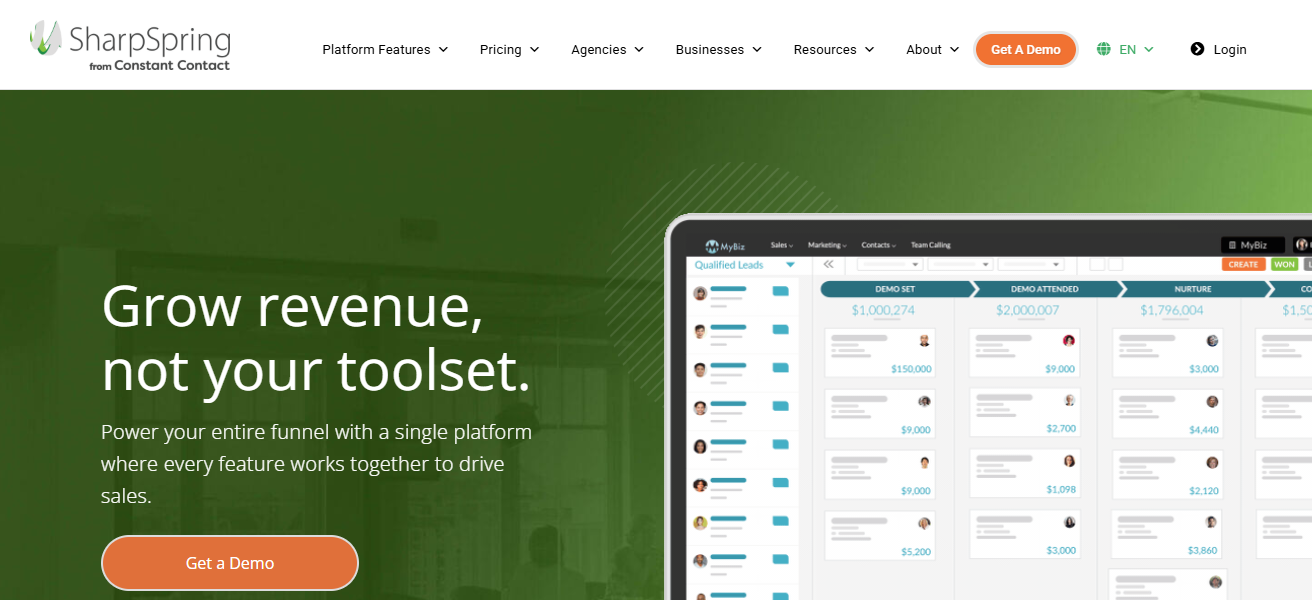
These agencies are attracted to the marketing automation platforms’ performance analytics and campaign automation capabilities that significantly enhance the ability to nurture leads. Also, the pricing is linear and thus, often more economical than the bigger platforms.
These also have a fairly open API that can integrate with many third party tools to complete the tech stack. Meaningful reporting is user-friendly and simplifies data into insights clients can easily understand.
Features SharpSpring
- Flexible Automation Builder: Custom automation setups are easily built with a drag and drop interface to suit campaign strategies.
- Behavior Tracking & Analytics: Gain insight on the audience and behavioral actions to measure uptake.
- Built‑in CRM: Handles management of contacts, deals, and tasks internally.
- Agency-Focused Options: Offers white-labeling, plus features for managing multiple clients.
| Pros | Cons |
|---|---|
| Cost‑effective for agencies | Interface less modern than competitors |
| White‑label options available | Some users report occasional bugs |
| Flexible automation & CRM | Less native integrations than bigger platforms |
| Good behavior tracking & analytics | Learning curve for new users |
| Unlimited client accounts on certain plans | Support quality varies by tier |
6. Mailchimp
Initially an email marketing software, Mailchimp is now helping small and mid-sized agencies with marketing as a fully featured marketing automation tool. Mailchimp has automated email campaigns, audience segmentation, A/B testing, and behavioral targeting.
In addition to email marketing, Mailchimp has landing pages, multi-channel advertising, and a simple CRM feature so agencies can easily manage campaigns across different channels.
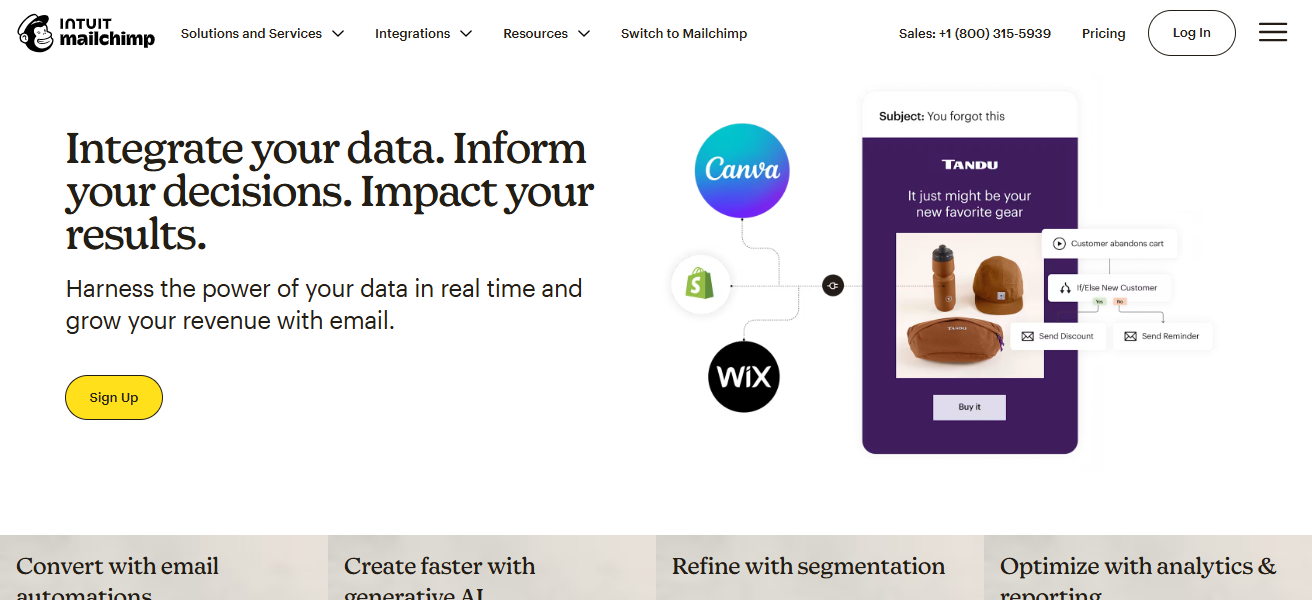
Mailchimp analytics and reporting provide valuable insights to help agencies optimize campaigns based on engagement, open rates, conversion rates and overall customer behavior.
Mailchimp’s simple and efficient results, along with a slight adjustment depending on the goal to measure engagement, open rates, and conversion paths help agencies automate their marketing efforts.
Features Mailchimp
- Automated Email Sequences: Create and schedule welcome, follow-up, and drip campaign emails.
- Audience Segmentation: Send contacts messages that are more relevant based on segmentation.
- Creative Campaign Tools: Email builder with drag and drop capabilities as well as various design options.
- Multi-Channel Touchpoints: Offers various tools including ads and landing pages for customer outreach.
| Pros | Cons |
|---|---|
| Easy to use and beginner‑friendly | Automation capabilities aren’t as deep |
| Affordable for small businesses | CRM features are basic |
| Includes landing pages, ads & email | Limited advanced segmentation |
| Good templates and design tools | Not ideal for high‑volume enterprise clients |
| Scales well for simple campaigns | Reporting is fairly basic |
7. Keap (Infusionsoft)
Originally Infusionsoft, Keap offers marketing automation and CRM technology focused on agency work with small businesses.
Keap offers strong marketing automation integrated with excellent contact management, sales pipeline tracking, and e-commerce.
With Keap, agencies can automate workflows and set up follow-up sequences, customize messages, and manage appointments without any manual work. With a strong focus on sales automation
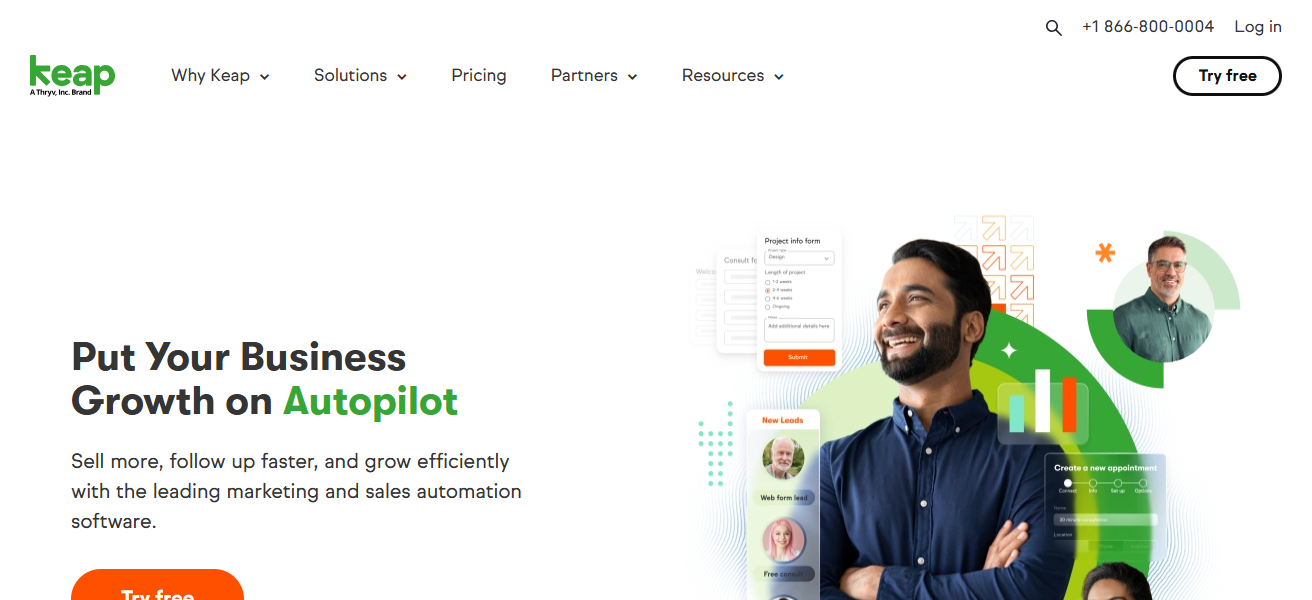
Keap is a good fit for businesses needing to convert leads into paying customers quickly. Campaigns can be deployed in minutes with editable templates and drag and drop automation builder tools.
Keap can help agencies improve and show reporting on customer insights and business value but is unlikely to fit the needs of more complex businesses.
Features Keap (Infusionsoft)
- Sales & Marketing Integration: Marries sales automation with a sales pipeline and customer management.
- Smart Follow-Ups: Provides automated follow ups, reminders, and re-engagements.
- Appointment & Payment Tools: Allows booking and payment processing within workflows.
| Pros | Cons |
|---|---|
| Great combination of CRM, sales & automation | Pricing can escalate with growth |
| Strong follow‑up and pipeline automation | Email design features are limited |
| Ideal for coaching, service, and SMB markets | Setup and learning curve can be steep |
| Easy appointment and payments automation | Not designed for large enterprise teams |
| Simple drag‑and‑drop automation builder | Reporting is less advanced than some competitors |
8. Sendinblue
Sendinblue is an all-in-one platform that offers email, SMS, chat, CRM, and transactional messaging and is also a versatile marketing automation tool . Among the many advantages, automation is a key feature that many agencies appreciate.
Automated workflows can be built based on user behavior, custom events, and milestones. Sendinblue allows for the easy and quick creation of sophisticated plans through the use of a user-friendly visual automation interface.
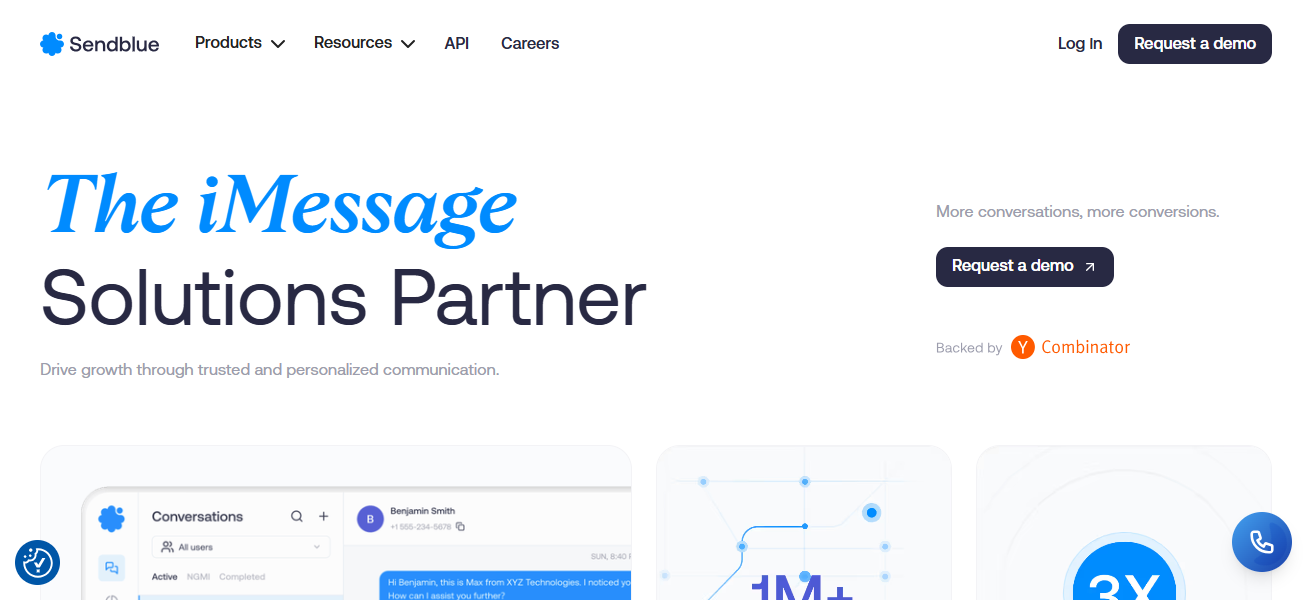
Since Sendinblue is priced based on usage, it is an affordable option for agencies with fluctuating contact numbers. Other features include landing pages, segmentation, and analytics that are all useful for optimizing campaigns.
Sendinblue is a great option for agencies that want to offer a well-integrated communication strategy that includes email and SMS.
Features Sendinblue
- Email & SMS Automation: Campaign automation encompassing both emails and texts from a single platform.
- Visual Workflow Editor: Automation of multiple steps is accomplished easily with a drag‑and‑drop builder.
- Built‑in CRM & Live Chat: Contacts can be managed and communicated with in real time from a single location.
- Transactional Messaging: Automates the sending of order confirmations, notifications, and receipts.
| Pros | Cons |
|---|---|
| Affordable with email and SMS automation | UI can feel less polished |
| Real‑time behavior triggers | Landing page builder lacks depth |
| Unlimited contacts in some plans | Advanced features limited on lower tiers |
| Built‑in CRM and chat features | Reporting can be simplistic |
| Good multichannel capabilities | Learning curve for complex workflows |
9. Zoho Marketing Automation
Zoho’s full offering, automated marketing tools are one of the most economical options to consider for building cross-channel campaigns that can be automated in advance.
Email marketing, lead scoring and tracking, workflow automation, and social media automation are included.
Zoho’s main advantage is the ability to combine it with Zoho CRM and other business tools so that agencies can integrate marketing with sales and customer service.
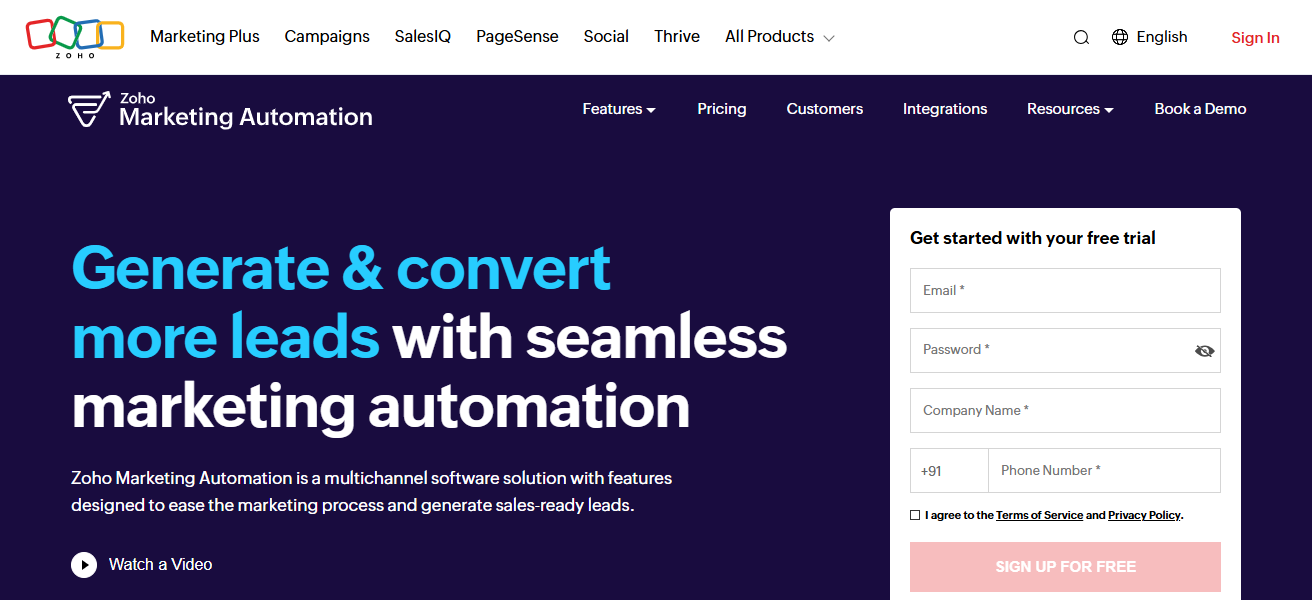
The system’s ability to automated customer interaction is in part based on the ability to set bespoke workflows. The dashboards and other analytics offer insights on what actions led to conversions
What the main trends are, and the overall effectiveness of the campaigns. It’s flexibility can be ideal for agencies that target both clients that are small and mid-sized businesses.
Features Zoho Marketing Automation
- Cross‑Channel Automation: Automation of emails along with social media, paid advertisements, and/or website actions.
- Lead Scoring & Nurturing: Focus on certain leads and customize the follow-up actions depending on their activity.
- AI‑Powered Insights:** Analytics that assist in predicting and optimizing the direction of campaigns.
- Zoho Ecosystem Integration: Works effortlessly in conjunction with other Zoho tools and the Zoho CRM.
| Pros | Cons |
|---|---|
| Highly affordable and flexible | Feature parity lagging compared to bigger tools |
| Integrates tightly with Zoho CRM & apps | Interface can feel cluttered |
| Strong multichannel automation | Limited 3rd‑party ecosystem vs big names |
| Good scoring & workflow automation | Analytics are functional but basic |
| Scales well for small to mid agencies | Some setup complexity |
10. Autopilot
Autopilot Marketing Automation is designed with ease of use and efficiency in mind. From a visual layout of the customer journey, agencies are able to track and manage workflows, emails, and even the complicated sequences with SMS and in-app messaging.
Autopilot organizes the customer journey and helps agencies to remember the conversion points that matter the most. Autopilot syncs very well with popular CRMs and is built to exchange and manage data without friction.
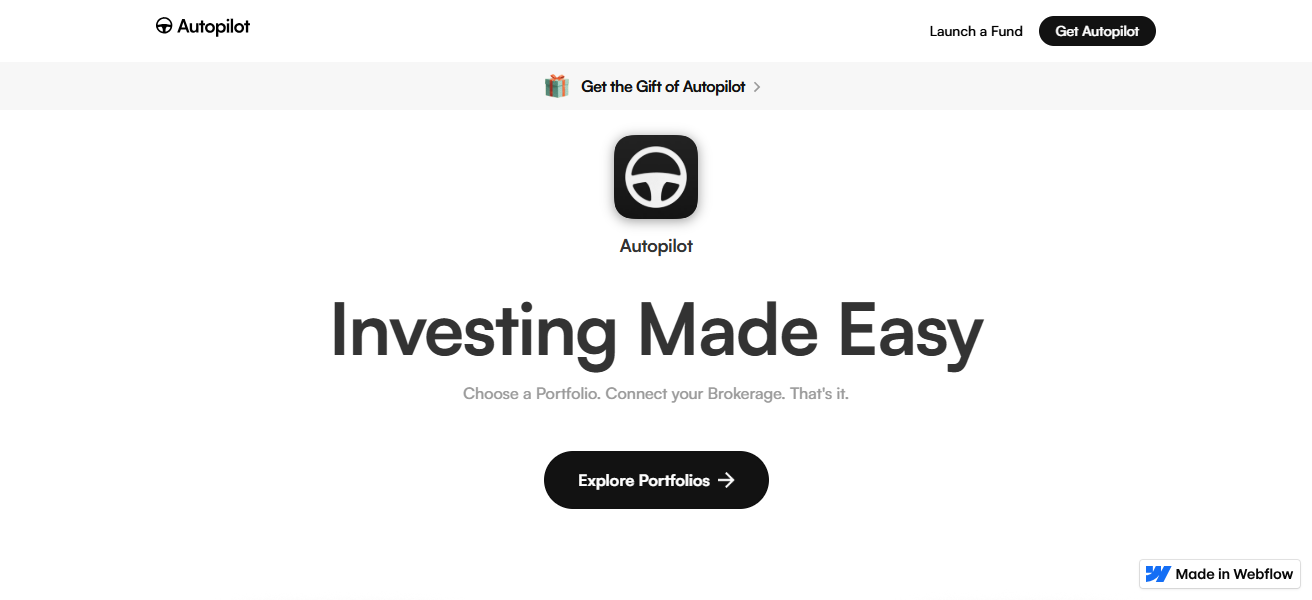
The workflows operate from custom triggers to provide agencies with automation that is flexible and customizable. Autopilot’s visual canvas packs a lot of features to provide agencies with control and Creative.
That is, all the while data from campaigns are collected and organized to provide reporting and analytics to prove value in the campaigns.
Features Autopilot
- Visual Journey Mapping: Use a drag‑and‑drop canvas to design customer journeys and map them out visually.
- Behavior‑Triggered Messaging: Messages can be automated based on certain activities like clicks, site visits, or other events.
- Multi‑Channel Engagement: Facilitates emails, texts, in‑app notifications, and other types of communications.
- Real-Time Tracking: Use engagement and journey performance metrics to fine-tune automation with real-time reports.
| Pros | Cons |
|---|---|
| Visual canvas makes automation easy | Less robust analytics than others |
| Intuitive journey builder | Pricing can be high for larger lists |
| Great for multi‑step email and in‑app journeys | Limited native CRM functionality |
| Strong support for behavior triggers | Fewer integrations than larger platforms |
| Clear visualization of customer flows | Not ideal as a complete all‑in‑one suite |
How We Choose Best Marketing Automation Tools for Agencies
- Define agency goals. Determining what you need most, whether it’s lead nurturing, CRM integration, multi-channel campaigns, or specific reports will help in selecting the most suitable tool for your agency.
- Usability. You dont want your agency to waste too much time training staff and customers, so choose a tool that is easy to use across the board.
- Integration. Ensure that the tool syncs easily with your CRM, analytics, e-commerce, and other tools.
- Scalibility. This is an essential feature. You want a tool that your agency will easily grow with, especially as your client base grows.
- Automation. Assess the tool for how complex the workflows can get, and the options that are available for triggers, segmentation, and personalization.
- Analytics and reporting. Quality tools will have real time dashboards that show you ROI, and other campaign data that can help you improve your marketing strategies.
- Cost and ROI. Analyze the tool’s pricing structure against the features to see if the tool can have a positive impact on your agency’s revenue.
- Support and resources. Adoption is a much easier process when your agency has access to good documentation, training materials, and customer support.
Cocnlsuion
To sum it up, selecting the appropriate marketing automation tools designed for ad agencies has the ability to revolutionize the client campaigns, drive effectiveness and increase profits.
Platforms such as HubSpot, ActiveCampaign and Pardot offer great automation, comprehensive reporting, and channel marketing features.
By choosing the marketing tool that suits your agency the best, you will be able to automate your workflows, provide your clients with custom marketing messages, and facilitate growth for your clients on several fronts.
FAQ
A marketing automation tool is software that helps agencies automate repetitive marketing tasks such as email campaigns, social media posting, lead nurturing, and analytics, allowing teams to focus on strategy and client growth.
Agencies use automation to save time, increase efficiency, manage multiple clients, deliver personalized campaigns at scale, and track ROI more effectively. It ensures consistent client engagement without manual effort.
Consider factors like your agency size, client needs, integration with CRM, ease of use, automation complexity, reporting capabilities, and pricing. Start with a free trial to test usability and features.
Yes. Most top tools like HubSpot, Pardot, and Zoho integrate with CRMs, allowing seamless lead tracking, better alignment between sales and marketing, and improved client reporting.
Many tools, such as ActiveCampaign, Mailchimp, and Sendinblue, are affordable and user-friendly for small to mid-sized agencies, while enterprise solutions like Marketo and Pardot are better for larger clients.