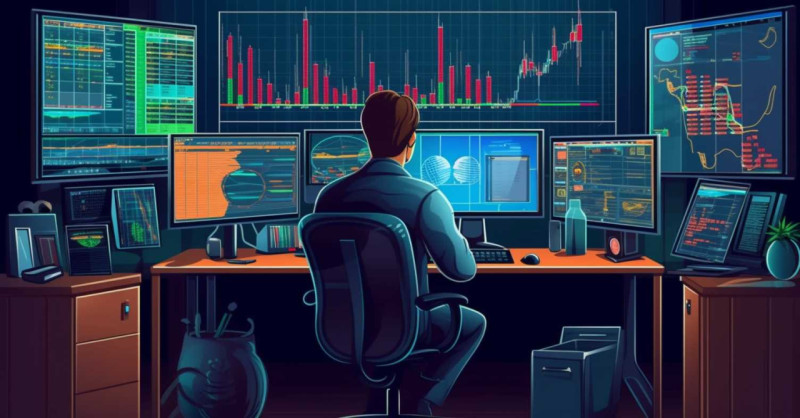
I will review the Best Monitors for Trading that will help you streamline your work process and improve clarity and efficiency.
- Key point & Best Monitors for Trading List
- 1. Dell UltraSharp U2723QE
- Dell UltraSharp U2723QE
- Dell UltraSharp U2723QE key feature
- 2. LG 34WN80C-B
- LG 34WN80C‑B
- LG 34WN80C-B key feature
- 3. Samsung Odyssey Neo G7
- Samsung Odyssey Neo G7
- SAMSUNG ODYSSEY NEO G7 key feature
- 4. ASUS ProArt PA32UCG
- ASUS ProArt PA32UCG
- ASUS PROART PA32UCG key feature
- 5. BenQ PD3220U
- BenQ PD3225U (close to PD3220U)
- BenQ PD3220U key feature
- 6. LG 49WL95C-W
- LG 49WL95C‑W
- LG 49WL95C-W key feature
- 7. Samsung Smart Monitor M8
- Samsung Smart Monitor M8
- Samsung Smart Monitor M8 key feature
- 8. Dell P3421W
- Dell P3421W
- Dell P3421W key feature
- 9. ASUS TUF Gaming VG289Q
- ASUS TUF Gaming VG289Q
- ASUS TUF Gaming VG289Q key feature
- 10. Acer Predator X38
- Acer Predator X38 (represented by similar models like Acer Predator XR382CQK)
- Acer Predator X38 key feature
- Conclusion
- FAQ
Whether it is ultrawide screens for multitsking, high resolution panels for detaled charts, or fast refresh gaming monitors for tracking the markets in real time, these monitors will ensure the right balance of performance, connectivity, and reliability across all levels of trading.
Key point & Best Monitors for Trading List
| Monitor Model | Key Trading Benefit |
|---|---|
| Dell UltraSharp U2723QE | Excellent color accuracy and sharp charts for detailed analysis |
| LG 34WN80C-B | Wide screen allows multiple charts without dual monitors |
| Samsung Odyssey Neo G7 | Large display with smooth visuals for fast market tracking |
| ASUS ProArt PA32UCG | Professional-grade clarity ideal for precision trading setups |
| BenQ PD3220U | Great for multitasking with accurate visuals and split screens |
| LG 49WL95C-W | Ultra-wide replaces dual monitors, perfect for multi-window trading |
| Samsung Smart Monitor M8 | Clean interface with smart features for productivity |
| Dell P3421W | Curved ultrawide enhances focus and reduces eye strain |
| ASUS TUF Gaming VG289Q | Budget-friendly 4K option with good clarity for charts |
| Acer Predator X38 | Ultra-smooth performance for real-time data and fast updates |
1. Dell UltraSharp U2723QE
The [Dell UltraSharp U2723QE]() monitor is one of the best 27-inch 4K displays. It is designed for professionals that need detail and precision.
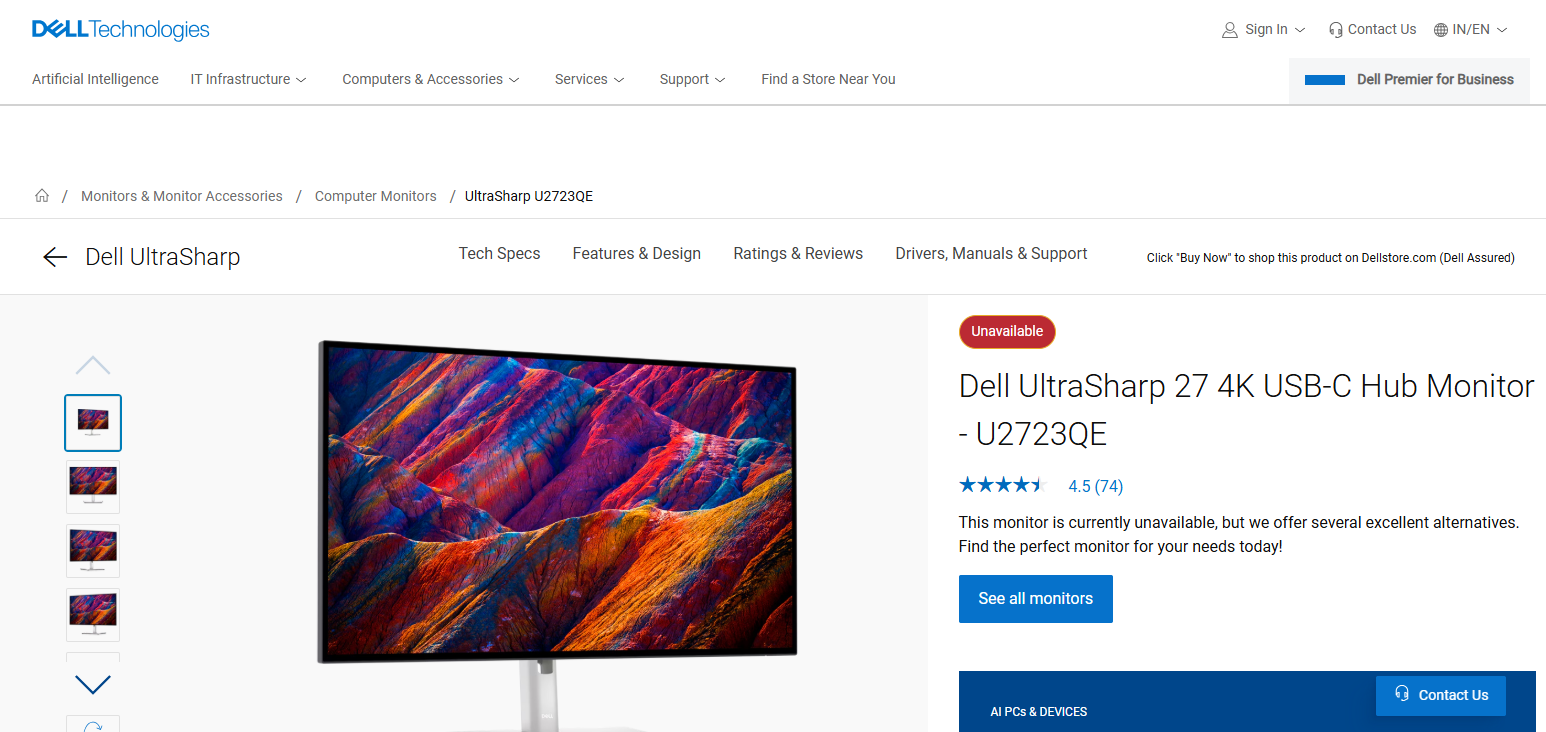
It features 4K IPS Black technology for superior contrast and accurate color reproduction in detail-intensive scenarios. It also has USB-C with Power Delivery.
This is perfect for a tidy desk. This model is one of the sharpest monitors and features a multitasking design and comfort features such as low blue light technology. This is a perfect monitor for long trading sessions. It is one of the top Best Monitors for Trading.
Dell UltraSharp U2723QE
Pros
- Excellent 4K resolution for productivity and creative work.
- USB‑C hub simplifies connectivity and laptop docking.
- Great color accuracy and consistency for office/pro workflows.
Cons - 60 Hz refresh means limited gaming performance.
- Premium price relative to basic 4K monitors.
Dell UltraSharp U2723QE key feature
- 27 inches 4K UHD ultra sharp monitor for ultra sharp chart visibility
- Comes with an IPS Black panel for higher contrast and accurate colors
- Comes with a USB-C hub that has power delivery for a clean trading setup
- Comes with Excellent ergonomics
- Comes with Eye comfort tech reducing strain and use of monitor in long sessions
2. LG 34WN80C-B
When it comes to Best Monitors for Trading the [LG 34WN80C-B]() model is one of the best 34 inch straight curved monitors and has a QHD display. It offers traders a virtual workspace and has a 21:9 aspect ratio.
View multiple charts simultaneously and trading platforms without the need for dual monitors. It has an IPS panel that enhances consistent color and viewing angles.
It also has USB-C which is an appealing feature. It is designed for traders and especially those that use multi-windows.
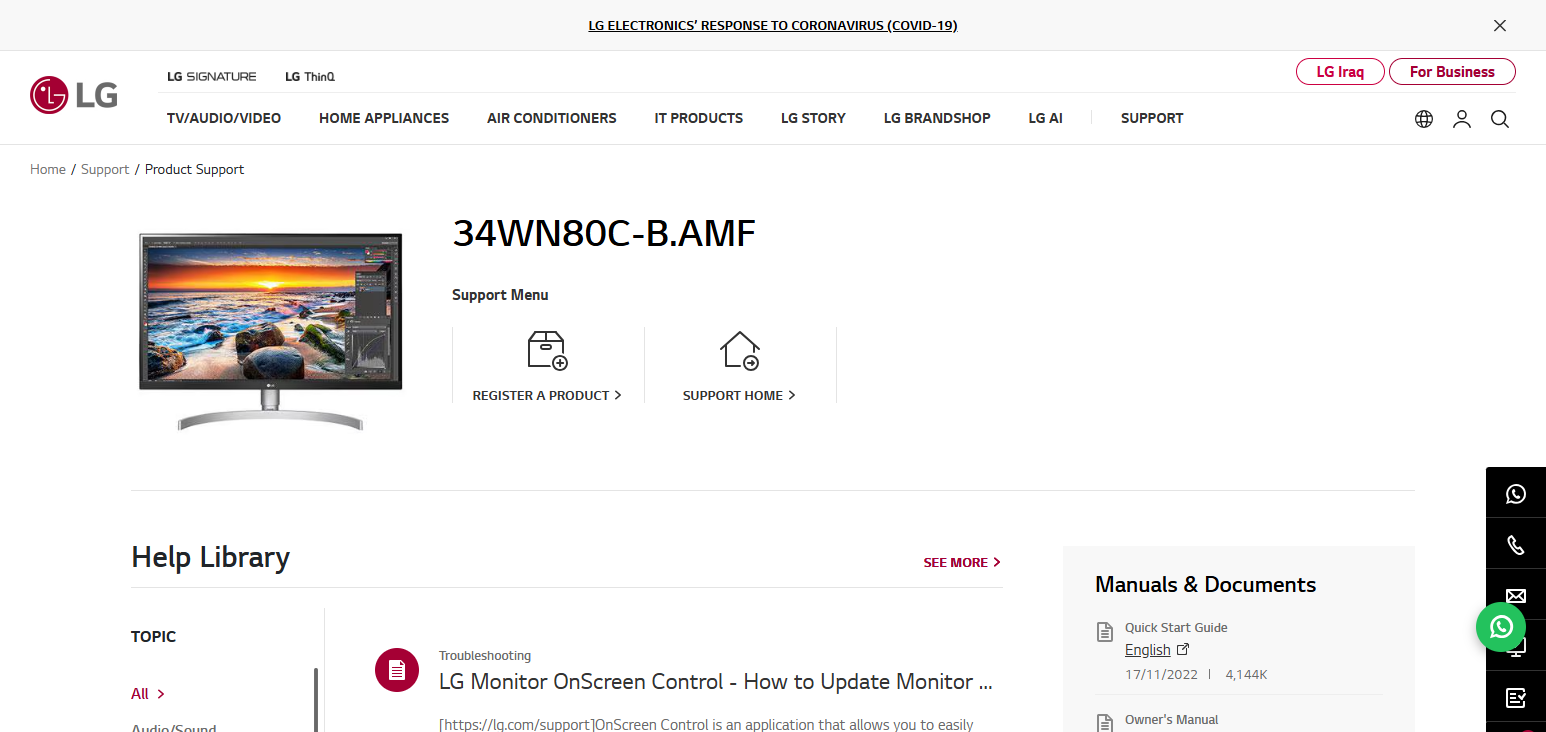
LG 34WN80C‑B
Pros
- Ultrawide panel gives plenty of screen space for multitasking.
- Good color performance (wide gamut) and USB‑C connectivity.
- Curved design improves immersion for work/entertainment.
Cons - Lower refresh rate (≈60 Hz), not ideal for fast gaming.
- HDR support is basic and not high‑impact.
LG 34WN80C-B key feature
- 34 inches ultrawide (21:9) viewing for multi-chart viewing
- QHD resolution (3440×1440) for a clearer work place
- Comes with an IPS screen for spectral and wide viewing
- Curved screen for more immersive trading
- Comes with a USB-C tech for a single cable setup
3. Samsung Odyssey Neo G7
The [Samsung Odyssey Neo G7]() is a great option for real-time trading as it has a 4K resolution with a refresh rate of 144Hz. The 43-inch option has a screen large enough to track multiple markets.
The VA panel has a good enough contrast ratio to allow the trader to easily see price variations. This is one of the Best Monitors for Trading as it provides the trader with the speed and responsiveness of a large display. This is most ideal for fast trading environments like crypto and day trading.
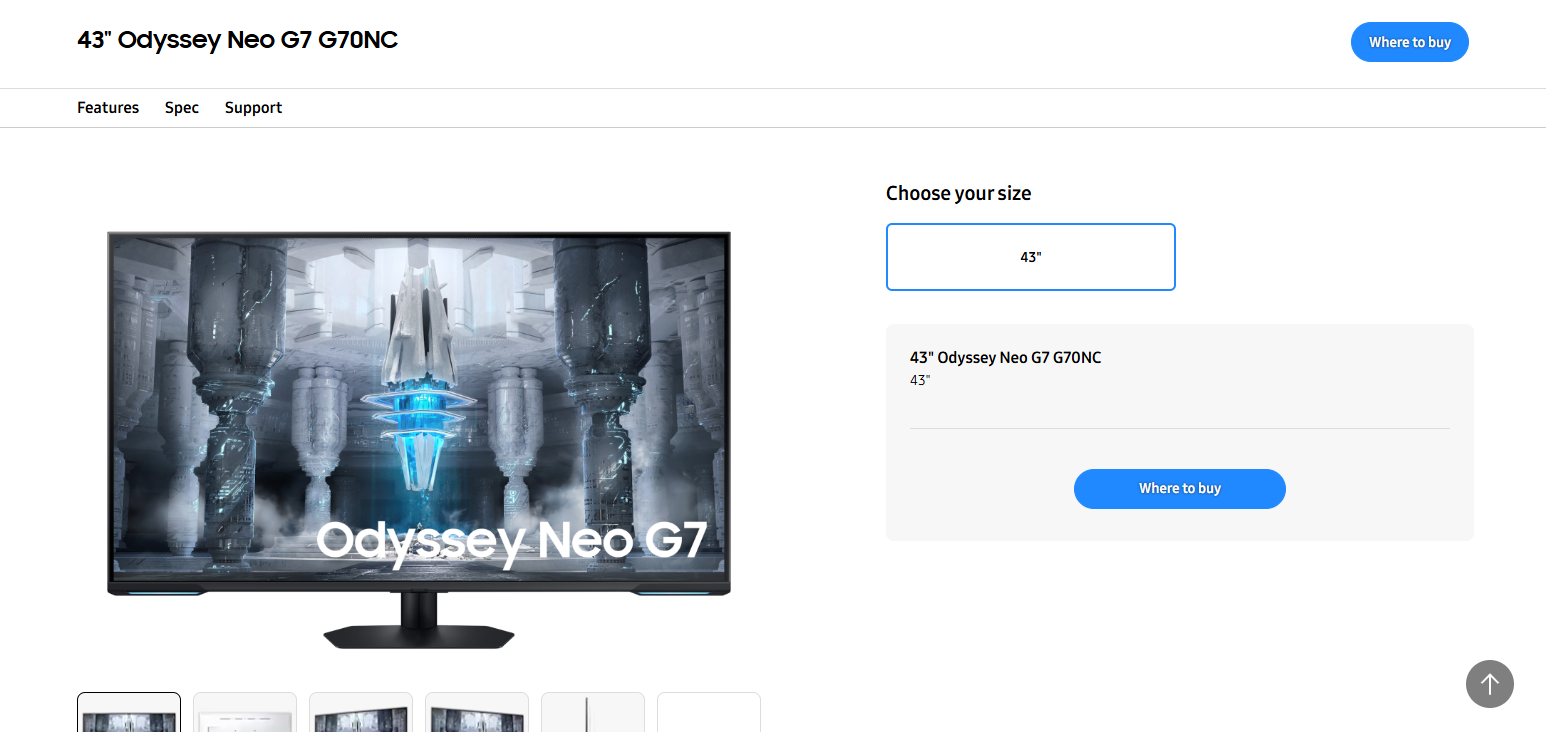
Samsung Odyssey Neo G7
Pros
- Great for gaming with high resolution and strong contrast (VA panel).
- Mini‑LED or VA delivers deep blacks and punchy visuals.
- 4K option brings crisp details for both work and games.
Cons - VA panel slower response than IPS for competitive gaming.
- Some models can be more expensive for premium features
SAMSUNG ODYSSEY NEO G7 key feature
- 4K UHD with a large screen size of up to 43 inch
- Has a high refresh rate (144Hz) for more real time smooth
- Comes with mini-LED tech for better bright and contrast
- With a deep black and strong contrast
- More suitable for fast trading
- VA is panel for deep
4. ASUS ProArt PA32UCG
The [ASUS ProArt PA32UCG]() is a good 4K option with a 32” screen. This is an ideal monitor for professionals that require a greater colour accuracy and increased brightness.
The clarity is great for those that need to analyse complex financial dashboards or charts. This monitor is going to be one of the most expensive ones but it is going to perform the best with the best features.
Within the Best Monitors for Trading, this is the one that is going to suit best those traders and analysts that are going to need the best and most reliable display quality.
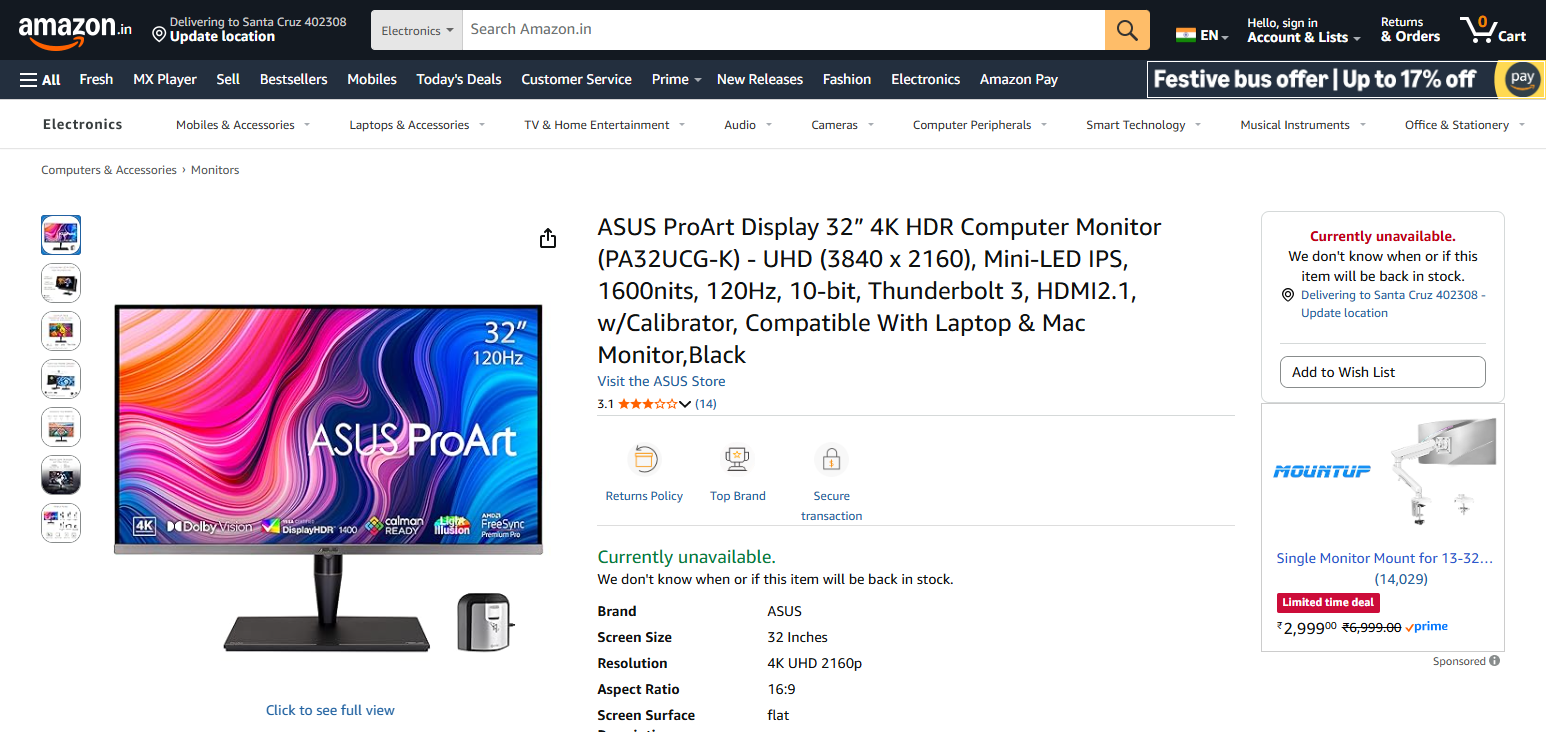
ASUS ProArt PA32UCG
Pros
- Extremely high brightness and HDR performance (professional grade).
- Excellent color fidelity with wide‑gamut support.
- Great for high‑end video/editing workflows.
Cons - Very expensive compared to consumer monitors.
- Overkill for casual users or gamers because of focus on color accuracy.
ASUS PROART PA32UCG key feature
- 32 inches 4K HDR with a professional type of quality
- For more detailed visual use high brightness along with HDR support
- For ideal precision work use factory calibrated color accuracy
- For fast use Multiple options along with Thunderbolt
- Tailored to sophisticated professional workflows
5. BenQ PD3220U
The BenQ PD3220U is specifically designed for productivity and multitasking with features such as split screen modes & KVM switch.
It also has great color accuracy which is great for traders that need to manage multiple accounts or platforms. It has also got a 32 inch 4k display which makes sure that charts are clear and readable.
If you are considering Best Monitors for Trading, then this monitor is a great option because of its emphasis on productivity and seamless multitasking
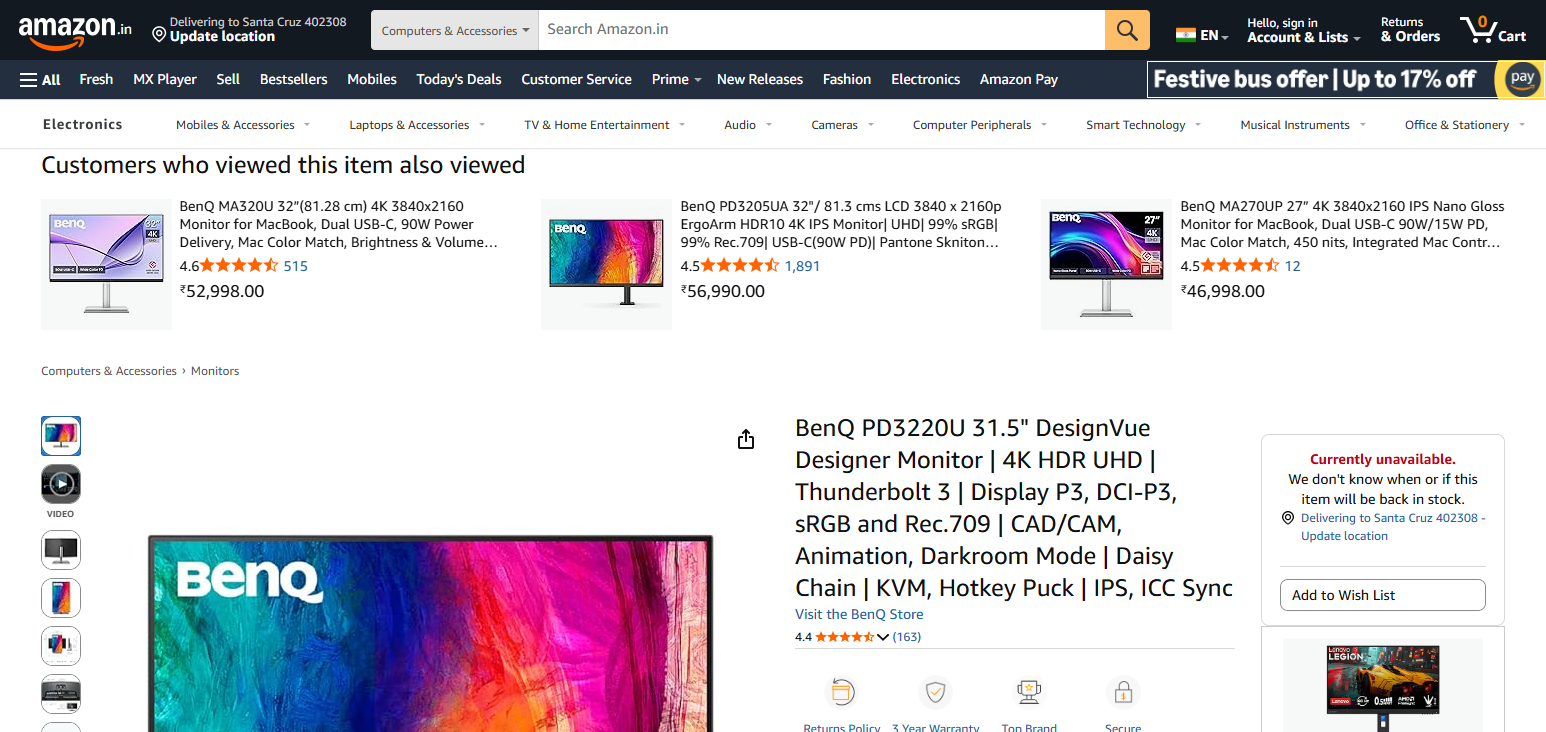
BenQ PD3225U (close to PD3220U)
Pros
- Superb color accuracy tailored to designers/creators.
- 4K clarity and excellent connectivity.
- Good ergonomic stand and professional calibration.
Cons - Limited refresh rate (60 Hz).
- Costs significantly more than general‑purpose 4K displays
BenQ PD3220U key feature
Great accuracy and uniformity with colors.
32-inch 4K UHD IPS screen for detailed and sharp visuals
KVM switch for system control
Specific screen modes to assist with several trading applications
Thunderbolt 3 for quick and speedy data transfer
6. LG 49WL95C-W
The LG 49WL95C-W is a huge 49 inch ultrawide monitor that has dual QHD resolution. It also has a large enough screen to eliminate the need for a dual monitor setup.
With this screen, traders can view as many charts, news feeds and trading platforms as they want side by side without any bezels to interrupt their view. The curved screen design offers a more focused and immersive experience.
This monitor is best for advanced traders who need a lot of screen space and want to simplify their setup by removing the need for multiple screens. In the world of Best Monitors for Trading, this monitor offers the most value.
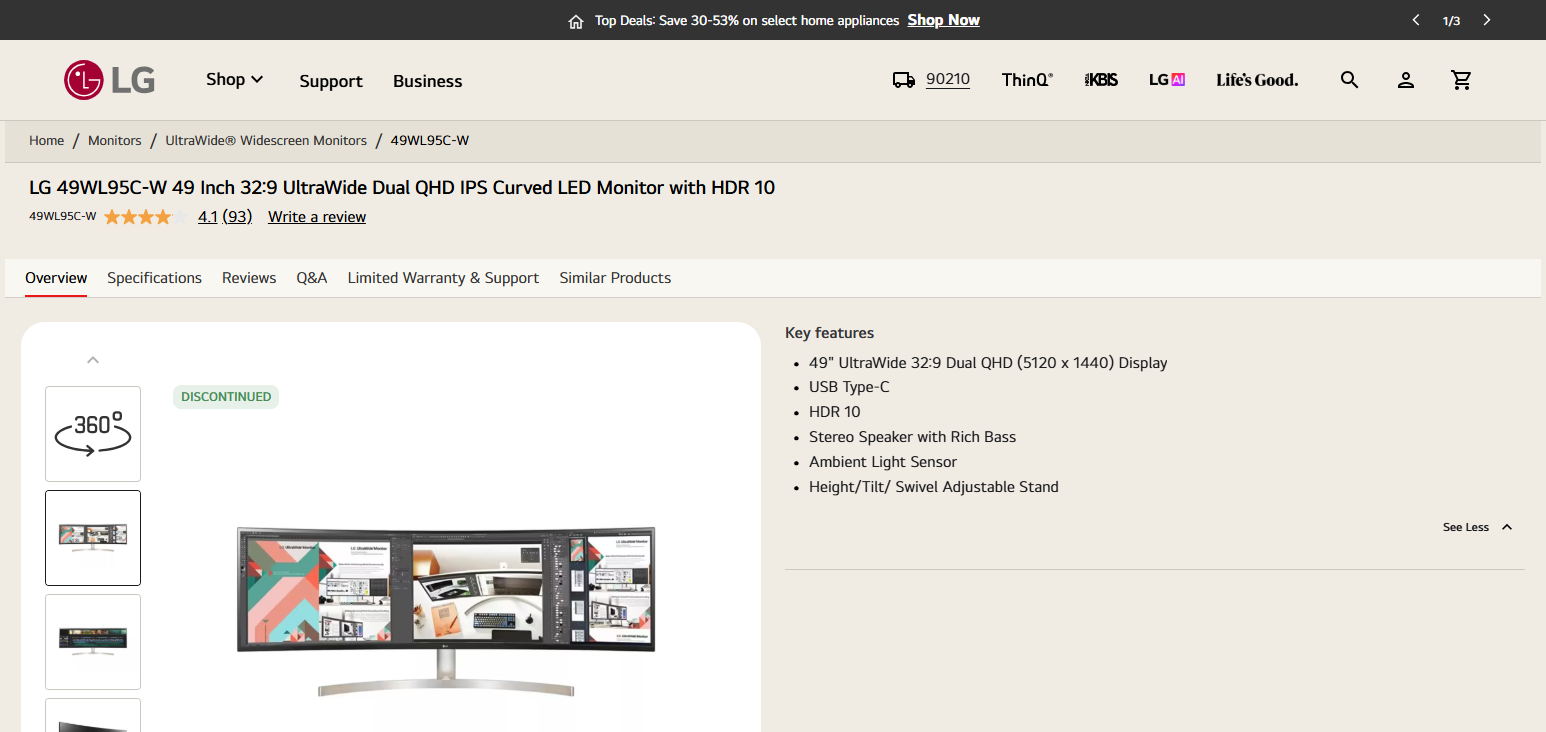
LG 49WL95C‑W
Pros
- Massive ultrawide gives near dual‑monitor productivity space.
- Excellent for multitasking, spreadsheets, content creation.
- IPS colors and USB‑C with power delivery.
Cons - Huge size demands a lot of desk space.
- Pricey and may be overkill if you don’t need extreme workspace
LG 49WL95C-W key feature
- Enormous 49-inch ultrawide screen (32:9 ratio)
- Dual QHD screen for trading with several windows open
- Improved focus and productivity with a curved display
- USB-C with power delivery
- Eliminates the need for multiple monitors
7. Samsung Smart Monitor M8
The [Samsung Smart Monitor M8]() offers productivity enhancement and smart TV functionality.
It lets traders even use some apps, cloud services, and trading platforms without needing to use a PC. The elegant design and good color reproduction work well for casual to intermediate traders.
Among the Best Monitors for Trading, this is a good option for users seeking a versatile monitor that merges trading and work with entertainment7. Samsung Smart Monitor M8
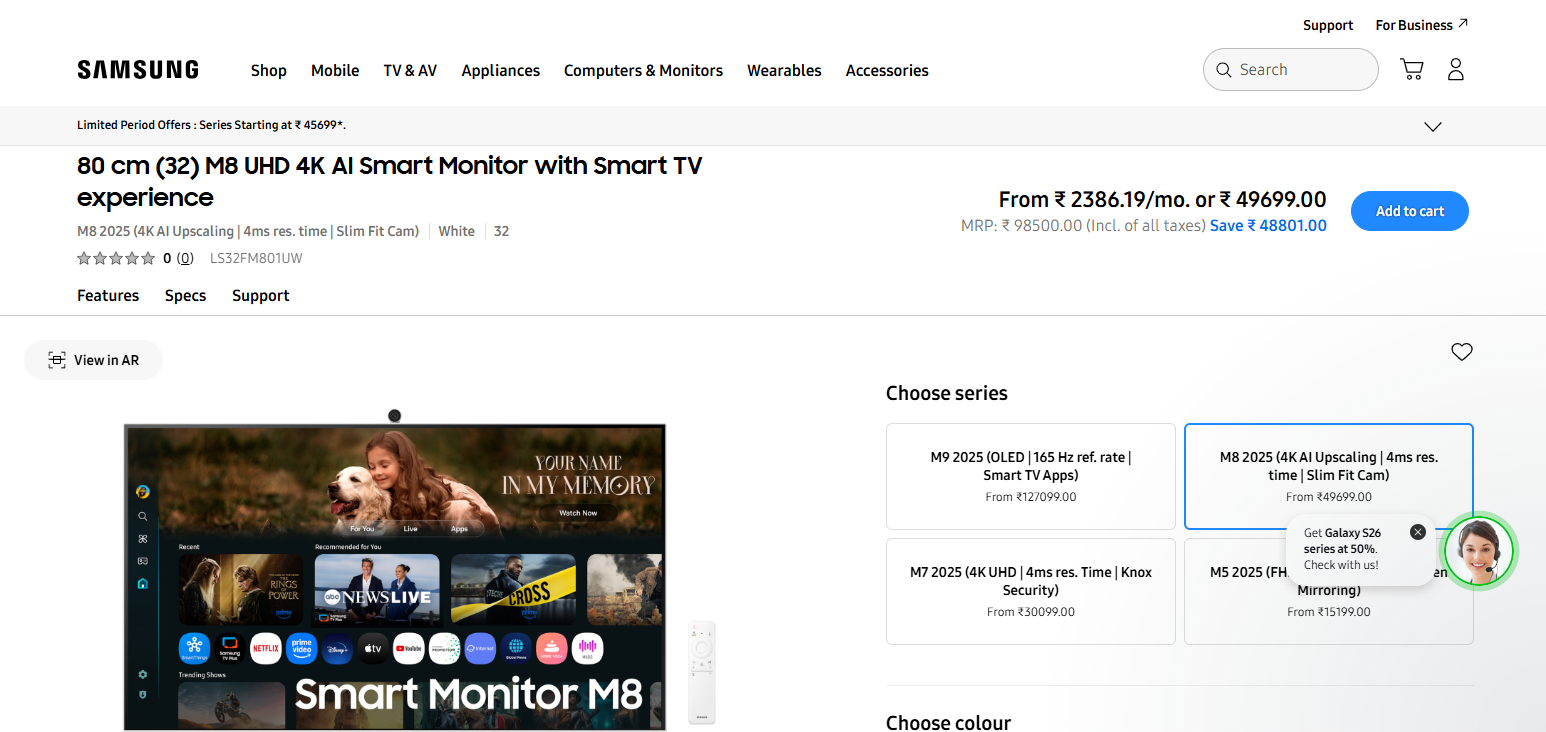
Samsung Smart Monitor M8
Pros
- All‑in‑one smart features (TV apps, streaming, wireless).
- Good 4K panel for office, media, casual use.
- USB‑C and smart remote integration.
Cons - Not optimized for serious gaming or pro color work.
- Smart features may feel unnecessary if you just want a pure monitor.
Samsung Smart Monitor M8 key feature
- Smart TV features and 32-inch 4K UHD screen
- Wireless features and built-in applications
- Modern and slim style for a neat workspace
- Remote work and cloud access
- Excellent for trading and productivity
8. Dell P3421W
The [Dell P3421W]() is a 34-inch ultrawide monitor with a WQHD curved screen. It is designed with productivity and comfort in mind.
The curved screen minimizes eye fatigue from long trading sessions. A wide screen is perfect for heterogeneous multitasking. Dell P3421W offers USB-C for streamlined workspace options.
In the Best Monitors for Trading category, this is a good mid-range option for traders seeking a screen that combines space, comfort, and affordability
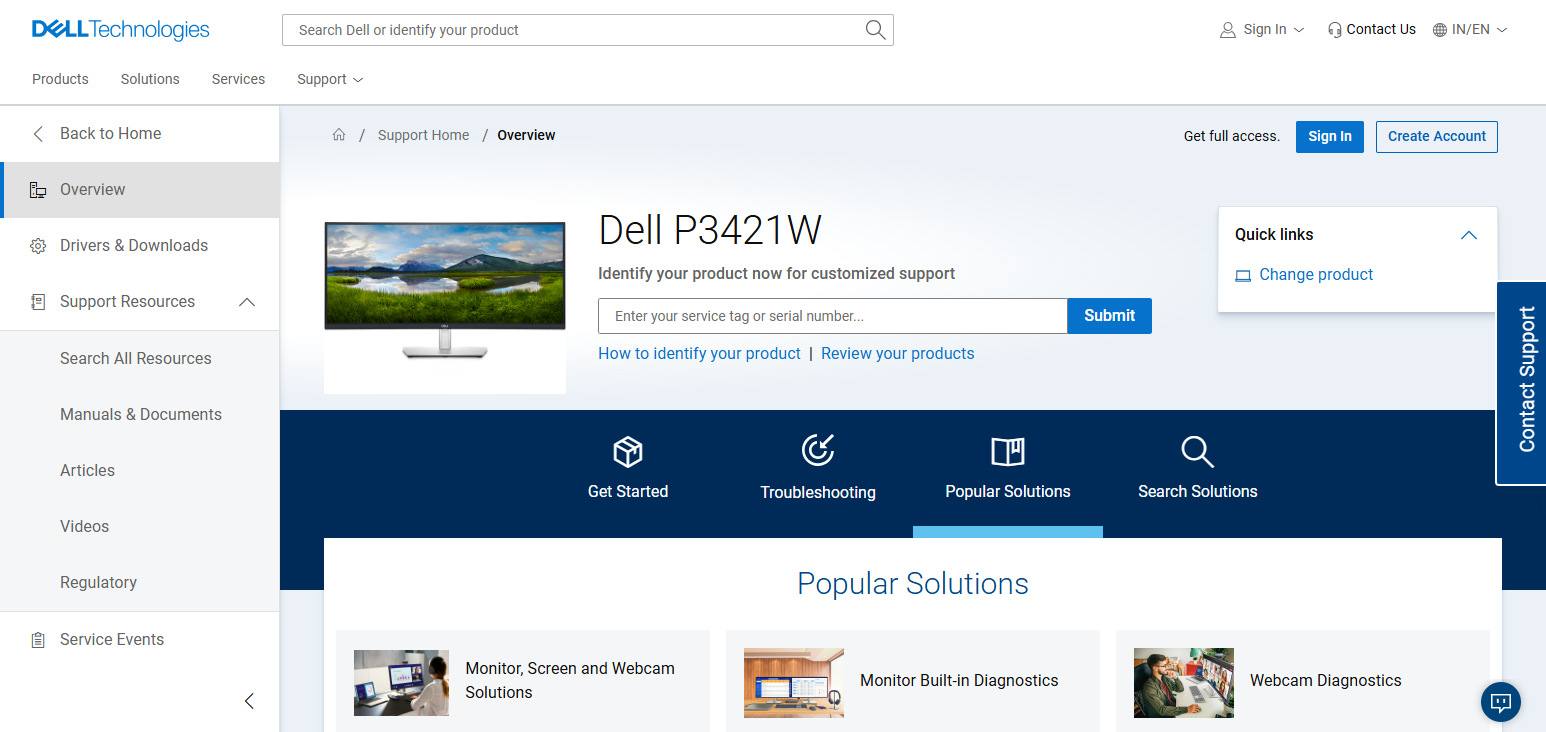
Dell P3421W
Pros
- Ultrawide format good for productivity and workflows.
- Solid build quality and professional design.
- USB‑C hub eases laptop connectivity.
Cons - 60 Hz refresh not great for fast gaming.
- Less vibrant colors vs. high‑end creator monitors.
Dell P3421W key feature
- 34-inch ultrawide curved WQHD screen
- 21:9 ratio for chart multitasking
- USB-C with power delivery
- Eye strain is reduced with ComfortView
- Built for productivity to sustain long trading hours
9. ASUS TUF Gaming VG289Q
The [ASUS TUF Gaming VG289Q]() is an entry-level monitor for traders that want 4k resolution.
It has an IPS screen which tends to offer better color accuracy and detail even at wider angles along with capturing good detail even during fast frame changes.
While it is marketed towards gaming traders it does provide good clarity and detail to assist them with reading financial charts and is entry-level for trading at around 4k monitors.
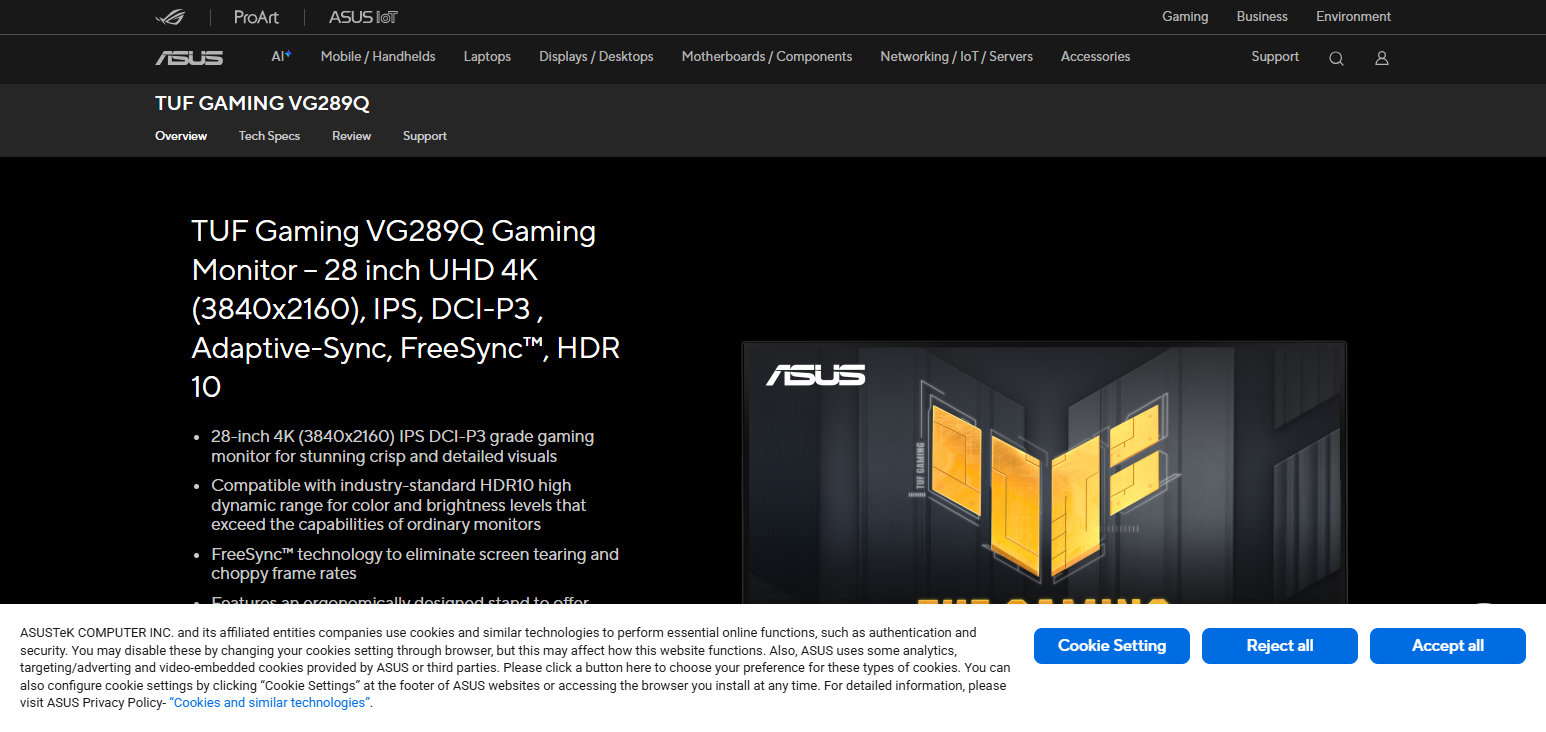
ASUS TUF Gaming VG289Q
Pros
- Good value 4K gaming/entertainment monitor.
- Adaptive‑Sync support and HDR enhances visuals.
- IPS panel with decent color reproduction.
Cons - Lower refresh (60 Hz) compared to high‑end gaming models.
- HDR implementation modest vs premium displays.
ASUS TUF Gaming VG289Q key feature
- 28-inch IPS 4K UHD display for vivid visuals
- Cost-effective choice for novice traders
- Good color accuracy and wide vi ewing angles
- Smoother visuals due to Adaptive Sync support
- Good build quality
10. Acer Predator X38
The Acer Predator X38 is an ultrawide monitor with a screen size of 38 inches, with a premium build.
It is marketed with an UWQHD+ resolution and has fast response times of up to 175Hz. It has a nice, very rounded curvature which assists in tracking fast and quick changing markets.
Also, due to the size of the screen, multiple windows can be opened and displayed at the same time. This is for professional traders and more advanced trading setups which assists in offering the optimal performance. It is in the ‘Best Monitors for Trading’ category due to this.
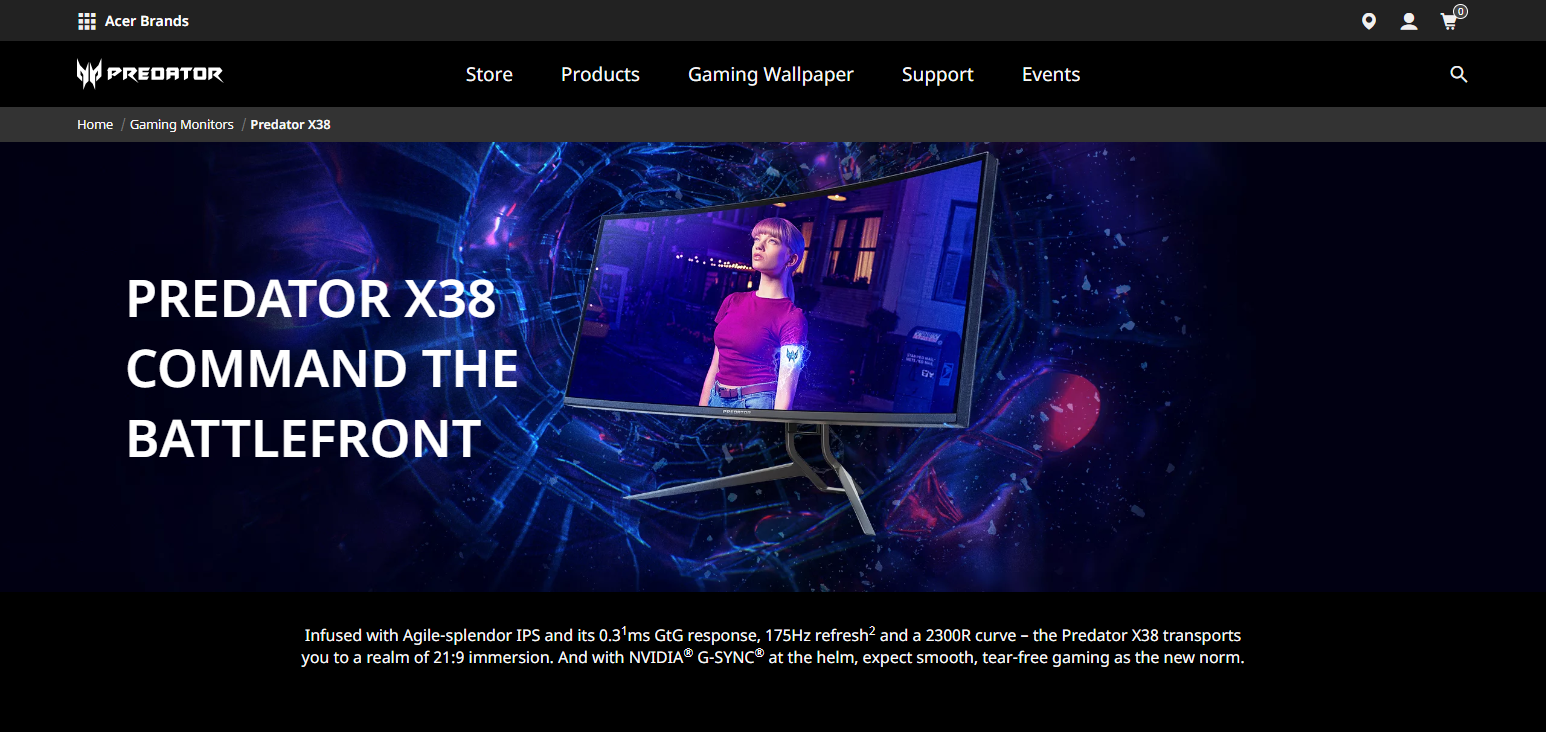
Acer Predator X38 (represented by similar models like Acer Predator XR382CQK)
Pros
- Immersive ultrawide experience for gaming and simulation.
- Excellent color and sizeable workspace.
- High refresh options available on some Predator models.
Cons - Expensive and very large footprint.
- Not always the best for color‑critical professional work.
Acer Predator X38 key feature
- Curved 38 inch ultrawide display (UWQHD+)
- Refresh rate goes up to 175Hz and shows content smoothly
- Color precision and clarity due to IPS panel
- Ideal for multi-window setups
- High quality construction for immersive experience
Conclusion
When trading reliability, tasks, and screen clarity are key. USB-C connectors and 4K clarity provide seamless setups with the Dell UltraSharp U2723QE and Dell P3421W. The LG 34WN80C-B and LG 49WL95C-W are ultrawides that help with the trading stream as they provide multiple charts and apps on one screen.
For fast market changes the Samsung Odyssey Neo G7, the ASUS TUF Gaming VG289Q, and the Acer Predator X38 have fast refresh rates. The BenQ PD3220U and ASUS ProArt PA32UCG are for the creators as they have good color accuracy for the better data visualization.
The Dell Smart Monitor M8 is for trading as it is productivity with smart features. All in all these monitors provide an organized, efficient, and clear trading workspace.
FAQ
Which monitor is best for multi‑chart trading setups?
Ultrawide monitors like LG 49WL95C‑W, LG 34WN80C‑B, and Dell P3421W are ideal, as they provide ample screen real estate to view multiple charts, watchlists, and news feeds simultaneously.
Are gaming monitors good for trading?
Yes, models like Samsung Odyssey Neo G7, ASUS TUF Gaming VG289Q, and Acer Predator X38 offer high refresh rates and low response times, which help track real-time market changes more smoothly
Which monitors provide the best color accuracy for detailed analysis?
ASUS ProArt PA32UCG and BenQ PD3220U are designed for professional color accuracy. While primarily for creators, they help traders who rely on detailed charts, heatmaps, or financial dashboards.
Is 4K resolution necessary for trading monitors?
4K resolution, available on Dell UltraSharp U2723QE, BenQ PD3220U, and others, enhances clarity, allowing traders to read data and charts with minimal strain. It’s recommended if you use multiple applications or large spreadsheets.
5. Can smart monitors be used for trading?
Yes. Samsung Smart Monitor M8 offers productivity apps, streaming, and USB‑C connectivity, making it versatile for traders who also multitask with research, news, or media.