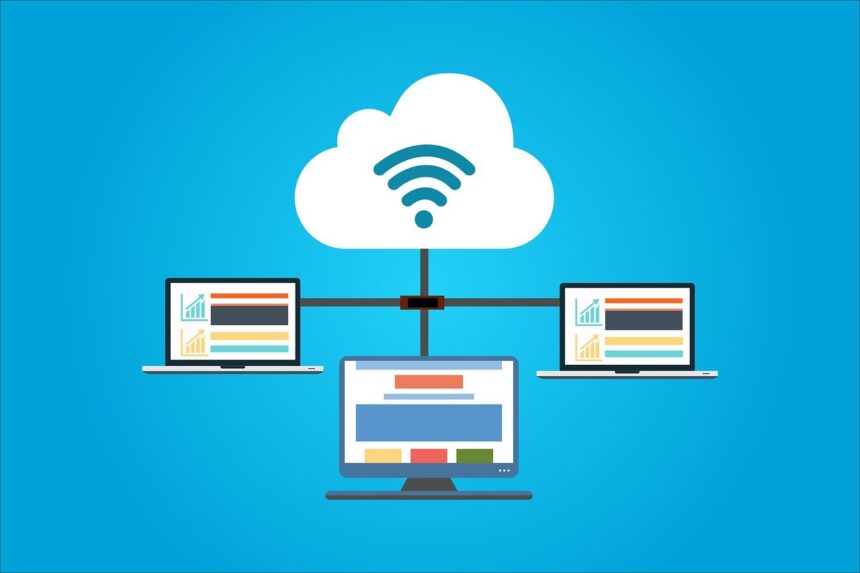
In this article, I explore some of the Best Multi-Cloud Management Platforms which assist entities in effectively governing, supervising, and fine-tuning functions spread across various cloud vendors.
- Key Points & Best Multi-Cloud Management Platforms
- 10 Best Multi-Cloud Management Platforms
- 1. VMware Aria (formerly vRealize Suite)
- 2. IBM Turbonomic
- 3. Cisco CloudCenter Suite
- 4. Flexera Cloud Management Platform
- 5. Scalr
- 6. CloudBolt
- 7. Morpheus Data
- 8. BMC Helix Cloud Security
- 9. ManageIQ (by Red Hat)
- 10. HashiCorp Terraform Enterprise
- How We Pick Best Multi-Cloud Management Platform
- Cocnlsuion
- FAQ
These systems offer automation, reduction of expenditure, governance, and security so that enterprises can consolidate cloud operations, compliance, and visibility in hybrid and multi-cloud systems. Platform selection is vital if you wish to find success in the cloud.
Key Points & Best Multi-Cloud Management Platforms
| Platform | Key Point |
|---|---|
| VMware Aria (formerly vRealize Suite) | Unified automation across hybrid and multi-cloud |
| IBM Turbonomic | AI-driven resource optimization |
| Cisco CloudCenter Suite | Application-centric deployment across clouds |
| Flexera Cloud Management Platform | Comprehensive cost visibility and governance |
| Scalr | Policy-based multi-cloud control |
| CloudBolt | Self-service provisioning with integrations |
| Morpheus Data | Rapid orchestration across 20+ clouds |
| BMC Helix Cloud Security | Continuous compliance monitoring |
| ManageIQ (by Red Hat) | Open-source multi-cloud management |
| HashiCorp Terraform Enterprise | Infrastructure as code for multi-cloud |
10 Best Multi-Cloud Management Platforms
1. VMware Aria (formerly vRealize Suite)
VMWare Aria is a fully-fledged cloud management system offered by VMware that helps businesses automate and streamline their cloud activities across hybrid and multi-cloud setups.
It helps businesses effectively manage costs and ensures that performance issues brought up by the users are automatically addressed. It brings down the manual workload on the operational teams.
Aria provides seamless cloud visibility and workload performance management across multiple public cloud platforms and on-premise VMware cloud bundles.
Aria goes a step further in assisting businesses by offering cloud cost performance analysis and automated services.
Automated services and cloud cost governance are done through a rich policy framework that is not only flexible but ensures compliance and self-service automated governance.
Aria VMware’s interoperability with other VMware tools makes its offering appealing to businesses that offer cloud virtualization services and are heavily networked to VMware.
Features VMware Aria (formerly vRealize Suite)
Unified Multi-Cloud Visibility – This is a single view of your dashboards. You can assess workloads and performance on a single platform and across several public clouds (AWS, Azure, GCP) and on VMware’s on-prem cloud.
Automation and Orchestration – Autonomous provisioning, scaling, and resource policy policy-based remediation is possible, with no need for manual intervention.
Cost and Resource Optimization – Monitors usage and spending to find and recommend inefficiencies to right sizing for a better return.
Governance and Compliance – Gaps in policy compliance can result in workloads running with no and, and at no gaps in the security and regulatory controls of the environment.
| Pros | Cons |
|---|---|
| Deep integration with VMware ecosystem making it ideal for organizations with VMware‑centric infrastructure. | Can be expensive and complex to license, especially for smaller teams. |
| Comprehensive multi‑cloud visibility, automation, and governance tools in a single suite. | Steeper learning curve due to breadth of features and configuration complexity. |
| Strong automation and policy‑based governance for cloud operations and compliance. | Some advanced features require additional modules or add‑ons. |
| Supports workload optimization and cost management across hybrid and public clouds. | Best value when paired with other VMware products — less efficient for non‑VMware environments. |
| Mature enterprise support and robust community knowledge base. | Initial setup can demand significant time and skilled resources. |
2. IBM Turbonomic
IBM Turbonomic has innovative resource management capabilities with its artificial intelligence systems.
Turbonomic utilizes automated resource management in order to predict demand and supply across multi cloud infrastructures.
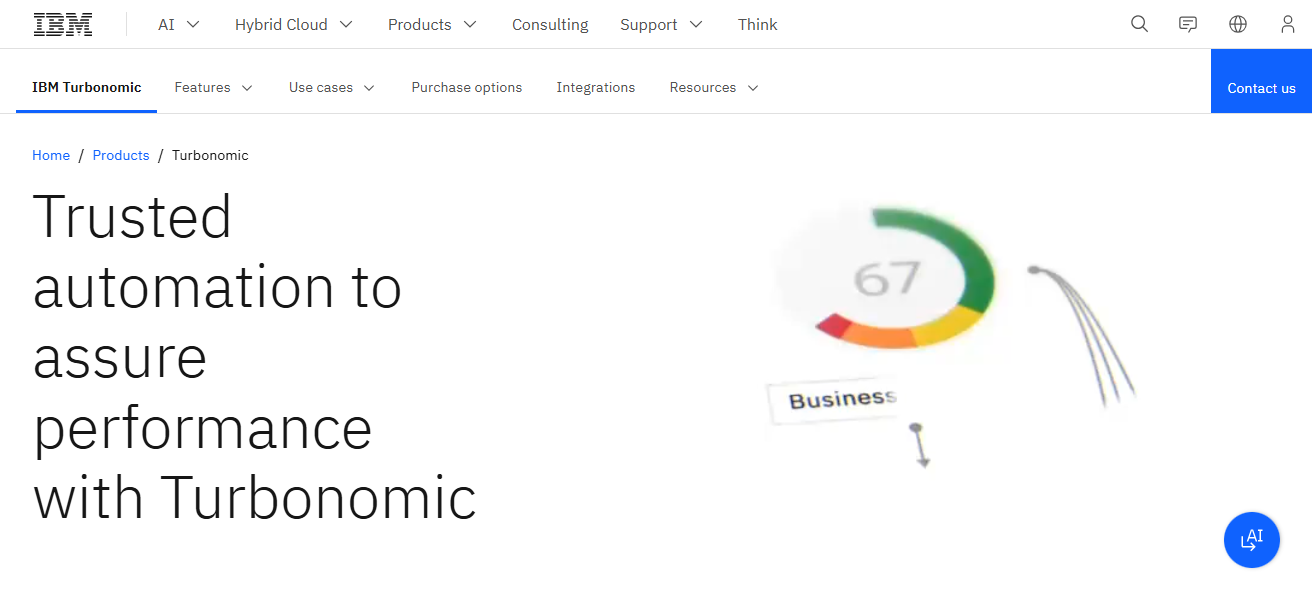
Turbonomic spend costs effectively by ensuring resources are not wasted. Sp serves AWS, Azure, Google Cloud, and even private cloud servi and expensive aplications with a be distributed systems.
Turbonomic enables companies to *save cloud spend, control costs. and optimally invest in cloud services.
Features IBM Turbonomic
AI-Driven Optimization – Peak performance is achieved when resources are automatically provisioned, based on continuous demand analysis and an
Costs Management – Wasteful spending can be avoided by rightsizing cloud costs and optimizing resource usage.
Multi-Cloud Support – Turbonomic functions the same way on multiple cloud environments – AWS, Azure, GCP, and on-prem IT infrastructure.
Performance Assurance – Performance SLAs are achieved by ensuring that apps running receive adequate resource provisioning to meet demand.
| Pros | Cons |
|---|---|
| AI‑driven optimization continuously manages resources to cut waste and improve performance. | Pricing can be relatively high for continuous optimization at scale. |
| Works across public clouds and on‑premises environments for unified automation. | Can require training to interpret advanced insights and automation suggestions. |
| Excellent at right‑sizing workloads and reducing overall cloud spend. | Some integrations with niche tools may be limited compared to other platforms. |
| Strong compliance and workload balancing capabilities. | Initial deployment and tuning can be resource‑intensive. |
| Reduces manual effort by automating decisions for infrastructure scaling. | May over‑automate if policies aren’t tailored carefully, leading to performance shifts. |
3. Cisco CloudCenter Suite
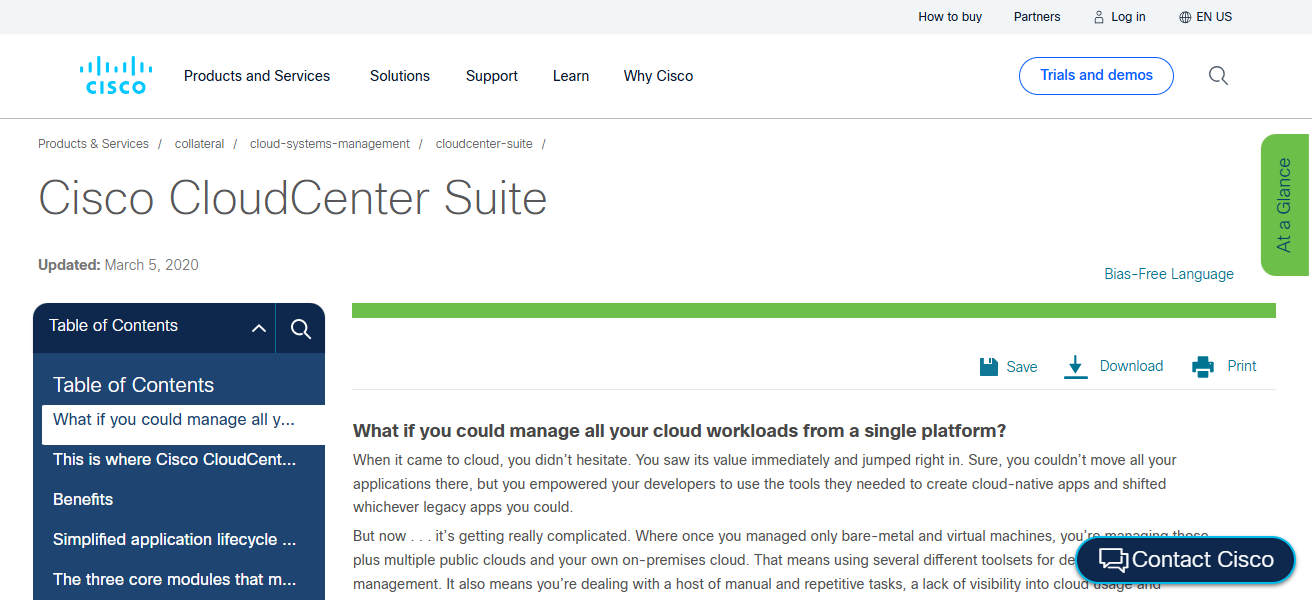
Cisco CloudCenter Suite is a powerful tool that streamlines the process of deploying and managing applications across multiple hybrid and multi-cloud environments.
It is designed for automating application lifecycle management CloudCenter suite allows for consistent application lifecycle management policies and governance across public and private data center.
Visual modeling tools within CloudCenter facilitates the creation of application topologies and business requirements.
A policy engine within the suite enforces the security and compliance policies while the suite beyond intergration with other tools
Within Cisco’s productivity and security cloud provide advanced networking and unified cloud control essential for inter connectivity and on-premise infrastrcuture of an enterprise.
Features Cisco CloudCenter Suite
Application Lifecycle Management – You can automate the deployment, scaling, and governance of apps in multiple clouds.
Policy-Driven Control – Sets and enforces security, compliance, and access rules across the organization’s entire environment.
Hybrid Cloud Support – Transferring workloads within and among public and private data centers.
Cost Visibility & Tracking – Assists IT units in determining cloud expenditure and managing costs related to provisioned resources.
| Pros | Cons |
|---|---|
| Centralized deployment and lifecycle management for hybrid and multi‑cloud. | User interface can feel dated compared to emerging cloud management tools. |
| Strong integration with Cisco networking and security portfolios. | Depth of features may be overkill for smaller teams or simple workloads. |
| Good policy enforcement to uphold compliance and access standards. | Cost and complexity align with larger enterprise budgets. |
| Visibility across workloads helps with governance and accountability. | Less community support compared to open‑source solutions. |
| Supports hybrid cloud automation including on‑prem environments. | Initial rollout requires effort, especially if integrating with legacy systems. |
4. Flexera Cloud Management Platform
Flexera is equipped with a cloud management platform that helps organizations manage multi-cloud strategies with cost visibility, governance, and automation.
It compiles cloud spending data across AWS, Azure, Google Cloud, and others, giving a consolidated view of overall consumption and costs.
This platform helps organizations manage their budgets and provides guidance on eliminating wastage by making recommendations on rightsizing and removing unused instances.
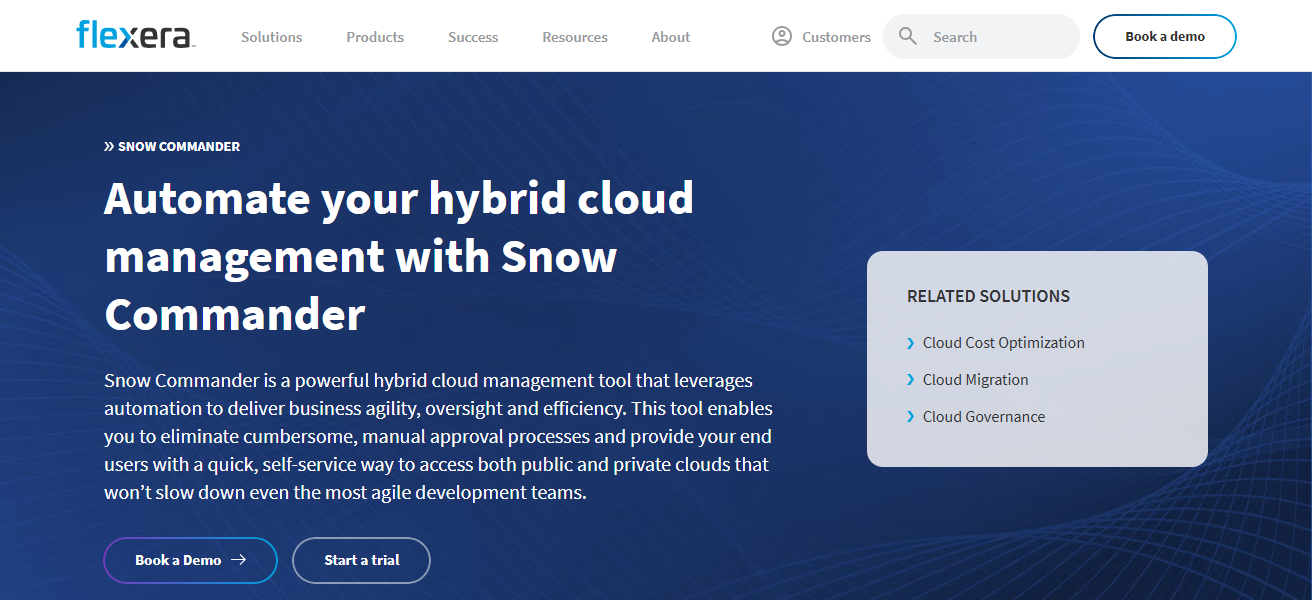
Beyond financial management, Flexera also implements policy-based governance for compliance and automates the provisioning of workloads.
Their platform serves cloud-first organizations well with the ability to optimize cloud architecture and spending, most of which is driven by their superior analytics and reporting.
Features Flexera Cloud Management Platform
Comprehensive Cost Analytics – Analytical granularity on cloud spending, coupled with actionable insights for spending reduction.
Budget & Governance Controls – Policy-based control helps automate the governance of policy enforcement and the prevention of excessive spending.
Multi-Cloud Support – Consolidates data from various services in one view on AWS, Azure, GCP, and more.
Automated Provisioning – Ensures automation of resource provisioning governance and compliance.
| Pros | Cons |
|---|---|
| Excellent cloud cost visibility and optimization insights across providers. | Can be pricey for smaller cloud environments. |
| Strong policy governance and automation capabilities. | Interface may be overwhelming due to rich feature set. |
| Integrates usage reporting, budgeting, and governance into a single view. | Customizing dashboards and reports can require power‑user skills. |
| Supports numerous cloud environments and services with detailed analytics. | Focus on cost may overshadow deeper provisioning controls. |
| Helps drive operational alignment between IT and finance teams. | Some users report slower onboarding due to breadth of configuration options. |
5. Scalr
Scalr is the top multi-cloud management software focused on automation, governance, and cost management.
Scalr assists large organizations to allow their IT teams to set and maintain policies that ensure secure and compliant public cloud deployments on AWS, Azure, Google Cloud, and others.
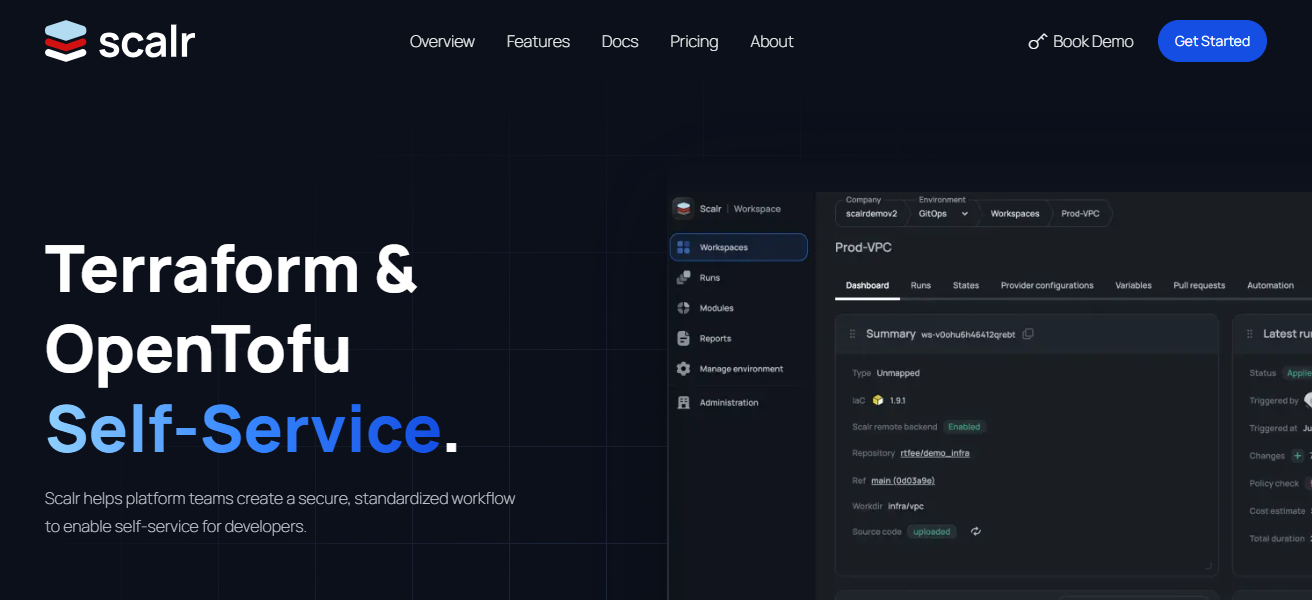
Scalr also provides visibility on cost management and budgeting to ensure organizations understand how their cloud is being used.
Scalr also automates cloud provisioning and other activities, accelerating efficiency. For enterprises that need cloud management to be secure, policy-driven, and highly governed, Scalr succeeds in providing the right amount of developer freedom.
Features Scalr
Hierarchical Policies – Coordinated governance, while providing autonomous control to teams within established parameters.
Cost Monitoring & Budgeting – Cloud spend is monitored in real-time, and budget ceilings trigger alerts.
Self-Service Automation – Developers provision resources within the bounds of policy compliance, without IT oversight.
Multi-Cloud Compatibility – Functional with AWS, Azure, GCP, and more.
| Pros | Cons |
|---|---|
| Excellent hierarchical policies that balance governance and developer freedom. | Smaller ecosystem of connectors than some larger platforms. |
| Strong cost tracking and budgeting with real‑time spend visibility. | Requires configuration investment to tailor policies effectively. |
| Supports developers with self‑service provisioning within guardrails. | Learning to write effective policies for scale may take time. |
| Centralized control reduces cloud sprawl and waste. | Less focus on deep performance monitoring compared to others. |
| Encourages best practices with enforceable constraints. | Integration with niche third‑party tools may be limited. |
6. CloudBolt
CloudBolt can be used by businesses to help automate the management and control of hybrid and multi-cloud environments.
CloudBolt works with a multitude of cloud technologies, allowing businesses to be able to provision and manage infrastructure and services consistently.
CloudBolt has a user-friendly interface that manages complex workflows and maintains security and compliancy.
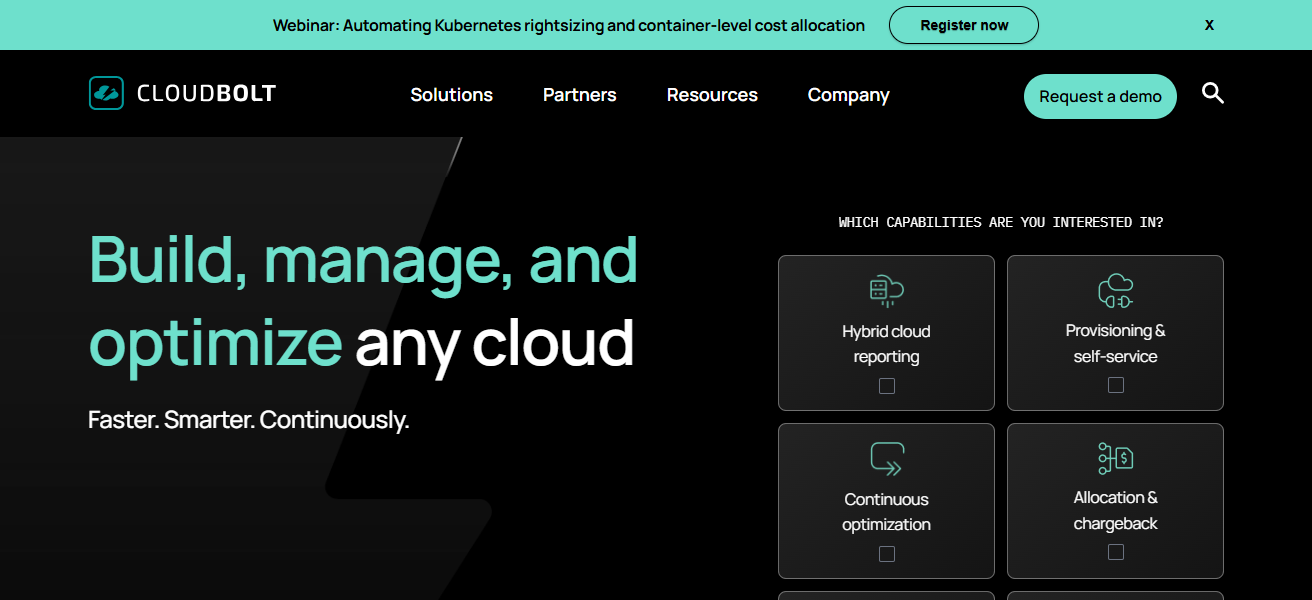
CloudBolt has excellent capabilities to track and optimize costs to help manage spenditure. CloudBolt also works alongside organizations
ITSM and DevOps tools to offer a single portal to manage cloud operations. Cloudbolt’s extensive offerings helps to make the platform a good fit for businesses with the need to modernize IT to have a faster adoption to Cloud technologies.
Features CloudBolt
Unified Provisioning Portal – Single point of access to provision and manage resources across multiple cloud service providers.
Policy Enforcement – Verifies that all policies relating to governance, compliance, and security are applied uniformly across the board.
Cost Tracking & Optimization – Provides actionable insights based on the monitoring of costs and the usage of ‘SaaS’.
ITSM & DevOps Integration – Integrates with ServiceNow, Ansible, other ITSM tools, and CI/CD tools.
| Pros | Cons |
|---|---|
| Unified portal for provisioning, governance, and automation. | Can be complex to configure initially. |
| Strong policy enforcement and visibility across multi‑clouds. | Support for newer cloud services may lag behind providers’ releases. |
| Integrates with existing ITSM and DevOps tooling. | May require additional training for full utilization. |
| Good cost‑tracking and reporting features. | UI not as modern or intuitive as emerging competitors. |
| Flexible and extensible for hybrid environments. | Pricing and licensing can vary widely, affecting ROI. |
7. Morpheus Data
Managed cloud systems combining supervision, workflow, and costs is what Morpheus Data facilitates.
The service incorporates automated policy orchestration, streamlining the governance of public and private cloud and container systems.
Cost management and financial analysis tools are integrated for monitoring and controlling cloud spend. The automation, which is the to improve the service delivery, reduces the repetitive manual work.
For complete lifecycle management, the automation engine seamlessly collaborates with DevOps and ITSM tools.
Morpheus is instrumental to organizations aiming to achieve cloud-like flexibility with traditional IT systems, whilst keeping control.
Features Morpheus Data
Self-Service Orchestration – Is capable of automated provisioning and deployment in multi-cloud or hybrid environments.
Cost Analytics & Reporting – Offers various insights on cloud costs with suggestions for optimization, and reports on usage.
Policy-Driven Governance – Compliance and security policies are automatically enforced and applied.
Integration Ecosystem – Other systems in cross-functional IT domains such as DevOps, ITSM, and container solutions like Kubernetes are networked.
| Pros | Cons |
|---|---|
| Built‑in self‑service provisioning with governance controls. | Setup and customization can be time‑consuming. |
| Good balance of automation, cost management, and workflow orchestration. | Some cloud‑native features may be less mature than competitors’. |
| Broad ecosystem integrations with DevOps and ITSM tools. | Feature set may feel bloated for smaller cloud deployments. |
| Centralized cost analytics and budget management. | Pricing may be steep for smaller organizations. |
| Supports public, private, and container environments. | Requires ongoing tuning to fully optimize performance. |
8. BMC Helix Cloud Security
BMC Helix Cloud Security protects hybrid and multi-cloud environments in real time. With visibility across multi-cloud providers such as AWS, Azure, and Google Cloud, Helix Cloud Security assists in the identification of risk and the application of security rules.

It identifies, and threat prioritize, auto-remediates, and offers improvement workflows to issues. It assists in compliance with automated risk scoring and regulatory reporting.
Providing more value in security to enterprises in the multi-cloud strategy with more integration in IT operations from the Helix suite.
Features BMC Helix Cloud Security
Continuous Cloud Security Monitoring – According to the company’s policies, how security posture is being tracked and misconfigurations in the environment are detected.
Automated Remediation – Uncovers compliance gaps, or automated repair of vulnerabilities within a defined scope.
Risk Scoring & Reporting – Generates prioritization of cloud workloads.
Regulatory Compliance Support – Offers assistance in achieving compliance for having audit-able reports for GDPR, HIPAA, and SOC2.
| Pros | Cons |
|---|---|
| Continuous security and risk assessment across multi‑cloud environments. | Primarily focused on security — not a full provisioning or cost management suite. |
| Automated remediation reduces risk and strengthens compliance. | May require integration with other tools for a complete cloud management strategy. |
| Strong compliance reporting and risk visualization. | Licensing costs can be high for full Helix suite. |
| Integrates well with broader IT operations solutions from BMC. | Initial learning curve for security policy configuration. |
| Helps unify security data from across platforms. | Less emphasis on workload automation and optimization. |
9. ManageIQ (by Red Hat)
ManageIQ, Red Hat’s open-source cloud management system, is able to provide self-service provisioning, operational visibility, and policy enforcement over hybrid and multi-cloud infrastructures.
ManageIQ works with numerous environments, such as AWS, Azure, Google Cloud, VMware, and OpenStack.
ManageIQ’s sophisticated policy automation systems allows groups to achieve automation compliance and standardization while decreasing manual efforts, and the usage, performance, and capacity analytics reports provide ease of monitoring.
ManageIQ is flexible and benefits from community based innovations due to its position in the open-source ecosystem
Granting it appeal to numerous companies focused on customizing their cloud management tools. It works well with the broader Red Hat products, especially those based on Linux and containers.
Features ManageIQ (by Red Hat)
Open-Source Cloud Management – Community based, flexible, extensible platform.
Policy-Driven Automation – Automation for provisioning, compliance, and lifecycle actions are governed by rules.
MultiCloud Support – Allows for the management of AWS, Azure, Google Cloud, VMware, and OpenStack from one platform.
Monte Carlo – Insights into usage, capacity, and performance.
| Pros | Cons |
|---|---|
| Open‑source with strong community backing and extensibility. | UI/UX can feel less polished than commercial offerings. |
| Policy‑driven automation for hybrid and multi‑cloud governance. | Requires more DIY configuration and maintenance. |
| Supports a wide range of clouds including AWS, Azure, Google, VMware, and OpenStack. | Enterprise‑grade support may require Red Hat subscriptions. |
| Cost‑effective, especially for organizations with in‑house DevOps skills. | Some integrations may be less ready‑to‑use out of the box. |
| Strong compliance and monitoring capabilities when configured properly. | Documentation can vary in depth and clarity. |
10. HashiCorp Terraform Enterprise
Terraform Enterprise by HashiCorp is a leading enterprise infrastructure as code (IaC) solution that allows organizations to uniformly define, deploy, and manage infrastructure across multiple clouds.
Creating controlled versions of configurations allows for unit reproducibility, auditability, and automation.
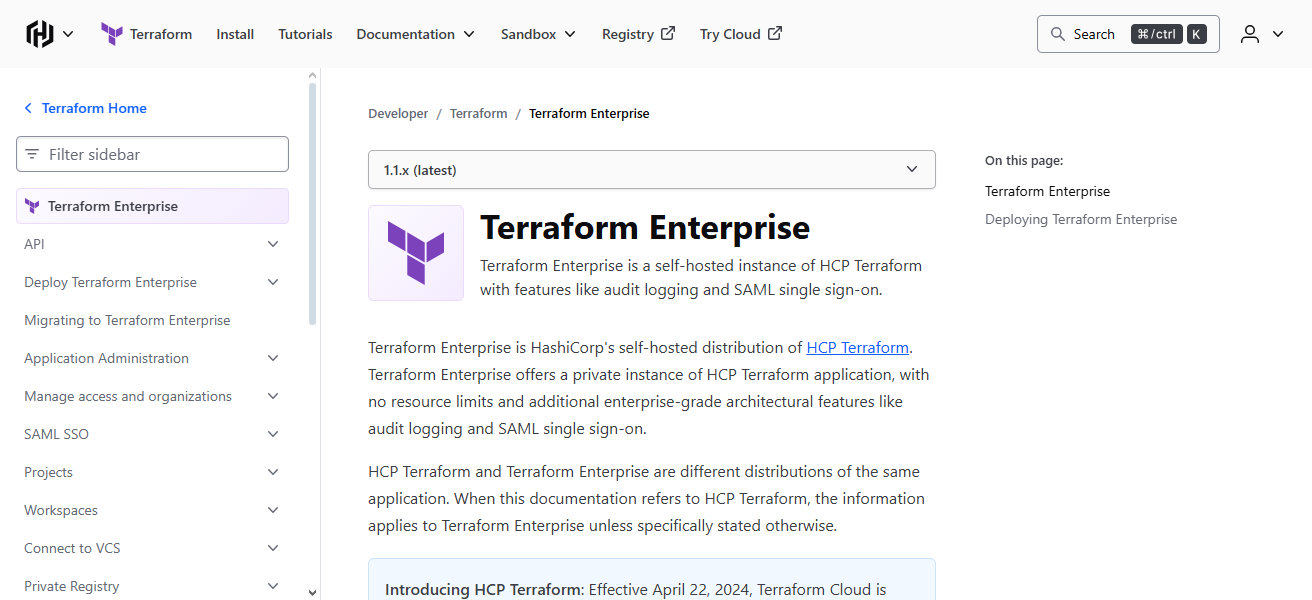
Terraform Enterprise builds on this collaboration and governance by adding policy enforcement, private module registries, role-based access control, etc.
Terraform Enterprise is also a safe choice for complex environments with integrations across major cloud providers and service APIs. It also empowers DevOps teams to make safe, large scale infrastructure deployments rapidly.
Features HashiCorp Terraform Enterprise
Infrastructure as Code (iAC) – Infrastructure is defined in version-controlled configuration files, which makes it reproducible and auditable.
Collaboration and Governance – Role based access control and policies create consistency in operations within and across teams.
Private Module Registry – Infrastructure modules that are versioned, reusable, and pre-built to create on-demand deployments for standardization of resources.
Multi Cloud Provisioning – Uniform operations with AWS, Azure, GCP, and additional are provided, abstracting the differences of each provider.
| Pros | Cons |
|---|---|
| Infrastructure as Code (IaC) ensures versioned, repeatable deployments. | Not a full management platform — focuses on provisioning and governance. |
| Strong collaboration and policy‑as‑code features for teams. | Requires grounding in Terraform syntax and workflow. |
| Works uniformly across nearly all cloud providers and services. | Lacks built‑in cost optimization and performance monitoring. |
| Enterprise capabilities like private module registries and RBAC. | State management complexity can grow with large teams. |
| Integrates with CI/CD pipelines and DevOps toolchains. | Does not provide direct end‑to‑end cloud spend dashboards. |
How We Pick Best Multi-Cloud Management Platform
Cloud Coverage: Make sure the platform covers all the clouds your company uses.
Automation & Orchestration: Look for automatic provisioning, scaling, and workflow management to lessen the amount of manual work needed.
Cost Optimization: Look for platforms that have rightsizing, cost tracking, and budgeting tools to help control cloud spend.
Security & Compliance: See if the platform has governance, compliance enforcement, and risk monitoring capabilities.
Integration & Ecosystem: Make sure the platform integrates with your existing DevOps, ITSM, and monitoring tools.
Ease of Use: Assess the level of the learning curve, the UI/UX, and the self-service availability for teams.
Scalability: The platform should work for your current workloads and be able to grow and expand, the more you use the cloud.
Analytics & Reporting: Check if there are actionable recommendations from monitoring and insights around performance.
Support & Community: See if there is community documentation, and support from the vendor for troubleshooting and guidance.
Cocnlsuion
In summary, the top Multi-Cloud Management Platforms allow companies to streamline cloud functions, lower expenses, and retain security and compliance with several suppliers.
VMware Aria, IBM Turbonomic, and HashiCorp Terraform Enterprise have different offerings that cater to the varied requirements of a company.
Choosing the best option brings effective cloud administration, greater achievement, and positive growth in modern Multi-Cloud settings.
FAQ
It is a software solution that allows organizations to manage, monitor, and optimize workloads across multiple cloud providers from a single interface.
They simplify cloud operations, reduce costs, ensure compliance, improve governance, and provide visibility across all cloud environments.
VMware Aria, IBM Turbonomic, Cisco CloudCenter Suite, Flexera Cloud Management Platform, Scalr, CloudBolt, Morpheus Data, BMC Helix Cloud Security, ManageIQ, and HashiCorp Terraform Enterprise.
Yes, most platforms support both public clouds and on-premises infrastructure for hybrid cloud management.
Yes, features like AI-driven optimization, rightsizing, cost tracking, and automated provisioning help lower cloud spending.