In this article I will analyze the best Odoo alternatives regarding the UI. Selecting the right ERP is a tedious process, this is even more evident when the ERP’s interface affects productivity.
- Key Points & Best Odoo Alternatives with Better UI
- 10 Best Odoo Alternatives With Better UI
- 1. ClickUp
- 2. NetSuite
- 3. SAP Business One
- 4. Zoho ERP
- 5. Bitrix24
- 6. Microsoft Dynamics 365
- 7. Oracle ERP Cloud
- 8. Infor CloudSuite
- 9. ERPNext
- 10. Acumatica
- How To Choose Best Odoo Alternatives With Better UI
- Cocnsluion
- FAQ
Many companies are on the look for alternatives that pack a punch featurewise while also providing a clean and easy to use dashboard.
We analyze different platforms that offer seamless navigation and visual insights to enhance user experience and make day to day activities easier.
Key Points & Best Odoo Alternatives with Better UI
| Platform | Key Point |
|---|---|
| ClickUp | Modern, intuitive UI with customizable dashboards |
| NetSuite | Enterprise-grade ERP with clean navigation |
| SAP Business One | Streamlined interface for SMBs |
| Zoho ERP | User-friendly design integrated with Zoho ecosystem |
| Bitrix24 | Visual CRM and ERP tools with collaborative UI |
| Microsoft Dynamics 365 | Polished UI with seamless Office integration |
| Oracle ERP Cloud | Clean cloud-native interface with advanced analytics |
| Infor CloudSuite | Modern UI tailored for industry-specific workflows |
| ERPNext | Open-source ERP with simple, clean design |
| Acumatica | Responsive UI optimized for mobile and web |
10 Best Odoo Alternatives With Better UI
1. ClickUp
ClickUp is a best Odoo alternative because it has a better user interface. It is simple and powerful. Odoo has a complicated interface with many modules.
ClickUp has a clean interface with a modern dashboard that is easily navigable for both technical and non-technical users.
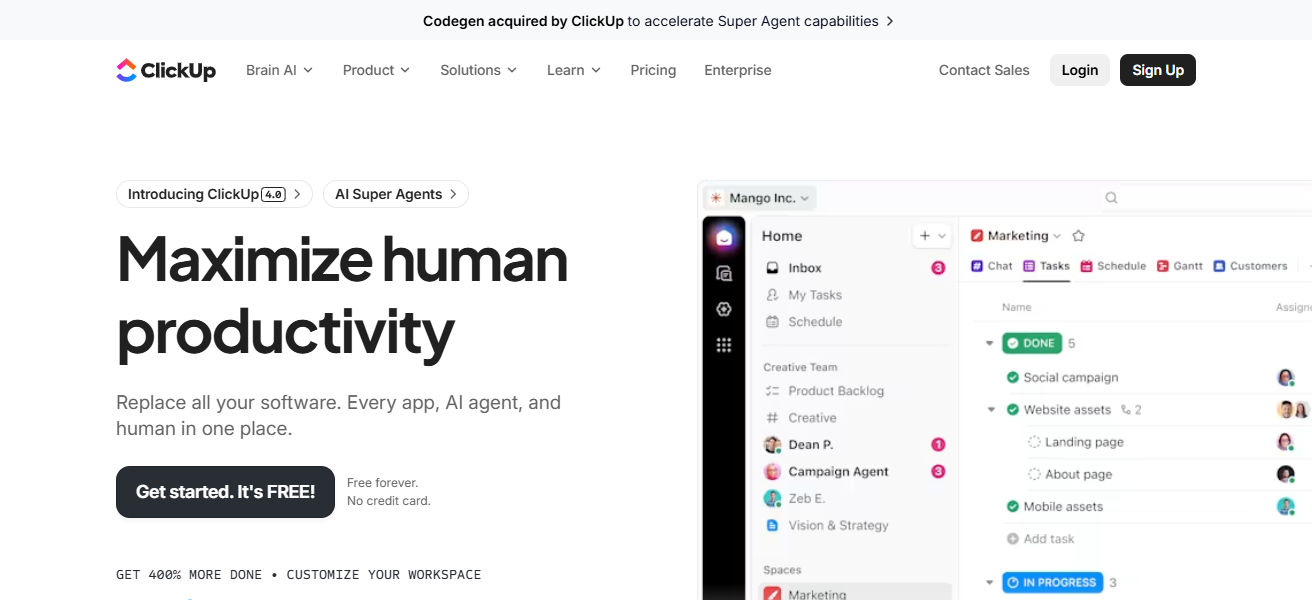
ClickUp integrates task management, documents, automation, reporting, and goals all in one visually intuitive workspace.
ClickUp increases operational speed and engagement with customizable views, drag and drop workflows, and real-time collaboration. Reducing the time to learn the software increases the productivity of teams.
ClickUp Features
Easy to use Dashboard – Their Dashboard is visual and customizable and it clearly displays tasks, goals and timelines.
Multiple View Options – They provide the ability to see options in the Kanban, list, calendar and Gantt to simplify navigation and planning.
Drag and Drop – This removes the necessary of using menus or coding in order to make changes to the workflow.
Collaborative Features – They include built in chat, comments and notifications for stakeholders to boost engagement and minimize friction in the user interface.
| Pros | Cons |
|---|---|
| Modern, intuitive UI with customizable dashboards | Can feel overwhelming with too many features |
| Easy navigation and visual task views | Not a full traditional ERP—focused on project management |
| Highly visual workflows (boards, timelines) | Requires configuration to match complex business needs |
| Quick onboarding for new users | Some deeper automation features need a learning curve |
2. NetSuite
NetSuite is an impressive Odoo alternative that also offers a superior user interface. NetSuite differentiates itself from competitors by giving each user a clear, clean
Role-based interface, meaning that users don’t have to manage complex dashboards and modules. Instead, they receive streamlined access to relevant data through a simplified navigation menu.
NetSuite is a full functionality ERP, meaning that users can navigate seamlessly across their modules for finance, CRM, inventory, and analytics. Its real-time collaboration, smart workflows, and uniform design create an integrated experience.
These features and design make NetSuite a great option for users seeking an ERP that has a strong functionality and a user-friendly experience.
NetSuite Features
Role Based UI – Each user interface is built specifically for the user. Each user will see only the applicable modules and data for them.
All in One Dashboard – Seeing Finances, CRM, and Business Operations in one visual space helps with workflow.
Real-Time Analytics – They provide users with instantaneous data updates in order to improve decision making.
Easy to use Navigation – Their use of a simple and consistent stream of menus and breadcrumbs allows for easy transitioning in and out of different modules.
| Pros | Cons |
|---|---|
| Clean role-based interface with personalized dashboards | Higher cost compared to simpler ERPs |
| Strong visual reporting tools | UI can still be complex for smaller teams |
| Consistent navigation across modules | Customization may require professional help |
| Intuitive for larger enterprise users | Initial setup time can be long |
3. SAP Business One
SAP Business One is praised by many as the best Odoo alternative when it comes to user interface. It successfully integrates competing ERP functionalities with ease of use.
Odoo’s interface can sometimes be cluttered, while Business One offers simple menus, dashboards tailored to user roles, and predictable screen layouts to ease everyday tasks.
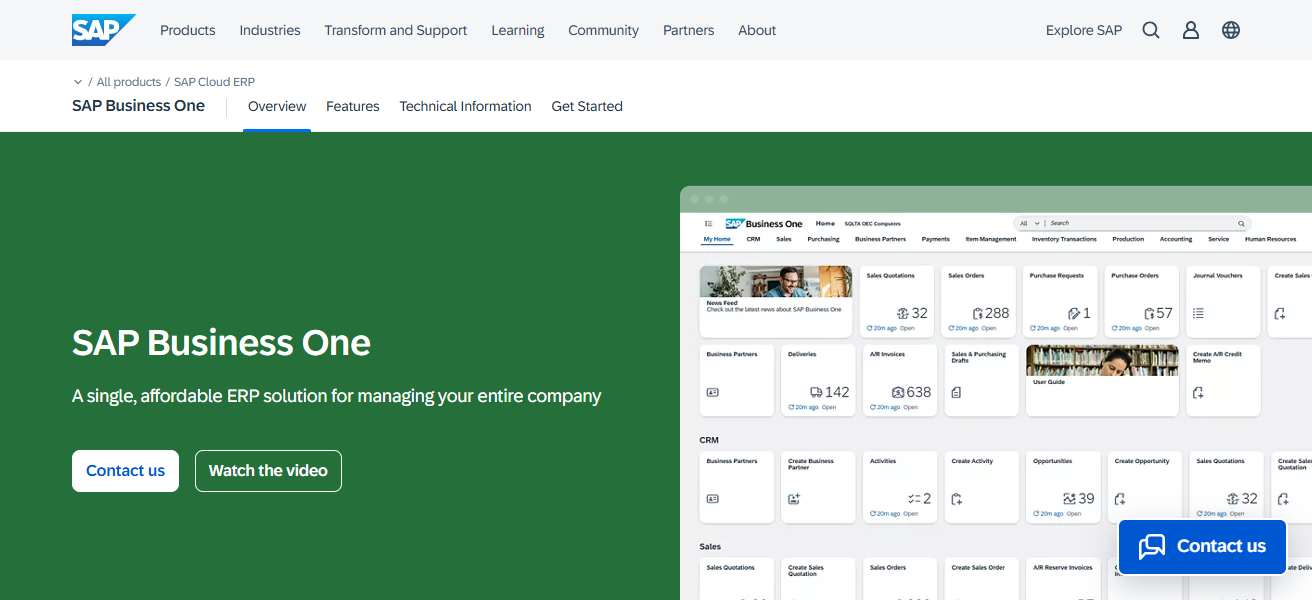
It is tailored for small and medium enterprises, and it offers access to finance, sales, inventory and reporting tools without the need to traverse complicated modules.
It retains its enterprise grade consistency while being easier to adopt thanks to its workflows, visual data representation and lesser need for customization.
SAP Business One Features
Logical Menu Layout – Their menus are arranged in a way that is easy to minimize confusion and locate functionalities.
Tailored User Screens – Each user interface is built with the daily responsibilities of that user in mind.
Easy to Read Reports – Sand boxed dashboards and charts simplify complex data.
Large Simplicity Navigation Bar – Their tool menus are shallow and provide quick access to frequently used functions.
| Pros | Cons |
|---|---|
| Clean role-based interface with personalized dashboards | Higher cost compared to simpler ERPs |
| Strong visual reporting tools | UI can still be complex for smaller teams |
| Consistent navigation across modules | Customization may require professional help |
| Intuitive for larger enterprise users | Initial setup time can be long |
4. Zoho ERP
Ic cloud solutions is a top Odoo alternative that offers a better user interface. Most Odoo users find the interface extremely confusing. Odoo focuses on modular complexity whereas Zoho has a seamless interface.
With Zoho, all business functions such as finance, inventory, CRM, and operations work together seamlessly. Other modules manage to look like they are a separate applications.
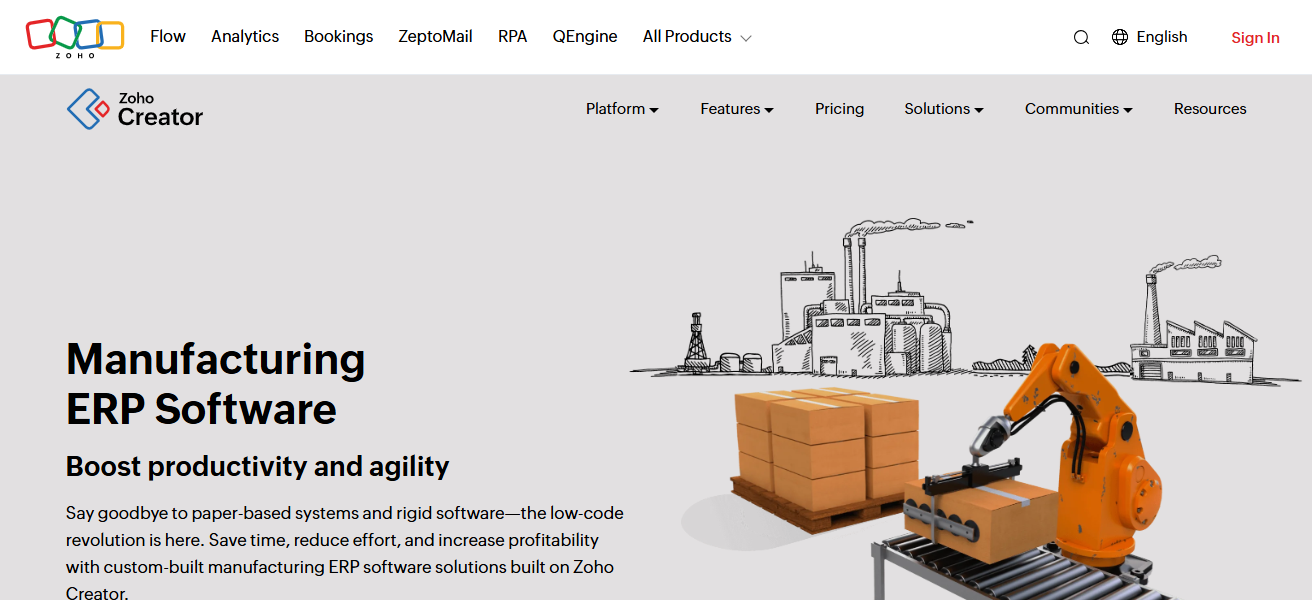
The use of a modern and clean interface provides a unified design, which eliminates confusion and reduces the need for extensive training.
Businesses are able to efficiently manage their processes without the need for excessive customization. The design of Zoho ERP is user focused and ideal for growing businesses.
Zoho ERP Features
Uniform App Design – All their apps share the same design providing a cohesive user experience.
Clean Dashboards – Displays metrics and data in a clean and visually appealing manner.
Minimal UI Clutter – Highlights important activities in the workflow.
Smooth Navigation – Jumping between different modules and apps feels seamless.
| Pros | Cons |
|---|---|
| Simplified and consistent interface | Some advanced ERP features can be limited |
| Seamless navigation between apps | Scaling with third-party integrations may vary |
| Visual dashboards and clear data views | Custom UI elements are less dynamic |
| Lower learning curve | Limited depth for heavy manufacturing use |
5. Bitrix24
Bitrix24’s user-friendly system is a great alternative to Odoo. It seamlessly combines working tools with digital ERP visuals.
Odoo’s back-end focused design been replaced by Bitrix24’s modern workspace approach letting teams adopt the software quickly.
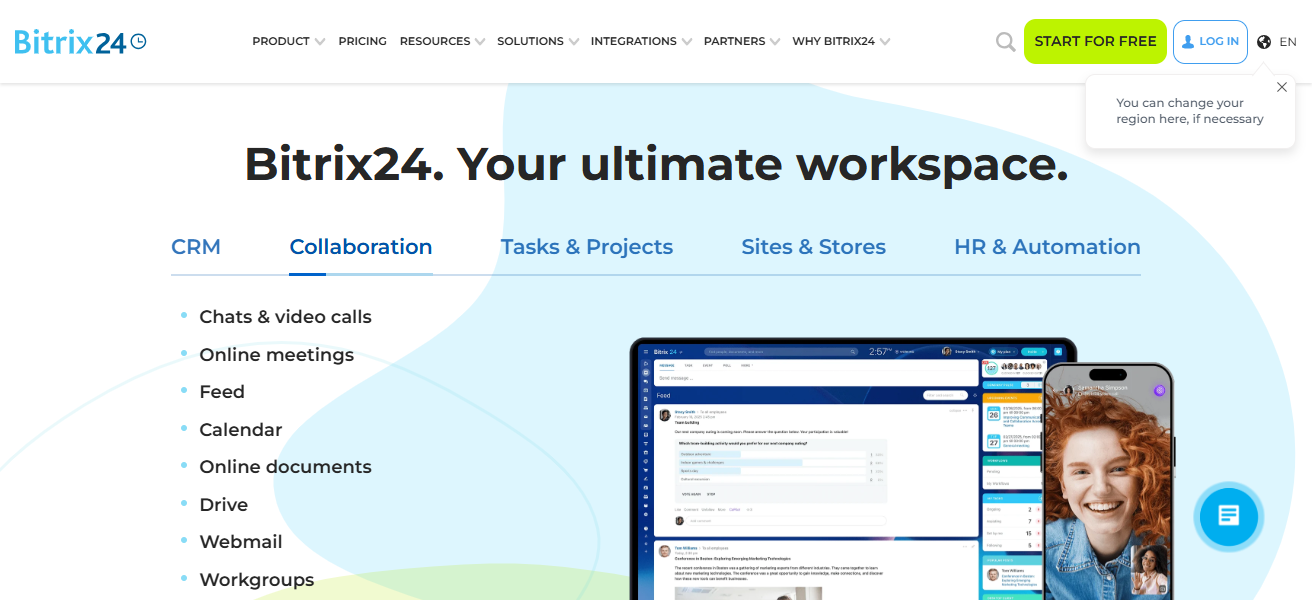
Activity feeds, kanban boards, and unified communication integrate to reduce module switching. With the CRM, project management, HR, and automation tools all visually organized, the overall experience is simplified.
The focus on people and collaboration in the design of the interface makes Bitrix24 a great choice. Businesses get all the necessary functionality without a complicated, or techy interface.
Bitrix24 Features
Activity-Focused UI – Displays activities, notifications, and tasks in a clean manner.
Kanban & List Views – Provides both list and kanban views for team tasks.
Centralized Communication – Integrated calling and chatting minimizes switching between apps.
Collaborative Workspace – Provides visuals to track overall project activities and tasks.
| Pros | Cons |
|---|---|
| Social and collaborative UI feels modern | ERP functions less deep than traditional systems |
| Unified workspace with clear communication tools | Navigation can get busy with many tools |
| Visual task boards and feeds | Learning curve for configuration |
| Good for team collaboration | Not focused primarily on classic ERP workflows |
6. Microsoft Dynamics 365
Microsoft Dynamics 365 is among the best Odoo alternatives with a better UI since it provides a familiar, seamless experience that is integrated with Microsoft’s design ecosystem.
Differing from Odoo’s convoluted interfaces, Dynamics 365 provides a simple, role-oriented user interface that is user-friendly for users that are already accustomed to Microsoft applications.
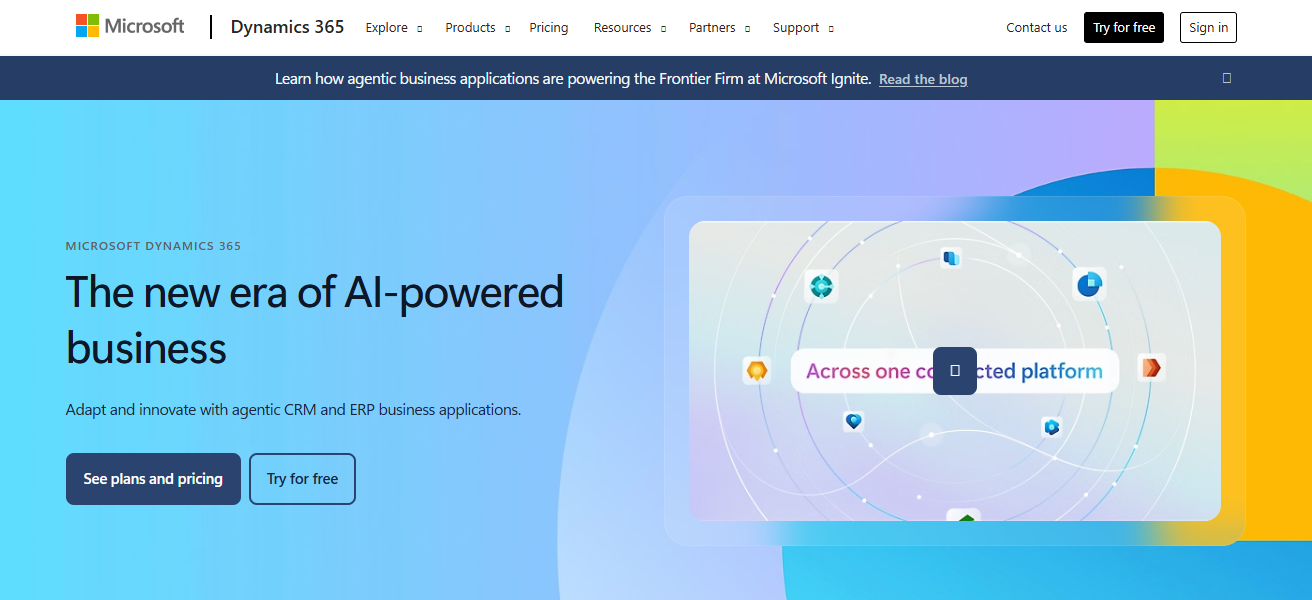
Its integration with Outlook, Excel, Teams, and Power BI provides a seamless workflow without screen clutter.
The dashboards are visual, customizable, and data-driven allowing users to obtain insights with ease. Its deep integration, consistency, and usability makes Dynamics 365 a better solution for modern businesses.
Microsoft Dynamics 365 Features
Microsoft-Style Interface – Resembles the interface of other Microsoft applications.
Role-Customized Dashboards – Displays insights based on the user’s role.
Embedded Analytics – Uses Power BI for data visualization and analytics to improve reporting.
Consistent Navigation – Easy movement between sections using tabs and breadcrumbs.
| Pros | Cons |
|---|---|
| Familiar Microsoft-style UI | Can be complex for first-time ERP users |
| Integrated with Office apps like Teams and Outlook | Licensing and setup costs can be high |
| Visual dashboards with analytics | Customization often requires experts |
| Role-based navigation enhances clarity | Multiple modules require training |
7. Oracle ERP Cloud
Oracle ERP Cloud stands out as a strong alternative to Odoo with a modern and more polished interface. Compared to Odoo’s cluttered interface, Oracle ERP Cloud offers more refined role-based dashboards.
These dashboards reduce the volume of information presented to each employee, showing only the most relevant and important data.
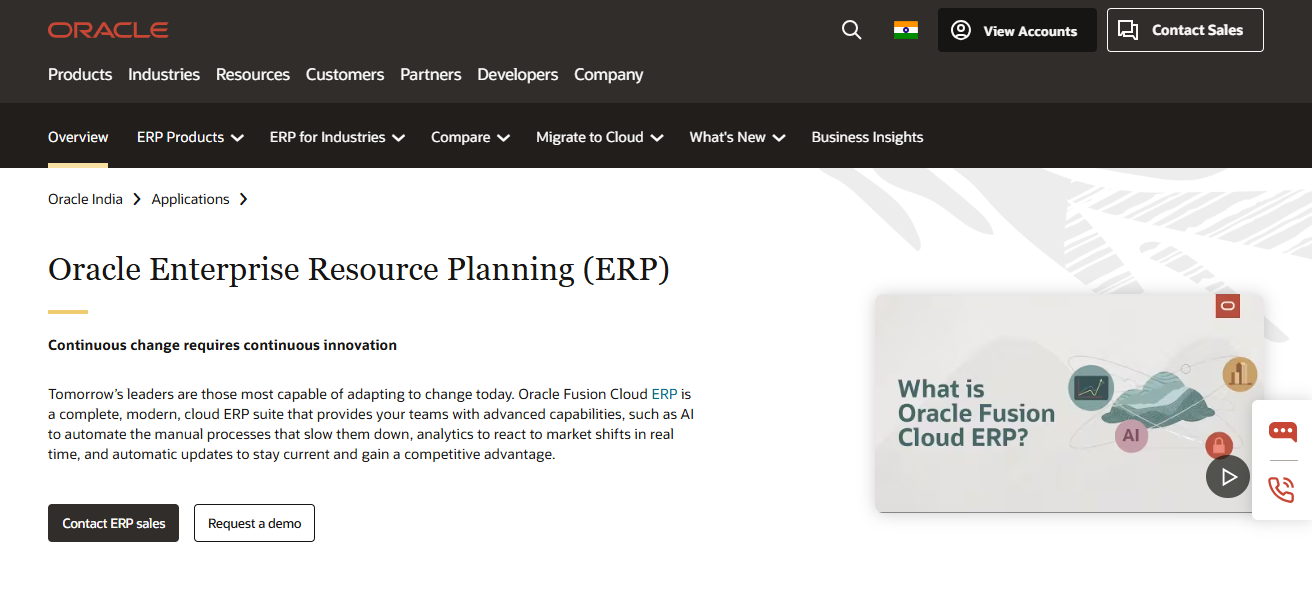
Aside from its dashboards, Oracle ERP Cloud offers a clean and guided interface with a variety of embedded analytics features, all of which improve the experience and support better decision making to reduce operational complexity.
Its interface simplifies the navigation and management of large-scale operations across finance, procurement, and procurement.
These features are designed to support the needs and demands of growing businesses. Cloud ERP is growing and large enterprises.
Oracle ERP Cloud Features
Guided Workflows – Uses visuals for error reduction at each step.
Role-Based Home Pages – Customized user home page summaries and action tiles.
Visual Reporting Tools – Interactive dashboards with drill-down functionality.
Clean, Modern UI – Updated design aesthetics eliminate unnecessary complexity.
| Pros | Cons |
|---|---|
| Refined modern UI with guided workflows | Very robust — can feel heavy for smaller teams |
| Clear visual dashboards and real-time insights | Implementation timeframe can be long |
| Role-based views improve usability | Higher cost tier compared to mid-market ERPs |
| Strong core and advanced features | Training required for full adoption |
8. Infor CloudSuite
Odoo has many alternatives, but Infor CloudSuite has the best interface. This is because Infor CloudSuite is designed around industry-specific use, as opposed to generic modules.
Odoo has wide-ranging modules that lead to a broad and cluttered interface. Infor CloudSuite has clean, role-based user screens.
Infor focuses on user roles in manufacturing, healthcare, and distribution. Infor’s UI is modern and focuses on real time data and smooth navigation with minimal clicks.
All functions across the software have the same design, which aids efficiency and user adoption. With such strong focus on design, clarity, and alignment across industry, Infor CloudSuite provides an excellent interface for businesses looking to invest in an ERP.
Infor CloudSuite Features
Industry-Tailored Screens – UI components are tailored to specific industries (e.g., elements for manufacturing workflows).
Role-Driven Navigation – Each user gets access to only what they need, thus reducing distraction.
Real-Time Visual Insights – Visuals such as charts show the operational status.
Workflow-Oriented Layout – Tasks are organized to speed up the process.
| Pros | Cons |
|---|---|
| Industry-focused UI flows | UI depth can vary by specific industry |
| Clear navigation with role-based screens | Customization may be complex |
| Visual and workflow-driven design | Not ideal for non-industry-specific use cases |
| Good for manufacturing/distribution sectors | Onboarding time can be significant |
9. ERPNext
ERPNext stands out as an Odoo competitor offering a user-friendly interface while maintaining simplicity.
Odoo is notoriously difficult to navigate with convoluted layouts and thick customization, while ERPNext offers a uniform and simple approach.
The web design allows for hassle free and clear navigation with workflows that help eliminate user confusion.

The core functions of accounting, inventory, HR and CRM modules are all structured plainly and without excess visual clutter.
ERPNext offers a business structure with transparency to the users and control free of traditional business ERP systems that are archaic. The simplistic design of an open source ERP system is a rare find.
ERPNext Features
Simple Core UI – All modules share a consistent look.
Easy Navigation Bar – Menus are uncomplicated to limit choices.
Visual Document Flow – Screens are interlinked to show how records relate.
Minimal Learning Curve – New users can adapt to the system easily due to the straightforward design.
| Pros | Cons |
|---|---|
| Simple, clean UI with logical layout | Limited advanced features compared to enterprise ERP |
| Easy navigation for core business functions | UI feels basic to some users |
| Fast onboarding | Lacks extensive industry-specific modules |
| Open-source and flexible | Community support varies |
10. Acumatica
Acumatica, an Odoo alternative, stands out due to its superior user interface and overall design. Thanks to its modern, flexible and cloud-based architecture, it provides the most seamless user experience. Where Odoo is bogged down by dense modular architecture, Acumatica offers a smooth and modular system.
Its responsive design adapts to the user’s role and highlights relevant information on role-based dashboards. Users are less likely to waste time switching functions due to the system’s excellent adaptive design.
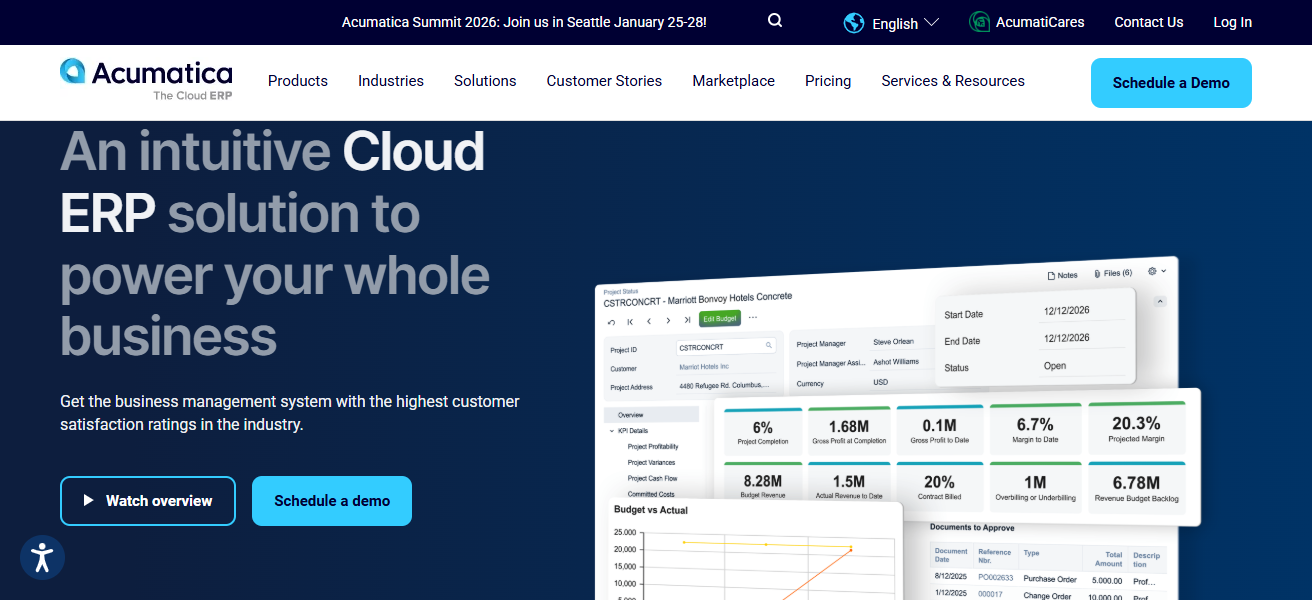
End users find the system’s smart-search and personalized screens to reduce administrative burdens considerably. The design is well suited for desktop and mobile, making remote work seamless.
Features like powerful automation and scalability are compliments to Acumatica’s user-centric design. This converging of modern design and powerful automation is what makes Acumatica an excellent choice for businesses wishing to have a modern, transparent, and efficient interface for their ERP.
Acumatica Features
Responsive Cloud UI – The interface is clean and responsive on desktops and mobile devices.
Role-Based Dashboards – Each role receives tailored analytics pertinent to their functions.
Smart Search & Filters – Find records quickly without having to go through multiple levels of menus.
Configurable Screens – Users can change layouts without programming or a complicated setup.
| Pros | Cons |
|---|---|
| Modern, responsive UI | Configuration can be deep for new users |
| Role-based dashboards with clear navigation | Less well-known compared to major ERPs |
| Works well on mobile and cloud | Advanced features require professional support |
| Intuitive search and personalization | Some integrations may need extra setup |
How To Choose Best Odoo Alternatives With Better UI
- Select software with modern, simple design that enhances daily productivity and reduces complexity.
- Focus on dashboards that show relevant data for each user’s role to minimize clutter.
- Look for consistent layouts and design that allow for seamless navigation across modules.
- Choose software that provides charts, dashboards, and visual reporting to analyze data easily.
- Look for software that allows customizations with little coding and limited technical knowledge.
- Look for cloud based software that is responsive for use on desktop, tablet, and mobile.
- Assess existing tools for integrations that enhance workflows and provide a unified user experience.
- Look for software with guided workflows that simplify tasks and minimize manual mistakes.
Cocnsluion
To sum up, selecting the best Odoo alternatives with improved UI can boost efficiency and user satisfaction. ClickUp, NetSuite, Zoho ERP, and Microsoft Dynamics 365 provide clean and intuitive user interfaces, dashboard and navigation restrictions by user role, and ease of movement.
With an emphasis on usability in the sight of visuals, and smooth flow of tasks, businesses can streamline operations and increase overall productivity by minimizing mistakes.
FAQ
Top alternatives include ClickUp, NetSuite, SAP Business One, Zoho ERP, Bitrix24, Dynamics 365, Oracle ERP Cloud, Infor CloudSuite, ERPNext, and Acumatica.
To get a cleaner, more intuitive interface that improves usability and reduces learning time.
ERPNext, Zoho ERP, and ClickUp are ideal for small to mid-sized teams.
ClickUp, Acumatica, and Oracle ERP Cloud offer modern, visually appealing dashboards.