
I will explain the Best Payment Reconciliation Platforms for High-Volume Merchants in managing transaction volumes efficiently and accurately.
With automated payment matching and decreased reconciliation discrepancies, these tools provide the merchant improved visibility of the finances from varied channels of sales. These tools have become indispensable for fast-growth ecommerce and enterprise merchants.
Key Points & Best Payment Reconciliation Platforms for High-Volume Merchants
| Platform | Key Point |
|---|---|
| Webgility | Multi‑channel integration across Shopify, Amazon, and accounting systems |
| Bookkeep | Automated journal entries for accurate daily reconciliation |
| Finaloop | Real‑time financial reporting with AI‑driven reconciliation |
| MyWorks | QuickBooks and WooCommerce sync for seamless reconciliation |
| Synder | Error and fraud detection with scalable automation |
| Osfin.ai | End‑to‑end eCommerce reconciliation with automated order‑payment matching |
| Optimus Reconciliation | AI‑powered accuracy reducing manual effort and error rates |
| Xero Reconciliation | Cloud accounting integration with automated payment matching |
| QuickBooks Online | Scalable reconciliation for high‑volume merchants |
| NetSuite | Enterprise‑grade automation with global compliance support |
10 Best Payment Reconciliation Platforms for High-Volume Merchants
1. Webgility
Webgility is an ecommerce accounting automation tool that integrates orders, payments, fees, refunds, and payouts from your various sales channels into your accounting software within seconds. It integrates with QuickBooks, Xero, and NetSuite.
It completely eliminates the need for any manual reconciliation by batching payouts, reconciling deposits to orders, and fees and taxes automatically, and is therefore ideal for merchants that need to close their books quickly and with fewer errors.
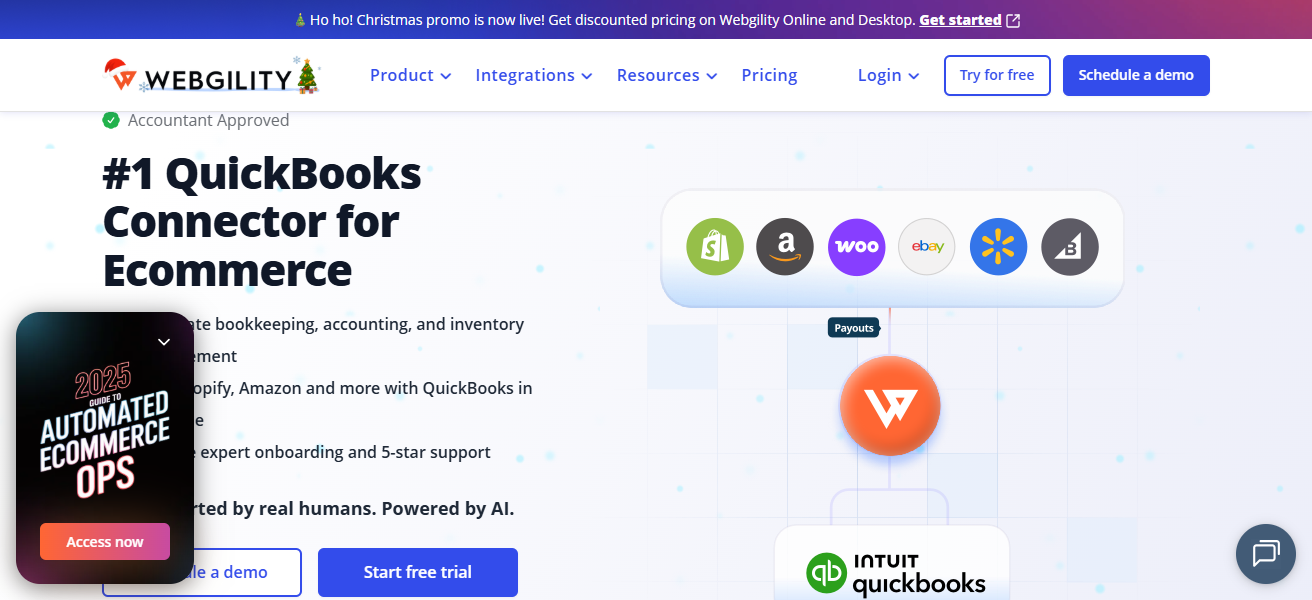
Webgility also works with high-volume sellers to ensure that their real-time reporting and inventory-tracking across sales channels is efficient, clean, and low-maintenance for audit-ready finances. This market-leading solution will reduce the manual reconciliation time by 75%.
Features Webgility
Automated Order & Payment Sync – Transfers sales, refunds, fees, and payouts automatically from ecommerce providers into various accounting systems.
Multi-Channel Support – Helps centralize reconciliation for Amazon, eBay, Shopify, Walmart, and many others.
Accounting Integration – Reduces manual data entry through seamless connectors to QuickBooks, Xero, and NetSuite.
Fee & Deposit Matching – Reconciliation is accurate as it automatically matches marketplace fees and bank deposits with the original orders.
| Pros | Cons |
|---|---|
| Automates reconciliation of orders, payouts, fees, taxes across multiple channels. | Can be complex to set up initially for large merchants with many integrations. |
| Syncs with QuickBooks, Xero, NetSuite, eliminating manual data entry. | Higher pricing compared with basic bookkeeping tools. |
| Reduces reconciliation time significantly. | Some advanced features require premium plans. |
| Good inventory & multichannel sales support. | Support turnaround can vary based on plan. |
2. Bookkeep
Automated bookkeeping and transaction reconciliation for ecommerce and service businesses is what Bookkeep does best.
It accurately fetches transaction data from sales platforms, payment gateways, and bank feeds and reconciles them into accounting platforms like QuickBooks and Xero.
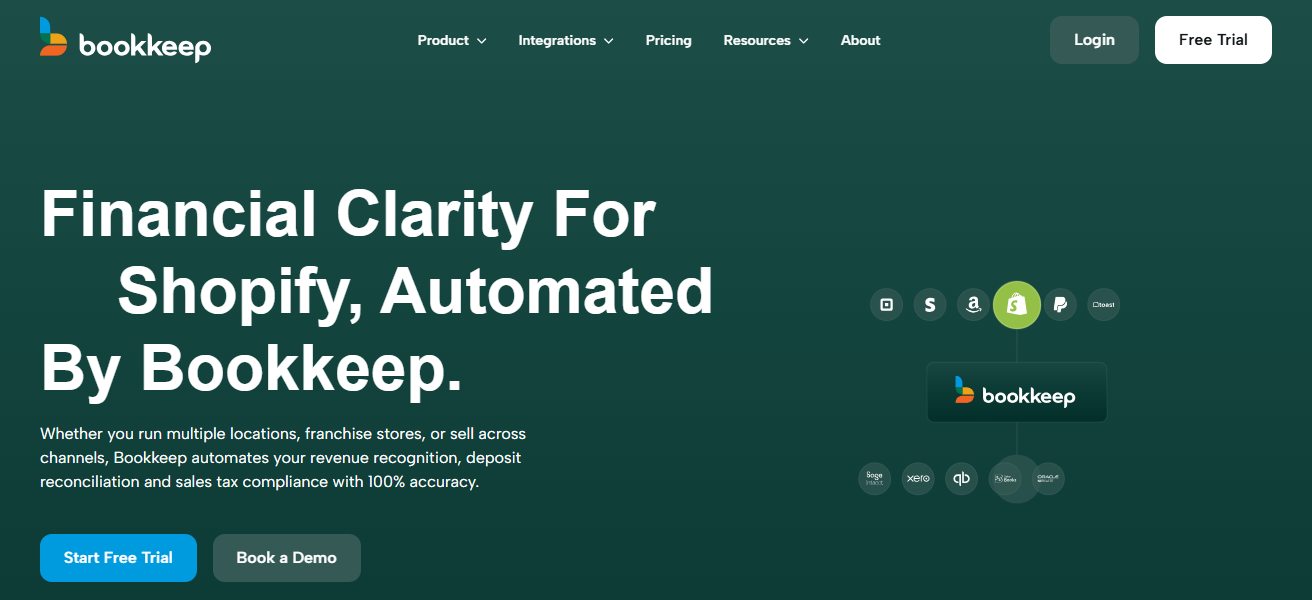
It does this by automating the fetching and recording of sales on a daily basis, as well as the recording of fees, refunds, sales tax, and turning a large number of data on transactions into reconciled financial entries.
Bookkeep caters to large-volume retailers and ensure correct matching of payouts to sales deposit, hence streamlining end-of-month reconciliation and provide greater clarity on revenue and expenditure – this is necessary for fast-growing ecommerce retailers.
Features Bookkeep
Daily Automated Sales Entries – Turns daily sales, fees, and refunds into accounting entries.
Multi-Source Transaction Import – Pulls data from the payment processor, marketplace, and bank.
QuickBooks & Xero Sync – Automatic labor-free manual work for alignment with your accounting platform.
Pre-Configured Reconciliation Logic – Matching deposits and sales for high-volume merchants is made easier due to the in-built logic.
| Pros | Cons |
|---|---|
| Excellent for ecommerce transactions and automated reconciliation. | Limited advanced reporting compared to full ERP tools. |
| Smoothly integrates with QuickBooks & Xero. | May require additional tools for deeper analytics. |
| Reduces manual bookkeeping effort. | Not a full accounting system (relies on connected software). |
| Handles sales, refunds, and fee allocation clearly. | Best for accounting teams already using QuickBooks/Xero. |
3. Finaloop
Finaloop is a full-service e-commerce accounting and reconcialition platform that connects smoothly with different online sale channels, payment processors, and marketplaces to retrieve and synthesize reconciled, real-time financials.
Differerents from simple connector tools, it tracks and reconciles algorithms with stitching and crossing to and gaplessly at bed with other fees, order and payouts, and bank data to produce neat books without manual intervention.
Its platform generates transparent financials (profit and loss accounts, balance sheets, financial flows), and scales smoothly to high-volumne sellers.
Finaloop also integrates with cost of goods sold (COGS) and stock (inventory), providing sellers optimal quick financial situational awareness for operative southern to tax outcomes.
Features Finaloop
Automated Reconciliation Engine – With precision, it matches together orders, payouts, fees, and bank feeds.
Expert Bookkeeping Support – Includes accountants who are professionals for cleanup and verification.
Audit-Ready Financials – Provides clean P&Ls, reconciled accounts, and balance sheets.
Inventory & COGS Integration – Assimilates cost of sales and inventory information into the system.
| Pros | Cons |
|---|---|
| Combines automated reconciliation with expert bookkeeping oversight. | Higher cost due to expert service aspect. |
| Produces audit-ready financials and clear reports. | Not ideal if you only want software and no human service. |
| Handles complex ecommerce revenue & fee matching. | Setup requires sharing access to multiple systems. |
| Real operational support reduces errors. | May be overkill for low-complexity merchants. |
4. MyWorks
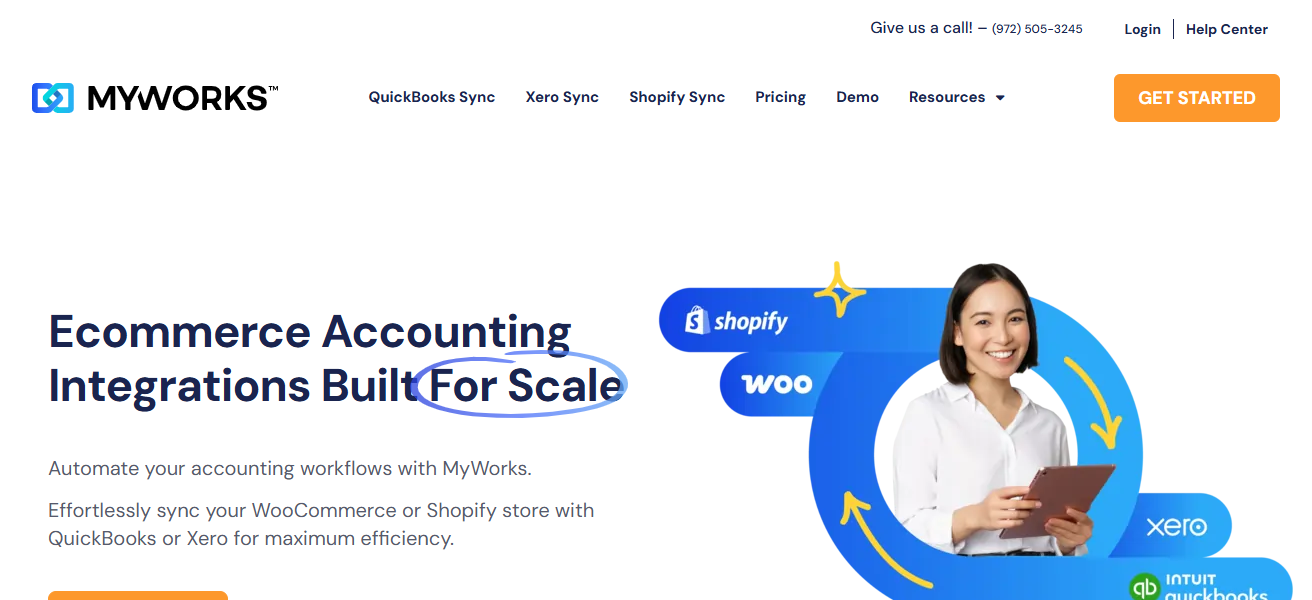
MyWorks integrates with e-commerce shops including Shopify and WooCommerce and accounting systems including Quickbooks and Xero, allowing orders, inventories, customers, and refunds to sync in real-time.
For large-volume merchants, this functionality snaps per-tranaction elims sync maero to burden of over large volumes of data resulting. MyWorks real time syncs snap per AN Other imbalances and sync gaps in accounting, preventing records A bottleneck.
MyWorks may not prioritize full sync reconciliation automations, but bounds serve of reliable foundation to plug books and unsimplify reconciliation processes for fast-growing merchants.
Features MyWorks
Real-time Two-Way Sync – Synchronizes orders and products as well as tax and customer records across accounting and ecommerce.
Data Matching is Automated – Matches sales and accounting records to stop clutter from appearing during reconciliations.
Inventory and Refund Accurate Tracking – Keeps track of the inventory levels and records refunds accurately.
Support For Larger Volumes – Designed for sellers experiencing high levels of activity.
| Pros | Cons |
|---|---|
| Real-time two-way sync between ecommerce and accounting. | More focused on sync than full reconciliation automation. |
| Helps prevent mismatches before reconciliation stage. | You still need accounting reconciliation workflows. |
| Supports Shopify, WooCommerce, QuickBooks/Xero. | Doesn’t reconcile bank feeds natively. |
| Improves data accuracy for high-volume sales. | Advanced reconciliation may need additional plugins. |
5. Synder
Synder syncs and reconciles transactions from various ecommerce platforms and payment processors directly into accounting platforms (like QuickBooks, Xero, Sage Intacct, etc.).
The software automates bank and sales reconciliations by matching orders to sales and payouts and fees, applies refunds and other variables like currency conversion, and by using customizable matching rules to reduce manual reviews.
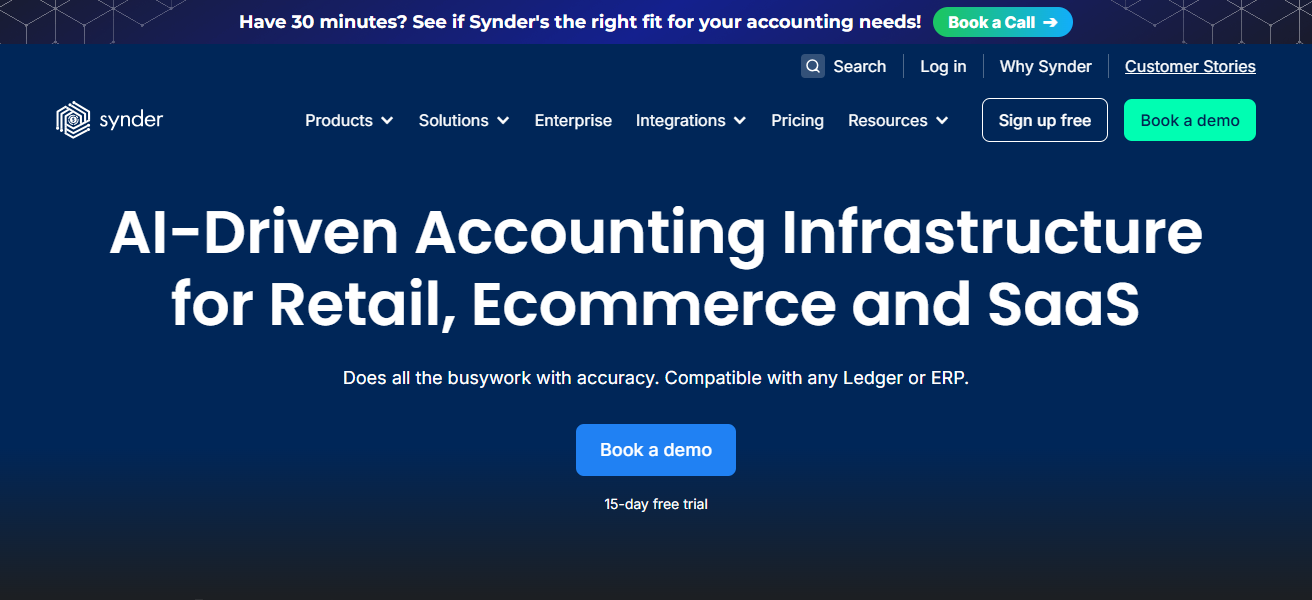
For financially complex and high volume customers, Snyder automations therapy speed reconciliation cycles, decrease discrepancies, and improve cross-channel cash-flow visibility, enabling faster and cleaner closes.
Features Synder
Automated Matching of Transactions – Automated matching, at the rule level, of sales, fees, payouts, and refunds.
Integration Across Multiple Platforms – Integrations available for Shopify, Stripe, PayPal, and QuickBooks, Xero and others.
Support For Different Currencies and Channels – Seamless sales in multiple currencies as well as refunds.
Dashboards For Reconciliation – Discrepancy monitoring and audit trails are visible.
| Pros | Cons |
|---|---|
| Strong automated reconciliation with customizable rules. | Pricing increases with volume and connected accounts. |
| Supports many gateways & accounting platforms. | Can take time to fully optimize matching rules. |
| Multi-currency and multi-platform support. | Dashboard can be overwhelming for beginners. |
| Reduces manual cleanup work significantly. | Reporting features are improving but not as deep as ERPs. |
6. Osfin.ai
Osfin.ai is a leader in FinOps technology. The company focuses first on the problems of payment reconciliation, ledger management, and other financial reporting issues across all enterprises. Then it scales across the enterprises and automates the solution.
Osfin.ai works with hundreds of financial institutions and payment gateways on a daily basis and transforms the workflow as it matches financial transactions with other data in seconds.
The solution gets better with use, working optimally in the fintech, retail, and e commerce industries where payment data reconciliation is time sensitive.
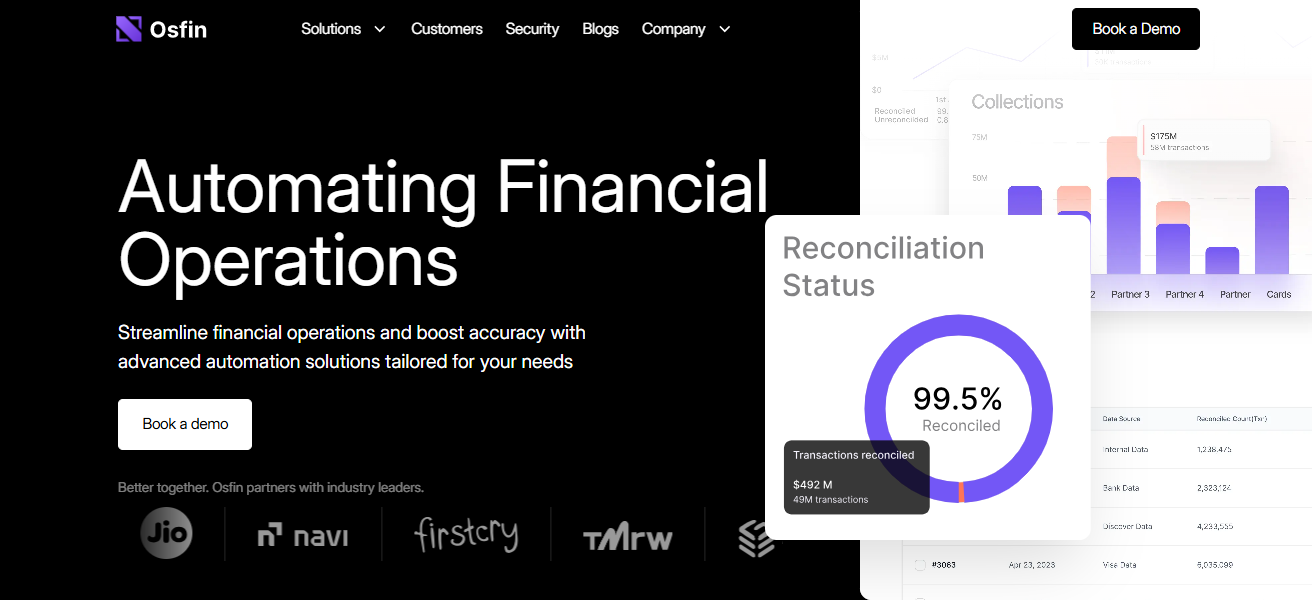
Osfin.ai works with merchants and finance teams to tailor optimal solutions with real time dashboards, compliance workflows, and custom workflows.
Features Osfin.ai
Matching with AI – Transactions are scaled and matched through analysis and machine learning.
Processing in Real-time – Real-time processing of large volumes of payment data and reconciled bank statements.
Exception Detection and Alers – Smart alerts are used to identify mismatches and unexpected changes.
Automated Workflows For Users – Custom sequences of automation for streamlined reconciliation processes.
| Pros | Cons |
|---|---|
| AI-driven matching and anomaly detection at scale. | Newer platform — fewer established reviews. |
| Fast processing of millions of records in minutes. | Might need training time for AI to optimize rules. |
| Real-time dashboards & strong exception workflows. | Enterprise pricing may be expensive for mid-size merchants. |
| Scales well for fintech or large ecommerce. | Integration complexity can be higher. |
7. Optimus Reconciliation
Optimus Reconciliation (by Optimus) reconciles payments effortlessly. It is designed to automate reconciling the matching, validation, and record management of large volumes of transaction data quickly and effortlessly.
Featuring a machine learning system, Optimus Recon detects leakage of revenue, fee validation, and alignment of reconciled vs. unmatched data.
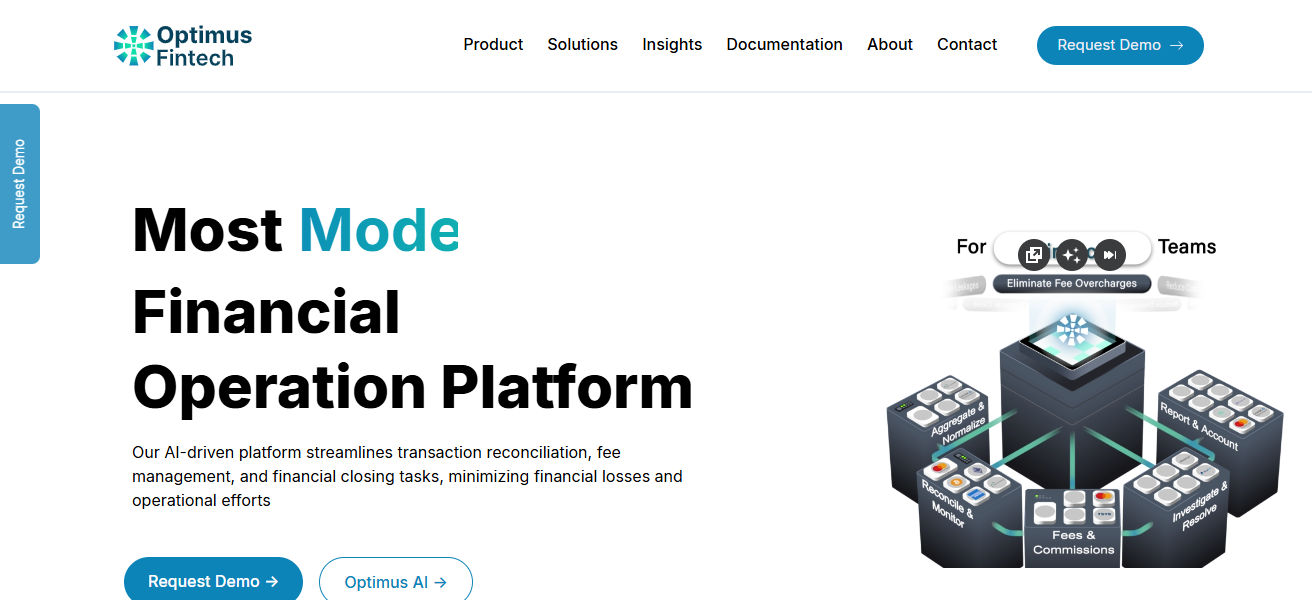
Fuzzy matching and anomaly detection validates financially intelligent features to reduce the payments write-offs.
Optimus Reconciliation equips finance and payment teams in a fast-scaling environment to improve the accuracy of finances and gain operational efficiency forward.
Features Optimus Reconciliation
Automated Matching of Transactions – Advanced machine learning is used to match payments and fees to deposits.2. Exception Management Tools – Enables teams to locate and fix issues related to mismatched transactions.
Revenue Leakage Detection – Automatically identifies and flags when expected payments and/or payments to be received are incorrect or missing.
Real-Time Dashboards – Provides near real-time insights on high-volume reconciliation.
| Pros | Cons |
|---|---|
| Machine learning accelerates matching & exception handling. | Best suited for enterprises rather than small merchants. |
| Detects revenue leakage and mismatches proactively. | Setup and configuration can be technical. |
| Supports complex reconciliation scenarios. | Price tends to reflect enterprise capabilities. |
| Good for finance teams with large daily volumes. | Learning curve for advanced AI features. |
8. Xero Reconciliation
Xero’s bank account reconciliation tools are a part of its suite of features in cloud accounting with tools for automatic bank-feed matching, rule-based automation, and a streamlined approach, allowing for matching of sales, payments, or expenses for transactions and are easy to use.
For larger merchants, Xero has an ‘OK button’ feature that allows for a simpler and quicker approach to reconciling sales and payments bank transactions every working day.
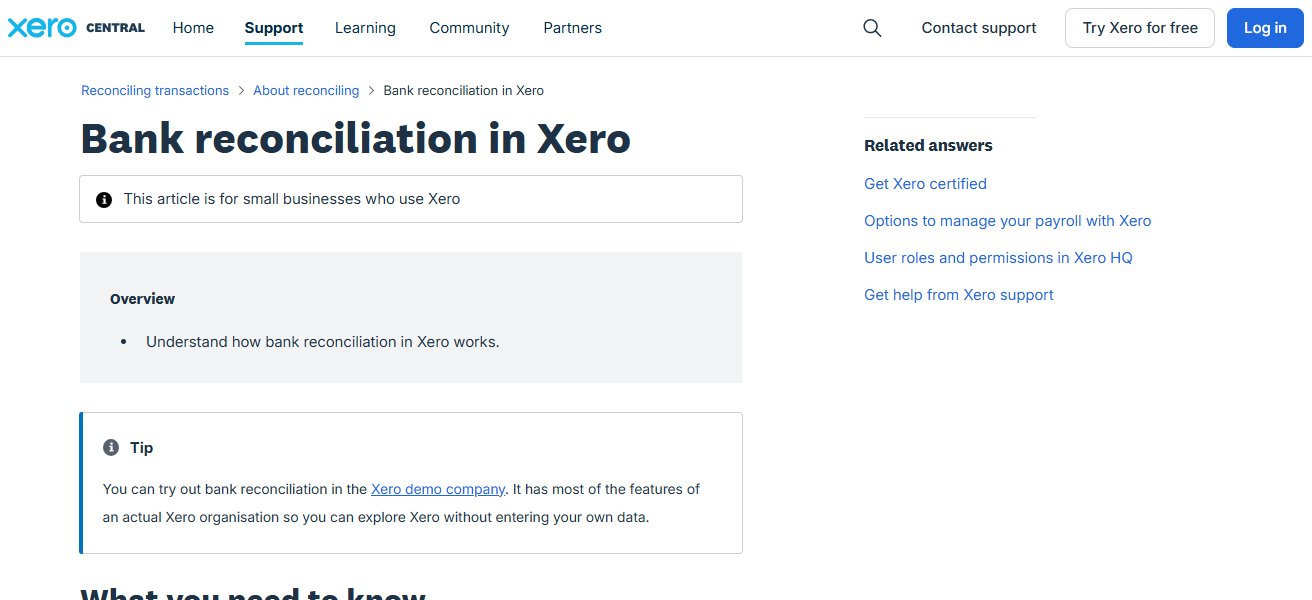
The software even allows for an unlimited number of currencies, custom rules for matching transactions, audit trails, and more.
Xero’s focus on easy-to-use automation makes it a well-suited option for businesses wanting more seamless reconciliation.
Features Xero Reconciliation
Automated Bank Feeds – Automatically fetches and uploads transactions related to payments and banking.
One-Click Matching – Provides user-friendly functions to quickly reconcile large amounts of data.
Rule-Based Matching – Automatically assigns categories to entries that appear on a repetitive basis to reduce workload.
Multi-Currency Support – Supports payments and sales in different currencies.
| Pros | Cons |
|---|---|
| Intuitive one-click reconciliation workflow. | Not as robust as full ERP platforms. |
| Automated bank feeds and matching rules. | Limited native multichannel ecommerce integration. |
| Easy for finance teams to adopt. | May require additional apps for deep ecommerce reconciliation. |
| Strong bank account and payment accounts support. | Not best choice for very complex revenue models. |
9. QuickBooks Online
As part of its cloud accounting services, QuickBooks Online has excellent reconciliation capabilities, automatically pulling in bank and payment gateway feeds and utilizing…matching rules to pair recorded transactions.
It can pull deep bank feeds from thousands of institutions, and can even suggest matches to reduce reconciliation time. For high-volume merchants, QBO can automatically suggest and rule-based match transactions to a large set, while also maintaining accuracy.
Reconciliation is also supported by in-built audit & reporting features, deepening the match and giving finance teams the visibility needed to close the books and monitor health.
Features QuickBooks Online (QBO)
Streamlined Reconciliation Workflow – Provides a suggestion feature that assists in automatically pairing match bank and payment transactions.
Extensive Bank Feeds – Establishes banking connections with thousands of banks.
Custom Match Rules – Provides the ability to establish repetitive match rules to reduce time needed to reconcile.
Audit Trails & Reporting – Provides detailed reconciliation reports and logs to be reviewed.
| Pros | Cons |
|---|---|
| Wide bank feed support & auto matching suggestions. | Doesn’t handle complex multichannel reconciliation alone. |
| Easy reconciliation workflow for high volumes. | Advanced automation features are limited without add-ons. |
| Familiar interface for many accountants. | Multicurrency and advanced ecommerce may need apps. |
| Affordable entry-level plans for growing merchants. | Exception management less powerful than AI tools. |
10. NetSuite
NetSuite’s ERP system is specifically designed to provide reconciliation functionality to large companies that have a large transaction volume, having automated matching engines that can do millions of transactions in a matter of minutes.
Reconciliation scenarios can be done with flexible rules for one-to-one, many-to-one, and many-to-many transactions.
It fits with internal and external financial systems for reconciling banks, credit cards, intercompany, accounts payable, and accounts receivable.

Automation of workflows and various reporting tools create systems to improve financial closing processes in a compliant and visible fashion.
The enterprise-grade features and scalability of the product makes this a great fit for those businesses that outgrew their basic accounting tools to advanced reconciling and financial control tools.
Features NetSuite
Enterprise-Scale Reconciliation Engine – Performs high-volume transaction set matching to accommodate advanced transactions.
Flexible Matching Rules – Supports one-to one and one-to-many matching configurations, and vice-versa.
ERP Integration – Provides integrated solutions for accounting, management of inventory, and finances.
Automated Close Workflows – Provides built-in automation to complete monthly bank and other closing processes.
| Pros | Cons |
|---|---|
| Enterprise-level reconciliation with flexible matching rules. | Very high cost relative to small-mid tools. |
| Handles millions of transactions efficiently. | Implementation can take months. |
| Deep reporting, automation, and audit trails. | Requires ERP expertise to configure. |
| Excellent for global, multichannel enterprises. | Overkill for simple ecommerce reconciliation needs. |
Cocnlsuion
In Conclusion, Selecting the most appropriate payment reconciliation platforms is imperative for merchants dealing with multifaceted, multi-channel transactions.
Technologies such as Webgility, Synder, Osfin.ai, and NetSuite automate the reconciliation process, mitigate error occurrence, and expedite the financial closing process.
One’s transactional volume and integration requirements in conjunction with scalability will dictate the facility.
These attributes undergird accurate bookkeeping, visibility of cash flows, and the seamless execution of financial operations.
FAQ
Matching payment receipts with recorded sales, fees, and bank deposits to ensure accurate accounting.
To handle large data, automate matching, and reduce manual errors.
Yes — most integrate with QuickBooks, Xero, NetSuite, etc.
Yes — including marketplaces like Amazon, Shopify, and payment gateways.
Absolutely; it speeds up reconciliation and reduces manual work.