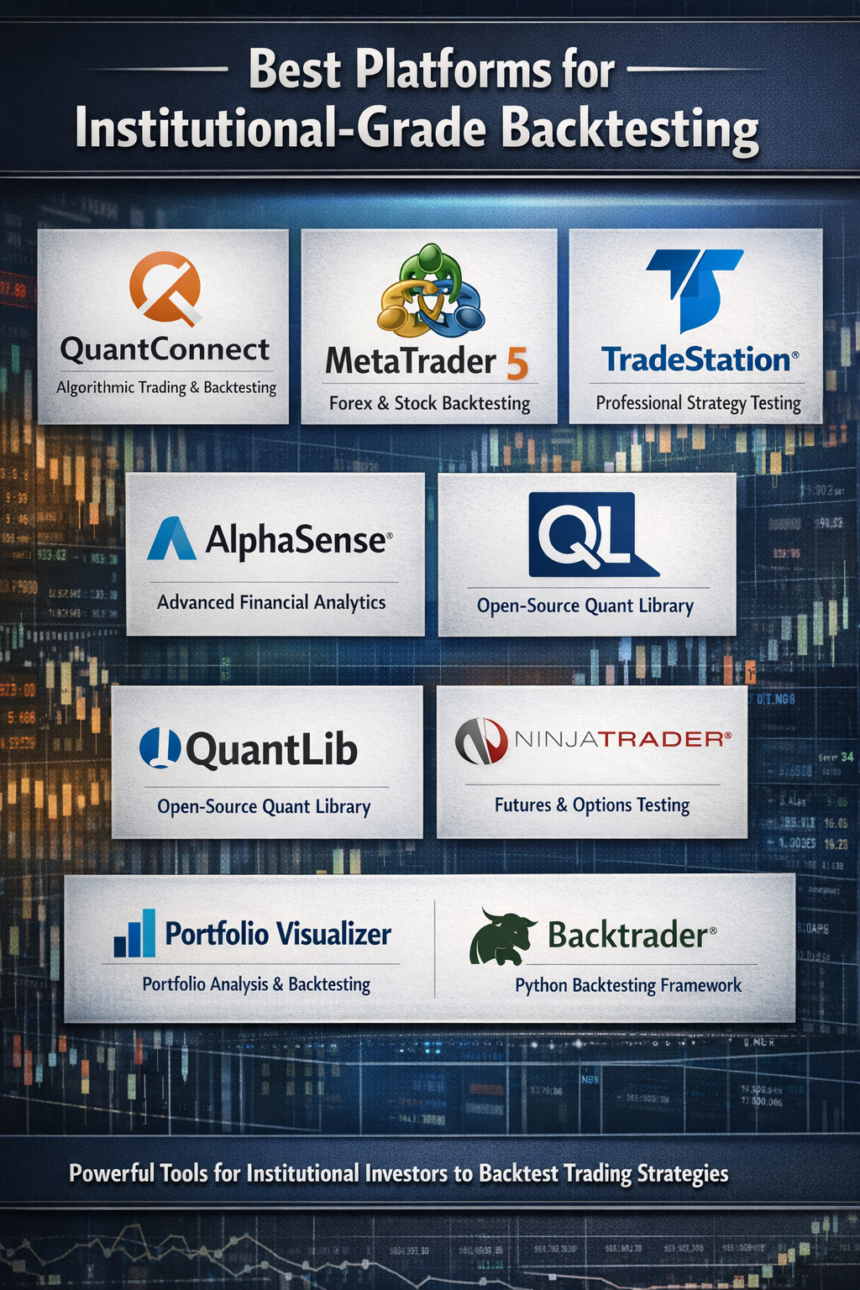
In this article, I will review the Best Platforms For Institutional-Grade Backtesting and examine the functions of professional-grade platforms for precise, large-volume testing of strategies.
- What is Institutional-Grade Backtesting?
- Key Points & Best Platforms For Institutional-Grade Backtesting
- 10 Best Platforms For Institutional-Grade Backtesting
- 1. QuantConnect
- 2. AlgoTrader
- 3. MetaTrader 5 (MT5)
- 4. AmiBroker
- 5. NinjaTrader
- 6. TradeStation
- 7. MultiCharts
- 8. StrategyQuant X
- 9. TrendSpider
- 10. QuantRocket
- How To Choose Best Platforms For Institutional-Grade Backtesting
- Key Criteria for Institutional-Grade Tools
- Conclsuion
- FAQ
Users are able to simulate testing of different strategies to determine how to optimize various components and control the risk in different ways.
I will analyze features, advantages, and disadvantages of platforms ranging from QuantConnect to AlgoTrader and MultiCharts to help you select the best platform for dependable and high-quality backtesting.
What is Institutional-Grade Backtesting?
Evaluating trading strategies against historical data with institutional-grade precision and scalability means running simulations of future trades from historical market data trade to see how the strategy performs on the historical data before going live.
This process enables the user to identify winning strategies, measure risk, adjust the mechanism to improve overall strategy performance, and make more accurate decisions under simulated market conditions.
Advanced backtesting provides the user with institutional-grade precision, including factors such as slippage, commissions, and positions.
The scalability allows the user to evaluate a dataset of virtually any size and trading multiple instruments, which is highly sought after by hedge funds, proprietary trading firms, and professional quant traders.
Key Points & Best Platforms For Institutional-Grade Backtesting
QuantConnect – Cloud-based platform offering extensive data, backtesting, and multi-language algorithm support for institutional strategies.
AlgoTrader – Institutional-grade platform for fully automated trading, supporting multiple asset classes and complex quantitative strategies.
MetaTrader 5 (MT5) – Popular multi-asset trading platform with robust backtesting, analytics, and algorithmic trading capabilities for professionals.
AmiBroker – Flexible technical analysis and backtesting software enabling advanced formula-based strategy creation for algorithmic traders.
NinjaTrader – High-performance trading platform offering sophisticated backtesting, market analytics, and automated order execution tools.
TradeStation – Combines advanced charting, backtesting, and automated trading for institutional and professional-level strategy development.
MultiCharts – Professional trading software supporting robust backtesting, multiple data feeds, and automated algorithmic trading execution.
StrategyQuant X – Generates and backtests automated trading strategies with AI-assisted optimization and multi-instrument capabilities.
TrendSpider – Advanced charting and automated strategy backtesting platform emphasizing trend analysis and pattern recognition.
QuantRocket – Cloud-based platform for research, backtesting, and algorithmic trading across multiple global markets.
10 Best Platforms For Institutional-Grade Backtesting
1. QuantConnect
Aimed at large financial institutions, QuantConnect is a cloud-based platform for writing trading algorithms, that enables both high-level research and backtesting.
Users can write code in various programming languages, including Python and C#, as well as access powerful cloud-based data for equities, forex, futures, and cryptocurrency.
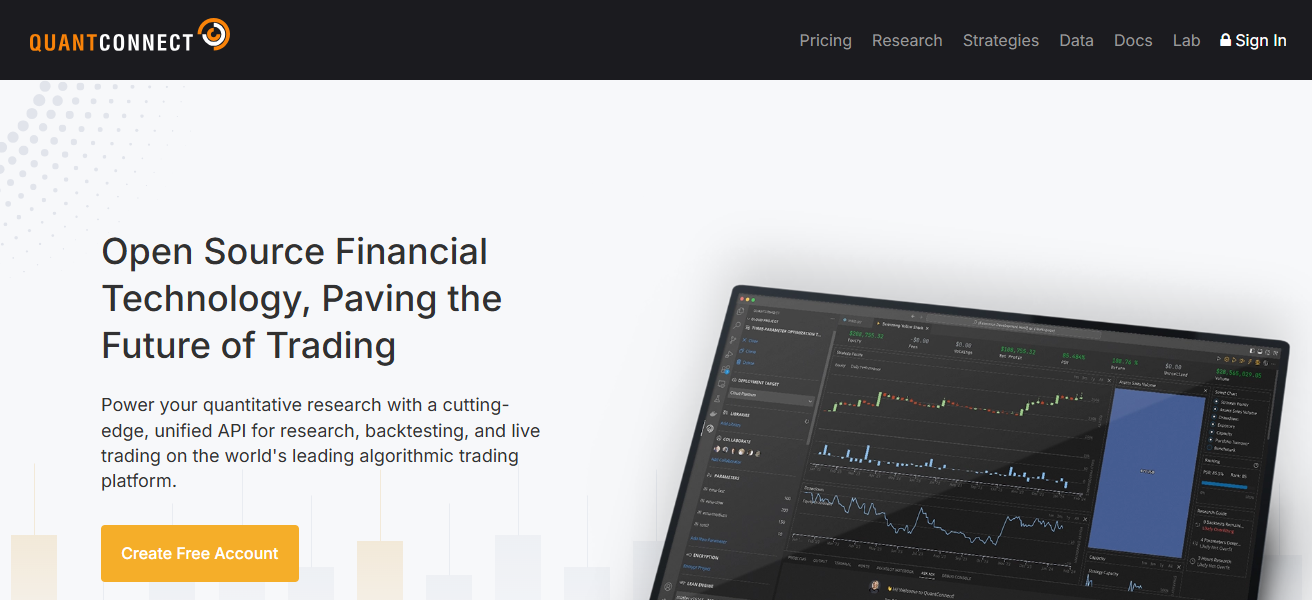
QuantConnect customers can perform comprehensive data simulations with the company’s LEAN backtesting engine. ‘
Customers can also perform simulations and backtest at multiple scales without the need for a data server. Finally, QuantConnect supports the execution of quantitative trading strategies by allowing customers to connect brokerage accounts.
QuantConnect Features
- Cloud-based backtesting with elastic compute power
- Multi-language (Python, C#) algorithm development
- Extensive datasets for historical equities, futures, forex, and crypto
- Brokerage integration to implement strategies in a live market
| Pros | Cons |
|---|---|
| Cloud‑based with scalable backtesting compute | Can be complex for beginners |
| Supports multiple languages (Python, C#) | UI and workflow have a learning curve |
| Large historical datasets across asset classes | Requires coding proficiency for advanced features |
| Integrated with brokers for live trading | Limited drag‑and‑drop strategy building |
| Active developer community for sharing ideas | Platform updates may break older algorithms |
2. AlgoTrader
AlgoTrader – The AlgoTrader platform is built for institutions and allows for fully automated trading on multiple asset classes using algorithmic trading.
The platform has more complex backtesting for crypto and derivatives trading. You can customize trading strategies and complex integrations with various data feeds and brokers for simulated live trading.
AlgoTrader gives backtesting with integrated risk management, optimized trading strategies, and automated compliance.
The modular approach allows teams to customize specific workflow strategies, integrate and trade market data, and algorithmically trade to any level.
Automated multi-asset trading with high level security is built into complex derivatives trading, making it the ideal platform for hedge funds, proprietary trading firms, and professional quant traders.
AlgoTrader Featurees
- Automated trading and strategies across multiple asset classes
- Effortless access to data and trading execution
- Risk management and compliance features built in
- Custom trading systems with modular workflow
| Pros | Cons |
|---|---|
| Enterprise‑grade, supports institutional workflows | Higher cost compared to retail tools |
| Multi‑asset class coverage including crypto | Setup and configuration require technical expertise |
| Automated risk management and compliance tools | Requires dedicated infrastructure for full capabilities |
| Integration with data feeds & brokers | Not suitable for casual or beginner traders |
| Powerful optimization and real‑time execution | Documentation can be too detailed for newcomers |
3. MetaTrader 5 (MT5)
MetaTrader 5 is a popular multi-asset trading platform that allows trading of stocks, forex, futures and options, commodities, and cryptocurrencies, providing a range of advanced features such as algorithmic trading and backtesting.
The platform allows users to create their own algorithms in MQL5, MetaTrader 5’s programming language, with few configurations.
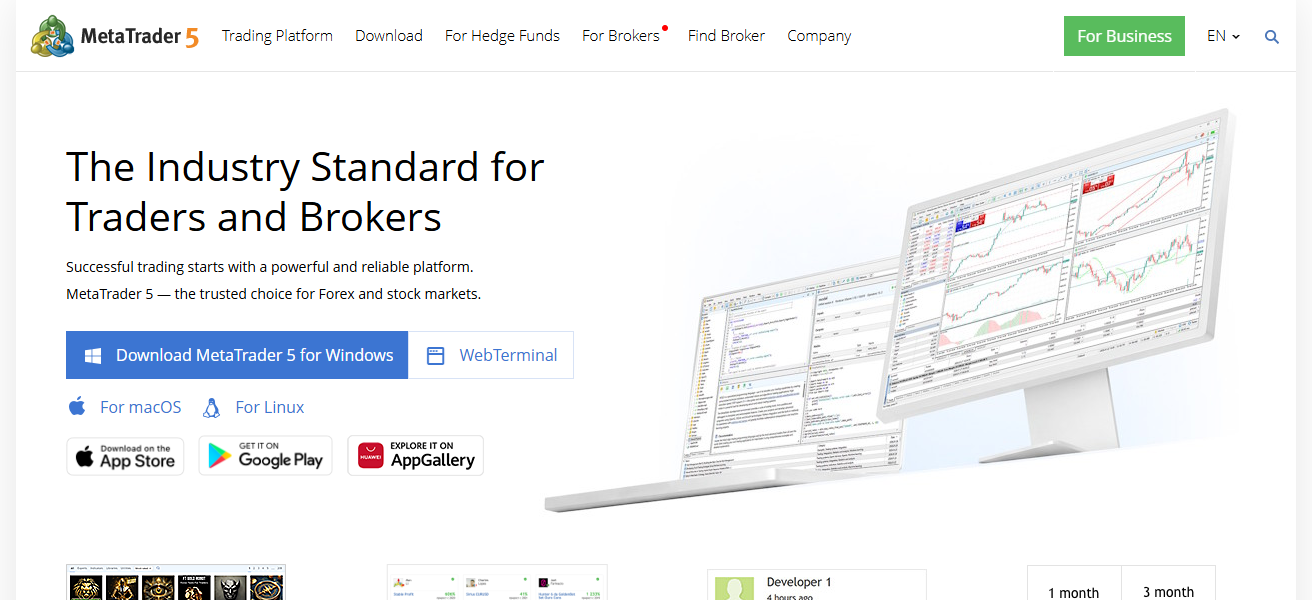
The integrated multi-threaded backtesting and optimization of trading strategies replicate the real market, allowing for efficient and scalable strategies.
MetaTrader 5 also allows users to connect to their brokerage firms for live trading, share community algorithms, and use an economic calendar for trading. The platform caters to the needs of experienced and professional traders.
MetaTrader 5 (MT5) Featurees
- Supports multiple assets: forex, stocks, and commodities
- Backtesting and optimization with multiple of strategy testers
- Integrated development for strategy creation with the MQL5 coding
- Trading execution (live and demo) and broker access
| Pros | Cons |
|---|---|
| Widely used standard with strong community | Limited native support for some asset classes |
| Easy access to historical data for backtesting | Optimization tools can be basic vs pros platforms |
| Integrated trading and testing environment | MQL5 programming has its own syntax learning curve |
| Works with many brokers worldwide | Tick‑level testing not always accurate without add‑ons |
| Strategy Tester allows multi‑core optimization | Less institutional depth than specialized tools |
4. AmiBroker
AmiBroker offers rigorous backtesting software and technical analysis and gives customization options for advanced and professional users.
It also offers charting, scanning, and automated trading via its proprietary language, AFL (AmiBroker Formula Language).
Users can backtest, optimize, and design trading strategies and analyze trading performance and analytics with visually displayed performance metrics.

Customization and speed make AmiBroker ideal for users focused on multi-market analysis, portfolio testing, and algorithmic trading research.
Users can also add external data feeds, and for real time trading executions, they can connect with brokers.
The strategy and systematic trading focus has made AmiBroker a sought-out software for smaller institutional teams and independent quantitative traders.
AmiBroker Featurees
- Advanced analytics and fast backtesting
- The AFL code can scan and generate signals
- Tools for custom performance metrics and equity curves
- Connection to external broker feeds and data
| Pros | Cons |
|---|---|
| Extremely fast backtesting engine | Interface feels outdated to some users |
| Highly customizable scripting language (AFL) | AFL has steep learning curve |
| Can backtest very large datasets | Initial setup with data feeds can be tricky |
| Provides detailed performance metrics | Not as integrated with brokers for live trading |
| Excellent for systematic researchers | Visualization can require manual configuration |
5. NinjaTrader
NinjaTrader is a leading trading platform with professional charting, analytics, and automated trading features.
Its highly rated backtesting engine approximates actual order placement execution through a historical data time machine on any given trading strategy across multiple instruments and all trading strategies as a portfolio.
NinjaTrader is versatile in testing multiple strategies across futures, forex, and equity instruments.

NinjaTrader’s seamless interface is complemented by C# scripting, enabling advanced strategy algorithms.
NinjaTrader’s brokerage integrations foster flexible live trading, customizable risk management, and parameter trading optimization.
NinjaTrader is highly sought after by institutions and professional traders in all areas of research and execution.
NinjaTrader Featurees
- Accurate backtesting and simulated trading
- Tools for advanced analysis and charting of the market
- Automated trading and strategy development in C#
- Integration with data feeds and multiple brokerages
| Pros | Cons |
|---|---|
| Advanced charting and analytics | Can be resource‑intensive |
| Supports C# scripting for strategies | Requires programming skills |
| Precise backtesting with simulated fills | Some advanced features are paid |
| Multi‑broker connectivity | Steep learning curve for new users |
| Strong automation and live execution | Setup takes time for optimization workflows |
6. TradeStation
TradeStation is an all-in-one platform for professional-level automated trading, charting, backtesting, and trading.
Institutions and traders can trade equities, futures, forex, and options on any market using TradeStation.
Its proprietary programming language, EasyLanguage, enables and expedites the construction of algorithmic trading strategies along with its extensive backtesting capabilities.
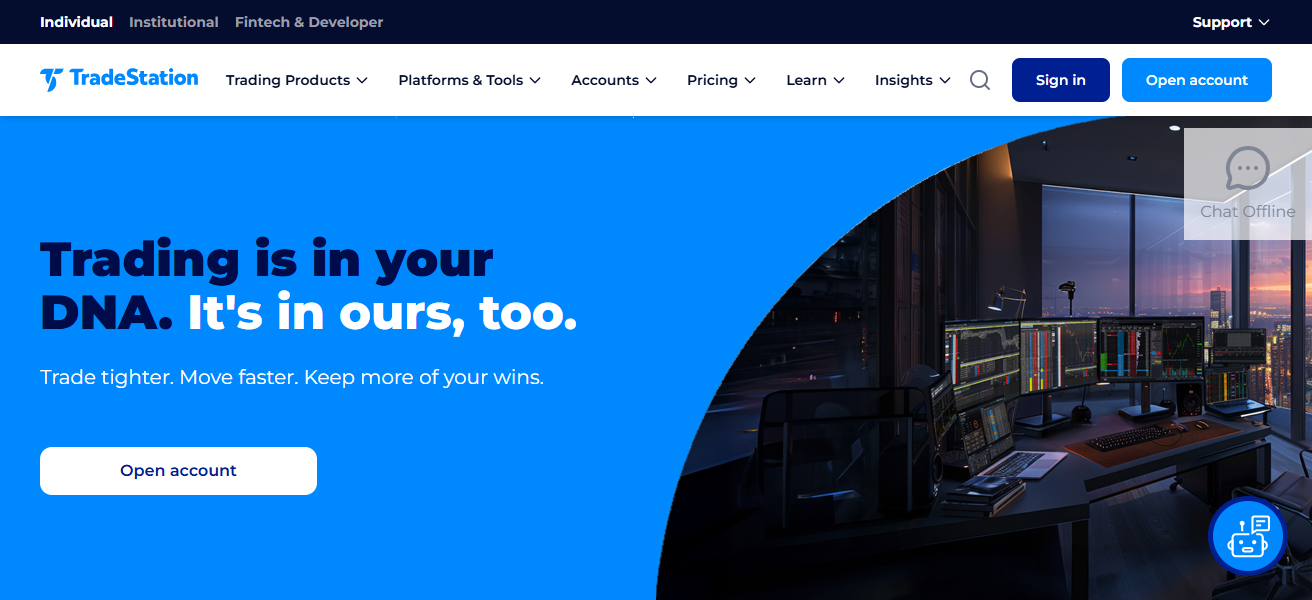
Backtesting, testing, and analysis of risk at the portfolio level is supported, and realistic simulations can be generated using historical and tick data. Integration with brokerage accounts allows for live trading at any time.
Besides the ability to trade, TradeStation offers market analysis, research, reporting, and a performance portfolio scanner to all users.
TradeStation offers the most reliable systematic trading services and features at the institutional level, earning tremendous respect from traders.
TradeStation Featurees
- For rapid strategy scripting, there is EasyLanguage
- Backtesting and risk reporting are at the portfolio level- Embedded charting, scanning, and order execution tools
- Live deployment via direct brokerage access
| Pros | Cons |
|---|---|
| Tight integration between testing and live trading | Trading costs can be higher for small accounts |
| EasyLanguage simplifies strategy creation | EasyLanguage limits some advanced constructs |
| Detailed analytics and reporting | Uses proprietary language instead of Python |
| Portfolio‑level backtesting available | Platform can feel heavyweight |
| Professional tools for active traders | Not centered on institutional quants |
7. MultiCharts
MultiCharts is an advanced backtesting and automated trading trading platform. MultiCharts usability for custom trading strategy development and deployment is enhanced with the support of multiple programming languages, including PowerLanguage and EasyLanguage.
Monitoring market conditions for strategy performance via backtesting and optimization are enhanced using tick-by-tick, backtesting portfolio simulations, and advanced trading strategies.
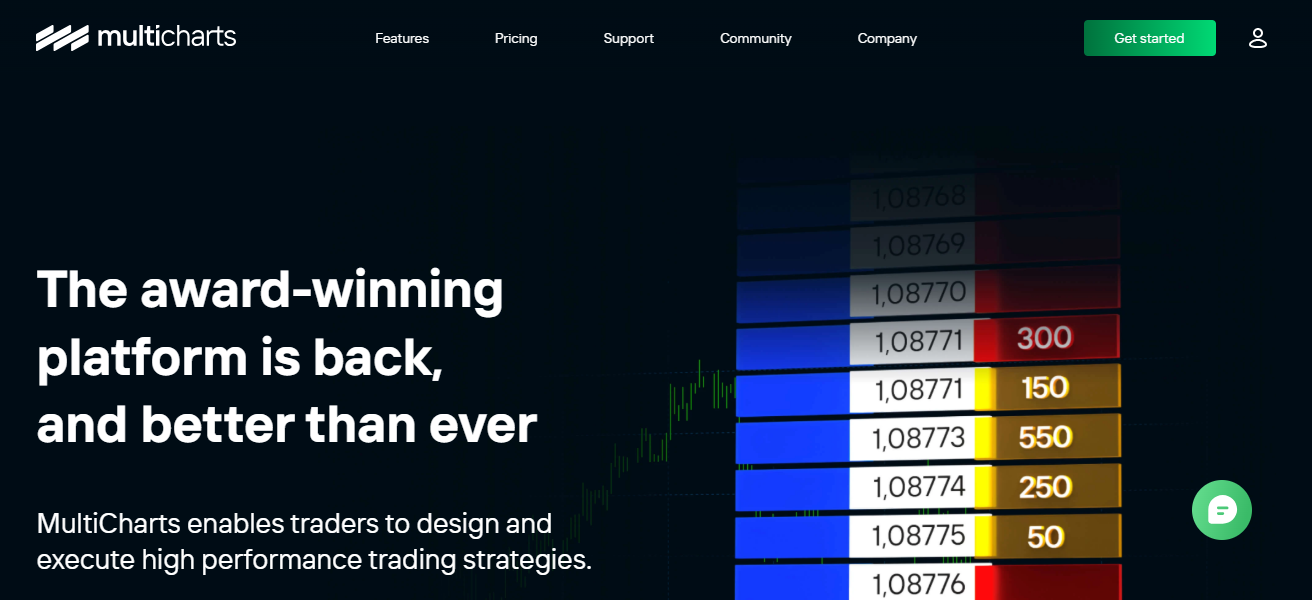
Automated order-routing and charting customization are included features, along with advanced multi-broker connections.
MultiCharts aids trade statistics, risk analysis, and equity curve analysis to enhance strategy improvement at the institutional level.
MultiCharts is used by professional trading teams and quants to customize and enhance backtesting solutions.
MultiCharts Featurees
- Backtesting and optimization by the tick
- Support for multiple feeds and brokers
- Compatibility with EasyLanguage & PowerLanguage
- Analytics and visualization for performance
| Pros | Cons |
|---|---|
| Tick‑by‑tick backtesting precision | License cost can be high |
| Supports EasyLanguage & PowerLanguage | Setup and data management can be complex |
| Multi‑broker and multi‑feed support | Interface less modern than competitors |
| Excellent optimization features | Still requires coding for advanced logic |
| Visual strategy performance tools | Not as beginner‑friendly |
8. StrategyQuant X
StrategyQuant X offers users the ability to build, evaluate, and improve custom trading strategies using proprietary software and artificial intelligence in a machine learning context.
The software generates strategies across numerous asset classes that the trader may or may not specify in the trading system.
The platform offers substantial backtesting with numerous performance metrics including risk and performance analytics as well as portfolio simulations.
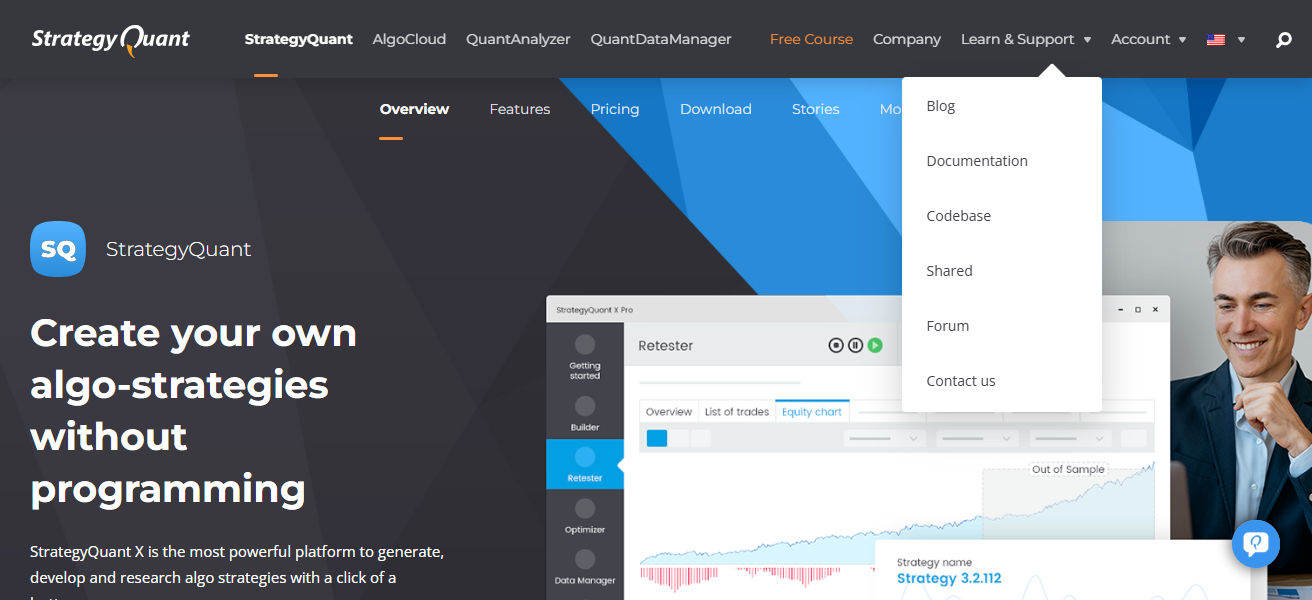
The platform has multiple means to be optimized including genetic algorithms, Monte Carlo simulations, and walk-forward optimizations.
The platform has in-built broker integrations that allow the user to deploy the strategies to a live trading environment after the strategies have been developed and evaluated.
The platform is primarily focused on users that are professional quantitative traders and trading companies and allows them to automate the development and testing of complex trading strategies that may have historically required substantial effort.
StrategyQuant X Featurees
- Machine learning based automated strategy creation
- Advanced optimization (genetic and walk-forward)
- Backtesting with comprehensive risk & performance metrics
- Live execution via broker integrations
| Pros | Cons |
|---|---|
| Automated strategy generation with AI | Extremely technical for novices |
| Robust backtesting and optimization suites | Requires high computational power |
| Genetic and Monte Carlo simulations | Interface can be intimidating |
| Can produce thousands of strategy variants | Filtering quality strategies takes expertise |
| Good for systematic quant research | Steeper cost for full feature sets |
9. TrendSpider
TrendSpider provides tailored and integrated solutions for automated technical analysis and backtesting. Specializing in identifying trends and recognizing patterns, it facilitates advanced charting, automatic indicators, and analysis over multiple timeframes for users.
Backtesting offers users the opportunity to simulate their strategies in order to measure the success of a given strategy before applying it to a live investment.
TrendSpider offers an array of tools including alerts, risk management tools, and a watch list all aimed at improving investments and decision-making.

TrendSpider’s AI-enhanced tools and user-friendly interface help institutional research and professional trading capture backtesting in a holistic and visual manner.
Additionally, TrendSpider, though mainly focused on equity and foreign exchange trading, is designed to help all users, regardless of trading preferences, to streamline the search and evaluation of trade catalysts.
TrendSpider Featurees
- Tools for automated detection of trends and patterns
- Backtesting strategies against previous market behavior
- Smart alerts and multi-timeframe price analysis
- Dynamic scanning & user-friendly visual interface
| Pros | Cons |
|---|---|
| Visual, automated trend detection | Backtesting depth is lighter than pro tools |
| Smart alerts and pattern recognition | Less suitable for heavy algorithmic quant work |
| Modern, intuitive interface | Limited multi‑asset research features |
| Good for validating tactical strategies | Not built for large portfolios |
| Web‑based with constant updates | Requires subscription for full automation |
10. QuantRocket
QuantRocket is a cloud-based service that supports automated trading, quantitative research, and backtesting across various global markets.
It also supports multiple data providers and brokers and is integrated with equities, futures, options, and cryptocurrencies.
QuantRocket offers portfolio simulation, flexible backtesting, and precise historical market modeling.
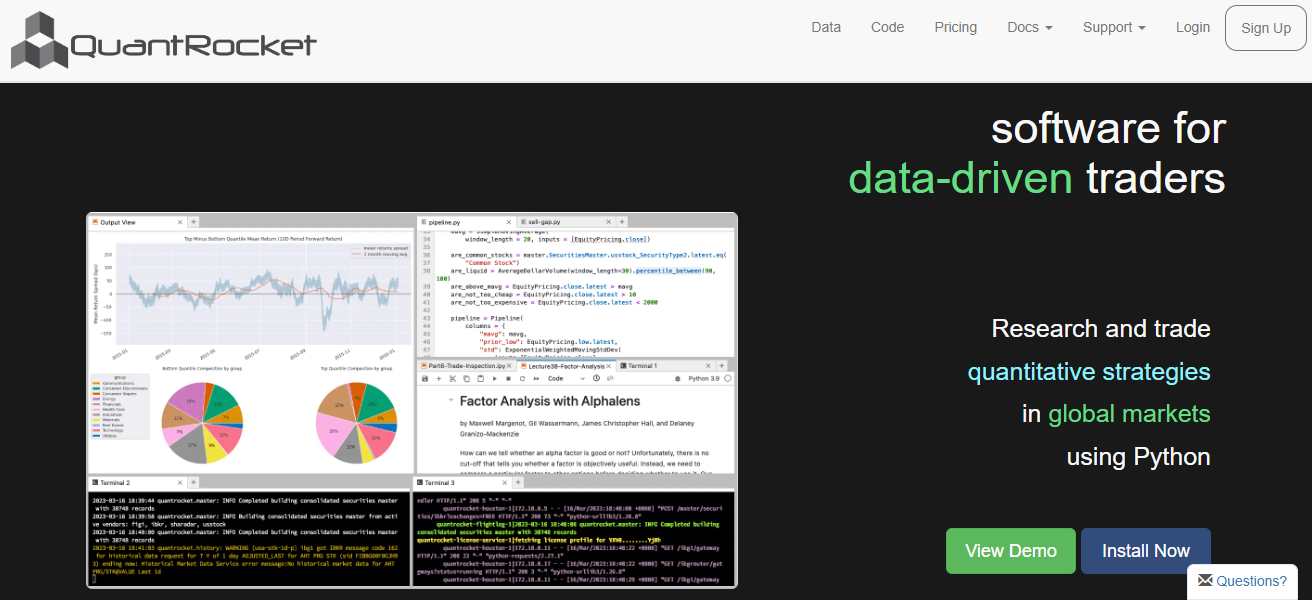
With a cloud infrastructure, users can develop trading strategies with Python as well as run simulations and conduct data analysis quickly
A desirable service for institutional quants, hedge funds, and professional algo traders that require a research-based trading solution.
QuantRocket Featurees
- Research and strategy building with Python
- Flexible backtesting and portfolio simulation
- Global data feeds and exchange access
- Automated workflows with modular systems
| Pros | Cons |
|---|---|
| Python‑centric research and backtesting | Requires strong Python skills |
| Access to global data feeds | Cloud setup demands technical setup |
| Great for systematic research workflows | Not plug‑and‑play for non‑coders |
| Highly scalable for institutional quants | Documentation assumes research experience |
| Supports complex portfolio simulations | Initial learning curve is steep |
How To Choose Best Platforms For Institutional-Grade Backtesting
Data Coverage – Historical data and market information should be accessible to all major asset classes and global data coverage.
Backtesting Speed – Select platforms that offer rapid backtesting, even with the largest and most intricate datasets and strategies.
Multi-Asset Support – For a diversified testing approach, platforms should provide support for equities, forex, futures, options, and crypto.
Automation Features – For a professional approach, choose platforms that offer automated strategy creation, execution, and management of portfolios.
Coding Flexibility – For the customization of the desired algorithm, check support for Python, C#, and other proprietary coding languages.
Risk Management Tools – For effective risk analysis portfolio level assessment, and metrics check for Monte Carlo and built-in risk management.
Broker Integration – For the seamless connection to the tested strategies deployed in real-time, broker integration should be available.
Optimization Capabilities – For improved testing of scenarios, choose platforms that offer para metrics, walk forward scenarios testing and other options.
User Support & Community – For assistance with the documentation, and tutorials, choose active groups of professional traders and developers.
Key Criteria for Institutional-Grade Tools
Tick Data Granularity: Modeling fills with tick data instead of bar data (OHLC) captures fills at a higher resolution.
Cost Modeling: Realistic modeling of commissions, bid-ask spreads, and slippage.
Overfitting Management: Management of overfitting through walk-forward optimization, parameter sensitivity, and out-of-sample testing.
Multi-Asset Class: Testing of complex portfolios simultaneously across equities, forex, options, and futures.
Conclsuion
To summarize, picking an optimal institutional-grade backtesting platform entails tradeoffs between speed, precise data, multi-asset coverage, automation and customizable coding options.
For example, QuantConnect, AlgoTrader, and QuantRocket are best for advanced professional quantitative research, while MT5, NinjaTrader, and TradeStation are better for other trader types.
Ultimately, platform selection determines the robustness of strategy testing, risk control, and backtesting to trading automation.
FAQ
QuantConnect, AlgoTrader, MultiCharts, TradeStation, and QuantRocket support equities, forex, futures, and crypto.
Yes, most platforms like QuantConnect, MT5, NinjaTrader, and AlgoTrader integrate directly with brokers.
QuantConnect and QuantRocket offer full Python support for research and algorithm development.
Some, like MT5 and TrendSpider, are beginner-friendly; others require coding or technical expertise.