
This article will cover the most effective project management tools for businesses. These tools aid large companies in managing projects more efficiently, enhancing collaboration, and increasing productivity.
- Key Poinst & Best Project Management Tools For Enterprises
- 10 Best Project Management Tools For Enterprises
- 1. Monday.com
- 2. Wrike
- 3. Scoro
- 4. Smartsheet
- 5. ClickUp
- 6. Asana
- 7. Microsoft Project
- 8. Jira
- 9. Zoho Projects
- 10. Workfront (Adobe)
- How We Choose Best Project Management Tools for Enterprises
- Cocnlsuion
- FAQ
Some of the features that these tools offer and that eliminate the intricacies of work and adapt with the growing staff include: task management, resource allocation, and reporting. Find the most suitable tools that will help you change the way you manage projects in your business.
Key Poinst & Best Project Management Tools For Enterprises
| Tool | Key Point |
|---|---|
| Monday.com | Best for data protection |
| Wrike | Best for scalability |
| Scoro | Best for comprehensive project oversight |
| Smartsheet | Best for spreadsheet-based project management |
| ClickUp | Best for customizable workflows |
| Asana | Best for team collaboration |
| Microsoft Project | Best for enterprise-level project planning |
| Jira | Best for agile software development |
| Zoho Projects | Best for affordability and integrations |
| Workfront (Adobe) | Best for enterprise portfolio management |
10 Best Project Management Tools For Enterprises
1. Monday.com
Monday.com is a uniquely adaptable corporate project management program aimed at completing multifaceted tasks with a range of teams.
Companies can use a variety of customizable boards, automation options, dashboards, and Gantt charts for leadership to monitor the workflows in real time.
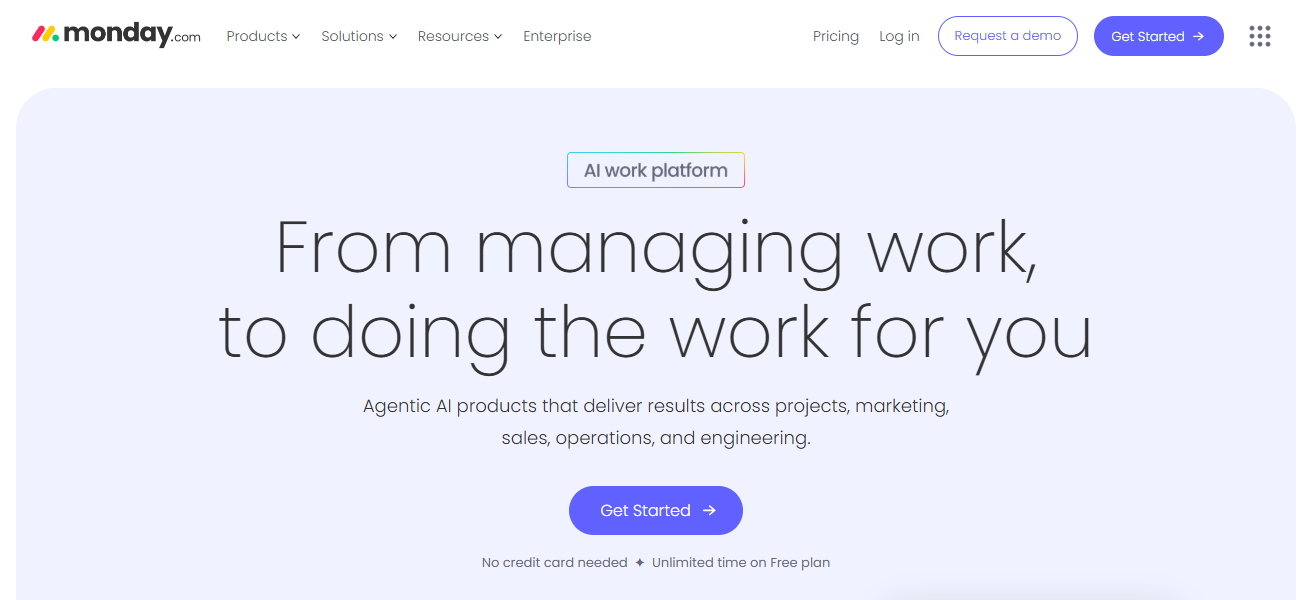
Companies of this size can take advantages servies of the Monday.com including its scalability; role-specific access; and modules for integration with Slack, Salesforce, and Microsoft Teams.
Large firms gain enhanced collaboration, cross-departmental accountability, and operational efficiency with a user-friendly project management program and its comprehensive reporting options.
Features Monday.com
Customizable Boards & Views – Various options such as Kanban Timelines, Calendar, and Gantt views are available for visual project planning.
Automation Engine – Saves time by automating tasks, notifications, and status updates.
Collaboration Tools – Use team comments, file sharing, and @mentions to keep the group aligned.
Integrations – Works with Slack, Teams, Salesforce, Jira, and many more.
| Pros | Cons |
|---|---|
| Highly customizable workflows | Can become overwhelming with too many boards |
| Intuitive, user-friendly interface | Advanced features require higher-tier plans |
| Strong automation and integrations | Reporting features less advanced than |
2. Wrike
Wrike is one of the best project management tools out there for growing teams overseeing multiple tasks and projects at the same time.
Wrike provides the best tools for advanced project tracking, Gantt charts, and management of team workloads, all while collaborating in real time.
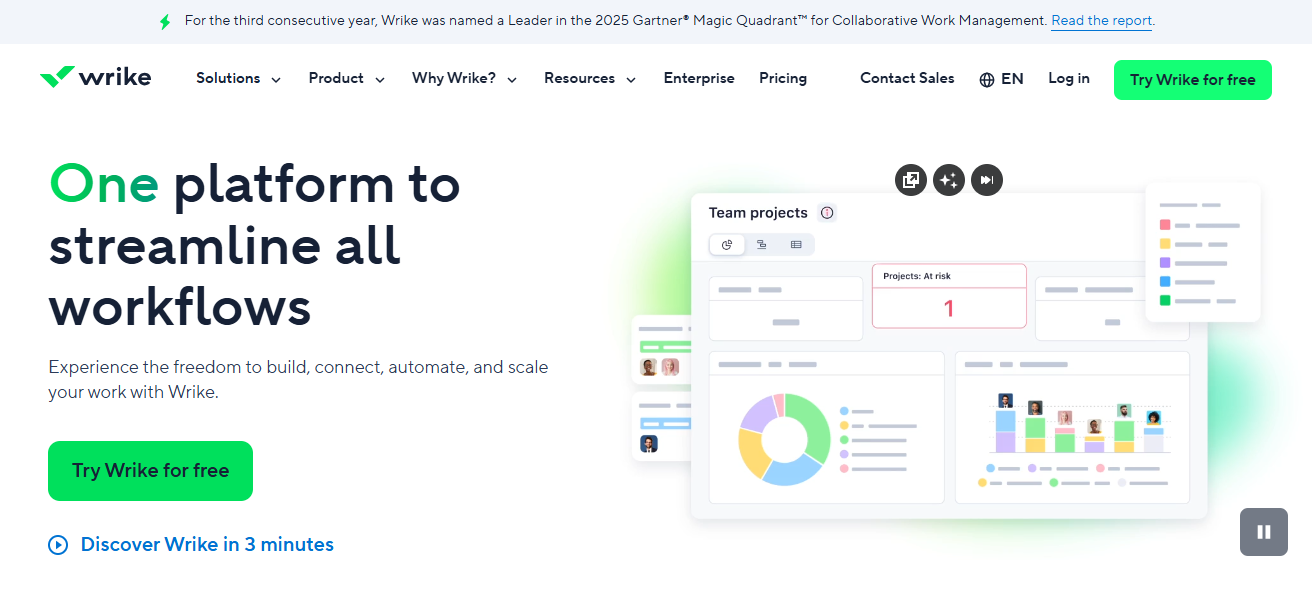
The best parts of Wrike are its detailed reporting, configurable workflows, and firm security stance, which make it perfect for bigger businesses.
Wrike delivers organizations integrations with major enterprise tools as well as helpful, time-saving, AI recommendations, which make enterprise teams more productive with resource utilization and project visibility.
Features Wrike
Advanced Gantt & Timeline – The critical path and dependencies allows for visual scheduling to be done in real-time.
Workload & Resource Management – Maintains balance in your organization by tracking team capacity and allocation.
Custom Dashboards & Reports – Leadership can receive tailored reports and analytics focusing on specific KPIs.
Enterprise Security – Large scale use compliance features such as SSO, permissions, and more.
| Pros | Cons |
|---|---|
| Excellent scalability for large enterprises | Steeper learning curve for new users |
| Advanced reporting and analytics | Interface can feel cluttered |
| Strong collaboration features | Premium features are costly |
3. Scoro
Scoro is a single-source solution for managing a company’s work functions. Such functions include project management, resource scheduling, financial management, and analytics.
Scoro is useful for professional services firms because of its comprehensive project visibility. Scoro allows businesses to monitor and control activities, budgets, deadlines, and client information from a single dashboard.

More efficient and effective project management is a result of Scoro’s diverse tools for management, analytics, and control.
Scoro’s dashboards and tools enable the leadership of a company to make informed and smart choices.
Features Scoro
Project & Financial Integration – Management tasks and billing and budgeting can be done in the same place.
Time Tracking & Forecasting – In the same system, revenue can be forecasted and billable hours can be logged.
Business Dashboards – Centralized insights regarding performance, profitability, and utilization.
Client & Activity Management – Manage the details of your clients alongside the quotes and activities done for the project.
| Pros | Cons |
|---|---|
| All-in-one solution (projects, CRM, billing) | Expensive for small teams |
| Strong financial and resource tracking | Limited third-party integrations |
| Comprehensive project oversight | Interface less intuitive compared to rivals |
4. Smartsheet
Smartsheet is a versatile work management application that has spreadsheet functionalities which has the ability to help you manage activities more strategically.
Smartsheet assists with the management of large projects and a host of invaluable skills like automation, and real time collaboration.
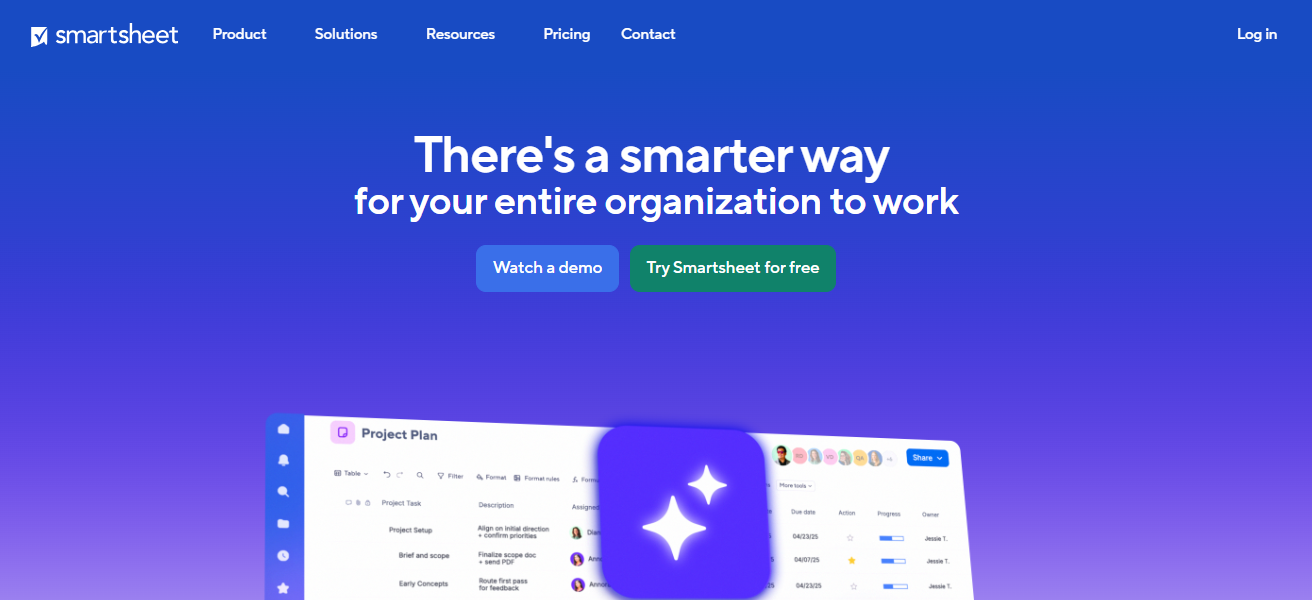
Smartsheet can help comapnies manage a complex set of portfolios and interdependent projects along with providing & customizing org level reports.
Smartsheet is ideal for coporate entities due to its excellent governance, collaborations with Microsoft and Google, and is very flexible for enterprises that work with projects needing Agile methodologies.
Features Smartsheet
Spreadsheet-Inspired Interface – A very simple interface for exel users to help manage projects.
Automated Workflows – Get alerts, reminders, and updates automatically without having to do anything.
Resource & Portfolio Management – Look at the project portfolios and the resources that have been allocated.
Multiple Views – Planning can happen in a variety of ways, whether you want a grid, card, Gantt, or calendar view.
| Pros | Cons |
|---|---|
| Spreadsheet-like flexibility | Can feel complex for non-spreadsheet users |
| Strong automation and workflow management | Requires training for advanced use |
| Good for enterprises used to Excel | Mobile experience less polished |
5. ClickUp
ClickUp is designed to eliminate the need to get multiple workplace tools by providing a fully integrated enterprise project management software solution.
platform provides complete workplace functionality through tasks, goals, documents, time tracking, dashboards, and automation, all available in a single workspace.
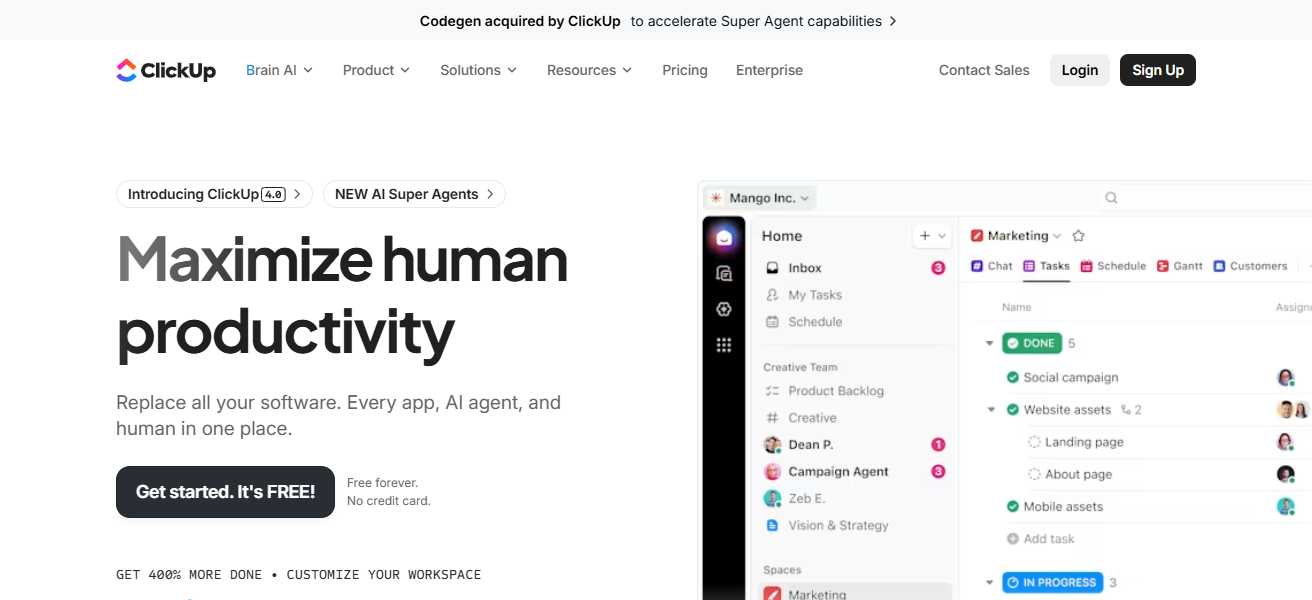
As is the case with all enterprise software, customization, scalability, and cost efficiency further improve the value proposition.
effectively provides functionality to teams across different departments and improves collaboration, visibility, and productivity through the customization of workflows to fit the business processes for the enterprise.
Features ClickUp
All-in-One Workspace – Tasks, documents, goals, chat, and timing functions are all included within the platform.
Custom Statuses & Fields – Workflows can be tailored to fit the needs of each team.
Dashboards & Reporting – Track the metrics in real time to track performance.
Built-in Collaboration – Document sharing, and each team member can be assigned a task to encourage collaboration.
| Pros | Cons |
|---|---|
| Highly customizable and versatile | Feature overload may confuse teams |
| Affordable pricing | Performance issues with very large projects |
| Combines tasks, docs, goals in one platform | Reporting not as strong as Wrike/Workfront |
6. Asana
Asana is a widely used enterprise project management tool centered around transparency, coordination, and responsibility.
Asana allows teams to efficiently plan projects, delegate tasks, monitor advancements, and manage dependencies.
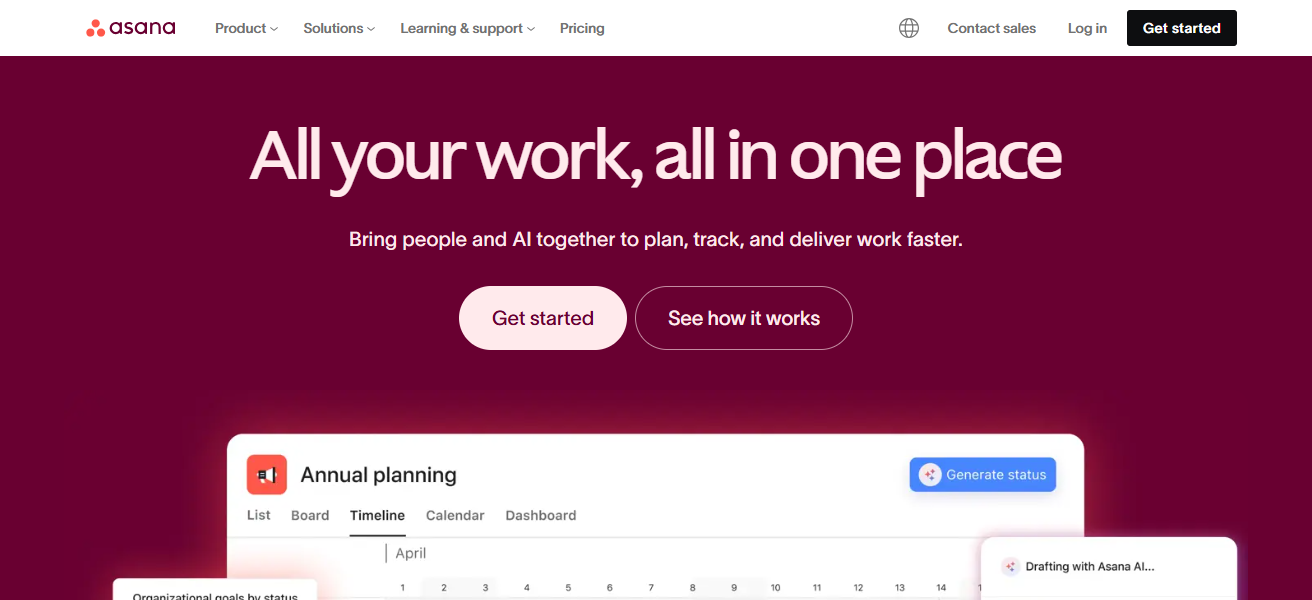
Asana is appreciated by large businesses for their timeline views, workflow automation, and goal tracking.
With enterprise-grade security, reporting tools, and integrations with major business applications, Asana aids companies in optimizing their processes and keeping their key activities in focus.
Features Asana
Task & Subtask Management – Tasks can be broken down into sub tasks and set up as a hierarchy and have dependencies and milestones.
Timeline & Calendar Views – Keep a record of all the schedule and deadlines for the project in one place.
Workflow Automation – Robotic processes are set up to keep everything updated and ensure that things happen consistently.
Team Collaboration – Work on the project together using comments and by adding attachments, and have discussions on the project.
| Pros | Cons |
|---|---|
| Excellent team collaboration | Limited advanced reporting |
| Clean, intuitive UI | Premium features locked behind higher tiers |
| Strong integrations with popular apps | Not ideal for complex enterprise workflows |
7. Microsoft Project
Microsoft Project is a classic software application for enterprise project management which you can plan and schedule projects in great detail.
Its functions include Gantt charts, resource management, cost management, and portfolio management.
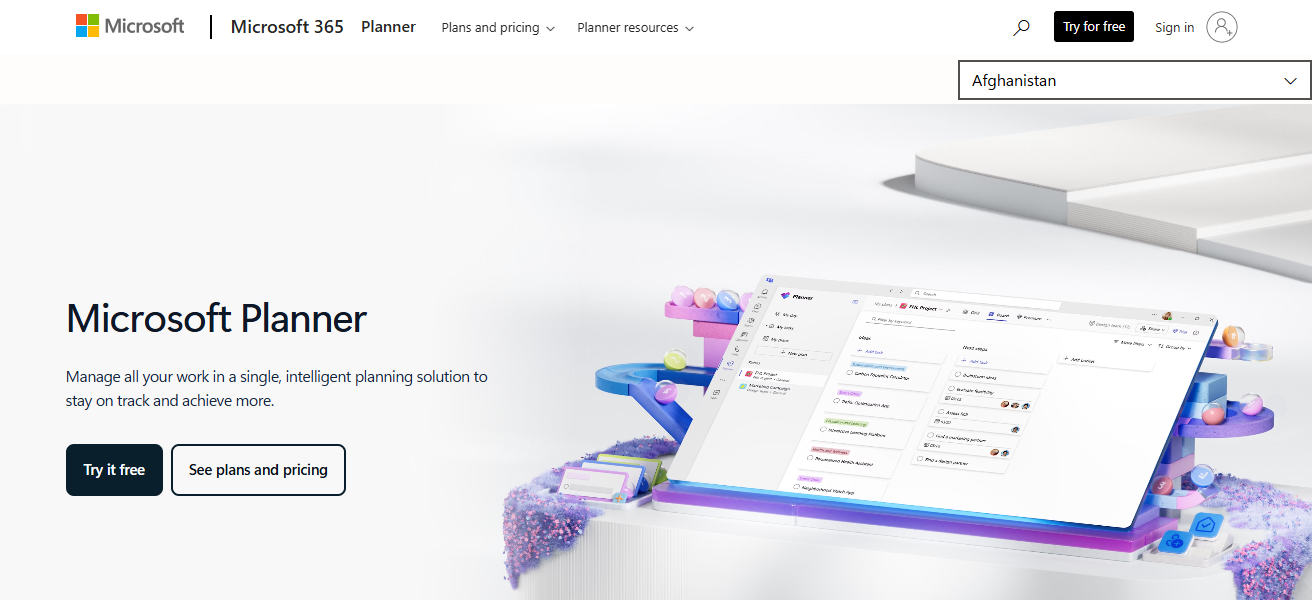
Cost tracking is also one of the advanced features. Organizations that already use Microsoft 365 can integrate seamlessly with Teams, SharePoint, and Power BI.
Microsoft Project is designed for organizations that run complex and long-term projects that need careful management and orderly execution.
Features Microsoft Project
Detailed Scheduling Tools – Things like the critical path, setting baselines, and resource leveling.
Resource Management – Assign work hours and track workload and availability.
Integration with Microsoft 365 – Teams, SharePoint, Excel, and Power BI sync.
Advanced Reporting – Project performance insights with ready-made templates.
| Pros | Cons |
|---|---|
| Powerful enterprise-level planning | Steep learning curve |
| Strong Gantt charts and scheduling | Expensive compared to alternatives |
| Robust resource management | Not beginner-friendly |
8. Jira
Jira is one of the best enterprise project management tools and is especially popular with software development and IT teams.
It is considered one of the best tools for agile project management, since it allows for sprint planning, backlog tracking, issue management, and on the fly reporting.
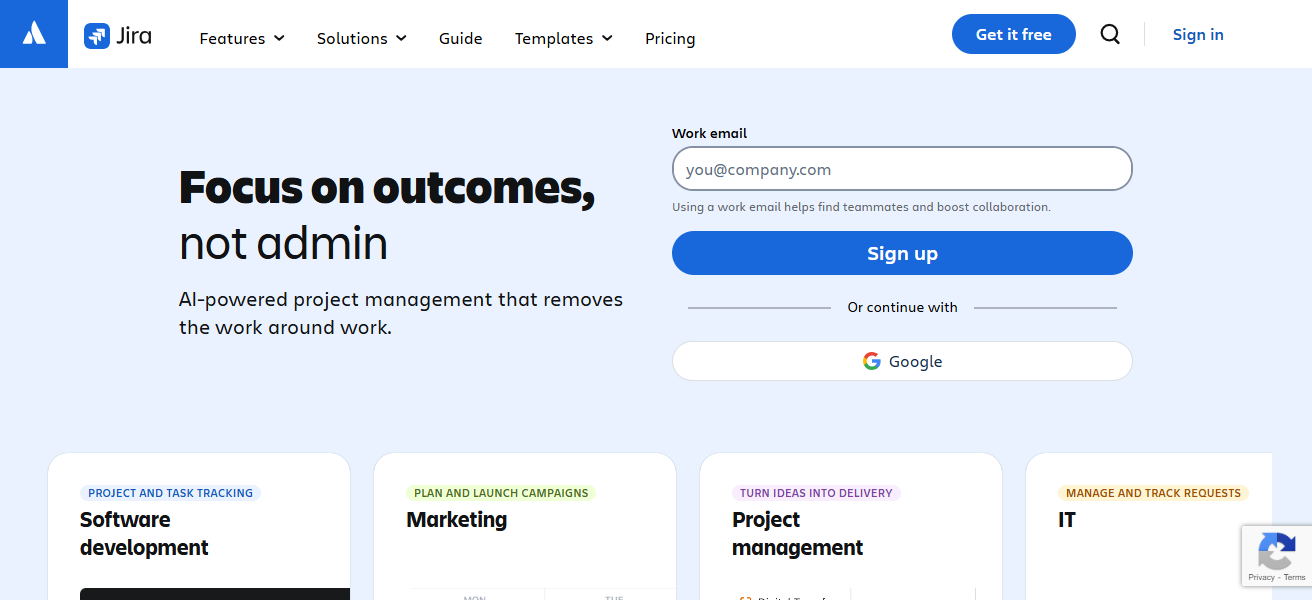
Enterprises have come to rely on Jira for its scalability and customizability, as well as its ability to integrate with most DevOps tools.
Jira has strong analytic and workflow automation capabilities, which serve to help large organizations in the management of complex development projects. This tool has helped those organizations achieve and maintain transparency and ongoing improvement.
Features Jira
Agile \& Scrum Support – Manage sprints, backlogs, boards, and burndown charts.
Issue \& Bug Tracking – Solution for tickets, tasks, and fixes.
Custom Workflows – Configurable states, transitions, and rules per team.
Developer Integrations – Links with Git, CI/CD and other DevOps tools.
| Pros | Cons |
|---|---|
| Best for agile software development | Complex setup and configuration |
| Strong issue tracking and backlog management | Not ideal for non-technical teams |
| Customizable workflows | Interface can feel overwhelming |
9. Zoho Projects
Zoho Projects integrates seamlessly with other tools in the Zoho suite. This makes it perfect for larger organizations that use Zoho CRM, Books, or Desk.
The project management tool allows for automation, reporting, and customization and is fairly priced. It gives organizations the opportunity to manage large, complex projects while still having control over costs and project deadlines
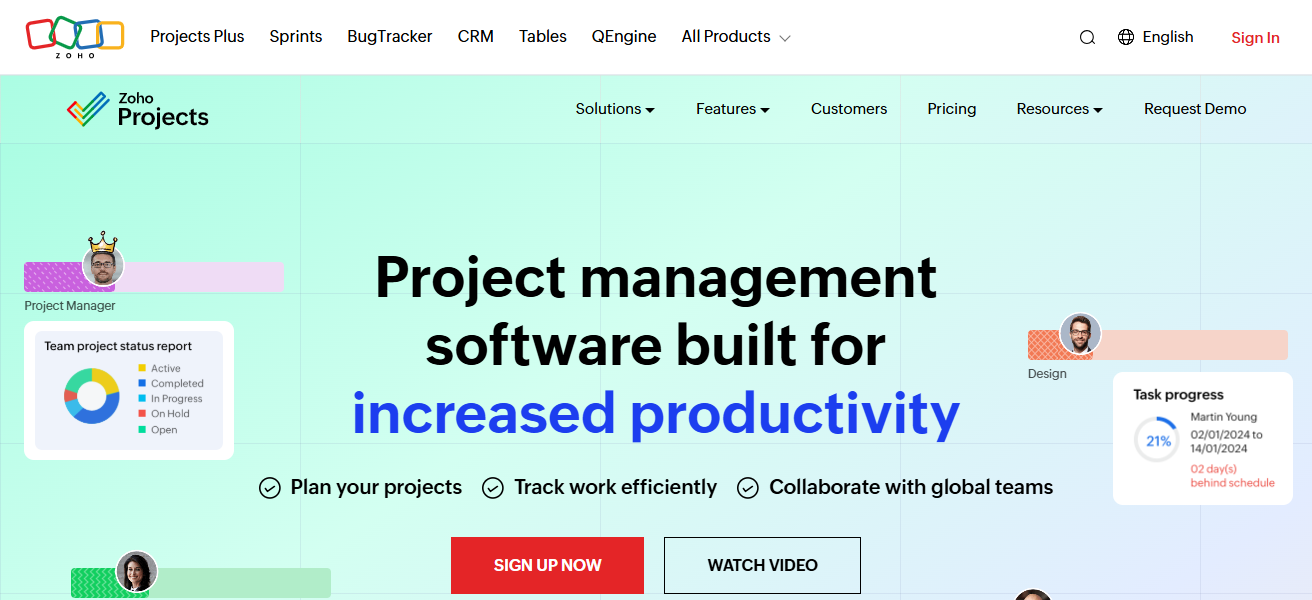
As it offers budget management and timeline tools. Projects includes features like task management, time tracking, and collaborational Gantt charts.
Features Zoho Projects
Task \& Milestone Planning – Create task lists and set timelines and milestones.
Gantt Charts \& Dependencies – Show work in sequence with dependency lines.
Time Tracking \& Timesheets – Log time and produce reports.
Zoho Ecosystem Integration – Connect with CRM, Books, Desk, and other Zoho apps.
| Pros | Cons |
|---|---|
| Affordable pricing | Limited advanced features |
| Good integrations with Zoho ecosystem | Less suited for very large enterprises |
| Easy to use and beginner-friendly | Interface less modern than competitors |
10. Workfront (Adobe)
Adobe Workfront is an enterprise work management platform. It is specially designed for large companies that are managing complex workflows and digital operations like ecommerce.
It is an Enterprise Product that offers Advanced Project Planning and Resource Management and Approval Workflows and Real-Time Reporting.
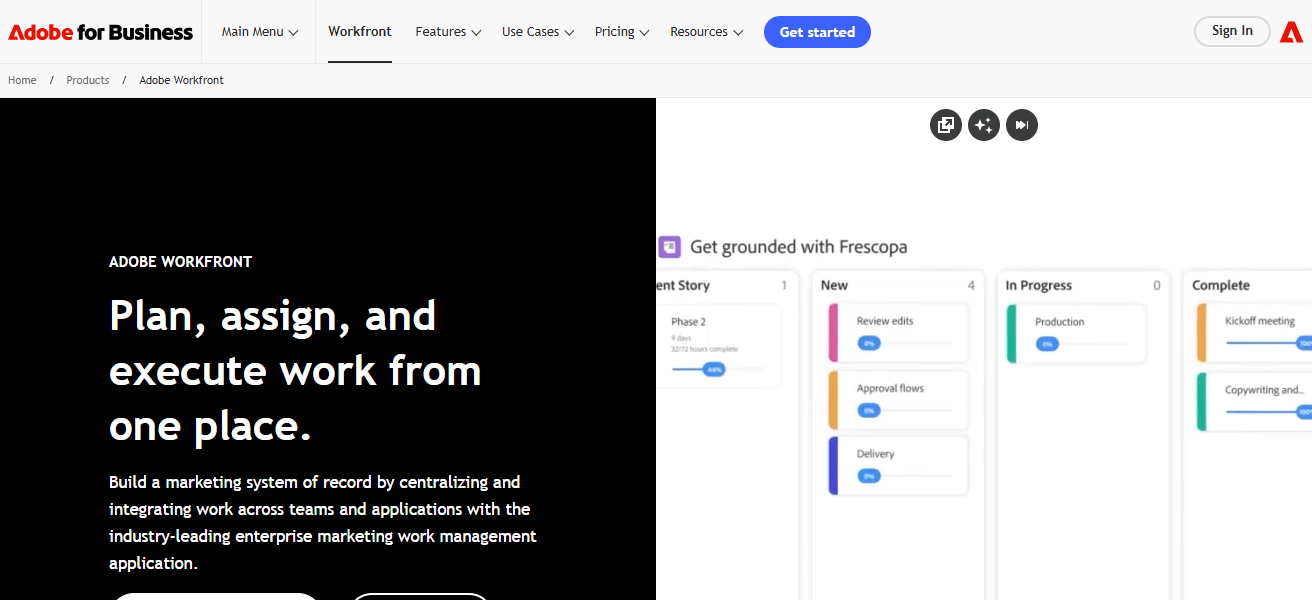
It is Core Assets for Enterprises as it is Well Integrated with Adobe Creative Cloud and Experience Manager. It helps Executives Align Strategy with Execution, Cross Team Collaboration and Enterprise Wide Visibility on Work Execution.
Features Workfront (Adobe)
Enterprise Workflow Engine – Specify approval steps and complex processes.
Portfolio \& Resource Planning – Harmonize project work and enterprise objectives.
Live Dashboards – All project metrics in one place for easy monitoring.
Adobe Integration – Direct access to Creative Cloud and other collaborative tools.
| Pros | Cons |
|---|---|
| Enterprise-grade portfolio management | High cost |
| Strong reporting and analytics | Requires training for full adoption |
| Integrates well with Adobe suite | Complexity may slow onboarding |
How We Choose Best Project Management Tools for Enterprises
Scalability & Performance – The application needs to accommodate large teams, several units, and increasing project portfolios without performance degradation.
Core Project Management Features – We look at their capabilities in task management, scheduling, timelines, dependencies, Gantt charts, and overall portfolio management.
Customization & Flexibility – Enterprise applications should provide customers with the facility to build their own workflows, fields, dashboards, and automation to align with their business processes.
Collaboration & Communication – Cross-functional teams need real-time updates, commenting, file sharing, and team collaborative capabilities.
Integration Ecosystem – We consider the potential of the application to integrate with other enterprise systems like CRM, ERP, HR, and various communication applications.
Reporting & Analytics – Leadership needs actionable analytics and insights from the data to drive decisions. This should come from dashboards and reporting to a sufficient degree.
Security & Compliance – Security needs to be enterprise-grade. There needs to be role-based access, SSO, encryption of data, and the application needs to adhere to various compliance mandates.
Cocnlsuion
FAQ
Enterprise project management tools are software platforms designed to help large organizations plan, track, and manage complex projects across teams and departments.
They need features like scalability, advanced reporting, resource planning, and security to handle large project portfolios and cross-functional collaboration
Yes — most enterprise tools offer integrations with CRM, ERP, communication apps (Slack, Teams), and file systems.
They centralize communication, task updates, file sharing, comments, and notifications to keep teams aligned in real time.