In this article, I will review the Best SaaS Tools to Automate Business Finances. I will detail how these tools assist businesses in streamlining their accounting, invoicing, expense tracking, and reporting.
- Key Point & Best SaaS Tools to Automate Business Finances
- 1. QuickBooks Online
- QuickBooks Online Features, Pros & Cons
- 2. Xero
- Xero Features, Pros & Cons
- 3. Zoho Books
- Zoho Books Features, Pros & Cons
- 4. FreshBooks
- FreshBooks Features, Pros & Cons
- 5. Wave Accounting
- Wave Accounting Features, Pros & Cons
- 6. Sage Intacct
- Sage Intacct Features, Pros & Cons
- 7. Oracle NetSuite ERP
- Oracle NetSuite ERP Features, Pros & Cons
- 8. SAP Concur
- SAP Concur Features, Pros & Cons
- 9. Workday Financials
- Workday Financials Features, Pros & Cons
- 10. Anaplan
- Anaplan Features, Pros & Cons
- Conclusion
- FAQ
The resulting reduction in manual work and the improvement in accuracy and real-time insights into finances, makes these tools invaluable. The right choice from QuickBooks Online, Xero, Zoho Books, and Oracle NetSuite ERP will save you time, increase your efficiency, and enable you to make better financial decisions.
Key Point & Best SaaS Tools to Automate Business Finances
| Software | Key Point |
|---|---|
| QuickBooks Online | Cloud-based accounting platform ideal for small to mid-sized businesses, offering invoicing, expense tracking, and real-time financial reporting. |
| Xero | User-friendly accounting software with strong bank reconciliation, multi-currency support, and seamless integrations for small businesses. |
| Zoho Books | Complete accounting solution with automated workflows, invoicing, expense tracking, and tax compliance for SMEs. |
| FreshBooks | Simple and intuitive tool for invoicing, time tracking, and expense management, focused on freelancers and small teams. |
| Wave Accounting | Free accounting software with invoicing, receipt scanning, and basic financial reports, suitable for small businesses and freelancers. |
| Sage Intacct | Advanced cloud financial management software with multi-entity, multi-currency, and strong reporting capabilities for growing businesses. |
| Oracle NetSuite ERP | Comprehensive ERP with finance automation, real-time dashboards, and scalable solutions for mid-to-large enterprises. |
| SAP Concur | Expense, travel, and invoice management platform that automates financial workflows for businesses of all sizes. |
| Workday Financials | Cloud-based financial management suite offering accounting, procurement, and reporting with strong analytics for enterprises. |
| Anaplan | Connected planning platform for finance, sales, and operations, enabling scenario modeling and strategic decision-making. |
1. QuickBooks Online
QuickBooks Online is one of the Best SaaS Tools to Automate Business Finances, conveniently designed for small to medium sized businesses since its cloud accounting feature is quite sophisticated.
With QuickBooks, users will have the ability to automate the process of bookkeeping regarding bank feeds, categorization of expenses, invoicing, and payroll. Users will have access to real-time reporting of financial statements and will have the ability to customize financial dashboards to monitor cash flow, profit, and liabilities.
QuickBooks can integrate with a slew of third party apps and the mobile app can be used for financial management. QuickBooks Online enhances accounting and automation by providing users with the ability to complete invoices and pay bills. Overall, QuickBooks will save users and their business time and improve the accuracy of their work.
QuickBooks Online Features, Pros & Cons
Features
- Online accounting dashboard
- Automated bank feeds and reconciliations
- Invoicing and payment reminders
- Expense tracking with receipt capture
- Financial reports
Pros
- Friendly UI for small businesses
- Lots of integrations available
- Accounting mobile app
- Recurring billing is automated
- Plans available for scalability
Cons
- Costs with add-on features
- Learning curve for advanced features
- Custom reporting is limited compared to enterprise tools
- Payroll is a paid add-on
- Customer support is peak time responsive
2. Xero
Xero is one of the great winners of the Best SaaS Tools to Automate Business Finances because of its great ease of use and powerful automations. It is great for managing invoices, expenses, and bank reconciliations.
It even allows for multi-currency expense management, which is fantastic for businesses dealing with multiple currencies. Xero integrates with hundreds of applications to help businesses improve their workflow. Automated reminders, and automated billing and payment help ease the burden of manual work. It is great for SMEs as it is easy to operate and helps to improve the financial control of the businesses.
Xero Features, Pros & Cons
Features
- Automated bank reconciliation
- Supports multiple currencies
- Automated invoicing and billing
- Automated inventory management
- Dashboard with real time data
Pros
- Interface is quite intuitive
- Most packages come with unlimited users
- Integrations with third party mobile apps
- Mobile support is strong
- Reasonable pricing for growing businesses
Cons
- Payroll is excluded in certain regions
- Additional integrations required for complex reports
- Larger enterprises not catered for
- Customer support is sometimes unavailable
- Learning curve for new users
3. Zoho Books
Automate bookkeeping with the best SaaS tool—Zoho Books. It caters to the cloud-based accounting needs for small and medium enterprises (SMEs) and records permits users to record financial transactions effortlessly. Its features also handle tax compliance, manage inventory, and facilitate transactions in multiple currencies.
Automated workflows enable users to create specific instructions for recurring transactions, approvals, and alerts on various tasks. Users can make custom integrations with other Zoho apps and other third-party applications to streamline business processes. They can create custom reports and dashboards to improve business processes and make more informed decisions. Its price, ease of use, and business growth functionality justify user investment.
Zoho Books Features, Pros & Cons
Features:
- Automated invoicing and payment reminders
- Expense reporting with receipt scanning
- Define workflow rules to automate processes
- Tools for tax compliance
Pros:
- Affordable
- Workflow automation
- Integrates with the entire Zoho ecosystem
- Support is great
- Invoice templates are customizable
Cons:
- They offer less advanced reporting
- Some features are missing on the app
- They do less marketing than the big players
- Inventory isn’t available until you pay for Advanced plans
- Automation features take time to learn
4. FreshBooks
FreshBooks has been rated as one of the Best SaaS Tools to Automate Business Finances and has been designed specifically for freelancers and small businesses. They have made time tracking and expense management easier and have added automated payment reminders and recurring billing.
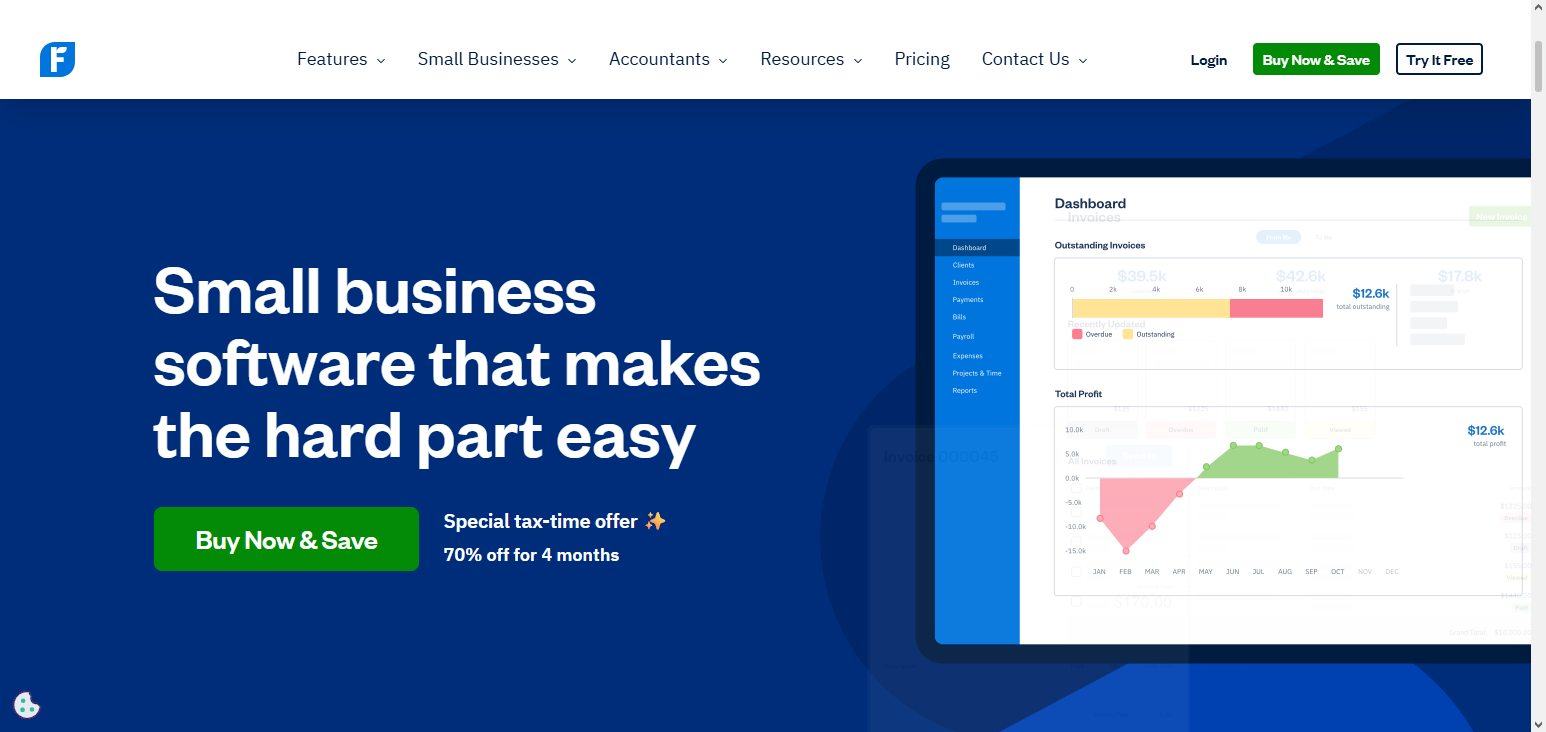
Users report less administrative work when managing customer payments or when creating invoices and managing the receipt of online payments. For managing and tracking the costs of a project, the hours spent, and the costs associated, teams can use the project management section.
The integration of payment gateways, payroll, and CRMs has a positive impact on productivity. Business owners can experience simplified and effective financial management with the aid of real time dashboards and reports so they have a clear understanding of the cash flow, which payments are overdue, and the amount of profit.
FreshBooks Features, Pros & Cons
Features:
- Billable hours tracking
- Invoicing is automated
- Expenses are captured and sorted
- Can track project costs and allows collaboration with clients
- Payments can be made through the app
Pros:
- Best choice for consultants and freelancers
- Easy to navigate and clean interface
- Great tools for communicating with clients
- Payments not made by clients automatically trigger reminders
- Reporting is decent with small teams
Cons:
- Inventory and payroll are not included
- Bigger companies will find it less useful
- Compared to other accounting software, it has limited integrations
- Financial charges increase as client numbers increase
- Some features are not available until you pay for higher tiers
5. Wave Accounting
Wave Accounting offers a completely free, cloud-based option that has won awards for being one of the Best SaaS Tools to Automate Business Finances tailored to the needs of small businesses and freelancers. Wave allows users to scan receipts and track expenses and automates the categorization of those expenses.
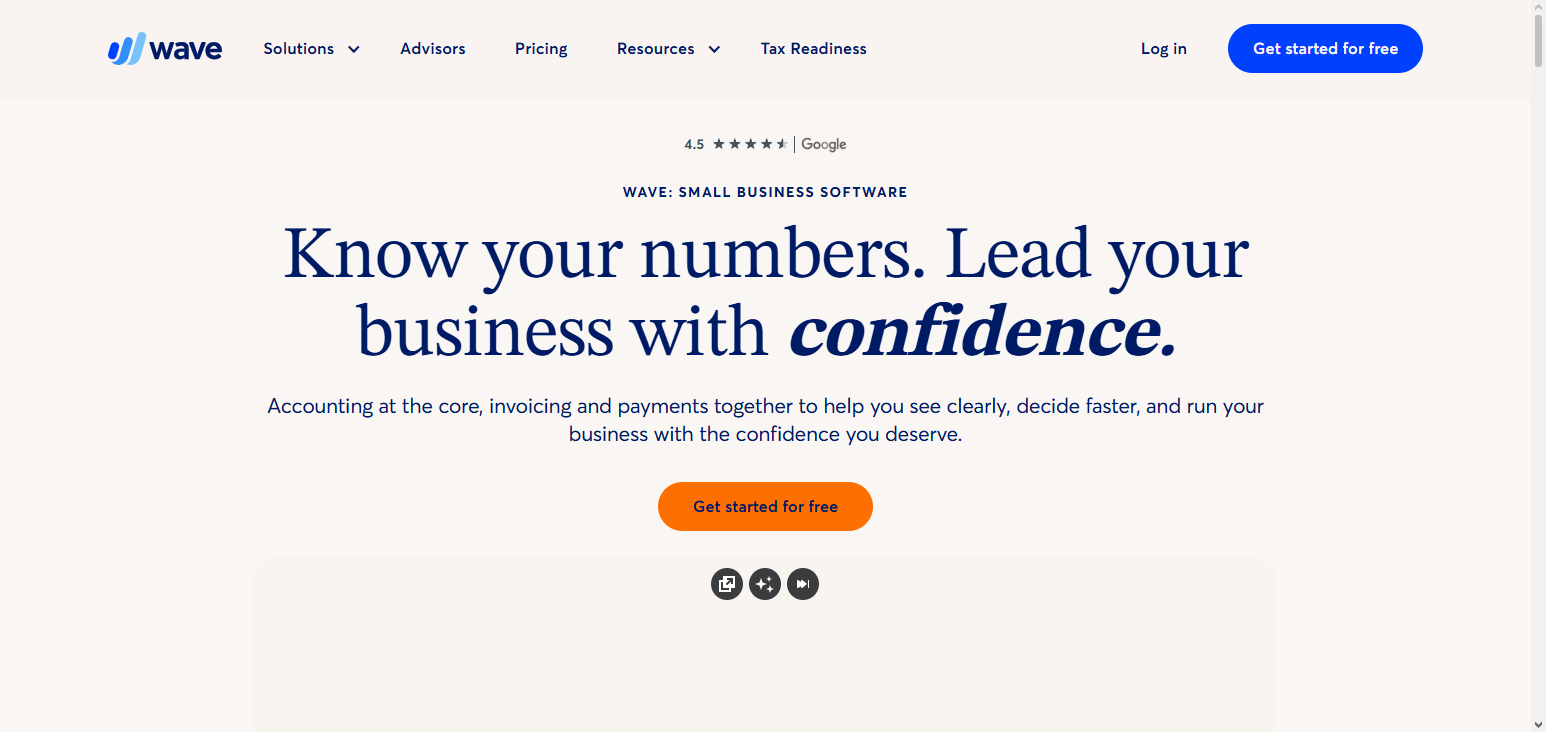
Users can establish a connection to their bank to receive transaction updates, and they can build their own financial statements. Additionally, Wave enables customers to receive and process online payments and makes payroll processing (which is an added fee) easier. Wave has an extraordinarily intuitive design so users can onboard without extensive effort and without an enormous amount of accounting knowledge.
Wave provides free differentiation and repeated invoice automation. Wave offers considerable functionality, and, for small businesses desperate for accounting automation, Wave offers considerable functionality without sacrificing any tools necessary for keeping financial records.
Wave Accounting Features, Pros & Cons
Features
- Accounting software with no costs
- Invoicing and receipt scans
- Expenses can be automatically tracked
- Linking and reconciling with banks is available
- Basic statements are available
Pros
- Accounting is genuinely free
- Easy to understand and quick to set up
- Great for freelancers and solo businesses
- Users can be unlimited and free
- Invoicing is simple
Cons
- Automation is basic
- Payroll is an optional extra
- No free tier multi-currency
- Reports are basic
- Support is slower
6. Sage Intacct
Sage Intacct is a robust cloud financial management tool and is regarded as one of the \“Best SaaS Tools to Automate Business Finances,\” and is particularly helpful for growing mid-sized companies. It provides automations for the core accounting functions, including accounts payable, accounts receivable, and general ledgers.
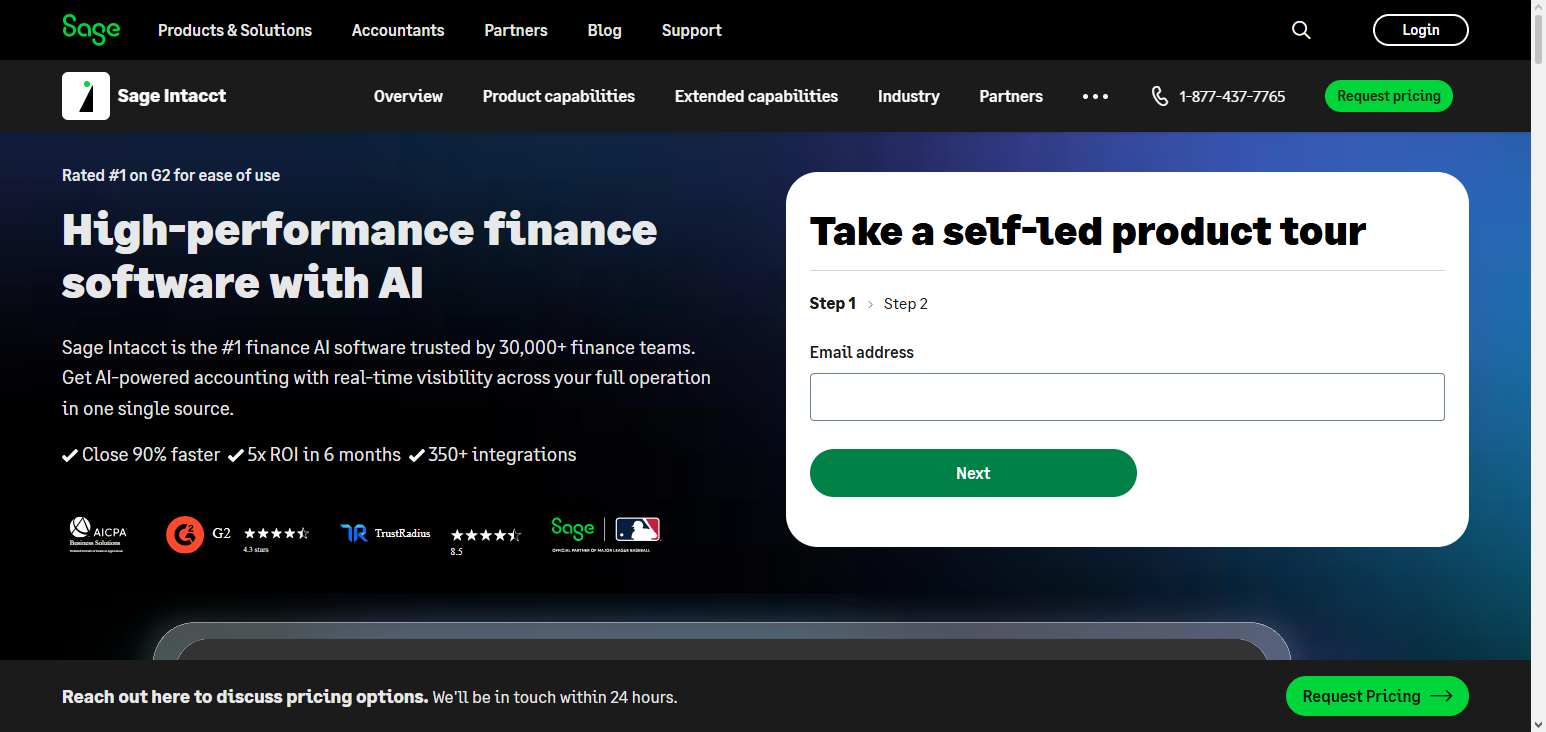
As a multi-entity and multi-currency system, Sage Intacct simplifies global business operations. We provide sophisticated reporting and dashboards for real-time reporting and insights on cash management, profits, and other key performance indicators.
The integration for CRM, payroll, and other enterprise systems improves work process automation. With automated approval, audit trails, and error minimization with Sage Intacct, we ensure transparency and scalability for all of your complex financial operations.
Sage Intacct Features, Pros & Cons
Features:
- Automation of GLs & workflow transactions
- Consolidation of multiple entities
- Accounting across multiple currencies
- Dashboards and reports of finances can be customized
- Tools for budgeting and planning
Pros:
- Targeted at mid-sized companies
- Automation and auditing is strong
- Reporting is strong
- Reporting is highly scalable
- Support for compliance is strong
Cons:
- More expensive than tools for SMBs
- Setup can be difficult
- Learning can be more difficult
- Professional configuration is needed to use advanced features
- Payroll is weak
7. Oracle NetSuite ERP
Oracle NetSuite ERP is one of the Best SaaS Tools to Automate Business Finances because it is an all-inclusive, enterprise-level cloud solution. Furthermore, it provides centralization of accounting, financial planning, and reporting for medium to large-sized businesses. Features such as automation of accounts payable and receivable, budgeting, and revenue recognition, help to eliminate manual processes.
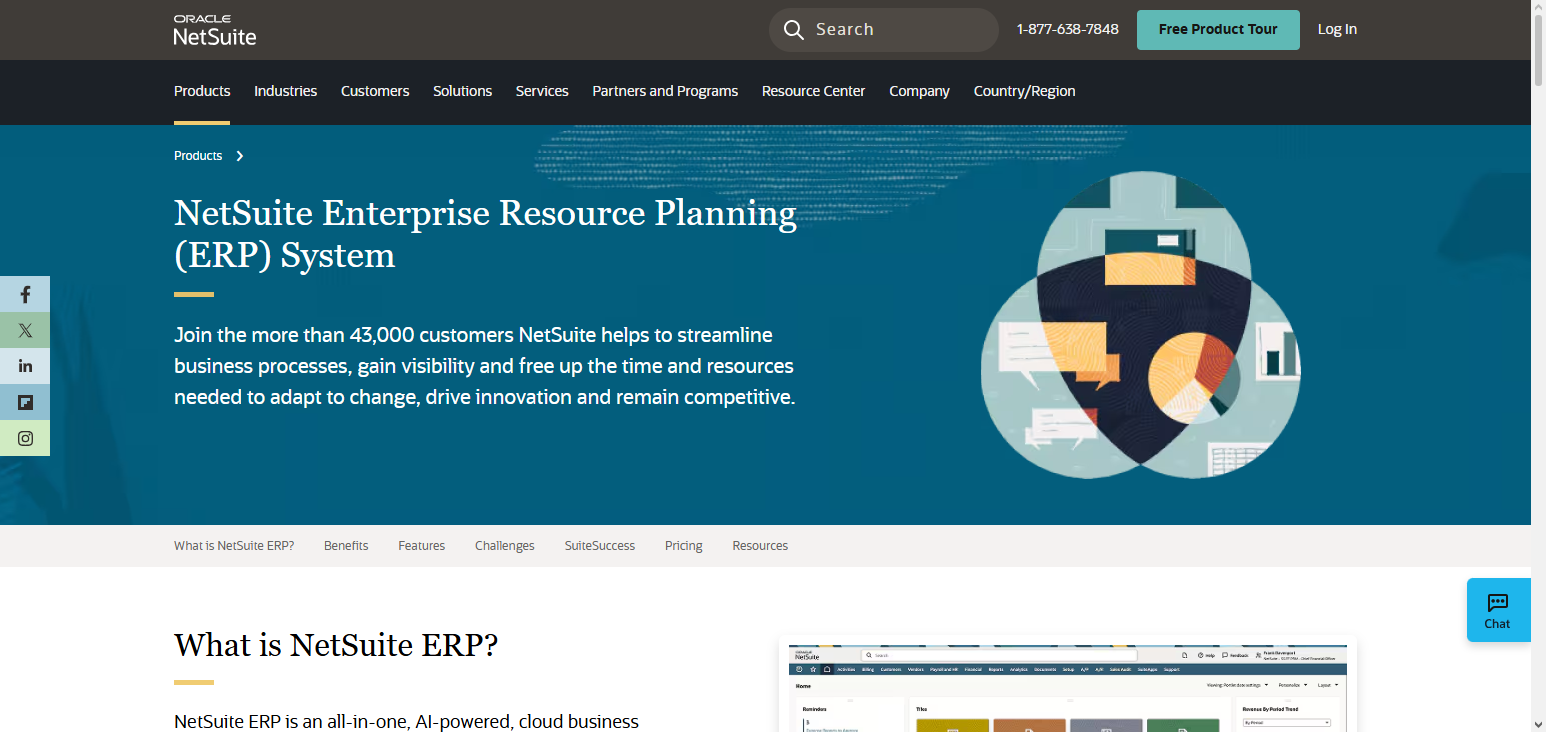
Users can access NetSuite’s customizable reporting and strategic insight dashboards as well as advance analytics. Global businesses can benefit from NetSuite’s support of multiple entities and currencies. Compliance features and audit trails also add to the benefits of pricing and operational efficiency. Advanced financial workflow automation can be done with Oracle NetSuite ERP while businesses retain real-time visibility of all financial information.
Oracle NetSuite ERP Features, Pros & Cons
Features:
- Automated finances within the full ERP
- Dashboards and KPIs updated in real time
- Support for multi-currency and multi-book
- Automation to recognize revenue
- CRM and integrated inventory
Pros:
- Scalability is at the level of an enterprise
- The finance and operation need is combined
- Reporting and customization is excellent
- Tools for compliance globally are available
- Support and ecosystem strong
Cons:
- High cost due to licensing
- The process for implementation is lengthy
- Advanced administration is needed
- It is excessive for small companies
- High cost due to customization
8. SAP Concur
SAP Concur is recognized as one of the Best SaaS Tools to Automate Business Finances because of its eexpense, travel, and invoice management. receipt capture and travel booking, and expense reporting and compliance. SAP Concur integrates with some of the major ERP and accounting systems to allow real-time finance management.
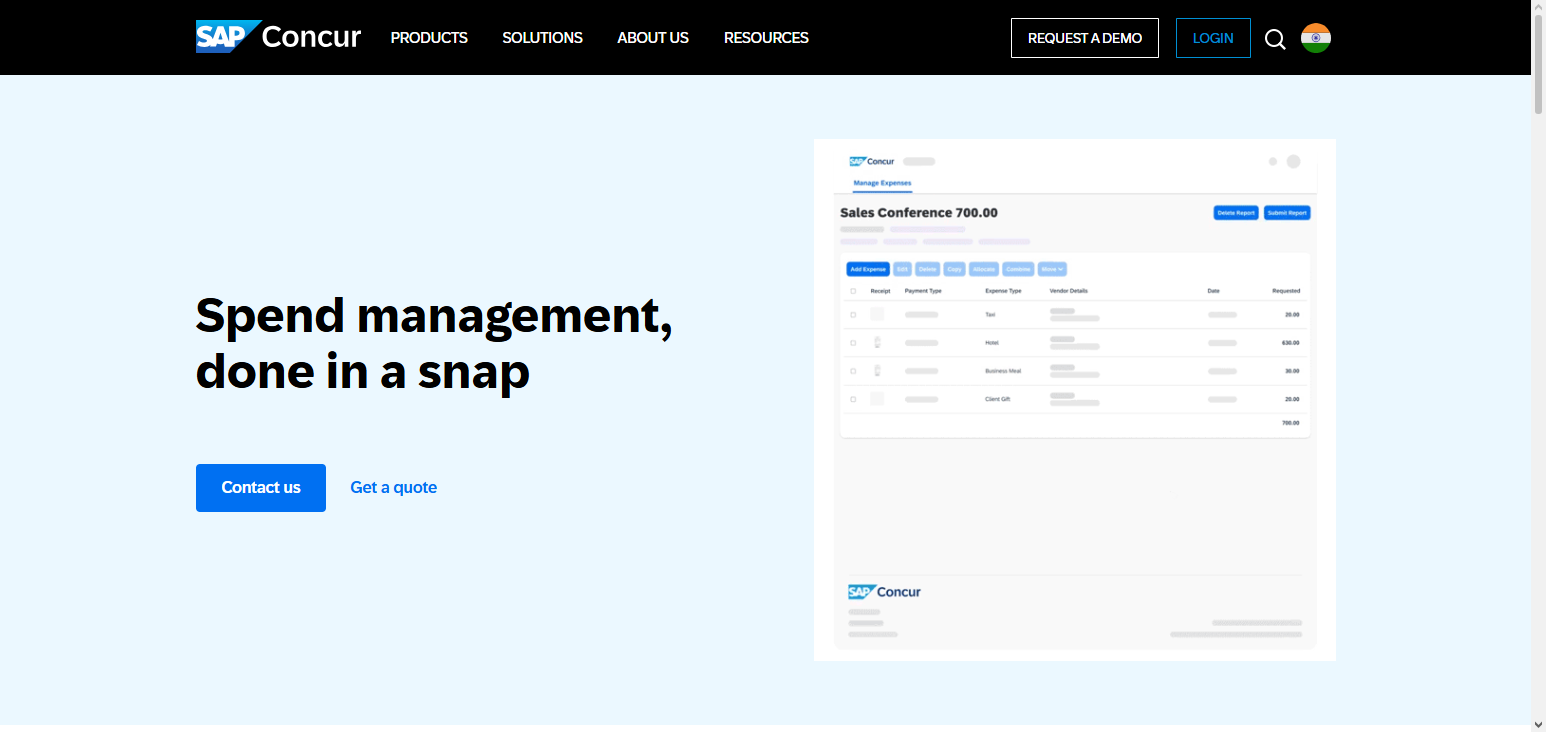
SAP Concur helps with finance management by optimizing costs and helping management analyze and interpret their spending. SAP Concur also helps with reimbursements by making it easier to approve. SAP Concur’s travel and expense management is one of the best and is scalable, allowing for improvement of the overall financial efficiency of the company.
SAP Concur Features, Pros & Cons
Features:
- Booking travel and recording expenses is automated
- A mobile app can be used to scan receipts
- Automation of Policy Compliance
- Management of invoices through integration
- Spend Trend Analytics
Pros:
- Perfect for companies with heavy travel
- Approval workflows are strong
- Great ERP system integration
- Expense fraud and mistakes are reduced
- Mobile experience
Cons:
- Expensive
- Large orgs create setup complexities
- Lack of full accounting system
- Training is needed
- Small and medium businesses are not best suited
9. Workday Financials
Workday’s integrated financial automation suite includes Workday Financial Management, Workday Accounting Center, Workday Adaptive Planning, and Workday Enterprise Management Cloud (EMC).
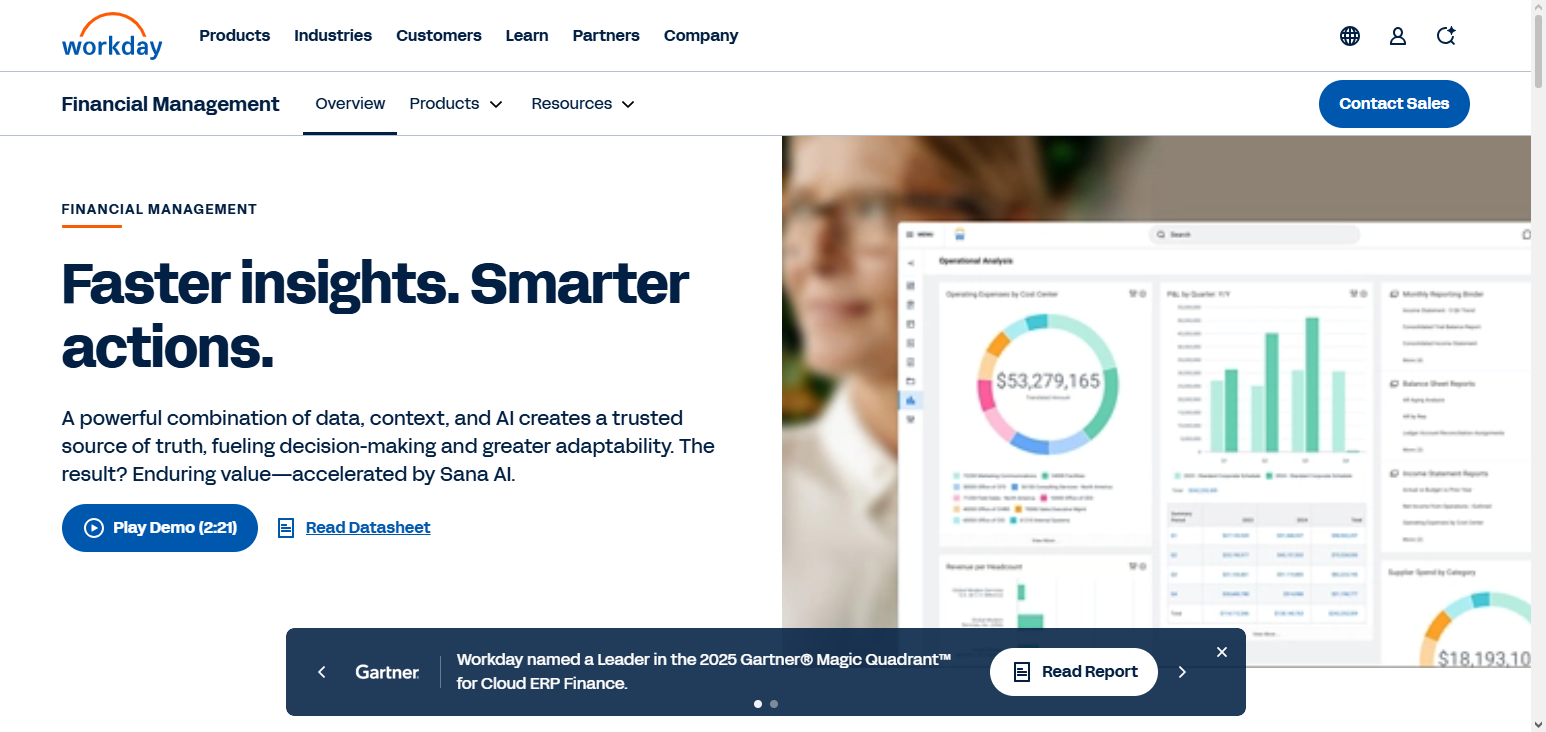
Workday Financial Management automates a wide range of operations for the back office, such as managing general ledgers, accounts payable and receivable, and responding to expense reports. In addition, Workday employs predictive analytics and real-time dashboards to foster rapid planning. With a mobile-friendly interface, transaction approvals can happen anytime and anywhere.
Financial workflows are seamlessly integrated with HR and payroll systems thanks to Workday’s integration. With the highest level of compliance and scalability, it is best suited for large enterprises. Manual accounting is scaled back, and accuracy, efficiency, accessibility, and visibility maximized within the organization’s financial workflows with automation in Workday Financials.
Workday Financials Features, Pros & Cons
Features:
- Accounting and Financial suite is unified
- Analytics and Reporting in real time
- Automation of procurement and expenses
- Automation of budgeting and forecasting
- Payroll and HR integration
Pros:
- Large enterprises LOVE this.
- Workflows and approvals are automated
- Insightful financial tools are strong
- Mobile access is possible
- Security is solid
Cons:
- Costs a lot
- Implementation is difficult
- Training that is specific is a requirement
- Small businesses are not the target
- Customization is not cheap
10. Anaplan
Anaplan is one of the Best SaaS Tools to Automate Business Finances for dynamic financial modeling and strategic planning. It helps improve decision-making and scenario analysis by integrating finance, operations, and sales planning. With Anaplan, users can automate budgeting, forecasting, and reporting and eliminate manual effort and errors.
The cloud architecture enables real-time collaboration. Users can advanced analytics to strengthen the execution of their business strategies. The platform is easily scalable to fit the needs of the business, making Anaplan a great choice for enterprises that need to automate and eliminate manual processes. It is especially useful for improving financial planning and operational efficiency.
Anaplan Features, Pros & Cons
Features:
- Integrated planning of operations and finance
- Modelling of Scenarios and forecasting
- Dashboards update in real time
- Department wide workflow automation
- A Cloud platform that can grow with you.
Pros:
- Strategic planning is powerful.
- Forecasting with complexity is great
- Collaboration in real time is possible across multiple teams
- Models can be adjusted as needed
- Great integration with Business Intelligence tools
**Cons:
- Costs a lot for smaller teams..
- Needs advanced planning
- Extended preparation time
- Incomplete ERP/accounting solution
- Learning modeling language is required
Conclusion
To sum it up, the Top SaaS Tools to automate business finances provide firms of any size the ability to better manage bookkeeping, expense tracking, invoicing, and financial reporting processes. Whether the solution is simple like QuickBooks Online, Xero, and FreshBooks or more complex like Oracle NetSuite ERP, Workday Financials, and Anaplan, these products each enable specific process automation to help businesses save time, reduce mistakes, and increase the speed of quality business decisions.
Using any of these tools business can obtain up to the minute reporting of financial data, improve overall productivity, and spend more time building the business rather than managing the books. Picking the best solution will provide more intelligent, quicker, and precise management of financial data.
FAQ
The best tools include QuickBooks Online, Xero, Zoho Books, FreshBooks, Wave Accounting, Sage Intacct, Oracle NetSuite ERP, SAP Concur, Workday Financials, and Anaplan. These platforms automate accounting, invoicing, expense management, and financial reporting to save time and improve accuracy.
For small businesses and freelancers, QuickBooks Online, Xero, FreshBooks, and Wave Accounting are ideal due to their ease of use, affordability, and essential automation features.
Enterprise-level solutions like Oracle NetSuite ERP, Workday Financials, Sage Intacct, and Anaplan offer advanced automation, multi-entity support, and real-time analytics for complex financial operations.