In this article, I will discuss the Best Slack Alternatives for Better Collaboration. While Slack is popular, many teams seek tools that better fit their workflow, offer unique features, or improve productivity.
From Microsoft Teams to Pumble, these alternatives provide messaging, file sharing, video calls, and integrations, helping teams communicate efficiently and stay organized in today’s fast-paced work environment.
Key Points & Best Slack Alternatives for Better Collaboration
Microsoft Teams – Integrated with Office 365, offering chat, video calls, file sharing, and collaborative workflows.
Google Chat – Seamlessly works with Google Workspace, supporting direct messaging, rooms, and bot integrations.
Rocket.Chat – Open-source platform allowing self-hosting, customization, secure messaging, and real-time team collaboration.
Chanty – Simple, AI-powered team chat with task management, voice messages, and unlimited searchable history.
Discord – Originally for gamers, now supports communities with voice, video, and topic-based channels efficiently.
Zoom Team Chat – Combines Zoom meetings with persistent messaging, file sharing, and threaded conversations.
Mattermost – Open-source collaboration tool with self-hosting, strong security, and extensive integrations for teams.
Twist – Organized, thread-focused communication that reduces clutter and promotes asynchronous teamwork.
Zoho Cliq – Team chat with integrations, bots, channels, and voice/video calling inside Zoho ecosystem.
Pumble – Free team communication app offering channels, private messaging, file sharing, and real-time collaboration.
10 Best Slack Alternatives for Better Collaboration
1. Microsoft Teams
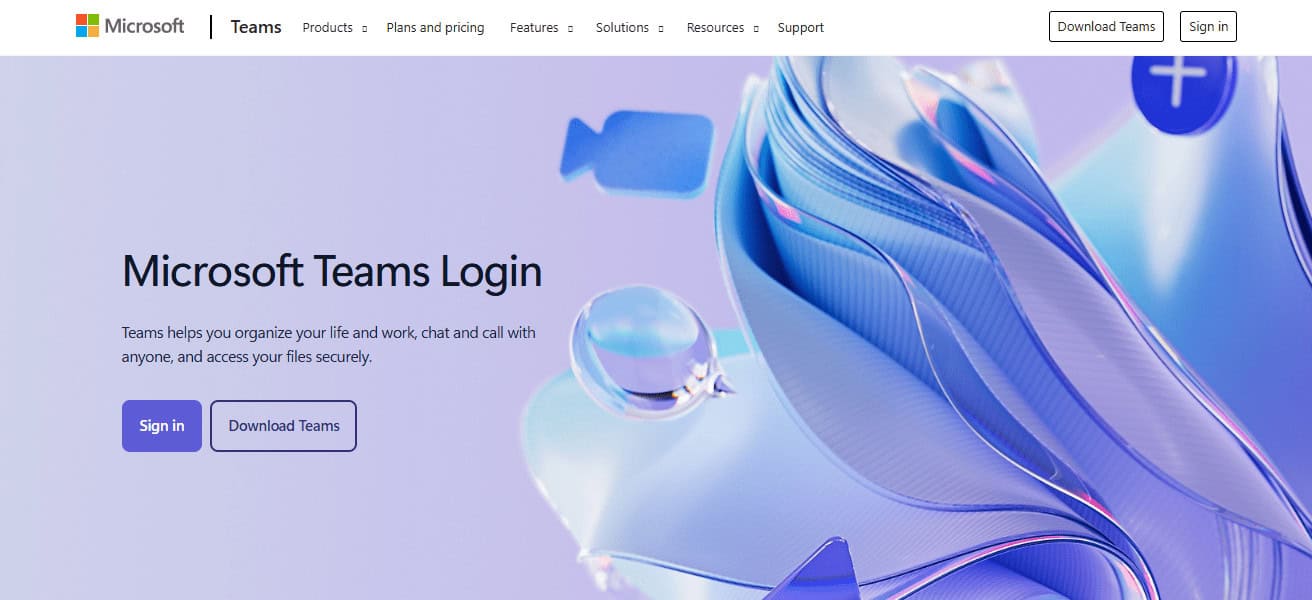
Microsoft Teams is an all-in-one collaboration platform optimized for businesses large and small. It is also integrated into the Office 365 suite, which means users can chat and conduct video meetings, share files, and work simultaneously on documents.
With threaded conversations, channels for specific projects and integration of multiple apps, Teams promotes good workflow management.
Databricks has built-in security features such as data encryption and compliance certifications to cater to enterprise environments.
Available in desktop and mobile apps, Teams keeps teams connected wherever they are at work or on the go, making them productive and fostering collaboration across departments and locations.
| Pros | Cons |
|---|---|
| Seamlessly integrates with Office 365 apps. | Can feel overwhelming for small teams due to feature complexity. |
| Supports video calls, chat, and file sharing in one platform. | Desktop app can be resource-heavy and slow on older computers. |
| Threaded conversations keep discussions organized. | Some advanced features require paid Microsoft 365 subscription. |
| Enterprise-level security and compliance certifications. | Occasional glitches during updates or large meetings. |
| Cross-platform access (desktop, web, mobile). | Learning curve for new users unfamiliar with Microsoft ecosystem. |
2. Google Chat
Google Chat, an instant message service designed for Google Workspace users and teams. Providing direct messaging and group chats, along with separate and dedicated “rooms” for projects, it keeps communication organized.
Google Chat is heavily integrated into Gmail, Google Drive, Calendar and Docs so that users can quickly share files or schedule meetings.
Bots and automation tools can always help eliminate repetitive tasks, while threaded conversations keep discussion groups organized.
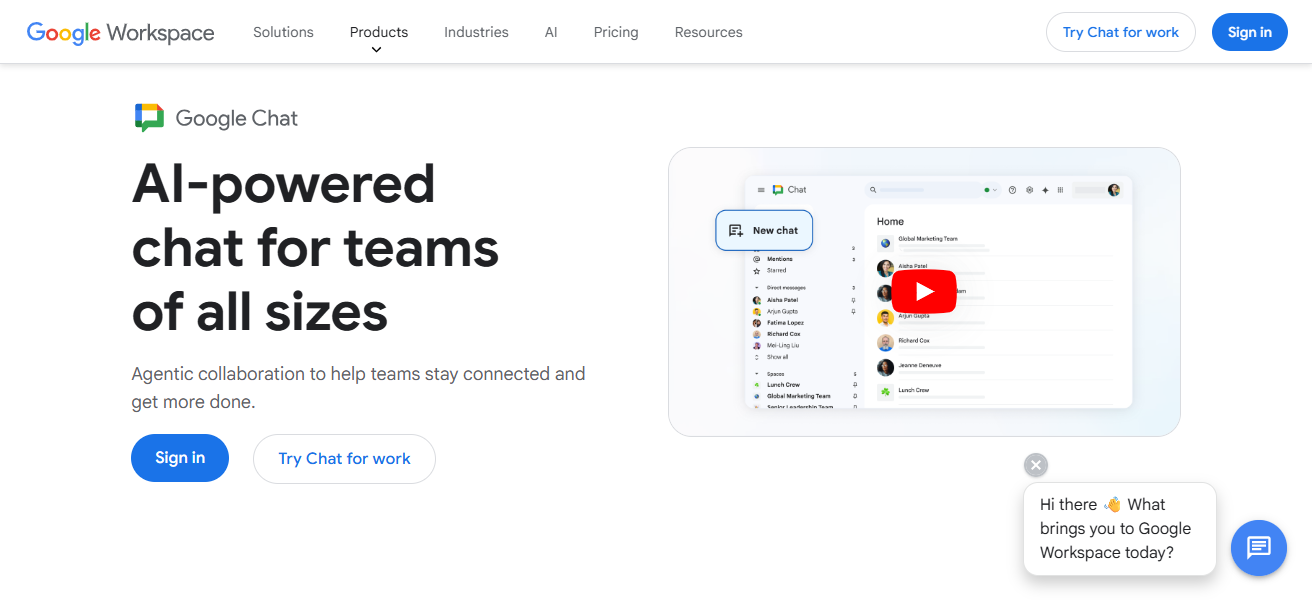
Its mobile and web applications help ensure that team members stay connected anywhere. Best for Teams within the Google Ecosystem with Good Security features
Google Chat is an excellent chat app for teams who want seamless collaboration in the Google ecosystem, thanks to its strengths in security capabilities and reliable cloud-based infrastructure of Google.
| Pros | Cons |
|---|---|
| Integrates perfectly with Google Workspace apps. | Limited advanced project management features compared to Teams. |
| Offers direct messaging, group chats, and “rooms.” | Some users find interface too minimalistic for complex workflows. |
| Accessible via web, desktop, and mobile apps. | Notifications can become overwhelming without proper setup. |
| Supports bots and automation for repetitive tasks. | Lacks native video conferencing beyond Google Meet integration. |
| Lightweight and fast platform. | Less suitable for non-Google Workspace organizations. |
3. Rocket.Chat
Rocket. ChatAPILearn about the Chat APIAn open-source messaging platform that offers flexibility, rich customization options, and security Teams can self-host Rocket.
Chat on their servers, so they have complete control over data and privacy. It offers direct messaging, public and private channels, video calls, file sharing, and threaded conversations – in short: everything you would expect of a collaboration solution.
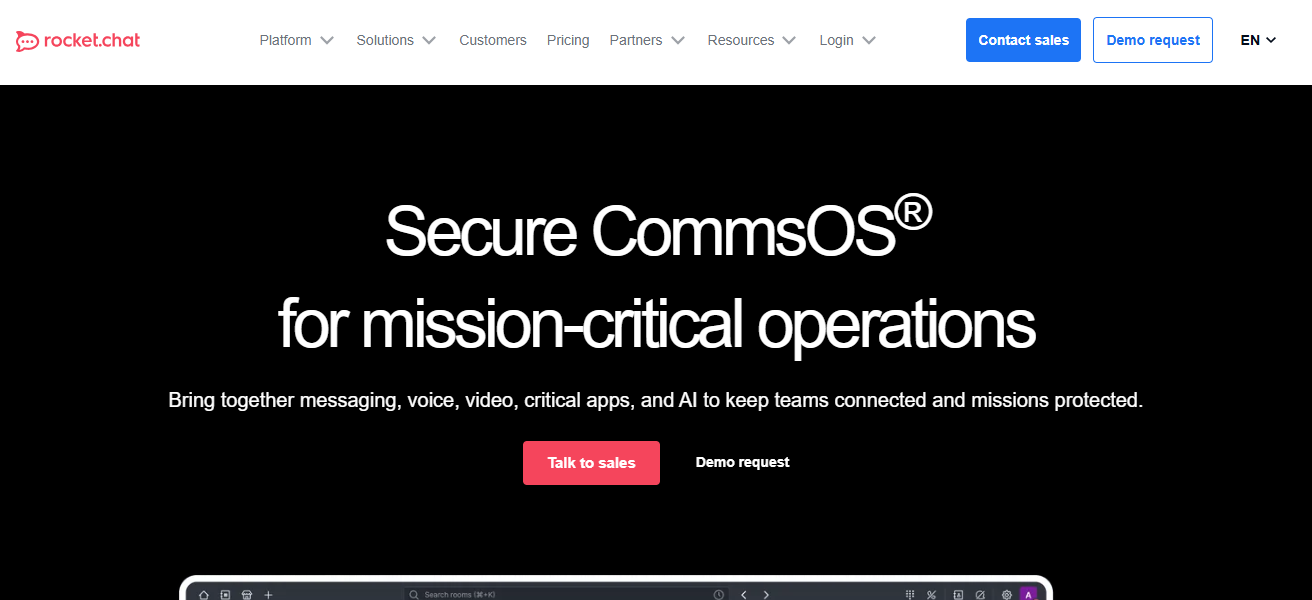
Developers can plug in their favourite tools, custom features and bots; Its extensible nature. Rocket. Chat’s security-first approach — including end-to-end encryption — makes it relevant
for organizations dealing with sensitive information. It offers teams a continuous and safe collaborative environment, anywhere via web, desktop and mobile apps.
| Pros | Cons |
|---|---|
| Open-source and highly customizable. | Self-hosting requires technical knowledge and server maintenance. |
| Strong focus on security and data privacy. | Initial setup can be complex for non-technical teams. |
| Supports messaging, voice/video calls, and file sharing. | Interface less modern compared to Slack or Teams. |
| Extensive integrations and bot support. | Some advanced features only available in paid version. |
| Offers self-hosted and cloud-hosted options. | User adoption may take time due to learning curve. |
4. Chanty
Ai motivated simple team chat for small to medium-sized teams It has a simple interface, direct messaging, group chats and task management features.
It enables users to assign tasks, share files and efficiently search through unlimited message history. However, this is where we can utilize Chanty’s AI assistant our advantage to summarize conversations and automated repetitive tasks thus making it a productivity generator.
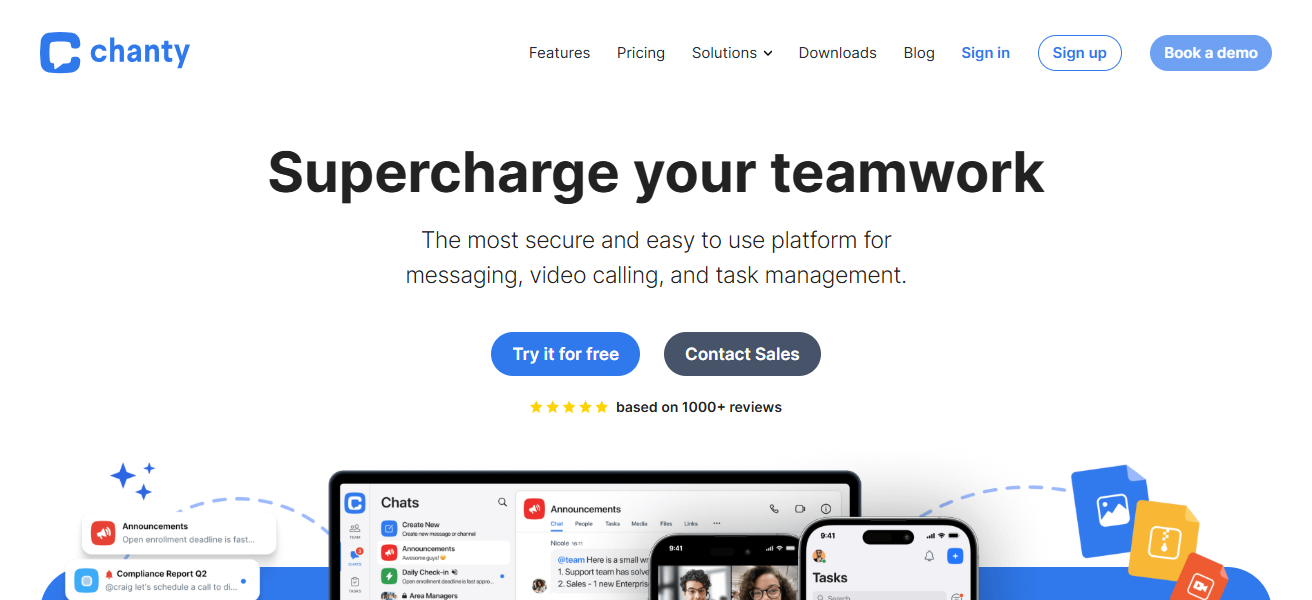
The platform accommodates voice messages, video calls and integrations with popular apps such as Google Drive and Trello. It’s simple, organized, and modern; and it does not need to have thousands of features that teams will never use nor suffer from a steep learning curve to operate.
| Pros | Cons |
|---|---|
| Simple, clean interface ideal for small teams. | Lacks some advanced integrations compared to Slack. |
| Includes task management within chats. | Limited video conferencing features. |
| AI assistant helps summarize conversations. | Free plan has restrictions on message history. |
| Affordable pricing for small businesses. | Less suitable for large, complex organizations. |
| Unlimited searchable message history. | Fewer third-party app integrations. |
5. Discord
This multi-purpose communication tool was originally designed for gaming groups but is now used by many professional and creative teams as well.
It has voice channels, support for video calls, and text-based topic discussion channels. Every user can create servers for specific projects or teams which helps in focusing on the work without getting distracted.
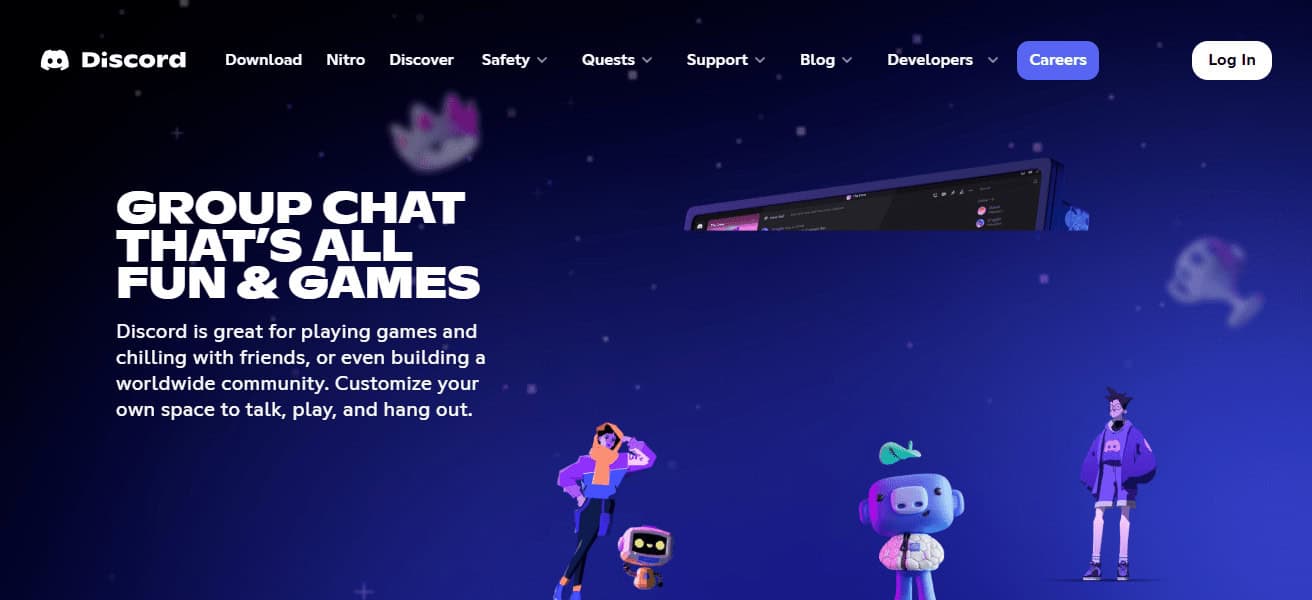
Discord can be helpful for remote teams and online communities with file sharing, integrations with bots, and community-building features. Its low-latency voice and video features are great for collaborating in real time.
Discord is available on desktop, mobile, and web with cross-platform apps, keeping teams in sync yet engaged in a casual interactive environment that makes work feel fun!
| Pros | Cons |
|---|---|
| Excellent voice and video chat quality. | Originally designed for gaming; interface can feel informal. |
| Free platform with high-quality features. | Lacks enterprise-level security and compliance. |
| Supports community building and topic channels. | Limited project management and file organization tools. |
| Cross-platform (desktop, web, mobile). | Can become noisy without proper moderation. |
| Real-time low-latency communication. | Notifications can be overwhelming for large servers. |
6. Zoom Team Chat
Zoom Team Chat brings the venerable Zoom video conferencing service into persistent messaging for teams.
It merges chat with video calls, file sharing and threaded conversations into a single collaboration hub. Users can create channels for projects or departments to help conversations stay structured.
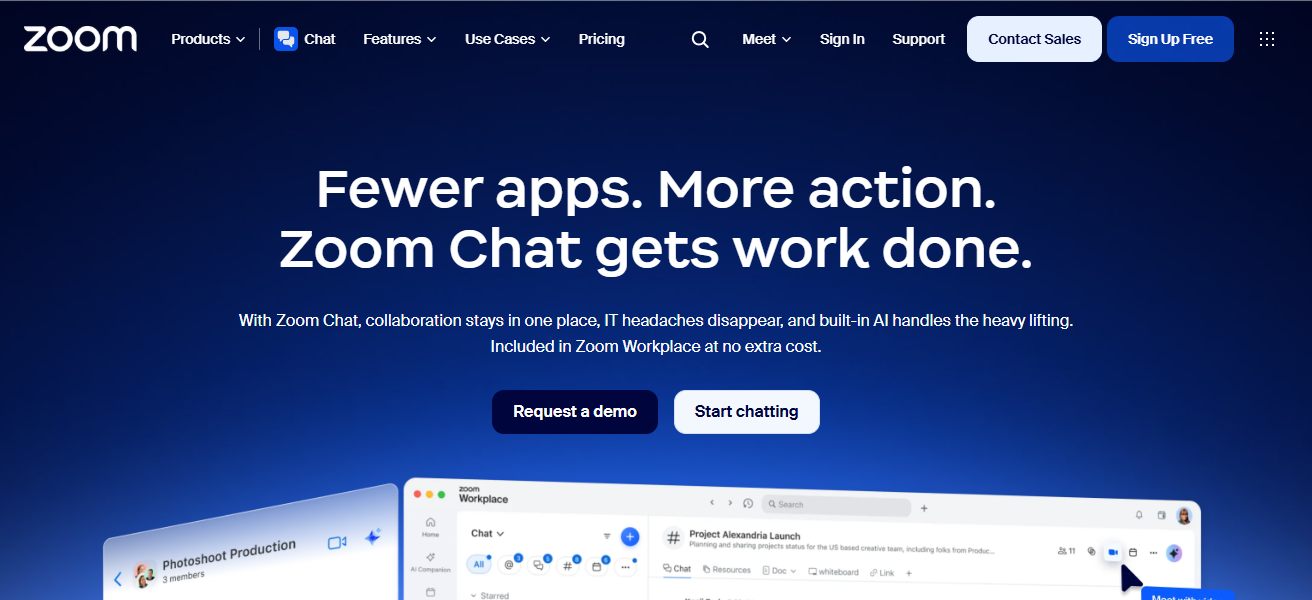
Integrations with tools like Google Workspace, Microsoft 365 and Slack make it easier to automate within workflows. Zoom Team Chat can be used on desktop, mobile, or web apps, so you are not limited to one location.
The close integration with Zoom Meetings above makes it an ideal tool for organizations already using Zoom as a meeting and collaboration platform, having a familiar interface while also being designed specifically for real-time collaboration and productivity.
| Pros | Cons |
|---|---|
| Combines chat with Zoom video calls seamlessly. | Chat features are basic compared to Slack alternatives. |
| Supports file sharing and threaded conversations. | Some integrations require paid Zoom subscription. |
| Accessible via desktop, web, and mobile. | User interface less organized for large teams. |
| Integrates with productivity tools like Google Workspace. | Notifications can become cluttered during active projects. |
| Works well for organizations already using Zoom Meetings. | Chat experience not as feature-rich as Slack. |
7. Mattermost
An open-source collaboration platform for security-conscious teams and enterprises It includes messaging, file sharing and threaded chat features coupled with advanced workflow automation.
Mattermost can be self-hosted by users for total control of data privacy and compliance, making it well-suited for regulated industries.

It boasts an extensible architecture for integrations, bots and even custom plugins, rendering it highly adaptable to team demands.
Mattermost offers desktop, mobile, and web apps, providing your team an integrated approach to communication.
Mattermost is a Slack alternative that has strong enterprise-grade collaboration functionality, security for sensitive data, and the ability to customize your applications and platform all in one package.
| Pros | Cons |
|---|---|
| Open-source with strong customization and security. | Setup and self-hosting require technical expertise. |
| Enterprise-level control over data privacy. | Less user-friendly interface than Slack or Teams. |
| Supports messaging, file sharing, and integrations. | Some advanced features require paid subscription. |
| Ideal for regulated industries needing compliance. | Smaller user community than mainstream platforms. |
| Desktop, mobile, and web apps available. | Onboarding can be challenging for non-technical teams. |
8. Twist
Twist is a collaborative tool that uses threads for message-based communication and therefore tries to reduce communication overload.
In contrast to traditional chat apps, Twist organizes conversations into threads for easier tracking of topics, projects and discussions asynchronously.
The method requires teams to reduce distractions and stay on course. Twist also features direct messages, file sharing and integrations with productivity tools such as Trello and GitHub.
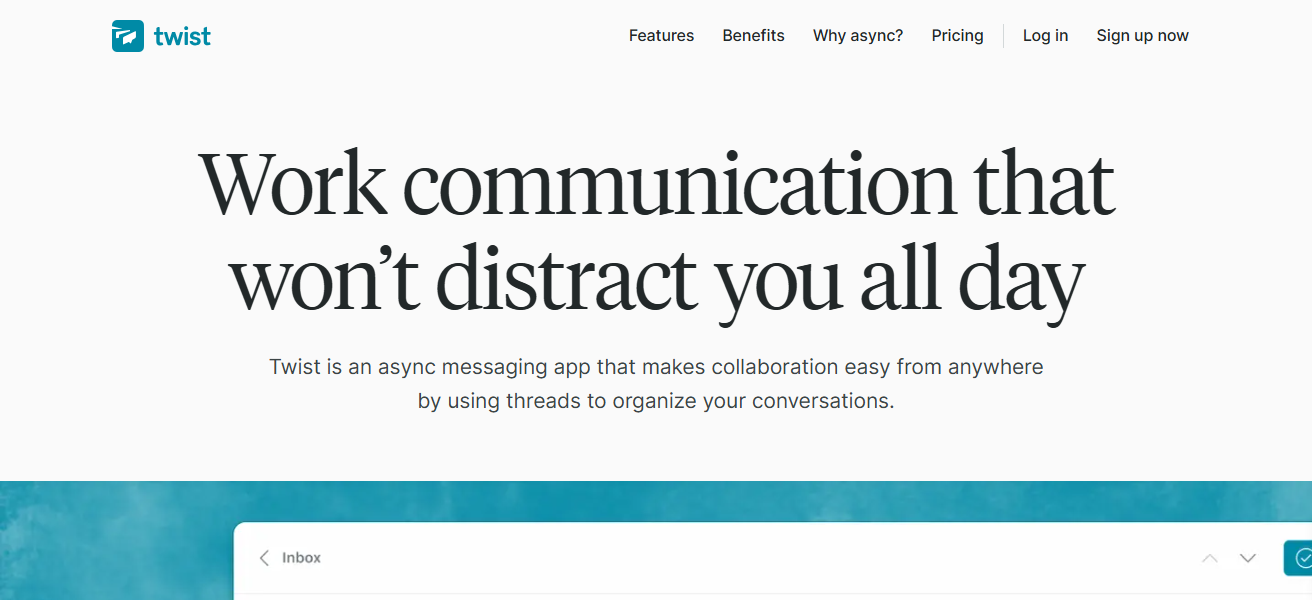
Its asynchronous communication features make it well suited for remote teams working in diverse time zones.
Through its intuitive desktop, mobile and web apps, Twist creates a distraction-free space for organized team collaboration where productivity is prioritized over noise.
| Pros | Cons |
|---|---|
| Thread-based messaging reduces distractions. | Lacks real-time voice/video communication. |
| Promotes asynchronous communication and focus. | Minimal integrations compared to Slack. |
| Ideal for remote teams across different time zones. | Not ideal for fast-paced, instant messaging environments. |
| Organized project-specific channels. | Limited customization and automation features. |
| Clean and intuitive interface. | Free version has feature limitations. |
9. Zoho Cliq
A team communication application that is a part of the Zoho ecosystem; supports messaging, channels, voice, and video calls.
Department-based or project-specific channels can be created, files shared and collaboration achieved effortlessly.
Bots and Workflow Automation: Cliq allows users to integrate bots and automate workflows to make repetitive tasks easier, thus enhancing productivity.

And its integration with Zoho apps such as CRM, Projects, and Desk brings operations management into Cliq itself.
Teams can stay connected at any time, on desktop, in the web browser or from Mobile Apps. Thus, Zoho Cliq makes a practical choice for those businesses which are actively leveraging the
Potential of Zoho products as it aids in structured communication, automation and integration ensures streamlined collaboration.
| Pros | Cons |
|---|---|
| Integrates with Zoho suite and other apps. | Best used if already in Zoho ecosystem. |
| Channels, chat, voice, and video calls supported. | User interface can feel cluttered for new users. |
| Supports bots and workflow automation. | Limited advanced reporting features. |
| Accessible via desktop, web, and mobile. | Some features locked behind paid plan. |
| Helps streamline team communication and collaboration. | Smaller third-party integration ecosystem than Slack. |
10. Pumble
Pumble is a free team messaging app with support for channels, private messages, file sharing and real-time collaboration.
Its free plan even includes unlimited message search and chat history, plus a clean interface ideal for teams of all sizes.
Pumble allows video and voice calls so that teams can communicate without leaving the platform. Its cost-effectiveness and ease of use create an appealing option for startups and small businesses.
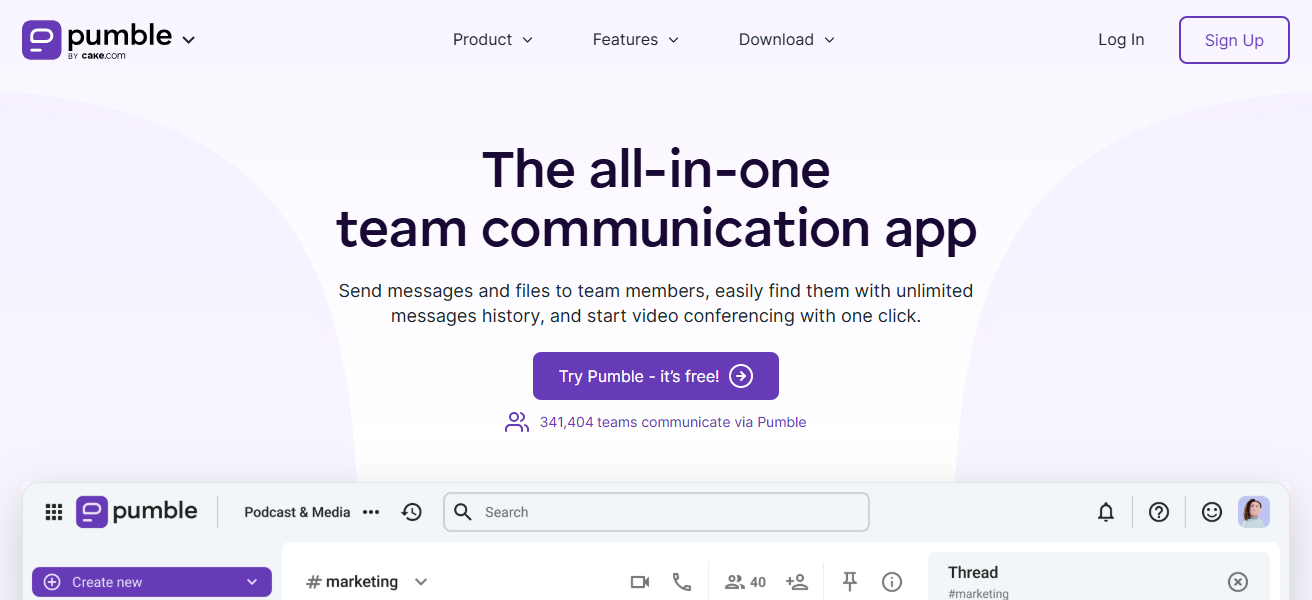
Pumble integrates with popular productivity tools as well, keeping workflow streamlined. Available on desktop, web, and mobile makes sure that teams stay connected wherever they are.
With an emphasis on efficiency, collaboration and ease of use, Pumble is a great Slack alternative for money-minded teams.
| Pros | Cons |
|---|---|
| Free plan with unlimited message history. | Lacks advanced project management tools. |
| Simple and intuitive interface for teams of all sizes. | Voice/video calling features limited compared to Teams or Zoom. |
| Supports channels, private messages, and file sharing. | Fewer integrations than competitors. |
| Accessible on desktop, web, and mobile. | Less recognized platform; smaller community support. |
| Cost-effective alternative for startups and small teams. | Not ideal for large enterprise environments. |
Which Slack alternatives support extensive integrations with third-Party Productivity tools?
Microsoft Teams works with Microsoft 365 and hundreds of other apps. Integrates with Google Workspace and Marketplace tools. Zoho Cliq integrates extensively with Zoho apps and 3rd party services.
Mattermost and Rocket. Chat have robust API‑led integrations with DevOps, CRM and workflow tools. Chanty, Zoom Team Chat, Twist, Discord and Pumble also provide useful integrations, but nowhere near as extensive as the top four.
How To Choose Best Slack Alternatives for Better Collaboration
Team Size & Structure – Select from the platforms meant for small teams, startups, or large enterprises.
Integration Needs – Make sure it integrates with your current productivity tools (Google Workspace, Office 365, CRM).
Communication Style — To chat in real time, in threads or asynchronously.
Security & Compliance – Look for encryption, data control as well security compliance requirements.
Features & Functionality – Messaging, file sharing, video calls, bots and task management.
Ease of Use – Make sure it is intuitive and needs little to no training.
Pricing & Budget — Free vs paid plans, team growth
Customization & Scalability — Make sure the platform can grow along with your team.
Support & Community — Quality customer support and engaged user community resolve problems.
Conclusion
On the whole, selecting the most appropriate collaboration tool relies on your group’s dimension, workflows and integration specifications. Google Chat, Microsoft Teams, Rocket.
These three Chat, and Chanty are providing multiple features that ensure communication, productivity & security.
Exploring these best Slack alternatives can enhance your collaboration, keeping you organized and connected while making work more efficient in any environment.
FAQ
How does Microsoft Teams compare to Slack?
Microsoft Teams integrates seamlessly with Office 365, providing chat, video calls, file sharing, and app integrations, making it ideal for enterprise teams.
Can Google Chat replace Slack for small teams?
Yes, Google Chat works well for small teams using Google Workspace, offering rooms, direct messaging, and easy integration with Gmail, Drive, and Docs.
What makes Rocket.Chat a good choice for secure communication?
Rocket.Chat is open-source and self-hosted, offering end-to-end encryption, custom integrations, and full control over data, making it ideal for security-focused teams.
How does Chanty improve team productivity compared to Slack?
Chanty simplifies team chat with a clean interface, AI-assisted summaries, task management, voice messages, and unlimited searchable history, keeping communication organized.