This article will focus on the best software for cross-department visibility processes and how it helps organizations optimize workflows, increase transparency, and improve collaboration between teams.
- Key Points & Best Software For Cross-Department Process Visibility
- 10 Best Software For Cross-Department Process Visibility
- 1. Asana
- 2. Trello
- 3. Monday.com
- 4. Jira
- 5. Smartsheet
- 6. ClickUp
- 7. Wrike
- 8. Celoxis
- 9. Any.do
- 10. Virtosoftware Collaboration Tools
- How To Choose Best Software for Cross-Department Process Visibility
- Cocnlsuion
- FAQ
The right tools help departments monitor real-time progress, close communication gaps, and align objectives, resulting in improved decision-making, higher productivity, and better collaboration throughout the organization.
Key Points & Best Software For Cross-Department Process Visibility
| Software | Key Point |
|---|---|
| Asana | Task and project tracking with timelines and dashboards for visibility across teams |
| Trello | Kanban-style boards that make workflows transparent and easy to follow |
| Monday.com | Highly customizable workflows with automation and reporting features |
| Jira | Agile project management with sprint tracking and issue visibility |
| Smartsheet | Spreadsheet-like interface with advanced reporting and resource management |
| ClickUp | All-in-one productivity platform combining docs, tasks, goals, and dashboards |
| Wrike | Real-time collaboration with workload views and cross-department dashboards |
| Celoxis | Enterprise-grade project visibility with portfolio management and resource tracking |
| Any.do | Simple task management with cross-functional team coordination |
| Virtosoftware Collaboration Tools | Breaking down silos with shared goals and communication features |
10 Best Software For Cross-Department Process Visibility
1. Asana
Asana centralizes company goals, deadlines, and tasks, allowing seamless cross-department visibility. Thanks to its user-friendliness, employees can track work through lists, timelines, and boards.
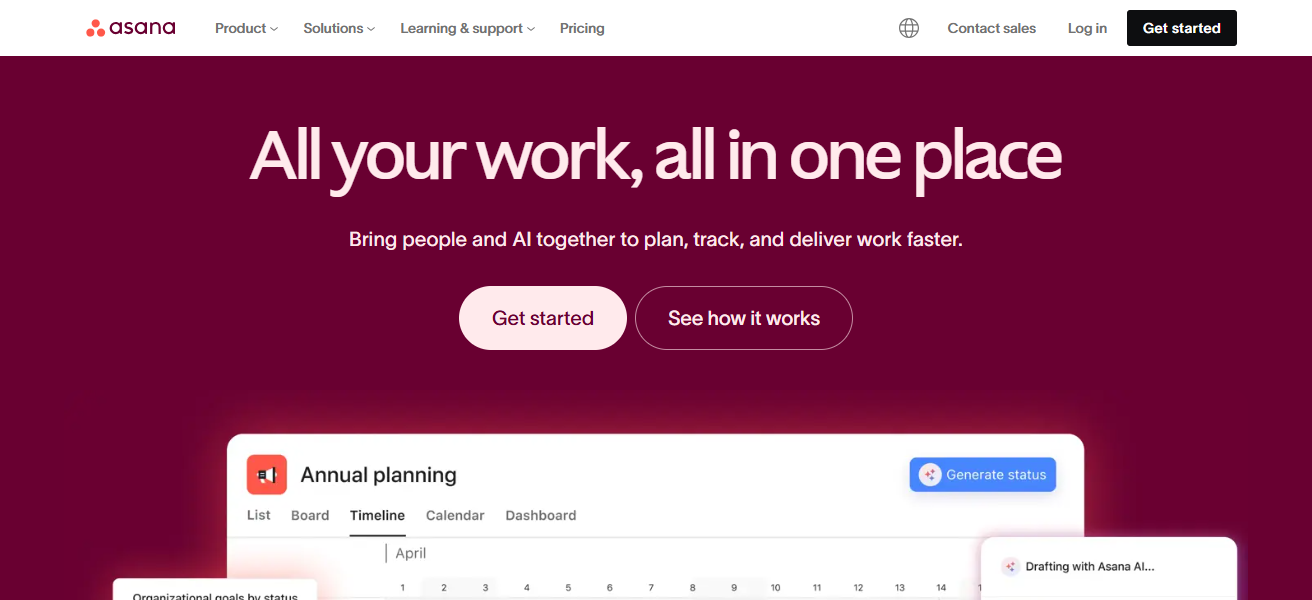
Work handoffs are quantifiable and clear. Other departments understand how their tasks relate to additional assignments through dependency tracking and custom fields.
Increased accountability and decreased bottlenecks are achieved through automated notifications and integrations with Teams and Slack.
Asana Features
- Task and project management with features like lists, boards, and timelines
- Show work flowing across departments with task dependencies
- visibility into dashboards and reports that are tailored and updated in real-time
- Real-time collaboration and automated alerts
| Pros | Cons |
|---|---|
| Excellent for visualizing workflows with lists, boards, timelines. | Can feel complex for new or non-technical users. |
| Strong task dependencies & project tracking across departments. | Customization sometimes requires paid plans. |
| Integrates with many tools (Slack, Teams, email). | Notification overload if not managed well. |
| Great reporting and dashboards for visibility. | Limited advanced resource management features. |
2. Trello
Trello allows visibility of processes with its adaptable card and board configuration. This is especially useful for collaboration between multiple departments. Every department is able to build boards for various projects and workflows.
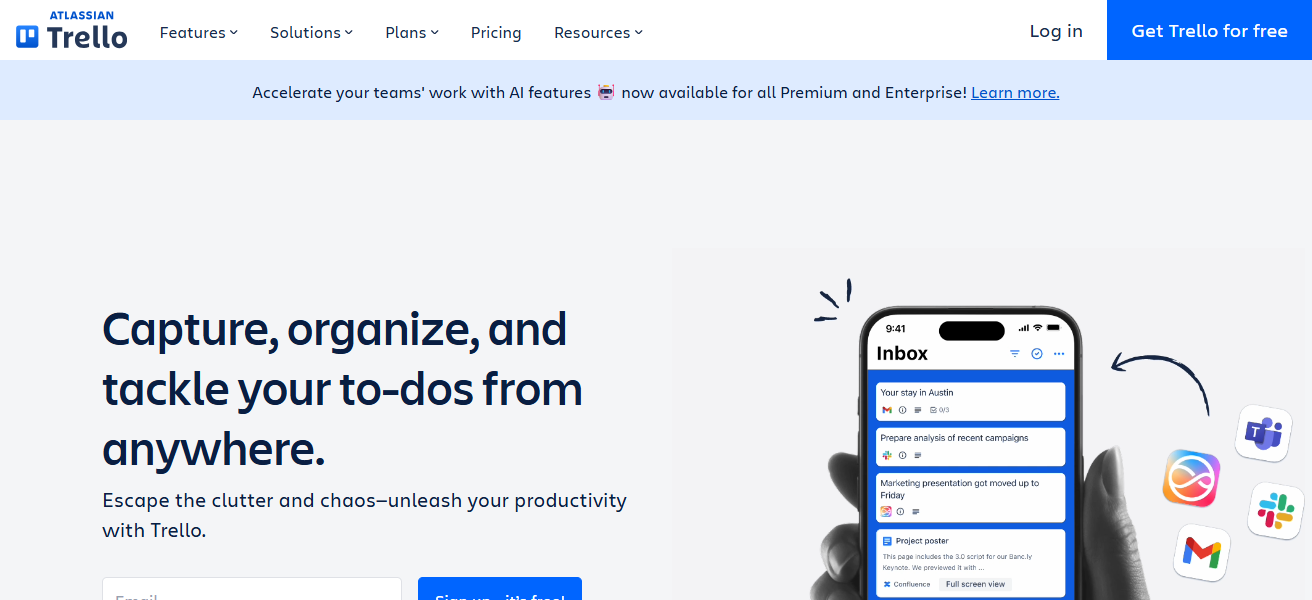
Cards can display tasks, the current status, and additional attachments. Increased accountability can be achieved through the use of labels, checklists, and due dates. For non-technical teams, Trello’s more simplistic design allows for easier onboarding and adoption.
Additional features like Power-Ups can be used for reporting and integrations. With the level of transparency Trello offers, alignment and collaboration between teams is strengthened and tracking handoffs and dependencies is made easier throughout the organization.
Trello Features
- Track workflows with boards in a visual Kanban format
- Due dates, checklists, labels, and attachments on cards
- Reporting and automation with Power-Ups
- Freedom to share for transparent cross-team collaboration
| Pros | Cons |
|---|---|
| Simple, visual Kanban boards that everyone can understand. | Lacks advanced reporting and analytics. |
| Easy for teams of any size to adopt quickly. | Scaling complex workflows is harder. |
| Flexible cards with labels, checklists, attachments. | Many features require paid Power-Ups. |
| Good for lightweight cross-team coordination. | Not ideal for deep task dependencies. |
3. Monday.com
Monday.com has a visually appealing, cross-departmental platform that organizes work into customizable dashboards.
Each team is able to create boards aligned with their workflows while also being able to view dependencies with other teams.
The platform’s manual update removal, stakeholder alerts, and automation streamlining are benefits. With integrated reporting, everyone sees status, bottlenecks, and timelines in real time.
The integration system with other departments streamlines, transparent communication and visibility from planning to delivery.
Monday.com Features
- Flexible boards that can be tailored to different departmental workflows
- Cross-department progress tracking with dashboards
- Built-in automation to eliminate manual status updates
- Timelines and workloads for efficient resource planning
| Pros | Cons |
|---|---|
| Visually rich dashboards that show cross-department status. | Can be expensive for larger teams. |
| Highly customizable boards and workflows. | Steeper learning curve for complex automations. |
| Strong automation features reduce manual work. | Over-customization may overwhelm teams. |
| Built-in reporting and team workload views. | Some advanced features need higher plans. |
4. Jira
Jira is a comprehensive tool for managing projects across departments, particularly in intricate technical settings.
It organizes tasks into various components such as issues, epics, and sprints, which help teams synchronize on goals and status.
Departments can monitor and manage status and transfers for items via sophisticated workflows and boards. Dashboards and reports offer real-time visibility to leaders on metrics and inter-team impediments.
Jira promotes visibility and collaboration between technical and non-technical teams by integrating with other development and communication tools.
Jira Features
- Trace issues, epics, and sprints for advanced workflows
- Custom processes to capture cross-department workflows
- Positioning and report details for dashboards
- collaboration and development tool integrations
| Pros | Cons |
|---|---|
| Excellent for tracking cross-team workflows, especially tech. | Setup and configuration can be complex. |
| Powerful tickets, epics, sprints, and dependencies. | Not as intuitive for non-technical teams. |
| Highly customizable workflows. | Reporting dashboards can be difficult to personalize. |
| Integrates deeply with development tools. | Overkill for simple project needs. |
5. Smartsheet
Smartsheet integrates the familiarity of spreadsheets with the visibility of collaboration tools, making it great for interdepartmental processes.
Teams visually track workflows with Gantt charts, cards, and grids, keeping everyone aligned on the status of tasks and timelines.
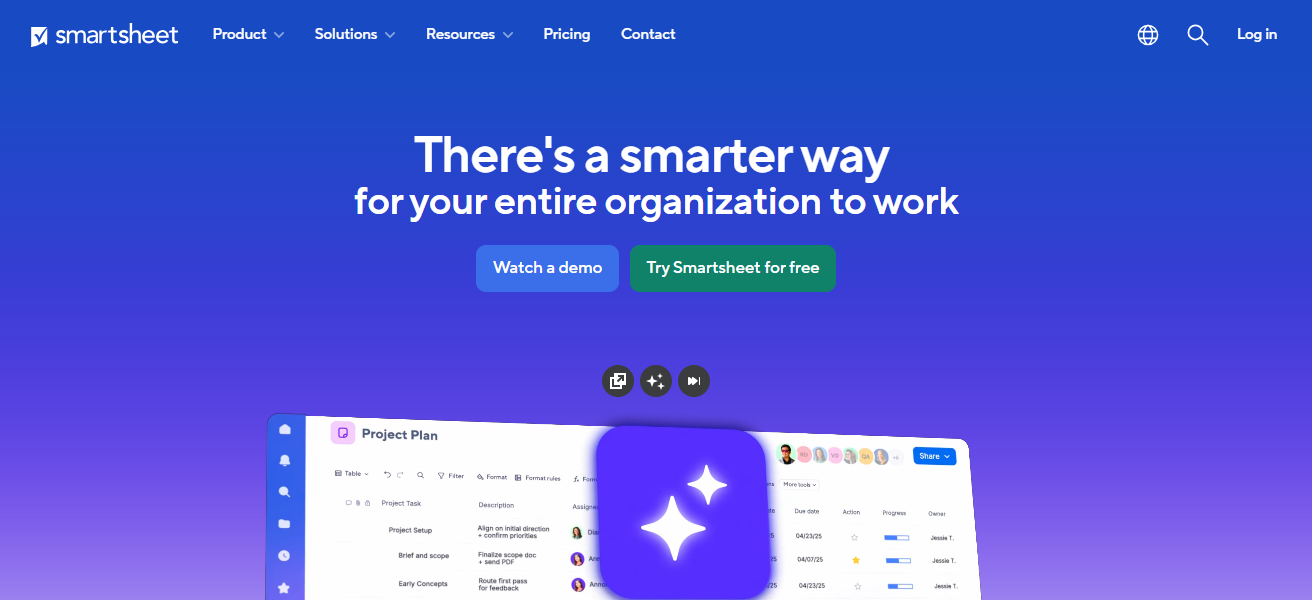
Automated updates and real-time communications prepare teams for delays and prioritization shifts. Interdepartmental dashboards offer a consolidated perspective on the distribution of resources, interdependencies, and results.
Smartsheet adapts to a variety of needs, from IT projects to marketing campaigns, fostering greater transparency and coordinated collaboration across the company.
Smartsheet Features
- Window, Gantt, Calendar, and process visibility card views
- Real-time team collaboration and automation alerts
- Reporting and dashboards that cut across multiple projects on projects
- Cross-project management and resource tracking
| Pros | Cons |
|---|---|
| Combines spreadsheet familiarity with workflow visualization. | Interface can feel dated or cluttered. |
| Good for cross-department schedules, Gantt views. | Can be expensive for advanced features. |
| Real-time updates and alerts improve visibility. | Learning curve for non-spreadsheet users. |
| Flexible views (grid, card, calendar, Gantt). | Limited built-in communication tools. |
6. ClickUp
ClickUp provides visibility across departments with its customizable features, providing spaces, goals, and statuses tailored to each team’s workflows and dependencies.
The ability to organize and structure work from a strategic level to tasks helps teams understand how their contributions to each individual goal.
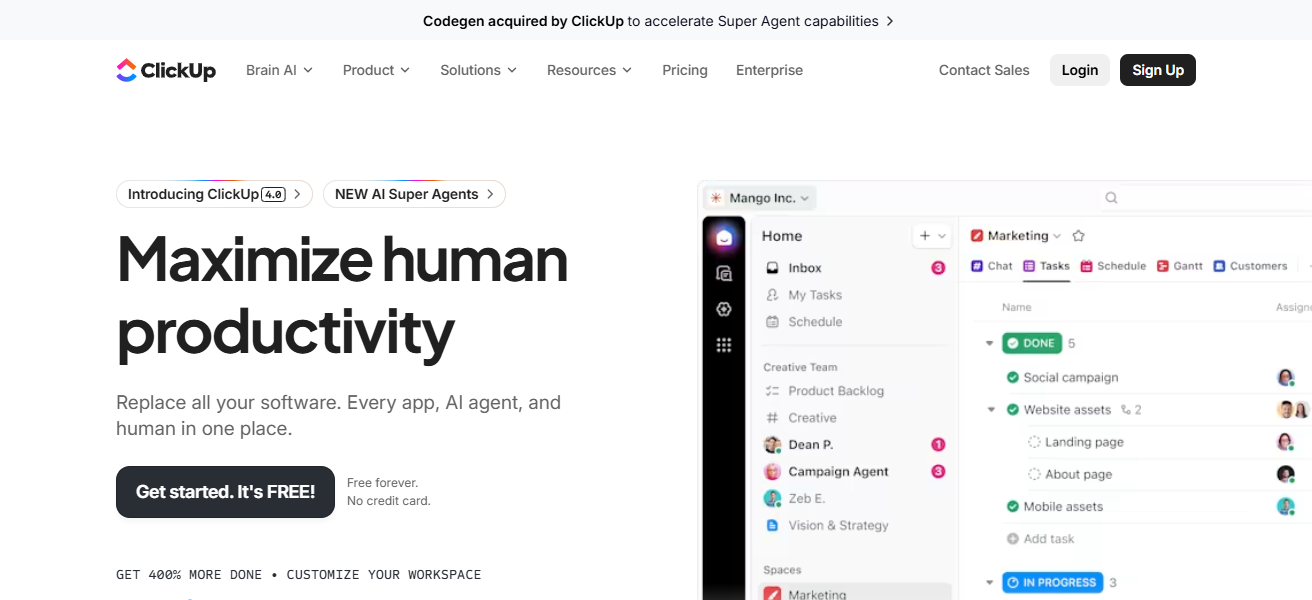
Managers can utilize dashboards to identify progress, bottlenecks, and workload. With the centralized communication silos docs, chat, and integrations, ClickUp helps eliminate and better align across departments.
ClickUp Features
- Visibility of work hierarchy and task structure
- Multiple project custom statuses and views
- Dashboards, goals, and built-in docs
- Seamless collaboration, automation, and integrations
| Pros | Cons |
|---|---|
| All-in-one platform — tasks, docs, chat, goals. | Can feel overwhelming with many features. |
| Custom statuses and nested hierarchy for visibility. | Setup and customization take planning. |
| Real-time dashboards & workload views. | Some advanced automations are complex. |
| Integrates broadly with other apps. | Performance can lag with large data sets. |
7. Wrike
Wrike’s collaborative work management solution provides cross-department visibility with dynamic dashboards and real-time workstreams.
Departments can design specific workflows and visualize them with boards, timelines, and activity streams.
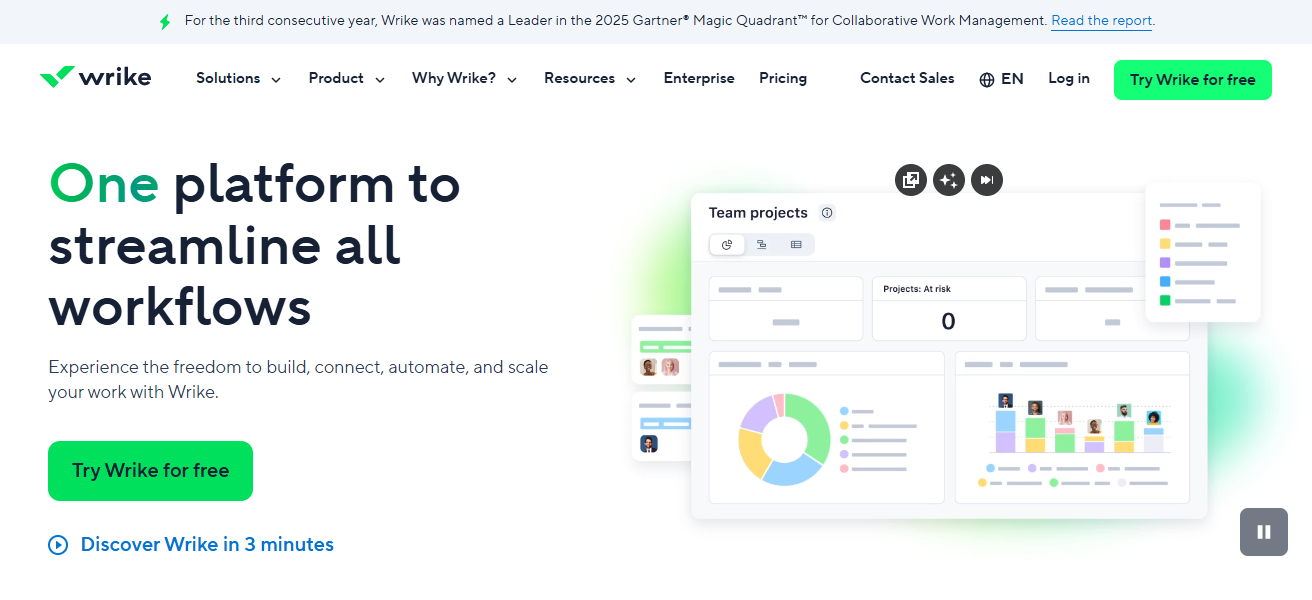
Automated approvals and request forms simplify inter-function handoffs. Custom reporting prioritizes the status, risk, and allocation of resources Vera to enable leadership to make data-driven decisions.
With powerful integration, Wrike encourages accountability and synchronized execution with automated work updates across different platforms.
Wrike Features
- Custom approval and workflow processes
- Dashboards for real-time cross-team tracking
- Views of workload and resource management
- Comments and file sharing collaboration tools
| Pros | Cons |
|---|---|
| Strong cross-team dashboards and real-time workstreams. | Interface can be complex to configure. |
| Custom workflows and approval processes. | Pricing tiers make certain features costly. |
| Good visibility into resource allocation. | Learning curve for new users. |
| Integrates with many enterprise apps. | Mobile experience is limited vs desktop. |
8. Celoxis
Celoxis is an enterprise project management software enhancing cross-department visibility through integrated planning, scheduling, resource allocation, and reporting.
Role-based dashboards offer real-time visibility into project health, team workload, and milestone achievement.
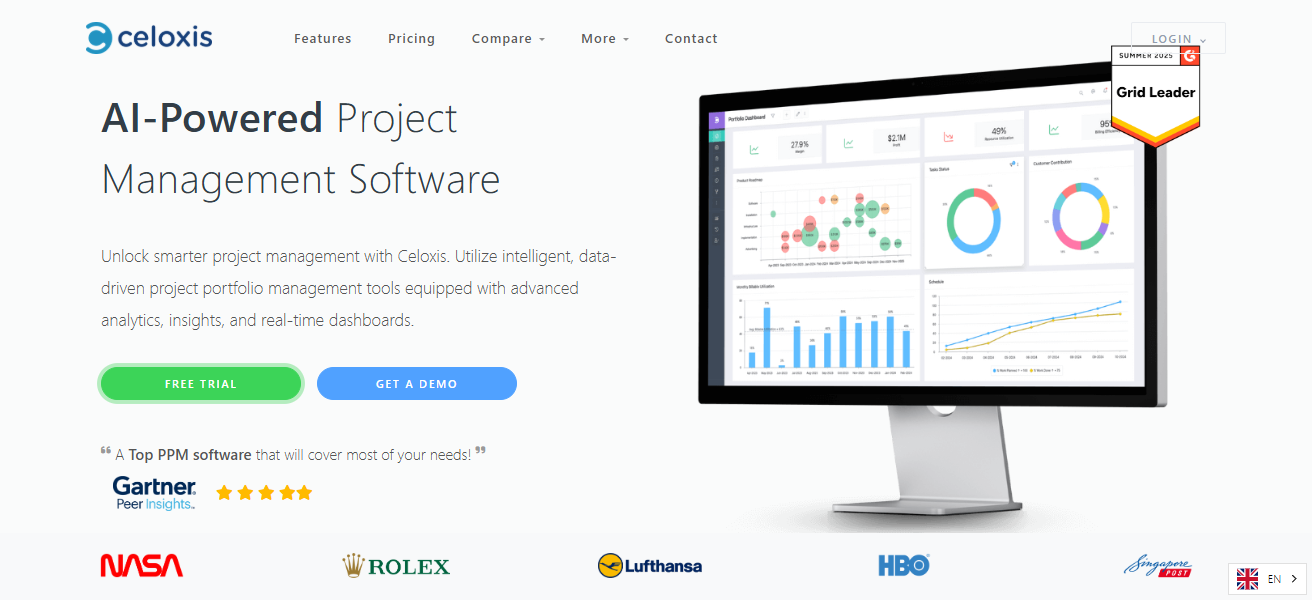
Departments manage plans via shared timelines and tasks to clear inter-task dependencies. Analytics, along with flexible reporting and automated alerts, support proactive management.
Celoxis helps align strategic priorities with everyday activities through seamless execution and visibility across all functions, ensuring cohesive portfolio management.
Celoxis Features
- Department-specific visibility with role-based dashboards
- Milestones and dependencies for project scheduling
- Management of portfolios across different teams
- Tools for advanced reporting and analytics
| Pros | Cons |
|---|---|
| Enterprise-level visibility into schedules and resources. | Not as widely adopted — smaller ecosystem. |
| Role-based dashboards tailored to teams. | Interface feels less modern than competitors. |
| Strong portfolio management capabilities. | May require admin support for setup. |
| Clear dependencies and milestone tracking. | Fewer native integrations. |
9. Any.do
Any.do combines basic collaboration elements with task management to boost cross department visibility for small teams or everyday workflows.
Integrated task management, lists, reminders, and shared calendars allow teams to see what others are doing.
With shared projects and progress and deadline updates, misalignment and lack of communication are avoided.
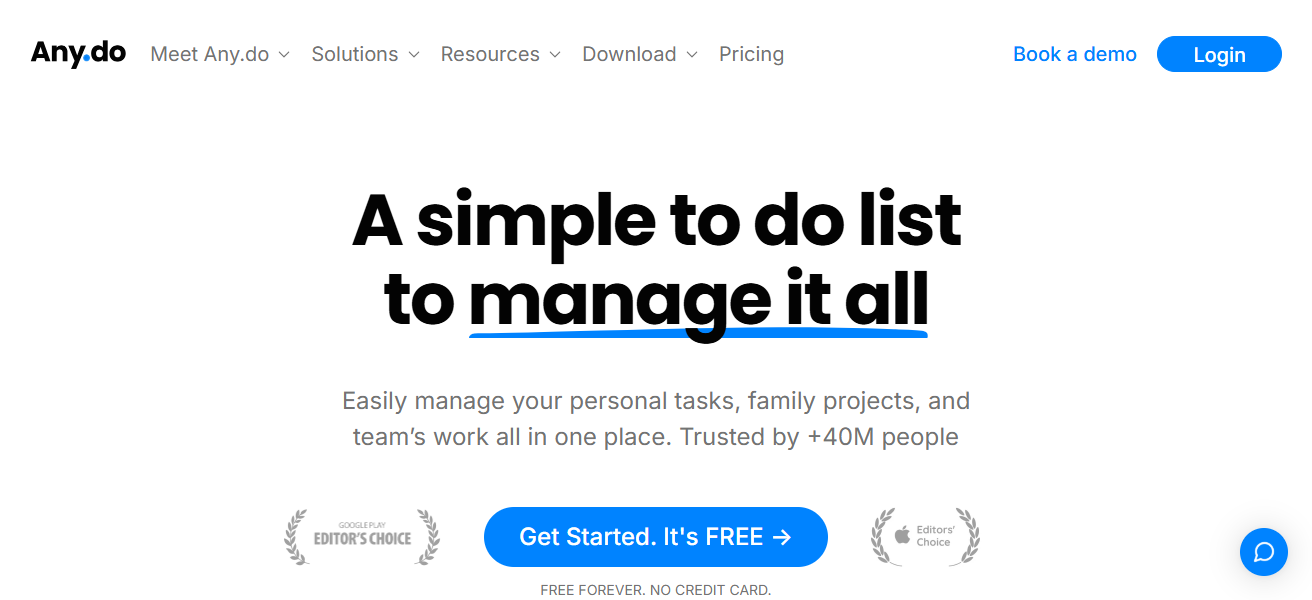
Comments and attachments simplify cross department communication. This allows teams to focus on clarity and seamless communication to stay aligned.
Any.do Features
- Team projects and shared task lists
- Integration of reminders and calendars
- Updates of tasks in real time across teams
- Collaboration in a snap with a simple interface
| Pros | Cons |
|---|---|
| Simple interface great for everyday cross-team lists. | Not robust for complex project management. |
| Easy to share tasks and reminders. | Limited advanced features and reporting. |
| Real-time updates and notifications. | Best suited for small teams. |
| Good for cross-department to-do alignment. | Not ideal for dependency tracking. |
10. Virtosoftware Collaboration Tools
Virtosoftware has several tools designed to promote transparency and collaboration across different departments.
With features to facilitate communication, document sharing, and project tracking, users can better visualize workflows and dependencies.
Custom dashboards and reporting features display insights into progress, resources, and emerging issues.
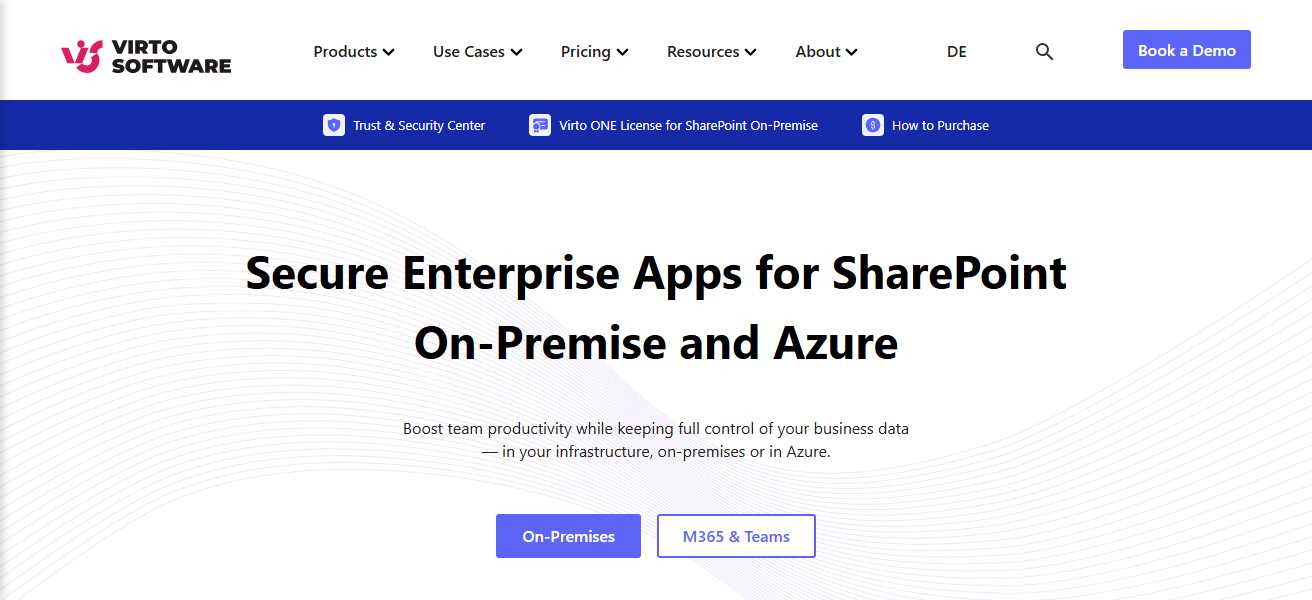
Embedded messaging options and linked tasks reduce silos and ensure work items are accessible to all associated stakeholders.
This integrated system promotes accountability, teamwork, and effective collaboration across departments.
Virtosoftware Collaboration Tools Features
- Management of tasks and workflows in one place
- Document sharing and integrated collaboration
- Visibility of processes with custom dashboards
- Tools to break down silos between departments
| Pros | Cons |
|---|---|
| Unified communication and task tracking. | Less known — smaller community & resources. |
| Helps visualize workflows and dependencies. | Features vary by plan tier. |
| Centralized document sharing and discussions. | May need integrations to match larger ecosystems. |
| Improves transparency across functions. | Learning curve if toolset is broad. |
How To Choose Best Software for Cross-Department Process Visibility
Define Your Requirements Specify what needs visibility from each team (tasks, dates, dependencies) Distinguish between basic visibility and advanced reporting
User-friendliness Look for software that is easy to use for all departments Check that not a lot of training is necessary for each team
Current and Potential visibility Look for relevant features, including dashboards, real-time data, and visibility Verify task assignment and cross-department tracking
Integration Look for software that integrates with your existing tools (Slack, email, calendar) Integrating tools is a simple way to eliminate silos
Collaboration Look for software with commenting, file sharing, and other communication tools good collaboration tools increase transparency between teams
Cocnlsuion
In cocnlsuion Selecting the most suitable software for cross-department process visibility aids organizations in transparency, collaboration, and efficiency.
The right tools assist teams in real-time goal alignment, dependency management, and progress tracking. With the right software, organizations eliminate silos, enhance workflow, and make better decisions, increasing the organization’s productivity and long-term success.
FAQ
It refers to the ability to see and track workflows, tasks, and progress across multiple departments in real time.
It reduces silos, improves collaboration, and helps teams align goals and timelines more effectively.
Popular options include Asana, Monday.com, ClickUp, Jira, and Smartsheet, depending on team needs.
Yes, many tools offer scalable plans suitable for small teams and growing organizations.
Most platforms provide live updates, dashboards, and notifications for better transparency.