This article will cover the Best Software for Enterprise Access Governance. User access management and IT environment security is critical for any organization.
- Key Points & Best Software For Enterprise Access Governance
- 10 Best Software For Enterprise Access Governance
- 1. Pathlock
- 2. Okta Identity Cloud
- 3. Infisign
- 4. SailPoint IdentityIQ
- 5. CyberArk Identity
- 6. One Identity Manager
- 7. IBM Security Verify
- 8. Microsoft Entra ID (Azure AD)
- 9. Ping Identity
- 10. Oracle Identity Governance
- How We Choose Best Software For Enterprise Access Governance
- Conclsuion
- FAQ
With the right software, organizations can improve their identity management, compliance, and security.
In this article, I will provide the top access governance products and their respective features, advantages, and disadvantages.
Key Points & Best Software For Enterprise Access Governance
| Software | Key Point |
|---|---|
| Pathlock | Automated SoD controls with real-time monitoring |
| Okta Identity Cloud | Unified identity and access management without heavy overhead |
| Infisign | Zero-trust platform with adaptive MFA and passwordless authentication |
| SailPoint IdentityIQ | Advanced identity governance with risk analytics and compliance automation |
| CyberArk Identity | Privileged access security with credential vaulting |
| One Identity Manager | Role-based provisioning and lifecycle management |
| IBM Security Verify | AI-driven identity analytics for threat detection |
| Microsoft Entra ID (Azure AD) | Cloud-native governance with conditional access policies |
| Ping Identity | Federated identity with seamless SSO across hybrid environments |
| Oracle Identity Governance | Enterprise-scale compliance with automated certification workflows |
10 Best Software For Enterprise Access Governance
1. Pathlock
Pathlock is highly specialized in managing the safeguarding of user access within the diverse and complicated structure of enterprise IT environments.
It focuses on the user activity surveillance, enforcement of the separation of duties, and the overall compliance with the regulations. It achieves this with real-time automation, and analytics ins.
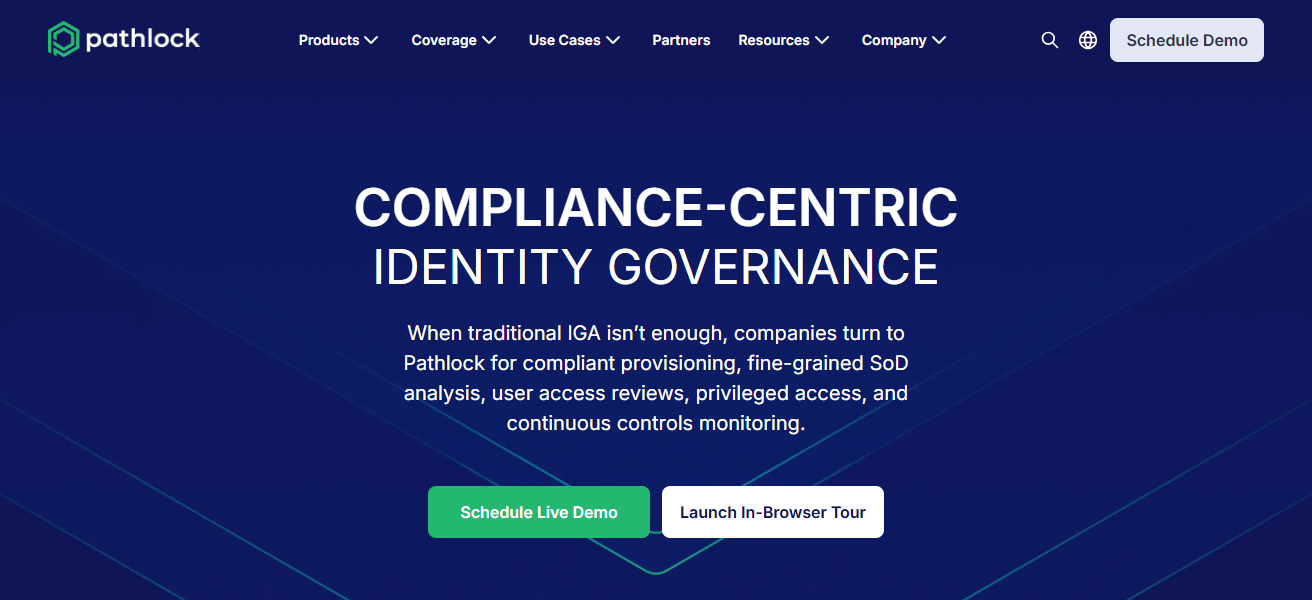
Which in turn helps enterprises identify risky access, and improve the overall control in relation to the insider threats through reduction of privileged access.
High-level enterprise access reviews can be simplified through the Pathlock command center, which will streamline the efforts of the enterprise in managing the accesses on a heightened level across the various systems and applications.
Pathlock Features
- Real-time Risky Behavior Analysis: Identifies and analyses risky user behaviors.
- Fraud Risk Decrease and Role Separation: Keeps SoD to avoid conflicts and reduces the risk of fraud.
- Workflows Automation: Efficiently manages the access request, approval, and policy automation process.
- Risk and Compliance System View: Offers a comprehensive and unified view of access risk and compliance across all systems.
| Pros | Cons |
|---|---|
| Provides continuous monitoring of user activities across IT environments. | Can be complex to implement for smaller organizations. |
| Enforces segregation of duties to reduce risk of insider threats. | Higher pricing may be a barrier for mid-sized enterprises. |
| Real-time analytics and automated workflows streamline compliance. | May require extensive training for administrators. |
| Centralized dashboard simplifies access reviews. | Limited integrations with niche third-party applications compared to competitors. |
2. Okta Identity Cloud
Okta Identity Cloud facilitates identity and access management (IAM) by streamlining user authentication and authorization.
Okta provides single sign-on (SSO) and adaptive multi-factor authentication (MFA) accompanied by user access management and lifecycle management over cloud and on-premises applications.
Automated provisioning and reporting ensure compliance and mitigate risks. Okta’s flexible APIs build operational efficiency across systems and safeguard protective access to sensitive data.
Okta Identity Cloud Features
- Single Sign On (SSO): Lets an individual access multiple applications with a single set of credentials.
- Multi-Factor Authentication (MFA): Provides additional layers of SSO and adaptive authentication for improved security.
- Access Change and Lifecycle Automation: Controls the process of automation for onboarding, offboarding, and access modifications.
- API Integrations: Offers consistency of governance across multiple systems, whether in the cloud or on-premises
| Pros | Cons |
|---|---|
| Offers SSO and adaptive MFA for secure access. | Subscription cost can be high for large-scale deployment. |
| Automated provisioning reduces administrative overhead. | Advanced features may require additional licenses. |
| Extensive API integrations enable flexible governance across systems. | Some users report occasional UI complexity. |
| Strong reporting capabilities support compliance needs. | Customization options may be limited for unique workflows. |
3. Infisign
Infisign provides an access governance solution dedicated to enterprises, focusing on managing the identity life cycle and secure digital authentication.
It provides the ability to manage user access to organizational applications, systems, and data with the ability to create and manage audit trails.
Infisign also provides automated provisioning and de-provisioning capabilities to minimize manual errors and ensure adherence to compliance regulations.
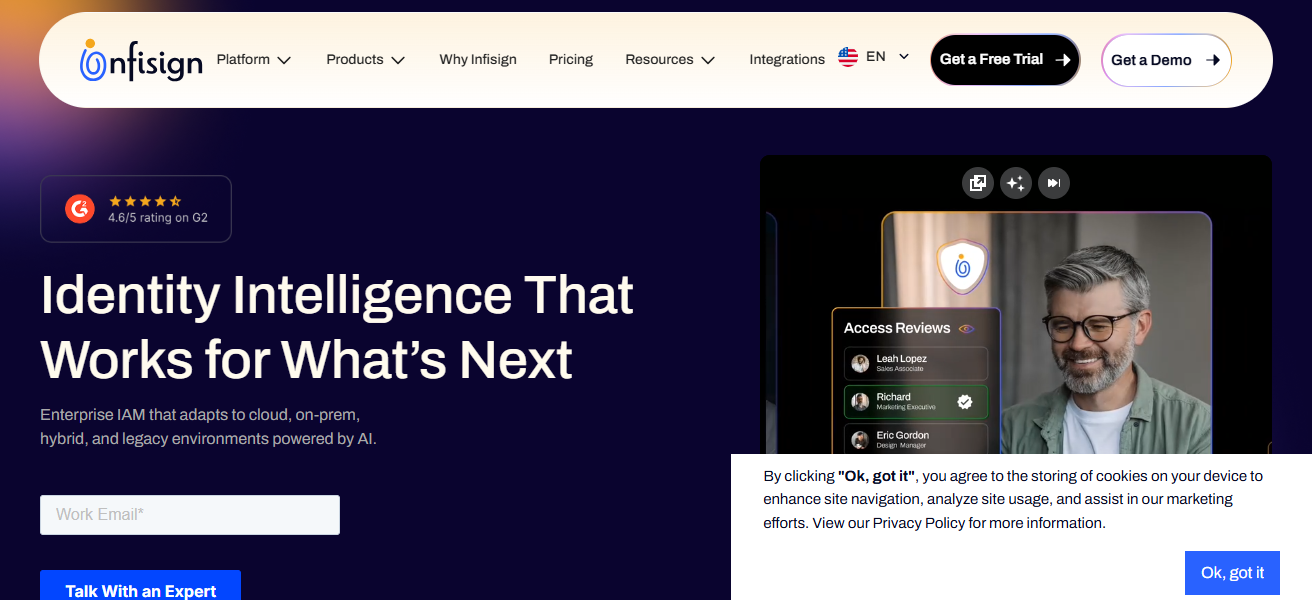
The powerful analytics within the solution monitor access patterns, identify anomalies, and apply the segregation of duties.
Infisign is ideal for enterprises that require centralized control over complex access environments while providing optimal security.
Infisign Features
- Access User Management: Controls access of the user throughout the entire process of provision and access revocation.
- Compliance Forensics Access History: Records and logs access history for compliance and forensics.
- User Access requests Streamline: Improves the process of user access requests by automation.
- Governance Proactive Analytics: Controls and informs of abnormal access patterns for governance.
| Pros | Cons |
|---|---|
| Strong identity lifecycle management and authentication controls. | Less widely known; smaller community support. |
| Provides detailed audit trails for regulatory compliance. | Interface may feel less intuitive than larger platforms. |
| Automated provisioning/deprovisioning reduces manual errors. | Limited third-party integrations compared to bigger vendors. |
| Analytics monitor access patterns and enforce segregation of duties. | Implementation can be time-consuming for complex environments. |
4. SailPoint IdentityIQ
SailPoint IdentityIQ is a top-tier identity governance platform that consolidates access management with policy enforcement and compliance automation.
It enables users to handle their identity management across both cloud and on-premises environments, maintaining proper access to important resources.
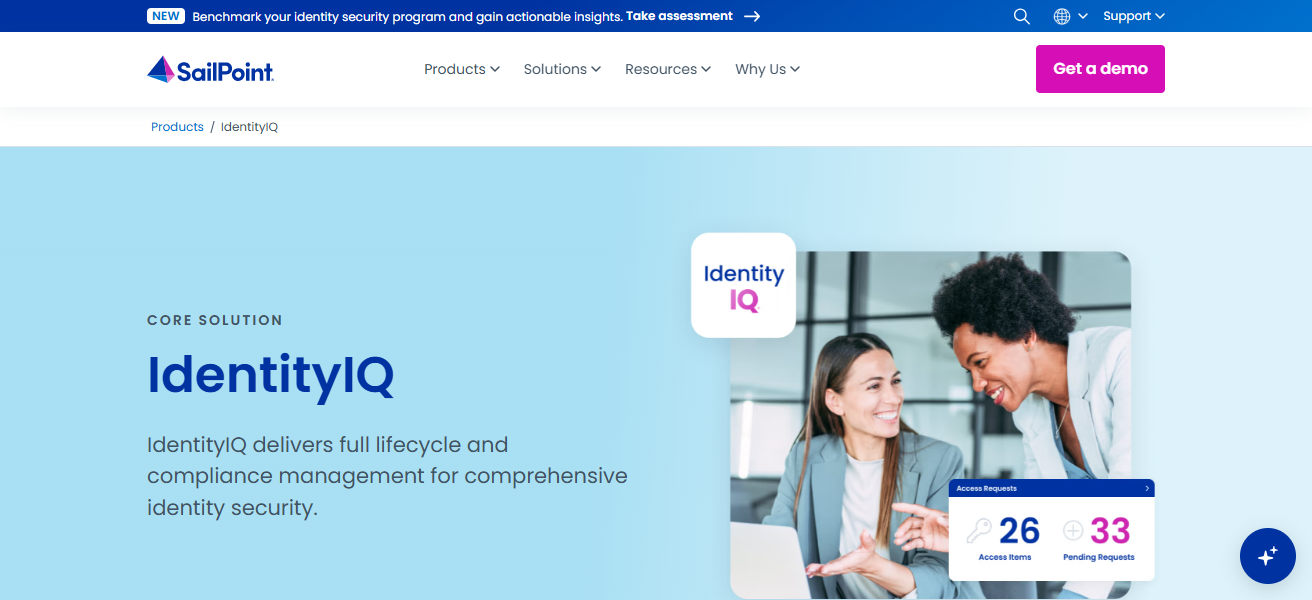
It includes access certifications, policy-based controls, and risk scoring to counter security risks. It also helps users understand behavioral analytics and access violation risks.
With SailPoint IdentityIQ, organizations streamline administrative burden and maintain compliance to regulations with features including automated workflows and reporting and analytics.
SailPoint IdentityIQ Features
- Customized Access Control Policies: Policies are set for control of access for specific rights.
- Access Certifications: Reviews and certifies the attestations for user access responsibilities.
- Risk Scoring Engine: Calculates the risk associated with user access and user activities.
- Automated Governance: Automated reporting and workflow management streamlines the elimination of manual processes.
| Pros | Cons |
|---|---|
| Comprehensive access management with policy enforcement. | Implementation can be complex and resource-intensive. |
| Offers access certifications, role-based controls, and risk scoring. | Higher total cost of ownership for smaller organizations. |
| Automated workflows reduce administrative effort. | May require specialized training for administrators. |
| Strong analytics for user behavior and compliance monitoring. | Cloud integration setup can be challenging in hybrid environments. |
5. CyberArk Identity
CyberArk Identity manages critical enterprise assets by focusing on identity governance and privileged access management.
CyberArk secures high-risk accounts and mitigates insider risk through ongoing monitoring and enforcement of least-privilege access.
CyberArk merges SSO, identity management, and MFA to provide an access governance solution. Advanced Analytics from CyberArk Identity assists enterprises in taking preventative security measures by indicating possible breaches and unusual activity.
CyberArk Identity simplifies providing enterprises with compliant secure access by consolidating control over privileged and non-privileged accounts.
CyberArk Identity Features
- Privileged Access Management: High-risk accounts are protected with more stringent safeguards.
- Least-Privilege Enforcement: Access permissions are restricted to what is strictly necessary.
- Behavior Analytics: Privileged actions that are anomalous are monitored and reported.
- Integrated Access Stack: Identity management, SSO, and MFA are consolidated in a single solution.
| Pros | Cons |
|---|---|
| Specializes in privileged access management for high-risk accounts. | Can be expensive for full enterprise deployment. |
| Continuous monitoring detects insider threats proactively. | May require additional solutions for non-privileged user management. |
| Integrates SSO, MFA, and identity management in one platform. | Advanced features can be complex to configure. |
| Analytics highlight unusual activity patterns for better governance. | Onboarding may be challenging in large organizations. |
6. One Identity Manager
One Identity Manager from One Identity is a holistic identity and access governance solution which manages the entire lifecycle of user access management.
Security policies can be strengthened through automated provisioning and deprovisioning, as well as through role-based access management.
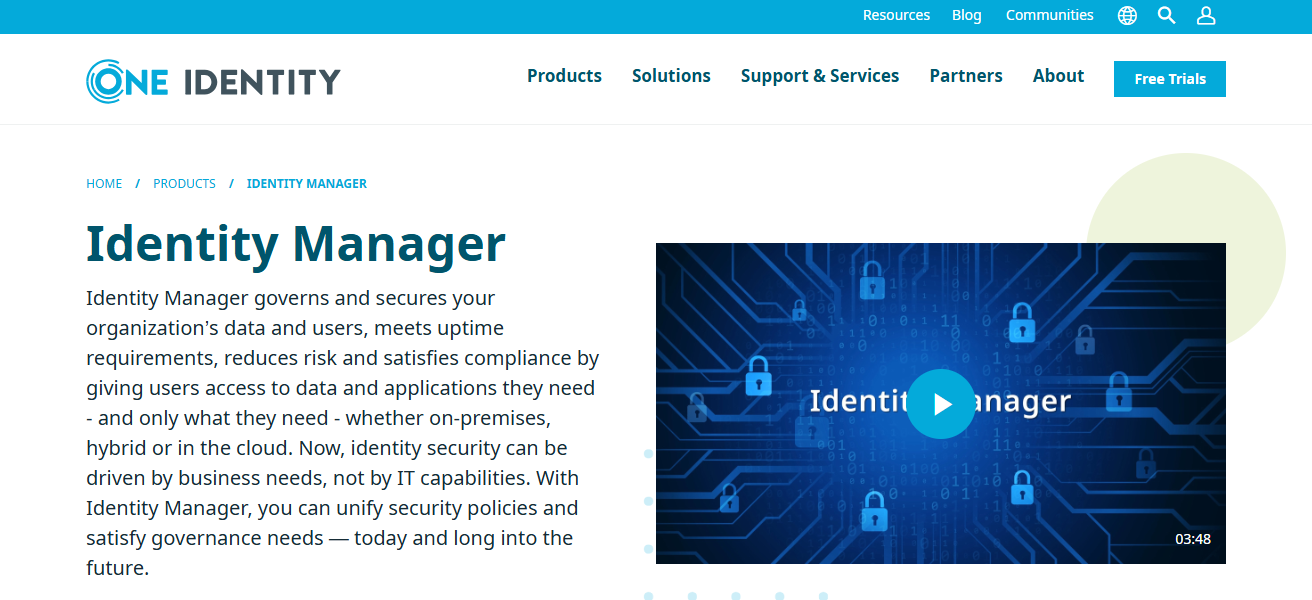
The solution also assists in meeting compliance requirements through auditing and reporting support. In complex IT environments, One Identity Manager helps mitigate the risks of unwanted access by giving organizations visibility into user permissions.
A full-service dashboard, combined with workflow automation, helps organizations optimize governance access while maintaining security and operational workflow.
One Identity Manager Features
- Role-Based Access Control: Permissions are assigned to users according to predefined roles.
- Compliance Reporting:** Reports for audits are created to meet compliance and regulatory requirements.
- Automated Provisioning/Deprovisioning: Access changes are implemented promptly.
- Permission Visibility: It is clear who has access to which resources.
| Pros | Cons |
|---|---|
| Automates provisioning, deprovisioning, and role-based access. | Interface can feel dated compared to newer platforms. |
| Supports compliance reporting and auditing. | Implementation may take longer for complex IT environments. |
| Provides visibility across user permissions and access risks. | Customization may require professional services. |
| Centralized dashboard simplifies access governance workflows. | Some integrations may need additional configuration effort. |
7. IBM Security Verify
IBM Security Verify is an identity and access management platform that facilitates safe and secure access for internal and external users.
It features adaptive authentication, lifecycle management, and single sign-on across hybrid IT environments.
IBM Security Verify’s AI analytics help identify abnormal access patterns and predict possible threats, allowing users to take preventive actions.
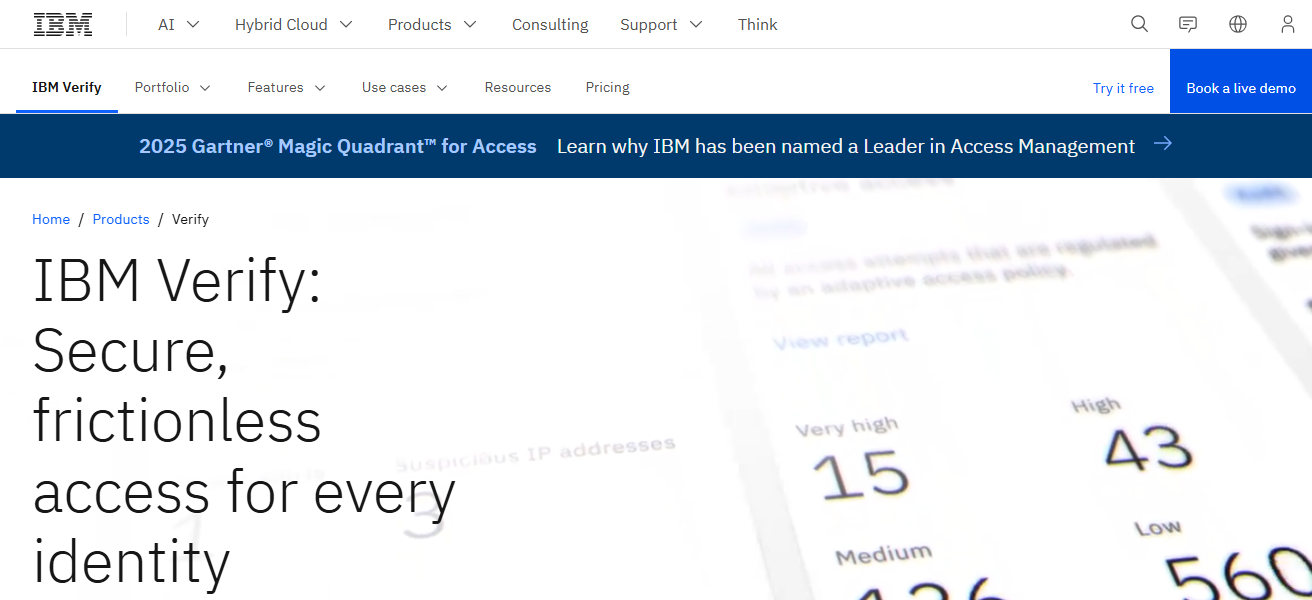
With compliance reporting and role-based access control, enterprises can meet their compliance needs.
The platform’s flexibility allows users to integrate with cloud and on-prem applications, providing large organizations with streamlined identity management and centralized governance.
IBM Security Verify Features
- Adaptive Authentication: Access parameters are modified based on identified risk.
- AI-Powered Analytics: Intelligent analysis identifies and predicts possible risks and occurrences.
- Lifecycle and Access Management: Access rights for users are managed within hybrid infrastructures.
- Compliance Tools: Automated reporting and policy enforcement support audits.
| Pros | Cons |
|---|---|
| Adaptive authentication and SSO for secure access. | Can be complex to set up in hybrid environments. |
| AI-driven analytics help detect unusual access patterns. | Licensing can be expensive for smaller organizations. |
| Role-based access control and compliance reporting. | Some features require technical expertise to deploy. |
| Flexible integration with cloud and on-premises applications. | User interface may require training for efficiency. |
8. Microsoft Entra ID (Azure AD)
Microsoft Entra ID, previously known as Azure Active Directory, offers cloud-based access management focused on the secure management of user identities by enterprises.
It offers single sign-on, conditional access, and multi-factor authentication as protective measures for critical resources and integrates with Microsoft and third-party applications for access governance.
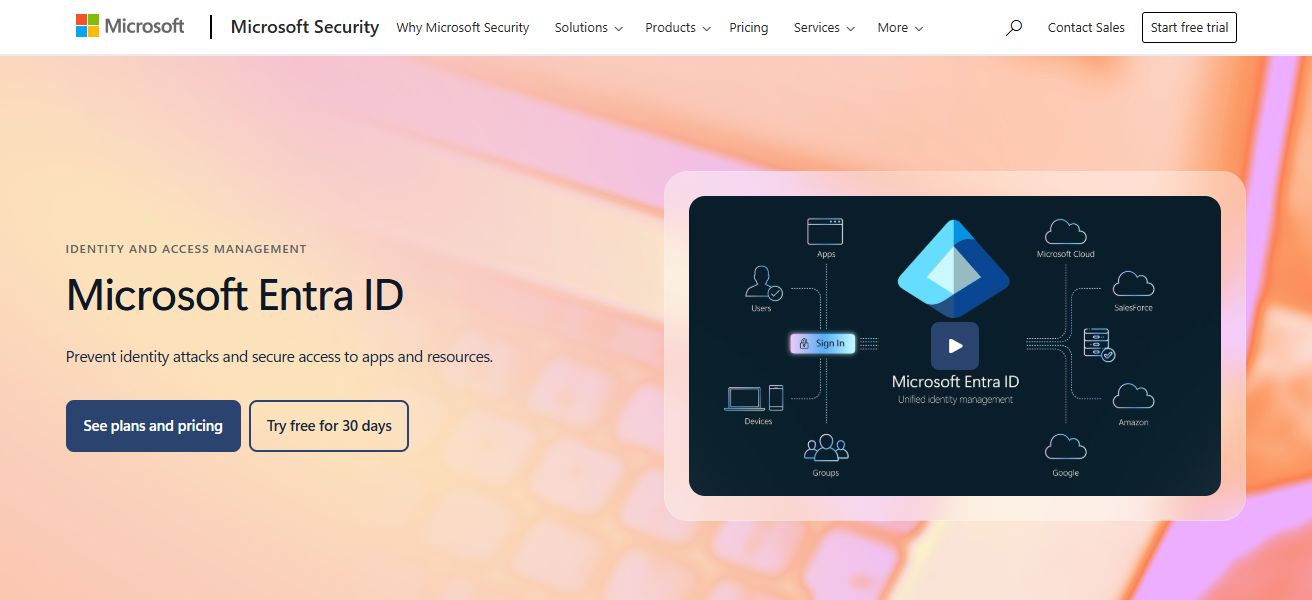
Its reporting, monitoring, and risk-based policies are enhanced to help organizations identify and respond to activities that are suspicious and enforce access on a need-to-know basis.
Entra ID Microsoft automates the provisioning and deprovisioning of users to achieve effective management of the identity lifecycle in compliance with regulations across hybrid environments.
Microsoft Entra ID (Azure AD) Features
- Conditional Access Policies: Access controls are created based on the risk associated with the user and the context.
- SSO & MFA Support: Streamlined access with additional security.
- Hybrid Identity Integration: Operates in both on-prem and cloud settings.
- Automated User Provisioning: Lessens the manual burden and the chance for mistakes.
| Pros | Cons |
|---|---|
| Cloud-based identity management with SSO and MFA. | Advanced features may require premium licenses. |
| Centralized governance across Microsoft and third-party apps. | Can be complex in multi-cloud or hybrid setups. |
| Risk-based policies and monitoring for suspicious activity. | Reporting may lack depth compared to specialized IAM tools. |
| Automated provisioning and deprovisioning for efficiency. | Migration from older systems can be challenging. |
9. Ping Identity
Ping Identity is an adaptable solution for your identity and access management needs, concentrating on managed access governance and securing authentication.
Protecting enterprise data and applications with SSO, adaptive authentication, and multi-factor authentication is one of the many services offered.
Detailed analytics provided by Ping Identity assist clients in monitoring user activity and spotting possible security threats.
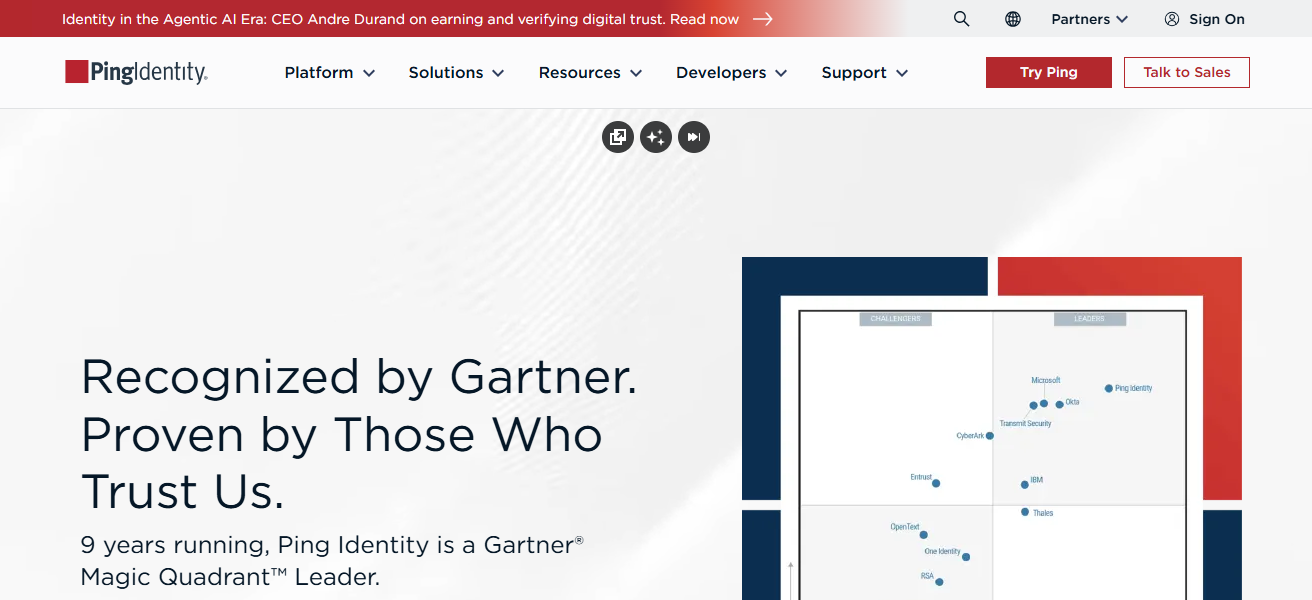
Role-based access control and other compliance policies are easily managed with the centralized policy management.
It can expertly control access in on-prem, cloud, and hybrid environments, facilitating the management of both scalable and secure compliance access governance frameworks for enterprises.
Ping Identity Features
- Federated Identity Management: Merges identities across ecosystems and clouds.
- Adaptive Authentication: Modifies security levels according to the risk and situational context.
- Policy Centralization:** Governance access rules from one central control.
- Extensive Integration: Compatibility with various applications, including legacy and SaaS.
| Pros | Cons |
|---|---|
| Offers SSO, MFA, and adaptive authentication. | Smaller ecosystem compared to Okta or Microsoft. |
| Detailed analytics monitor user behavior and risks. | Initial setup can be technically demanding. |
| Centralized policy management simplifies governance. | Advanced features may require additional licensing. |
| Supports integration across cloud, on-premises, and hybrid environments. | Customer support may vary by region. |
10. Oracle Identity Governance
Oracle Identity Governance is an automated provisioning and access management system with end-to-end lifecycle management capabilities.
It also handles the deprovisioning of users and operationalizes role-based access control, all while supporting organizations to stay compliant with regulations.
It Governance integrates with all system types, offering significant control over identities. Its advanced analytics identify access risks and policy violations, helping organizations mitigate risks.
Its audit-ready reporting and streamlined workflow governance automation assist organizations to secure access management and optimize the identity operations.
Oracle Identity Governance Features
- Comprehensive Lifecycle Management: Manages user identity from creation to deletion.
- Access Risk Analytics: Flags abnormal access and policy violations.
- Workflow Automation: Streamlines the automation of access requests and updates to policies.
- Cross-Platform Support: Works with cloud, on-prem, and hybrid environments.
| Pros | Cons |
|---|---|
| Automates user provisioning, deprovisioning, and role-based access. | Can be expensive for small or mid-sized enterprises. |
| Advanced analytics detect policy violations and access risks. | Implementation can be complex and time-consuming. |
| Integrates across cloud, on-premises, and hybrid systems. | Requires technical expertise for optimal deployment. |
| Audit-ready reporting and workflow automation for compliance. | User interface may not be as intuitive as modern IAM solutions. |
How We Choose Best Software For Enterprise Access Governance
- Security & Compliance: Software must be able to provide enforcement of least-privilege access, segregation of duties, as well as compliance with regulations such as GDPR, SOX, etc.
- Scalability: Ensure the software can manage your organizational size, the number of applications, and your future organizational plans.
- Automation & Workflow: Look for software which provide automated provisioning, deprovisioning, approvals and access certifications to reduce the risk of human error.
- Integration Capabilities: Ensure the software is compatible with all of your systems, including cloud, on-premise, and hybrid systems.
- Analytics & Reporting: Effective and comprehensive monitoring, risk analysis, and report generation for audits.
- User Experience: Make sure that the software is user friendly for once to manage access, especially the administrators.
- Cost & ROI: You should consider the pricing of the software, the TCO (Total Cost of Ownership) and the gains in organizational efficiencies.
- Support & Vendor Reputation: Consider the reliability of customer support, the frequency of releases, and the credibility of the vendor in the software market for the long-run.
Conclsuion
Finaly, selecting the appropriate software for Enterprise Access Governance is vital for protecting user access, achieving compliance, and minimizing risks in sophisticated IT environments.
The best software optimizes the identity management lifecycle, automates processes, and offers valuable insights.
By assessing features, scalability, integration, and vendor assistance, companies can choose software that enhances security and operational efficiency, as well as compliance management.
FAQ
It is a solution that helps organizations manage, monitor, and control user access to systems, applications, and data securely.
It ensures security, reduces insider threats, enforces compliance, and manages user permissions efficiently.
Enterprises of all sizes, especially those with complex IT environments and regulatory requirements.
Key features include SSO, MFA, automated provisioning, compliance reporting, analytics, and role-based access control.
Yes, most modern solutions support cloud, on-premises, and hybrid integrations.