
This article discusses enterprise secrets management software focusing on how organizations can securely store, manage and protect sensitive information.
- Key Points & Best Software for Enterprise Secrets Management
- 10 Best Software for Enterprise Secrets Management
- 1. HashiCorp Vault
- 2. AWS Secrets Manager
- 3. Azure Key Vault
- 4. Google Secret Manager
- 5. CyberArk Conjur
- 6. Delinea Secret Server
- 7. 1Password Business
- 8. Keeper Security Enterprise
- 9. Bitwarden Enterprise
- 10. Akeyless Vault
- How To Choose Best Software For Enterprise Secrets Management
- Cocnsluion
- FAQ
Keeping credentials, API keys, certificates, and encryption keys secure while managing compliance, access control, and automation across cloud, hybrid, and on-premises environments is what enterprise secrets management tools do for modern businesses.
Key Points & Best Software for Enterprise Secrets Management
| Software | Key Point |
|---|---|
| HashiCorp Vault | Centralized vault with dynamic secrets |
| AWS Secrets Manager | Native integration with AWS services |
| Azure Key Vault | Seamless integration with Microsoft Azure |
| Google Secret Manager | Global scalability and GCP integration |
| CyberArk Conjur | Enterprise-grade access control |
| Delinea Secret Server | Privileged account management focus |
| 1Password Business | User-friendly interface with strong encryption |
| Keeper Security Enterprise | Zero-knowledge architecture for maximum privacy |
| Bitwarden Enterprise | Open-source transparency and flexibility |
| Akeyless Vault | SaaS-based secrets management with zero trust |
10 Best Software for Enterprise Secrets Management
1. HashiCorp Vault
HashiCorp Vault works at scale and is an open source secret management and data protection tool for dynamic infrastructure. Vault manages sensitive data and protects secrets such as API keys and encryption keys.
It automates access control and auditing. It works with many different platforms, identity providers, and cloud services.
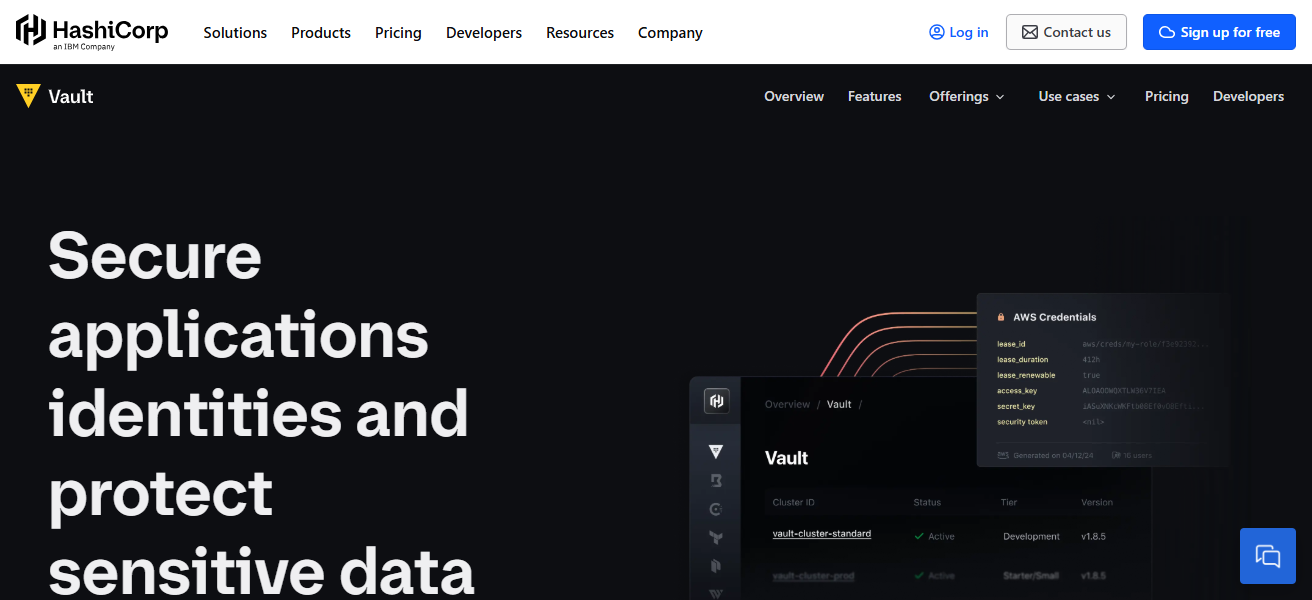
Vault provides dynamic secrets which are generated and revoked automatically. It provides encryption as a service to help developers protect data without having to manage complicated cryptography.
Enterprises use Vault for its automation, flexibility, and strong security model. All of this makes it ideal for modern DevOps environments.
HashiCorp Vault Features
- Dynamic Secrets & Leasing: Secrets are generated and expire automatically. This reduces the length of credential locks.
- Encryption as a Service: Keys are secured, and the user can control themselves. The user has both the decryption and the encryption available, as well as the keys.
- Identity-Based Access: Access control increases when these systems are integrated with other identity providers like LDAP, Kubernetes, and OAuth.
- Audit & Traceability: Keep detailed audit logs and use policies to ensure the auditing system meets compliance
| Pros | Cons |
|---|---|
| Very flexible and cloud-agnostic, supports many environments. | Steep learning curve for setup and policies. |
| Strong dynamic secrets and automatic revocation. | Requires operational expertise to manage clusters. |
| Excellent integration with DevOps tools and automation. | Can be expensive at enterprise scale (HA & support). |
| Offers encryption as a service & identity-based access. | Not as user-friendly for non-technical teams. |
2. AWS Secrets Manager
AWS Secrets Manager is fully managed cloud service that helps enterprises store, manage, and rotate their secrets, which include credentials for databases, API keys, and config files.
Integrated with the AWS ecosystem, it works the AWS services like RDS, Lambda, and IAM using OAuth which requires little to no configuration.
To minimize risk, operational overhead, and manual work, Secrets Manager is configured to automatically rotate secrets based on policy.
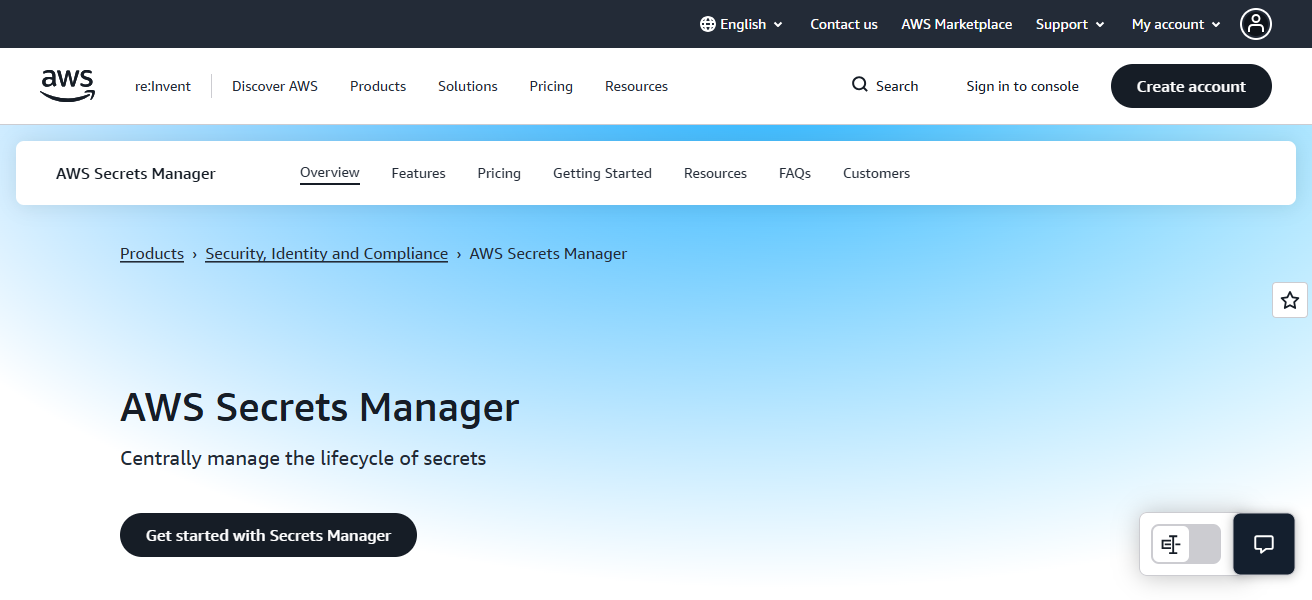
Encryption with fine-level access control is implemented with AWS’s Key Management Service (KMS) to provide compliance and high availability.
Secrets Manager’s increased monitoring and management of secret’s lifecycle helps enterprises workloads running on AWS.
AWS Secrets Manager Features
- AWS Native Integration: Works effortlessly with AWS tools like RDS, Lambda, and ECS to automatically retrieve and secure secret information.
- Automated Rotation: The drove secret rotation process is built-in to the system, as well as undergoing a configured system to promote less manual pressure.
- IAM Permissions: With AWS IAM, the system’s role is to manage access and control the secrets.
- KMS Encryption: Encryption is embedded, and secrets are protected in AWS under a managed KMS
| Pros | Cons |
|---|---|
| Native AWS service with seamless AWS integrations. | Best suited primarily for AWS environments. |
| Automated rotation of secrets. | Costs scale with number of secrets. |
| Fine-grained access control via IAM. | Less flexibility outside AWS. |
| Managed service with high availability. | Limited customization beyond AWS ecosystem. |
3. Azure Key Vault
Azure Key Vault, Microsoft’s cloud-based service, creates a safe space for the storage of cryptographic keys, certificates, and application secrets.
Key Vault stores secrets centrally, and manages them with HSM backed encryption and access control, protected by Azure Active Directory.
of secret rotation is also possible, and the integration of vault operations with other Azure services (App Service, Functions, Kubernetes, etc.) is available for developers and IT personnel.
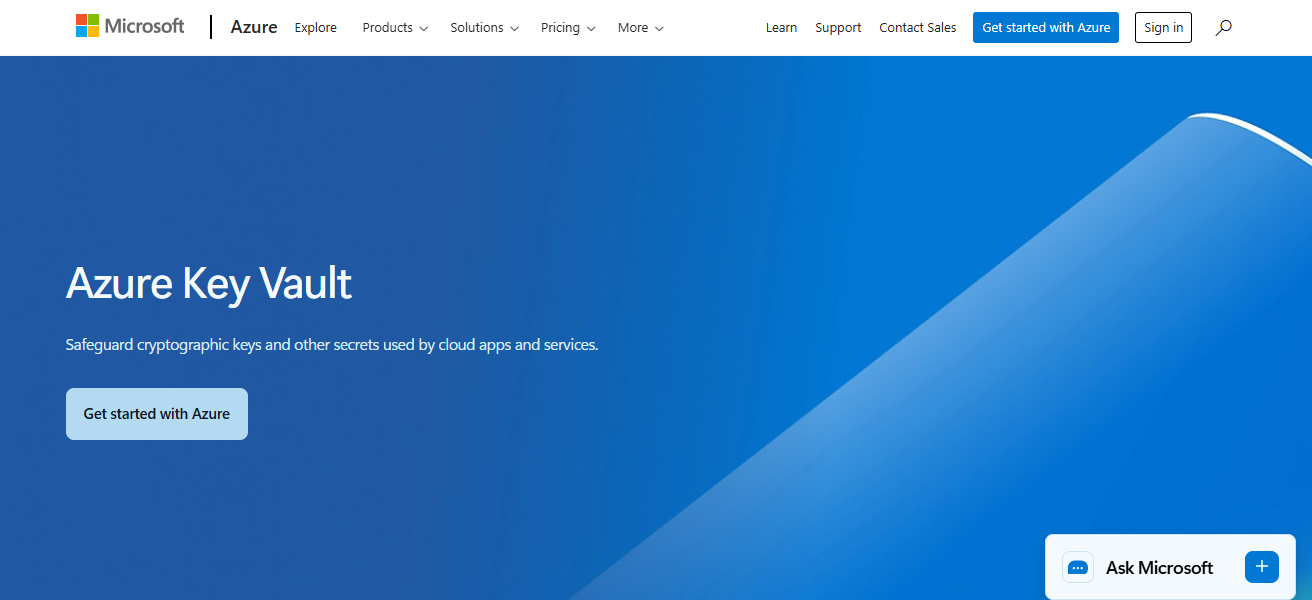
With operation logging available through Azure Monitor, Azure Key Vault supports compliance and audit readiness.
Enterprises that utilize Azure will see the reduction of secret sprawl, improved governance, and the adoption of secure deployment practices in hybrid and cloud environments.
Azure Key Vault Features
- Central Key & Secret Store: Secures a store, a vault of central keys, as well as secrets and certificates with access policies.
- Hardware Security Module (HSM): Holds high-security, cryptographic keys with FIPS-compliant HSM.* Integration with Azure Active Directory: Utilizes Azure Active Directory for integration and identity management with role-based access control.
- Automated Certificate Management: Enables users the convenience of automated management of certificates including issuance and renewal.
| Pros | Cons |
|---|---|
| Deep integration with Azure services and AD. | Best value only if using Azure heavily. |
| Hardware security module (HSM) support. | Learning curve with Azure policy & RBAC. |
| Central secure store for keys, certificates, secrets. | Cost can be high with many operations. |
| Supports automated deployment and scaling. | Limited multi-cloud reach. |
4. Google Secret Manager
Google Cloud Platform (GCP) has a hosted service called Secret Manager which securely holds and manages a user’s secrets such as API keys, credential, and configuration settings.
It has global replication, IAM (Identity and Access Management) policies for access control, verdioning for safe updates and rollbacks.
Manager is integrated with most GCP services, such as Cloud Run and Compute Engine, which means that developer do not have to hard code secrets as they run applications to access secrets.
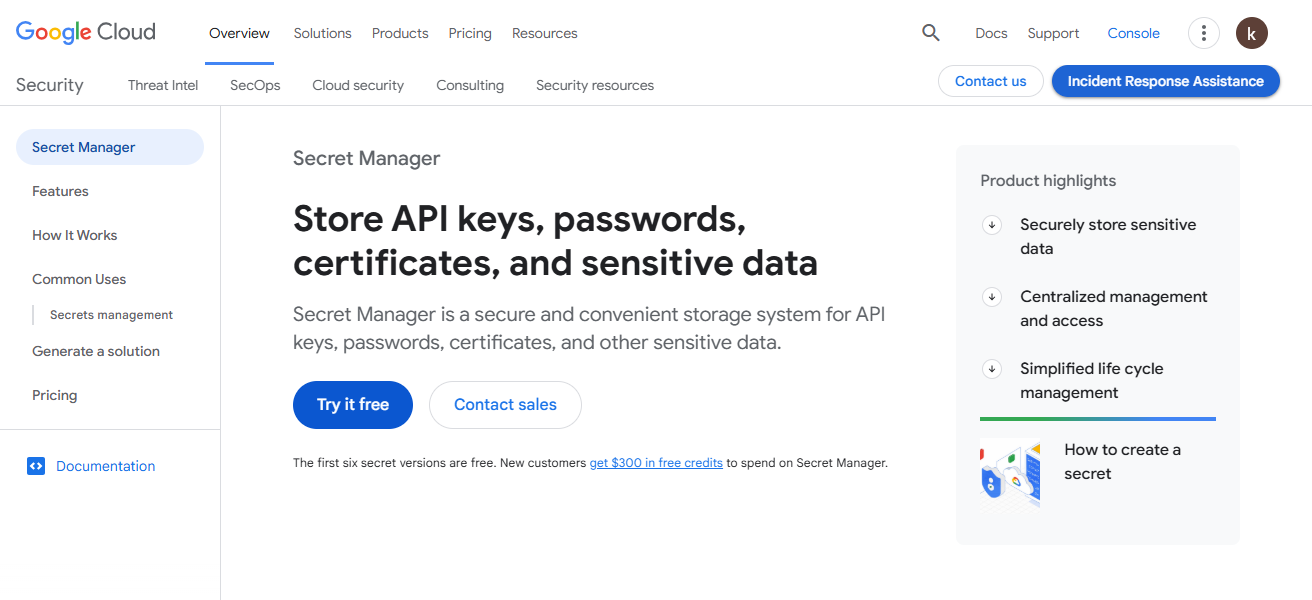
It focuses on ease of use, strong encryption (Google-managed keys and customer-managed keys), and fine-grained access control.
Enterprises benefit from scalable secret storage solutions, mono-portal audit logging, and compliance with current GCP security policies.
Google Secret Manager Features
- Global Secret Replication: Secrets are replicated throughout various regions so they are readily accessible and for reliable availability.
- Versioning & Rollbacks: Users can step through versioning history to easily update and revert to previous secret versions.
- IAM-Based Access Control: Google Cloud IAM is available to allow for control of granular permissions.
- Integrated Audit Logs: Audit logs available through Cloud Audit Logs for compliance and visibility.
| Pros | Cons |
|---|---|
| Simple & intuitive UI with versioning support. | Optimal only in Google Cloud Platform (GCP). |
| Global replication and high availability. | Fewer advanced enterprise features vs. competitors. |
| Integrated with Google IAM for access control. | Limited outside GCP ecosystem. |
| Strong audit logging with Cloud Audit Logs. | Rotation needs additional configuration. |
5. CyberArk Conjur
CyberArk Conjur is focused on security for devops and cloud environments. It provides both open-source and enterprise solutions. Conjur encrypts and manages secrets in CI/CD pipelines, containers, and automation tools.
It works with all major orchestration tools (Kubernetes, Jenkins) and applies least privilege, policy-based access control. Conjur provides strong audit trails and helps with compliance.
For companies who need strong security for machine identities and automation access control in changing environments, enterprise editions offer advanced authentication, high availability, and scalability.
CyberArk Conjur Features
- DevOps & CI/CD Focus: Built to encapsulate the securing of secrets for containerized structures and pipeline pathways.
- Policy-Driven Access Controls: centralized secure policy structures for least-privilege accessibility.
- Machine Identity Management: Automates the securing and management of identities of machines.
- Audit & Compliance: Offers logging and reporting structures for audits and compliance.
| Pros | Cons |
|---|---|
| Strong focus on DevOps, containers & CI/CD secrets. | Complex implementation and policies. |
| Excellent least-privilege enforcement. | Enterprise features require detailed planning. |
| Open source available + enterprise support. | Requires dedicated security expertise. |
| Good audit trails and compliance readiness. | UI and user experience not as polished. |
6. Delinea Secret Server
Delinea (formerly Thycotic) Secret Server protects and integrates PAM (Privileged Access Management) and secrets management for enterprise organizations.
The Secret Server manages and protects privileged credentials, SSH keys, and application secrets to mitigate risk with privileged accounts. Automated password changes, session monitoring, and risk analytics improve governance and compliance.
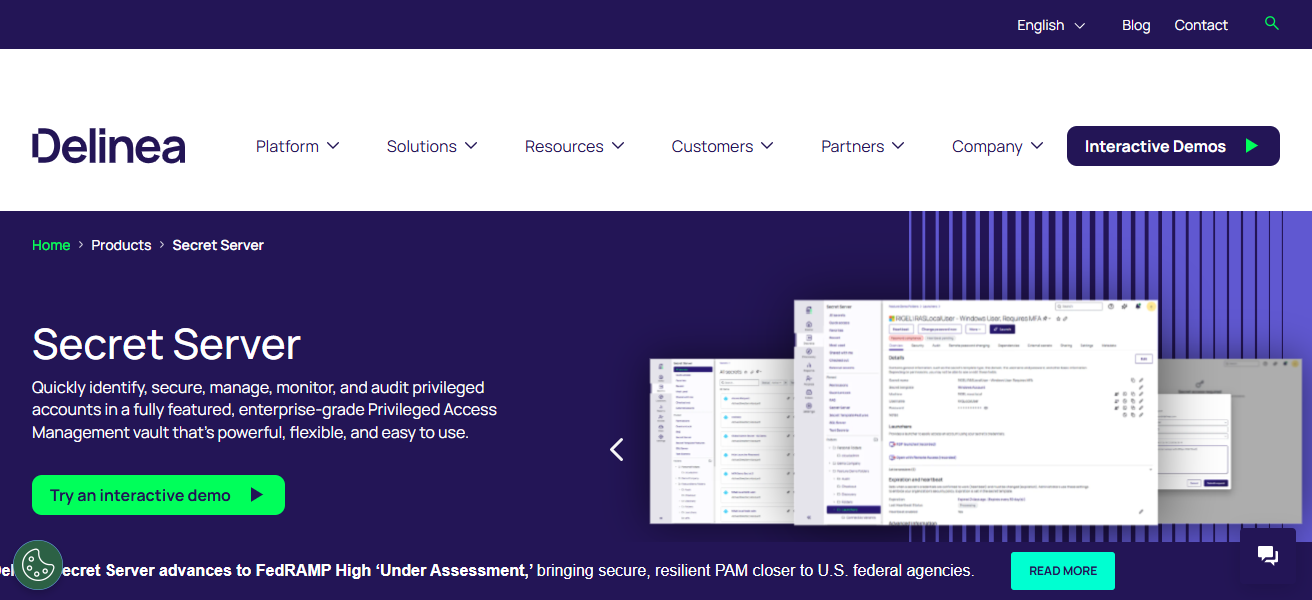
Secret Server integrates with enterprise systems and manages access to these resources with role-defined access control
Allowing security teams to implement their governance framework and providing developers and administrators with controlled, efficient access to needed credentials. Secret Server manages and protects credentials from 3 tiers of systems: On-Prem, Cloud, and Hybrid systems.
Delinea Secret Server Features
- Privileged Account Vaulting: Securely vaults and manages the credentials for admin and service accounts.
- Automated Password Rotation: Secrets and passwords are concealed and access is thwarted through the automation of rotation.
- Session Monitoring & Recording: Forensic views and accountability are prioritized through the tracking of privileged sessions.
- Flexible Deployment: Delinea Secret Server can be implemented in the cloud, on-prem, or in hybrid models.
| Pros | Cons |
|---|---|
| Robust privileged access management (PAM) plus secrets. | Higher cost for full PAM suite. |
| Automated password rotation and session monitoring. | Complex for small teams. |
| Flexible deployment (cloud/on-prem/hybrid). | Can be overkill if only secrets management is needed. |
| Strong governance and compliance capabilities. | Some features require separate modules/licenses. |
7. 1Password Business
1Password Business takes the consumer-centric password manager into the enterprise space. It adds features optimized for teams and organizations. It has encrypted vaults for password, API key, document, and other secret storage. Vaults can only be accessed by authorized users.
There are provisioning integrations, including SCIM and SSO, so admin teams can manage access policy enforcement and streamlined onboarding.
For auditing and compliance, 1Password Business has shared vaults, fine-grained access controls, and activity logging.
The cross-platform and the simple UX foster use by both the technical and non-technical. The lack of complex infrastructure coupled with easy and secure secret storage access makes 1Password Business valued by enterprises.
1Password Business Features
- Encrypted Vaults: Secrets belonging to users are encrypted on the user’s device and can only be decrypted and synced securely for team collaboration.
- Shared Team Drives: Group vaults enable entire departments or teams to share drives that contain passwords and other credentials.
- SSO & Provisioning: Partnerships with identity vendors for single sign-on and user provisioning and deprovisioning.
- Activity Logging: Audit logs track which user accessed which item and when.
| Pros | Cons |
|---|---|
| Very easy to use with intuitive UI. | Not as feature-rich for automated secrets rotation. |
| Strong shared vaults and team collaboration. | Better suited for human credentials vs. machine secrets. |
| SSO & provisioning integrations. | Less suited for DevOps automation pipelines. |
| Good audit logs and access control. | Limited integration with infrastructure as code. |
8. Keeper Security Enterprise
Keeper Security Enterprise focuses on the protection of sensitive files, digital assets, and credentials through its enterprise-grade password and secrets management system.
With Keeper, organizations can implement security policies across users and teams by utilizing auditing and reporting tools, as well as role-based access control.
Keeper’s integration with SSO solutions and automated user lifecycle management and password control, along with directory services, streamline the user experience.
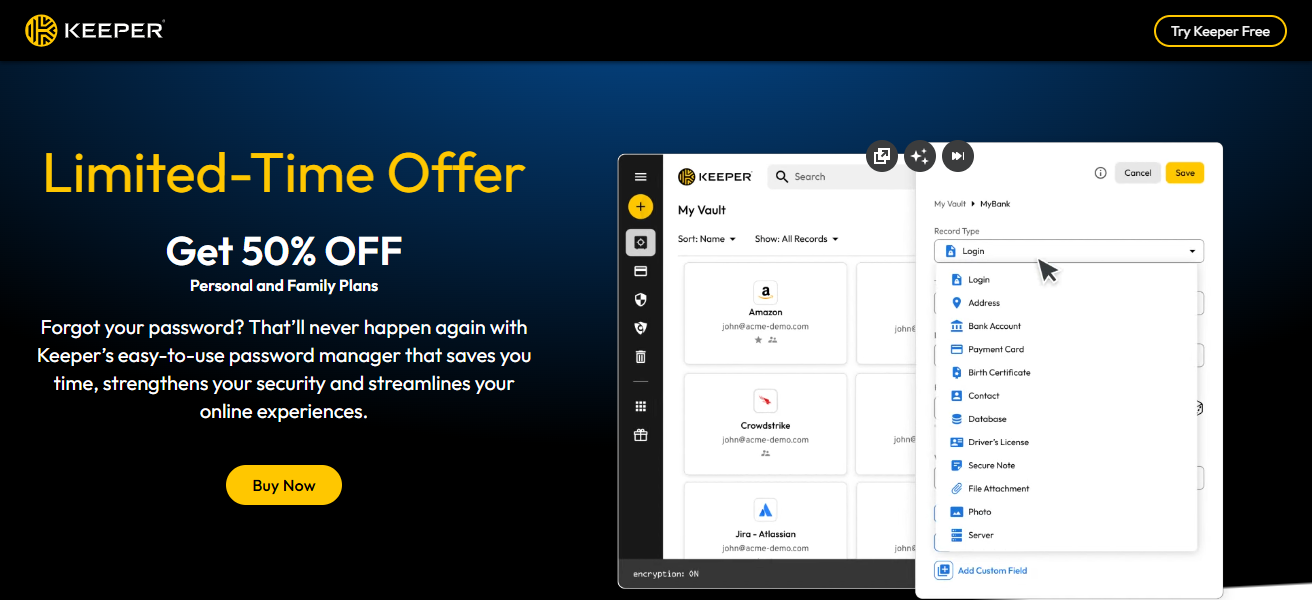
Keeper also employs breach monitoring and zero-knowledge protection. Keeper’s across the board enterprise-grade services include scalable architecture, compliance certifications, and secure sharing.
With strong encryption, admin visibility, and ease of deployment, Keeper is a great enterprise secret protection provider.
Keeper Security Enterprise Features
- Zero-Knowledge Encryption: All stored secrets are encrypted before being saved to guarantee that only the intended users can perform the decryption.
- Role-Based Access Control: Fine-grained permissions to execute security controls across the teams.
- Automated Rotation & Alerts: Alerts for passwords that have been compromised and support for schedule-based rotation.
- SSO & Directory Sync: Compatible with enterprise identity systems for streamlined access control.
| Pros | Cons |
|---|---|
| Strong policy enforcement and auditing. | Can be expensive for large enterprises. |
| Automated password rotation available. | More focused on human passwords than machine secrets. |
| Zero-knowledge encryption model. | Secrets automation integration requires add-ons. |
| SSO / directory integrations supported. | Not ideal for dynamic secrets in DevOps. |
9. Bitwarden Enterprise
Bitwarden Enterprise is an open-source password and secrets management systems that is enterprise-ready. Easy to use and allow management and sharing of your sensitive data like passwords and API keys.
Bitwarden employs end-to-end encryption to guarantee that secrets are available only to authorized users. It includes Single Sign-On (SSO), a variety of directory integrations, and a variety of flexible deployment options (cloud or self-hosted).
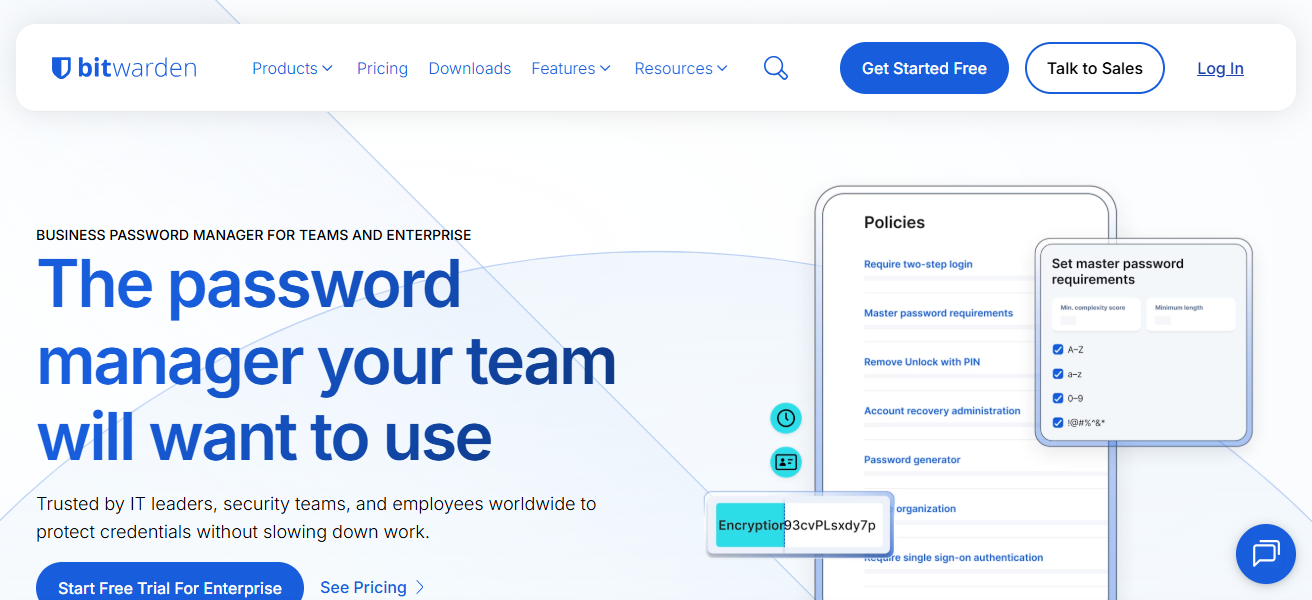
This ensures businesses can maintain control over data residency and compliance. Policies, usage monitoring, and audit control are centralized for admins.
Bitwarden is a great choice for organizations typical of enterprise demands, minimal cost, and no vendor lock-in.
Bitwarden is extensible across multiple browsers, the command line interface (CLI), and application programming interfaces (APIs), making it great for developer teams and security operations.
Bitwarden Enterprise Features
- Open Source Core: Ability for self-hosting and transparent architecture with open-source software and components.
- Secure Sharing & Collections: Vault items can be shared securely across teams and groups.
- SSO & Directory Integration: Enterprise identity management with SAML and direct integration with directory services.
- End-to-End Encryption: All secrets are encrypted on the client’s side before being synced to the vault.
| Pros | Cons |
|---|---|
| Open-source foundation with high transparency. | Advanced features need paid plans. |
| Flexible deployment (cloud or self-hosted). | Not natively built for complex machine secrets rotation. |
| Supports SSO, directory sync. | Aimed at passwords first, secrets management second. |
| Cost-effective compared to many enterprise vaults. | Lacks some dynamic secrets features of others. |
10. Akeyless Vault
Akeyless Vault is an end-to-end secrets management platform which is cloud agnostic and specializes in encryption and management of secrets storage, key management, and access control.
It focuses on zero trust, dynamic secret generation and automated secret rotation in order to improve efficiency and reduce risk.
Akeyless provides multi-cloud and centralized policies for API keys, credentials, certificates, and encryption keys.
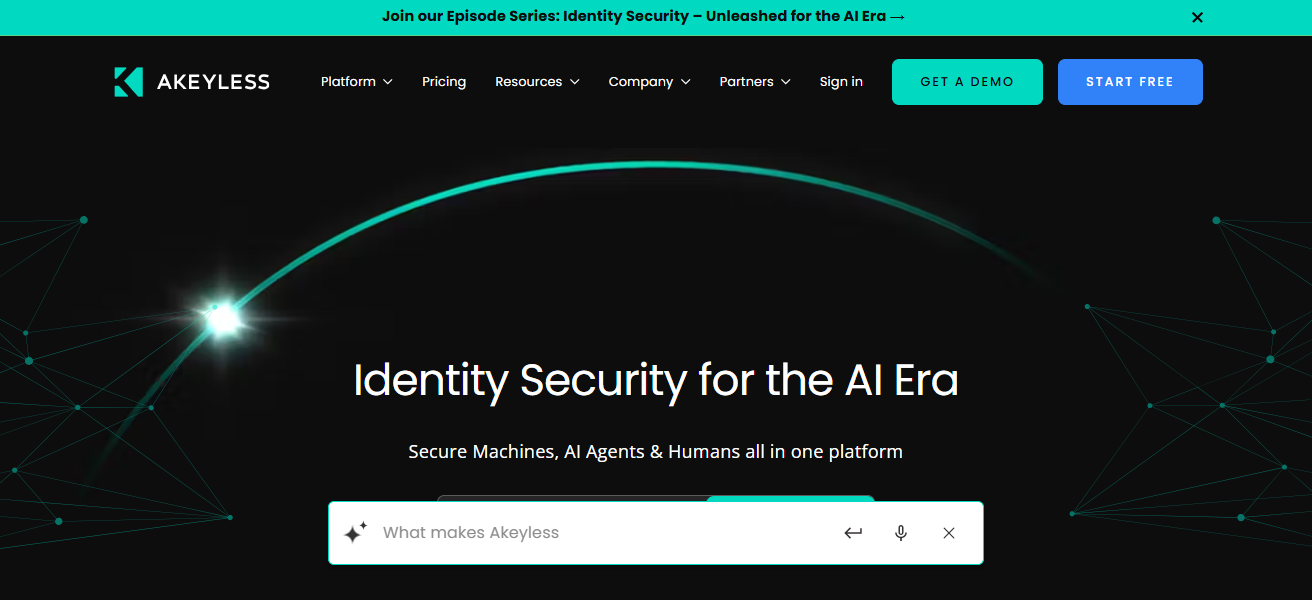
Akeyless integrates with federated identity systems, offering enterprise access control for least privilege access across systems.
Akeyless provides companies with regulatory compliance via audit trails and reports. Clients in multi-cloud and hybrid systems benefit from strong secret management, scalable and secure lifecycle systems.
Akeyless Vault Features
- Multi-Cloud Secrets Management: A unified secret store across AWS, Azure, GCP, and hybrid environments.
- Zero-Trust Architecture: Guarantees least-privilege access through identity-based policies.
- Dynamic Secrets & Rotation: Supports fly secrets creation and automated revocation.
- Centralized Audit & Access Controls: Offers detailed logs and governance across environments.
| Pros | Cons |
|---|---|
| Cloud-agnostic and multi-cloud secrets support. | Smaller ecosystem vs. bigger providers. |
| Strong zero-trust architecture. | Can be complex to set up initially. |
| Dynamic secret generation & automated rotation. | Enterprise packages can be costly. |
| Centralized access governance with audit logs. | Less community support than open-source alternatives. |
How To Choose Best Software For Enterprise Secrets Management
Identify secret types: Identify and list what types of secrets your organization needs to protect.
Assess environments: Identify the type of environments the software needs to operate in or support.
Evaluate access control: Evaluate software’s access control features in the context of your organization’s specific needs.
Check encryption standards: Ensure the software meets your organization’s encryption standards and policies.
Review automation: Evaluate the features of software and how it automates the secret management process.
Integration support: Evaluate how well the software integrates with your organization’s existing tech stack and tools.
Audit capabilities: Examine the software’s tools for auditing and compliance as relevant to your organization.
Deployment flexibility: Identify software solutions that meet your organization’s preferred operational deployment model and requirements.
Scalability: Evaluate the software as it relates to your organization’s growing number of secrets to manage.
Usability: Identify software that meets your organization’s needs in terms of the ease of use.
Cocnsluion
In cocnsluion Selecting the appropriate software for your enterprise secrets management is critical for the protection of sensitive data and the enforcement of security best practices.
The right solution enables organizations to securely manage the storage, rotation, and access control of secrets, while also automating compliance.
By assessing security features, integrations, scalability, and ease of use, enterprises can ensure the protection of their credentials in advanced IT ecosystems.
FAQ
It securely stores and manages passwords, API keys, credentials, and encryption secrets.
To prevent data breaches, reduce credential leaks, and ensure secure access control.
API keys, database credentials, certificates, tokens, and encryption keys.
No, it’s used by developers, IT admins, and security teams enterprise-wide.