In this article, I’ll examine optimal tools for IT service catalog software that aids in streamlining service requests, improving user experience, and aiding in IT service delivery.
- Key Points & Best Software For IT Service Catalog Management
- 10 Best Software For IT Service Catalog Management
- 1. ServiceNow
- 2. Atlassian Jira Service Management
- 3. BMC Helix ITSM
- 4. Ivanti Service Manager
- 5. Freshservice
- 6. ManageEngine ServiceDesk Plus
- 7. Cherwell Service Management
- 8. SolarWinds Service Desk
- 9. SysAid
- 10. TOPdesk
- How We Choose Best Software For IT Service Catalog Management
- Conclusion
- FAQ
The right IT service catalog tool allows businesses to outline workflow patterns, automate approval processes, and improve IT service visibility, all while fostering efficient and scalable IT operations.
Key Points & Best Software For IT Service Catalog Management
| Software | Key Point |
|---|---|
| ServiceNow | Comprehensive ITSM suite with strong automation and workflow capabilities |
| Atlassian Jira Service Management | Agile-friendly platform with seamless integration into DevOps pipelines |
| BMC Helix ITSM | AI-driven service catalog offering predictive insights and scalable cloud deployment |
| Ivanti Service Manager | Flexible customization with strong self-service portal and ITIL alignment |
| Freshservice | User-friendly interface with quick setup and strong automation features |
| ManageEngine ServiceDesk Plus | Affordable ITSM solution with asset management and service catalog integration |
| Cherwell Service Management | Low-code customization enabling tailored workflows without heavy coding |
| SolarWinds Service Desk | Cloud-native ITSM with strong reporting and compliance support |
| SysAid | Automation-first approach with built-in remote support and service catalog |
| TOPdesk | Collaborative ITSM tool designed for multi-department service catalog management |
10 Best Software For IT Service Catalog Management
1. ServiceNow
ServiceNow stands out in enterprise ITSM and IT service catalog management for large corporations with complicated processes and high compliance on managing workflows.
It provides end-to-end coverage for the ITIL lifecycle (incident, problem, change and configuration management), fulfilling Enterprise Service Management (ESM) for HR, facilities, and more.

Its customizable workflows, AI automation, self service portals and advanced analytics enhance the efficiency and service delivery.
While ServiceNow is powerful and scalable, it also requires a lot of implementation time and cost, making it beneficial for corporations with well established IT teams.
ServiceNow Features
- Comprehensive Service Catalog: A Central service portal where customers can make requests. Contains customizable request forms, approval processes, fulfillment workflows, and portfolio visibility.
- Full ITIL Support: Tracking of all the service lifecycles such as incident, problem, change, configuration, and request, aligned with the best practice of the industry.
- Automation & AI: Advanced automation of workflows, virtual agents, and AI-based recommendations to optimize functionality and minimize manual processes.
- Enterprise Integrations: Integrations with HR, finance, facilities, and DevOps systems for seamless workflows and consistent data across departments.
| Pros | Cons |
|---|---|
| Enterprise-grade ITSM with powerful automation and workflows | Higher cost compared to many competitors |
| Extensive customization and scalability for large organizations | Longer implementation and training time |
| Integrated platform covering ITSM, ITOM, ESM, HR, & more | Requires dedicated admin/resources to manage |
| Strong analytics, dashboards, and reporting | Complexity can be overwhelming for small teams |
| AI and machine learning capabilities for process improvements | Pricing often beyond small/mid-market budgets |
2. Atlassian Jira Service Management
Jira Service Management by Atlassian merges IT service catalog and ITSM functionalities with the Jira ecosystem – a feature especially attractive to DevOps and engineering-centric companies.
It features request and incident tracking, customizable workflows, SLA management, and seamless knowledge management via integration with Confluence.
It’s extensive documentation, coupled with a range of plugins and APIs, provide robust cross-over agility, especially tailored to Jira’s ecosystem.
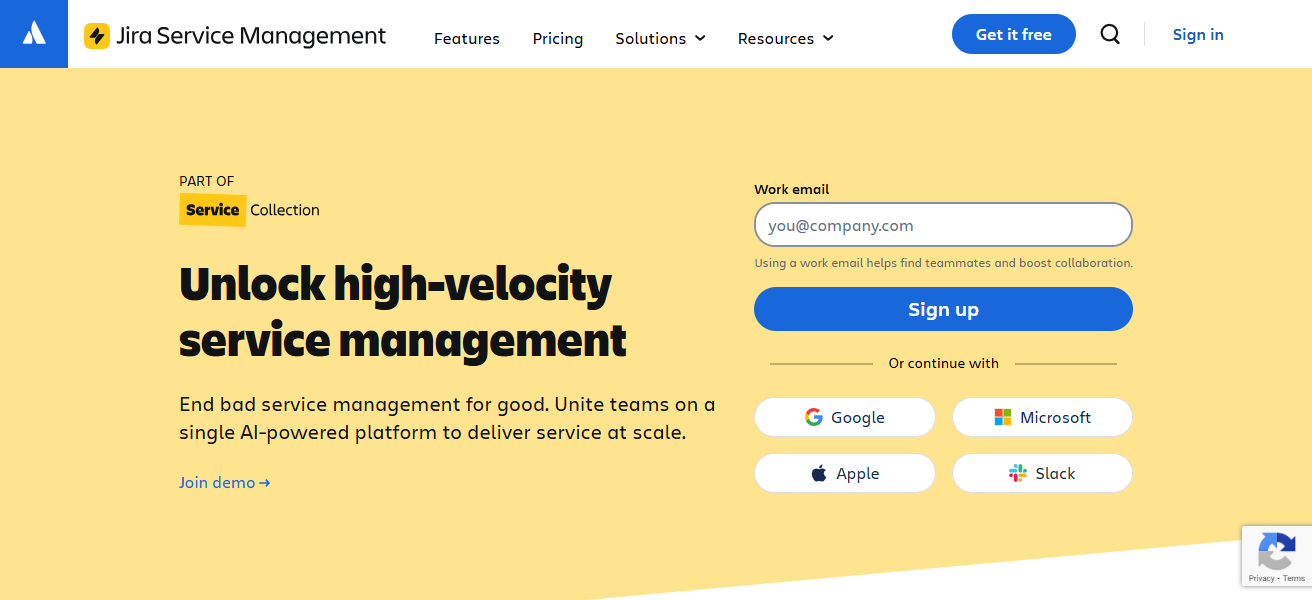
Furthermore, Jira Service Management, with its automation features and tiered pricing, is particularly appealing to HR, Facilities Management, and other departments outside IT.
It’s integration and pricing flexibility explains its popularity among mid-market clients and other teams leveraging Atlassian solutions.
Atlassian Jira Service Management Features
- Integrated Ticketing & Requests: Ticketing and requests are integrated for teams with SLA tracking and prioritization.
- DevOps & Agile Focus: Complete Integration with Jira Software to link incidents and engineering tasks for faster resolution.
- Custom Workflows: Workflows and automation rules are easily customizable with little to no coding requirements.
- Knowledge Base Integration: Integration with Confluence for searchable articles to empower users and lower ticket volumes.
| Pros | Cons |
|---|---|
| Deep integration with Jira and Confluence ecosystems | May be too developer-centric for non-technical teams |
| Agile and DevOps friendly, flexible workflows | Can require add-ons for advanced ITSM features |
| Affordable pricing tiers for small & mid-sized teams | UI complexity grows with customization |
| Strong ticket and issue tracking | SLA and advanced reporting may need apps |
3. BMC Helix ITSM
BMC Helix ITSM provides an enterprise-grade service management solution for multi-cloud environments and complex service operations.
It aids the primary ITSM processes: incident, problem, change, and service catalog management, and utilizes AI to automate analytics, lessen manual tasks, and increase resolution speed.
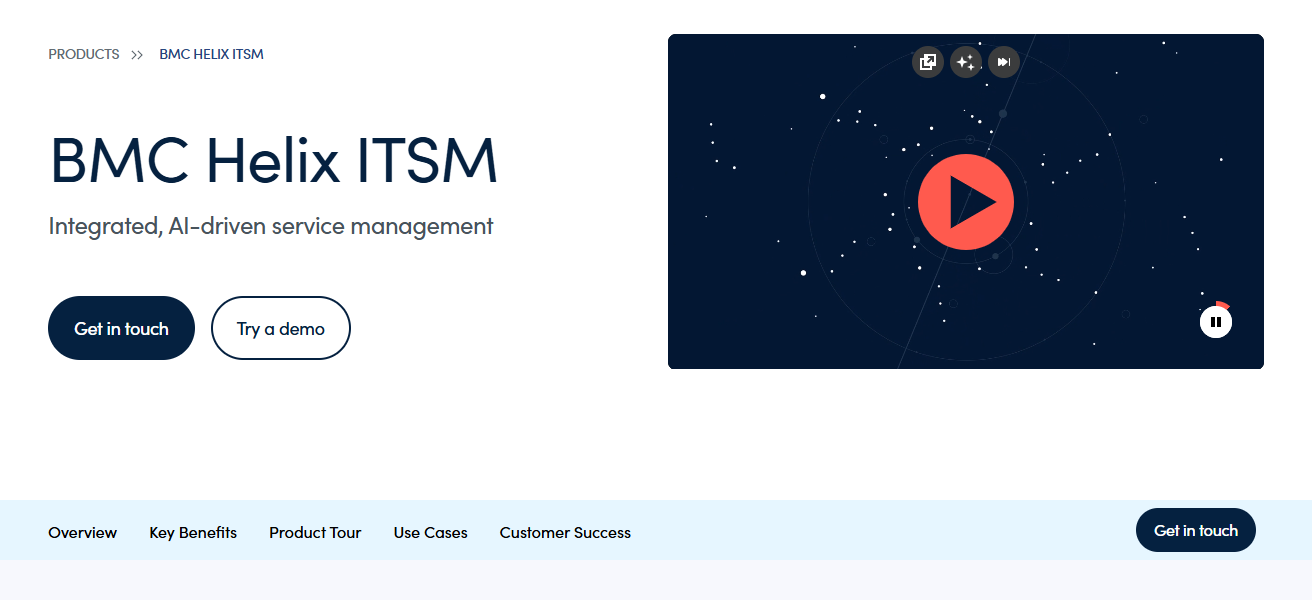
Its key strengths are adaptability and scalability, especially for complex and regulated environments that need strong governance and compliance. Helix supports additional BMC solutions for IT operations and digital service management.
It is suited for organizations that focus on automation and operational intelligence, but it usually requires committed resources for implementation and management.
BMC Helix ITSM Features
- AI & Predictive Analytics: Automation of repeatable tasks and prediction of incidents with recommendations for resolutions using machine learning.
- Comprehensive ITSM Suite: Full incident, problem, change, service, and asset ITSM processes are covered for large businesses.
- Multi-Cloud Flexibility: Strong governance and compliance functionality works seamlessly across hybrid infrastructures.
- Operational Insights: Real-time dashboards with KPIs provide IT leaders the ability to optimize performance and make data-driven decisions.
| Pros | Cons |
|---|---|
| Enterprise-level ITSM with AI automation | Complex setup and higher total cost |
| Predictive analytics and operational intelligence | Requires experienced ITSM administrators |
| Strong compliance, governance and multi-cloud support | Not ideal for small businesses |
| Comprehensive automation for processes and workflows | Steeper learning curve for end users |
4. Ivanti Service Manager
Ivanti Service Manager (which includes Cherwell Service Management) offers adaptable ITSM, robust workflow automation, and low-code/no-code ITSM customizations.
Flexible ITSM empowers teams to construct service catalogs, approval workflows, and service request workflows without excessive scripting.
Incident, problem, change, and asset management, as well as ITIL-aligned processes, underpin Ivanti’s extensiveness into other enterprise areas like HR and facilities.
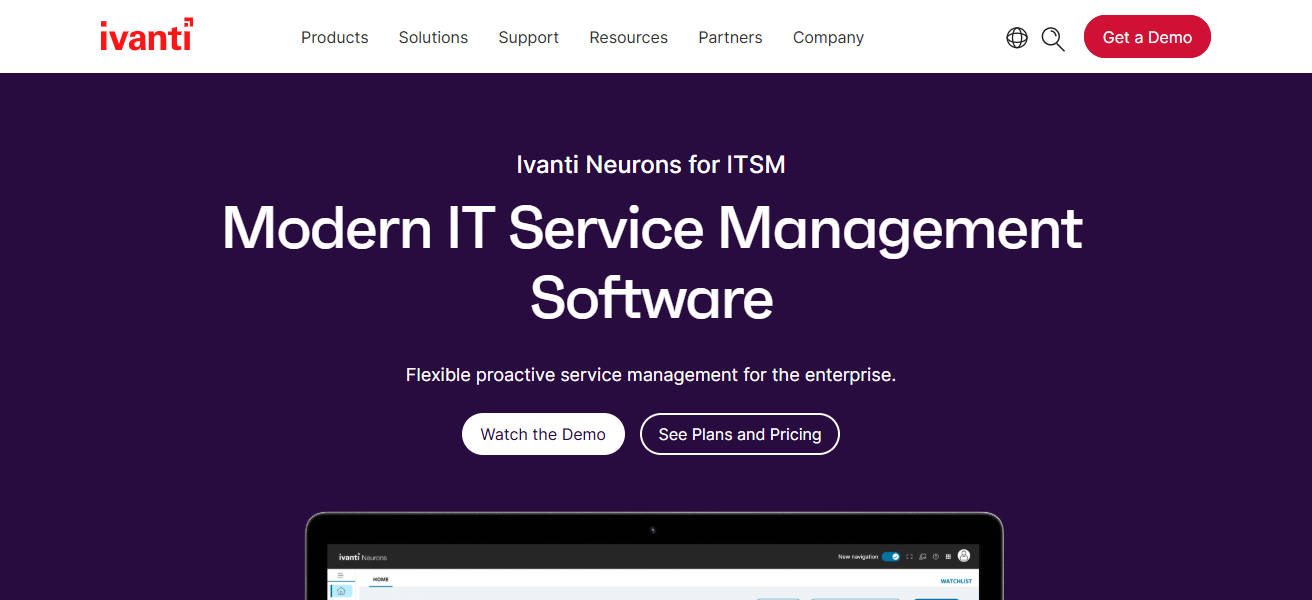
Enhanced integration with other Ivanti solutions improves asset tracking, security, and endpoint management.
While adaptable and powerful, organizations should understand customizations may require significant planning to optimize performance.
Ivanti Service Manager Features
- Low-Code Customization: Easily build new workflows and processes using the drag and drop interface, and build new catalog items, all without writing any code.
- Service Catalog & Fulfillment: Streamlined service delivery with a centralized catalog that includes SLA, approval, and task automation.
- Asset & CMDB Integration:** Improves impact and change planning by linking process services with assets.
- Orchestration & Automation: Improved consistency and fewer manual steps from actions and notifications based on rules.
| Pros | Cons |
|---|---|
| Highly customizable with low-code/no-code tools | Customization can become complex |
| Strong service catalog and workflow automation | UI not as modern as some competitors |
| Good integration with Ivanti security and asset tools | Requires planning for optimal configuration |
| Flexible deployment options | Documentation can be dense for new users |
5. Freshservice
Freshservice is an ITSM and service catalog solution from Freshworks, available on the cloud. It is recognized for its quick onboarding and ease of use.
ITIL best practices are integrated into incident and request management, as well as asset management, change workflows, and automation.
With the help of artificial intelligence, some ticketing and service delivery are automated, and the self-service portal and knowledge base enable users to solve their own problems.
With its good mix of rich functionality, simplicity, and low cost, Freshservice is particularly popular among small and medium-sized businesses.
Freshservice Features
- User-Friendly Catalog: Serve frolic with friendly dashboards and requests. Appreciate ease of use and self-service.
- AI-Driven Ticket Automation: Automatic categorization and assignment of tickets accelerates resolutions and minimizes workloads.
- Change & Release Support: built-in modules help with planning, authoring, and tracking changes to services with less risk.
- Self-Service & Knowledge Base: Knowledge articles assist in self-resolving frequent issues and tickets. This was a filter on the system.
| Pros | Cons |
|---|---|
| Simple, intuitive UI with quick onboarding | Advanced ITSM features limited at lower tiers |
| Robust self-service and knowledge management | Asset management not as deep as specialized tools |
| AI-powered automation for ticketing | Some larger enterprises may outgrow feature set |
| Affordable for small & mid-sized teams | Patchy custom reporting in standard plans |
6. ManageEngine ServiceDesk Plus
ServiceDesk Plus by ManageEngine is one of the ITSM and service catalog solutions which fits all types of businesses and combines the ITSM core modules (incident, problem, change, and service request management) with service asset management and CMDB (Configuration Management Database) functionality.
Its flexible deployment options (cloud or on-premises) enable ITSM teams to maintain control over their infrastructure.
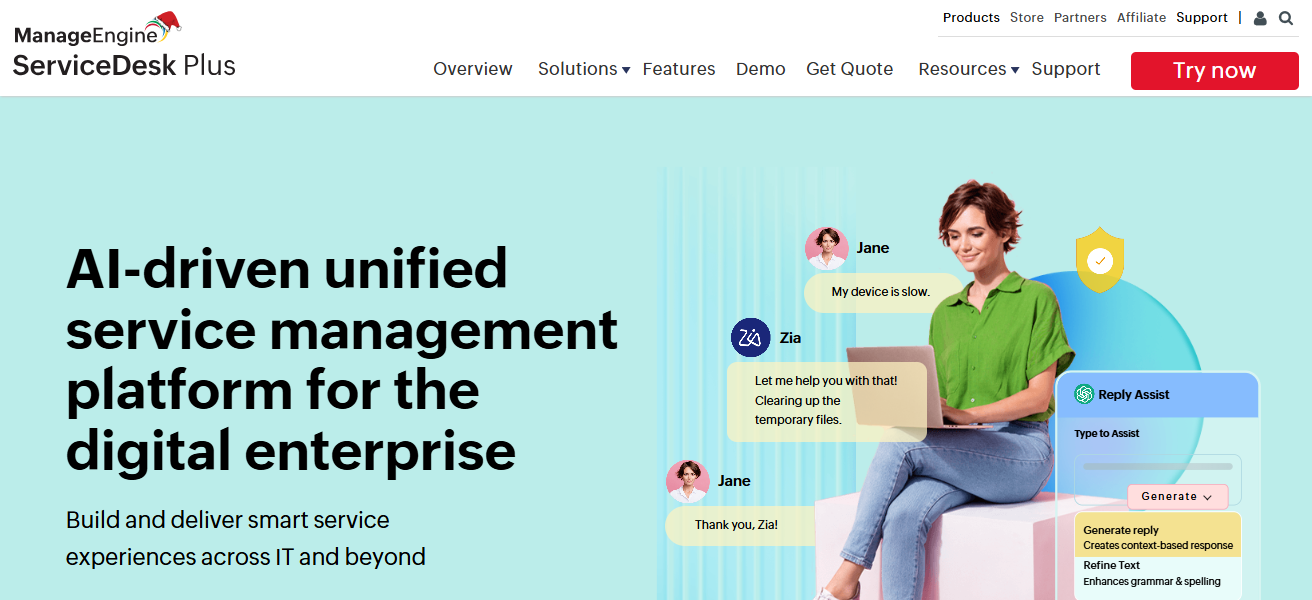
Its integrations with other ManageEngine products provide even more functionality to other IT operations products.
Its pricing with a free tier for teams, automated ticketing workflows, reporting, and multi-department support makes it valuable to many growing mid-market businesses.
ManageEngine ServiceDesk Plus Features
- Service Catalog with SLAs: Catalog items with set timelines and automatic SLA approval workflows.
- Asset & Configuration Management: Tracking and relationship mapping for all hardware and software in the CMDB.
- Automated Ticketing Rules: Conditions for system ticket assignment, prioritization, and escalation.
- Custom Dashboard & Reports: Performance and trend monitoring via real-time dashboards and report templates.
| Pros | Cons |
|---|---|
| Strong core ITSM with asset management | UI feels dated compared to newer SaaS tools |
| Cloud & on-premise deployment options | Scaling large enterprise processes challenging |
| Affordable pricing with feature-rich plans | Customization can require technical knowledge |
| Good reporting and dashboards | Some advanced modules extra cost |
7. Cherwell Service Management
Cherwell Service Management, which has been integrated into Ivanti, is an extremely flexible ITSM solution. Even without much coding, companies can create personalized service catalogs, workflows, and automation pathways.
Cherwell enables organizations to support ITIL best practices from incident to change management, as it has an extensive library of integrations and a drag and drop interface that is simple to use.
Even though customization is flexible, it should be managed so that performance is not negatively impacted. Cherwell is appealing to mid-sized companies that may have changing service delivery needs.
Cherwell is also integrated with Ivanti and provides a more flexible solution in enterprise service management. This is because Cherwell can support integrated automation in enterprise service management that moves beyond IT.
Cherwell Service Management Features
- Highly Adaptable Workflows: Service catalog items, ITSM processes, and approval workflows with zero code drag-and-drop.
- Unified Service Management: Integrated IT and non-IT workflows for enterprise service delivery across all functions.
- Self-Service Portal: Enables request submission, tracking, and knowledge searching without staff assistance.
- Extensive Integrations: External systems and databases integration for streamlined data and reduced silos.
| Pros | Cons |
|---|---|
| Drag-and-drop customization, no coding required | Custom workflows may need careful governance |
| Flexible and adaptable to complex processes | Support sometimes reported slower than competitors |
| Strong ITIL alignment | Interface isn’t as modern |
| Good for enterprise & cross-department workflows | Growth/pivot requires reconfiguration |
8. SolarWinds Service Desk
SolarWinds Service Desk operates on ITIL practices. It provides an automated way to manage ticketing, asset management, and self-service portals. Service delivery, in this case, is incident and problem management, along with reporting and configuration.
This helps IT teams gain visibility and control over the firm’s infrastructure while amping up response times. As for usability, its strong analytics is enhanced by AI to help with workflow and reporting.
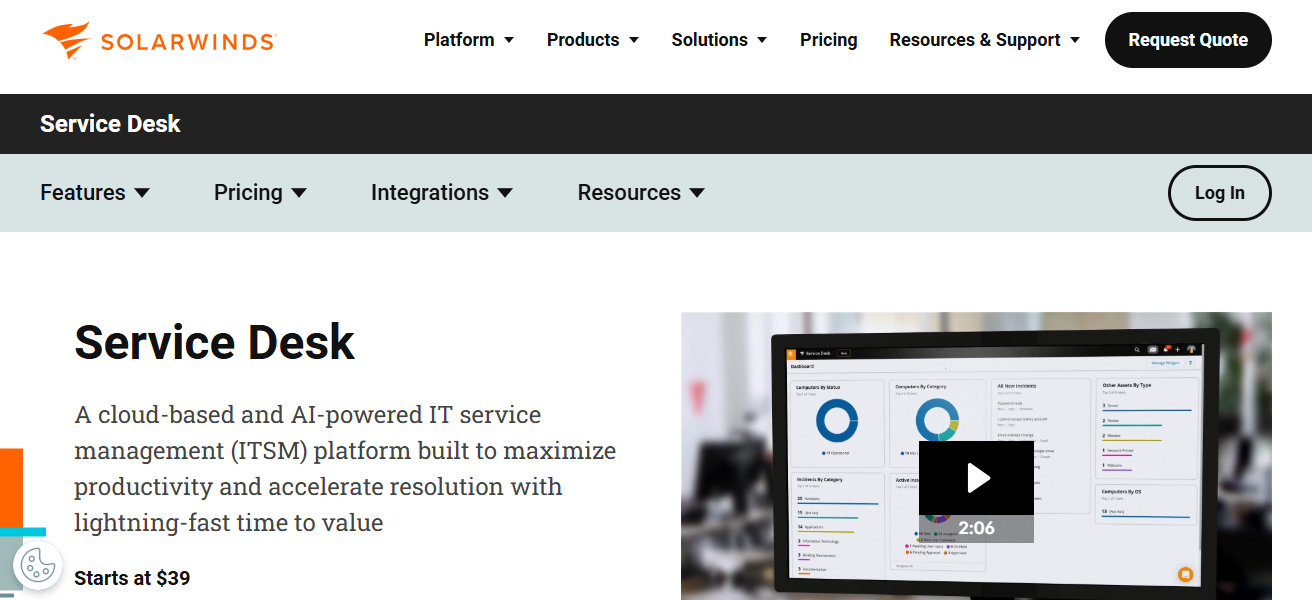
This assists in the explanation of service performance and helps teams with decisions backed by data. Providing ITSM along with other features, SolarWinds remains a strong consideration for firms of a mid-size.
SolarWinds Service Desk Features
- Central Service Catalog: Simple and intuitive portal with categorized services, service request tracking, and SLA management.
- Automated Ticket Workflows: Ticket attributes based categorization, assignment, and notification with workflow automation.
- Integrated Asset Management: Impact assessment and resource tracking via ticket linkage to configuration items.
- Analytics & Reporting: Users can analyze ticket patterns and performance via flexible reporting and dashboards.
| Pros | Cons |
|---|---|
| Easy to use with strong automation | Asset discovery not as deep as specialized tools |
| Centralized service catalog and self-service | Reporting analytics basic in lower plans |
| ITIL-aligned tools with cloud delivery | Not ideal for large global enterprises |
| Good ticket management and visibility | Fewer advanced DevOps integrations |
9. SysAid
Simplifying IT operations is at the core of SysAid’s design philosophy. Its ITSM solution aims to accomplish this by leveraging automation, self-service, and by doing simple things really well.
SysAid features ticketing, asset management, remote support, and a service catalog that is customizable and allows organizations to show end users what services and tasks are available.
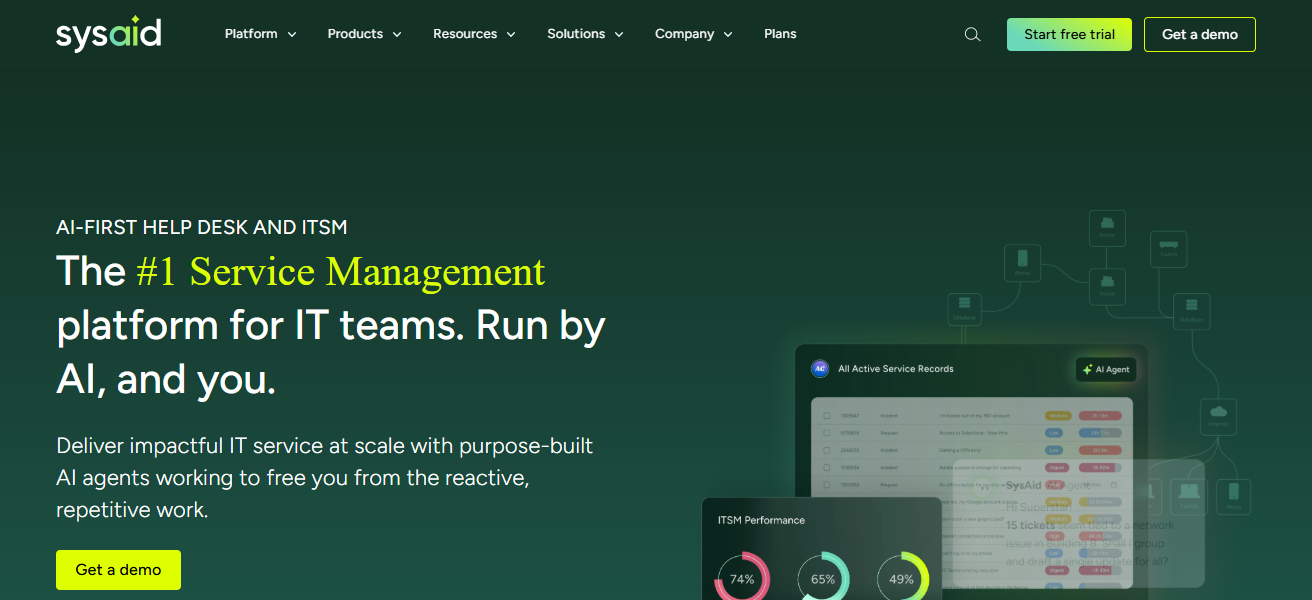
Built-in AI and a user-friendly design makes SysAid a productivity booster. ITIL aligned workflows help standardize operations across teams and departments.
SysAid is ideal for small to mid-sized IT teams that want a practical and quick to implement solution that focuses on automation and self-service to alleviate repetitive tasks.
SysAid Features
- Service Catalog & Portal: Streamlined service catalog with request forms, status updates, and service grouping.
- AI Ticketing Automation: Automatic ticket assignment and routing based on classification, previous patterns, and custom rules.
- Asset & Remote Support: Integrated help desk, asset tracking, software, and remote assistance.
- Custom Workflows & Rules: Define custom escalation, notification, and approval rules to stay compliant to workflows.
| Pros | Cons |
|---|---|
| All-in-one with remote support and automation | Customization can become complex |
| Strong self-service portal with knowledge base | UI can feel cluttered |
| Affordable with flexible deployment | Limited third-party integrations |
| AI ticketing and workflow enhancements | Asset management less robust |
10. TOPdesk
TOPdesk originated in the Netherlands and provides modular ITSM and service catalog solutions for mid to large organizations in IT, facilities, and shared services.
Through incident and request management, asset tracking, and centralized service catalog and self-service portals, user engagement and transparency are improved.
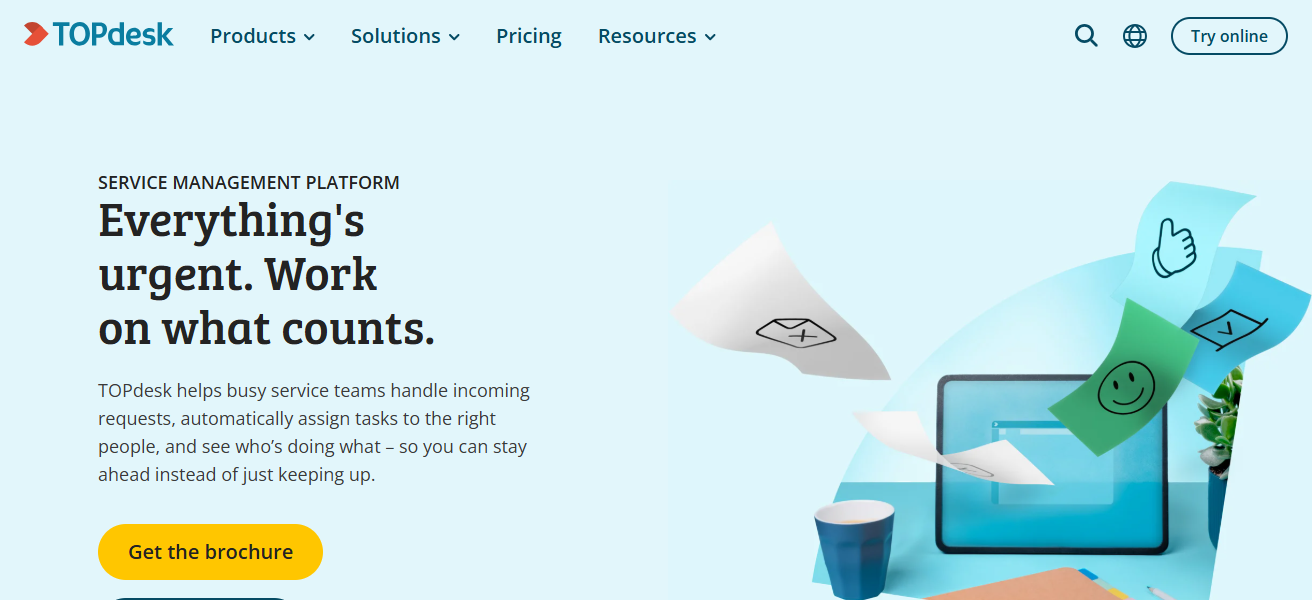
Teams are able to customize dashboards and monitor performance through the modern user interface, track and analyze trends, and adjust workflows to align with their organizational goals.
With the combination of ITIL best practices and adaptable service delivery, collaboration is enhanced. TOPdesk is ideal for organizations that want to consolidate service management across multiple functions.
TOPdesk Features
- User-Focused Catalog: Employee-centered service catalog and portal to request services, track progress, and access support.
- ITIL-Compliant Framework: Incident, problem, change, and release management. All backed with firm controls and service level agreements.
- Cross-Department Support: Beyond IT to HR, facilities, and shared services, integrated service delivery across multiple departments.
- Dashboards & Insights: Reporting and analytics to visualize and manage KPIs and improve service delivery.
| Pros | Cons |
|---|---|
| Modern UI with intuitive service portal | Advanced ITSM features require higher tiers |
| Good for IT + other shared services | Customization flexibility limited vs enterprise tools |
| Strong dashboards and reporting | Smaller ecosystem/plugins than rivals |
| Clear service catalog & knowledge base | Some features still maturing |
How We Choose Best Software For IT Service Catalog Management
- Service Usability: An ideal service catalog platform should include a self-service module where users can submit requests, track the status of requests, and search for services.
- Support for ITIL & ITSM: The best software incorporates aspects of ITIL and ITSM frameworks to help manage incidents, problems, and changes to standardize service delivery.
- Flexibility & Customization: The software should provide end-users the ability to customize workflows, forms, SLAs, and approval processes to fit the unique needs of the business.
- Automation & AI: The software should include AI and automation to increase and improve the quantity and quality of service fulfillment.
- Integration: The software should provide seamless integration with other existing solutions and tools, such as HR, asset management, DevOps, and cloud.
- Scalability: The software should be able to support more users and more complicated services as the business grows.
- Analytics & Reporting: The best software incorporates reporting and analytics to track service performance against SLAs and identify areas for improvement.
- Compliance & Security: The best software incorporates positive security controls and compliance to ensure the protection of service user and service data.
Conclusion
To sum up, IT service catalog management software helps companies provides IT services with the use of automated workflows, self-service portals, and ITIL-aligned processes.
When the right solution is applied, it helps organizations gain better visibility, reduces the amount of work done manually, and increases the satisfaction of users.
Choosing a suitable option for your company’s size, budget, and growth potential will guarantee operational success in the long run.
FAQ
It is a tool that allows organizations to list, manage, and deliver IT services through a centralized self-service portal.
It improves service visibility, standardizes requests, and speeds up service delivery while reducing manual workload.
IT teams, service desks, and organizations of all sizes that want structured and efficient service request handling.
Key features include self-service portals, workflow automation, SLA management, integrations, and reporting.
Yes, many tools offer affordable plans and easy setups designed for small and mid-sized organizations.