
This article will outline the Best Software for SaaS Spend Intelligence, which helps businesses monitor, evaluate, and manage their software subscriptions.
As SaaS applications continue to grow, businesses continue to face issues with overspending, license waste, and complicated renewals. These software solutions manage to provide visibility, automation, and actionable insights to better control costs and improve ROI.
Key Poinst & Best Software For SaaS Spend Intelligence
| Software | Key Point |
|---|---|
| Spendflo | AI-driven procurement services |
| Slash | Global SaaS spend management |
| Airbase | All-in-one financial management |
| Zluri | Automated access management |
| Josys | Comprehensive SaaS visibility |
| BetterCloud | Automated IT workflows |
| Productiv | Usage-based insights |
| Torii | Lifecycle management |
| G2 Track | Subscription tracking |
| Cledara | Centralized SaaS purchasing |
10 Best Software For SaaS Spend Intelligence
1. Spendflo
Spendflo has built a SaaS spend intelligence and procurement solution that provides greater visibility across all SaaS contracts, usage, and costs, and helps teams lower spend.
It provides real-time analytics by merging vendor contracts and subscription data, enabling finance and procurement leaders to identify and negotiate favorable pricing with vendor contracts for under-utilized tools.
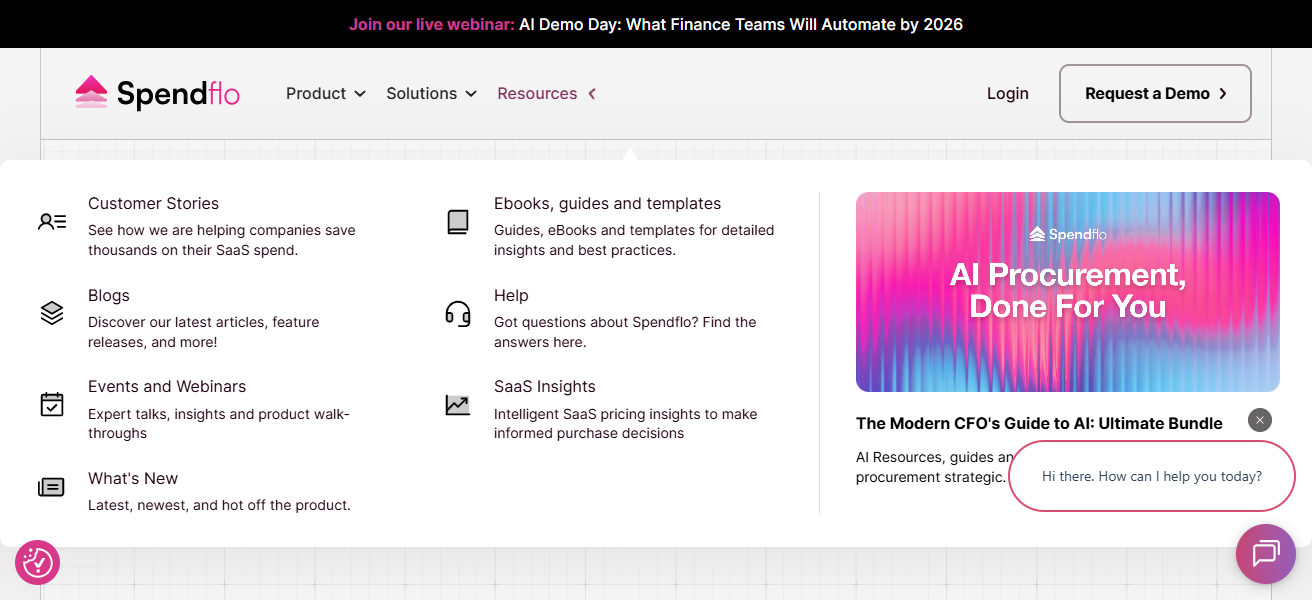
Spendflo also streamlines Contract Management, automates approval workflows, and offers negotiation support that can save organizations significant costs.
Spendflo helps businesses track spending, optimize their software investments, and make better purchasing decisions with procurement orchestration and reporting dashboards.
Spendflo – Key Features
- Unified SaaS Spend Overview: Centralized visibility for all SaaS subscriptions, spend, renewals, and contracts in a single dashboard.
- Workflow Automation: Reduces off-system work by automating the approval, procurement, and vendor communication processes.
- Contract & Renewal Tracking: Manages and records renewals, pricing, and renegotiation for optimal contract renewals.
- Actionable Spend Insights: Analyzes SaaS tools and provides recommendations for cost savings based on utilization.
| Pros | Cons |
|---|---|
| Strong SaaS spend visibility and analytics with centralized dashboards that show cost, usage, and contract details. | May be more expensive than basic spend tracking tools for small companies. |
| Built‑in expert negotiation support that helps reduce subscription costs. | Some users may find the procurement workflows complex initially. |
| Automated workflows for approvals and contract lifecycle management. | Fewer native accounting integrations compared with traditional ERPs. |
| Excellent support for finance and procurement teams in optimizing SaaS stacks. | Less focus on deep IT security or access governance features. |
| Helps identify under‑utilized apps and ROI opportunities. | Best value is realized at larger SaaS portfolios; limited utility with only a few apps. |
2. Slash
Slash helps companies account for cash flow and understand spending analytics by tracking payments, merchants, and associated contacts.
While not exclusively focused on SaaS Insights, this platform helps finance teams analyze spending and recurring payments, including subscription software.
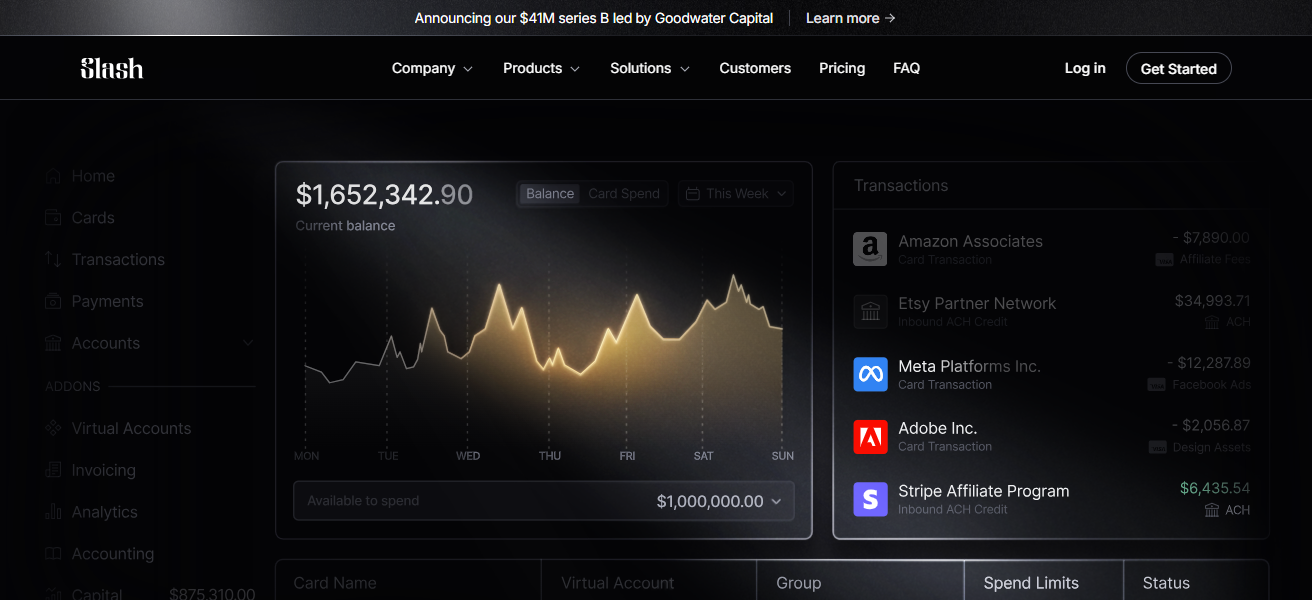
Users can customize views and filters to analyze SaaS spend, discover budget deviations, and enhance forecasting.
Slash gives finance teams full control of their financial data, improving organizational spend across the board with customizable dashboards and actionable historical analytics.
Slash – Key Features
- Spend Analytics: Provides spend visibility and trend analysis with appreciation for spend breakdowns including SaaS.
- Reporting and Custom Filtering: Allows teams to filter spend by vendor, payment type, time frame, or team and provides customized reports.
- Spend Pattern Detection: Identifies and highlights spend patterns that may indicate potential wastage or correction.
- Cash Out Insights: Provides breakdowns of outflows over a specified period to assist in forecasting and budgeting.
| Pros | Cons |
|---|---|
| Great for broad spend analytics with customizable visualizations across categories. | Not purpose‑built for SaaS spend — may need filters to isolate subscriptions. |
| Can highlight recurring spend and anomalies in cash flow. | Less automation around contract renewals and SaaS procurement. |
| Useful for finance teams analyzing overall spend trends. | No built‑in license or identity governance features. |
| Simple to set up and visualize cash flow patterns. | SaaS insights may be less granular than dedicated SaaS management tools. |
| Supports a range of payment methods, not just SaaS invoices. | Not ideal if your primary goal is SaaS optimization only. |
3. Airbase
Airbase integrates expense management, accounts payable automation, corporate cards, and procurement workflows into one seamless system.
As a spend management platform, Airbase focuses on non-payroll spend and offers effective SaaS spend management by centralizing purchases, approvals, and payments.
It enables streamlined process automation, intelligent procurement, and powerful integrations from accounting to the cloud.
Teams are equipped to manage and reduce spend during procurement, clean up accounts payable, and streamline reconciliation.
Airbase’s reconciliation features, interface, and reporting on software subscriptions and operating expenses make it easier to identify and implement budget savings.
Airbase – Key Features
- Integrated Spend Management: Brings together procurement, corporate card issuance, bill payment, and expense reporting into one platform.
- Real Time Spend Controls : Enforces budget and policy restrictions within categories.
- Approval Workflows: Flexible and Customizable multi-step approvals to ensure policies are adhered to before a purchase is made.
- Accounting Integrations: Automatic reconciliation and visibility with seamless accounting system integrations.
| Pros | Cons |
|---|---|
| All‑in‑one spend management — includes cards, AP automation, and expense workflows. | Can be overkill if you only need SaaS spend tracking. |
| Real‑time control of spend categories, including SaaS. | Some advanced accounting configurations require setup support. |
| Strong approval workflows and compliance features. | Reporting can be complex for smaller teams. |
| Integrates well with leading accounting systems. | Adds procurement overhead if your processes are lightweight. |
| Helps reduce SaaS overspend through policy enforcement. | Not as strong in deep SaaS usage analytics. |
4. Zluri
Zluri is a SaaS management tool that provides visibility, automation, compliance tracking, and operational control across an organization’s entire SaaS ecosystem.
It automates an organization’s discovery and cataloging of all SaaS applications in use, including ‘shadow IT’ solutions, and assists IT and finance teams in understanding the usage, cost, and engagement of all applications and users.
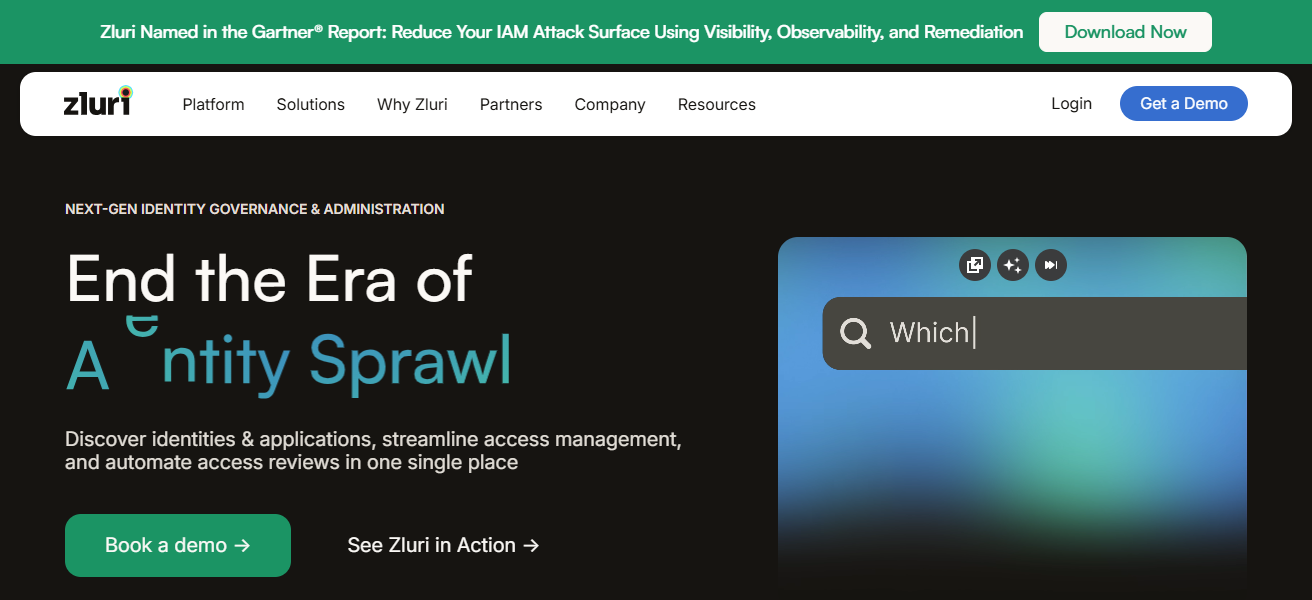
Zluri provides automated onboarding/offboarding, identity and access governance, and contract negotiations and renewal optimizations, ancillary to the primary cost management and license reclamation features of the platform.
Zluri’s primary features of automated application discovery and governance are critical to large organizations that are seeking to enforce compliance, eliminate redundancy, and optimize the SaaS operational workflows across the enterprise.
Zluri – Key Features
- Automated App Discovery: Identifies and captures all SaaS applications in use, including Shadow IT, without the need for manual entry.
- Usage & License Tracking: Assesses user activity and the levels of license use to clear redundant licenses.
- Provisioning Automation: Automated onboarding/offboarding so that only current users have licenses.
- Compliance & Risk Alerts: Identifies SaaS applications that may pose a risk from a compliance and security standpoint.
| Pros | Cons |
|---|---|
| Excellent app discovery and “shadow IT” detection. | May collect too much data for teams that want lightweight insights. |
| Deep SaaS usage and license optimization analytics. | Setup can be intensive depending on integrations. |
| Automated onboarding and offboarding for better governance. | User interface has a learning curve. |
| Strong compliance and access governance capabilities. | Pricier for enterprises with large user bases. |
| Helps reduce redundant licenses and wasted costs. | Not as strong on spend negotiation features. |
5. Josys
Josys has the visibility needed to manage the entire IT stack and all SaaS applications, licenses, and user activity.
Josys assists companies in identifying and resolving unmanaged and underused software, optimizing license distribution, and reducing excessive
SaaS expenditures through cost analytics and automated workflows. Josys provides spend intelligence
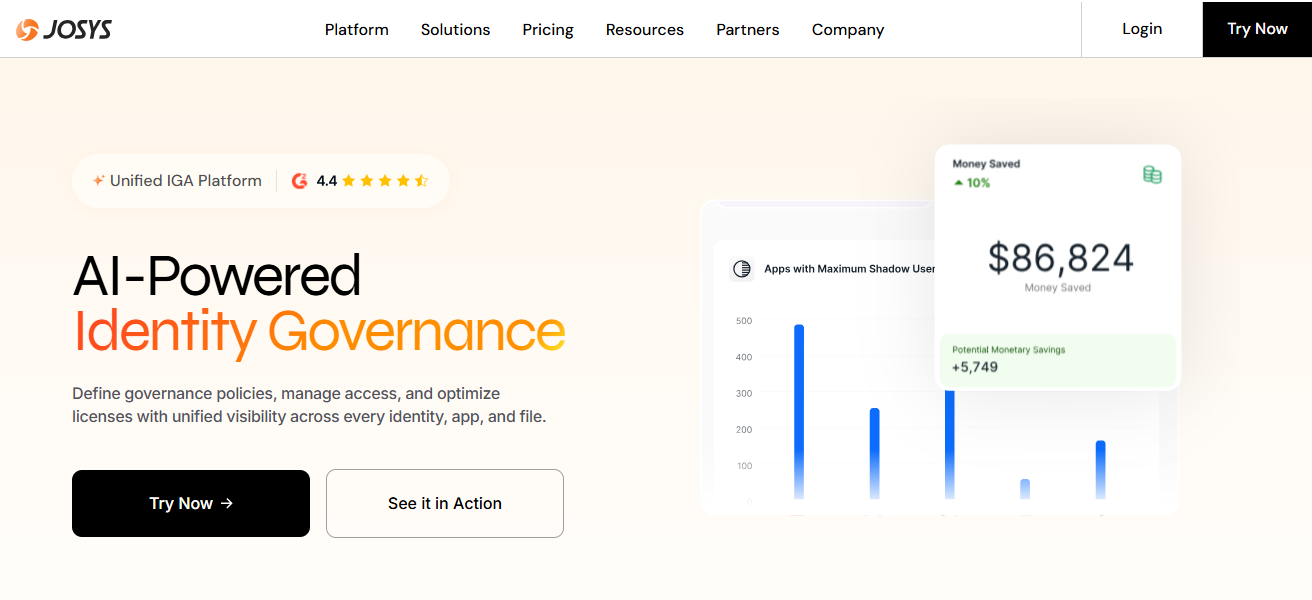
Identity governance, and lifecycle automation to improve security, manage access, and enforce policies as risks increase with a growing SaaS portfolio.
Josys’ dashboards enable visibility into shadow IT, utilization trend monitoring, and the automation of provisioning, all while driving operational efficiency and maintaining compliance and cost containment.
Josys – Key Features
- 360° SaaS Visibility: Comprehensive visibility across all subscriptions, usage, costs, and contracts.
- Identity Governance: Consolidation of user access policies to ensure safe usage of SaaS apps.
- License Optimization: Identifies licenses that are not being utilized to their fullest potential, and reallocates them within the organization to maximize ROI.
- Automated Provisioning: Simplifies onboarding and offboarding users across SaaS applications to prevent license sprawl.
| Pros | Cons |
|---|---|
| Full 360° visibility into SaaS licenses and usage. | Smaller market presence than competitors — fewer third‑party reviews. |
| Combines spend intelligence with identity governance. | Some deep insights require extra configuration. |
| Good automation for provisioning and access controls. | Integrations are growing but still expanding. |
| Helps eliminate unused licenses quickly. | SaaS cost forecasting is less mature than competitors. |
| Effective for security‑conscious teams. | May not meet every finance team’s requirements out‑of‑the‑box. |
6. BetterCloud
BetterCloud automates workflows, enforces security policies, and optimizes software stacks. It helps IT and operations manage SaaS lifecycles by consolidating data, automating user lifecycle processes (including onboarding and offboarding), and implementing access policies to curb overspending.
After acquiring G2 Track, BetterCloud added spend analytics and vendor insights, which assist companies in better understanding license utilization, contract periods, and cost drivers.
Its extensive app integrations and no-code automation features make it ideal for teams wanting to manage SaaS spend while improving security and compliance across cloud applications.
BetterCloud – Key Features
- SaaS Operations Automation: No-code automation of repetitive administrative functions across multiple applications.* Policy Execution: Integrates security, governance, and access policies uniformly across SaaS stacks.
- Spend & Renewal Tracking: Tracks subscription expenditures, renewal timelines, and contract stipulations post-acquisition of G2 Track.
| Pros | Cons |
|---|---|
| Combines operations, automation, and SaaS intelligence. | Can be expensive relative to focused spend tools. |
| Powerful no‑code automation for SaaS tasks. | Best suited for IT/operations — SaaS finance teams may need additional reporting. |
| Provides governance, compliance, and security automation. | Spend forecasting features are more basic. |
| Ingests usage and renewal data for insights. | Some users report a steep learning curve. |
| Scales well in large environments. | Requires setup time to unlock full value. |
7. Productiv
Productiv is a SaaS and AI intelligence platform built for enterprises to gain a comprehensive understanding of application usage, spending, and renewals across their portfolios.
The platform analyzes and gathers data regarding actual user interactions, feature adoption, and license utilization, helping enterprises discover and eliminate unnecessary expenses, consolidate contracts, and identify renegotiation opportunities.
The unique fusion of usage analytics, spending patterns, and contract data gives IT, finance, and procurement teams clear evidence of a contract’s ROI, enabling them to automate repetitive tasks and refine their renewal processes.
Powered by rich data, Productiv’s SaaS Intelligence™ approach helps organizations make proactive, budget-smart, and value-driven business alignment decisions.
Productiv – Key Features
- Usage Analytics: Provides in-depth engagement analytics to demonstrate how and which applications and features are utilized.
- SaaS Spend Correlation: Integrates spend and contractual information with usage analytics for more informed budgeting.
- Renewal & Consolidation Insights: Identifies risks related to renewals and suggests the consolidation of redundant tools.
- Cross‑Team Visibility: Provides IT, finance, and procurement collaboration on SaaS strategies through unified dashboards.
| Pros | Cons |
|---|---|
| Strong user engagement and feature usage analytics. | Higher price point oriented at mid‑markets and enterprise. |
| Aligns spend with actual usage metrics. | Setup and integration take time. |
| Aids renewal planning and spend rationalization. | Advanced analytics may be more than small teams need. |
| Helps IT and finance prove SaaS ROI. | Contract negotiation tools aren’t native. |
| Good at identifying redundant or low‑value apps. | Less focus on procurement workflows. |
8. Torii
Torii is the first comprehensive SaaS management platform designed to provide real time visibility and control over the management and costs of software assets.
It actively finds all the software applications that an organization uses, monitors how frequently and in what ways these applications are utilized, and identifies expired or underused software licenses that can be eliminated to lower the costs associated with SaaS.
Torii also streamlines the onboarding and offboarding of employees, consolidates the management of contracts and renewals, and offers actionable insights to finance and IT regarding spend.
mid-size and large enterprises, Torii’s automation and discovery tools seamlessly manage SaaS sprawl and software portfolio reduction.
Torii – Key Features
- Real‑Time SaaS Discovery: Identifies SaaS applications, patterns of usage, and related costs in an automated manner.
- Automated Workflows: Handles provisioning, deprovisioning, and onboarding activities without manual intervention.
- Spend & Usage Dashboards: Consolidates data on subscriptions, spending patterns, and license use in a single view.
- Shadow IT Control: Detects unapproved SaaS applications and incorporates them into governance frameworks.
| Pros | Cons |
|---|---|
| Strong discovery and spend insights with automation. | UI can be overwhelming for new users. |
| Automated onboarding/offboarding saves administrative time. | Advanced features add cost. |
| Real‑time dashboards for SaaS spend and usage. | Integration depth varies by app. |
| Helps control shadow IT and rogue spend. | Reporting features are improving but still expanding. |
| Good governance and compliance capabilities. | Less focus on contract negotiation assistance. |
9. G2 Track
G2 Track (now part of BetterCloud) is a SaaS spend tracking and optimisation solution and it is the first product G2 built to help businesses understand, manage and optimise their software stacks.
With spend, usage, billing trends, and contract renewal data consolidated into a single view, finance and operations teams can identify cost savings, eliminate redundant software, and improve budget planning.
Direct integrations with financial systems and an extensive software dataset help organizations understand their SaaS spend, identify negotiation opportunities, and align financial commitments to usage and business needs.
G2 Track – Key Features
- Unified Spend & Contract View: Consolidates spend information, licenses, and renewal timelines for better oversight.
- Benchmarking Insights: G2 gives context using its software database relative to pricing and volume.
- Cost Reduction Alerts: Alerts the team when there are unused seats and when renewals are due to prevent unnecessary costs.
- Vendor Tracking: Records supplier details and relations, contracts, and spend with periodic reports.
| Pros | Cons |
|---|---|
| Excellent at consolidating spend and contract data. | Now part of BetterCloud — features may shift over time. |
| Helps identify cost reduction opportunities quickly. | Limited workflow automation compared to some competitors. |
| Direct software catalog and benchmarking insights. | Spend forecasting is basic. |
| Useful renewal alerts and vendor tracking. | Less strong on identity or access governance. |
| Good UI with clear license utilization metrics. | Reporting is simpler than enterprise tools. |
10. Cledara
Cledara serves finance and procurement teams who need visibility and control over spend for subs. It tracks subs, streamlines purchase processes, and locks in payments with virtual cards to easily control spend and monitor real time costs.
Cledara auto categorizes software spend, alerts on budgets, and assists teams in managing renewals and optimizing cancellations.
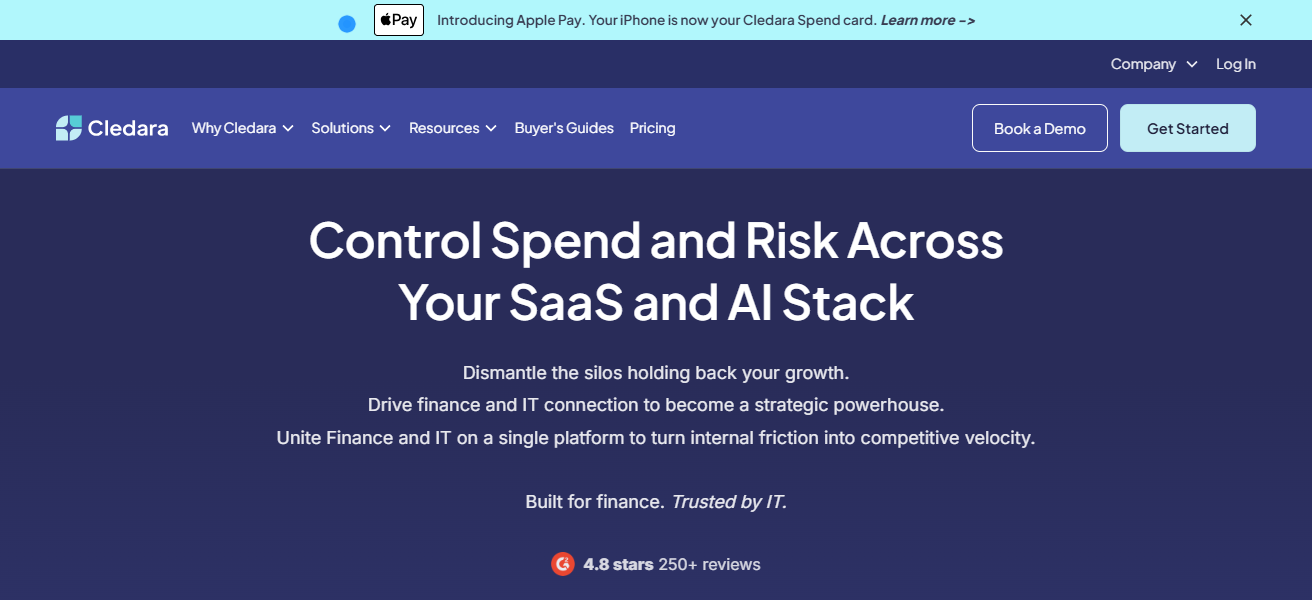
With compliance, less waste, and a clearer financial picture on SaaS commitments to finance teams, Cledara’s virtual card ledger model allows organizations to control spend at a subscription level on SaaS.
Cledara – Key Features
- Subscription Ledger: Consolidates all the SaaS subscriptions with cost history and billing history in one place.
- Virtual Cards: Provides spend‑controlled virtual cards to make secure subscription payments.
- Budget Alerts & Limits: Alerts are set for when spend thresholds are nearing or are crossed.
- Automated Renewal Management: Allows finance to roll renewals and cancellations for better control and to prevent excess.
| Pros | Cons |
|---|---|
| Centralizes subscription tracking with virtual cards for payments. | Focused heavily on finance — less deep usage analytics. |
| Strong budgeting and spend control features. | May lack identity governance tools. |
| Facilitates cancellation and renewal efficiency. | UI has room for improvement according to users. |
| Good for teams issuing SaaS expense cards. | Some integrations require manual setup. |
| Helps enforce spend limits per subscription. | Not ideal if your only need is usage analytics. |
Conclusion
Finally, Best Software for SaaS Spend Intelligence enables companies to see their software subscription spend, identify potential savings, and simplify renewal processes.
With these solutions, organizations can curb unnecessary expenditures, handle licenses better, and improve their ROI.
For any business wanting to rein in their spending and optimize the software in their stack, SaaS spend intelligence is a must.
FAQ
It helps businesses track, manage, and optimize spending on software subscriptions.
It prevents overspending, identifies unused licenses, and improves ROI on subscriptions.
Medium to large enterprises with multiple SaaS applications and recurring subscriptions.
Yes, most tools automatically detect unauthorized or hidden SaaS apps.