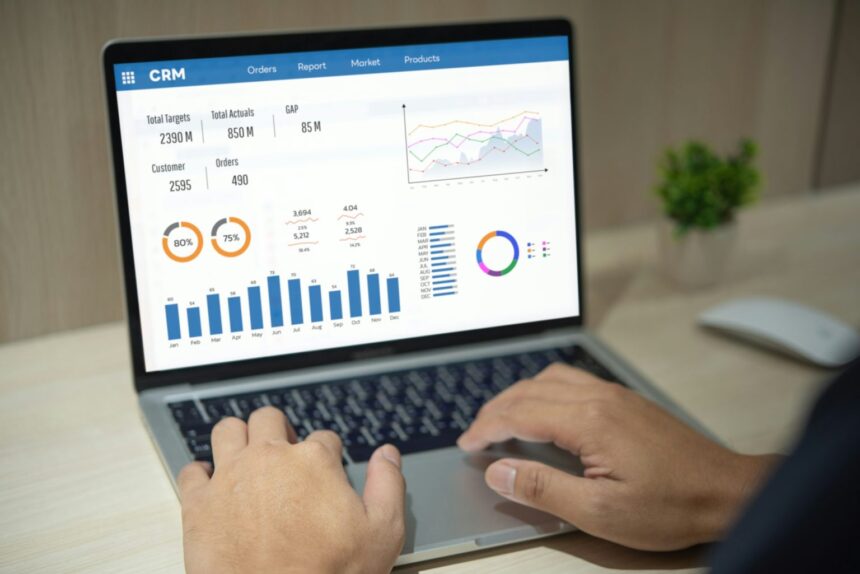
This article will cover the Best Subscription Billing Software for SaaS. Billing platforms make it easy for SaaS companies to bill clients, automate payment processing, and manage cash flow, while reducing churn and optimizing growth decisions.
For companies in every stage, effective software makes it easier to manage recurring revenue, track subscriptions, churn, and provides valuable analytics. It is critical for SaaS companies to manage their subscriptions efficiently.
Key Points & Best Subscription Billing Software for SaaS
| Software | Key Point |
|---|---|
| Chargebee | Advanced revenue recognition compliance for ASC 606 and IFRS 15 standards |
| Zuora | Enterprise-grade scalability supporting complex global subscription models |
| Recurly | AI-powered churn prediction to reduce customer cancellations |
| Paddle | Merchant of Record model handling global tax and compliance automatically |
| Stripe Billing | Seamless developer integration with APIs for custom workflows |
| Chargify | Dynamic pricing engine for usage-based and hybrid billing models |
| ProfitWell | Free subscription analytics with retention optimization tools |
| Zoho Subscriptions | Affordable SMB-friendly plans with multi-currency support |
| SaaSOptics | Automated GAAP-compliant reporting for finance teams |
| Fusebill | Flexible dunning management to recover failed payments efficiently |
10 Best Subscription Billing Software for SaaS
1. Chargebee
Chargebee automates invoicing, pricing, tax compliance, and revenue recognition, and helps manage complex billing scenarios like trials, subscription upgrades, and downgrades.
Chargebee billing software seamlessly integrates with CRMs, payment gateways, and analytics tools for a single view of customer subscriptions.

Chargebee supports multiple currencies and payment methods, facilitating international scaling for companies.
Chargebee’s customer subscription management software enhances automation and reduces manual effort for cash management.
| Pros | Cons |
|---|---|
| Strong automation for recurring billing, dunning, tax & revenue recognition logic.) | Can be expensive as you scale — pricing adds % of billing and fees for advanced add‑ons. |
| Supports multiple billing models (tiered, metered) and global currencies. | Some users report CRM sync and reporting limitations. |
| Extensive integrations with CRM, accounting & payment tools. | Higher learning curve for complex workflows. |
2. Zuora
Zuora Enterprises offers big SaaS and subscription businesses subscription management and billing systems they can trust.
Their billing systems offer competetive tools needed when dealing with multiple subscriptions, like expenses, quotes, billing, and revenue recognition tools.
It offers insight on the customers and helps determine billing cycles and metrics such as churn and expansion.

It also offers seamless integration with ERP, and CRM billing systems, giving finance end-to-end assistance with revenue control.
Built for overall extensibility, for firms that want high-scale customization, compliance integration for global billing, and needs detailed billing on a large account, it is a perfect fit.
| Pros | Cons |
|---|---|
| Enterprise‑grade billing & subscription automation with revenue recognition and CPQ integration. | High cost of ownership — setup and pricing often require enterprise budgets. |
| Excellent for complex, multi‑entity global operations and compliance. | Long implementation time and steep learning curve. |
| Deep integration options with ERP/CRM systems. | May be overkill for small / mid‑market SaaS. |
3. Recurly
Recurly teams helps growing SaaS companies with flexibility and reliability manage billing and subscriptions with streamlined billing processes.
Complexities of automated renewals with intelligent retry logic and churn pa mtens. Recurly’s support across multiple pricing models and flexibility for upgrades/ downgrades is particularly helpful for t businesses with evolving offerings.
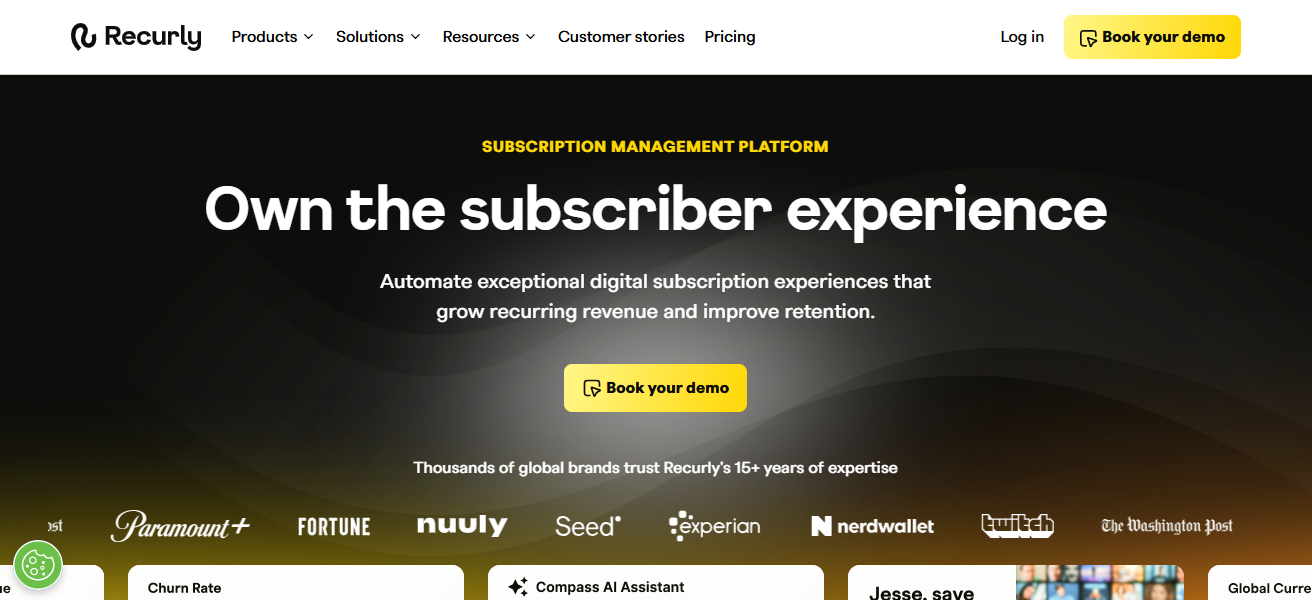
Churn reporting analytics for subscription reporting including MRR and Customer LTV are available in real time.
Recurly’s integrations with top SaaS and payment gateway tools support streamlined rev ops and help teams focus on new product dev and customer success.
| Pros | Cons |
|---|---|
| Strong automated dunning & payment recovery features. | Less advanced for complex B2B contracts or multi‑entity billing. |
| Flexible billing models and multi‑gateway support. | Pricing can add up at scale with transaction fees. |
| Quick deployment compared to enterprise players. | Reporting & analytics deeper features are limited vs high‑end tools. |
4. Paddle
Paddle focuses on SaaS Billing and is an all-in-one subscription payments and commerce platform. SaaS companies can spend more time growing their business rather than worrying about billing, payments, taxes, and compliance, all of which Paddle takes care of.

Paddle allows for selling globally and takes care offering VAT, GST, and other regulatory and compliance requirements. Paddle’s dashboard offers insight on subscription health and revenue on a per customer basis.
Paddle works on a flexible billing stream and allows for usage based billing and promotional offers. Paddle is designed for SaaS companies and makes it easy for self service, decreasing churn of customers while attaining good conversion rates.
| Pros | Cons |
|---|---|
| All‑in‑one billing + tax compliance + payments (Merchant of Record model). | Less flexible for highly customized enterprise workflows. |
| Simplifies international VAT/GST and regulatory compliance. | API and feature integrations are more limited vs Chargebee/Zuora. |
| Easy setup with built‑in compliance and fraud handling. | Pricing & transaction fees can be higher than developer‑centric platforms. |
5. Stripe Billing
Stripe Billing out into an exceptional subscription management application thanks to its integration with Stripes renowned payment processor. For FaaS developers, implementing invoice automation, recurring billing, metered usage, and so on, is now easier.
Stripe Billing enables further customization of subscription workflows using programmable APIs and pre-built UI components.
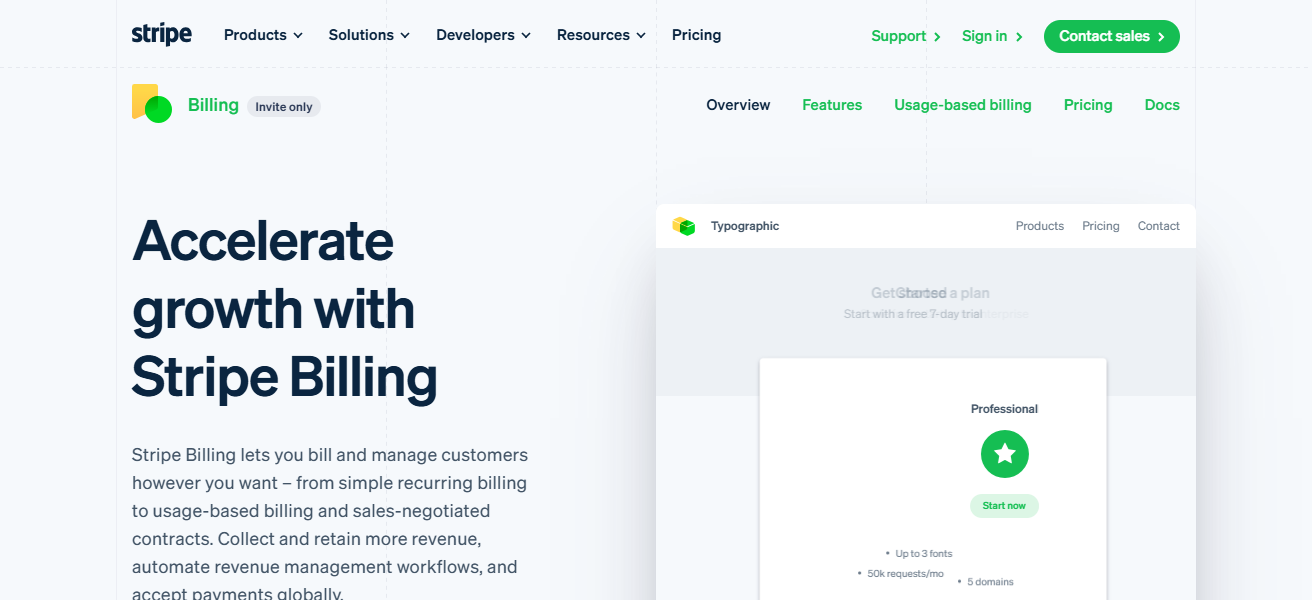
Automatic payment method updates, trial subscriptions, automatic proration, and billing in multiple currencies are all supported.
Churn and ARR are tracked in real-time thanks to Stripes analytics. Its integration with Stripe Payments, Connect, and Radar fraud protection, continues to make Stripe Billing an overall best for Startups and Scale-ups.
| Pros | Cons |
|---|---|
| Developer‑friendly with powerful APIs and seamless integration to Stripe Payments. | Billing logic requires custom coding for complex scenarios. |
| Pay‑as‑you‑go pricing suits startups & SMBs. | Less advanced revenue ops, compliance and enterprise reporting vs others. |
| Supports usage‑based, tiered billing and global payments. | Not built for deep ERP/CPQ workflows out of the box. |
6. Chargify
Chargify’s core mission is to handle subscription billings for SaaS companies with complex pricing structures (e.g. usage-based, tiered, etc.) It streamlines the processes of subscription billing, subscription billing proration, and revenue recognition to alleviate the potential for manual errors.
It mitigates the errors inherent in manual reporting through extensive reporting and analytics features such as dashboards for revenue and monthly recurring revenue (MRR). Features of the product allow teams to track customer churn and segment customers.
It also integrates seamlessly and effortlessly with existing CRM, accounting, and customer support systems. Many consider the operational efficiencies garnered through such integrations to be the hallmark of effective SaaS platforms.
For many SaaS companies, features, and billing complexity, the garnered operational efficiencies through such integrations make for an effective platform.
| Pros | Cons |
|---|---|
| Designed for flexible B2B SaaS billing with strong usage‑based support. | UI/UX can be complex for new users. |
| Good for complex pricing, proration & automation. | Higher pricing tier for smaller operations. |
| Integrates with accounting/ERP systems. | Requires third‑party gateways for payments. ( |
7. ProfitWell
ProfitWell analyzes subscriptions and advises on pricing to assist in growing monthly revenue from software as a service businesses. It is not like other billing software.
ProfitWell focuses on underlying financial metrics such as churn, retention, and customer lifetime value. Automated reporting and segmentation allows the tracking of subscriptions to be more manageable and actionable.
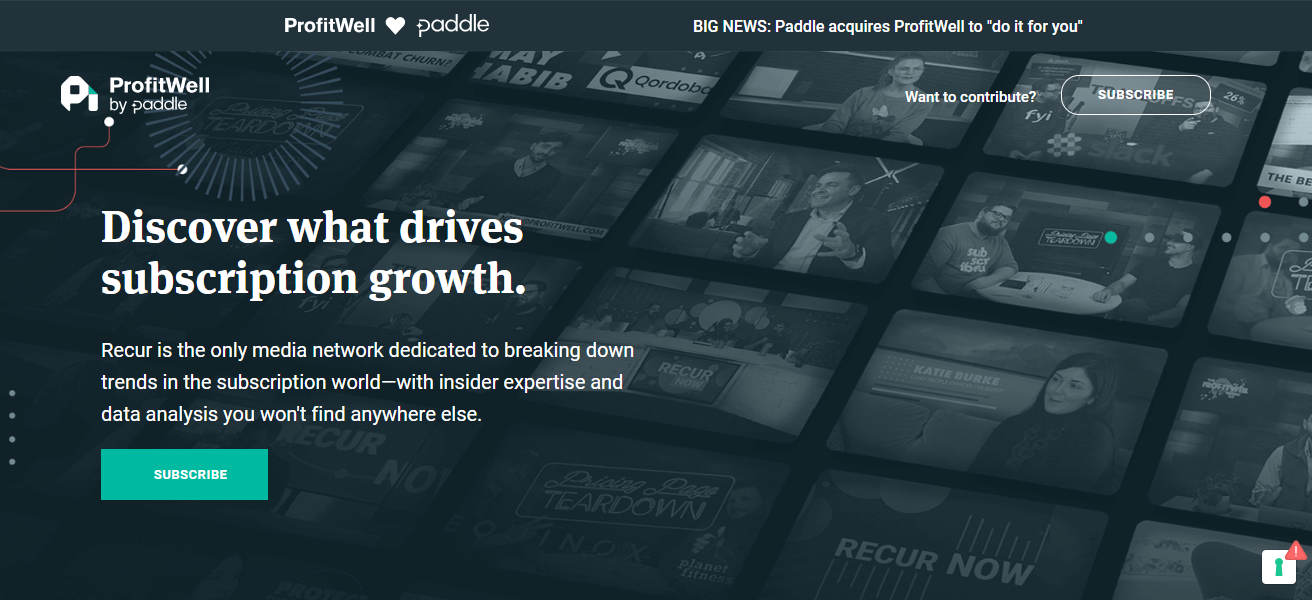
ProfitWell also has the tool Retain to reduce involuntary churn through smart and effective payment recovery.
It is not a full billing engine, but possesses features of billing software to greatly increase visibility to the user and assist with pricing strategies, making ProfitWell a perfect fit to more analytical software as a service companies.
| Pros | Cons |
|---|---|
| Free core subscription analytics that track key KPIs (MRR, churn, LTV) robustly. | Doesn’t replace a full billing platform — needs integration with a billing engine. |
| Helps optimize pricing, reduce churn and improve retention. | Some support response delays reported by users. |
| Clean interface and easy onboarding. | Focused on analytics, not transaction processing. |
8. Zoho Subscriptions
Zoho subscriptions is a part of the adeqaute software ecosystem. What started off as a platform for Zoho subscriptions, turned into a phenomenal software ecosystem.
Zoho subscriptions helps manage and automate invoicing, payment collection, proration, as well as, crucial revenue recognition.
In addition, Zoho helps manage various pricing frameworks, supports collection of revenue in multiple currencies, and manage tax compliance for global operations. Seamless for CRM and Zoho Books, and Zoho Analytics.
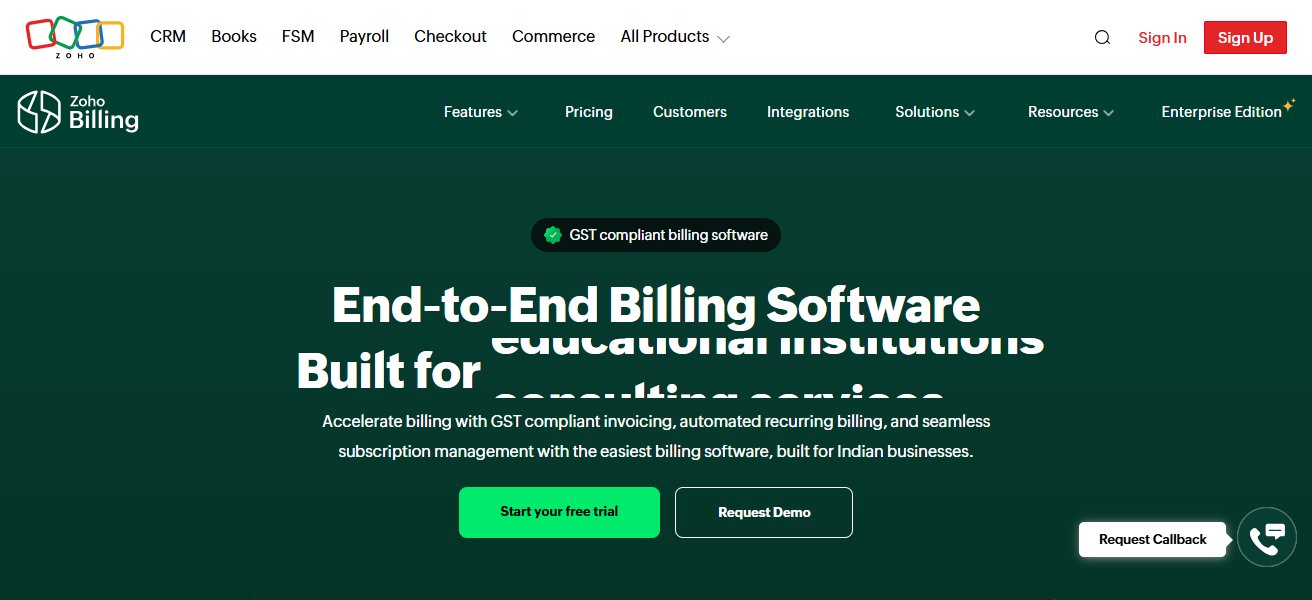
Providing a complete customer and financial view, the subscriptions software also integrates self service customer portals.
Other than managing expenses and subscriptions, Zap also provides reporting for key mztrics of saas subscriptions, such as monthly recurring revenue, and customer churn.
| Pros | Cons |
|---|---|
| Easy to set up and cost‑effective, especially within Zoho ecosystem. | Not as feature‑rich as enterprise tools for complex billing. |
| Automates invoicing, dunning, taxes and billing cycles. | Limited advanced automation & analytics vs peers. |
| Integrated with Zoho CRM, Books & other apps. | May need third‑party tools for deeper SaaS metrics. |
9. SaaSOptics
SaaSOptics is purpose built for scaling SaaS companies to manage subscriptions and their entire financial ops. Automated billing, revenue recognition, and subscription analytics are all knitted into one.
Ideal for finance, SaaSOptics also supports audit ready reporting and compliance regarding revenue recognition and reporting standards, including ASC 606/IFRS 15.
SaaSOptics reports on and visualizes all the SaaS metrics that matter, including MRR, ARR, churn, and customer cohorts.
SaaSOptics manages revenue forecasting and financial planning. SaaSOptics is the perfect solution for SaaS companies newly out of the spreadsheet phase.
| Pros | Cons |
|---|---|
| Strong revenue recognition and subscription lifecycle reporting. | Typically mid‑market pricing & implementation effort. |
| Good for finance teams needing audit‑ready reporting and KPIs. | Not focused on payment processing (needs gateways). |
| Centralizes subscription metrics across SaaS operations. | More complex than entry‑level tools. |
10. Fusebill
Fusebill has designed a platform tailored to SaaS and subscription businesses that offers subscription billing and revenue management.
Fusebill automates invoice generation, payment processing, revenue recognition, and billing adjustments, no matter how intricate pricing may be.
The Fusebill dashboard provides valuable insights into active subscriptions, churn management and growth analytics so that businesses can fine-tune retention strategies and pricing.
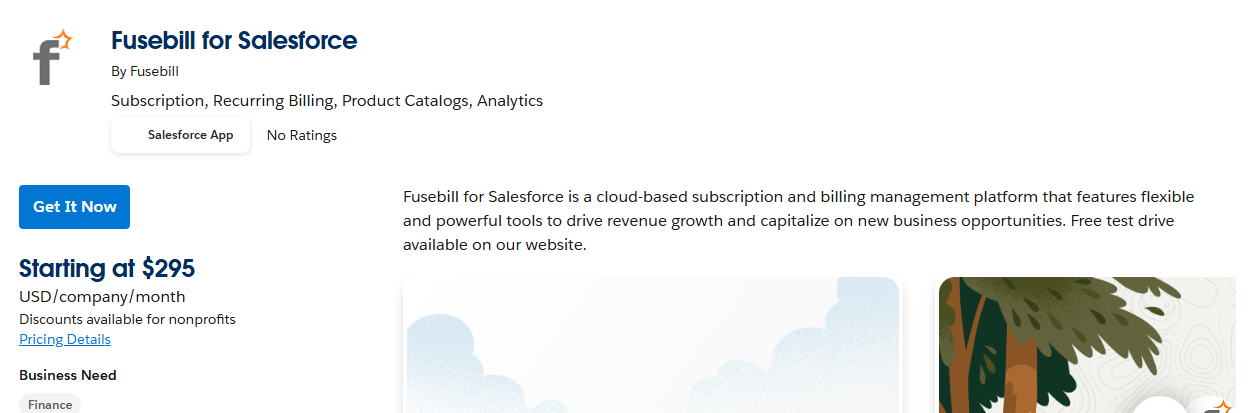
Fusebill connects with leading CRMs, payment processors and accounting software to provide a complete operational solution.
With self-service and automated dunning management tools, Fusebill gives SaaS businesses the ability to do less manual work and concentrate on revenue scalability.
| Pros | Cons |
|---|---|
| Automates billing, revenue recognition and complex workflows. | Can have a steeper learning curve for advanced setups. |
| Strong compliance support for global billing scenarios. | Pricing better suited to mid‑market/enterprise. |
| Flat feature access across plans — no overage charges. | Some users find the UI less intuitive than competitors. |
How To Choose Best Subscription Billing Software For SaaS
Billing Flexibility Make sure you can set up different pricing models like: recurring, tiered, one-time, usage-based.
Automation and Revenue Operations: Automated invoicing, dunning, proration, and revenue recognition (ASC 606/IFRS 15 compliant) is a good automation to have.
Integration: Look for one that has a CRM, accounting and payment integrations as well as any analytics software you may use.
Geo Global Compliance: Look for transaciton support of VAT, GST and other geos.
Geo Scalability: Look for growth with zero to one customers, plans and/or transactions.
Geo Analytic Reporting: What Real Times to Enagements: MRR, Churn, ARR, and LTV.
Geo Usability: What does The Intui MAX (simalised minimum learning)?
Geo Pricing and ROI: What is Costs with Feature Set?: Transaction Plus Accessories
Geo Customer Support: Responsiven: Support, on-board to smooth transition.
Cocnlsuion
To summarize, all SaaS businesses need tailored subscription billing software to handle recurring revenue. Software designed to manage churn and enable scaling would take your revenues to the next level.
Each software offers different features like automation, analytics, and global compliance. However, taking your business needs, costs, and plans for expansion to evaluate the different software options would ensure finding a solution that optimizes billing, enhances customer satisfaction, and increases the SaaS business’s success.
FAQ
It’s a tool that automates recurring payments, invoicing, customer billing cycles, and subscription management for SaaS businesses.
To handle recurring revenue, improve cash flow, reduce manual billing work, and analyze key metrics like MRR and churn
Flexible pricing models, automated invoicing, dunning, revenue recognition, analytics, integrations, and global tax support.
Yes — top tools support multi-currency payments and global tax compliance for international customers.
Absolutely — integrations ensure accurate customer data, financial reporting, and seamless operations across teams