In this article I will review leading tech platforms that secure DevOps pipeline and help companies construct, examine, and deploy applications.
- Key Points & Best Technology Platforms For Secure DevOps Pipelines
- 10 Best Technology Platforms For Secure DevOps Pipelines
- 1. GitLab
- 2. Jenkins
- 3. Azure DevOps
- 4. AWS CodePipeline
- 5. Google Cloud Build
- 6. SonarQube
- 7. HashiCorp Vault
- 8. Snyk
- 9. JFrog Artifactory
- 10. CircleCI
- How To Choose Best Technology Platforms For Secure DevOps Pipelines
- Cocnlsuion
- FAQ
These platforms embed safety in CI/CD workflows, foster DevSecOps, protect software supply chains, and aid in compliance.
The best choices automate more, lower the number of vulnerabilities, and accelerate the safe and more secure delivery of software.
Key Points & Best Technology Platforms For Secure DevOps Pipelines
| Platform | Key Point |
|---|---|
| GitLab | Integrated CI/CD with built-in security scanning |
| Jenkins | Highly extensible with security plugins |
| Azure DevOps | Enterprise-grade compliance and secure cloud integration |
| AWS CodePipeline | Automated deployments with IAM-based security |
| Google Cloud Build | Serverless CI/CD with vulnerability scanning |
| SonarQube | Static code analysis for security and quality |
| HashiCorp Vault | Secrets management and encryption for pipelines |
| Snyk | Open-source dependency vulnerability detection |
| JFrog Artifactory | Secure artifact repository with compliance checks |
| CircleCI | Fast CI/CD with built-in security integrations |
10 Best Technology Platforms For Secure DevOps Pipelines
1. GitLab
GitLab is a comprehensive DevOps solution which combines source control, CI/CD, security scanning, and compliance within a single tool.
It promotes secure DevOps by integrating security throughout the SDLC with SAST, DAST, dependency, container, and secrets scanning.

GitLab’s ‘shift-left security’ methodology assists teams in the detection of vulnerabilities pre-deployment. Further governance is provided by role-based access control (RBAC), audit logs, and protected branches.
Automated and scalable secure DevSecOps workflows are made possible by built-in CI/CD and Kubernetes integration, thus reducing tool sprawl.
GitLab Features
- Built-in CI/CD with integrated DevSecOps tools including SAST and DAST, as well as dependency and container scanning.
- One platform for source control, pipelines, security, compliance, and monitoring.
- Governance via Role-based access control, audit logs, and protected branches.
- For secure automated deployments, native integrations with Kubernetes and the cloud.
| Pros | Cons |
|---|---|
| All-in-one DevOps platform with built-in CI/CD and security | Advanced security features require higher-tier plans |
| Integrated SAST, DAST, dependency and container scanning | Can feel complex for small teams |
| Strong DevSecOps “shift-left” approach | UI performance may slow in large repositories |
| Built-in compliance, audit logs, and RBAC | Self-hosted version needs maintenance |
| Reduces tool sprawl significantly | Learning curve for beginners |
2. Jenkins
Jenkins is an open-source automation server that is very adaptable, helping to create secure DevOps pipelines.
It allows integrations with numerous security tools like SonarQube, Snyk, OWASP ZAP, and Vault to be tailored within its thousands of plugins.
Jenkins assists teams in automating activities, such as security testing, code reviews, and checking compliance within CI/CD workflows.
Using Jenkins files, teams can do pipeline-as-code, and strong transparency and control are added with secure credential management, role-based access, and pipeline-as-code.
Jenkins can be complex and is often best for enterprise DevOps where complex security is a must, even though he Jenkins environment makes manual security hard coding more challenging.
Jenkins Features
- Endless customization of CI/CD automation with the help of thousands of plugins.
- Facilitates integration with security tools such as SonarQube, Snyk, and OWASP ZAP.
- Consistent and auditable workflows thanks to Jenkinsfiles and the Pipeline-as-code feature.
- Compatible with on-premises, hybrid, and multi-cloud environments.
| Pros | Cons |
|---|---|
| Highly flexible and open-source | Requires significant manual security hardening |
| Large plugin ecosystem for security tools | Plugin conflicts and maintenance issues |
| Pipeline-as-code improves transparency | No built-in security by default |
| Strong community support | Scaling securely is complex |
| Works with any cloud or environment | UI is outdated |
3. Azure DevOps
Azure DevOps offers support for secure software development practices through an integrated toolchain that includes Azure Repos, Pipelines, Boards, Test Plans, and Artifacts.
The Azure DevOps toolchain is integrated with Microsoft security services, including Microsoft Defender and Entra ID, and offers built-in access controls and compliance reporting, enabling secure DevOps.
Azure Pipelines includes automation for policy enforcement, security testing, and secret management through Azure Key Vault. With built-in support for Infrastructure as Code (IaC) and container security,
Azure DevOps is a strong choice for enterprises that want to build secure, cloud-native applications in the Microsoft ecosystem.
Azure DevOps Features
- Complete DevOps suite with Repos, Pipelines, Artifacts and Boards.
- Secured identity and access via Microsoft Entra ID.
- Policy enforcement and secrets management with Azure Key Vault.
- Support for enterprise compliance and infrastructure-as-code.
| Pros | Cons |
|---|---|
| Deep integration with Microsoft ecosystem | Less flexible outside Azure |
| Strong identity management with Entra ID | UI can be complex |
| Built-in compliance and governance tools | Limited native security scanning |
| Secure secrets with Azure Key Vault | Best features tied to Azure usage |
| Enterprise-ready DevOps suite | Pricing can increase at scale |
4. AWS CodePipeline
AWS CodePipeline is a fully managed CI/CD service aimed to help you automate delivery of applications to AWS securely.
Because CodePipeline integrates with other AWS services like CodeBuild, CodeDeploy, IAM, and Secrets Manager, security is built in.
CodePipeline can do automated testing, compliance scanning, and has approval gates to help with compliance. It secures your pipelines with IAM permissions, and encryption
While in use and at rest. Using AWS security and monitoring services, CodePipeline helps companies create robust and secure DevOps pipelines for their workloads in the cloud.
AWS CodePipeline Features
- Comprehensive CI/CD service with full integration to the AWS ecosystem.
- IAM-based access control and encrypted artifacts for pipelines.
- Automated compliance checkpoints and approvals.
- Scalable and secure for cloud-native and microservices architectures.
| Pros | Cons |
|---|---|
| Fully managed CI/CD service | AWS-centric ecosystem |
| Strong IAM-based security controls | Limited customization |
| Easy integration with AWS security services | UI is basic |
| Scales automatically | Debugging pipelines can be difficult |
| High reliability | Vendor lock-in risk |
5. Google Cloud Build
Google Cloud Build offers a CI/CD service that builds your software in the cloud with the utmost speed and security.
It builds each project in an isolated environment and offers IAM controls that integrate with Google’s security tools.
Cloud Build also builds from a container that has been scanned for security flaws, signs artifacts, and enforces policies with Binary Authorization.
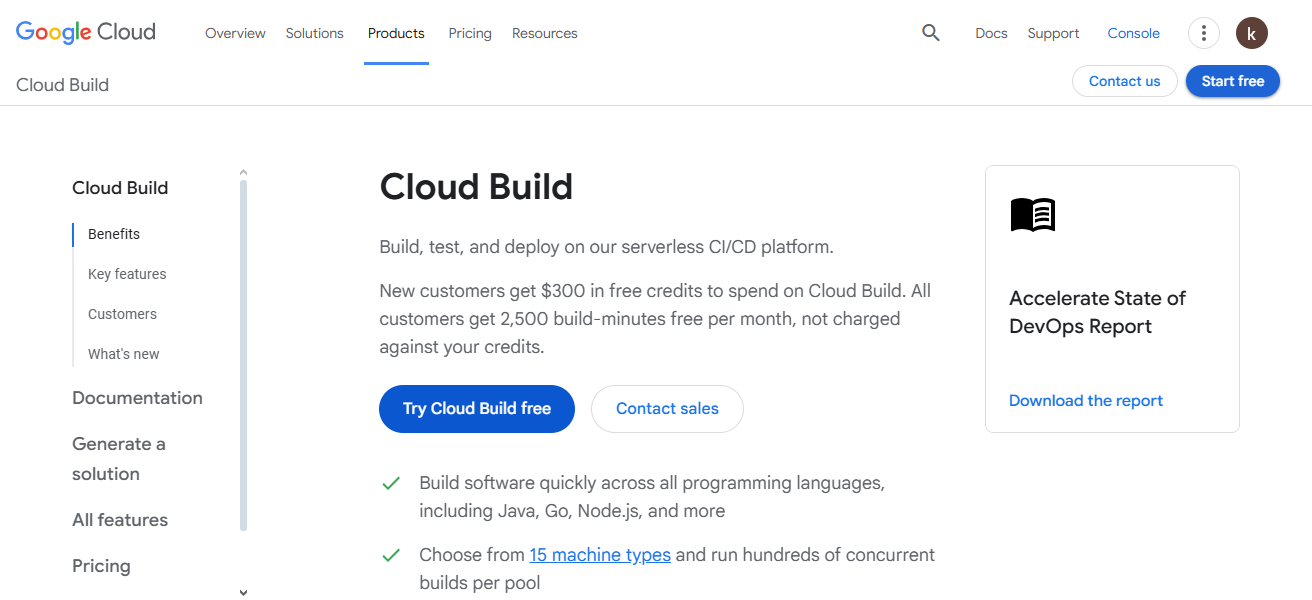
Credentials are protected with Secret Manager, so no account information is exposed. Cloud Build also offers tools for infrastructure-as-code and Kubernetes.
This allows teams to leverage the security and supply chain automation from Google while implementing Cloud Build into their DevOps pipeline.
Google Cloud Build Features
- Provides fully serverless CI/CD with secure and isolated build pack environments.
- Provides native container image scanning and signing for artifacts.
- Uses Google Secret Manager for securely managing secrets.
- Offers tight integration with Google Cloud services and Kubernetes.
| Pros | Cons |
|---|---|
| Serverless and fast builds | Best suited for GCP users |
| Isolated build environments | Limited UI customization |
| Built-in container and supply chain security | Less mature ecosystem |
| Easy integration with Kubernetes | Fewer third-party integrations |
| Pay-per-use pricing | Complex IAM setup |
6. SonarQube
SonarQube is an important player as a Static Code Analysis tool and helps secure a DevOps pipeline.
SonarQube identifies vulnerabilities, bugs, and security hotspots in code in different programming languages.
When integrated inside a CI/CD tool, DevOps teams can set quality gates to prevent insecure, low-quality code, or other problematic changes from merging.
SonarQube is useful for Compliance as it supports OWASP Top 10, CWE, and other industry standards.
SonarQube is useful to all developers in improving their secure coding skills and maintaining a healthy codebase over time.
SonarQube Features
- Static code analysis of possible vulnerabilities/security issues.
- Quality gates to prevent deployment of insecure code.
- Industry security standards and the OWASP Top 10 are supported.
- Enterprise-scale applications with multi-language support.
| Pros | Cons |
|---|---|
| Excellent static code security analysis | Not a full CI/CD tool |
| Supports OWASP Top 10 and CWE | Advanced features are paid |
| Enforces quality gates | Limited runtime security |
| Improves secure coding practices | Requires CI/CD integration |
| Multi-language support | Can produce false positives |
7. HashiCorp Vault
HashiCorp Vault secures DevOps pipelines with the management of secrets, credentials, and sensitive data.
It protects the hardcoding of secrets access to the API keys, passwords, tokens, and certificates, by allowing access to them.
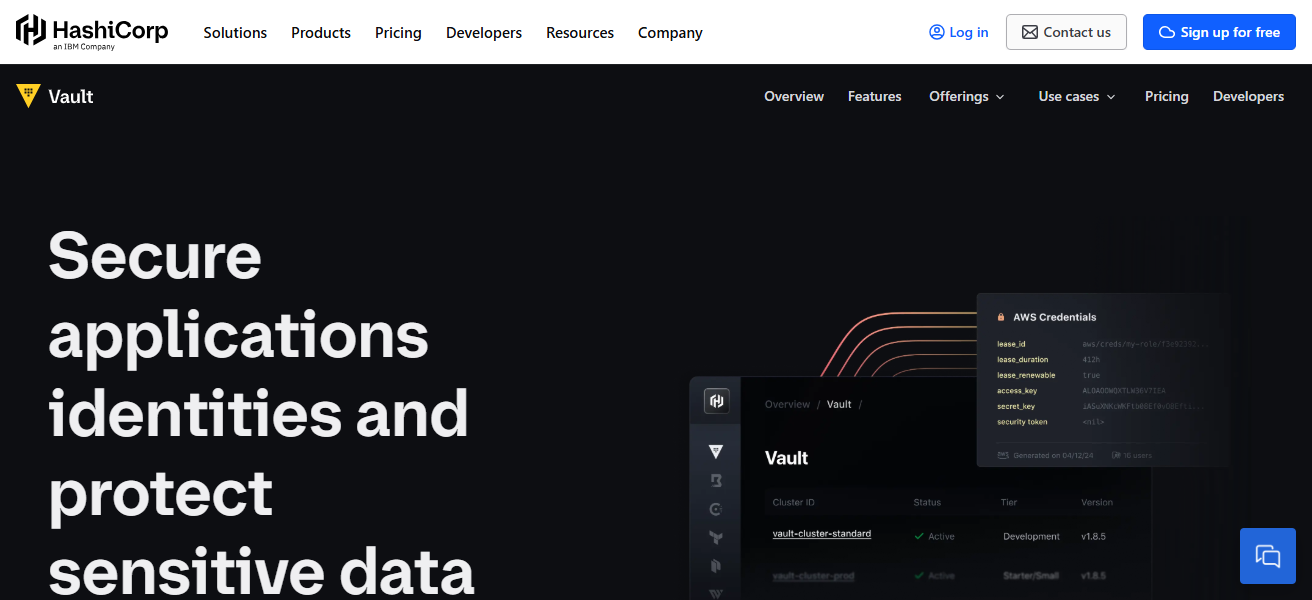
Vault provides full automation with dynamic secrets, and auto-rotation, with strong and granular access control, reducing the overall attack surface.
CI/CD tools integrations, such as GitLab, Jenkins, and Kubernetes, provide the run-time injection of secrets.
It allows the building of DevOps pipelines which are zero-trust, compliant, and securely multifaceted and multi-cloud hybrid model environments.
HashiCorp Vault Features
- Decentralized and encrypted secrets management.
- Auto secret rotation and dynamic credentials.
- No-trust security with granular access policies.
- Secure integration with Kubernetes and CI/CD tools.
| Pros | Cons |
|---|---|
| Best-in-class secrets management | Complex initial setup |
| Dynamic secrets and auto-rotation | Requires operational expertise |
| Strong access control and encryption | UI is minimal |
| Supports zero-trust security | Scaling needs planning |
| Works across multi-cloud environments | Paid features for enterprises |
8. Snyk
Snyk is a security platform that prioritizes developers and specializes in locating and resolving issues in code, open-source dependencies, containers, and infrastructure as code.
It goes beyond the typical security setup and embeds itself in DevOps toolchains, IDEs, and repos to offer ongoing, automated, and continuous security assessments.
Because Snyk detects and suggests automated resolutions for issues, it empowers teams to adopt a DevSecOps approach.
Snyk enhances the accuracy of threat detection with its regularly updated database. Snyk minimizes the trade-off between speed and security during the development process by integrating security.
Snyk Features
- Code, dependencies, container, and IaC all go through continuous security scanning.
- Alerts, and easy to follow remediation guidance targeted at developers.
- Easy to Integrated with IDEs and CI/CD pipelines.
- Database of vulnerabilities is constantly updated.
| Pros | Cons |
|---|---|
| Developer-friendly security platform | Free plan has limitations |
| Scans code, dependencies, containers, IaC | Can be noisy with alerts |
| Continuous vulnerability database updates | Costs increase with scale |
| Easy CI/CD and IDE integration | Remediation automation varies |
| Strong DevSecOps adoption support | Less control for advanced users |
9. JFrog Artifactory
JFrog Artifactory is a universal artifact repository, securing and managing binaries at every stage of the DevOps lifecycle. It helps secure DevOps pipelines by providing artifact integrity, traceability, and access control.
Artifactory works with CI/CD tools to save, scan, and promote artifacts to trusted, pre-verified environments.

Security scanning, checksum verification, and role-based permissions prevent the use of unverified/compromised components.
Artifactory is the single source of truth for binaries, enhancing software supply chain security and compliance.
JFrog Artifactory Features
- Secure, and universal repository for binaries and artifacts.
- Keeps artifact integrity with access control and checksums.
- CI/CD integrations for the secure promotion of artifacts.
- Visibility, and compliance in the software supply chain is improved.
| Pros | Cons |
|---|---|
| Centralized and secure artifact repository | Licensing can be expensive |
| Strong supply chain security | Requires proper configuration |
| Role-based access and checksum verification | UI can feel complex |
| Works with all major CI/CD tools | Self-hosting needs resources |
| Improves artifact traceability | Overkill for small teams |
10. CircleCI
CircleCI is a cloud-based CI/CD platform that values speed, security, and scalability. It encompasses the management of encrypted secrets, access control, and isolated build environments.
CircleCI integrates with some of the most popular security tools for vulnerability scanning, code scanning, and compliance enforcement.
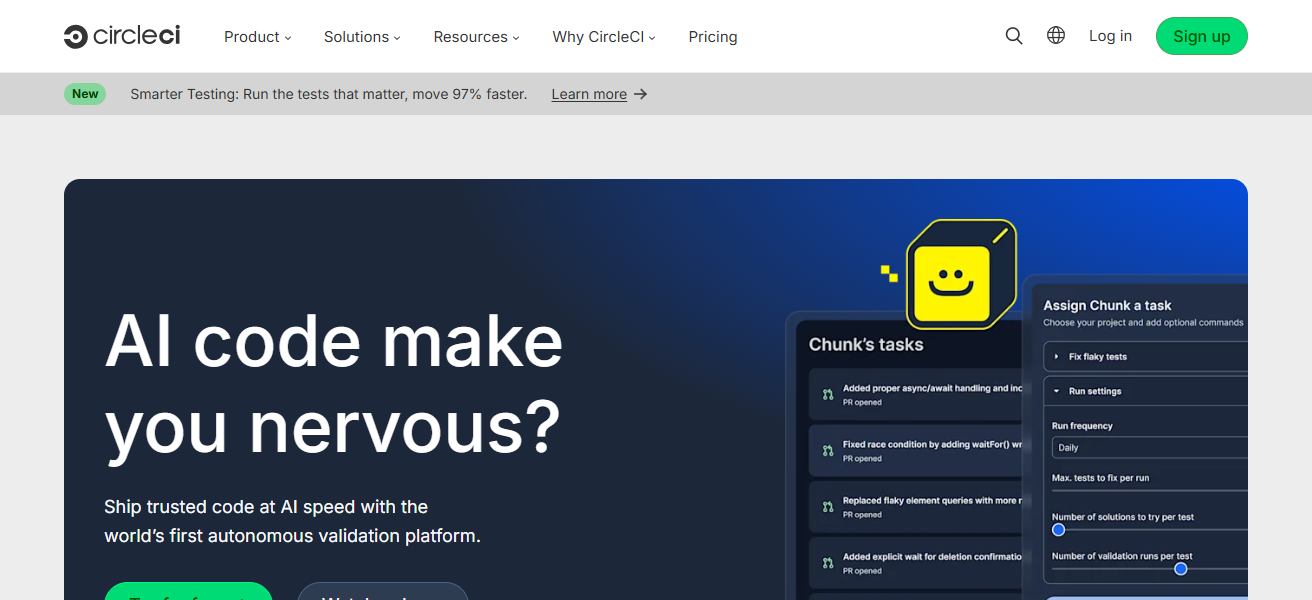
Security governance is bolstered by such features as approval workflows, audit logs, and configuration-as-code.
CircleCI helps teams drive high development velocity and operational reliability by automating safe builds and deployments, especially with its strong support for containerized and cloud-native applications.
CircleCI Features
- Quickly and at scale builds all in a cloud native CI/CD platform.
- Isolated execution environments and Secure secrets management.
- Repeatable and auditable pipelines using configuration-as-code.
- Excellent support for containerized and cloud-native apps.
| Pros | Cons |
|---|---|
| Fast, cloud-native CI/CD platform | Limited on-prem support |
| Secure secrets and isolated builds | Less control than self-hosted tools |
| Easy configuration-as-code | Pricing grows with usage |
| Strong container support | Fewer built-in security tools |
| High scalability and performance | Compliance features are basic |
How To Choose Best Technology Platforms For Secure DevOps Pipelines
- Check for the security features included with the platform: SAST, DAST, scanning, and detection.
- Look for certifications that confirm governance such as audit logging or RBAC for access control.
- Look for platforms that automate CI/CD with integrated security for checks in early development.
- Ensure secret management is secure and that credentials cannot be hard-coded or accessed.
- Review the flexibility and scalability resulting from a cloud, hybrid, and multi-cloud solution.
- Look for compliance with security features industry certifications such as SOC 2, ISO, or PCI-DSS.
- Look for seamless integration with other tools, customizable workflows, and compatibility with the IDEs.
- Look for features that ensure scalability, reliability, and performance for enterprise-grade DevOps workloads.
- Review monitoring, security, and artifact tools for repositories and workflow integration.
- Evaluate the security needs and growth of the organization while balancing cost with the licenses.
Cocnlsuion
In cocnlsuion Selecting optimal technology platforms for secure DevOps pipelines is critical for speedy, dependable, and safe software delivery.
The appropriate technology combines risk mitigation with compliance support, and integrates security into all layers of development.
can enhance automation, secure their software supply chain, and scale secure application delivery with confidence by utilizing effective DevSecOps platforms.
FAQ
They integrate security tools into CI/CD pipelines to protect code, infrastructure, and deployments.
It prevents vulnerabilities, data breaches, and insecure code from reaching production environments.
CI/CD automation, security scanning, secrets management, access control, and compliance support.
GitLab is widely used for its built-in CI/CD and integrated security capabilities.