This article will review Top Tools for Automatically Cutting Business Expenses. Automating cost management helps businesses maximize profits and minimize complexity.
- Key Point & Best Tools to Automatically Reduce Business Expenses
- 1. Ramp
- Ramp Features, Pros & Cons
- 2. Brex
- Brex Features, Pros & Cons
- 3. Expensify
- Expensify Features, Pros & Cons
- 4. Fyle
- Fyle Features, Pros & Cons
- 5. Zoho Expense
- Zoho Expense Features, Pros & Cons
- 6. SAP Concur
- SAP Concur Features, Pros & Cons
- 7. Airbase
- Airbase Features, Pros & Cons
- 8. QuickBooks Online Advanced
- QuickBooks Online Advanced Features, Pros & Cons
- 9. Xero Analytics Plus
- Xero Analytics Plus Features, Pros & Cons
- 10. Sage Intacct
- Sage Intacct Features, Pros & Cons
- Conclusion
- FAQ
Automated expense capture and smart spend analysis assist in time savings, compliance, and budget optimizations. These tools for financial management and cost efficiency are available for all types of businesses, from small startups to large enterprises.
Key Point & Best Tools to Automatically Reduce Business Expenses
| Tool | Key Points / Features |
|---|---|
| Ramp | Automated expense tracking, real-time spend insights, corporate card integration, customizable rules, subscription management. |
| Brex | Virtual & physical cards, expense automation, credit management, real-time reporting, rewards on spend. |
| Expensify | Receipt scanning, automatic expense categorization, travel integration, approval workflows, real-time expense reports. |
| Fyle | AI-powered expense capture, policy compliance, instant reimbursements, integration with accounting tools, multi-currency support. |
| Zoho Expense | Multi-level approvals, automated expense reporting, mileage tracking, AI-based fraud detection, seamless integration with Zoho suite. |
| SAP Concur | Travel & expense management, automated policy compliance, invoice integration, analytics & reporting, global expense handling. |
| Airbase | Spend approval workflows, virtual cards, automated bookkeeping, bill payments, real-time spend visibility. |
| QuickBooks Online Advanced | Expense tracking, automated categorization, reporting dashboards, integration with banking & payroll, multi-user access. |
| Xero Analytics Plus | Real-time expense tracking, detailed financial reports, multi-currency support, cloud-based collaboration, invoice & bill management. |
| Sage Intacct | Automated expense workflows, real-time dashboards, compliance controls, multi-entity accounting, integration with ERP systems. |
1. Ramp
Ramp is a modern finance automation platform that simplifies corporate spend management. With automated expense tracking, real-time spending insights, and corporate card integration, Ramp streamlines budgeting. Its AI-driven analytics automatically detect and reverse over-spending by cancelling unnecessary subscriptions and optimizing recurring costs.
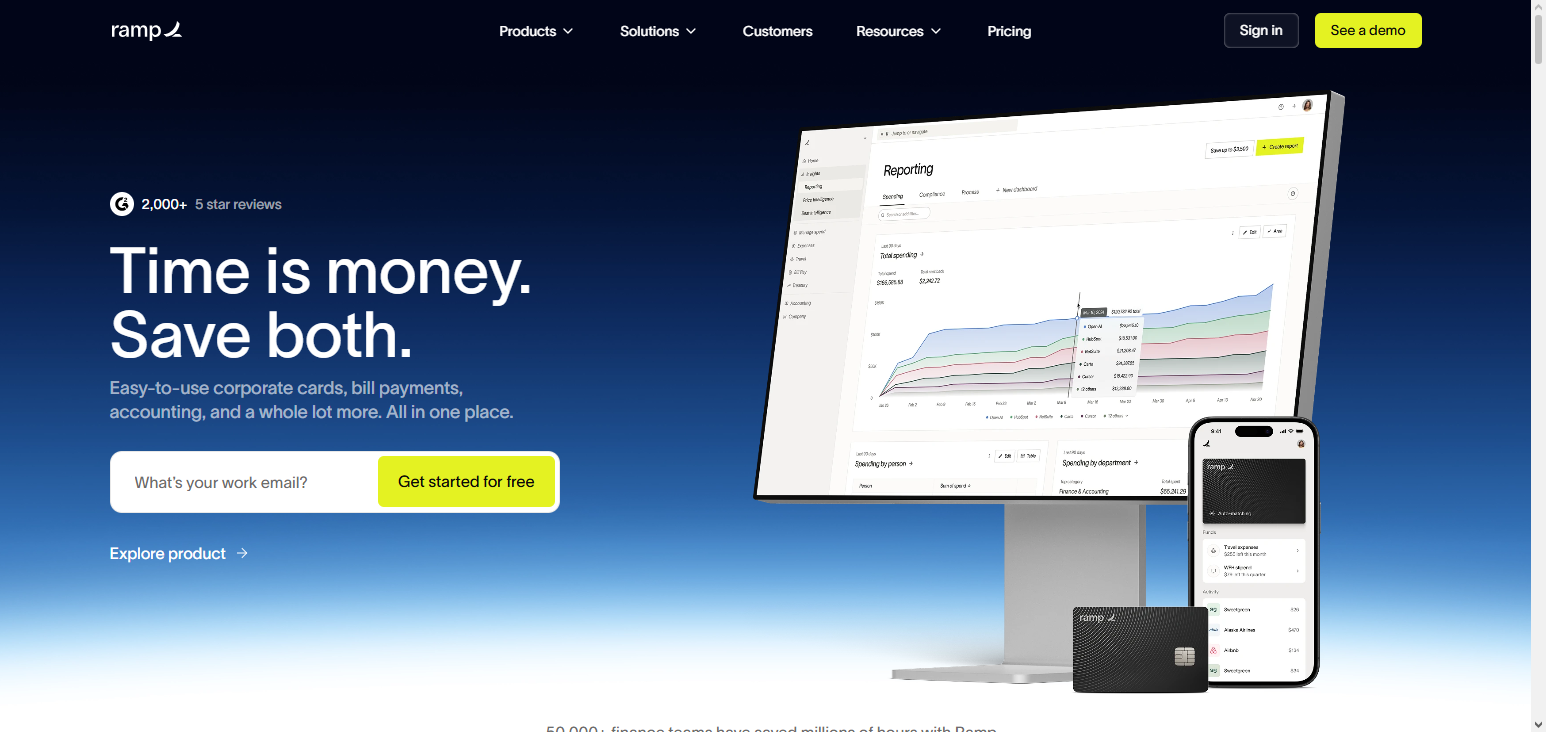
Managers can configure custom spending rules to strengthen policy compliance. Ramp’s integration with accounting tools further facilitates accurate bookkeeping. Ramp’s automation and cost control focus earns it a place among the Best Tools to Automatically Reduce Business Expenses.
Ramp Features, Pros & Cons
Features:
- Tracking expenses is done automatically
- Controllable corporate cards
- Management of subscription expenses
- Real-time analytics
- Integration with accounting tools
Pros:
- Great insights on saving costs
- Reward free corporate cards
- Automation helps reduce more manual work
- Implementation is all that’s needed
- Perfect for growing teams
Cons:
- Not much for extensive ERP systems
- Complex needs mean shallow depth reporting
- Strong desktop, weak mobile app
- Travel expenses are not highly catered for
- Learning period for some features is extensive
2. Brex
Brex provides a comprehensive spend management service designed for today’s companies. With virtual and physical corporate cards and automated expense management, financial management is streamlined and employees’ time is freed, leading to cheaper spend. Brex also brings real-time analytics and reporting, allowing managers to detect if there is undue spending and adjust the budgets appropriately.
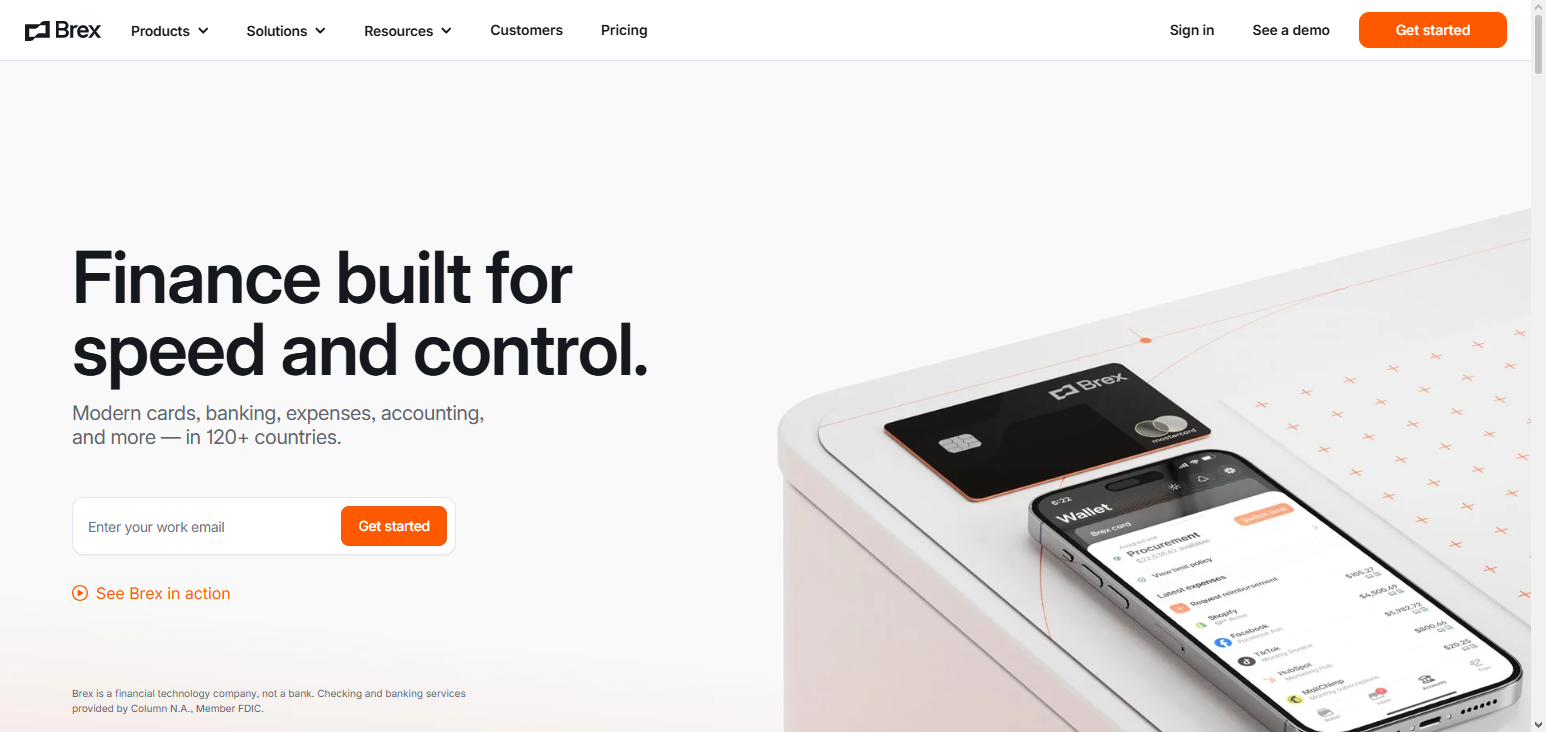
Brex also has credit management features to help maintain positive cash flow and spend management rewards programs to lower operational spending. With its many integrations with accounting and ERP software, reconciliations are made simple. This is why Brex is considered one of the Best Tools to Automatically Reduce Business Expenses.
Brex Features, Pros & Cons
Features:
- Real-time expense tracking with both a virtual and a physical company card
- Spend monitoring
- Spend that is eligible has rewards
- Automated expense reporting
- Integration with accounting tools
Pros:
- Card limits set at your discretion
- Cost offset is made with rewards
- User-friendly design
- Strong ability to see and control
- Great for growing at business
Cons:
- Uncomparable for businesses based in the United States
- Advanced features may come at a price
- Support may be slow
- Budgeting features are weak
- Poor travel management
3. Expensify
Expensify is a leading expense management software that excels at automation and process efficiency. Employees can take a picture of the receipt and have AI process the receipt and automatically code it according to company policy. This accelerates the reimbursement process and reduces the number of manual entry mistakes.
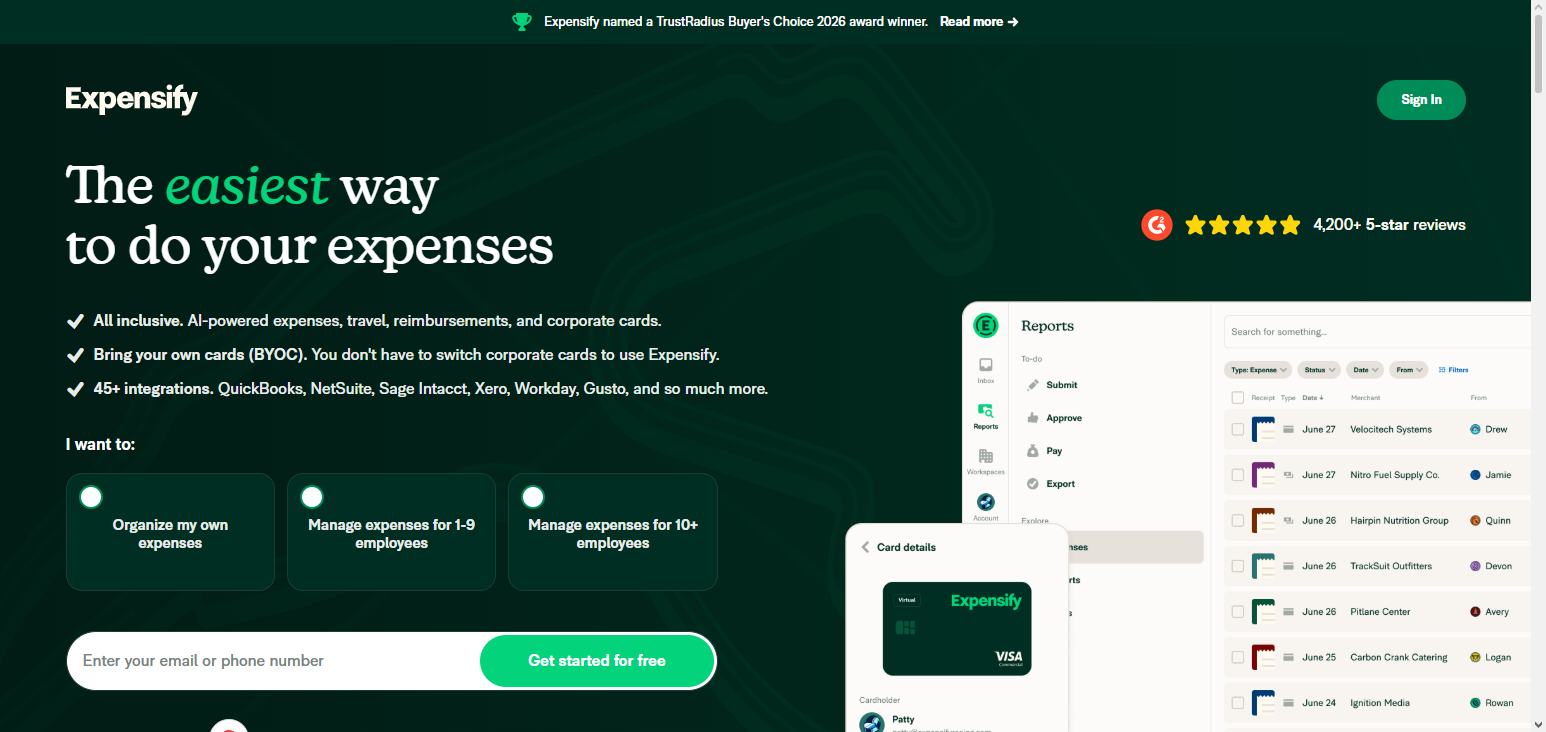
The software has integrations with travel booking and accounting software to help companies manage travel and operational spending. The different roles and expense reporting dashboards provide managers with a complete view of spending behavior. Expensify has features that automate processes and save time, which is why it is considered one of the Best Tools to Automatically Reduce Business Expenses.
Expensify Features, Pros & Cons
Features:
- Receipt scanning with OCR
- Automatic enforcement of policy
- Integration with travel booking
- Automation of Expense Reporting
- Dashboard in Real Time Management
Pros:
- It is very easy to use
- Manual receipt entries are decreased
- The mobile features are powerful
- The workflow for reimbursements is improved
- There is a very good integration with accounting tools.
Cons:
- The tools the more advanced are in the higher tiers.
- OCR inaccuracy from time to time
- Vendor bill automation is limited
- There are better solutions for complex multi tier entities
- The interface is a bit dated and functional only
4. Fyle
Fyle focuses on automation and compliance for expense management and uses AI technology. Its expense capture feature allows users to capture transactions and expenses through receipts, bank transactions, and credit cards. Fyle’s policy enforcement allows employees to participate in the policy, which decreases risk and over-expenditure.
Fyle’s accounting system integrative expense posting provides real-time cash flow tracking and post visibility. With its AI analytics, global and multi-currency teams benefit most due to the identification of opportunities to save expenses. Fyle is one of the Best Tools to Automatically Reduce Business Expenses for companies wishing to reduce operational expenses while improving workflow.
Fyle Features, Pros & Cons
Features:
- Receipt capture with AI,
- Automation of policy compliance
- Multi-currency support
- Sync to accounting
- Real-time analytics on spending
Pros:
- Great policy enforcement
- Good for global teams
- Reimbursement is fast
- Detailed spend categorization
- Great integration
Cons:
- There is a learning curve to capture receipts with AI
- Limited payroll integration
- The UI of analytics is inadequate
- Total cost is increased by add-ons
- Fewer competitors are adopting the market
5. Zoho Expense
Expenses, travel, and approvals have been automated in one place. Users save time by tracking travel and expenses and by submitting receipts. With multiple levels of approval, workflows are automated, and artificial intelligence is used to detect fraud. Real-time insights on expenses and receipts are provided through seamless integration with Zoho’s suite and other accounting programs.
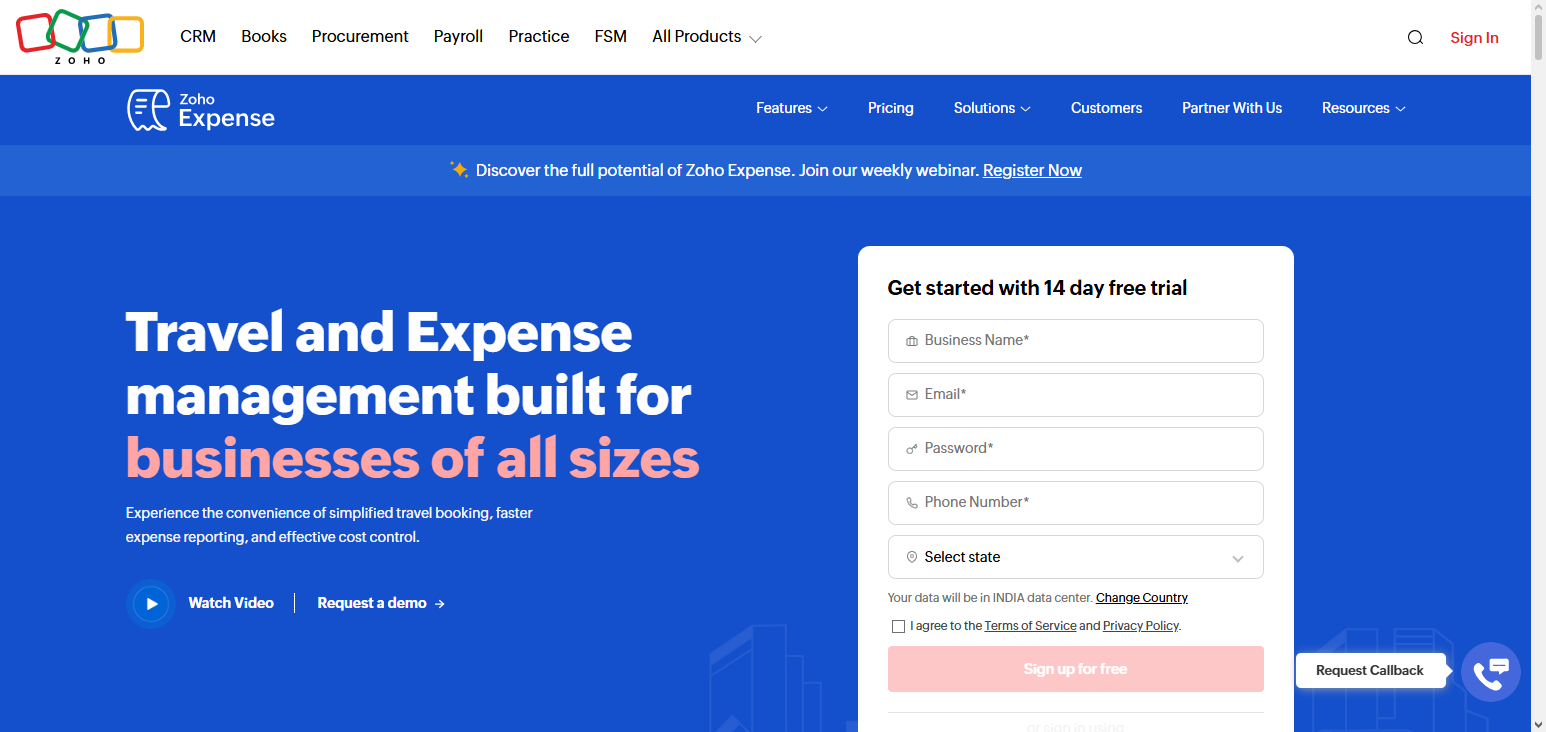
Zoho Expense provides the tools to manage recurring expenses and aid in the identification of unnecessary expenses for the optimization of the organizational budget. Combined analytics, automation, and control is the reason Zoho Expense is one of the Best Tools to Automatically Reduce Business Expenses.
Zoho Expense Features, Pros & Cons
Features:
- Workflows of approvals at multiple levels
- Detection of fraud using AI
- Tracking of mileage
- Bulk uploads of receipts
- Integration of the entire Zoho Ecosystem
Pros:
- Excellent value for money
- Very powerful automation
- Stronger control in approval
- It scales well for small and medium-sized enterprises
- It is great if the user is using the suite of Zoho software
Cons:
- The reporting dashboards can be very complicated
- Some features are intertwined with the Zoho applications
- The travel booking features are very basic
- Analytics are not as sophisticated as those in enterprise-level tools
- There are slow syncs from time to time
6. SAP Concur
Automatic expense capture, payment processing, and management, as well as policy compliance and invoice automation, add time savings and manual work redundancy. Global expense management and ERP system integrations simplify financial management for global teams. Analytics enrich understanding of spending and savings opportunities.
Combining travel bookings and expense management allows added spending visibility and compliance, and is consistently rated as one of the Best Tools to Automatically Reduce Business Expenses.
SAP Concur Features, Pros & Cons
Features:
- Complete travel and expense management
- Automation of policy compliance
- Management of expenses globally
- Integration of invoices
- Analytics that are predictive
Pros:
- Suited to large Enterprises
- Spending globally and in a complex manner is handled
- Controls compliance in a very detailed manner
- Analytics are very great
- Integration with ERP is possible
Cons:
- High cost for small business
- Long time for implementation
- Difficult to learn
- The user interface is outdated
- Customization requires support from third parties
7. Airbase
Expense management, virtual cards, bill payment, approval workflows, and automation of expense reporting, posting, and monthly accounting reconciliations means less administrative work. Real-time dashboards help identify unuseful and duplicate expenditures, while policy, approval, and spending controls through multi-level authorization aids in effective spending control.
Centralizing payment and corporate card management is a means of reducing manual work and increasing accuracy, and along with automation and a focus on cost control, makes Airbase one of the Best Tools to Automatically Reduce Business Expenses for growing firms.
Airbase Features, Pros & Cons
Features:
- Centralized spending management
- Issuance of virtual cards
- Bookkeeping is automated
- Automation of bill payments
- Workflows with multi-level approval
Pros:
- Strong control of expenditures
- Time is saved in accounting
- There is visibility of cash flow in real time
- There is an approval hierarchy that is clear
- It is suitable for large teams
Cons:
- High cost for small business
- There are limitations in some connectors
- Advanced functionalities require training
- Tools for budgeting are still developing
- Expenses related to travel are basic
8. QuickBooks Online Advanced
QuickBooks Online Advanced is an accounting software that is useful for expense management. It automatically categorizes your transactions and tracks expenses and even provides reports so managers can see information in real time.

The integration of bank and payroll systems makes bookkeeping easier and multi-user access provides access control. It can also help automate workflows so that unnecessary spending can be detected and manual errors can be reduced.
Advanced analytics and dashboards can help quickly identify problem areas and help improve control of operational spending. QuickBooks Online Advanced is one of the Best Tools to Automatically Reduce Business Expenses for small to medium enterprises that need automation for their finanical management.
QuickBooks Online Advanced Features, Pros & Cons
Features:
- Categorization of transactions is automated
- Cost reporting on the dashboard
- There are tools for tracking budgets
- Bank feeds synchronization with expenses
- Roles and permissions for multiple users
Pros:
- The foundation of accounting is excellent
- The interface is easy to use and familiar
- The cost for small and medium sized businesses is reasonable
- Robust banking and payroll integrations.
- Basic reporting carried out well.
Cons:
- Less automation compared to dedicated expense software.
- Advanced reporting comes at a premium.
- Not great for global multi-currency.
- Workflow automation is basic.
- Policy enforcement is basic.
9. Xero Analytics Plus
Xero Analytics Plus is also an expense management and accounting software tool that is also in the cloud. It provides real time information on company spending. Automated expense categorization, in addition, to bill and invoice tracking to streamline your processes and reduce human error.
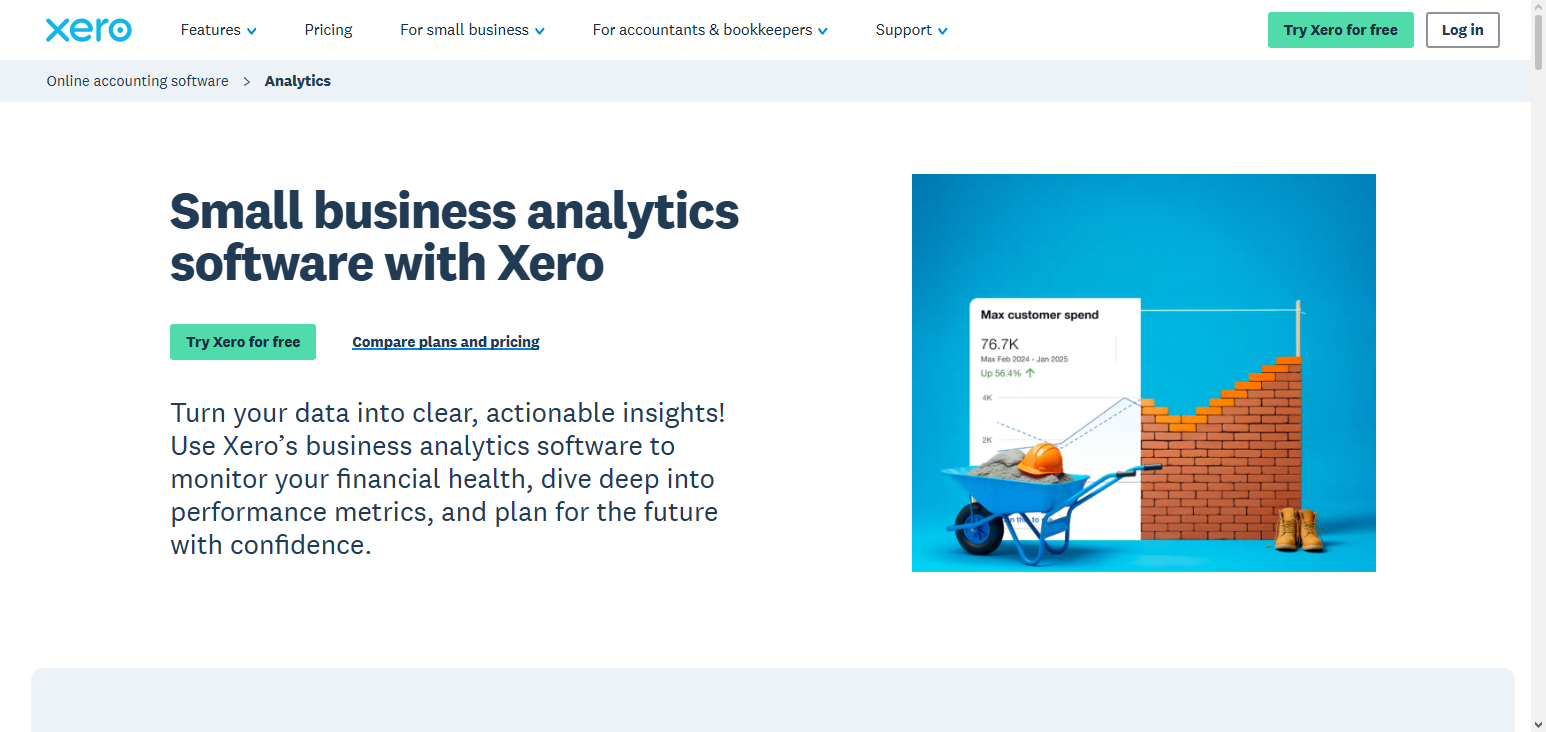
The ability to support multiple currencies and colloboration features are helpful for global team.Xero provides in depth analytics which show trends and possible areas of improvement so management can use data to help guide them on areas to cut spending. Integrations with accounting and business software makes processes even more efficient. Xero Ana;ytics Plus is one of the Best Tools to Automatically Reduce Business Expenses for companies wanting to save time and also manage spending.
Xero Analytics Plus Features, Pros & Cons
Features:
- Automated importing of expenses.
- Analytics package.
- Multi-currency invoicing.
- Bill and invoice management.
- Collaboration in the cloud.
Pros:
- User friendly interface.
- Instant visibility of financials.
- Excellent for teams in multiple countries.
- Good integrations.
- Grows with the business.
Cons:
- Less automation compared to others.
- Large data sets cause reporting lag.
- Support quality is inconsistent.
- Full automation needs a lot of additional services.
- Policy enforcement is basic.
10. Sage Intacct
Sage Intacct is cloud-based financial management software that automates expense workflows and accounting processes. Its features include real-time dashboards that provide visibility into spending across departments and entities, multi-entity accounting, compliance controls, budget optimization and accurate reporting, integration with ERP systems, and automated workflows.
Improved automated workflows reduce manual touch points, detect inefficiencies, and highlight areas where costs can be reduced. Sage Intacct focuses on compliance, automation, and analytics, allowing businesses to optimize financial management processes and reduce costs. This is why it is one of the Best Tools to Automatically Reduce Business Expenses.
Sage Intacct Features, Pros & Cons
Features:
- Workflows for expenses automated.
- Multi entity and intercompany.
- Compliance controls.
- Advanced dashboards.
- Integrations with ERP.
Pros:
- Excellent automation for finance functions.
- Good for medium to large businesses.
- Good visibility over expenses.
- Good reporting.
- Good for complicated structures.
Cons:
- High costs for implementation.
- Too complicated for smaller teams.
- Must have training to use.
- High costs for customization.
- Limited features for mobile.
Conclusion
In an increasingly competitive landscape, optimizing cost management is essential for increasing profit margins and improving operational efficiencies. Automation, unified control, and artificial intelligence to provide instant insights are examples of the types of technology that help organizations manage spending intelligently.
Each of the following tools, Ramp, Brex, Expensify, Fyle, Zoho Expense, SAP Concur, Airbase, QuickBooks Online Advanced, Xero Analytics Plus, and Sage Intacct, provide some of these capabilities. Businesses are able to shift focus from tedious tasks to more strategic initiatives and responsibly spend, prevent overspending, and control their financial resources to improve bottom line results. These tools are critical for organizations that want to automatically improve cost management.
FAQ
Some of the top tools include Ramp, Brex, Expensify, Fyle, Zoho Expense, SAP Concur, Airbase, QuickBooks Online Advanced, Xero Analytics Plus, and Sage Intacct. These platforms help automate expense tracking, enforce compliance, and provide real-time insights to optimize spending.
They automate expense reporting, detect duplicate or unnecessary costs, enforce policy compliance, and offer analytics for smarter budget decisions. This reduces manual errors and operational overhead while identifying opportunities for cost savings.
Yes. Even small businesses can streamline financial operations, automate workflows, and gain visibility into spending patterns, helping them reduce unnecessary expenses and improve cash flow.