In this article, we’ll cover some ways to reduce payment processing costs. Rising credit card and ACH fees can significantly reduce a business’s profit margin.
- Key Points & Best Tools For Reducing Payment Processing Costs In 2026
- 10 Best Tools For Reducing Payment Processing Costs In 2026
- 1. Finix
- 2. Stax
- 4. Payment Depot
- 5. Adyen
- 6. Airwallex
- 7. AvidXchang
- 8. Bill.com (BILL)
- 9. Stripe
- 10. Square
- Key Cost-Reduction Strategies:
- How To Choose Best Tools For Reducing Payment Processing Costs
- Conclsuion
- FAQ
Cost-saving payment processing technology is now available that integrates with payment processors and platforms to give merchants secure
Efficient, and scalable payment management and cost-saving technology through transparent pricing, subscription pricing models, and automated cost-saving technology.
Key Points & Best Tools For Reducing Payment Processing Costs In 2026
Finix: Offers 0% markup on interchange fees, saving users up to 40% via transparent subscriptions.
Stax: Subscription-based processor with flat monthly fees, eliminating transaction markups, ideal for high-volume businesses.
Helcim: Interchange-plus pricing passes savings directly to merchants; no monthly contracts required for transparency.
Payment Depot: Subscription model provides wholesale credit card rates with a low monthly membership fee.
Adyen: Interchange-plus model ensures transparency and lower costs for large, high-volume enterprise transactions.
Airwallex: Uses local payment rails and avoids FX markups, reducing costs for international business payments.
AvidXchange: High-volume ACH processing lowers fees significantly compared to card payments for B2B transactions.
Bill.com (BILL): Supports ACH and eChecks for SMBs, providing a cost-effective alternative to credit cards.
Stripe: Flat-rate pricing plus optimization tools, like intelligent authorization, boosts approvals and prevents revenue loss.
Square: All-in-one POS with flat-rate pricing; offers affordable, transparent solutions for small businesses.
10 Best Tools For Reducing Payment Processing Costs In 2026
1. Finix
Finix is a contemporary payment processor with 0% markup on interchange fees, making it possible for companies to only pay the real costs established by card networks.
Thanks to transparent subscription models, merchants can save as much as 40% with Finix when compared to legacy processors.
Finix also offers a full suite of payments infrastructure including developer API payment processing, recurring billing, marketplace payments, and more.
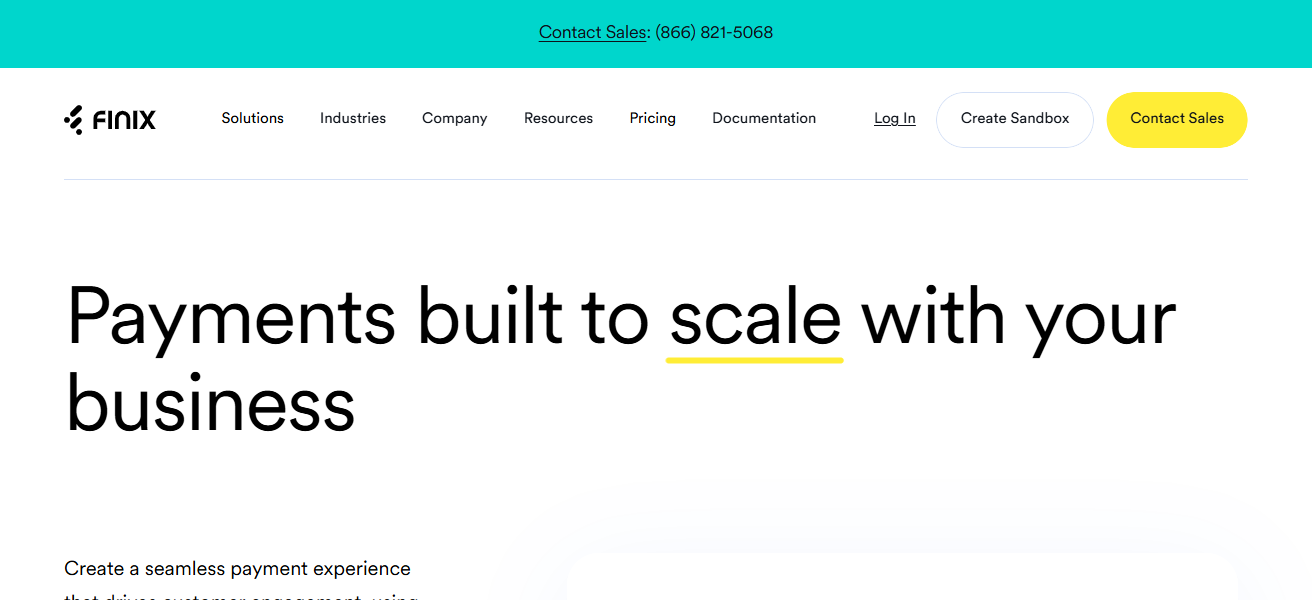
The platform is also fully PCI compliant and supports global payments, making it easier for businesses to scale.
With high levels of developer customization and no hidden fees, Finix is the ideal payment processor for companies prioritizing flexibility, and low costs on a per-transaction basis in 2026.
FINIX
- Users receive a 0% markup on interchange fees, meaning pricing is more predictable and more clear.
- Users save as much as 40% on their credit card process.
- No surprises with hidden fees, and no subscriptions with their pricing model.
- Their proprietary API is easy to integrate for payment infrastructure.
| Pros | Cons |
|---|---|
| 0% markup on interchange fees, saving up to 40% on processing costs | Requires technical expertise to integrate APIs |
| Transparent subscription-based pricing with predictable costs | Not ideal for very small merchants with low volume |
| Developer-friendly platform for custom payment solutions | Lacks some built-in POS hardware solutions |
| Scalable for marketplaces and recurring billing models | Limited pre-built reporting compared to competitors |
2. Stax
Stax is a payment processor with a subscription model. They do not take a percentage of the transactions; instead, they charge a flat fee each month alongside the standard interchange rate.
This is great for businesses with lots of transactions (high-volume merchants). Stax also has built in invoicing, reporting, and merchant tools.
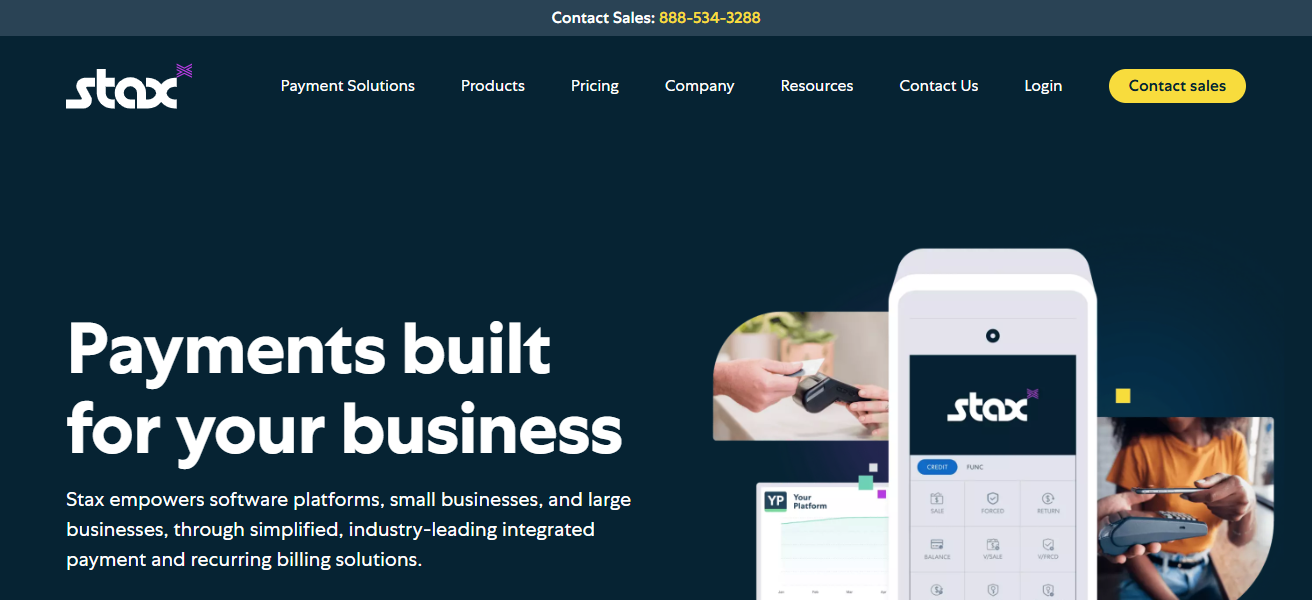
Because they have eliminated all hidden fees, businesses can predict their costs and scale. This is what makes Stax one of the best cost and scale payment processors for businesses in the year 2026.
STAX
- The flat monthly fee is easy to forecast, and provides no fee transaction surprise.
- Best for merchants with large processing fees, as it is most cost-effective.
- Offers reporting as well as merchant management.
| Pros | Cons |
|---|---|
| Low monthly membership provides wholesale credit card rates | Small-volume merchants may not benefit as much |
| Transparent pricing with no hidden fees | Limited advanced fraud detection tools |
| Works for both in-person and online payments | Some advanced features require third-party integrations |
| Tiered plans scale with transaction volume | Setup may take longer for non-technical users |
3. Helcim
Transparent interchange-plus pricing is used by Helcim. This pricing model offers an average markup of 0.15% over interchange fees.
This means merchants know exactly what they are paying as they only pay what the card networks charge.
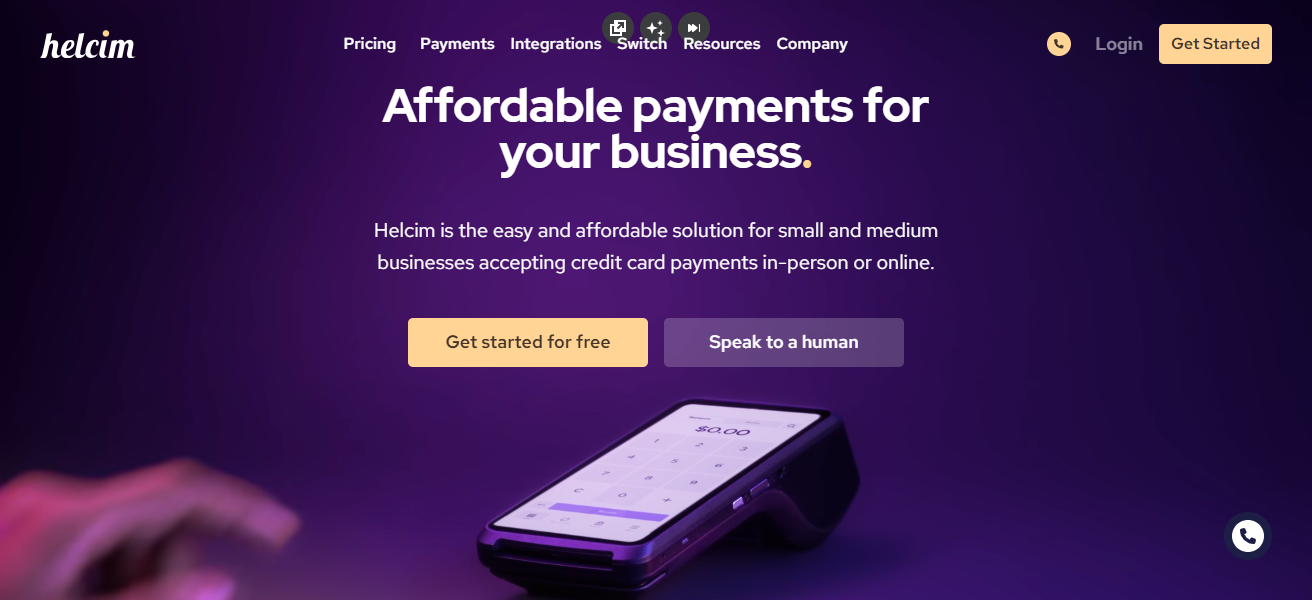
This model is better than percentage-based markups which are opaque. Helcim offers month-to-month flexibility for small and medium-sized businesses.
Saving passing directly to the merchants reduces Helcim’s processing costs. Savings from Helcim’s service are often hundreds to thousands of dollars annually, which makes Helcim an excellent service for small and medium-sized businesses that are looking to scale.
HELCIM
- Their pricing model is Interchange Plus meaning the merchant pays less.
- Offers a month to month pricing model, meaning more flexibility.
- Offers reporting, invoicing, payment processing, and multi-currency payment support.
| Pros | Cons |
|---|---|
| Interchange-plus pricing ensures transparency | Slightly higher rates for very low-volume merchants |
| No monthly contracts for flexibility | Not as widely recognized as Stripe or Square |
| Supports multi-currency and recurring payments | Advanced features may require learning curve |
| Includes invoicing and reporting tools | Limited international coverage for some payment methods |
4. Payment Depot
Payment Depot is a subscription-based credit card processor that offers merchants wholesale processing rates.
Instead of traditional percentage-based markups, Payment Depot charges a low, flat monthly membership fee.
With this model, businesses, particularly high-volume merchants, save significantly on fees associated with processing transactions.

Payment Depot processes both face-to-face and online payments, integrates with most major POS systems, and offers a reporting dashboard for processing insights.
There are no long-term contracts, and pricing is transparent. Small and mid-sized businesses gain access to competitive rates, and the ability to predict costs and scale their operations, without the previously large enterprise required volumes.
PAYMENT DEPOT
- Payment depot has a low monthly fee model, and offers membership for wholesale credit card processing.
- Costs are incurred less when using the subscription model for high volume processing.
- Offers integrated reporting and dashboards to track transaction for processing.
| Pros | Cons |
|---|---|
| Low monthly membership provides wholesale credit card rates | Small-volume merchants may not benefit as much |
| Transparent pricing with no hidden fees | Limited advanced fraud detection tools |
| Works for both in-person and online payments | Some advanced features require third-party integrations |
| Tiered plans scale with transaction volume | Setup may take longer for non-technical users |
5. Adyen
Adyen applies an Interchange++ model tailored for enterprise merchants with high volume transaction. It is a transparent pricing model, as merchants only pay the actual interchange fee, as well as a fixed margin, and therefore do not incur any hidden costs.
Adyen’s platform is designed for use by international e-commerce and omnichannel merchants as it supports global payments, multi-currency payment processing, and has sophisticated fraud prevention capabilities.
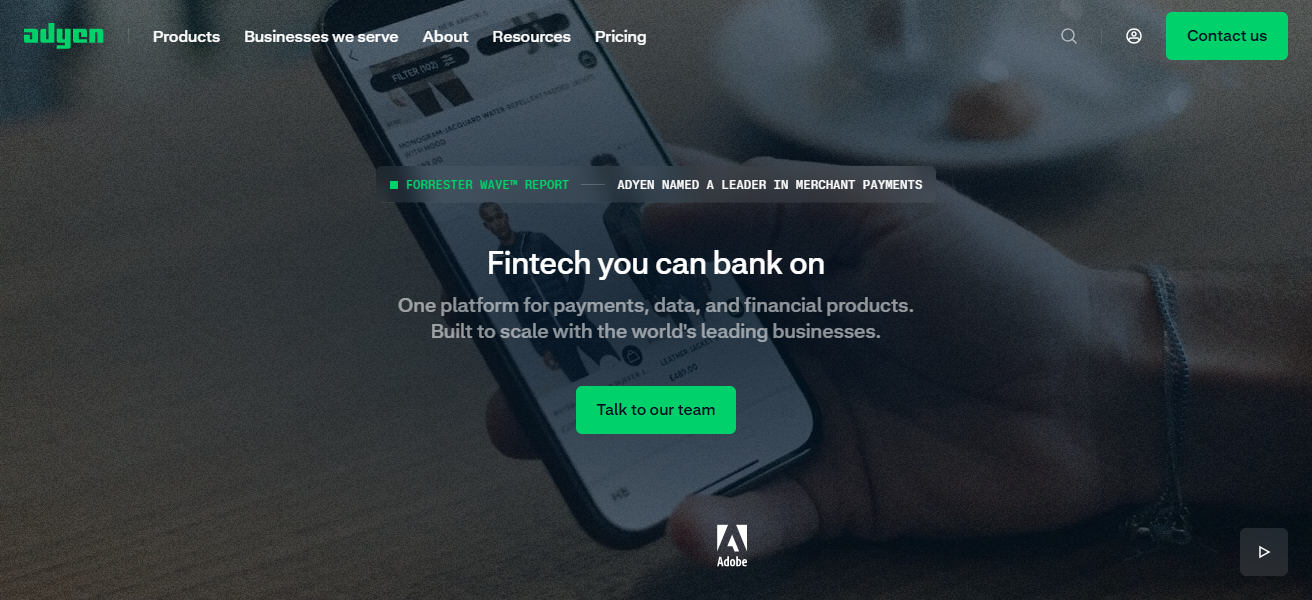
With the combination of enhanced analytics and reporting, merchants are able to optimize revenue and minimize revenue losses.
Adyen is scalable with a strong operational backbone to support businesses with annual turnover exceeding $1 million. With transparency and payment simplicity, Adyen infers operational costs.
ADYEN
- Interchange Plus is the model pricing for enterprise volume, and is to serve multiple different pricing.
- Pricing is competitive for high volume businesses.
- Powerful data analysis, and fraud prevention.
- Payment processing is integrated for multiple different currencies.
| Pros | Cons |
|---|---|
| Interchange-plus pricing for large transactions | High setup complexity for small businesses |
| Supports global, multi-currency, and omnichannel payments | More expensive for small-volume merchants |
| Advanced fraud detection and analytics tools | Not beginner-friendly; more enterprise-focused |
| Scalable for high-volume enterprise merchants | Monthly fees may be higher than subscription-based processors |
6. Airwallex
Airwallex cuts costs for cross border payments by using local payment channels such as ACH and SEPA. This also means there are quicker settlement times and avoids paying costs for foreign exchange (FX) markups.
Customers can make payments and receive funds, as well as make supplier payments in different currencies.
For this reason, Airwallex financially benefits international firms, offering accounts with no border restrictions, payments, and wallets in different currencies, and real time foreign exchange (FX) rates with no additional operational costs.
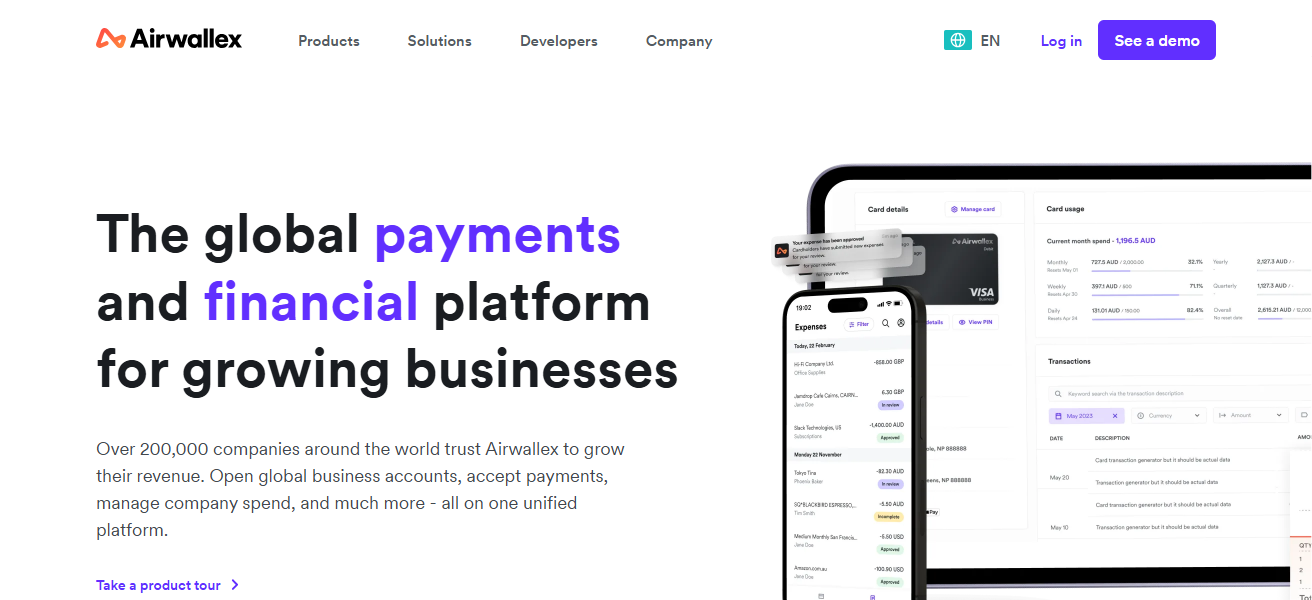
Customers can conduct cross-border trade easily, as their platform connects with their accounting and ERP systems.
Airwallex helps funds conversion and payment costs to help companies make payments predictably and competitively. This helps companies to grow their business internationally.
AIRWALLEX Features
- Payment processing has lower fees due to local payment rail.
- Avoids fx markup.
- Payment processing for multiple different currencies.
- Integrates with accounting systems as well as erp systems.
7. AvidXchang
AvidXchange provides automation of high-volume ACH payments for Business-to-Business operations.
AvidXchange also eliminates the use of checks, pos or credit cards, thereby greatly reducing the cost of transactions for repeat vendor payments.
The system also improves efficiency and reduces errors through automated invoice processing, approval workflow automation, and accounting software integration.
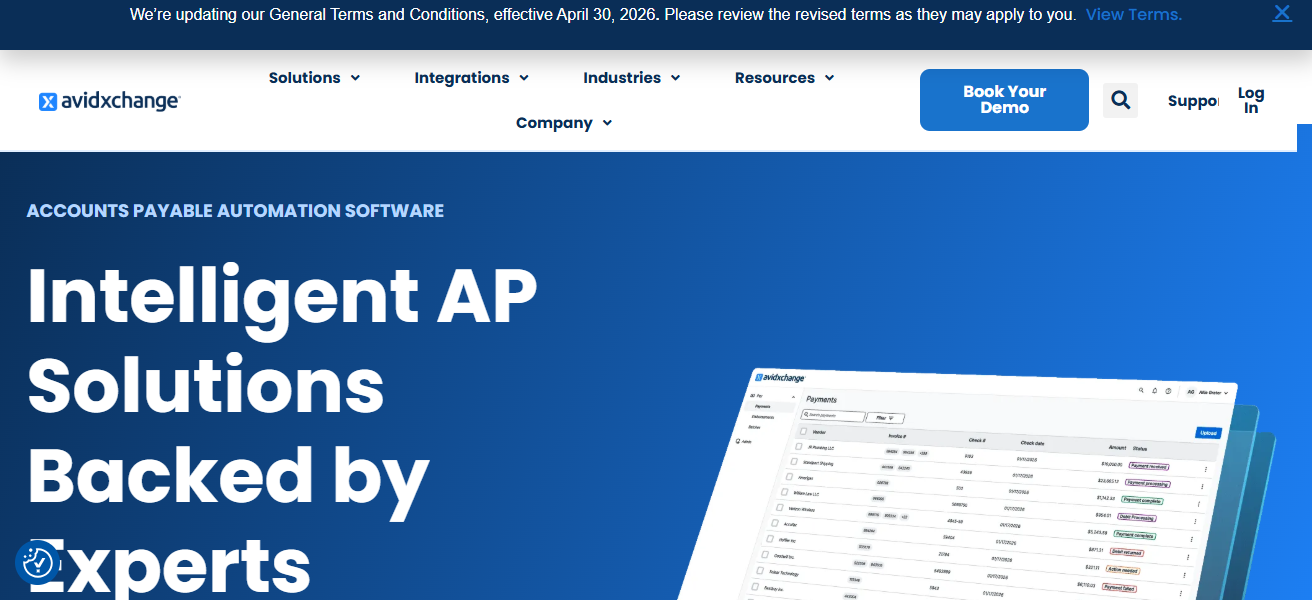
Predictable pricing models, which are beneficial for large businesses that would pay hundreds or thousands of payments in a month.
AvidXchange’s vendor payment options, streamlined accounts payable, and fee decreases create a scalable solution for businesses that optimizes cash flow and operational efficiency.
AVIDXCHANGE Features
- High volume B2B ACH payment processing is automated for convenience.
- Paying cards cost less.
- Prepays for invoice approval and vendor payments are automated.
- Integrates with systems for erp and accounting to remove redundant work.
| Pros | Cons |
|---|---|
| Specializes in high-volume ACH payments | Primarily focused on B2B; less useful for retail |
| Lowers fees compared to card payments | Platform may be complex for new users |
| Automates invoice approvals and vendor payments | Limited global payment support |
| Integrates with major accounting and ERP systems | Subscription-based pricing may not fit very small businesses |
8. Bill.com (BILL)
Bill.com allows small and mid-size businesses to focus less on credit cards and spending on transactional fees by allowing them to receive and pay invoices through automated clearing house payments and eChecks.
With a subscription fee service, Bill.com also partners with accounting packages like QuickBooks and NetSuite by automating invoices, approvals and reconciliations.
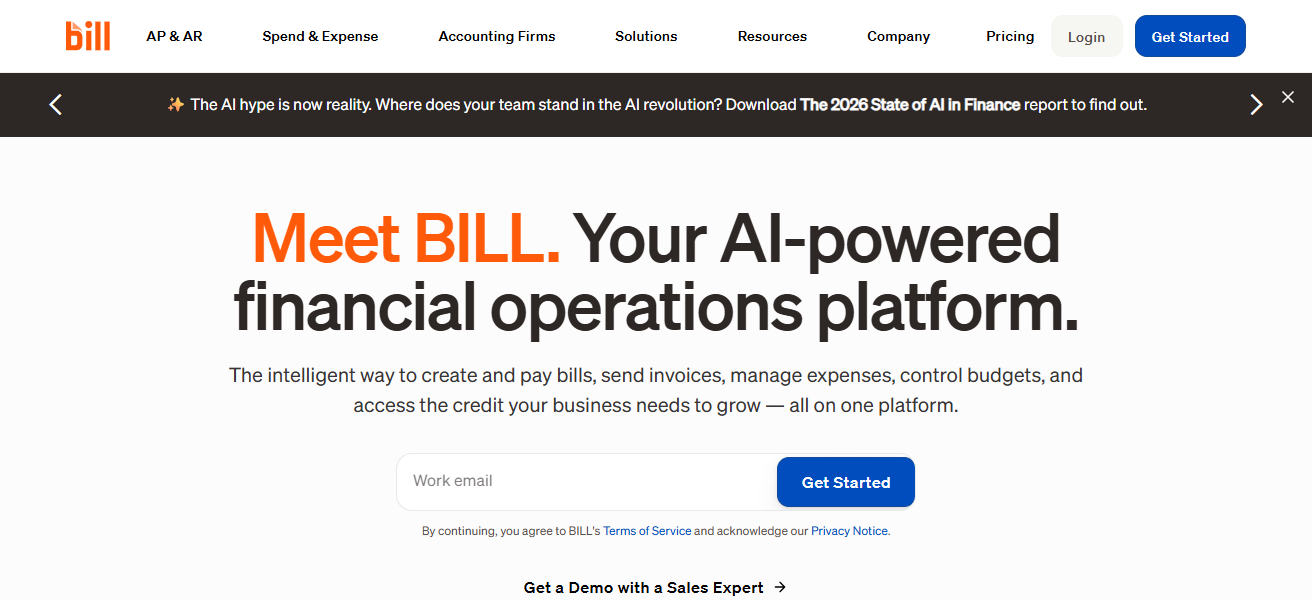
Bill.com also provides international payments and vendor management, which allows businesses to save on card processing fees.
Bill.com is a scalable solution focusing on efficiency, transparency and cost-cutting to aid SMEs to better manage their cash flow.
Bill.com (BILL) Features
- Ach and eCheck payment support for small and medium-sized businesses.
- Eases dependence on costly credit card payments.
- Facilitates automation of invoicing, approval, and reconciliation processes.
- Works in conjunction with QuickBooks, NetSuite, and other accounting software.
| Pros | Cons |
|---|---|
| Supports ACH and eCheck payments for SMBs | Mainly SMB-focused; not ideal for enterprise merchants |
| Automates invoicing, approvals, and reconciliations | Limited direct card processing |
| Integrates with QuickBooks, NetSuite, and other accounting tools | Some features require higher-tier plans |
| Reduces reliance on expensive credit card transactions | International payment support is limited |
9. Stripe
Stripe is used widely by SMEs and entrepreneurs for its ease of use with developer friendly payment integration and transparent pricing so businesses can budget easily.
Stripe also costs less than competition due to authorization systems that increase transaction approvals and reduce lost revenue from declined transactions.
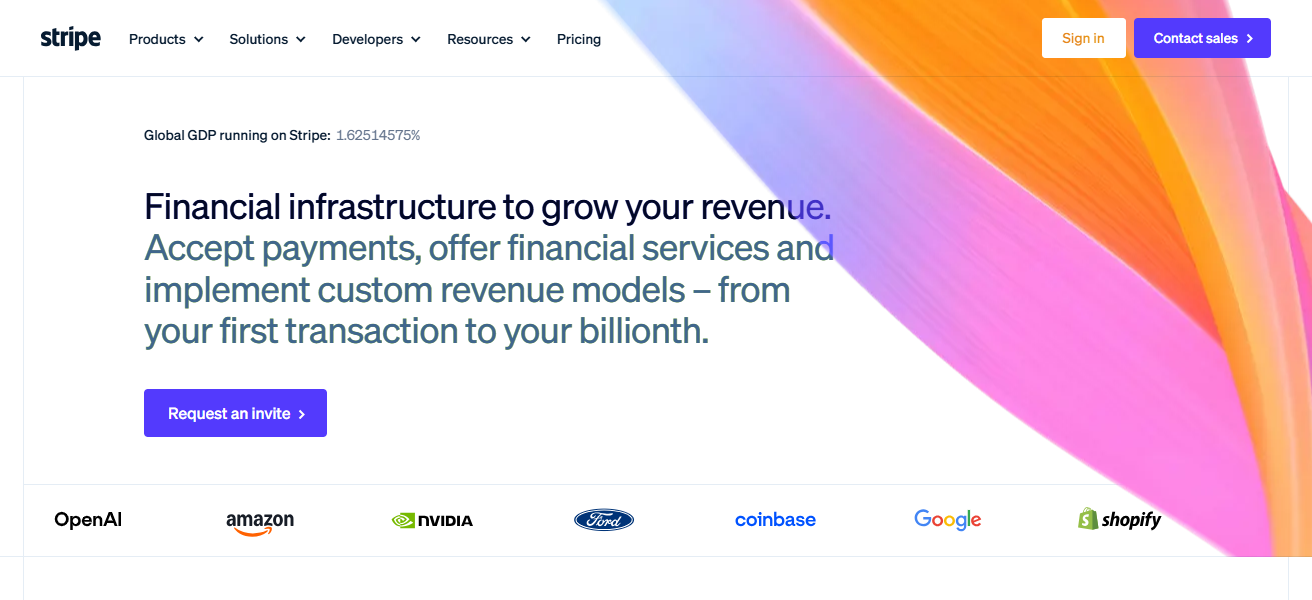
Stripe offers an integrated system to support payments, subscriptions, marketplaces and international payments with fraud detection, built in reporting and analytics.
Stripe also offers support for pay-out and reconciliation along with fraud detection and analytics. Stripe is perfect for SMEs and entrepreneurs due to allowing businesses to reduce operational costs while maximizing transactional revenue.
Stripe Features
- Standardized pricing makes budgeting for merchants easier.
- Smart authorization technology helps decline rates.
- Accepts online, subscriptions, marketplaces, and cross-border payments.
- Platforms designed for developers with superior analytics and fraud mitigation offered.
| Pros | Cons |
|---|---|
| Flat-rate pricing simplifies budgeting | Can be expensive for very high-volume merchants |
| Intelligent authorization tools reduce declined transactions | Some advanced features require developer skills |
| Supports online, subscription, marketplace, and international payments | Customer support can be slow for complex issues |
| Developer-friendly with advanced reporting and fraud prevention | No built-in POS hardware (requires integration) |
10. Square
Square offers all-in-one payment solutions, payment processing, and point of sale (POS) services, with flat-rate payment processing, fitting simplistically with small business and retail needs.
The platform provides features such as card payment, online sale creation, invoicing, inventory management, payroll processing, and analytical tools.
Pricing is simple, without confusing percentage markups, enabling merchants to forecast and control costs.

From hardware such as terminals to mobile card readers, Square offers solutions for in-store and mobile sales.
Integrated with operational and customer engagement management business tools, Square stands out as simple, affordable, and functional.
Square Features
- Integrated POS systems with uniform pricing and processing costs.
- Capable of supporting sales in stores, on the go, and online.
- Contains comprehensive tools for managing stock, payroll, billing, and business intelligence.
- Offers clear and straightforward pricing without surprises for small business owners.
| Pros | Cons |
|---|---|
| All-in-one POS with flat-rate pricing | Processing fees can be higher for very large transactions |
| Supports retail, mobile, and online sales | Limited international support compared to Stripe or Adyen |
| Includes inventory, payroll, invoicing, and analytics tools | Advanced features can require paid add-ons |
| Transparent pricing with no hidden fees | Enterprise-level scalability may be limited |
Key Cost-Reduction Strategies:
Switch to Interchange-Plus: There’s usually better pricing available with processors like Helcim and Adyen under transparent “Interchange++” pricing than flat-rate processing.
Emphasize ACH/Bank Payments: ACH payments through Bill.com or AvidXchange causes fees to be reduced to mere pennies instead of a percentage on dollar amount.
Use Subscription Processing: Stax and Payment Depot offer a unique approach as they switch percentage-based markups for a flat monthly fee.
How To Choose Best Tools For Reducing Payment Processing Costs
- Pricing Model: Avoid processors who charge a flat fee markup and try to find a processor who uses interchange plus pricing for subscriptions.
- Transaction Volume: If more than 1 transaction is made for the business, wholesale or subscriptions are favorable.
- Payment Methods: If there is a need for ACH/eChecks/credit cards or international payments, check to see if they are supported.
- Clarity: Predictable and transparent pricing. No more mystery fees.
- Functionality: If there is a need for reporting, fraud protection, recurring billing, or anything else, check to see if the software can integrate with the current software.
- Adjustment: The software should have the ability to be modified to continue to support the business without significantly increasing costs to do so.
- Transaction Support: During business hours, and with hours of operation support/ and without business hours support, the software should be reliable to not cause delays in the processing of payments.
Conclsuion
In conclusion, payment processing costs need to be reduced to increase the chances of a business making a profit.
With a Focus on tools with transparent pricing, subscription models, and optimized cost reduction tools, firms are able to reduce costs, increase cash flow, and scale optimally.
The right processor provides safe, cost efficient ACH, credit card, and international payment options allowing businesses to manage payments with greater ease.
FAQ
Subscription-based processors, interchange-plus platforms, and ACH-focused solutions are top options.
Use interchange-plus pricing or flat monthly subscriptions instead of standard percentage markups.
Yes, ACH and eCheck payments usually have lower fees, especially for B2B transactions.
No; check if the platform supports multi-currency and local payment rails.