
In this article, I will discuss the best Vendor Risk Management software that helps organizations identify, assess, and mitigate risks associated with third-party vendors.
These solutions streamline vendor assessments, enhance compliance, and provide continuous risk monitoring, enabling businesses to strengthen security, reduce operational risks, and maintain trust across their entire vendor ecosystem.
Key Points & Best Vendor Risk Management Software
| Software | Key Point |
|---|---|
| UpGuard | Continuous monitoring of vendor security posture with automated alerts |
| SecurityScorecard | Provides security ratings across multiple risk categories for third parties |
| Bitsight | Offers attack surface analysis to identify external vulnerabilities |
| Panorays | Enables automated vendor questionnaires for streamlined assessments |
| ComplyScore | Delivers customizable compliance frameworks aligned with ISO/SOC standards |
| Sprinto | Focuses on real-time regulatory monitoring across global jurisdictions |
| Prevalent | Provides centralized vendor risk repository for managing all supplier data |
| Aravo | Specializes in workflow automation for vendor onboarding and risk reviews |
| ProcessUnity | Offers integrated risk dashboards for executive-level visibility |
| OneTrust | Known for privacy and compliance integration with vendor risk management |
10 Best Vendor Risk Management Software
1. UpGuard
UpGuard offers a seamless and up-to-date vendor risk management platform which focuses on vendor monitoring and assessment through continuous insights and AI assisted workflows.
Its vendor module includes automated security questionnaires, risk remediation assessment and tracking, and posture monitoring vendor’s real-time, so that security teams have wide visibility on control gaps and changing risk signals.
UpGuard reduces onboarding frustrations and manual workloads by utilizing AI powered analysis and centralized reporting to speed up risk assessment cycles.
The platform is also able to integrate with extended risk stacks and provide expert-assisted vendor reviews for teams seeking more support.
Features UpGuard
Ongoing Vendor Supervision – Tracks changes in real-time for new threats and shifts in risk posture.
Streamlined Vendor Risk Assessments – Automate evaluations for suppliers with little manual workload via pre-existing and customizable questionnaires.
AI Guided Risk Workflows – Reduce the time manual analysis workflows with AI on risk prioritization and mitigation steps.
Unified Risk Center – Single pane of glass view for tracking and responding to vendor risk scores, statuses, and responses.
| Pros | Cons |
|---|---|
| Strong continuous monitoring and vendor risk scoring with rich external risk signals. | Can be complex to configure initially for smaller teams. |
| AI-assisted workflows speed up assessments and remediation tracking. | More advanced features may require higher pricing tiers. |
| Centralized dashboard gives clear visibility into security posture. | Some users may find reporting customization limited. |
| Integrates well with other risk/security tools. | Learning curve for teams new to automated vendor risk platforms. |
2. SecurityScorecard
SecurityScorecard provides vendor risk and cybersecurity solutions based on continuous monitoring and data-fueled feedback of third parties’ objective external security postures.
The platform provides risk scores and identifies relevant vulnerabilities to help businesses identify and tackle supply chain security problems.
Automated vendor scoring and alerts for breaches and incidents, as well as risk signal collaboration workflows, are some of the features of the platform.
SecurityScorecard enhances the ability to respond to and manage new risks before they become problems through real-time threat intelligence and automated vendor detection. SecurityScorecard also provides managed services to enhance internal capabilities.
Features SecurityScorecard
Outsourced Security Scores – Vendor real-world cyber posture are assigned geo scores through global data feeds.
Breach Monitoring with Real-time Alerts – Teams are notified when risk levels spike after detecting threats, breaches, and vulnerabilities.
Industry Comparison – Organizations are able to evaluate vendor scores against market and competitor scores for contextual benchmarking.
Enhanced Risk Data – Risk data is supplemented by historical trends and threat feeds for improved decision-making.
| Pros | Cons |
|---|---|
| Industry-leading external risk scoring with intuitive dashboards. | Scores may trigger false positives if not calibrated for your context. |
| Real-time monitoring and alerts help catch risks early. | More expensive than basic VRM tools. |
| Strong threat intelligence integrations and visualization. | Can overwhelm smaller teams with too much data. |
| Good for benchmarking vendors and partners. | Limited built-in questionnaire features compared with some rivals. |
3. Bitsight
Backed by one of the world’s largest cybersecurity data networks, BitSight Vendor Risk Management assesses and provides insights into the security of vendors.
The platform analyzes data from a vast collection of vendor profiles to automate the onboarding, assessment, and monitoring processes, providing risk data to inform vendor decisions.
Using automated workflows that incorporate external data sets such as cyber, financial, and geopolitical risk, along with the enriched data
BitSight facilitates the scaling of VRM programs and contextual validation of vendor controls. The vendor risk analytics and reporting tell owners
What to expect from vendors and how they are performing, and report on past to mitigate proactively, and offer better visibility into compliance.
Features BitSight
Comprehensive Risk Scoring — As it pertains to cybersecurity, BitSight uses a global network to objectively allocate meaningful risk to third parties.
Automated Onboarding & Monitoring — Automation of vendor intake and continuous posture assessments eliminates manual vendor onboarding and monitoring.
Performance Dashboards — Visuals of performance metrics enable risk teams to assess performance over time and identify areas for improvement.
Integrations with Security Tools — SIEM, SOAR, and other tools integrations support the enhancement of risk and security operations.
| Pros | Cons |
|---|---|
| Large external security dataset offers deep insight. | Can be costly for smaller organizations. |
| Automated onboarding & monitoring reduces manual workload. | Complex setup for organization-specific controls. |
| Clear risk scoring and performance tracking. | Focused on external posture; internal controls require add-ons. |
| Trusted by enterprises and regulatory use cases. | Some dashboards are less intuitive for casual users. |
4. Panorays
It simplifies IT vendor risk management using automated questionnaires, security rating integration, and custom workflows to ease onboarding and assessments.
In addition, it simplifies vendor evaluations using automated data collection and external attack surface evaluations to keep evaluators in the know of vendor posture without a lot of manual supplemental evaluations.
Panorays centralizes vendor security profile dashboards to assist teams in scoring and tracking the remediation of risks.
Although it lacks some features of other platforms, its strongest advantage is real time friction reduction between risk and vendor teams. This leads to more rapid evaluations and greater adherence to internal and external control frameworks.
Features Panorays
Automated Vendor Assessments — without vendor security questionnaires, Panorays automatically gathers security information on and from the vendors.
External Attack Surface Insights — vendor security posture is affected by exposed assets and risks, which Panorays assesses.
Risk Scoring Frameworks — Scoring, risk tolerances, and compliance needs is internal to the organization and provides security.
Collaboration Workflows — Evidence and risk control gaps are integrated, and circulation is streamlined, enabling internal teams and vendors to work together.
| Pros | Cons |
|---|---|
| Simplifies assessments with automated data collection. | May lack highly granular real-time monitoring. |
| Good for bridging vendor and internal risk teams. | Features can feel limited compared to full-stack VRM suites. |
| External posture checks add valuable context. | Less suitable for highly regulated industries that need deep compliance mapping. |
| Streamlines vendor questionnaires and scoring. | Reporting & analytics less customizable than some competitors. |
5. ComplyScore
Focused specifically on ease of use and automation of the assessing process, ComplyScore for streamlined vendor risk workflows.
Though public specs are often lacking in detail, the ComplyScore is similar to other such tools offering customizable risk questionnaires, assessments that are distributed and scored automatically, and reporting dashboards that minimize the need for manual spreadsheet work.
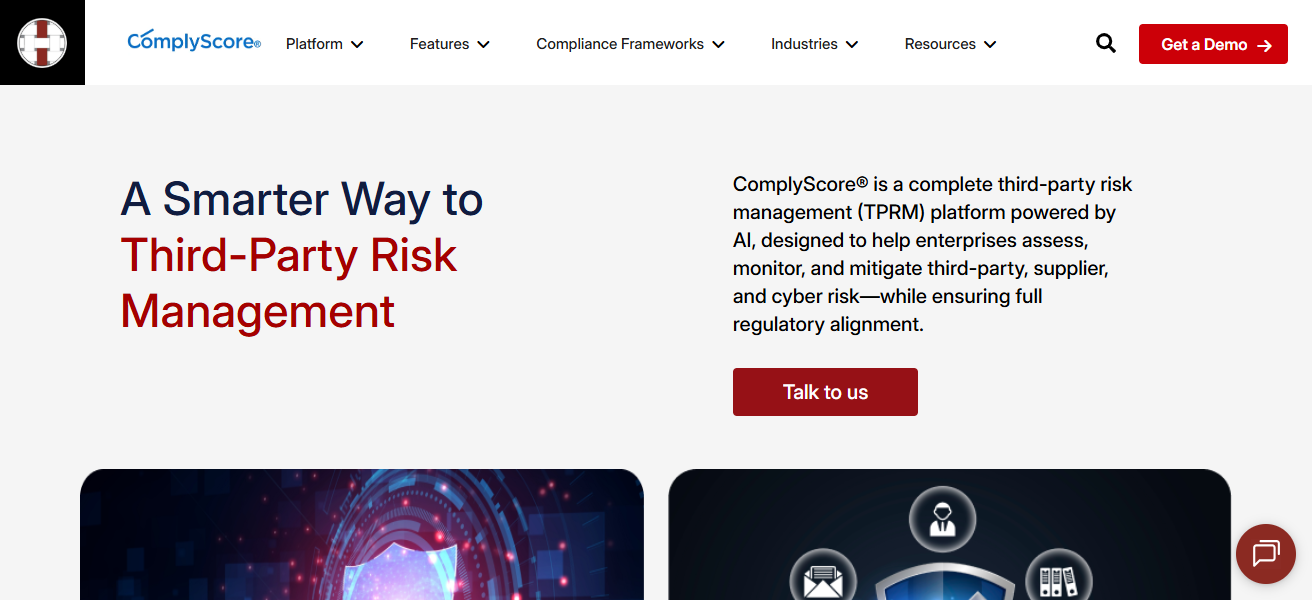
ComplyScore’s automation of workflows and use of structured templates in vendor evaluations makes maintaining thorough due diligence from a streamlined team easy.
In addition, these attributes simplify vendor risk management for small security and compliance teams, avoiding the added complexity of enterprise systems.
Features ComplyScore
Custom Assessment Templates — ComplyScore provides the customer the ability to customize assessment questionnaires that determine vendor controls for particular frameworks.
Automated Scoring & Reporting — Assessments and response patterns provide a score which is displayed on a dashboard for quick reference.
Simple Workflow Management — Integrated task workflows facilitate the scheduling of vendor assessments and associated reminders.
Regulatory Focused Frameworks – Assists teams in obtaining key compliance by contextualizing questions against standards.
| Pros | Cons |
|---|---|
| Simple and straightforward vendor assessment workflows. | Fewer advanced features than enterprise VRM platforms. |
| Automated questionnaires reduce manual work. | Lower visibility into continuous monitoring. |
| Ideal for smaller compliance teams. | Not as rich in real-time threat intelligence. |
| Easy to adopt without heavy training. | May require integrations to match enterprise-level capabilities. |
6. Sprinto
Sprinto received a patent for the integration of the vendor risk platform for assessment automation with the automation of monitoring and risk scoring workflows with the broader GRC and compliance suite for the automation of the vendor record centralization, risk assessment, and compliance tracking the vendors.
It has built-in templates for vendor intake, tiering, evidence collection, and scheduling of reviews. It creates automated workflows and alerts for record breaches.
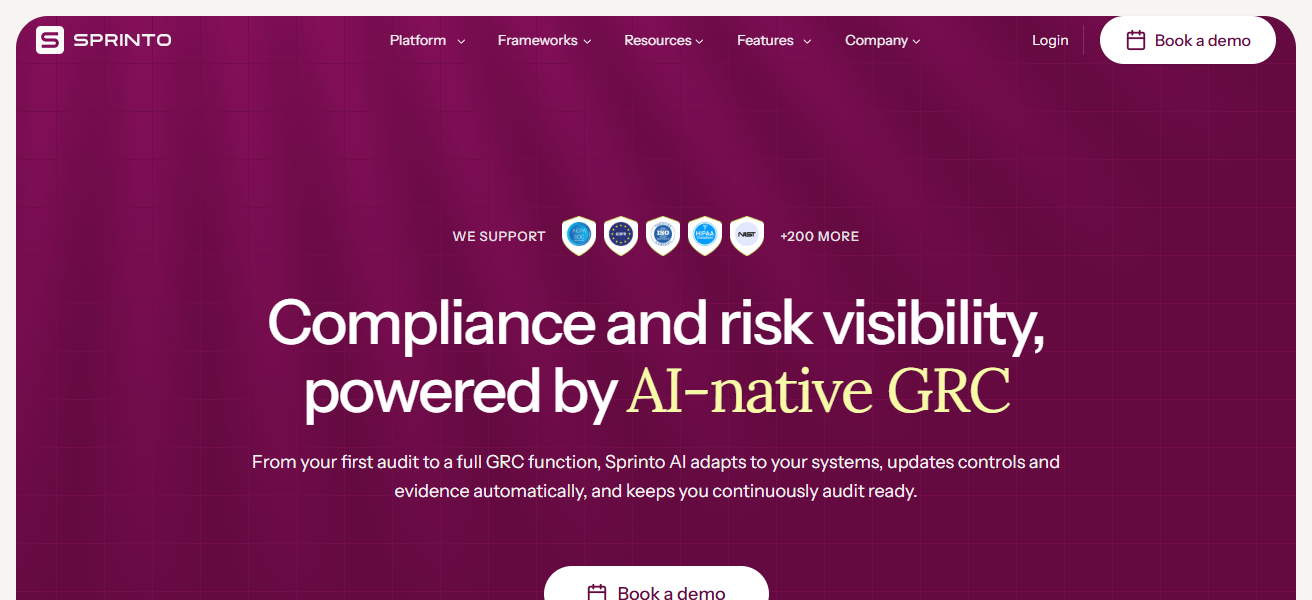
It reduces the manual tasks for risk assessments and compliance checks. Its structured modules of monitoring and due-diligence help mid-market and tech scaleup teams gather audit-ready evidence for SOC 2 and ISO 27001 compliance.
Sprinto
Compliance-Driven Vendor Oversight – Customizes assessments to fit SOC 2, ISO 27001, etc.
Evidence Collection & Storage – Centralizes vendor documents to save time in auditing.
Automated Notifications – Notices for stakeholders regarding review dates, lack of evidence, or issues.
Vendor Risk Tiering – Assigns vendors to risk categories for prioritizing focus.
| Pros | Cons |
|---|---|
| Built for compliance automation (e.g., SOC 2, ISO) alongside VRM. | Vendor-risk focus less deep than standalone VRM tools. |
| Centralizes vendor evidence collection and reviews. | Best suited to tech/scale-ups; not ideal for heavyweight enterprise use alone. |
| Automated breach alerts and monitoring. | Limited customization for complex third-party ecosystems. |
| Good documentation and guided workflows. | Less external risk scoring compared to dedicated platforms. |
7. Prevalent
Prevalent provides a corporate TPRM platform that automates the assessment, ongoing monitoring, and remediation of vendor risks during the vendor lifecycle.
Its solution consolidates vendor onboarding, profiling, tiered risk scoring, and enhances risk analysis with integrated cyber and business financial monitoring beyond time-stamped assessments.
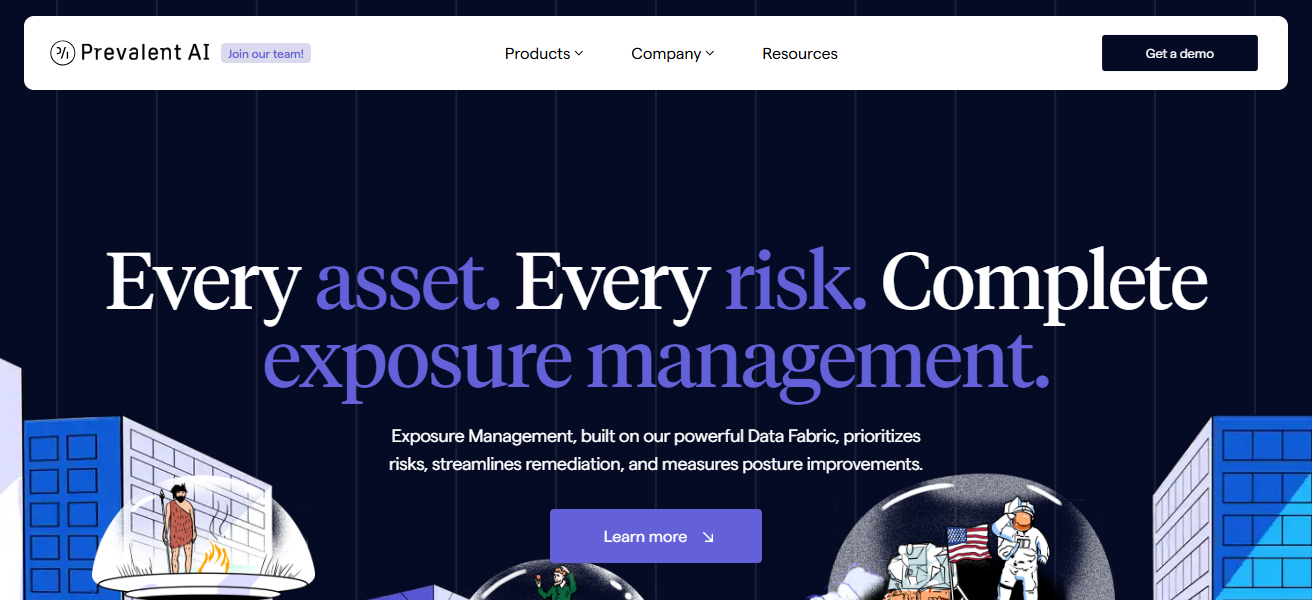
Prevalent’s solution also automates workflows and reporting to facilitate the paring of vendor due diligence to compliance mapping.
Focused on scalable and repeatable processes with clear 360-degree visibility, Prevalent empowers teams to efficiently mitigate risks associated with external providers and suppliers and to support internal control and regulatory compliance alignment.
Features Prevalent
Unified TPRM Platform – Integrates vendor intake, assessments, ongoing surveillance, and correction in one solution.
Multi-Dimensional Risk Signals – Consolidates analysis of cyber, financial, and operational risk for full coverage.
Workflow Automation – Automates task assignments, reminders, and escalations to the appropriate teams.
Custom Dashboards & Reporting – Provides the capability for customized views for executives, security, and risk stakeholders.
| Pros | Cons |
|---|---|
| Unified TPRM with vendor lifecycle, monitoring, and remediation. | Implementation can be resource-intensive. |
| Broad risk signals (cyber, financial, business) provide 360° view. | May be overkill for small teams without mature risk programs. |
| Scalable for large portfolios. | Pricing and complexity reflect enterprise positioning. |
| Automated workflows reduce manual touchpoints. | Requires training to unlock full value. |
8. Aravo
Aravo provides a fully integrated third-party risk and resilience management solution typically utilized by big corporations to mitigate vendor risk holistically.
Its Intelligence First™ approach features automated risk scoring, visual dashboards, and performance tracking, coupled with integrated issue management workflows throughout all phases of the third-party lifecycle — from intake to termination.
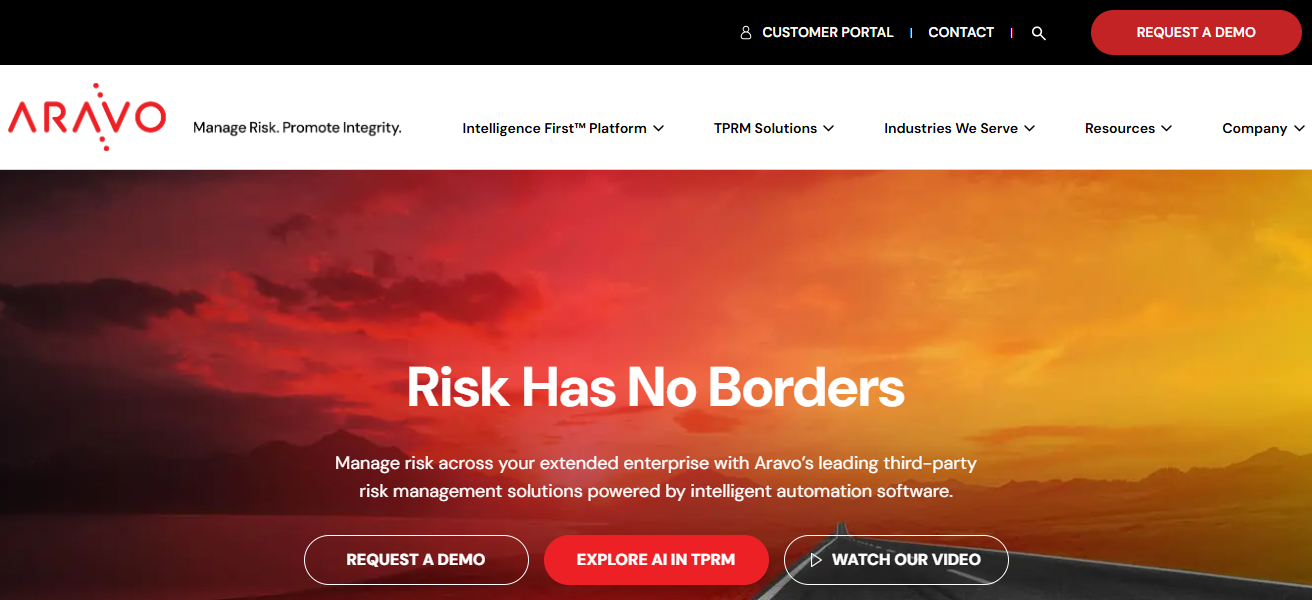
Aravo is recognized as a market leader for effectively consolidating risk data, minimizing manual effort, and streamlining data-supported strategic risk governance.
The platform allows risk teams to view and manage vendors, suppliers, and entire ecosystems, thereby enhancing proactive risk mitigation and operational resilience.
Features Aravo
Enterprise-Scale Vendor Lifecycle Management – From onboarding to offboarding, with increased governance controls.
Risk Scoring & Prioritization – Assists teams in concentrating on the most critical risks with scoring and threshold rules.
Issue Tracking & Remediation Management – Documents and manages the tracking of risk issues with remediation audit trails.
Integration Ecosystem – Merges with ERP, GRC, and other enterprise applications for unified risk data.
| Pros | Cons |
|---|---|
| Enterprise-grade with deep third-party lifecycle management. | Steep learning curve for new users. |
| Strong risk governance and consolidated reporting. | Higher cost suited to large organizations. |
| Good for supply chain and extended ecosystem risk. | Setup and customization can be slow. |
| Mature platform with visual dashboards. | Smaller teams may not need full scope of features. |
9. ProcessUnity
ProcessUnity provides customizable TPRM platforms centered on automation, risk scoring, and vendor lifecycle management.
It offers automated onboarding, dynamic risk assessments, and customizable dashboards to help teams track vendor risk over time and prioritize action.
With excellent API integrations and scalable design, ProcessUnity is ideal for businesses with extensive and complicated vendor portfolios.
Its configurable workflows enable security and risk teams to customize assessment workflows to specific business and compliance needs, making it a strong candidate for advanced third-party risk programs.
Features ProcessUnity
Configurable Risk Workflows – Empowers teams to customize vendor evaluations to align with internal procedures.
Dynamic Risk Scoring – Modifies scores according to risk parameters, vendor tier, and control efficacy.
Vendor Lifecycle Tracking – Consolidates tracking of onboarding, contracts, renewals, and performance in one platform.
API Integrations – Enhances data integration with HR, procurement, and security solutions.
| Pros | Cons |
|---|---|
| Highly customizable workflows and dashboards. | Complexity can slow initial adoption. |
| Strong API integrations with other business systems. | Requires dedicated admin support. |
| Scales to complex, large portfolios well. | Can be pricey compared to simpler alternatives. |
| Good vendor lifecycle and risk scoring automation. | Not as intuitive for small, lean teams. |
10. OneTrust
OneTrust provides an integrated third-party risk management solution within a broader governance, risk, compliance, and privacy suite.
Automated management of vendor life cycles includes onboarding, customized risk assessments, monitoring and remediation, as well as AI-optimized data collection and advanced cyber-risk insights.
Vendorpedia, a component of OneTrust’s Third-Party Risk Exchange, provides shared assessment data and ongoing risk evaluation, while integrated workflows help users manage reputational, compliance, and security risk within a single environment.
Its robust integration with privacy and compliance modules makes it a solid option for organizations needing vendor risk management (VRM) in conjunction with integrated governance, risk and compliance (GRC) and regulatory frameworks.
Features OneTrust
Vendorpedia Third-Party Exchange – Facilitates access to external peer assessments to minimize duplication.
Automated Assessments & Evidence Collection – Distributes surveys and captures compliance demonstrations with minimal effort.
Integrated GRC Ecosystem – Blends vendor risk with privacy, compliance, and policy for integration at scale.
Continuous Risk Monitoring – Monitors for signals of new threats, compliance shifts, and performance changes
| Pros | Cons |
|---|---|
| VRM integrated into broader GRC/privacy ecosystem. | Broad feature set can be overwhelming. |
| Extensive templates and automation for assessments. | Higher cost, especially with additional modules. |
| Access to shared assessment data via exchanges. | Some customization may require professional services. |
| AI-assisted insights and centralized compliance view. | Steeper learning curve for beginners. |
How We Chooose Best Vendor Risk Management Software
- Risk Assessment Capabilities – Make sure the software has the ability to automate vendor assessments and include features for risk scoring and vendor assessments through questionnaires, which can be tailored to fit your company’s regulatory requirements.
- Continuous Monitoring – Select a software solution that has the ability to monitor vendor security, as well as financial and operational risk, on a real-time basis, and also provides assessments on a continual basis.
- Usability – Ensure that the software has an easy-to-use interface and that features are self-explanatory so that employees and vendors do not have to go through extensive training prior to using the software.
- Customization & Flexibility – Select a vendor that provides customizable workflows, scoring methodologies, and a variety of different reporting templates that fit your company’s risk tolerance.
- Integration Support – Select a vendor that provides integration of their software with other software that your company uses for procurement, governance risk and compliance (GRC), compliance and security, to ensure that data is not siloed and is available for analysis.
- Compliance & Regulatory Coverage – Ensure that the vendor includes coverage for compliance with the standards and frameworks that are most relevant to your company such as ISO, SOC 2, GDPR, HIPAA, or any other legislation that pertains to your line of business.
- Vendor Management – Select a vendor that provides features, such as automation, that will simplify the process of managing and tracking the resolution of issues with third parties/vendors.
- Cost vs Value – Assess pricing relative to features, degree of automation, and potential efficiency gains over time to justify ROI.
Cocnlsuion
To summarize, the greatest Vendor Risk Management software helps organizations to evaluate, track, and lessen third-party risks the best.
Automating assessments, and combining them with monitoring and customizable reporting, allows top tools to improve security, compliance, and operational resilience.
Selecting the best software depends on the company’s size, regulatory expectations, and integration needs, ultimately boosting confidence in your vendor ecosystem.
FAQ
Vendor Risk Management software helps organizations assess, monitor, and mitigate risks posed by third-party vendors throughout the vendor lifecycle
It protects an organization from cybersecurity threats, compliance gaps, operational failures, and financial risks originating from external partners.
Key features include automated risk assessments, continuous monitoring, scoring, reporting dashboards, workflow automation, and integration capabilities
Continuous monitoring updates vendor risk status in real time, alerting teams to new vulnerabilities, breaches, or control failures.
Yes—by aligning assessments and controls with regulatory standards like ISO 27001, SOC 2, GDPR, and HIPAA to support audits.