In this article, I will review The Best Websites That Auto-Sync Notes Across Devices, highlighting a variety ranging from basic note-taking applications, to more sophisticated workspaces.
These platforms guarantee that your lists, documents, ideas, and everything else is always accessible, updated, and in sync across devices.
Key Points & Best Websites That Auto-Sync Notes Across Devices List
| App Name | Key Points |
|---|---|
| Simplenote | Minimalist, fast, cloud-sync across devices, markdown support, free, lacks advanced formatting. |
| Evernote | Powerful note organization, tagging, web clipper, document scanning, supports attachments, freemium with limits. |
| Google Keep | Simple sticky-note style, integrates with Google ecosystem, quick voice notes, reminders, lacks deep organization. |
| Microsoft OneNote | Rich formatting, section-based notebooks, free, integrates with Microsoft 365, supports drawing and multimedia. |
| Notion | All-in-one workspace, databases, wikis, kanban boards, customizable templates, collaboration-focused. |
| Obsidian | Markdown-based, local-first, backlinking and graph view for knowledge management, plugin ecosystem. |
| UpNote | Clean interface, distraction-free writing, nested notebooks, markdown support, offline mode. |
| Dropbox Paper | Collaborative document editing, integrates with Dropbox, supports rich media, good for team projects. |
| Joplin | Open-source, markdown-based, end-to-end encryption, offline storage, supports notebooks and tags. |
9 Best Websites That Auto-Sync Notes Across Devices
1.Simplenote
As the name suggests, Simplenote is lightweight and prioritizes speed which helps in quick note taking. Simplenote offers instant cloud sync across all devices ensuring your notes are always up to date.
It also offers writing plain text and Markdown which is great if you are in need of writing quick lists, ideas and even snippets of codes.
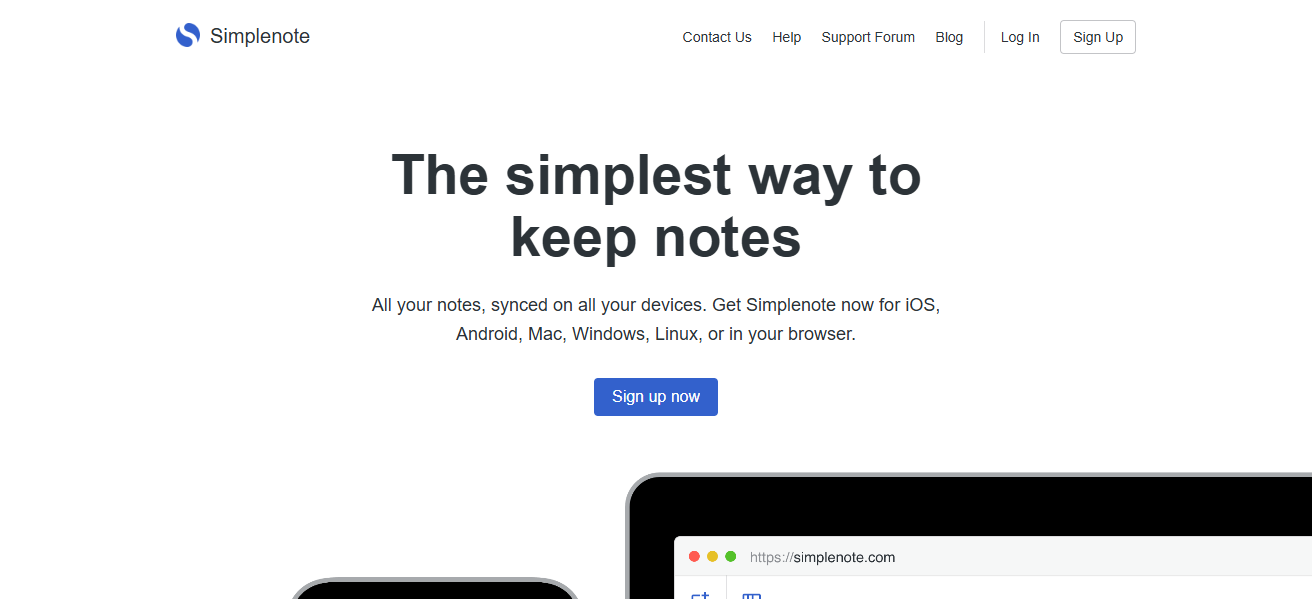
Simplenote has an efficient way to manage notes with its tagging system and recovers past edits with its version history. It is entirely free providing users with minimal distraction and storage without limit, perfect for users who value cross-device sync.
| Feature | Description |
|---|---|
| Platform Support | Windows, macOS, Linux, iOS, Android, Web |
| Sync | Instant cloud sync across devices |
| Formatting | Markdown support |
| Organization | Tags for note categorization |
| Collaboration | Share notes with others |
| Version History | Restore older note versions |
| Price | Free |
| Best For | Users who want speed, simplicity, and distraction-free writing |
2.Evernote
Evernote is an advanced note-taking application, which enables users to capture text, images, audio, and even scan documents, syncing content across multiple devices in real-time, making it Evernote.
Its tagging system, notebooks, as well as advanced search features, allow users to easily retrieve previously saved notes. Evernote also enables users to save articles and web pages directly through its web clipper.
Integrating with Google Drive, Slack, and Outlook, Evernote supports offline access to paid subscribers, enhancing flexibility and accessibility. Users looking for robust systems always in sync with stored information will find Evernote useful.
| Feature | Description |
|---|---|
| Platform Support | Windows, macOS, iOS, Android, Web |
| Sync | Real-time cloud sync across devices |
| Organization | Notebooks, tags, and advanced search |
| Media Support | Images, PDFs, audio, scanned documents |
| Web Clipper | Save web pages directly into notes |
| Integration | Google Drive, Slack, Outlook, and more |
| Offline Access | Available in paid plans |
| Price | Freemium (paid tiers for more storage/features) |
| Best For | Users who need robust note management and organization |
3.Google Keep
Google Keep is a colorful note-taking application that allows you to take notes in a variety of ways. It works great for checklists, reminders, and voice memos. Google Keep allows you to add labels to help organize your notes, and share them for collaboration.
Its integration with Google services, especially Google Docs and Google Calendar, simplifies managing your tasks. Google Keep stores your notes in the Google cloud, and has mobile apps as well as a web portal for access which makes access easy.

While it lacks advanced features like folders or notebooks, it is great for reminders and thoughts the user wishes to access from anywhere.
| Feature | Description |
|---|---|
| Platform Support | iOS, Android, Web |
| Sync | Automatic sync via Google account |
| Note Types | Text, checklist, voice, images |
| Organization | Color labels and tags |
| Reminders | Time and location-based reminders |
| Collaboration | Share notes with others |
| Integration | Google Docs, Google Calendar |
| Price | Free |
| Best For | Quick, simple note-taking with instant access across devices |
4.Microsoft OneNote
Syncing across all devices via OneDrive, Microsoft OneNote serves as a digital notebook with Microsoft’s signature depth in versatility. The notebook can be structured with subsections and pages, allowing comprehensive and detailed note capturing.
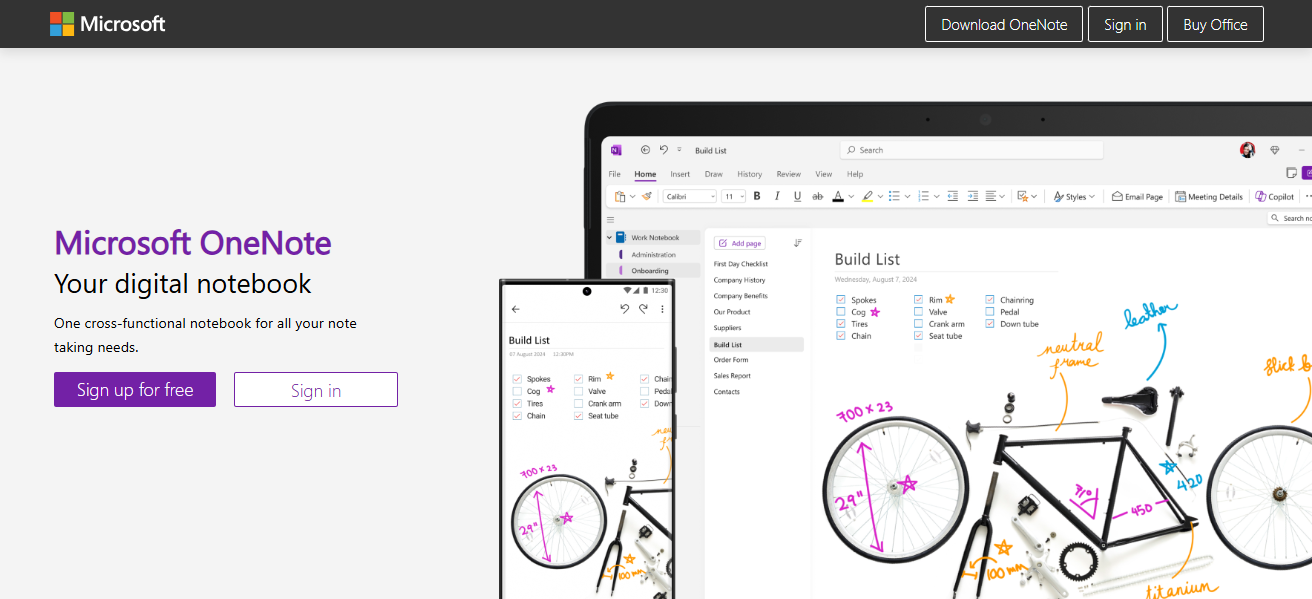
Images, drawings, audios, PDFs, and even Excel files can be added. Collaboration has real-time support for multiple users, and for tablet users, stylus handwriting support is available.
OneNote is well integrated with Microsoft 365 apps so students, professionals, and teams can make use of its features. Content is stored in the cloud, so all notes are backed up, ensuring accessibility from anywhere.
| Feature | Description |
|---|---|
| Platform Support | Windows, macOS, iOS, Android, Web |
| Sync | OneDrive-powered real-time sync |
| Organization | Notebooks, sections, and pages |
| Media Support | Images, audio, PDFs, spreadsheets |
| Drawing Support | Stylus and handwriting recognition |
| Collaboration | Real-time multi-user editing |
| Integration | Microsoft 365 suite |
| Price | Free |
| Best For | Students, professionals, and detailed note organization |
5.Notion
Notion is a comprehensive all-in-one productivity tool which offers note-taking, databases, tasks, and collaboration all in one place. It provides automatic syncing of content across devices such as web, desktop, and mobile.
Notion lets you create highly customizable pages containing text, tables, various media, and other embeds. This is perfect for building personal wikis, project trackers, or collaborative workspaces.

Notion ensures all members of a shared workspace with real-time sync access see updates instantaneously. Content can be organized in as many ways as one would wish with Notion’s flexible structure.
Users looking for powerful customization, team collaboration, and cloud-based access from any location would best be suited for Notion.
| Feature | Description |
|---|---|
| Platform Support | Windows, macOS, iOS, Android, Web |
| Sync | Real-time sync across devices |
| Customization | Pages, databases, wikis, boards |
| Media Support | Embed videos, images, files, code |
| Collaboration | Team workspaces and permissions |
| Templates | Customizable templates for workflows |
| Offline Mode | Available (syncs when online) |
| Price | Free with paid plans for advanced features |
| Best For | Teams and individuals needing flexible, all-in-one workspaces |
6.Obsidian
Obsidian offers cloud sync via Obsidian Sync or third-party services like Dropbox and is a local-first knowledge management app. Notes are stored in plain Markdown files, enabling full control over data.
The app contains backlinks, a graph view and powerful linking capabilities for building interconnected ideas. Deep customization is available through plugins and themes.

Syncing is optional, and for those who prefer offline work, offline mode is also available. Obsidian is a great choice for those who value privacy and offline storage and prefer a flexible linking system with the option to seamlessly sync notes when working on multiple devices.
| Feature | Description |
|---|---|
| Platform Support | Windows, macOS, Linux, iOS, Android |
| Sync | Local-first; optional cloud sync via Obsidian Sync |
| Storage | Markdown files stored locally |
| Linking | Backlinks and graph view for note connections |
| Customization | Plugins and themes |
| Privacy | Full control over data |
| Offline Mode | Fully functional without internet |
| Price | Free (paid for sync and publish) |
| Best For | Knowledge management and privacy-conscious users |
7.UpNote
UpNote is an elegantly crafted note taking application that places an emphasis on minimalistic distraction-free environments. Your notes are instantly synced across devices so they are current anywhere, all the time.
Aside from organizing content into nested notebooks, you are also able to apply tags, and use rich text editor with Markdown capabilities. While UpNote does also work offline, allowing you to work without internet, its focus mode which removes all menus also helps create a clean space for writing.

For added security, UpNote allows you to set passwords for specific notes. During the offline periods, UpNote allows you to create and edit notes so they are instantly available once the internet is restored.
It’s a distraction-free application with an editor that prioritizes sync speed and user privacy. The subscription model is also quite affordable, so all in all, it is a great alternative for those that need flexible, private, accessible, and fast note syncing.
| Feature | Description |
|---|---|
| Platform Support | Windows, macOS, iOS, Android |
| Sync | Instant sync across devices |
| Organization | Nested notebooks, tags |
| Formatting | Rich text + Markdown |
| Focus Mode | Distraction-free writing |
| Offline Mode | Full offline support |
| Security | Password-protected notes |
| Price | One-time purchase or subscription |
| Best For | Elegant, clean note-taking with strong organization |
8.Dropbox Paper
Dropbox Paper is a collaborative document editor that synchronizes with all devices associated with your Dropbox account. Users can add text, images, checklists, tables, media, and even code blocks into a document.
It is great for team activities, brainstorming, and taking meeting notes due to real-time editing. As with all Dropbox products, files are stored in the cloud, and can be accessed from any location, making them secure.
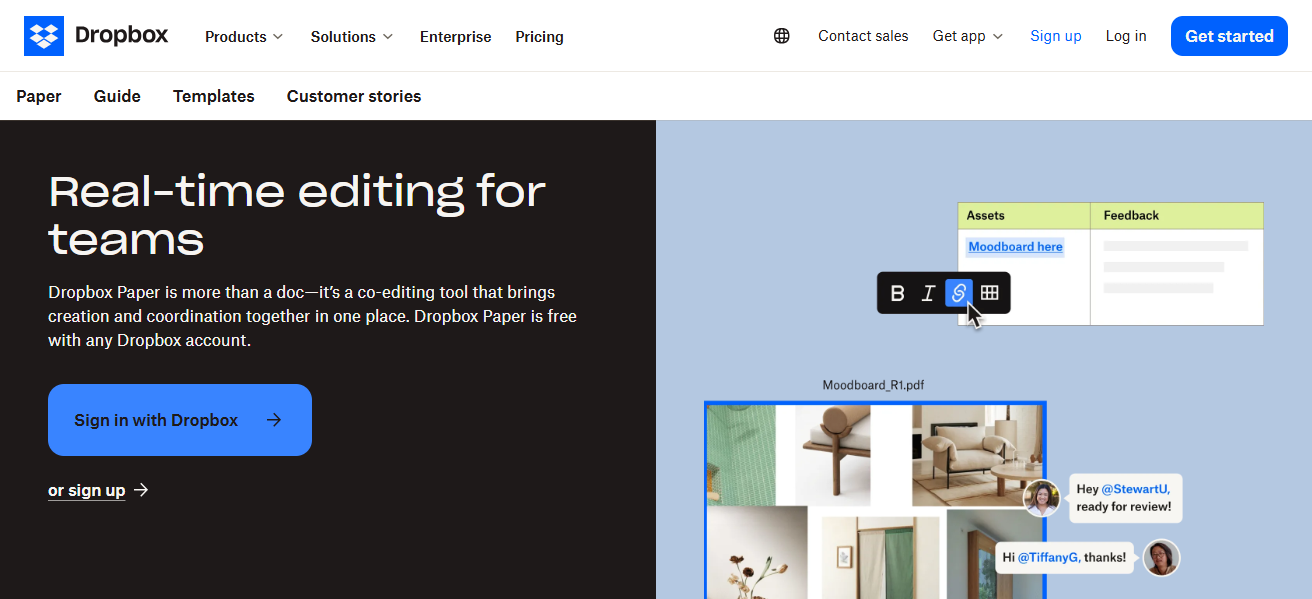
Dropbox Paper integrates with Slack, Trello, Google Drive, and other tools to ensure a smooth workflow. It has project management capabilities as well since it is possible to assign tasks within the document. Although it is designed for collaboration, Dropbox Paper does not lack in personal organization as syncing is fast and reliable for team collaboration.
| Feature | Description |
|---|---|
| Platform Support | iOS, Android, Web |
| Sync | Auto-sync with Dropbox |
| Collaboration | Real-time editing for teams |
| Media Support | Embed images, videos, audio, code |
| Task Management | Assign tasks within documents |
| Integration | Slack, Trello, Google Drive |
| Version History | Available via Dropbox |
| Price | Free with Dropbox account |
| Best For | Team collaboration and brainstorming sessions |
9.Joplin
Joplin is an open-source note-taking application that prioritizes user privacy. Users can choose offline access, but sync is available through Dropbox, OneDrive, or Joplin’s own cloud service.
The application is feature rich, supporting Markdown, file attachments, tags, and notebooks for structured organization. E2EE guarantees secure data access during sync.
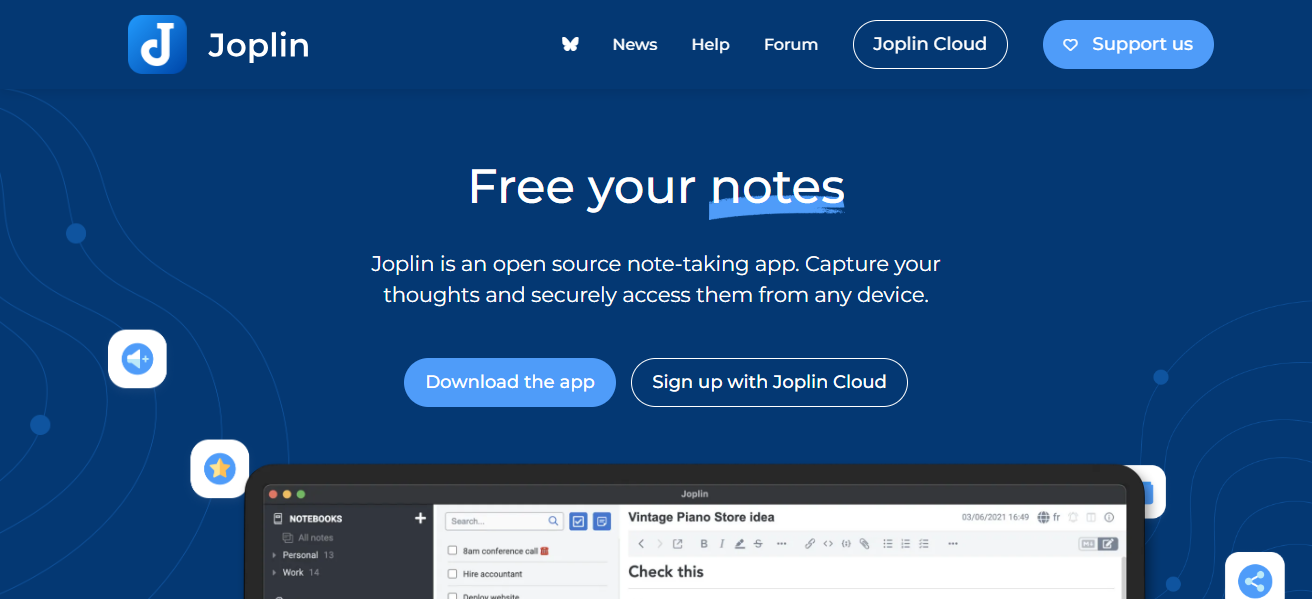
Desktop, mobile, and terminal versions provide multi-device and multi-platform accessibility. Users can clip web pages directly into their notes. Due to being open-source, Joplin can be customized with plugins. Ideal for users wanting privacy and control without big tech providers.
| Feature | Description |
|---|---|
| Platform Support | Windows, macOS, Linux, iOS, Android |
| Sync | Dropbox, OneDrive, WebDAV, Joplin Cloud |
| Formatting | Markdown with rich media |
| Security | End-to-end encryption |
| Organization | Notebooks, tags |
| Web Clipper | Save web pages directly |
| Offline Mode | Fully functional offline |
| Price | Free (donations supported) |
| Best For | Privacy-focused, open-source note-taking with sync options |
Conclsuion
In conclsuion to this essay , from simpler to more complex in terms of features and privacy, best websites for auto sync notes start with Simplenote, after that comes Notion, followed by Joplin.
No matter what the user prioritizes, auto sync feature offers agility, group work, customized work spaces, tight privacy, effortless automcity productivity tools, and constant real time updates,
These platforms provide ease of access to productivity suites at any moment, from any corner of the globe at any time.
FAQ
Which note-taking app is best for beginners?
Simplenote or Google Keep for simplicity and ease of use.
Which app is best for team collaboration?
Notion, Microsoft OneNote, or Dropbox Paper.
Which note app works offline?
Obsidian, Joplin, and UpNote offer full offline support.