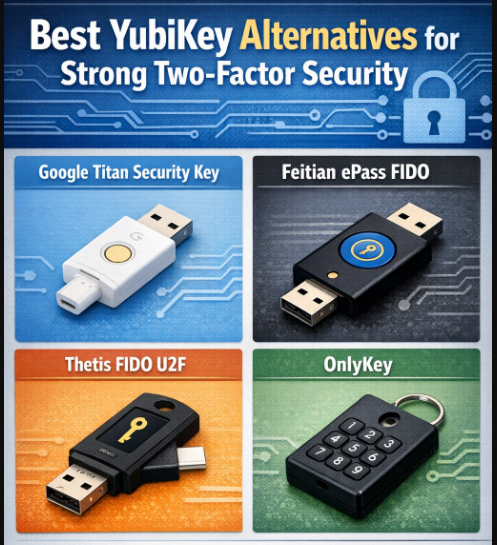
This article examines the Best YubiKey Alternatives for Strong Two-Factor Security. These options help defend against online hacking and phishing attempts.
- What to Look for in a YubiKey Alternative?
- Key Point
- 1. Google Titan Security Key
- Google Titan Security Key Features
- Google Titan Security Key
- 2. Feitian MultiPass FIDO2
- Feitian MultiPass FIDO2 Features
- Feitian MultiPass FIDO2
- 3. Thetis FIDO U2F Security Key
- Thetis FIDO U2F Security Key Features
- Thetis FIDO U2F Security Key
- 4. SoloKeys Solo Tap
- SoloKeys Solo Tap Features
- SoloKeys Solo Tap
- 5. HyperFIDO Mini Security Key
- HyperFIDO Mini Security Key Features
- HyperFIDO Mini Security Key
- 6. OnlyKey
- OnlyKey Features
- OnlyKey
- 7. YubiKey Bio
- YubiKey Bio Features
- YubiKey Bio
- 8. Nitrokey FIDO2
- Nitrokey FIDO2 Features
- Nitrokey FIDO2
- 9. Kensington VeriMark
- Kensington VeriMark Features
- Kensington VeriMark
- 10. AuthenTrend ATKey
- AuthenTrend ATKey Features
- AuthenTrend ATKey
- Use Cases & Recommendations
- Conclusion
- FAQ
Although YubiKey is a popular choice, numerous other strong alternatives provide comparable, or even superior, features, such as fingerprint scanning, accessibility via multiple devices, and open-source authentication.
No matter if it’s for individual use, business security, or safe remote access, hardware security keys provide a great means for boosting your digital security.
What to Look for in a YubiKey Alternative?
Security Protocols
Look for phishing-resistance and strong FIDO2, U2F, and WebAuthn support for safe online account logins and passwordless workflows for hardware-based cryptographic authentication.
Connection Type
For an easier, adaptable authentication method, look for USB-A, USB-C, NFC, or Bluetooth in the keys to ensure they are compatible with your laptop, smartphone, and tablet.
System Support
Look for cross-system support to protect all your assets with a single hardware token. For this, the key must be compatible with Windows, Mac, Linux, Android, and iOS.
Other Features
Look for biometric verification, OTP storage, support for multiple accounts, and passwordless logins to make securing accounts easier and to provide stronger protection for your accounts.
Protection & Size
Look for solid waterproofing, and small and portable build to provide travel-friendly options that will ensure long-lasting protection and travel without the risk of damage or loss.
Key Point
| YubiKey Alternative | Key Point / Feature |
|---|---|
| Google Titan Security Key | Provides FIDO-certified hardware 2FA, easy integration with Google and other services, supports USB-A, USB-C, and Bluetooth. |
| Feitian MultiPass FIDO2 | Offers both USB and NFC compatibility, supports passwordless login, works across multiple platforms. |
| Thetis FIDO U2F Security Key | Compact USB device, supports U2F/FIDO2 protocols, easy plug-and-play setup for multiple accounts. |
| SoloKeys Solo Tap | Open-source FIDO2 key with USB-C support, allows passwordless login, provides strong hardware-based authentication. |
| HyperFIDO Mini Security Key | Affordable, compact, U2F-only key, reliable and durable for everyday secure logins. |
| OnlyKey | Supports multiple accounts and OTP codes, encrypted storage, can act as a hardware password manager. |
| YubiKey Bio | FIDO2 + fingerprint biometric support, eliminates the need for passwords while ensuring strong authentication. |
| Nitrokey FIDO2 | Open-source, USB-C and USB-A support, stores cryptographic credentials securely, supports multiple accounts. |
| Kensington VeriMark | USB-A fingerprint key, FIDO2-compliant, suitable for both personal and enterprise authentication. |
| AuthenTrend ATKey | Supports FIDO2, NFC, and Bluetooth, multi-device compatibility, secure and portable for mobile use. |
1. Google Titan Security Key
Google Titan Security Key is a hardware device based on the FIDO standards. They developed a way to provide authentication to defend user accounts from credential theft given and phishing sites.
Titan Security Key uses a hardware chip Along with Google’s engineering the chip’s firmware checks the integrity of the device and is tamper proof. Titan Security Keys also have Google FIDO Compatible devices.
Google Titan Security Key Features
- First party hardware 2FA which uses FIDO standards for phishing protected logins.
- Comes in USB-A with NFC, USB-C with NFC.
- Uses strong cryptographic authentication rather than SMS or email codes.
- Works easily with Google/Microsoft.
- Has a built in secure element that is tamper resistant that protects the key.
Google Titan Security Key
| Pros | Cons |
|---|---|
| Phishing‑resistant hardware 2FA via FIDO standards | Slightly higher price compared to basic keys |
| Available in USB‑A/NFC and USB‑C/NFC versions | Limited Bluetooth support on some models |
| Works well with major services (Google, Microsoft, etc.) | Requires physical key for every login |
| Strong tamper‑resistant secure element | Lost key requires backup or recovery setup |
| Easy setup and robust ecosystem integration | Not as open‑source as some alternatives |
2. Feitian MultiPass FIDO2
Feitian MultiPass FIDO2 supports several means of communication (USB, Bluetooth, NFC) and FIDO authentication standards, thus it offers great flexibility in two-factor authentication over both stationary and mobile devices.
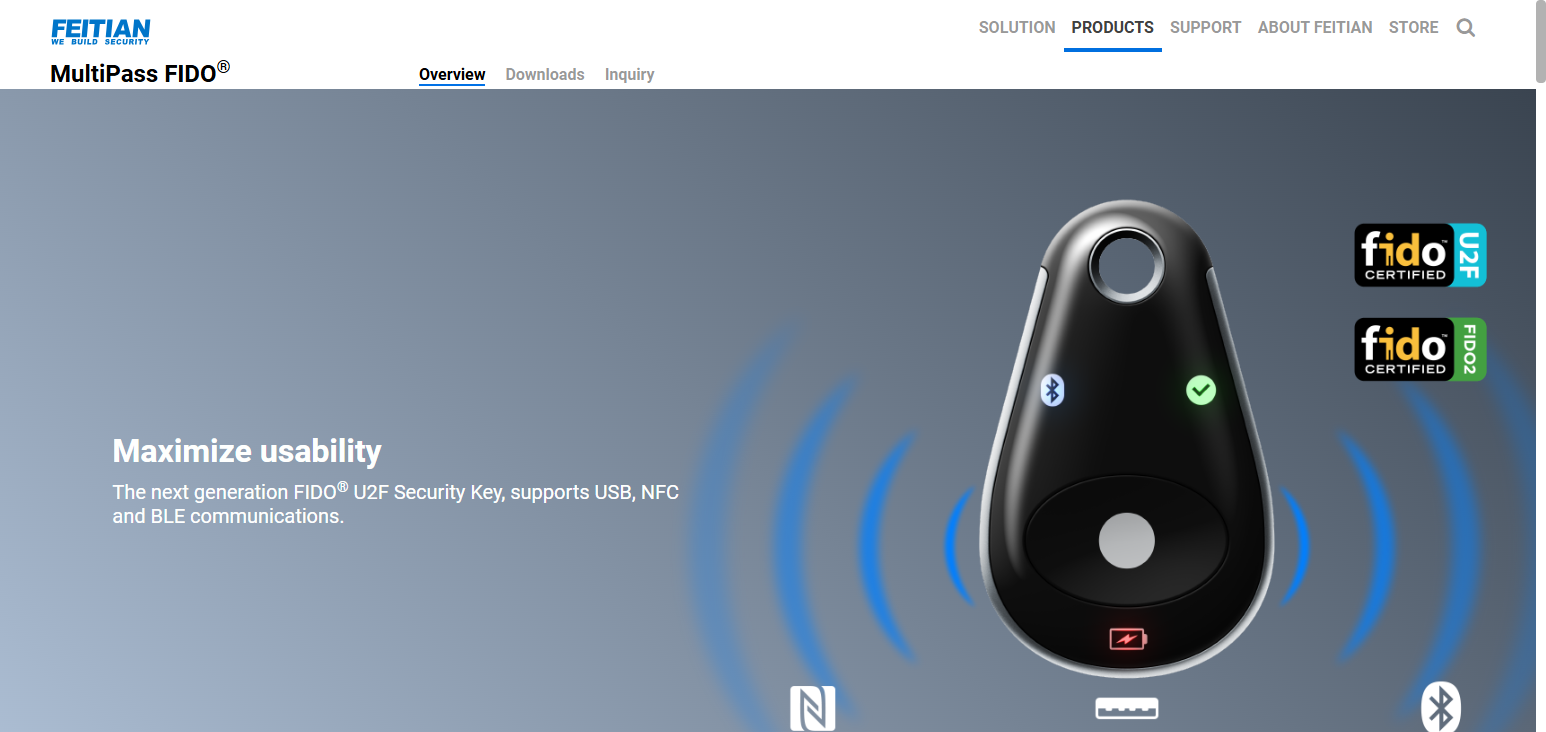
The Bluetooth and NFC connections add additional flexibility for use with laptops, tablets, and phones without needing an adapter. Also, the MultiPass keys are compliant to both FIDO2 and U2F; thus, they provide also phishing and man-in-the-middle attack resitant hardware support.
Feitian’s solution integrates with a wide variety of FIDO-enabled services. Users can secure their Google and Microsoft accounts, social media, and cloud services with a single key that can be used contactlessly or by USB.
Feitian MultiPass FIDO2 Features
- Supports FIDO2 and U2F authentication standard.
- Supports USB, Bluetooth, and NFC.
- Works on both desktop and mobile seamlessly.
- Supports passwordless logins for services that require it.
- Compact for easy use on a daily basis.
Feitian MultiPass FIDO2
| Pros | Cons |
|---|---|
| Supports FIDO2 + U2F for versatility | Bluetooth/NFC versions cost more |
| USB, NFC & Bluetooth connectivity | Bluetooth pairing adds slight complexity |
| Works across smartphones & computers | Build quality varies by model |
| Enables both 2FA and passwordless login | Larger form factor than some keys |
| Good cross‑platform compatibility | Some advanced features need configuration |
3. Thetis FIDO U2F Security Key
The Thetis FIDO U2F Security Key is a dependable and budget-friendly option for strong two-factor authentication. It is compliant with the FIDO U2F and FIDO2/WebAuthn standards. It safeguards accounts from phishing and other unauthorized access by using public-key techniques that other use cryptographic shared secrets.
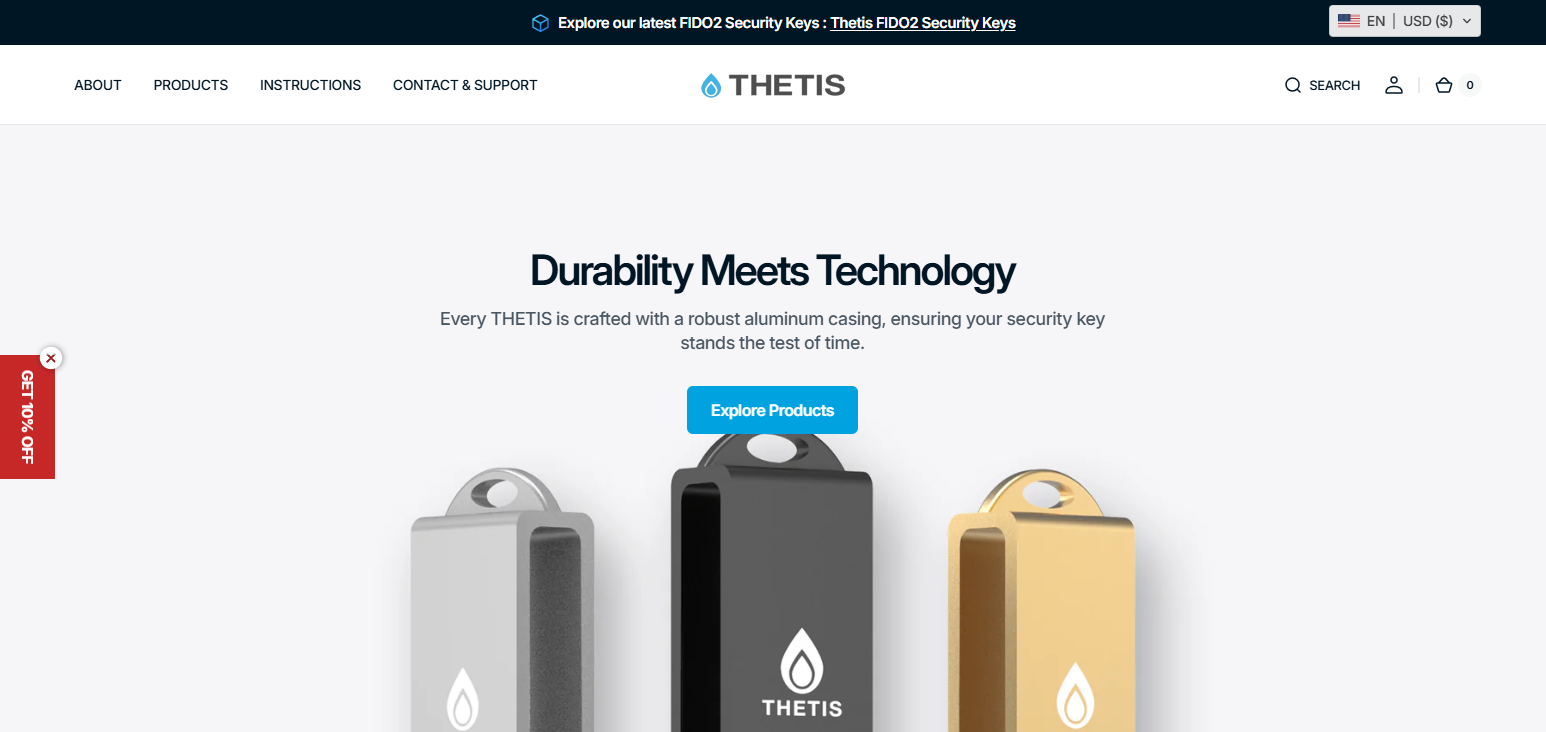
The key provides USB-A (also USB-C and NFC in some models) and is compatible with all major operating systems, including Windows, macOS, Linux, and Android.
Users press the button, or insert the key during the login process, to complete authentication. Thetis is compliant with open standards and provides a simple solution to users wanting basic hardware 2FA, but are on a budget.
Thetis FIDO U2F Security Key Features
- Supports U2F and FIDO2 standards for secure 2FA.
- USB-A plug and play and some USB-C versions.
- No batteries or external software is required.
- Uses phishing resistant authentication via public key cryptography.
- Compatible with many online services and accounts.
Thetis FIDO U2F Security Key
| Pros | Cons |
|---|---|
| Affordable, budget‑friendly key | Lacks Bluetooth / NFC in most models |
| Strong phishing‑resistant U2F/FIDO2 authentication | USB‑A only (unless specific variants) |
| Simple plug‑and‑play operation | Not ideal for mobile devices without adapters |
| No software/driver needed | Fewer advanced features |
| Works with many major services | Not as rugged as premium keys |
4. SoloKeys Solo Tap
SoloKeys Solo Tap is an open-source FIDO2 security key that offers strong two-factor authentication and passkey support. It is designed with WebAuthn and FIDO2 frameworks and offers phishing and account takeover protection by securing the cryptographic keys on the device.
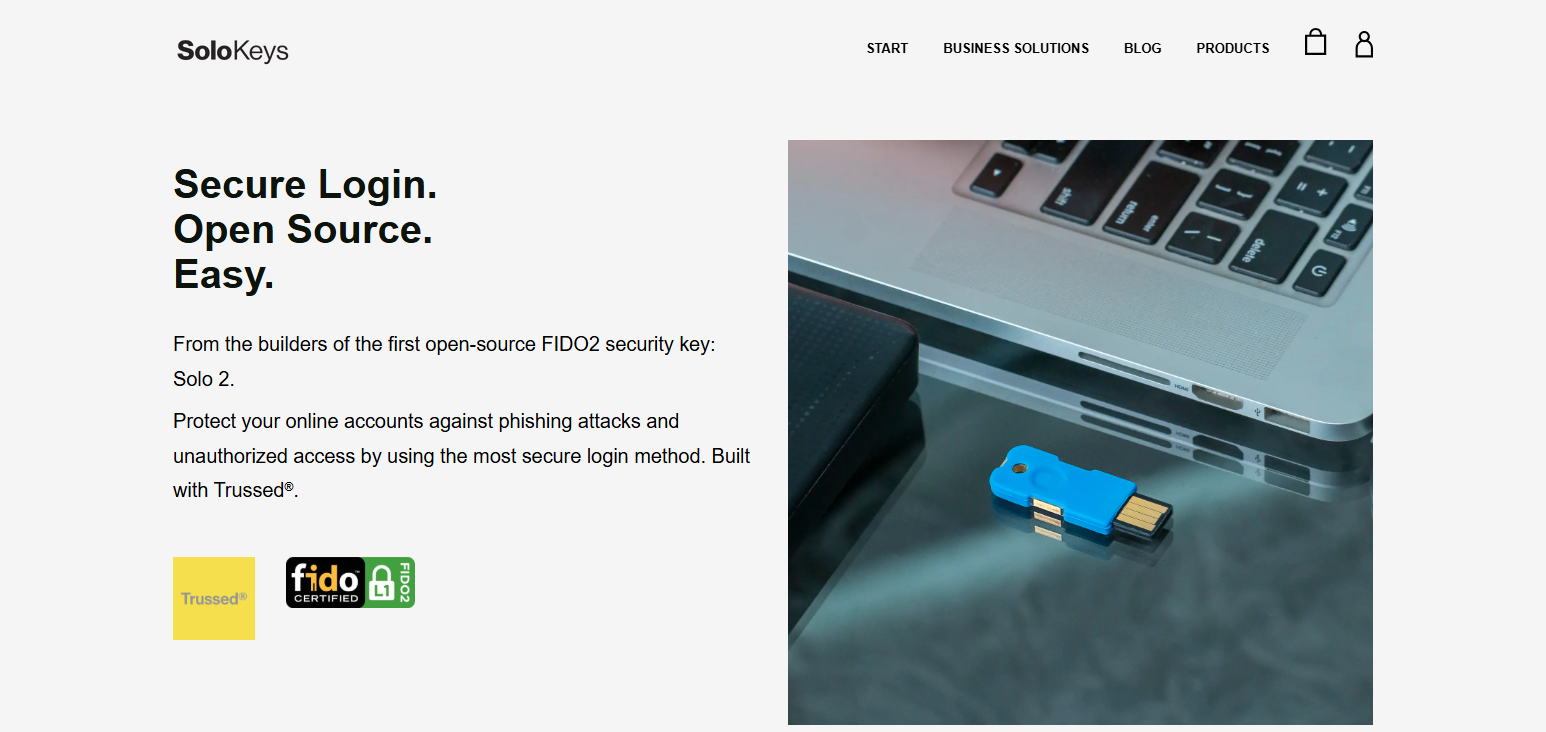
As the firmware is open source, researchers and activists can independently validate the design, which adds trust. Solo Tap is compatible with most cloud services (Google, Microsoft, Dropbox, etc.) and comes in USB‑A, and USB‑C versions, with some models offering NFC. Its transparent design is easily the most attractive feature for the privacy-centric.
SoloKeys Solo Tap Features
- FIDO2/WebAuthn optimized open source key.
- Comes in USB-A and USB-C, some with NFC.
- Allows for independent security review through its open firmware.
- Offers passwordless and two-factor authentication.
- Works on both computers and phones.
SoloKeys Solo Tap
| Pros | Cons |
|---|---|
| Open‑source firmware you can verify | Slightly less polished UX than commercial brands |
| FIDO2/WebAuthn standard support | May require manual key management |
| USB‑A/USB‑C and sometimes NFC | Availability varies by model |
| Good for privacy‑focused users | Community support vs. enterprise support |
| Enables passwordless logins | Not as widely recognized brand |
5. HyperFIDO Mini Security Key
The HyperFIDO Mini Security Key is one of the most affordable and compact options. It is classified as a “hardware key” for casual everyday users of FIDO U2F/FIDO2 authentication.
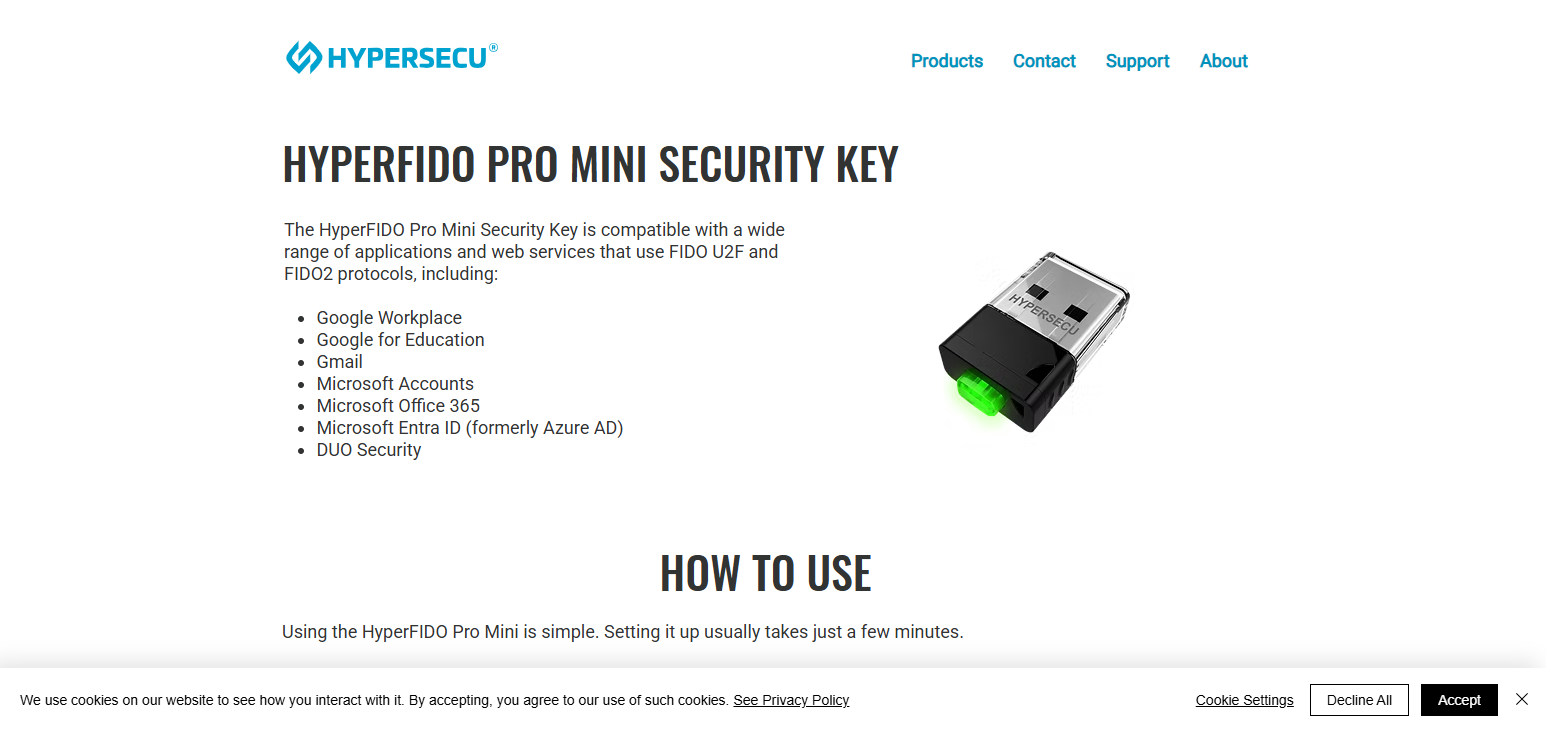
Its USB‑A design means that it can remain in a laptop or sit on a keyring without taking too much space. Regardless of its small size, it is compatible with all of the most current security requirements for phishing resistant 2-factor authentication.
This allows users to log in securely to any platform that accepts a FIDO key. HyperFIDO doesn’t include any miscellaneous features like NFC or Bluetooth so it’s a great low cost option that services users needs without any unnecessary features.
HyperFIDO Mini Security Key Features
- Budget option for a basic FIDO2/U2F 2FA hardware key.
- Best fit for attaching to key rings
- Secure key press authentication
- There are no software drivers needed for basic usage
- Major services supporting FIDO keys can be used
HyperFIDO Mini Security Key
| Pros | Cons |
|---|---|
| Very affordable 2FA option | Limited to basic FIDO2/U2F |
| Small, compact, key‑ring friendly | No NFC or Bluetooth support |
| Easy plug‑and‑go authentication | Fewer advanced security features |
| Compatible with many services | Some websites require additional setup |
| No batteries or drivers required | Not ideal for mobile phone use |
6. OnlyKey
OnlyKey also features hardware FIDO2/U2F authentication, like the other YubiKey alternatives, but goes further with additional security measures like a built in PIN, and a self-destruct feature.
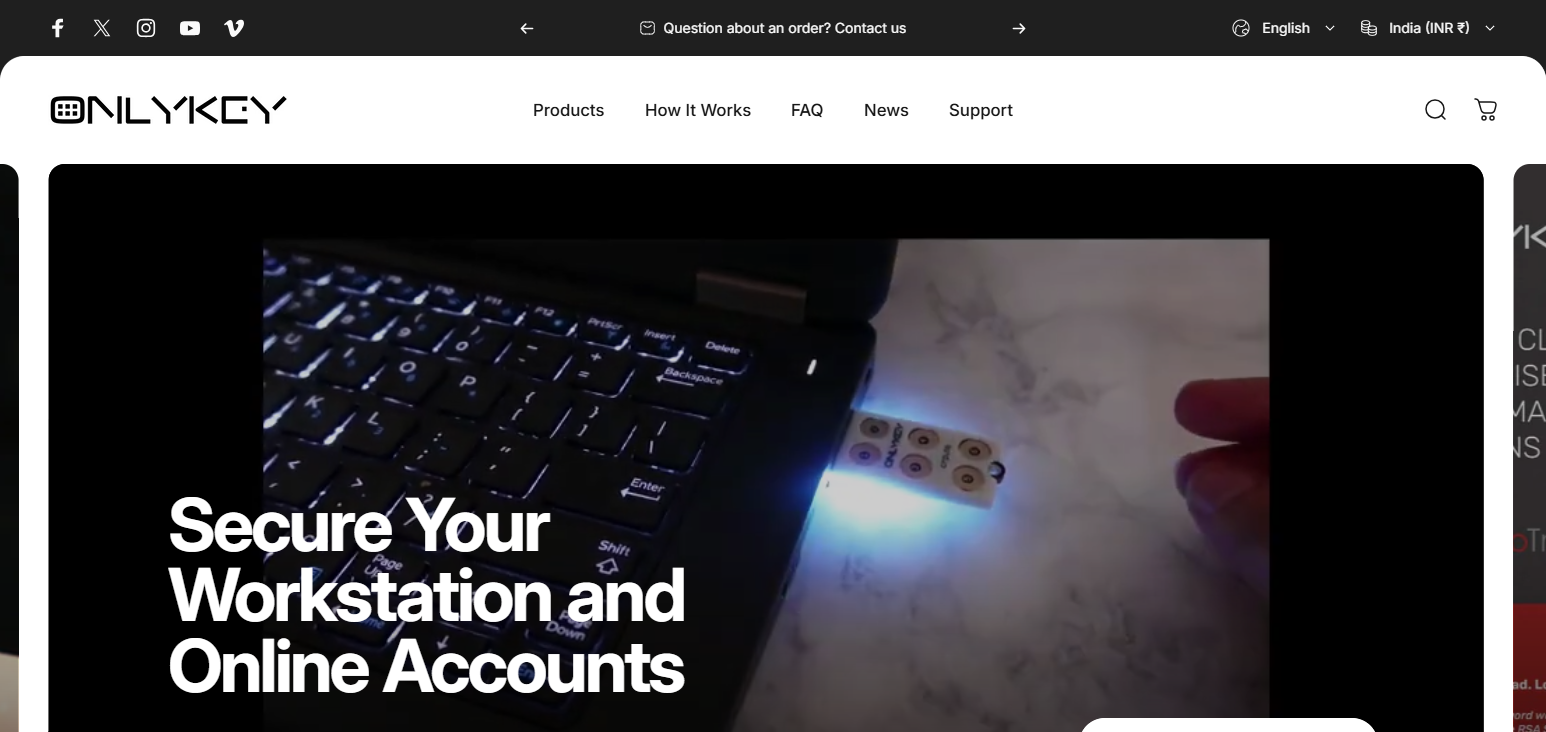
You can keep one-time passwords (OTP), static credentials, and cryptographic keys. This means it can act as both a 2FA device and a basic password manager. Unlocking the key involves entering a certain PIN, thereby adding security above simple touch-to-authenticate.
If an incorrect PIN is entered too many times, OnlyKey will wipe itself to thwart any attempts of a brute-force attack. OnlyKey works with Windows, macOS, Linux, and Android. This means that it suits customers that need both hardware 2FA and encrypted credential storage.
OnlyKey Features
- support for 2FA with FIDO2/U2F and one-time passwords
- Security restrictions add a layer to your PIN
- They can be used to support OTP and some static credentials
- Self-wipe on repeated PIN attempts (optional)
- This can be done on Android and Windows operating systems
OnlyKey
| Pros | Cons |
|---|---|
| Combines FIDO2/U2F + OTP storage | Larger form factor than many keys |
| PIN protection adds security | More complex setup for beginners |
| Can store multiple credentials securely | Not pure hardware‑only authentication |
| Self‑wipe on repeated bad PIN attempts | Backup/recovery requires planning |
| Works with standard 2FA services | Some advanced modes need configuration |
7. YubiKey Bio
Even though Yubico is the parent company of the YubiKey Bio, it is worth noting this device as it incorporates both classic FIDO2 authentication and biometric (fingerprint) authentication. It will only generate a cryptographic response after it performs a local fingerprint verification on the device — thus offering “something you have” and “something you are” authentication.
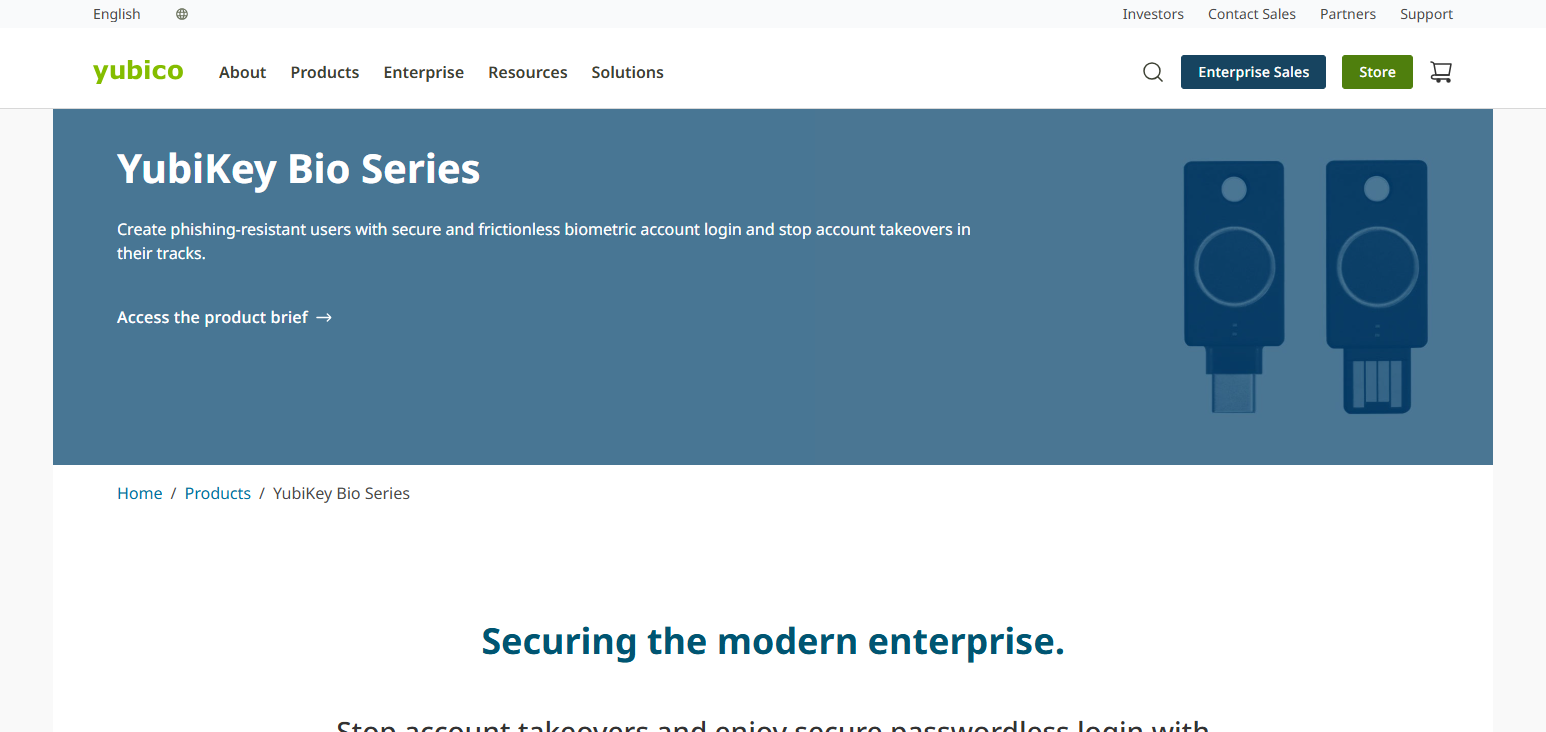
This added factor strengthens the security of logging in. It also allows for passwordless flows in which the biometric confirmation takes the place of the passwords.
Furthermore, the device supports FIDO2/WebAuthn, so it can be used with any service that requires hardware authentication keys. This ensures that the user can have both convenience and security.
YubiKey Bio Features
- FIDO2 authentication with a fingerprint sensor
- your own authentication factor can be used for
- Logging in without a password can be done
- Device compatibility can be done via USB-C and USB-A
- There are secure and encrypted authenticated protocols
YubiKey Bio
| Pros | Cons |
|---|---|
| Integrated fingerprint biometric | Higher cost than basic keys |
| FIDO2/WebAuthn support | Biometric may fail if sensor dirty |
| Passwordless & phishing‑resistant login | Biometric limited to stored fingerprints |
| USB‑A or USB‑C options | Not Bluetooth/NFC on all models |
| Strong cryptographic security | Requires physical fingerprint touch |
8. Nitrokey FIDO2
Nitrokey FIDO2 is an open-source security key that complies with the FIDO2/WebAuthn standards for two-factor and passwordless authentication.
It allows users to log in to services with strong hardware authentication and public-key cryptography, possibly even substituting a physical touch and/or PIN for passwords. Nitrokey keys are cross-platform and compatible with Windows, macOS, Linux, and Android, requiring no proprietary client software.
Nitrokey also protects users from 2FA, with a blend of strong protection and privacy, put 2FA protection and privacy for people, developers, and organizations who are protection conscious.
Nitrokey FIDO2 Features
- FIDO2/WebAuthn authenticator that is open-source
- The device is used to securely save feigned
- Password-less login can be aided with 2fa
- For modern devices USB-A and USB-C is available
- The most used platforms and browsers are
Nitrokey FIDO2
| Pros | Cons |
|---|---|
| Open‑source hardware and firmware | May feel less polished for non‑technical users |
| FIDO2/WebAuthn strong authentication | Limited NFC/Bluetooth support |
| Works across major OS and browsers | Fewer commercial enterprise integrations |
| Secure private key storage on device | USB only on most models |
| Transparent security design | Smaller community vs. mainstream brands |
9. Kensington VeriMark
The Kensington VeriMark fingerprint security key offers biometric authentication plus FIDO2/WebAuthn and U2F support to protect online accounts and passwordless access flows. With its built-in fingerprint reader, users can unlock accounts and devices by simply touching the scanner, adding a “something you are” element to the authentication mix.
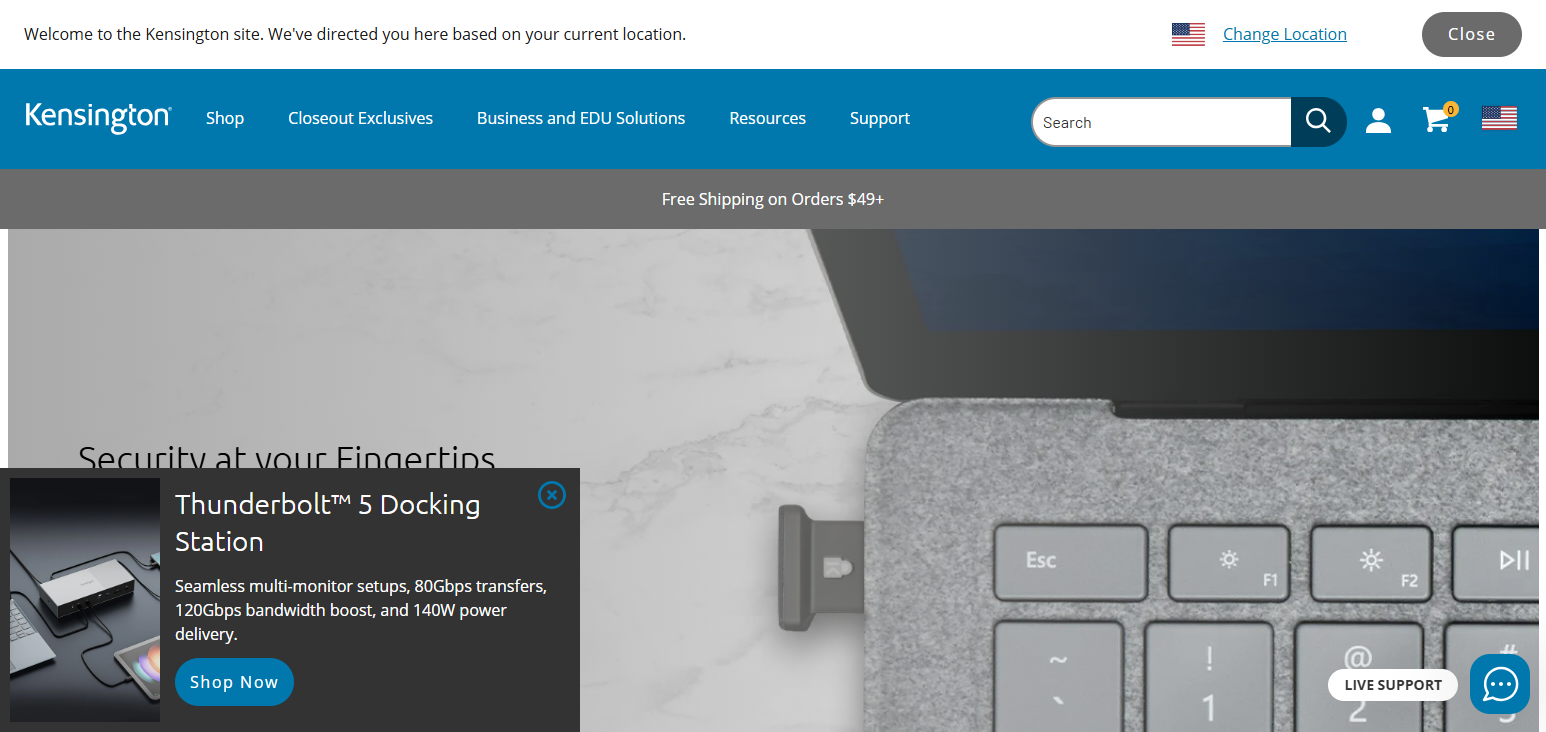
VeriMark works with all major browsers and platforms, including Windows Hello for local logins. It also supports multiple fingerprints for several users. This combination of biometric and cryptographic 2FA offers strong security for users who want an easy-to-use solution.
Kensington VeriMark Features
- There is a fingerprint sensor to support biometric authentication
- U2F is supported in addition to WebAuthn and FIDO2 standards
- 2FA that is secure and fast is available with you just touching it
- Windows Hello and other multi-platform services are available
- Small USB device and simple setup
Kensington VeriMark
| Pros | Cons |
|---|---|
| Built‑in fingerprint biometric sensor | Some users find fingerprint sensor finicky |
| Supports FIDO2/WebAuthn & U2F | More expensive than basic keys |
| Works with Windows Hello | Not NFC/Bluetooth capable |
| Fast biometric login with one touch | Requires fingerprint enrollment |
| Good for personal and enterprise use | Less universal support than USB‑only keys |
10. AuthenTrend ATKey
AuthenTrend ATKey hardware passkeys are FIDO2-certified authenticators that incorporate biometric fingerprint scanning and phishing-resistant authentication procedures.
ATKey.Pro and ATKey.Card models use NFC technology to store biometric information on the device by providing device-agnostic biometric two-factor authentication and password-less user authentication. No biometric information is transmitted to the Internet.
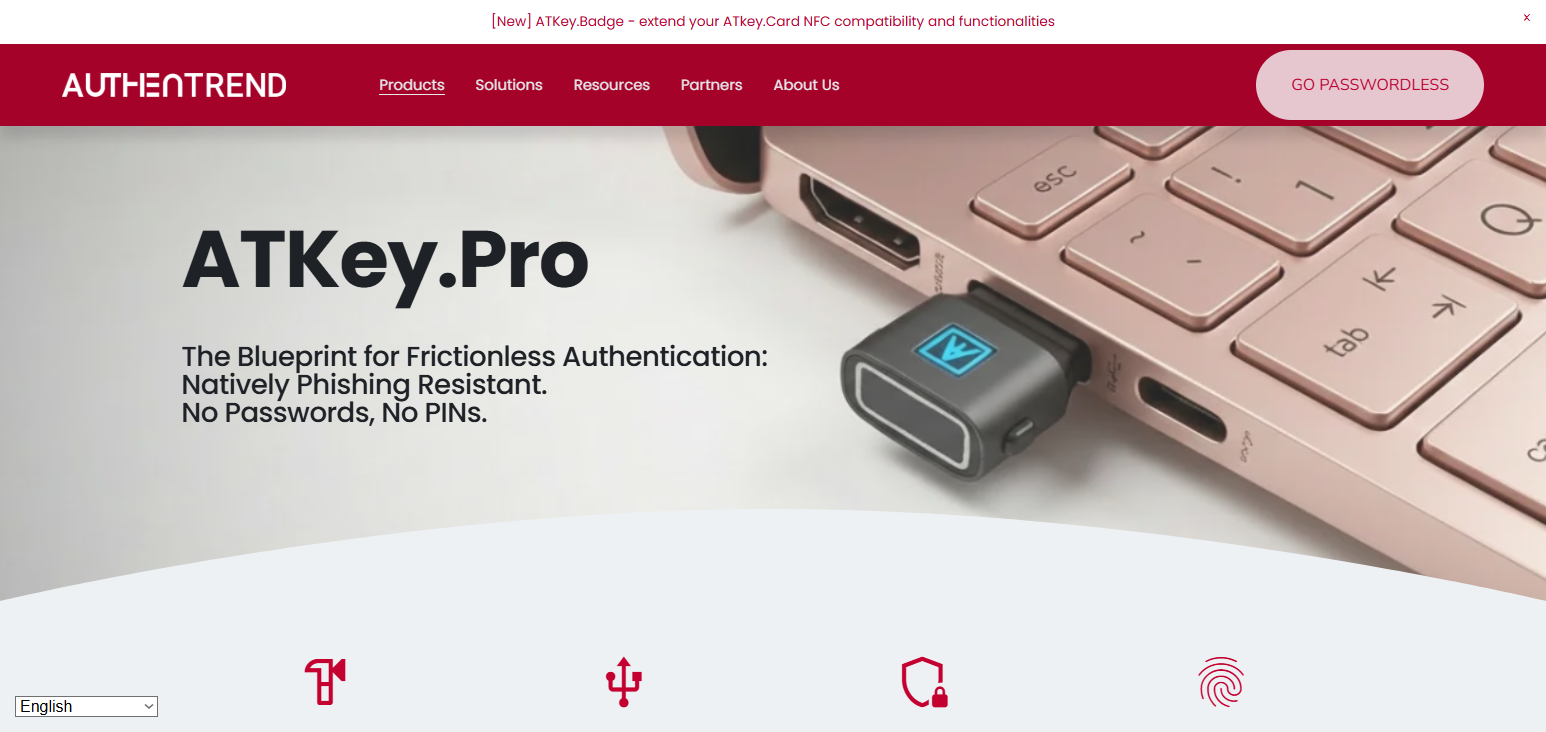
They comply with the most stringent security requirements (FIDO2, NIST, FIPS) for corporate authentication and versatile USB and NFC usage for desktops, laptops, and smartphones. Biometric ATKey models are most suitable for high security and high user convenience environments.
AuthenTrend ATKey Features
- Biometric fingerprint unlock and FIDO2 certified
- USB and NFC support for wide device compatibility
- Allows passwordless and phishing resistant authentication
- Biometric data is securely stored on the device
- Compact design for safe access to desktops and mobile phones
AuthenTrend ATKey
| Pros | Cons |
|---|---|
| Biometric + FIDO2 combined | Generally pricier than basic authenticators |
| USB + NFC options for versatility | Some features vary by model |
| On‑device biometric storage (secure) | Bluetooth support limited |
| Passwordless and phishing‑resistant login | May require setup for mobile NFC |
| Works with many compatible services | Slight learning curve for new users |
Use Cases & Recommendations
Enterprise Security: Multiple phishing strategies can be protected by employing hardware keys. Strong authentication enforcement for all staff is facilitated by the corporate device management feature.
Individual Users: Hardware keys eliminates the potential of unauthorized access to your account and is a great way to protect your email and banking information and social media.
Access on a Budget: Thetis and HyperFIDO Mini are basic, but good quality keys for 2FA. They are good for students or casual users wanting great 2FA without breaking the bank.
Travel & Mobile Users: The Feitian MultiPass is great for a secure login on a computer, phone or tablet since it is a Bluetooth and USB-C enabled key.
For Users who Prefer Privacy & Open Source: Open source keys provide auditability by design to mitigate security and privacy risks, and are good for users who prioritize strong security and transparency.
Worry Free Biometrics: YubiKey Bio and Kensington VeriMark provide security and ease of use with built-in fingers print scanners so no one has to worry about passwords.
Backup & Multi Account Management: Additional keys can secure other accounts or act as backup keys. Devices like OnlyKey can hold multiple credentials as well as OTPs and can still allow access even if the main key is lost.
Conclusion
To sum up, the best YubiKey alternative for you might differ based on various factors, including security requirements, flexibility with devices, and price. Compared to SMS or application based two-factor authentication, hardware keys provide more protection through phishing-resistant FIDO2 and U2F.
Google Titan and Feitian MultiPass are more flexible and alternative solutions to YubiKey, and SoloKeys and Nitrokey offer privacy-centric solutions through open-source.
Budget options are Thetis and HyperFIDO, YubiKey Bio and Kensington VeriMark keys with fingerprints offer more options, and hardware keys provide substantial security for your accounts, especially if you have backup keys and a plan for account recovery.
FAQ
A YubiKey alternative is a hardware security key from another brand that provides strong two-factor authentication using FIDO2, U2F, or WebAuthn protocols to protect online accounts from unauthorized access.
Yes, most reputable alternatives offer strong, phishing-resistant security using hardware-based cryptography. Devices that support FIDO2 and U2F standards are considered highly secure for protecting sensitive accounts.
No, not all keys support mobile devices. To use with smartphones or tablets, choose keys with NFC or Bluetooth support, or USB-C compatibility for modern mobile devices.
If you lose your key, you may lose access to your accounts unless you have backup authentication methods. It’s recommended to register a secondary key or enable recovery options.
Biometric keys add an extra layer of security and convenience by verifying your fingerprint. However, standard keys are already very secure and sufficient for most users.