
This article will explore best alternatives to Zoho low code for businesses to consider for custom application development.
These platforms offer adaptable app development, workflow automation, and integration to help teams work more efficiently.
Whether you require top-tier security and scalability, or genuine no-code capability, these alternatives give you stronger options than Zoho’s low-code solutions.
Key Points & Best Zoho Low-Code Alternatives
| Alternative | Key Point |
|---|---|
| Quickbase | Workflow automation for enterprise-grade process management |
| Ninox | Drag-and-drop database builder with intuitive customization |
| Caspio | Cloud database integration enabling scalable web apps |
| Salesforce Platform | CRM-native app development with advanced enterprise tools |
| OutSystems | AI-assisted development for high-performance enterprise apps |
| GeneXus | Automatic code generation across multiple platforms |
| Unqork | Compliance-ready workflows for regulated industries |
| Mendix | Mobile-first deployment with strong scalability |
| Appian | Process modeling with enterprise-grade BPM integration |
| Bubble | Visual web app builder for startups and prototypes |
10 Best Zoho Low-Code Alternatives
1. Quickbase
From all the available low-code alternatives to Zoho, Quickbase deserves to be mentioned first due to its remarkable focus on customizable business apps and workflow automation.
Most platforms fail to put the emphasis where it deserves, and in Quickbase, even non-tech savvy professionals can create sophisticated apps via Drag-and-drop construction.
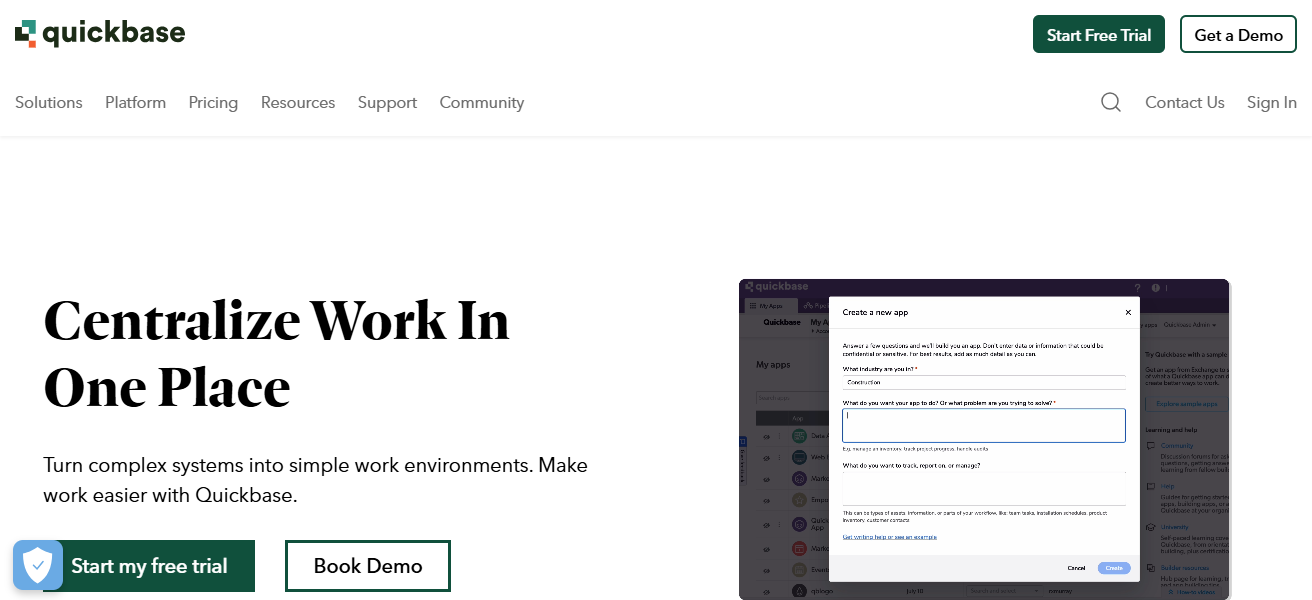
The Quickbase apps are built on enterprise security and scalability. Quickbase finally combines real-time collaboration and robust integration, which makes it flexible to use as a no-code tool.
It’s precisely this power, ease, and flexibility that makes Quickbase the best low-code alternative to Zoho for businesses that need quicker app deployment.
Quickbase Features
- Adjustable Apps: Create personalized business applications using a drag and drop interface with no coding required.
- Business Process Acceleration: Create automations for repetitive tasks and approvals.
- Real-Time Collaboration: Receive updates and collaborate with your team.
- Seamless Integration: Build connections with platforms, applications, databases, and cloud services.
| Pros | Cons |
|---|---|
| Highly customizable apps with drag-and-drop simplicity | Can become expensive for larger teams |
| Strong workflow automation for business processes | Limited advanced coding flexibility |
| Real-time collaboration features | Learning curve for complex app setups |
| Scalable for enterprise needs | Fewer pre-built templates compared to competitors |
2. Ninox
Ninox is the next best low-code alternative to Zoho because of its easy to use and highly visual database that provides users the ability to craft their own custom apps.
Also, its adaptable scripting provides the ability to automate workflows for both advanced users and beginners. Along with its cross platform support, users are able to work fluently on the web, desktop, and mobile.
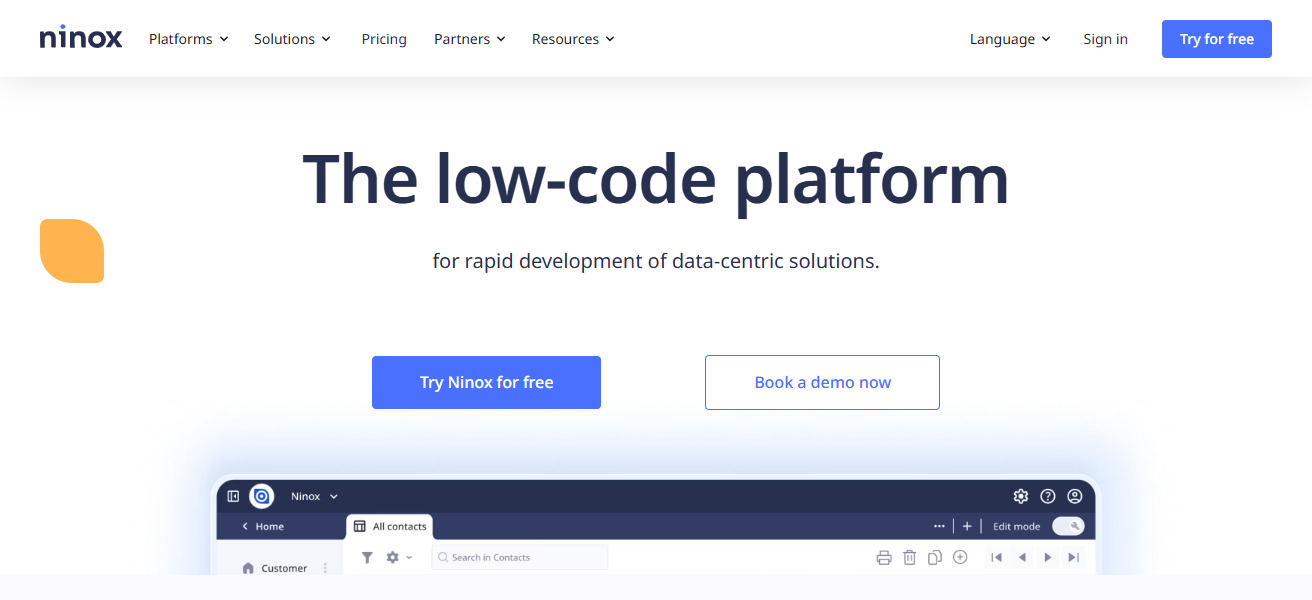
Overall, because of its easy collaboration and personalized solutions, Ninox is more effective than other low-code platforms such as Zoho providing businesses with the ability to create custom applications tailored to their needs.
Ninox Features
- Custom Apps and Visual Database Tools: Build apps and databases.
- Scripting for Everyone: Use scripts to automate your processes.
- Collaborative: Work simultaneously with multiple users on projects.
- Accessibility on All Devices: Use Ninox on the web, desktop, and mobile.
| Pros | Cons |
|---|---|
| Intuitive visual database builder | Limited third-party integrations |
| Flexible scripting for automation | Performance can slow with large datasets |
| Cross-platform support (web, desktop, mobile) | Fewer enterprise-level security features |
| Easy collaboration for teams | Interface may feel basic compared to premium alternatives |
3. Caspio
Caspio is considered one of the best low-code alternatives to Zoho due to its specialization in the creation of scalable and secure cloud-based database applications and its ability to deploy enterprise-grade applications with built-in compliance features.
This makes it easier for organizations that operate within regulatory environments to use database applications.
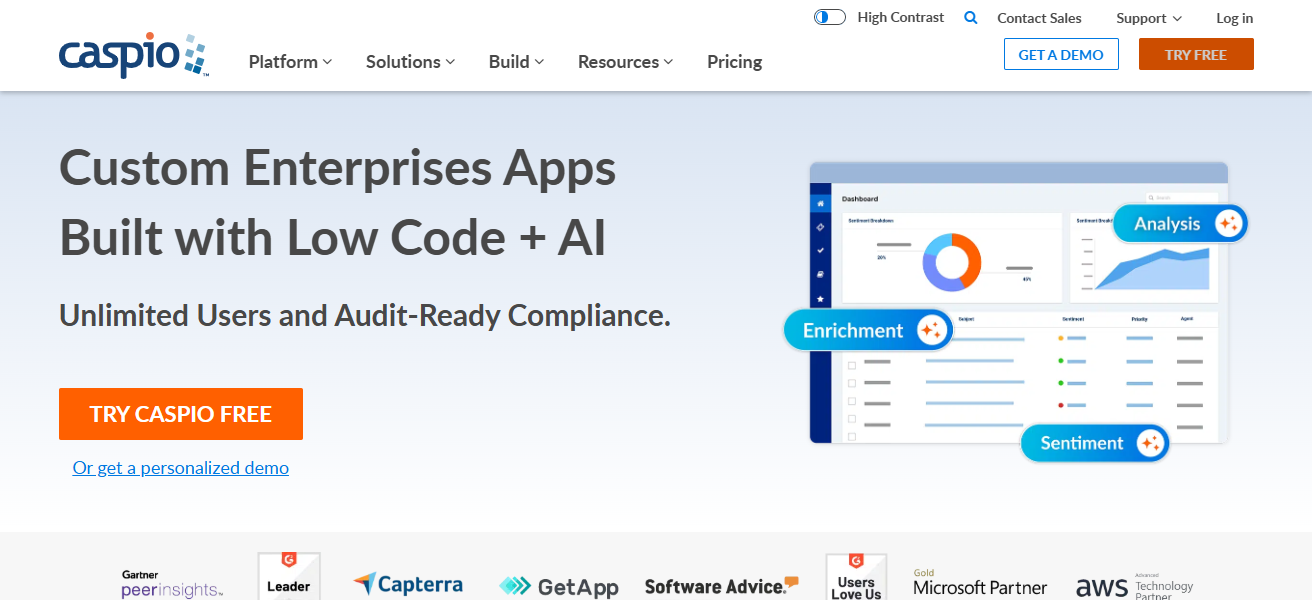
Additionally, with Caspio, the combination of the company’s reporting, integration features, and the drag-and-drop interface empowers teams to build sophisticated applications in record time.
For organizations that value security, scalability, and control, it makes Caspio an optimal choice over Zoho’s low-code solutions.
Caspio Features
- App Development with no Code: Create applications that run on the cloud without writing a single line of code.
- Security for Enterprises: Comply with security features specific for regulated industries.
- Analytics and Reporting: Monitor your data and performance.
- Integrationable: Easily connect to other databases and services.
| Pros | Cons |
|---|---|
| Cloud-based apps with no coding required | Can be complex for beginners |
| Enterprise-grade security and compliance | Limited design customization |
| Drag-and-drop interface with reporting features | Mobile app support is not as strong |
| Strong integration options | Pricing can increase with heavy usage |
4. Salesforce Platform
Salesforce Platform is one of the best low-code alternatives to Zoho because of its ability to seamlessly integrate custom application building with CRM customer management enhancements.
It uses component-based rapid application development through the Lightning low-code framework. Built-in AI analytics and automation helps optimize complex workflows.
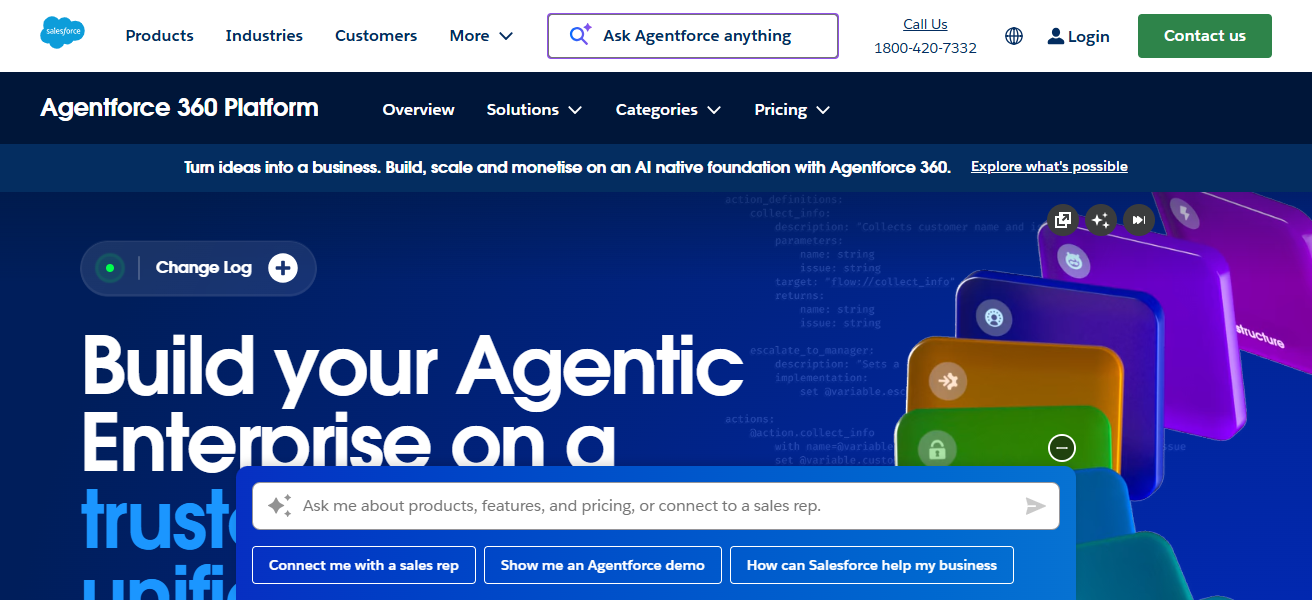
It has top tier enterprise security, scalability and flexibility. It also has tons of third-part integrations making it ideal for businesses that want complex, adaptable apps to be built more quickly than other low-code options like Zoho.
Salesforce Platform Features
- CRM Integration: Link custom apps with Salesforce CRM for optimized customer management.
- Lightning Framework: Design and build apps using reusable modular components.
- AI-Powered Analytics: Connect and integrate backend systems and automate insights, decisions, and improved workflows.
- Scalable & Secure: Enterprise security and reliability with global scalability.
| Pros | Cons |
|---|---|
| Deep CRM integration | Higher cost than many low-code tools |
| Lightning framework for rapid development | Can be overwhelming for small teams |
| AI-driven analytics and automation | Requires some technical knowledge for advanced features |
| Enterprise-grade security and scalability | Steeper learning curve than Zoho |
5. OutSystems
OutSystems is an excellent alternative to Zoho low code because of its ability to rapidly develop enterprise level applications.
OutSystems’ fusion of visual development and full-stack capabilities allows even those with a limited coding background to construct complex and scalable applications.
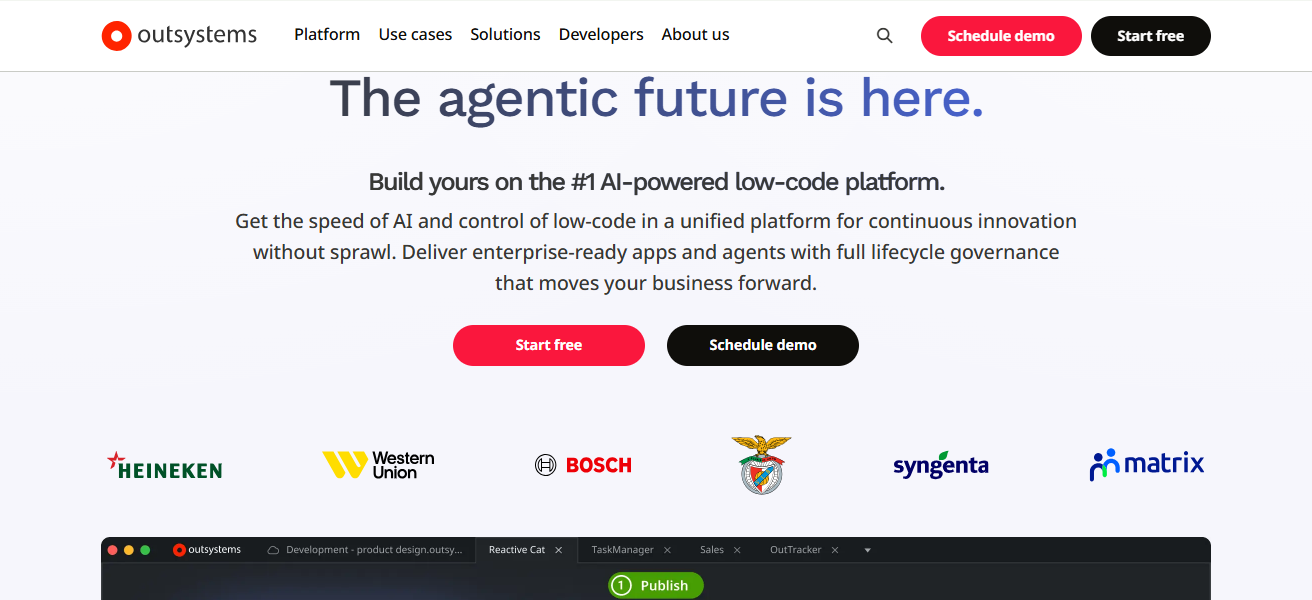
On top of that, OutSystems’ automated development, seamless integrations, real-time performance tracking, and other maintenance tools hit the mark for streamlined application deployment.
Because of its emphasis on speed, intelligent automation, and other advanced low code features, OutSystems fits the needs of enterprise level customers looking for a more sophisticated low code solution than Zoho quite well.
OutSystems Features
- Full-Stack Development: Create visual front-ends and back-ends for complete applications.
- Rapid App Deployment: Use integrated pre-built templates and components for faster development cycles.
- Real-Time Monitoring: Monitor and track performance for app optimization.
- AI Assistance: Integrated AI to help improve code and app quality for faster development.
| Pros | Cons |
|---|---|
| Full-stack development capabilities | Higher pricing for enterprise use |
| Visual development with scalable architecture | May be overkill for small apps |
| Real-time performance monitoring | Some learning required for advanced features |
| AI-assisted development speeds up coding | Limited free tier for testing |
6. GeneXus
Among the various alternatives to Zoho low-code platforms, GeneXus stands out because it automatically creates applications for various platforms using a single model, which helps save time and avoid mistakes.
Cross-platform development, which is GeneXus’ central strength, helps organizations launch web, mobile, and cloud applications at the same time without the need to rewrite code.
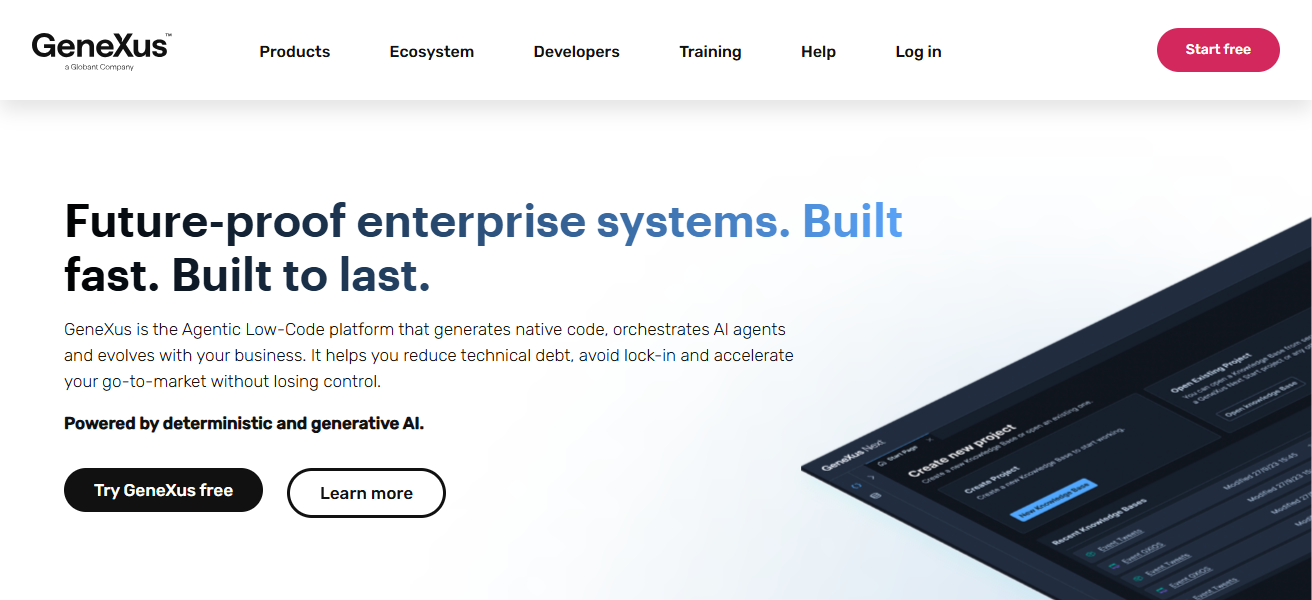
GeneXus further offers cutting-edge integrations and AI-based streamlining to facilitate smarter, more efficient workflows.
The combination of automation, flexibility, and rapid development makes GeneXus the best candidate for organizations that seek to develop complex applications more quickly than with Zoho’s low-code platform.
GeneXus Features
- Multi-Platform Generation: Create Cloud, Mobile, and Web applications from a single model.
- Cross-Platform Integration: Applications perform and adapt seamlessly across various devices and environments.
- AI Optimization: Automation of optimization in workflows and coding.
- Time & Error Reduction: Accelerate development and reduce coding mistakes.
| Pros | Cons |
|---|---|
| Generates apps for multiple platforms from a single model | Can be complex for beginners |
| Supports cross-platform deployment (web, mobile, cloud) | Fewer pre-built templates than competitors |
| AI-driven optimization of workflows | Smaller community compared to Salesforce or OutSystems |
| Reduces time and errors in development | Less intuitive interface for non-technical users |
7. Unqork
Unqork is one of the best alternatives to Zoho as it provides a fully no-code platform that still manages to support complex applications. It has the ability to destroy traditional coding completely.
Unqork’s strengths include being able to provide enterprise-grade security and compliance, allowing for the rapid, drag and drop design of workflows.
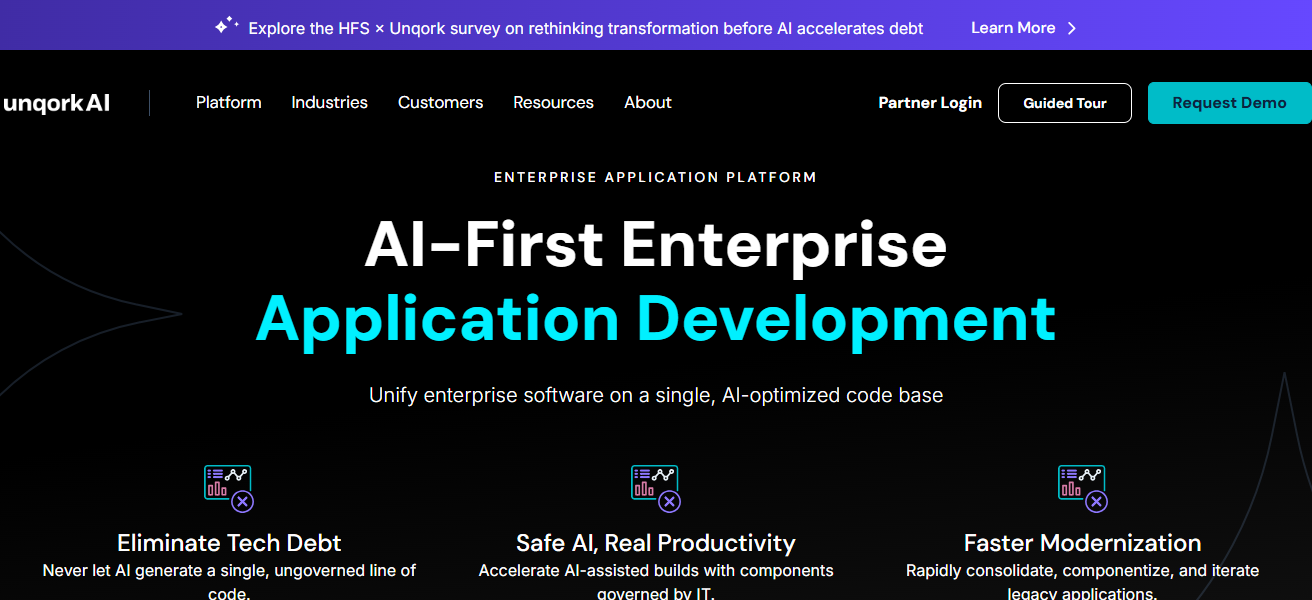
This is perfect for industries that are highly regulated. Unqork also allows for large-scale applications to be deployed quickly without the need of IT. This rapid security, and true flexible no-code platform sets it apart from the low-code offerings of Zoho.
Unqork Features
- No-Code Platform: Create intricate enterprise applications using absolutely no code.
- Visual Workflow Designer: Easy to use drag and drop to create applications.
- Enterprise Security & Compliance: For a enterprise applications in highly regulated industries.
- Rapid Large-Scale Deployment: Large enterprise-scale applications can be deployed easily and quickly with no delay from IT.
| Pros | Cons |
|---|---|
| Completely no-code platform | Pricing is high, suited for enterprises |
| Drag-and-drop workflow design | Limited for small-scale or simple apps |
| Enterprise-grade security and compliance | May require training for complex use cases |
| Rapid deployment of large-scale applications | Fewer customization options for UI design |
8. Mendix
Mendix is one of the best alternatives to Zoho low-code options, as it allows very fast creation of enterprise-level applications using low-code as well as higher level programming.
What sets mendix apart is its strong focus on collaborative, model-driven development, and seamless integration of business and it teams.
Mendix provides cloud native deployment, ai assisted development, and support for multi-channel applications
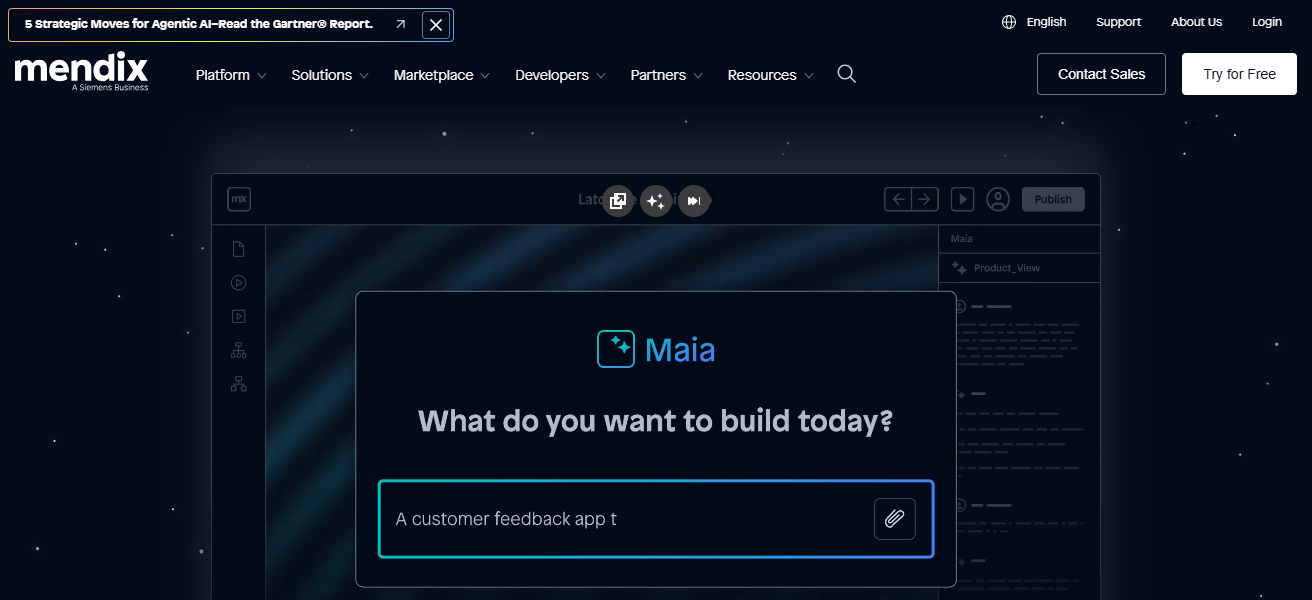
ensuring that the applications developed are scalable. speed, collaboration and flexibility are the key attributes of mendix and make it a strong candidate to be an alternative to Zoho low-code.
Mendix Features
- Model-Driven Development: A single collaborative environment for the business and IT teams.
- Cloud-Native Deployment: Effortlessly and securely deploy applications in the cloud.
- AI-Powered Development: Helps users write code more efficiently and increase productivity.
- Cross-Platform Development: Create applications that run on the web, mobile, and tablets at the same time.
| Pros | Cons |
|---|---|
| Collaborative, model-driven development | Premium pricing for enterprise features |
| Supports both low-code and advanced coding | Can be complex for small teams |
| Cloud-native deployment with AI-assisted tools | Some integrations require additional setup |
| Multi-channel app support (web and mobile) | Learning curve for advanced features |
9. Appian
Thanks to its unqiue focus on automating low-code development, Appian is considered one of the most prominent competitors to Zoho.
Appian’s distinctive advantage is its dynamic workflow and case management features, which enable users to efficiently create fast-track, multi-functional applications.
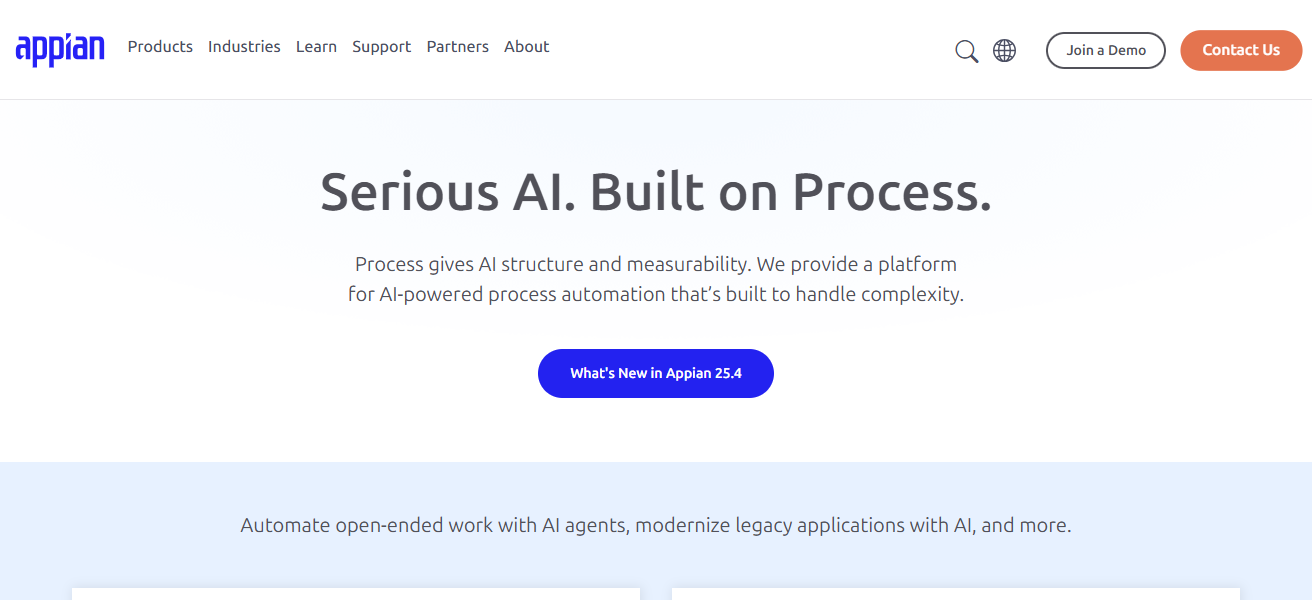
Real-time data integration, AI-biased decision-making, and cloud-native deployment, enhance the sophistication and scalability of applications.
The blend of speed, automation, and high-level enterprise flexibility, distinguishes Appian as the most appropriate choice for companies in need of advanced, high efficiency applications, automating processes beyond the capabilities of Zoho’s low-code platform.
Appian Features
- Process Automation: Develop applications by incorporating workflow, case, and business process automation.
- Integration with Streaming Data: Apps can be connected to live data streams to support real-time decision making.
- AI Automation: Leverage artificial intelligence to streamline automation and increase productivity.
- Cloud-Native Platform: Rapid deployment with built-in enterprise security and scalability.
| Pros | Cons |
|---|---|
| Strong process automation and case management | Higher cost for enterprise plans |
| Real-time data integration | Limited offline mobile functionality |
| AI-powered decision-making | Interface customization is moderate |
| Cloud-native deployment | Smaller community than Salesforce or OutSystems |
10. Bubble
Another great alternative to Zoho low-code application builders is Bubble. Users can build functional web apps without worrying about coding.
Bubble’s strong database and workflow management tools provide users total design flexibility to create customized apps.
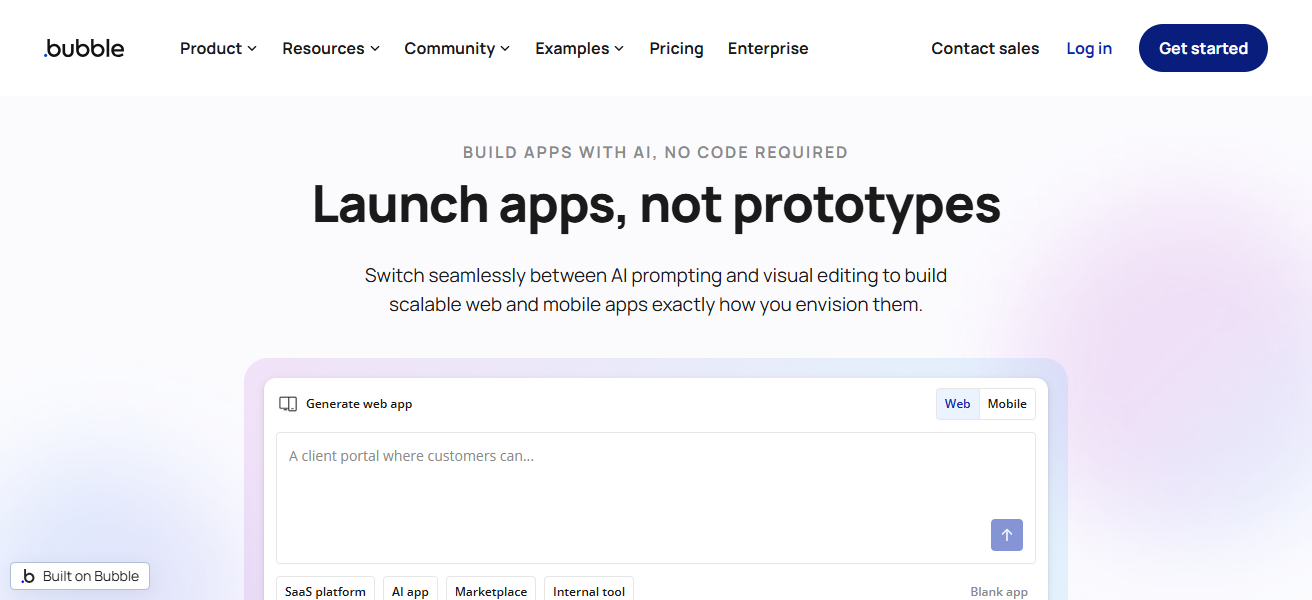
App creators can visually develop any web app. Bubble’s responsive design and real-time updating capabilities along with its plugin integrations make it ideal for startups and growing businesses.
Bubble is focused on control, ease of use, and scalability, making it the best alternative to low-code platforms like Zoho.
Bubble Features
- Visual App Builder: Build fully functional web applications without writing any code.
- Custom Workflows: Visually design automation for various processes and user interactions.
- Responsive Design: Applications are accessible on the desktop, tablet, and mobile.
- Integration: Use third party plugins and APIs to add more features.
| Pros | Cons |
|---|---|
| Build fully functional web apps without coding | Limited native mobile app support |
| Complete design flexibility | Performance may drop with very large apps |
| Supports responsive design and real-time updates | Learning curve for workflow logic |
| Strong plugin ecosystem | Fewer enterprise-level security features |
How To Choose Best Zoho Low-Code Alternatives
- Use of the Platform: Select solutions having user-friendly drag and drop interfaces for fast development.
- Customization: Check the ability to customize and design apps and automate workflows to meet your needs.
- Integration: Ensure the ability to work with existing apps, tools, databases, and cloud services.
- Scalability: Select solutions that can enhance their capacity on the growth of your business.
- Security & Compliance: Look for solutions that have the required security and regulation for sensitive data.
- Collaboration Features: Look for solutions that allow work on different devices with real-time collaboration.
- Cost Efficiency: Ensure to have the required tools and settle for the least cost solution.
- Support & Community: Look for solutions that have reliable support and friendly user communities.
- Mobile & Multi-Platform: Ensure apps work on web, mobile, and tablets.
- Advanced Automation: Select services that enhance automation through AI for better business productivity.
Conclusion
In summary, selecting the ideal low-code alternatives to Zoho is contingent upon your business’s specific requirements, be it user friendliness, scalability, security, or sophisticated automation. Quickbase, OutSystems, Mendix, and Bubble offer versatile, effective, and app-building possibilities.
With the appropriate alternative, organizations can streamline development, enhance processes, and develop bespoke applications that surpass the capabilities of Zoho’s low-code platform.
FAQ
A low-code platform allows app creation with minimal coding using visual tools.
Some businesses need more flexibility, scalability, or advanced features than Zoho offers.
Bubble and Ninox are beginner-friendly with drag-and-drop interfaces.
Salesforce Platform, OutSystems, and Appian are ideal for large-scale enterprise apps.