This articles talks about Zoho Workflow Alternatives best suited for your business. Regardless of whether you desire a tool with advanced integrations, a user-friendly design, or something with enterprise-grade capabilities, you will discover powerful options for automating your workflows.
From basic no-code systems to complicated automation engines, you will find alternatives that will save time, enhance productivity, and scale with your business needs.
Key Points & Best Zoho Workflow Alternatives
| Tool | Key Point |
|---|---|
| Zapier | Industry leader in app integrations |
| Make (Integromat) | Highly flexible visual workflows |
| Microsoft Power Automate | Deep integration with Microsoft ecosystem |
| Tray.io | Enterprise‑grade scalability |
| Workato | AI‑driven intelligent automation |
| Pabbly Connect | Affordable and user‑friendly |
| Automate.io | Simple yet scalable workflows |
| n8n | Open‑source automation platform |
| Parabola | Visual automation for non‑coders |
| Celigo | Robust enterprise integration |
10 Best Zoho Workflow Alternatives
1. Zapier
Zapier is highly regarded as a top alternative to Zoho Workflow, mainly because of its superb integration possibilities and phenomenal flexibility.
Where most workflow tools fall short, Zapier connects over 5,000 different apps, allowing businesses to automate their repetitive tasks without any sort of coding.
And, creating these automations is pretty simple, as Zapier has gone to great lengths to construct their interfaces so that novices and experts alike can tackle holostone multi-step workflows.
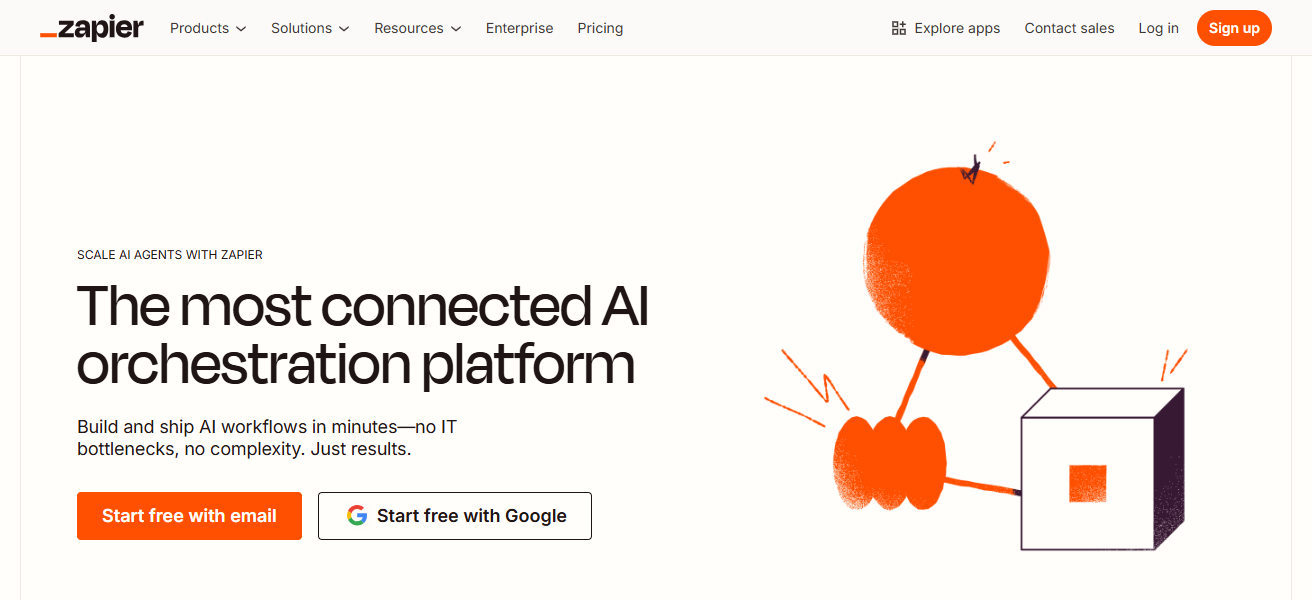
Zapier’s ability to integrate apps that don’t communicate with one another is a game changer that allows seamless process streamlining across sales, marketing, and operations.
These features, along with dependable automation and real time triggers, makes Zapier stand out when compared to Zoho Workflow.
Zapier Features
- App Integrations: With over 5,000 integrated apps, Zapier allows users to create automation across countless applications.
- Multi-Step Workflows: Users are able to create automations where tasks are triggered in sequence with additional conditional parameters.
- User-Friendly Interface: Non-technical users are able to utilize automation features with the drag and drop builder.
- Real-Time Triggers: Users are able to create automations where tasks are triggered in real-time when an event takes place further creating efficiency.
| Pros | Cons |
|---|---|
| Connects with over 5,000 apps, offering unmatched integration options | Can become expensive for large-scale workflows |
| Easy-to-use drag-and-drop interface for creating automations | Limited advanced logic compared to developer-focused tools |
| Ideal for both beginners and small businesses | Multi-step workflows can slow down on free or lower-tier plans |
| Real-time triggers streamline repetitive tasks efficiently | Some complex automations require workarounds |
2. Make (Integromat)
Make (formerly Integromat) stands out as one of the best alternatives to Zoho Workflow because of its powerful yet clear visual automation builder.
Unlike most traditional workflow automation tools, Make goes beyond basic automation by empowering users to create workflows that have multiple steps through easy drag-and-drop automation.
Its most advanced feature is its data manipulation tools such as transformers, routers, and built-in functions that allow users to seamlessly adjust the data they want to move between systems.
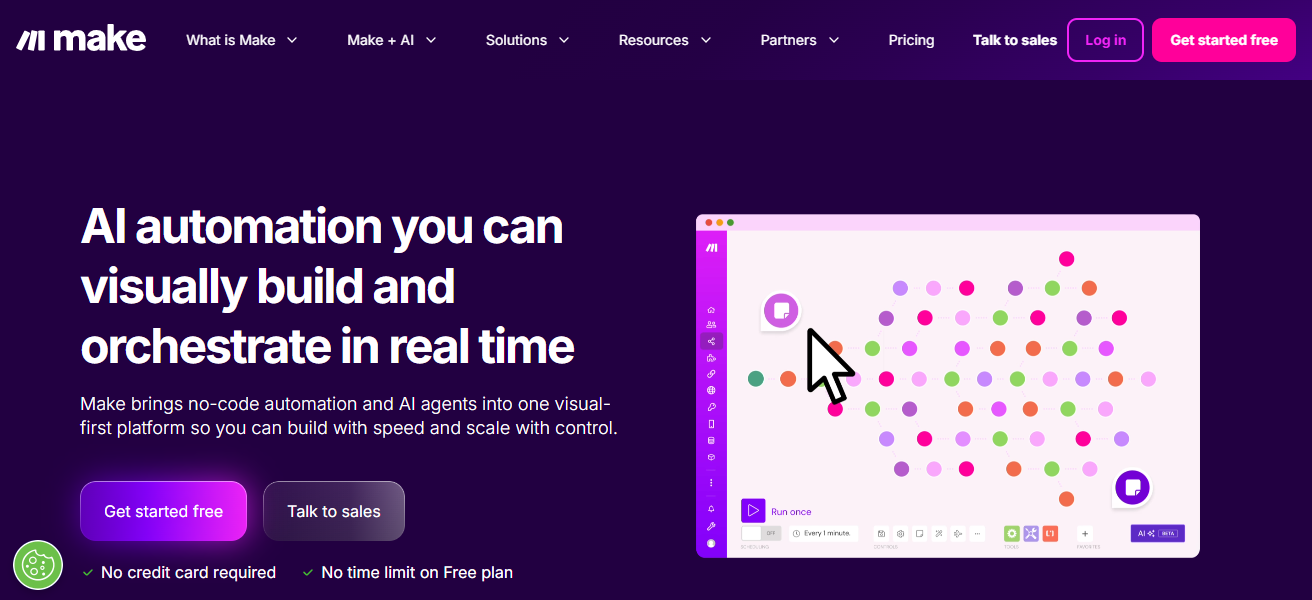
With Make’s automation, users will experience operational peace of mind because of the real-time prompts and robust error handling that Make provides.
All things considered, the precision, flexibility and visual control that Make provides surpass that of Zoho Workflow.
Make (Integromat) Features
- Visual Workflow Builder: Users are able to create sophisticated automation flows with a drag and drop interface.
- Advanced Data Handling: Equipped with data transformation features, users can utilize iterators, routers, and filters.
- Multi-Step Automations: Users can incorporate conditional branching with automations to link together and over hundreds of applications in a singular workflow.
- Error Handling & Real-Time Triggers: With notifications and recoveries, users are able to ensure reliable automations are created.
| Pros | Cons |
|---|---|
| Visual workflow builder makes complex automations intuitive | Steeper learning curve for absolute beginners |
| Handles advanced data transformations with iterators, routers, and functions | Free plan has limited operations per month |
| Supports multi-step workflows across hundreds of apps | Interface may feel overwhelming for simple automation needs |
| Real-time triggers and error handling improve reliability | Some integrations require technical setup |
3. Microsoft Power Automate
Microsoft Power Automate is a top alternative to Zoho Workflow because of its automation and integration with tools in the Microsoft ecosystem such as Teams, Outlook, SharePoint and Dynamics 365.
Power Automate’s unique benefit is its enterprise-level automation plus AI capabilities that allow it users to automate repetitive tasks, approvals, and, data flows seamlessly, on both cloud and on-prem systems.
Power Automate encourages low-code development, thus ensuring its ease of use and accessibility for those without a technical background while also advanced features for technical users.
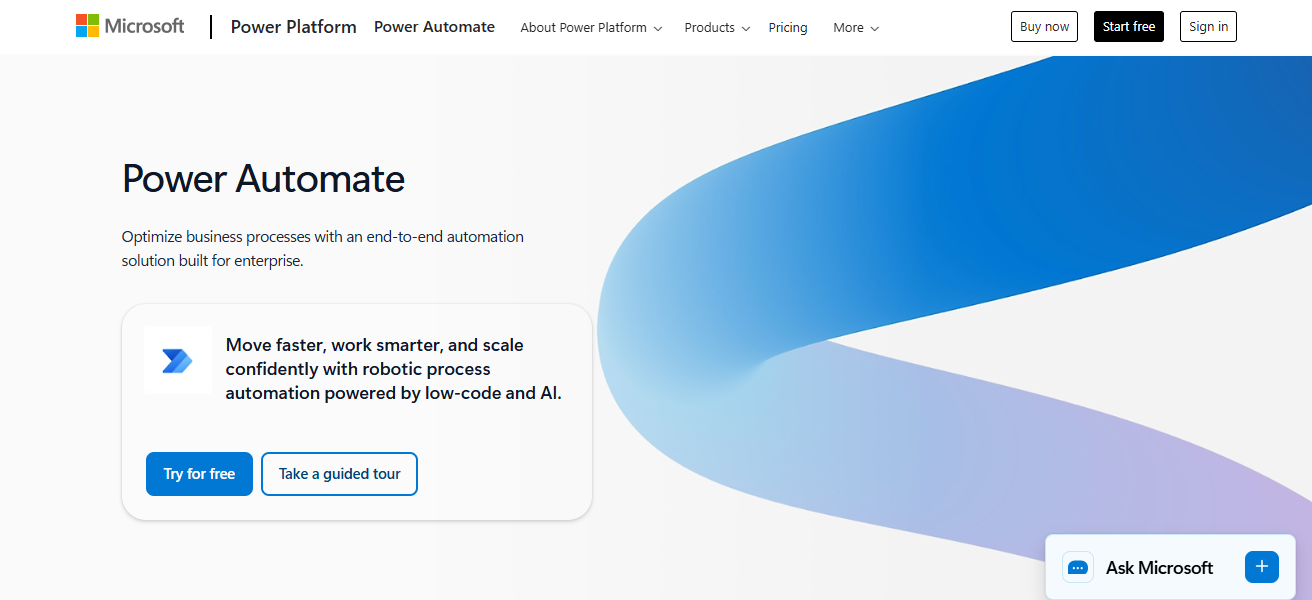
It seamlessly combines automation and enterprise level AI for predictive and adaptive automation balanced with the Microsoft integration
AI features and enterprise level automation seamlessly combines automation and enterprise level AI for predictive and adaptive automation balanced with the Microsoft integration, AI features and enterprise level automation.
Microsoft Power Automate Features
- Microsoft Ecosystem Integration: Workflows are automated throughout Microsoft Teams, Outlook, SharePoint, and Dynamics 365.
- AI-Powered Automation: Automations through Microsoft are able to tackle process breakdowns on approvals, data capture, and optimization through the use of AI.
- Cloud & On-Premises Support: Users are able to automate workflows across apps that are in the cloud and in on-premise systems.
- Low-Code Interface: Workflows are built by IT and non-technical staff with the same efficiency through the design of the interface.
| Pros | Cons |
|---|---|
| Deep integration with Microsoft ecosystem (Teams, Outlook, SharePoint) | Best features often require Microsoft 365 subscription |
| AI-powered automation and advanced conditional logic | Can be complex for non-technical users |
| Enterprise-grade security and governance | Limited flexibility outside Microsoft apps |
| Supports cloud and on-premises workflows | Pricing can be high for smaller teams |
4. Tray.io
The automation platform from Tray.io is designed to handle sophisticated business processes. That is why Tray.io is a good alternative to Zoho Workflow.
Tray.io has a unique visual workflow builder that helps to integrate and transform data across different business applications.
Most automation tools have low code. Tray.io has advanced workflow automation. That is why businesses appreciate their solutions and don’t face performance issues.
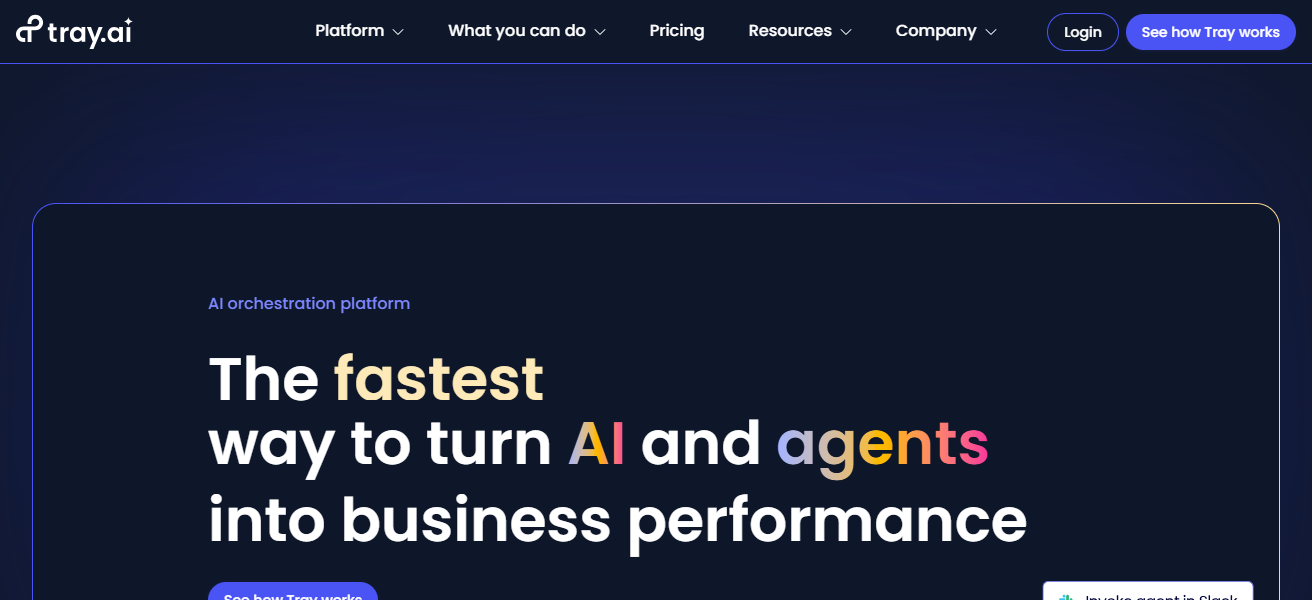
It is designed to allow collaboration between IT and business to drive automation and fill integration gaps.
Real-time triggers, advanced logic, and direct API connectors make Zoho, an inferior choice when Tray.io is available.
Tray.io Features
- Low-Code Automation: Use the visual workflow builder to create integrations without much coding.
- Scalable Workflows: Able to perform large-scale data operations and automations.
- API-Level Connectivity: You can leverage deep app integrations through APIs.
- Advanced Logic & Error Handling: Incorporates breaks, multiple actions, and conditional steps with error alerts.
| Pros | Cons |
|---|---|
| Enterprise-grade automation platform for complex workflows | May be expensive for small businesses |
| Low-code, visual workflow builder simplifies integration | Some features require technical knowledge |
| Highly scalable, supports large data processing | Fewer pre-built templates compared to competitors |
| Advanced logic and API-level connectivity | Setup may be time-consuming for beginners |
5. Workato
Workato is a top-tier alternative to Zoho Workflow because of its enterprise-level automation combined with the ability to intelligently simplify complicated business processes with automation across different applications.
The company prides itself with the ability to set automation at different levels to create “recipes” for customization and automation.
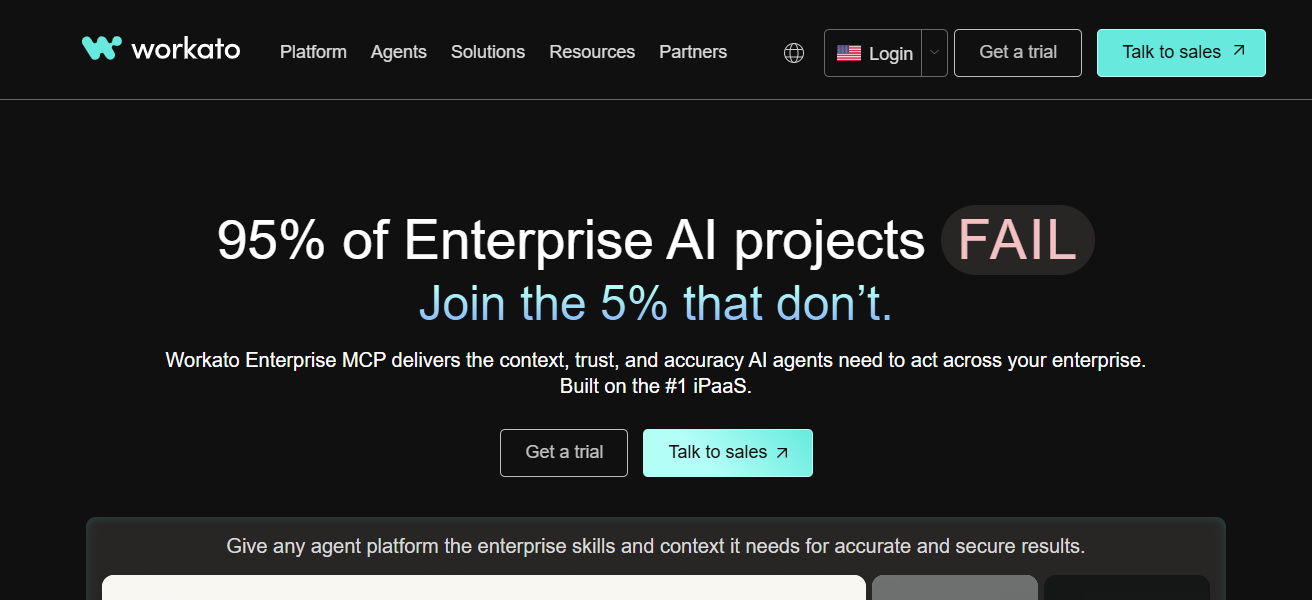
This significantly minimizes time spent on repetitive activities. Unlike many workflow tools, Workato deep integration with both cloud and on-premises systems, including real-time data updates, conditional logic processing, and error correction.
The combination of these aspects makes Workato a powerful automation tool for any business looking to integrate it with Zoho Workflow.
Workato Features
- Recipe-Based Workflows: Templates for automations enable the rapid construction of new workflows.
- Enterprise Integration: Integration of cloud and on-premises systems with security at the boundaries.
- AI-Driven Automation: AI automates processes and handles tasks.
- Real-Time Sync & Error Management: Managing the flow of data accurately awarded with a real-time sync.
| Pros | Cons |
|---|---|
| AI-driven, enterprise-grade automation | Pricing is high for small teams |
| Reusable “recipe”-based workflows save time | Some features can be complex to configure |
| Deep integrations with cloud and on-prem systems | Advanced workflows may require technical skills |
| Real-time data syncing with robust error handling | Limited free plan options |
6. Pabbly Connect
Pabbly Connect is is one of the most flexible alternatives to Zoho Workflow. The platform is intuitive, affordable, and feature-rich.
As a bonus, you can make unlimited errors and multi-step automation workflows without paying more. For growing businesses, that is a significant benefit.
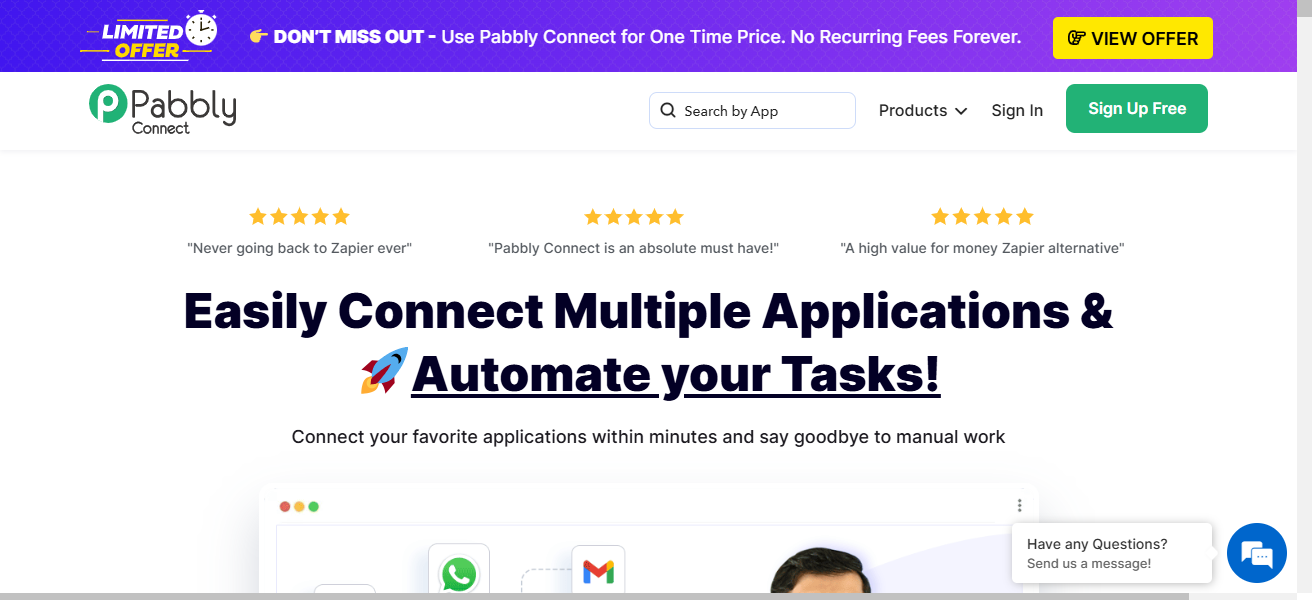
With Pabbly Connect, you can integrate hundreds of apps to transfer data automagically and streamline tasks along the automation.
You can manage workflows in a way that most other automation tools can’t. Control the logic of your workflows with advanced filters and sophisticated error management. When taken together, these aspects make Pabbly Connect a better option than Zoho Workflows.
Pabbly Connect Features
- Unlimited Workflows: Users can create unlimited automations without incurring additional costs on the basic plans.
- App Integrations: Automates connections with hundreds of apps, including Gmail, Slack, and Shopify.
- Real-Time Triggers: Automates tasks in real-time as events occur in the connected apps.
- Filter & Error Handling: Advanced filters to control the logic of workflows and prevent errors.
| Pros | Cons |
|---|---|
| Affordable with unlimited workflows even on basic plans | Fewer integrations than Zapier or Make |
| User-friendly interface suitable for non-technical users | Advanced workflow features are limited |
| Supports real-time triggers and task automation | Smaller community and fewer tutorials |
| Cost-effective for growing businesses | Some integrations may lack depth |
7. Automate.io
Automate.io is a good alternative for Zoho Workflow thanks to its simplicity combined with powerful automation functions.
What sets Automate.io apart is that it allows users to integrate cloud services and build multi-step workflows through the use of a simple drag-and-drop interface, making it possible for automations to even be build by non-technical users.
Automate.io also includes conditional logic, data mapping and triggers, which allows for the automation of a range of marketing, sales, and operational functions.
Compared to Zoho Workflow, Automate.io has a quicker setup, greater flexibility, and offers more app integrations. Because of all of the integrations and simplicity of use, Automate.io is a great choice for teams.
Automate.io Features
- Multi-Step Workflows: Enables conditional logic to create workflows across multiple apps.
- Drag-and-Drop Interface: Includes a visual builder, so non-technical people can use it as well.
- Extensive Application Integrations: Offers integration with numerous cloud-based software tools used in sales, marketing, and operations.
- Automation of Tasks in Real Time: Work is automated so that no one has to do it manually and no one will have to wait.
| Pros | Cons |
|---|---|
| Intuitive drag-and-drop interface for non-technical users | Limited advanced logic compared to enterprise tools |
| Supports multi-step workflows and conditional logic | Free plan has strict limits on actions per month |
| Quick setup for marketing, sales, and operations tasks | Not ideal for complex, large-scale enterprise processes |
| Wide range of app integrations | Slower processing for very large datasets |
8. n8n
n8n is perfect for businesses looking for alternatives to Zoho Workflow. As an open-source solution, n8n provides flexible automation, allowing businesses to create workflows however they want.
They also have total unique automation ownership. Self-hosting, coupled with being able to connect any application to via API, gives n8n an advantage to organizations with tech-savvy team members over competitors.
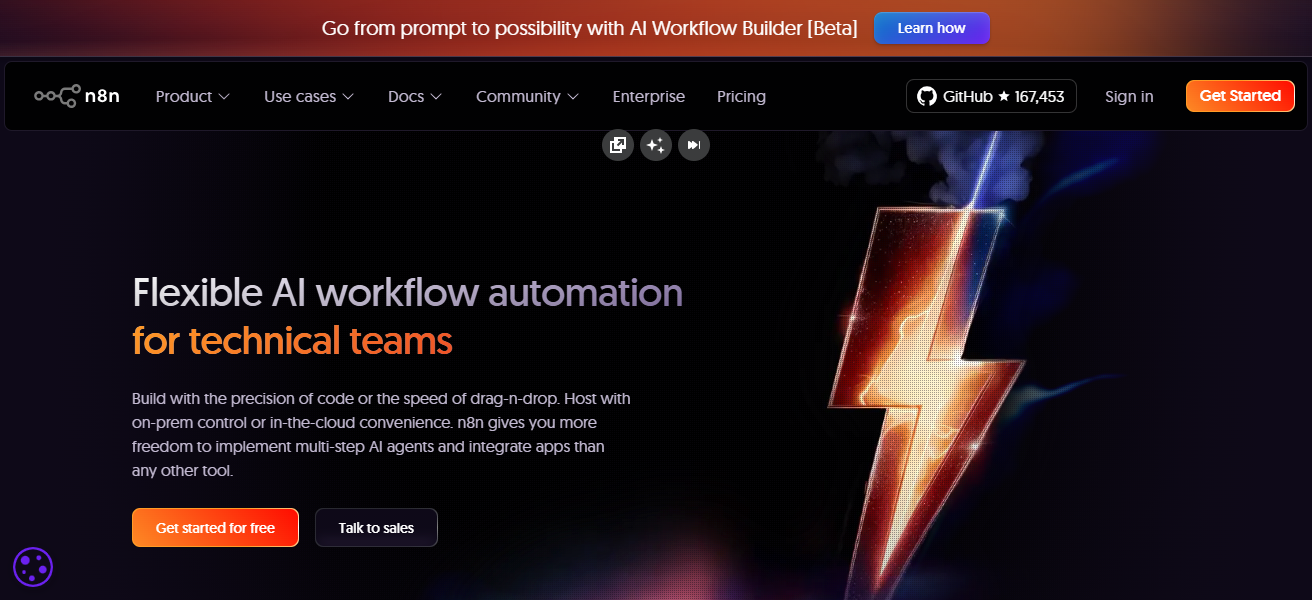
While most competitors have a closed system, n8n provides unlimited workflows and access to the system’s code.
n8n is especially adaptable and flexible due to its visual workflow design, powerful triggers, and user data management. Overall, n8n is a great alternative to Zoho Workflows.
n8n Features
- Platform for the Open Source Community: Fully customizable workflows with self-hosting options for the highest level of control.
- Integrations with APIs and Applications: Facilitates the integration of almost any software through the use of APIs and is therefore adaptable for automation.
- Workflows Without Limit: No limit to the intricacy of workflows or the number processes.
- Data and Logic Management: Advanced features such as loops, branches with conditions, and changes to data.
| Pros | Cons |
|---|---|
| Open-source and highly customizable | Requires technical knowledge for self-hosting |
| Full control over automation logic and data flow | Some app integrations require manual API setup |
| Supports unlimited workflows and complex processes | Less beginner-friendly compared to Zapier or Automate.io |
| Flexible, scalable, and cost-efficient | No official support on free self-hosted version |
9. Parabola
Parabola is highly regarded as an alternative to Zoho Workflow because of its ability to automate complex processes in a user-friendly manner. Zoho Workflow is more suitable for basic automation.
On the other hand, Parabola is built for teams that handle intricate data flows, generate reports, and automate repetitive processes.
Parabola excels at transforming, manipulating, and integrating large sets of data from various sources without the use of code.
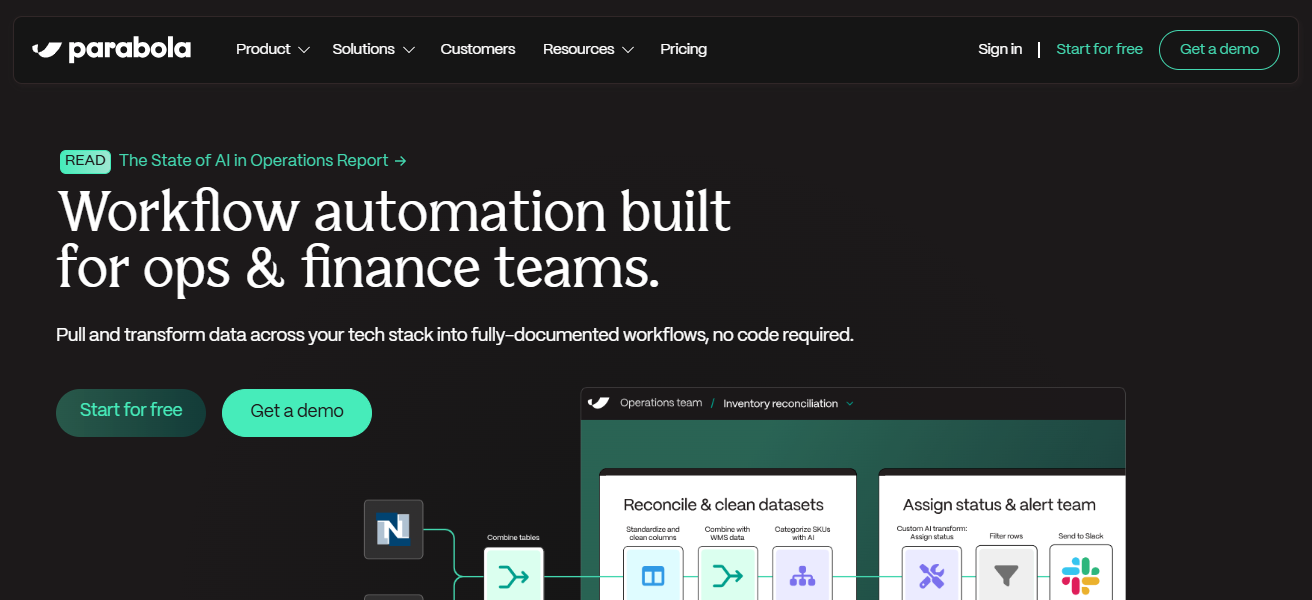
Additionally, the interface is designed for individuals with no programming expertise. Furthermore, users can employ simple drag-and-drop actions to configure automations, and they will receive updates in real time.
Finally, Parabola is able to integrate with other platforms, including Shopify, Airtable, and Google Sheets.
This enables users to streamline their workflows and operational processes, improving efficiency through automation.
Parabola Features
- Automation of Data: Made to manipulate, modify, and merge large amounts of data effectively.
- No Programming Required Visual Builder: A drag-and-drop portal to create sophisticated workflows for data without the need to program.
- Updates in Real-Time: Automates the flow of data in real time between applications such as Google Sheets, Airtable, and Shopify.
- Automated Analysis and Reporting: From the data that has been processed, it creates and reports on the data that have been analyzed.
| Pros | Cons |
|---|---|
| Ideal for automating data-heavy processes | Limited non-data-related app integrations |
| Drag-and-drop interface simplifies complex data flows | Can be expensive for high-volume workflows |
| Real-time updates and reporting features | Requires learning workflow logic for advanced tasks |
| Connects well with Shopify, Airtable, Google Sheets | Less suited for simple task automations |
10. Celigo
Celigo operates at the forefront of Zoho Workflow alternatives, particularly solutions focused on the integration, automation and seamless bridging of enterprise-grade solutions, both cloud and on-premises.
Its workflows are particularly useful when employing its pre-built integration templates for rapid deployment of complex business automation.
More than Zoho Workflow, Celigo offers growing and large enterprises the ability to automate large-scale data synchronization, multi-step automations, complex workflows and detailed error resolution.
Celigo’s real-time monitoring, analytics, and secure data management differentiates the solution in reliability and scalability versus traditional automation and workflow solutions.
Celigo Features
- Templates from Integrator.io: Pre-made templates for workflows that are frequently done and are configured to speed up the layout of processes.
- Integration of Enterprises: Provides large-scale automation by linking cloud-based and on-premises applications.
- Extensive Error Management Features: Provides notifications for issues, along with self-correcting features.
- Monitoring and Analytics: Provides data analytics, as well as monitoring the system in order to offer suggestions for operational optimization.
| Pros | Cons |
|---|---|
| Enterprise-grade integration and automation platform | High pricing, suited for medium to large businesses |
| Pre-built templates (“integrator.io”) reduce setup time | May be complex for small teams without IT support |
| Handles large-scale data synchronization | Limited for very small-scale workflow needs |
| Robust error handling, analytics, and secure data management | Learning curve for customization beyond templates |
How To Choose Best Zoho Workflow Alternatives
Integration Support: Check that the software integrates with all critical business applications for your company.
Ease of Use: Aim for a solution that has a simple interface for easy navigation.
Scalability: Pick a solution that will be able to manage all your workflows, with growing volume.
Automation Complexity: Choose an option that has multi-step automation along with conditional logic.
Pricing: Consider the value for money in relation to features, workflows, and pricing tiers.
Real-Time Triggers: Check that workflows can be made to operate in response to an event trigger.
Data Handling: Pick a solution that has good capabilities to filter and manage your workflows.
Error Handling: Pick a solution that has notifications and other automation for error management.
Security & Compliance: Ensure that solution has clear data protections and encryption and compliance.
Customization: Ensure that the solution can reflect the business’s internal processes.
Support & Community: Consider the responsiveness of the support and the community for user issues.
Cloud vs On-Premises: Consider whether you want self-hosting to be along with the completely cloud automation.
AI & Smart Features: Choose options that use AI for automation of intelligent processes.
Conclusion
To wrap up, the most suitable Zoho Workflow alternatives vary based on each user’s business requirements, budget, and level of technical skills.
For example, Zapier and Automate.io are ideal for less technical users, while Workato, Tray.io, and Celigo are better for advanced enterprise automation.
Make, n8n, and Parabola have customizable features and manage complex data. These alternatives enhance productivity and give users the means to manage their workflows more effectively.
FAQ
Zapier, Make, Microsoft Power Automate, Tray.io, Workato, Pabbly Connect, Automate.io, n8n, Parabola, Celigo.
Zapier and Automate.io are ideal for beginners due to their simple interfaces.
Workato, Tray.io, Microsoft Power Automate, and Celigo offer enterprise-grade capabilities.
Pabbly Connect and n8n provide affordable or free options for small businesses.