This article is about Software Tools for Managing Taxes Across Countries. If you or your business operates across borders, you need these tools.
Tax management becomes an uphill task where there are different regulations, reporting, VAT, or GST, for every jurisdiction. Managing taxes becomes easy with these tools.
They help with calculation, automation of filing, tracking of multi currency transaction, and compliance, thereby saving time, reducing errors and staying organized when managing taxes across borders.
Key Points & Software Tools For Managing Taxes Across Countries
- TurboTax – Simplifies tax filing with guided steps, ensuring accuracy and maximizing possible refunds.
- QuickBooks – Helps businesses manage accounting, payroll, invoicing, and expenses with user-friendly financial tools.
- Xero – Cloud-based accounting software offering real-time collaboration, invoicing, and expense tracking for businesses.
- Avalara – Automates tax compliance, calculating sales tax, VAT, and filing returns across multiple jurisdictions.
- TaxJar – Streamlines e-commerce sales tax reporting, automating calculations, filings, and compliance for online sellers.
- Expensify – Tracks receipts, automates expense reports, and integrates with accounting systems for simplified reimbursements.
- Vertex – Provides advanced tax automation solutions for enterprises, ensuring compliance with global indirect tax regulations.
- Thomson Reuters ONESOURCE – Enterprise tax software managing compliance, reporting, and global tax operations efficiently.
- Sovos – Delivers tax compliance solutions for businesses, covering VAT, sales tax, and regulatory reporting.
- PayPal Tax Tools – Assists freelancers and small businesses with transaction tracking, tax calculations, and reporting.
10 Software Tools For Managing Taxes Across Countries
1. TurboTax
TurboTax is tax preparation software that helps individuals and businesses understand and comply with tax laws.
It has cross-border functionality for U.S. citizens who make money overseas and need to report foreign tax credits and foreign asset reporting.
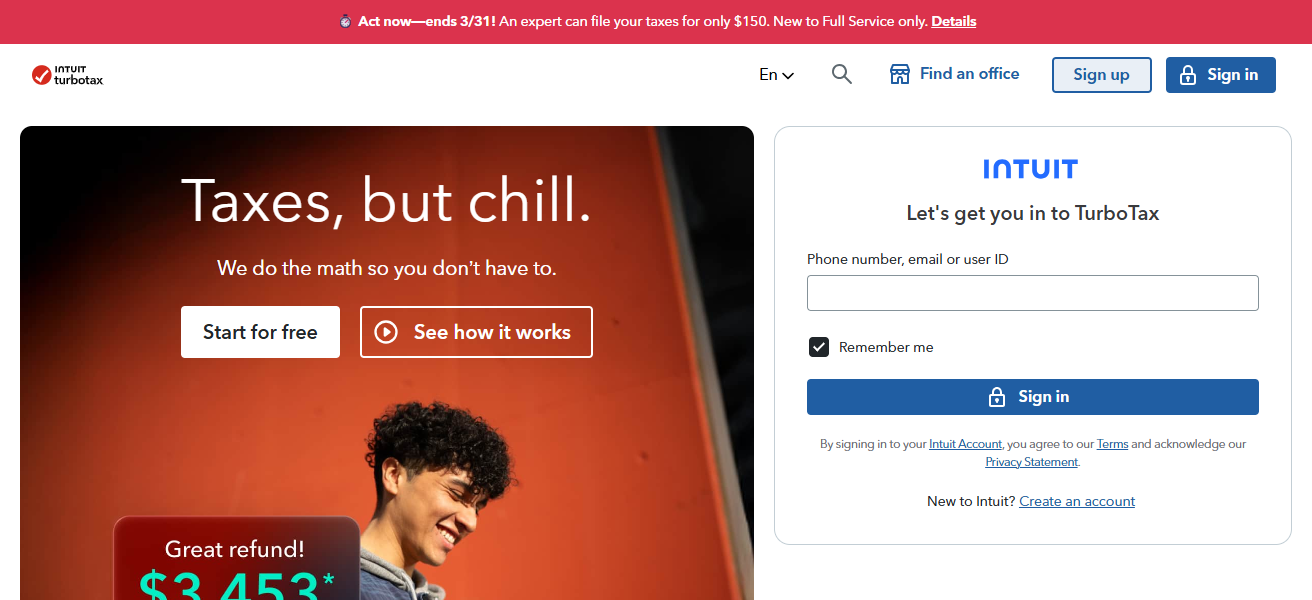
It also helps individuals avoid tax audits by guiding individuals through the process of filing complex international tax returns.
TurboTax has the ability to import and integrate with other financial software, and it provides additional filing options for tax jurisdictions. TurboTax’s user friendly software allows for detailed tax filings to be submitted on time.
TurboTax Features
- Individual and small business tax filing that is guided and steps you through the process.
- Based on user information, tax deductions and credits are maximized automatically.
- Taxes on foreign income and tax reporting for expatriates are supported.
- Ensures accuracy in tax filing and error-checks to identify auditing risks.
| Pros | Cons |
|---|---|
| Guided step-by-step interface simplifies tax filing. | Mainly designed for U.S. taxes; limited for full global tax compliance. |
| Maximizes refunds by identifying deductions and credits. | Can be expensive for complex filings. |
| Supports foreign income reporting for U.S. expatriates. | Less suitable for large businesses. |
| Reduces errors with automated calculations and checks. | Requires internet connection for some features. |
2. QuickBooks
Although primarily an accounting software, QuickBooks offers features useful for managing international taxes.
It helps track and manage revenue, expenses, and transactions in various currencies. Moreover, QuickBooks automates tax calculations, aiding businesses in managing VAT, GST, and other taxes, region by region.
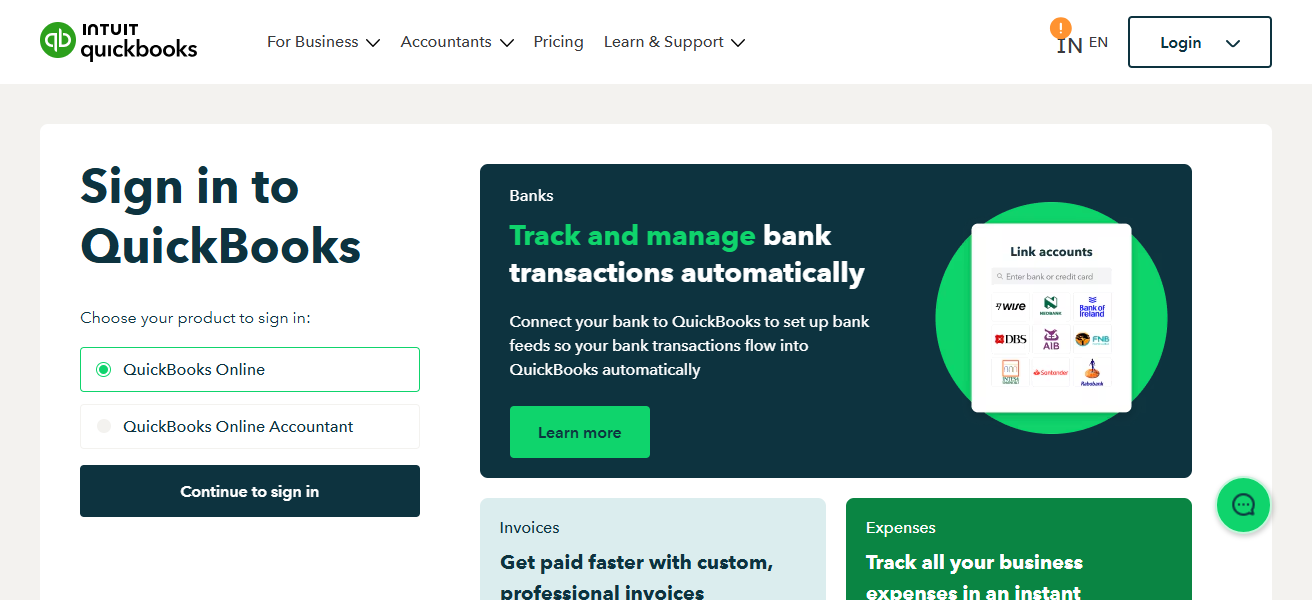
It simplifies multi-country reporting, tax obligations, and reporting deadlines. Additionally, QuickBooks generates customized, comprehensive, and exportable financial statements to be used in multiple reporting jurisdictions.
This accounting software also offers interoperability with third-party tax software to facilitate compliance and reduce errors, especially for businesses with remote employees in several countries.
Quickbooks Features
- Complete accounting suite that features invoicing, payroll, expenses, and reporting.
- International transactions are supported via multiple currencies.
- Taxes are calculated and the tool integrates with tax filing utilities
- Financial dashboards, real-time updates and bank reconciliation.
| Pros | Cons |
|---|---|
| Manages accounting, payroll, invoicing, and expenses in one platform. | Multi-country tax compliance can be limited without add-ons. |
| User-friendly dashboard for business finance management. | Can be expensive for premium versions. |
| Integrates with banks and other financial software. | Setup and learning curve can be challenging for beginners. |
| Automates recurring financial tasks and tax calculations. | Customer support can be slow for some users. |
3. Xero
Xero is an international accounting software for small-to-medium-sized enterprises (SMEs) based on the cloud. It also has a multi-currency function. SMEs can adjust to various currencies.
It also has a tax adjuster function. It tracks VAT, GST, and international taxes. It automatically generates tax reports. It also does account reconciliation.
It enables international account compliance. Xero has also functions that permit the remote multitasking of accountants. This is useful for multinational companies.
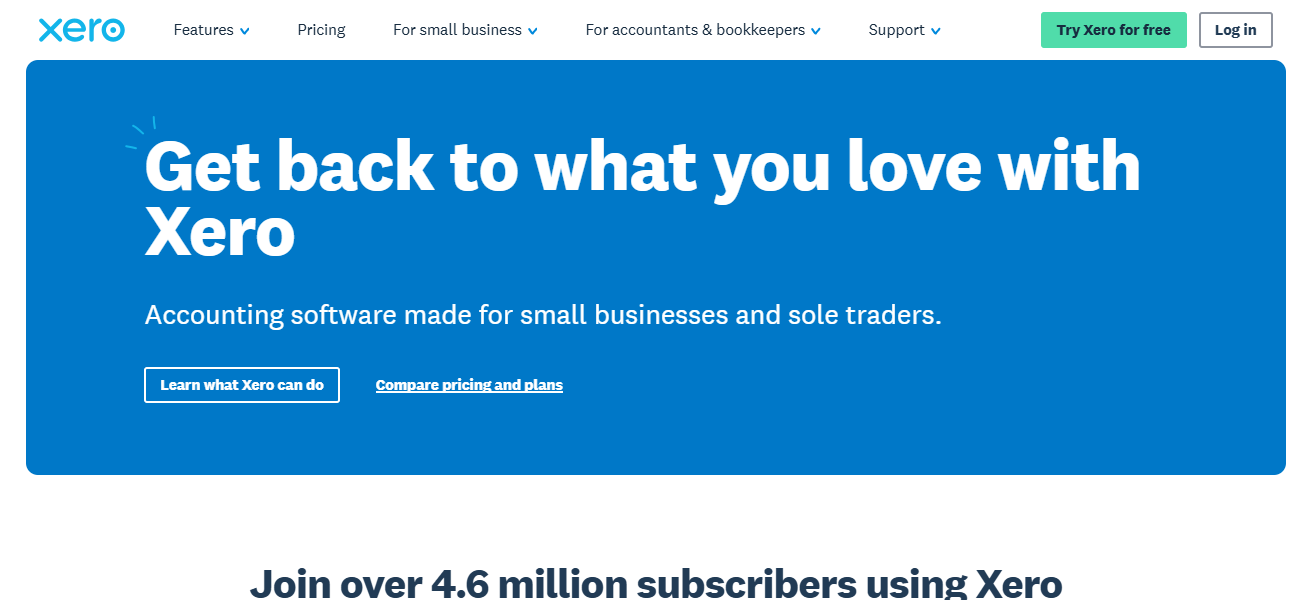
It has user-friendly dashboards to estimate tax, cash flow and taxes due date. Xero also maintains compliance through eliminating tax calculation errors.
This software also simplifies tax issues reports. It enables SMEs to comply without the tedious customs of tax laws, associated with various layers of jurisdiction taxes.
Xero Features
- Compatible with cloud accounting and real-time collaboration.
- Multi-currency and worldwide business transactions.
- Automated invoicing and expense monitoring along with bank feed.
- Additional features through extensive application networks.
| Pros | Cons |
|---|---|
| Cloud-based platform allows real-time collaboration. | Limited offline capabilities. |
| Supports multi-currency transactions for international business. | Add-ons required for advanced tax compliance. |
| Invoicing and expense tracking are automated. | Reporting features can be complex for beginners. |
| Integrates well with banks and payment systems. | Customization options are limited compared to competitors. |
4. Avalara
Avalara specializes in software for international tax compliance with VAT, GST, and sales tax. It is cloud-based, optimizes tax calculation, and documents taxes to have the correct amount based on the country’s tax portal.
It is integrated into e-commerce, accounting and ERP to provide real tax compliance on international sales.
It also offers a certificate of tax exemption and a tax filing service to reduce tediousness in international sales. Avalara is for small-medium enterprises (SMEs) and large enterprises with international sales.
Avalara Features
- Automated tax calculations for sales, VAT, and GST in multiple regions.
- Connects with ERP, accounting, and other e-commerce systems.
- External compliance documents for the automated filing of tax returns.
- Tax rate updates and compliance with regulations in real-time.
| Pros | Cons |
|---|---|
| Automates tax compliance across multiple jurisdictions. | Primarily suited for medium to large businesses. |
| Calculates VAT, GST, and sales tax automatically. | Can be expensive for small businesses. |
| Integrates with ERP and e-commerce systems. | Setup may require professional support. |
| Reduces risk of penalties and errors in filings. | Limited functionality outside tax automation. |
5. TaxJar
TaxJar helps businesses selling in U.S. states and in other countries with compliance sales tax. It automatically calculates sales tax they owe, creates reports, and prepares filings so businesses can manually do less work.
TaxJar integrates with e-commerce platforms and helps businesses sell internationally by cross-border tax rate jurisdiction tracking.
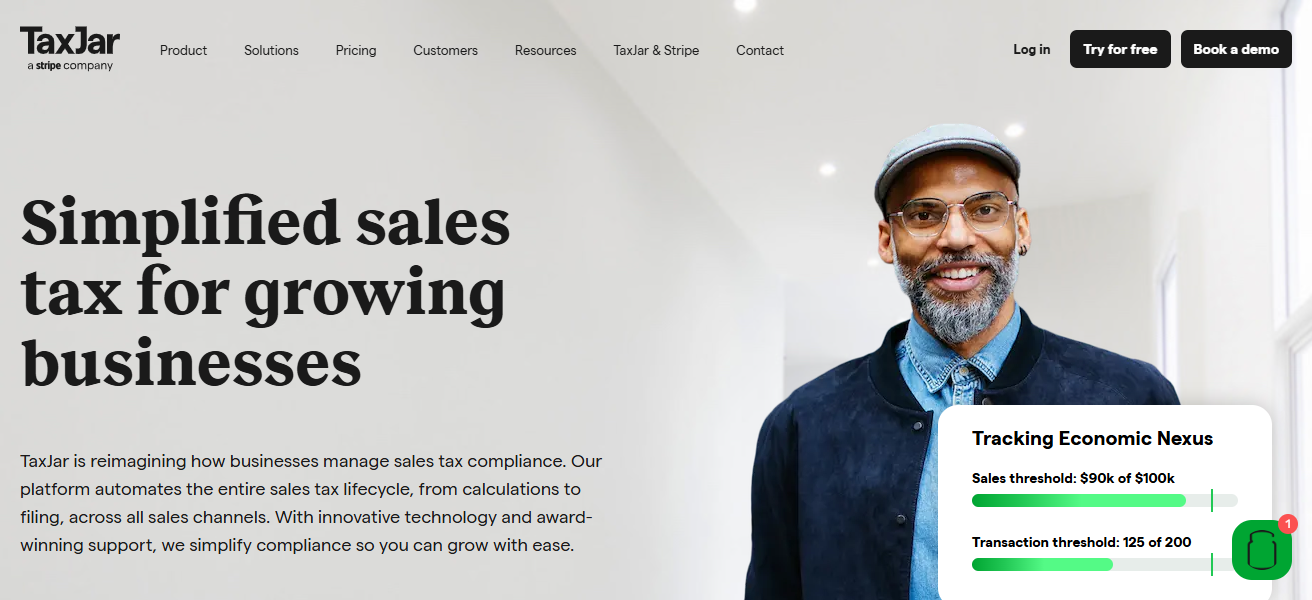
Businesses can also see tax liabilities in different countries/regions, so they can budget and plan better.
Automated filing reminders can help businesses avoid tax filing penalties or fees. TaxJar’s platform helps businesses with complex cross-border sales tax needs, so they don’t have to worry about complicated compliance and sales tax obligations.
TaxJar Features
- Sales taxes are automatically calculated for e-commerce platforms.
- Region designated to track nexus and tax obligations.
- Local and state jurisdictions are file-ready.
- Marketplaces and shopping carts are easily integrated.
| Pros | Cons |
|---|---|
| Automates e-commerce sales tax calculations and reporting. | Focused mainly on online retail; less suited for other industries. |
| Generates tax filings and reports efficiently. | Pricing may not be ideal for very small sellers. |
| Integrates with popular e-commerce platforms. | Some advanced features may require higher-tier plans. |
| Reduces manual effort and audit risk. | Limited international tax coverage. |
6. Expensify
Focusing on cancelation centralization, Expensify is a valuable tool for international tax report creation. It automates receipt capture, real-time currency conversion, and expense report categorization.
Expensify creates tax compliant reports, making it easier for individuals and businesses to track deductions.
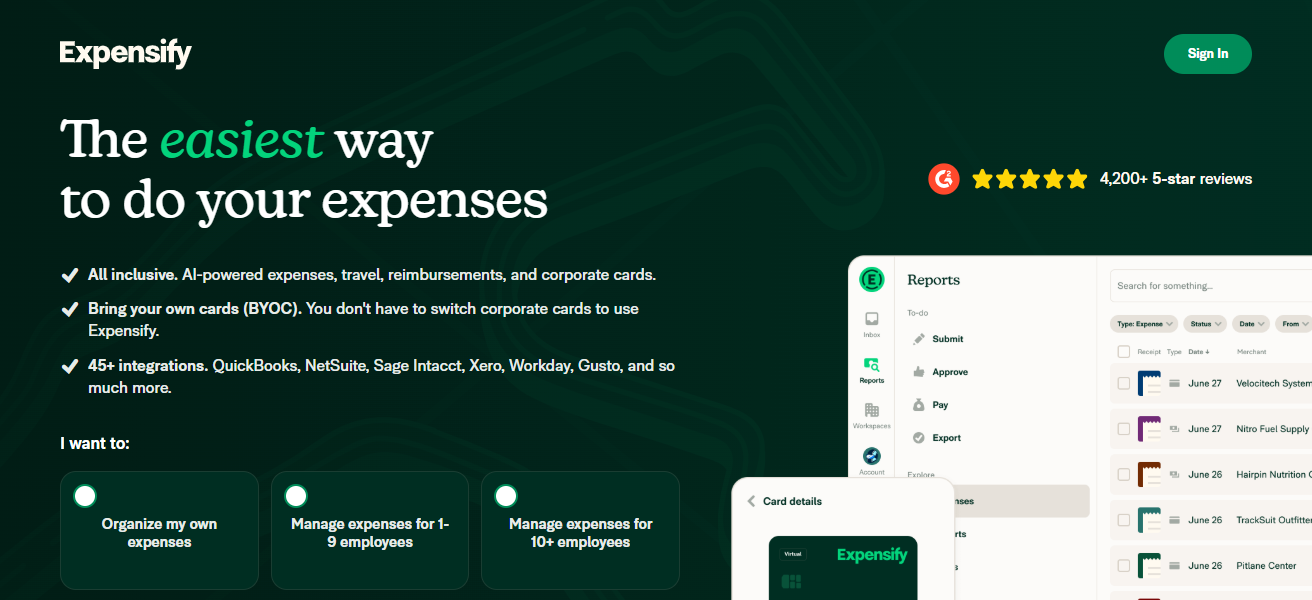
For firms with globally traveling or operating personnel, it automates, balances, and reconciles taxation on international cross-border movements.
Being loss prevention, compliance, and timely international op tax reduction in a single tool, Expensify integrates with QuickBooks and Xero to report taxes, generator reports, and reduce manual entries.
Expensify Features
- Scanned receipts are processed automatically.
- Expensify classifies expenses in real-tie and applies policy.
- Integrates with accounting systems like QuickBooks and Xero.
- Expenses can be converted to other currencies and be used internationally.
| Pros | Cons |
|---|---|
| Tracks receipts and expenses automatically. | More focused on expense management than full tax compliance. |
| Integrates with accounting software like QuickBooks or Xero. | Premium plans can be costly. |
| Simplifies reimbursement and reporting processes. | Currency conversion may have minor inaccuracies. |
| Reduces errors from manual expense entry. | Limited features for multinational tax reporting. |
7. Vertex
Vertex offers enterprise-grade solutions to manage tax compliance across various countries. Its software provides automation for VAT, GST, and sales tax calculations across different geographies and integrates with ERP and e-commerce solutions.
Vertex provides automation to apply local tax rules and rates, thereby diminishing the risk of audits. Its software offers tax filing and reporting for various jurisdictions and provides insights for businesses with global footprints.

Vertex also manages exemption certificates and tax data validation, eliminating operational burdens for large multinational companies.
Vertex solutions naturally extend the complexity of tax automation and the management of international tax compliance, allowing companies to focus on business expansion.
Vertex Features
- Global indirect tax calculation for large enterprises.
- Automatic data flow with no problems with your ERP and financial systems.
- Automatic management of Exemption Certificates.
- All audit and report documentation are in order.
| Pros | Cons |
|---|---|
| Provides advanced global tax automation for enterprises. | Expensive and overkill for small businesses. |
| Ensures compliance with indirect taxes worldwide. | Complex implementation may require professional consulting. |
| Integrates with ERP and financial systems. | Training required for optimal use. |
| Automates tax calculations and exemption handling. | Less suitable for basic bookkeeping or payroll. |
8. Thomson Reuters ONESOURCE
Thomson Reuters ONESOURCE focuses on large business firms that deal with cross border tax compliance. It allows users to consolidate tax data, calculate taxes, and file multiple tax returns at once.
ONESOURCE allows users to comply with taxes such as VAT, GST, transfer pricing, and corporate taxes as it customizes itself to the laws of the country its users are in.
The platform audit risks and critical deadlines by providing analytical data and reporting. Further, the platform’s seamless data flow integrates with ERP platform.
ONESOURCE users stay up to data with tax legislative changes, and automate data flow. ONESOURCE’s data management and tax flow with multiple cross border countries is effective, as it stays compliant with the country’s regulations.
Thomson Reuters ONESOURCE Features
- U.S. Global tax data management and compliance for the cloud.
- Automation of all returns and above documents.
- Automation for any jurisdiction.
- Reporting for tax, VAT, GST, corporate, and then for Transfer Pricing (4).
- Always updated tax laws are applied (4.4).
| Pros | Cons |
|---|---|
| Centralizes global tax data for enterprises. | Very expensive; suited for large corporations. |
| Automates calculations and multi-jurisdiction filings. | Complexity requires professional training and support. |
| Adapts to VAT, GST, and corporate tax rules. | Implementation can be lengthy. |
| Offers analytics and audit compliance features. | Not ideal for small or medium businesses. |
9. Sovos
Sovos focuses on automating tax compliance and reporting based on each country’s regulations. Sovos specializes in automating automated tax compliance, reporting, e-invoicing, and sales tax.
Tax compliance. Sovos allows compliance, tax reporting, and tax documentation storage. Its financial integrations automate cross country processes.
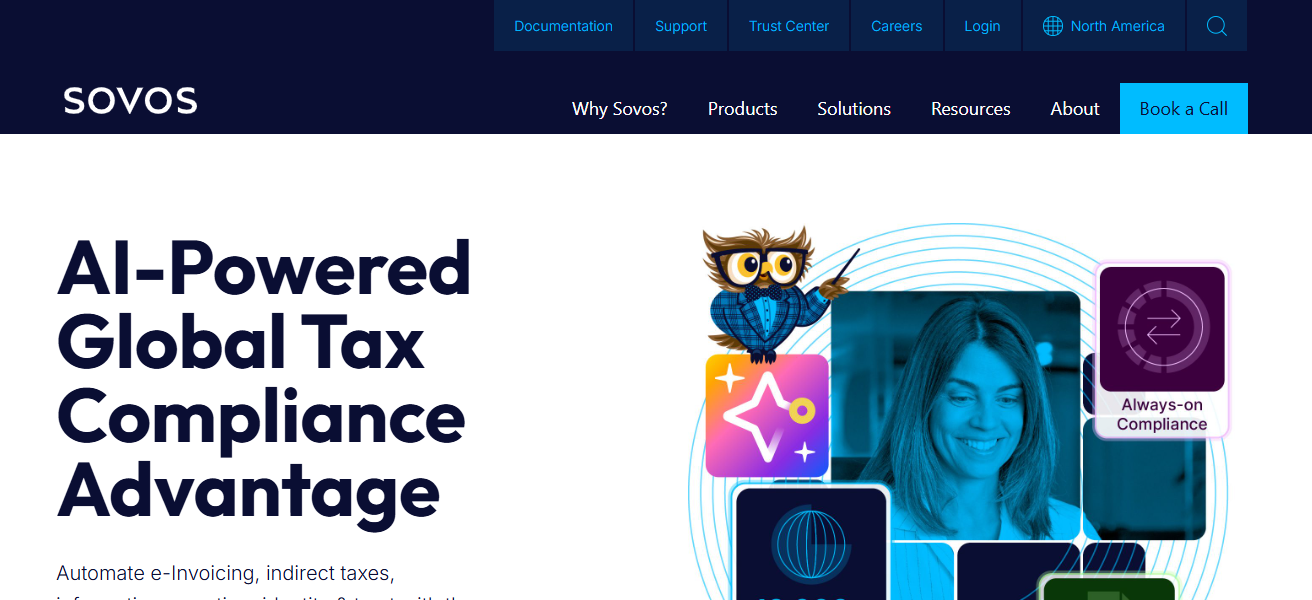
The tax compliance automation allows users to control and manage processes within the tax compliant borders of the countries using tax automation and compliant with the country regulations.
Its clients are tax compliant and it allows them to provide cross country services. Its analytics provide its clients with the necessary data to control their tax processes. Its clients are cross border compliant as it automates the entire tax compliance process.
Sovos Features
- Sales tax and VAT Reporting. Cross border compliance and Automation.
- E-invoicing is legally compliant with an automated local.
- Your accounting and ERP systems work.
- Track regulatory compliance and monitor Compliance with updated regulations in real-time.
| Pros | Cons |
|---|---|
| Covers VAT, sales tax, and regulatory reporting globally. | Can be costly for small businesses. |
| Automates filings and compliance across countries. | Implementation may require professional assistance. |
| Integrates with financial systems for streamlined operations. | Advanced features can be complex to use. |
| Keeps companies updated with regulatory changes. | Less suited for single-country or small-scale businesses. |
10. PayPal Tax Tools
PayPal Tax Tools assists a user’s business in handling taxes from their online transactions, including international sales.
It manages taxes from sales in different regions, calculates taxes based on local tax laws, and offers tax-filing-ready reports.
Tax documents are accessible on PayPal, including 1099-K documents for U.S. tax clients and other documents for customers outside of the U.S.
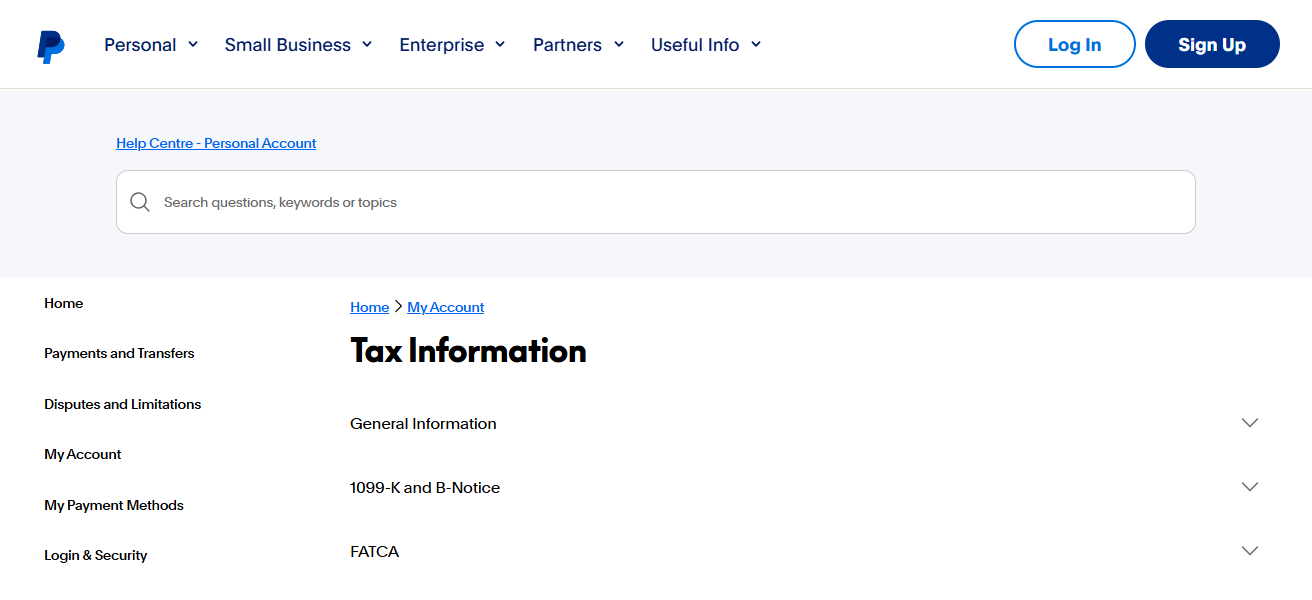
PayPal manages taxes for international sales and helps with cross-border tax compliance. PayPal captures multi-currency payments, converting and recording the transactions for accurate tax reporting.
PayPal integrates with accounting and e-commerce systems, and manages cross-border tax compliance to minimize manual errors for freelancers and businesses to sell digitally.
PayPal Tax Tools Features
- Sales tax applies to transactions tracked by tax classification.
- International payments and multiple currencies.
- 1099-K for tax documents in the U.S. Tax irrelevant documents are generated (4.4).
- tax documents and simplified reports are generated by accounting system integrations.
| Pros | Cons |
|---|---|
| Tracks online transactions and calculates taxes automatically. | Primarily for freelancers and small businesses, not enterprises. |
| Generates tax reports and 1099-K forms for U.S. users. | Limited features for multi-country tax compliance. |
| Supports multi-currency transactions for cross-border sales. | Cannot fully replace full accounting or ERP software. |
| Reduces manual calculations and errors for digital payments. | Lacks advanced analytics and automation compared to enterprise tools. |
Cocnlsuion
In conclusion, the complexity of managing taxes across borders can be streamlined with the help of specific software.
TurboTax, QuickBooks, Avalara, and Sovos help automate calculations, keep track of multi-currency transactions, and sustain compliance with the local regulations
While lowering the possibility of making mistakes. When combined with accounting systems, real-time reporting is provided, and the software helps save time and minimize the risk of audits while managing international taxes.
FAQ
Software designed to calculate, track, and file taxes across multiple countries.
Individuals, small businesses, and large enterprises with cross-border financial transactions.
Yes, most tools support VAT, GST, and other country-specific indirect taxes.
Yes, they reduce manual errors by automating tax rate calculations and filings.