In this article I will share the best real-time payment apps for small business owners, explaining how these state-of-the-art solutions facilitate instant transactions, optimize cash flow and create seamless daily operations.
- Key Points & Best Real-Time Payment Apps for Small Business Owners
- 10 Best Real-Time Payment Apps for Small Business Owners
- 1. Square
- 2. PayPal Business
- PayPal Business – Key Features
- 3. Stripe
- 4. Venmo for Business
- Venmo for Business – Key Features
- 5. Google Pay Business
- 6. Apple Pay
- 7. Zelle for Business
- Zelle for Business – Key Features
- 8. Cash App Business
- Cash App Business – Key Features
- 9. Runit RealTime Cloud
- 10. QuickBooks Payments
- Conclsuion
- FAQ
Mobile wallets, digital payments, and app-based payment/merchant platforms are helping businesses readily accept payment and enabling customer convenience while keeping pace with a more faster-moving society than ever.
Key Points & Best Real-Time Payment Apps for Small Business Owners
Square Accepts card, contactless, and mobile payments instantly, with analytics tools for managing small business finances.
PayPal Business Offers global reach, instant transfers, invoicing, and buyer protection, ideal for small businesses expanding internationally.
Stripe Provides seamless online payment integration, customizable checkout, and real-time fund transfers for e-commerce businesses worldwide.
Venmo for Business Enables quick peer-to-peer payments, social visibility, and instant transfers, perfect for micro and local businesses.
Google Pay Business Supports instant UPI-based payments in India, easy QR code setup, and zero transaction fees for merchants.
Apple Pay Allows secure, contactless transactions with instant settlement, leveraging biometric authentication for customer trust and convenience.
Zelle for Business Facilitates direct bank-to-bank transfers instantly, eliminating intermediaries, with no extra fees for small businesses.
Cash App Business Provides instant payments, customizable $Cashtags, and Bitcoin integration, appealing to modern, tech-savvy small business owners.
Runit RealTime Cloud Specialized for retail, integrates payments with inventory and customer management, ensuring seamless real-time business operations.
QuickBooks Payments Combines accounting with instant payment processing, simplifying reconciliation and cash flow management for small businesses.
10 Best Real-Time Payment Apps for Small Business Owners
1. Square
In 2025-2026, Square is still one of the most complete real-time payment solutions for small businesses. It provides an entire ecosystem including POS systems, inventory tracking, analytics, payroll and customer loyalty tools.
Businesses can easily accept payments through tap-to-pay, QR codes, invoices and online checkout with no additional hardware required.
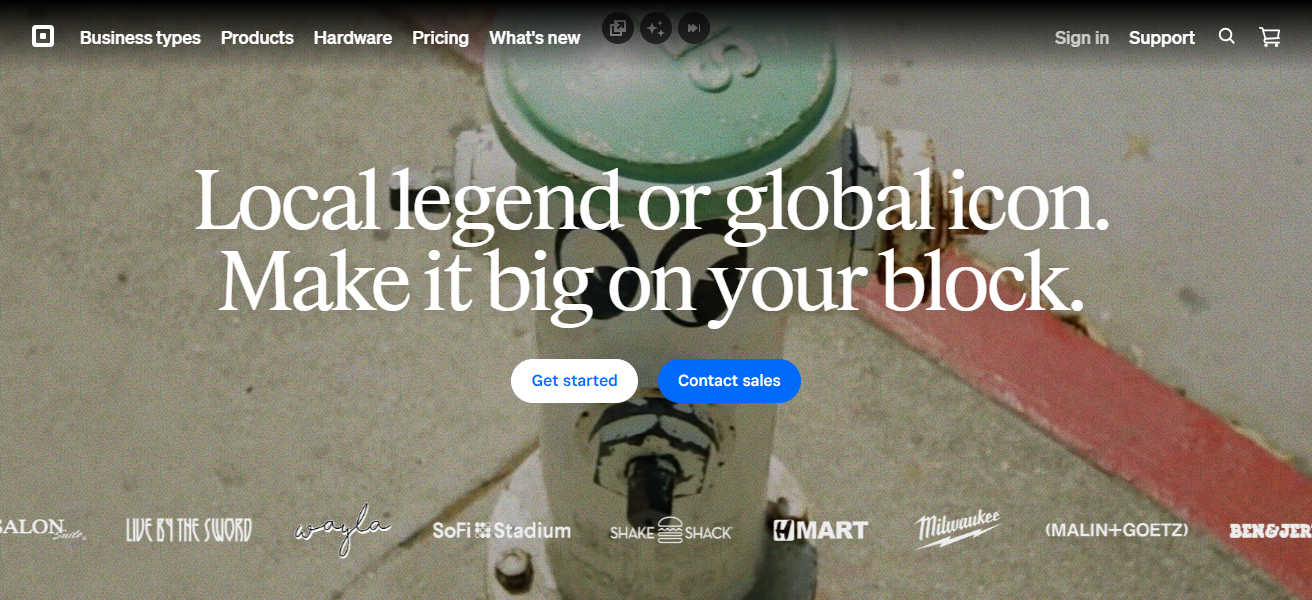
Square usually charges about 2.6% + $0.15 for each in-person transaction and has no monthly fee with its standard plan. Its instant transfer feature makes them available on the same day, which is advantageous for retail shops, restaurants and mobile sellers.
Square – Key Features
| Feature | Details |
|---|---|
| POS System | Advanced POS with inventory, employee, and sales tracking |
| Payment Methods | Tap-to-pay, chip cards, QR codes, online checkout |
| Instant Payouts | Same-day transfers available (instant deposit option) |
| Hardware | Free mobile POS, optional paid terminals and registers |
| Business Tools | Payroll, loyalty programs, customer database |
| Fees | ~2.6% + $0.15 (in-person), higher for online payments |
| Best For | Retail shops, restaurants, mobile vendors |
| Pros | Cons |
|---|---|
| Easy setup and beginner-friendly interface | Limited compatibility with some devices (e.g., Windows) |
| Free POS system and hardware options | Flat-rate fees may be expensive for high-volume businesses |
| All-in-one tools (inventory, payroll, analytics) | Limited integrations with large marketplaces |
| Transparent pricing with no contracts | Advanced customization can be limited |
| Strong security and PCI compliance handled | Not ideal for complex enterprise setups |
2. PayPal Business
PayPal Business is a popular free payment platform trusted by small businesses around the world for international and domestic transactions.
It provides payment options via cards, wallets, and PayPal balances so it’s really convenient for e-commerce and freelancers.
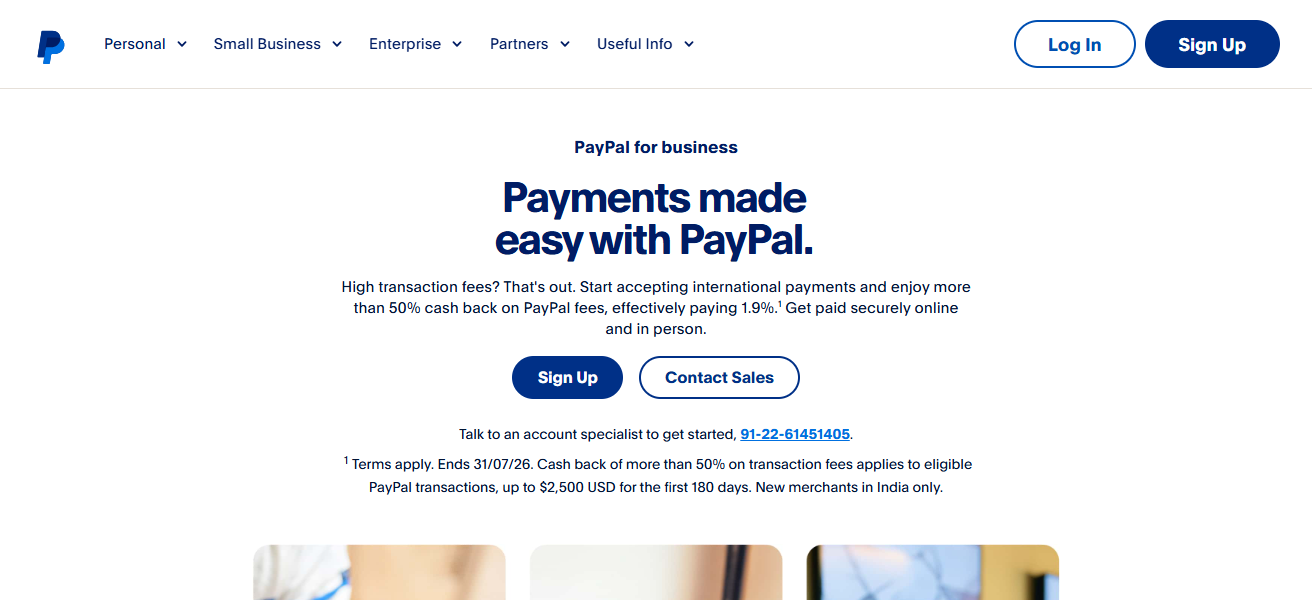
Instant transfers (paid) enable real-time payments, while standard transfers take 1–3 business days. Invoicing and subscription billing also offered, as are buyer protection features to improve trust and boost conversion rates.
This global footprint makes it especially beneficial for companies selling international or working across different currencies and regions.
PayPal Business – Key Features
| Feature | Details |
|---|---|
| Global Payments | Supports 200+ markets and multiple currencies |
| Payment Options | Cards, wallets, PayPal balance, BNPL options |
| Instant Transfers | Real-time withdrawals to bank (with fee) |
| Invoicing | Custom invoices, recurring billing support |
| Security | Buyer and seller protection programs |
| Integration | Works with eCommerce platforms and marketplaces |
| Best For | Freelancers, international sellers |
| Pros | Cons |
|---|---|
| Widely accepted globally with multi-currency support | |
| High transaction limits for businesses | |
| Strong buyer and seller protection | Complex fee structure (transaction + currency fees) |
| Easy integration with eCommerce platforms | Limited NFC/in-store payment support |
| Trusted brand improves customer confidence | International transfers can be costly |
3. Stripe
Stripe — A developer-friendly payment processor designed for online and SaaS-based businesses. It enables real-time payment processing, recurring billing, subscription models, and global payments in more than 135 currencies.
Easy to integrate with sites, apps and platforms such as Shopify, Stripe is ideal for digital-first businesses.
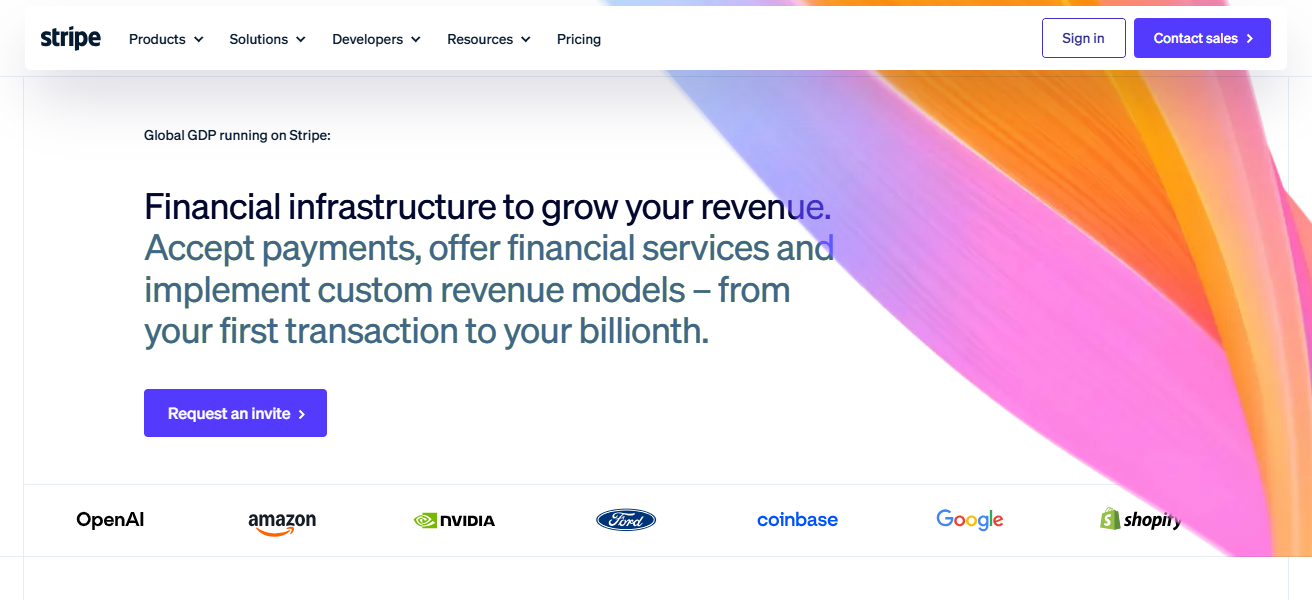
It also integrates Apple Pay and Google Pay in its ecosystem so that companies can take customers quickly through to checkout experiences.
Typical fees are about 2.9% + $0.30 per transaction. Its powerful APIs and automation tools enable companies to scale efficiently without sacrificing security or frictionless payment workflows.
Stripe – Key Features
| Feature | Details |
|---|---|
| Developer Tools | Powerful APIs for custom payment integration |
| Payment Support | Cards, wallets, subscriptions, global payments |
| Currency Support | 135+ currencies accepted |
| Real-Time Processing | Instant payment confirmation and settlement options |
| Automation | Billing automation, tax calculation, reporting |
| Integration | Works with Shopify, WooCommerce, SaaS platforms |
| Best For | SaaS, startups, online businesses |
| Pros | Cons |
|---|---|
| Highly customizable with powerful APIs | Requires technical knowledge for setup |
| Supports subscriptions and recurring billing | Not beginner-friendly for non-developers |
| Global payment support (135+ currencies) | Transaction fees can add up |
| Scalable for startups and SaaS businesses | Customer support can be complex |
| Advanced automation and reporting tools | Requires integration effort |
4. Venmo for Business
Venmo for Business has developed into a popular real-time payment mechanism, particularly among small service providers and informal merchants.
It enables companies to accept payments through QR codes, peer-to-peer transfers and mobile transactions.
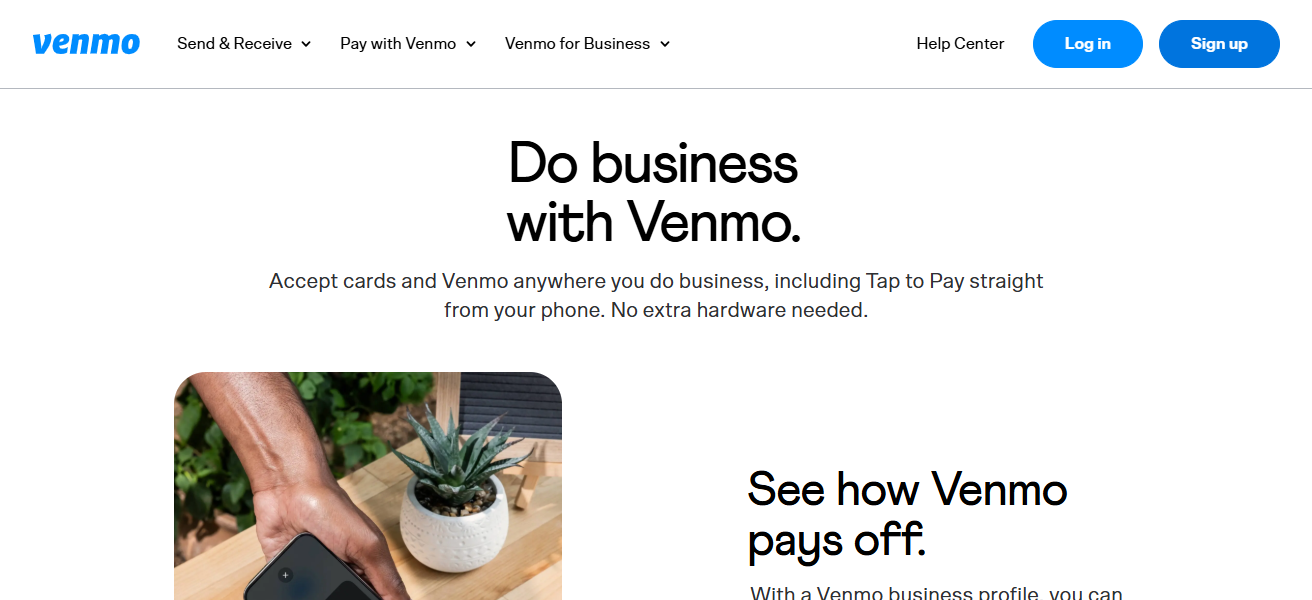
The usual charge is 1.9% + $0.10 per transaction, which is economical for small transactions. Instant transfers allow for immediate access to funds.
Their social feed function boosts brand awareness as well. But it is not widely available outside the U.S., so businesses interested in or operating globally may find their usefulness limited.
Venmo for Business – Key Features
| Feature | Details |
|---|---|
| P2P Payments | Fast peer-to-peer transactions |
| QR Payments | Easy QR code-based checkout |
| Social Feed | Visibility through customer activity sharing |
| Instant Transfers | Quick access to funds via instant deposit |
| Fees | ~1.9% + $0.10 per transaction |
| Simplicity | Easy setup with minimal technical knowledge |
| Best For | Small vendors, freelancers (U.S. market) |
| Pros | Cons |
|---|---|
| Simple and fast P2P payments | Only available in the U.S. |
| Low transaction fees for small payments | |
| QR code-based easy payments | Instant transfer fees apply |
| Popular among younger users | Privacy concerns due to social feed |
| No setup or monthly cost | Limited business features compared to full processors |
5. Google Pay Business
Google Pay Business is a rapidly growing real-time payment option, and it has done particularly well in mobile-first countries like India.
Almost instantly, it enables businesses to accept payments through UPI, QR codes and mobile numbers.
Offering low processing fees (2.9% for card based payments), and simple integration with POS systems such as Stripe, Square, it is highly flexible and scalable to meet small business needs.
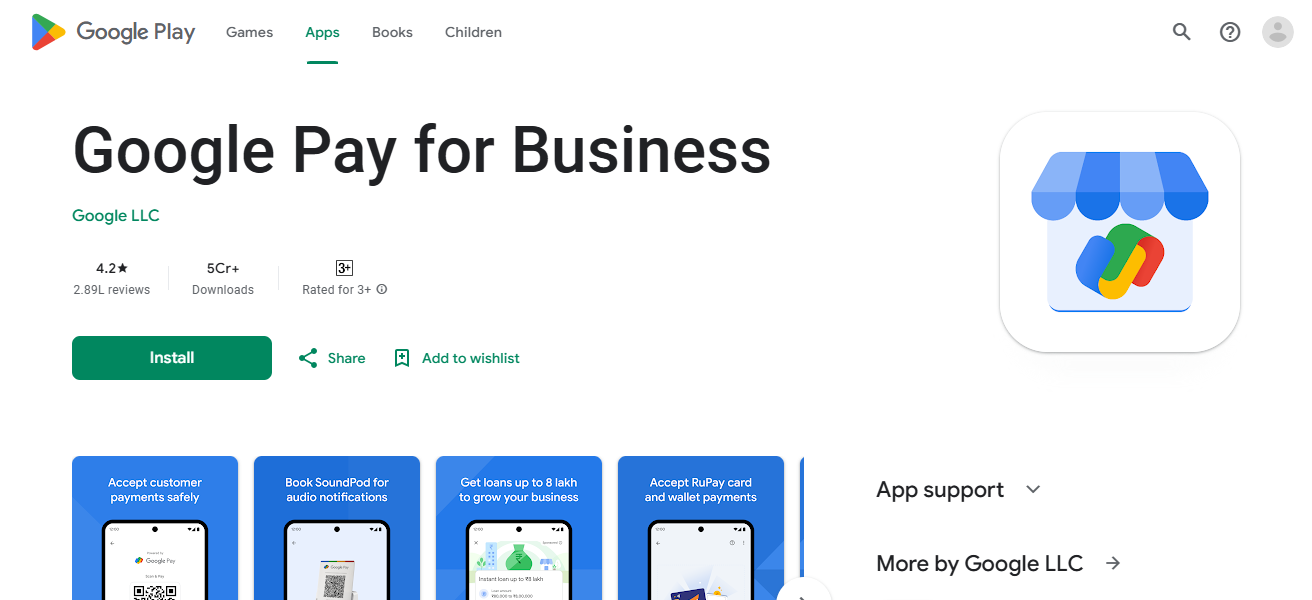
The platform has used a special technology called tokenization, guaranteeing security. Its popularity and user-friendliness make it a perfect option for shop owners, small retailers, local businesses or service providers with the needs of immediate contactless payments.
Google Pay Business – Key Features
| Feature | Details |
|---|---|
| UPI Payments | Instant bank-to-bank transfers (India-focused) |
| QR Codes | Widely accepted QR-based payment system |
| Security | Tokenization and multi-layer authentication |
| Integration | Works with POS and online gateways |
| Cost | Low or zero MDR on UPI transactions |
| Accessibility | Works on Android devices widely used in India |
| Best For | Local retailers, small service providers |
| Pros | Cons |
|---|---|
| Instant UPI-based payments (especially in India) | Limited advanced business tools |
| Low or zero transaction cost for many payments | Dependent on internet and smartphone access |
| Easy integration with POS and apps | |
| High security with tokenization | Limited support for complex invoicing |
| Widely adopted among mobile users | Fewer analytics compared to competitors |
6. Apple Pay
A premium payment method, the Apple Pay is a contactless solution specially designed for users with Apple devices that processes real-time transactions in a fast and secure way.
It employs tokenization technology so that card details are never shared with merchants. Apple Pay works with payment processors such as Stripe and Square, allowing merchants to be able to accept tap-to-pay transactions both in person and online.
Although it does not levy extra fees on top of regular processing rates, it improves checkout speed and customer convenience.
The platform particularly resonates with businesses targeting higher-end customers that value a frictionless mobile payment experience.
Apple Pay – Key Features
| Feature | Details |
|---|---|
| Contactless Payments | Tap-to-pay via iPhone, Apple Watch |
| Security | Tokenization, biometric authentication (Face ID/Touch ID) |
| Integration | Works with Stripe, Square, and online checkouts |
| Speed | Fast checkout with one-tap payment |
| Fees | No extra fee beyond payment processor charges |
| Device Ecosystem | Limited to Apple users |
| Best For | Premium retail and tech-savvy customers |
| Pros | Cons |
|---|---|
| Fast, contactless payments with high security | Limited to Apple ecosystem |
| Uses biometric authentication (Face ID/Touch ID) | Requires compatible Apple devices |
| No extra fees beyond processor charges | Not a standalone payment processor |
| Seamless checkout improves user experience | Lower adoption in non-Apple markets |
| Works with major payment gateways | Limited direct business tools |
7. Zelle for Business
Zelle for Business allows the immediate moving of funds between customer and business accounts, so banks can transfer money to one another in real-time.
Zelle generally does not charge transaction fees like traditional processors do, although banks may impose charges for using Zelle as a business.

It is perfect for service-based businesses and freelancers who want to receive payments directly without middlemen.
But Zelle does not offer features such as chargeback protection, invoicing or international support that make it less good for e-commerce. Its simplicity and speed make it ideal for repeat customers and local transactions in which trust is already established.
Zelle for Business – Key Features
| Feature | Details |
|---|---|
| Bank Transfers | Direct bank-to-bank real-time payments |
| Fees | Typically no transaction fees (bank dependent) |
| Speed | Instant transfers within minutes |
| Integration | Linked directly to business bank accounts |
| Simplicity | No app setup needed if bank supports Zelle |
| Limitations | No chargebacks or international payments |
| Best For | Local services, repeat customers |
| Pros | Cons |
|---|---|
| Instant bank-to-bank transfers | No chargeback protection |
| Typically no transaction fees | Limited to domestic transfers |
| No need for additional apps (bank-integrated) | No invoicing or POS features |
| Simple and fast payments | Not suitable for eCommerce |
| Ideal for repeat customers | Risk of irreversible transactions |
8. Cash App Business
Cash App Business is an easy, fast way for small businesses to accept real-time payments via mobile devices. Its support for QR codes, $Cashtags and instant peer-to-peer transfers makes it especially ideal for freelancers and small vendors.
The platform takes approximately 2.75% from each transaction and provides instant deposits for speedier cash flow.

With a simple interface and rising popularity amongst younger consumers it can be an essential platform for businesses aiming their products at prospects immersed in the online world. But it doesn’t have the international support of platforms like PayPal or Stripe.
Cash App Business – Key Features
| Feature | Details |
|---|---|
| Payment Methods | QR codes, $Cashtags, P2P transfers |
| Instant Deposits | Immediate access to funds (with fee) |
| Fees | ~2.75% per transaction |
| User Base | Popular among younger digital users |
| Simplicity | Easy mobile-based setup |
| Limits | Limited global availability |
| Best For | Freelancers, small vendors |
| Pros | Cons |
|---|---|
| Simple interface and quick setup | |
| Instant transfers and $Cashtag payments | |
| Offers additional features (cards, investing, crypto) | |
| Popular among younger users | Limited buyer protection |
| Free debit card (Cash Card) available | Higher fraud/scam risk due to instant payments |
9. Runit RealTime Cloud
Runit RealTime Cloud is a retail payment and management system for multi-store businesses. In a single cloud platform, it provides real-time transaction processing with inventory management, CRM and sales analytics.
Businesses can use it to monitor performance across locations in real time, and run operations smoothly. Its real-time reporting features allow retailers to make fast, informed decisions based on accurate data at any given moment.
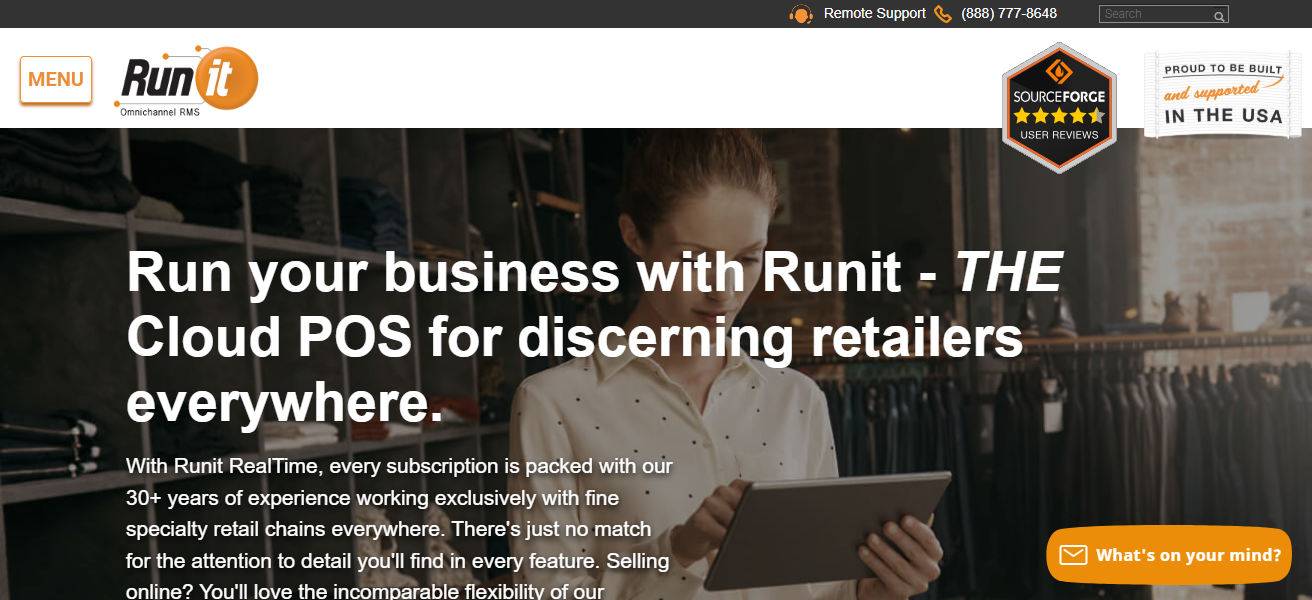
Although it is more advanced than basic payment application, it definitely suits growing retail chains that need integrated solutions beyond just processing payments. It had enhanced operational efficiency and scalability.
Runit RealTime Cloud – Key Features
| Feature | Details |
|---|---|
| Retail Management | Inventory, CRM, and POS in one system |
| Real-Time Data | Live sales tracking across multiple stores |
| Cloud System | Centralized data access from any location |
| Analytics | Detailed reporting and performance insights |
| Scalability | Supports multi-location retail chains |
| Customization | Industry-specific retail features |
| Best For | Growing retail businesses and chains |
| Pros | Cons |
|---|---|
| Real-time retail data and analytics | Higher complexity than basic apps |
| Integrated POS, CRM, and inventory | Requires training for staff |
| Multi-store management capability | Cost may be higher for small businesses |
| Cloud-based access from anywhere | Not ideal for freelancers or solo users |
| Scalable for growing retail chains | Limited use outside retail sector |
10. QuickBooks Payments
It is a great option for those who focus on financial management since QuickBooks Payments integrates seamlessly with their accounting software.
Its real-time acceptance includes support for cards, bank transfers and mobile payments. Transactions synchronize automatically with accounting records, minimizing manual work and errors.
Fees run about 2.5% for in-person payments and closer to 2.99% for online sales. It also works particularly well for service-based businesses and freelancers
Who invoice frequently and need to keep track of all their books. Improve cash flow visibility and streamline financial reporting with a seamless integration.
QuickBooks Payments – Key Features
| Feature | Details |
|---|---|
| Accounting Integration | Syncs automatically with QuickBooks |
| Payment Methods | Cards, ACH bank transfers, mobile payments |
| Invoicing | Built-in invoicing with payment links |
| Real-Time Processing | Faster payment recording and tracking |
| Fees | ~2.5% (in-person), ~2.99% (online) |
| Reporting | Financial insights and tax-ready reports |
| Best For | Service businesses, accountants, freelancers |
| Pros | Cons |
|---|---|
| Seamless integration with accounting software | |
| Automatic transaction syncing | Only ideal for QuickBooks users |
| Built-in invoicing and reporting | Pricing can be confusing |
| Supports multiple payment types | Limited customization outside ecosystem |
| Good for bookkeeping and tax prep | Not the cheapest option for processing |
Conclsuion
In conclusion, the best real-time payment apps for small business owners offer speed, convenience, and improved cash flow management.
By choosing the right platform based on business needs, fees, and features, owners can streamline transactions and enhance customer experience.
Adopting these tools not only boosts efficiency but also helps businesses stay competitive in today’s fast-evolving digital payment landscape.
FAQ
Real-time payment apps allow businesses to send and receive money instantly, with transactions processed and settled within seconds.
Small businesses benefit from faster cash flow, better financial tracking, and reduced dependency on credit. Instant payments help businesses pay suppliers, employees, and manage expenses without waiting days for funds to clear.
Yes, most real-time payment apps use encryption, tokenization, and multi-factor authentication to secure transactions. However, businesses must stay alert to fraud risks like phishing or fake payment confirmations.
Many apps charge per transaction or for instant transfers, while some options like UPI-based payments can be free or low-cost. Fees vary depending on the provider, payment method, and region.