
This article covers the best field service management software that can help business improve scheduling, dispatching, technician management, and customer service. Automation, real-time tracking, reporting, and management tools are offered in some of the software.
All of these features help boost productivity. The right field service software can make the daily tasks of running an organization, whether a small service company or a big enterprise, much easier.
How To Choose the Best Field Service Management Software
Consider Scheduling & Dispatching Tools Choose tools with scheduling and dispatching automation and route optimization.
Inclusion of Mobility Consideration Ensure service technicians have access to job details, updates, and customer information via mobile.
Analyze Integration Capabilities Choose field service solutions that integrate with your customer relationship management (CRM), accounting, enterprise resource planning (ERP), and other field service related solutions.
Assess Reporting Capability Select solutions that provide the capability of reporting and analytics in real time and track service team performance.
Examine Pricing Options Compare costs and features to determine which field service solution works best for your company in your industry, at the most economical price.
Key Points & Best Field Service Management Software
| Best Field Service Management Software | Explanation |
|---|---|
| Salesforce Field Service | Helps manage scheduling, dispatching, customer service, and technician workflows with powerful automation tools. |
| ServiceTitan | Provides business management features for contractors, including scheduling, reporting, payments, and customer communication. |
| Jobber | Simplifies job scheduling, invoicing, client management, and team coordination for small service businesses. |
| Oracle Field Service | Optimizes technician routes, workforce planning, and real-time service operations using intelligent algorithms. |
| Microsoft Dynamics 365 Field Service | Enables resource scheduling, asset tracking, work orders, and connected customer service experiences. |
| SAP Field Service Management | Supports complex service operations with workforce optimization, analytics, and mobile technician capabilities. |
| Housecall Pro | Offers scheduling, payments, customer management, and marketing tools for home service providers. |
| ServiceMax | Improves asset management, technician productivity, and enterprise service delivery through automation. |
| Zuper | Provides smart scheduling, workforce tracking, invoicing, and integrations for growing service companies. |
| Kickserv | Helps manage estimates, jobs, customers, payments, and field teams efficiently. |
10 Best Field Service Management Software
1. Salesforce Field Service
Salesforce Field Service is among the Best Field Service Management Software solutions. Field service ops can be highly automated, and scheduling can be optimized. Salesforce Field Service helps assign technicians, manage customer requests, and consolidate work orders and service appointments.
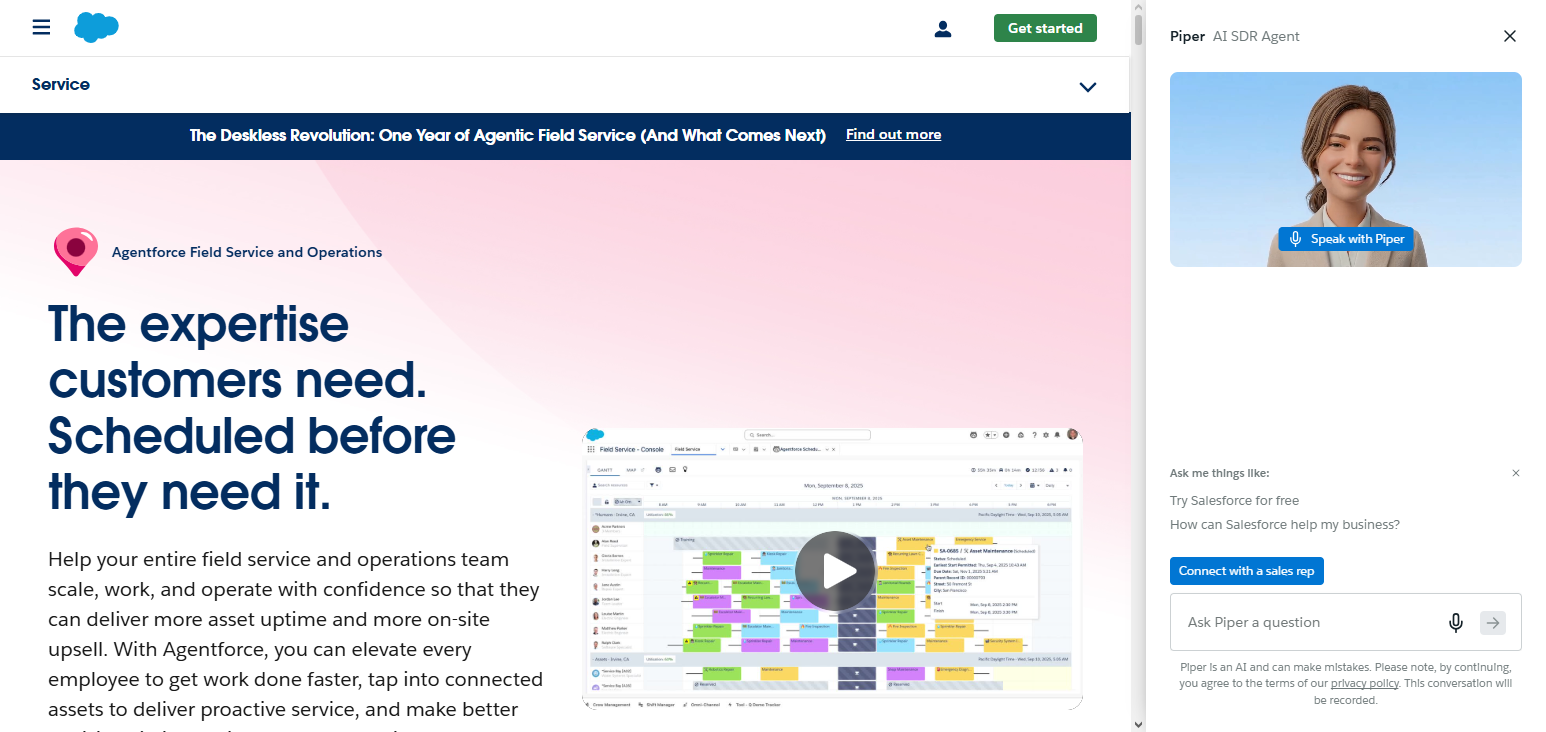
Salesforce Field Service uses AI to optimize routes, increase technician productivity, and minimize travel time. Salesforce Field Service helps managers enhance the customer service experience and offers real-time visibility of service activities and performance.
This software is best for large corporations with extensive service management needs, as it integrates with CRM systems.
Salesforce Field Service – Pros & Cons
| Pros | Cons |
|---|---|
| Advanced AI-powered scheduling improves technician assignments and reduces operational delays. | Higher pricing makes it less suitable for small businesses with limited budgets. |
| Strong CRM integration provides complete customer and service management visibility. | Requires technical expertise for customization and implementation. |
| Real-time tracking improves workforce monitoring and productivity. | Extensive features may create a learning curve for new users. |
| Scalable solution supports large enterprise field service operations. | Some advanced features require additional Salesforce licenses. |
| Mobile capabilities help technicians access service information anywhere. | Setup process can be time-consuming for complex organizations. |
2. ServiceTitan
ServiceTitan is one of the Best Field Service Management Software solutions for contractors and service-oriented businesses. ServiceTitan combines the tools needed for scheduling and dispatching, as well as customer communication, reporting, payment, and marketing management.
ServiceTitan incorporates automation for daily operations and improves technician and customer service.
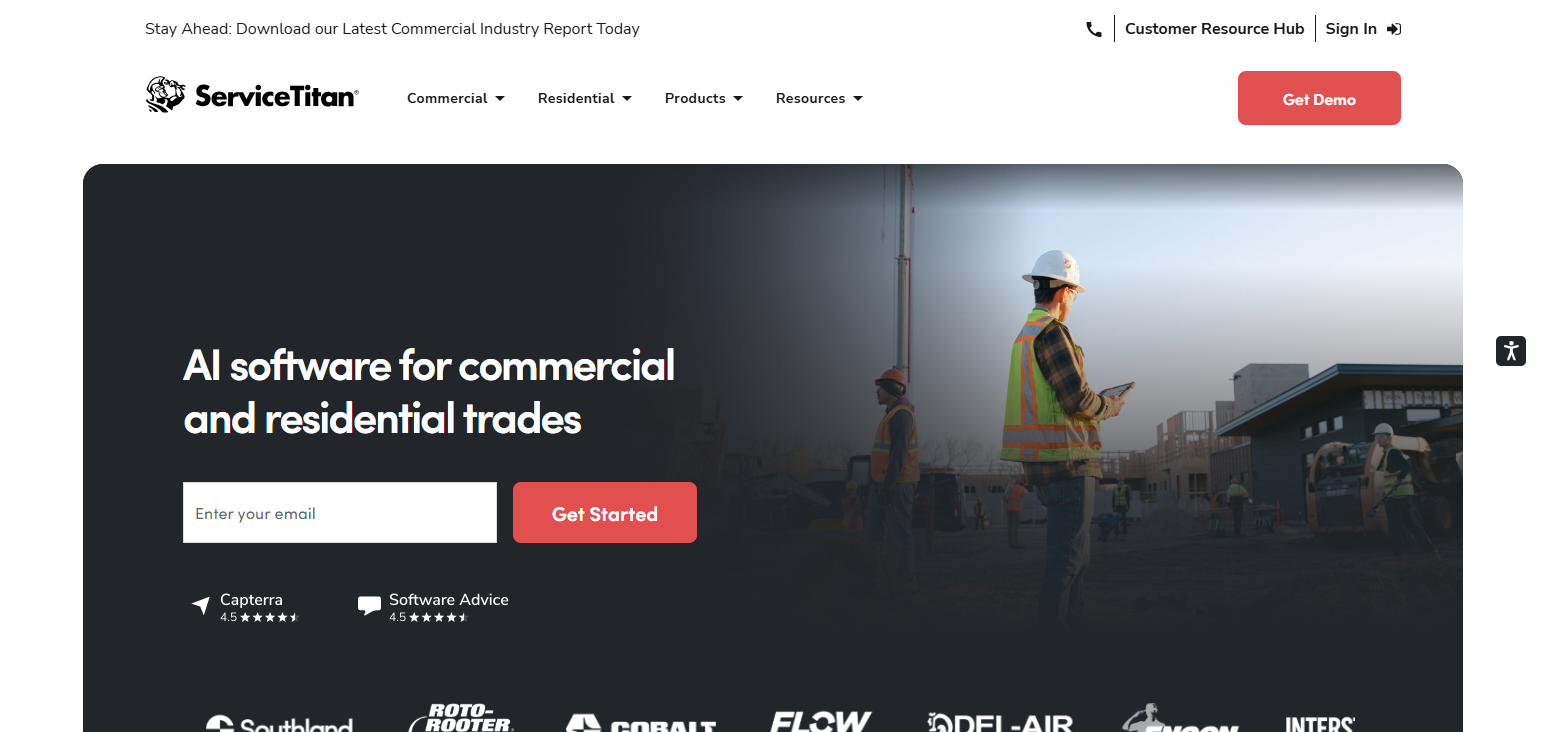
This software offers management dashboards for tracking metrics related to revenue, jobs, and productivity. ServiceTitan is commonly used by HVAC, plumbing, electrical, and other field service companies for its all-in-one management capabilities.
ServiceTitan – Pros & Cons
| Pros | Cons |
|---|---|
| Complete platform for scheduling, dispatching, payments, and customer management. | Expensive pricing may not fit small service companies. |
| Provides detailed analytics for tracking business performance and revenue. | Primarily focused on home service industries. |
| Improves technician productivity through automation tools. | Requires training before employees can use all features effectively. |
| Strong marketing and customer communication capabilities. | Limited customization compared with enterprise solutions. |
| Helps contractors manage operations from one platform. | Some users report complex software navigation. |
3. Jobber
Shortlisted in the category of Best Field Service Management Software, Jobber offers an easily navigable platform with simplified features. From scheduling jobs and managing customers to invoicing and quoting to communicating with team members, Jobber allows businesses to manage all these functionalities.
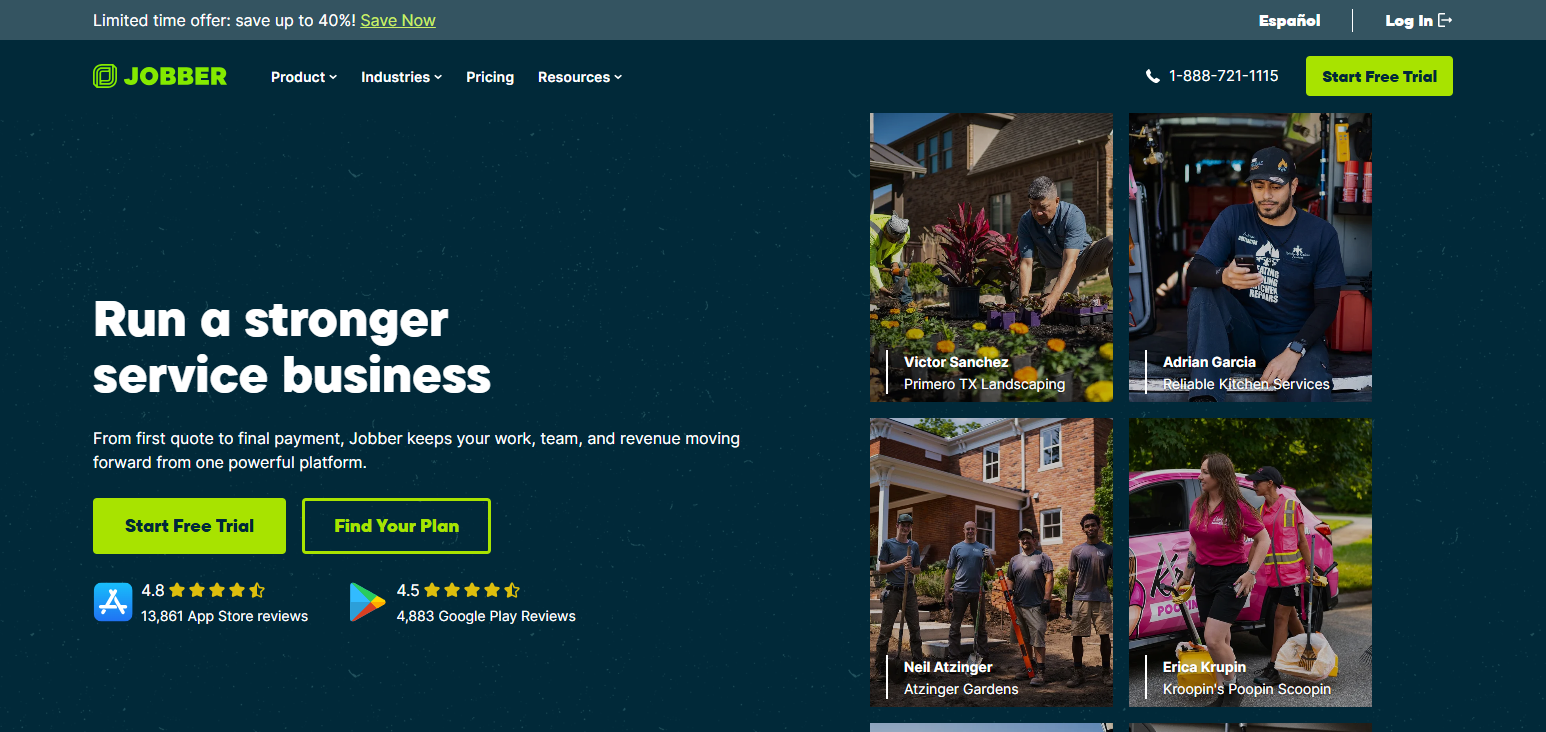
Users can manage and track team member schedules and activities and send notifications to customers. Jobber also captures and stores customer service records and follow-up service requests. Follow-up requests are also captured in the system. Jobber’s mobile app allows team members in the field to view job details and advancement, and progress can be updated on the app.
Jobber – Pros & Cons
| Pros | Cons |
|---|---|
| Simple interface makes it easy for small businesses to use. | Limited advanced features for large enterprises. |
| Efficient scheduling and invoicing tools reduce administrative workload. | Reporting capabilities are basic compared to enterprise platforms. |
| Mobile app helps technicians manage jobs remotely. | Fewer customization options for complex workflows. |
| Affordable pricing plans support growing service businesses. | Limited automation compared with premium solutions. |
| Improves customer communication through notifications and updates. | May require third-party integrations for advanced needs. |
4. Oracle Field Service
Shortlisted in the category of Best Field Service Management Software, Oracle’s Field Service offers an extensive platform can provide solutions for service operations of an enterprise level.
This platform uses artificial intelligence and provides the analytics needed to optimize scheduling and service routes for employees and the services offered.
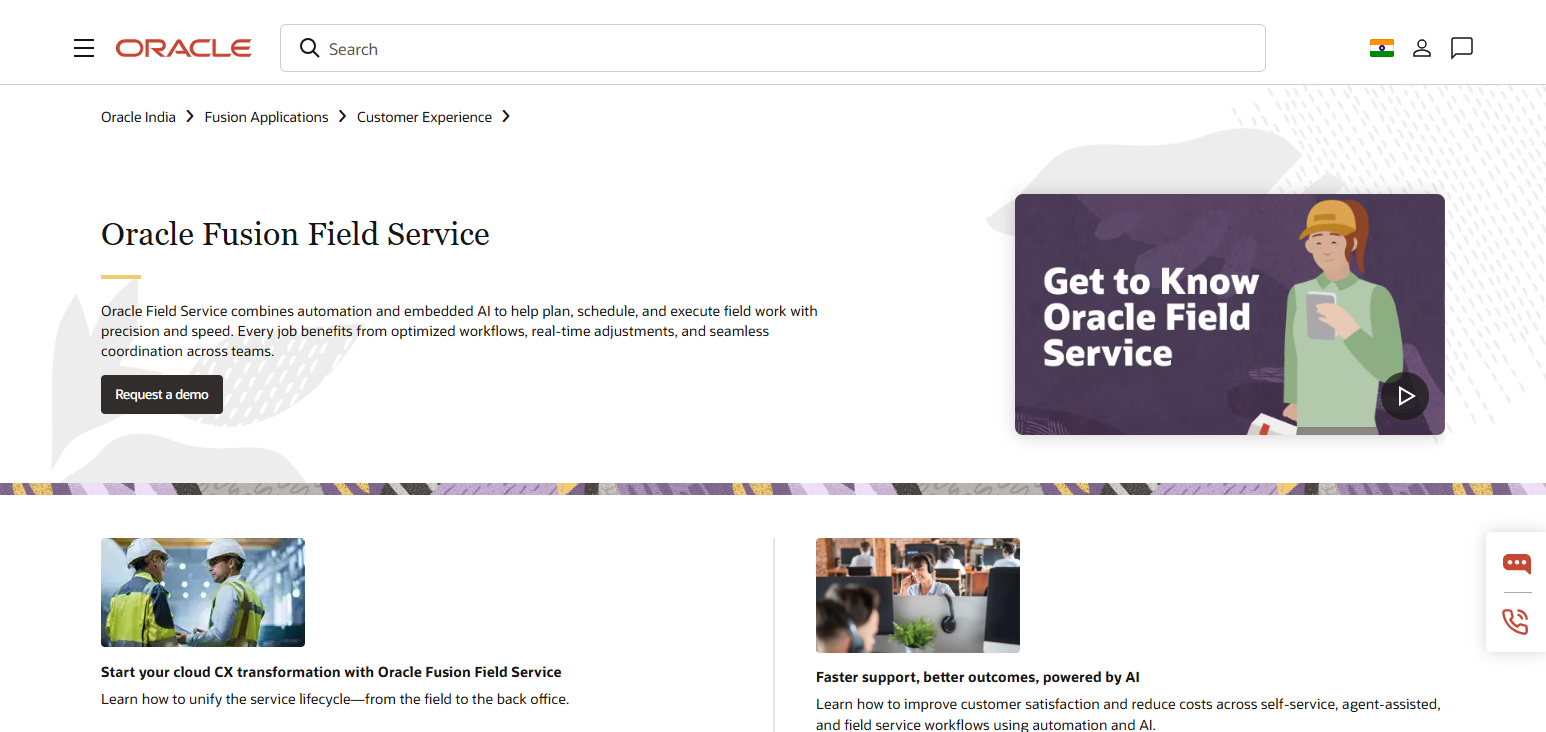
Oracle Field service can automate the improvement of service times. With this platform, businesses can manage service requests, employees, and even communication with customers, all in real time.
Oracle Field Service – Pros & Cons
| Pros | Cons |
|---|---|
| AI-based optimization improves scheduling and technician efficiency. | Implementation can be complex for smaller organizations. |
| Provides powerful workforce planning and resource management tools. | Higher cost compared with basic field service solutions. |
| Real-time tracking improves operational visibility. | Requires skilled professionals for configuration. |
| Supports large-scale enterprise service operations globally. | User interface may feel complex for beginners. |
| Advanced analytics helps improve decision-making processes. | Long deployment time for customized environments. |
5. Microsoft Dynamics 365 Field Service
Shortlisted as the Best Field Service Management Software, Microsoft Dynamics 365 Field Service integrates field and customer service with business operations. Companies can manage service requests, schedule field personnel, track service-related assets, and automate workflows.
Though this platform offers service scheduling and routing, it also helps companies manage planned service activities.
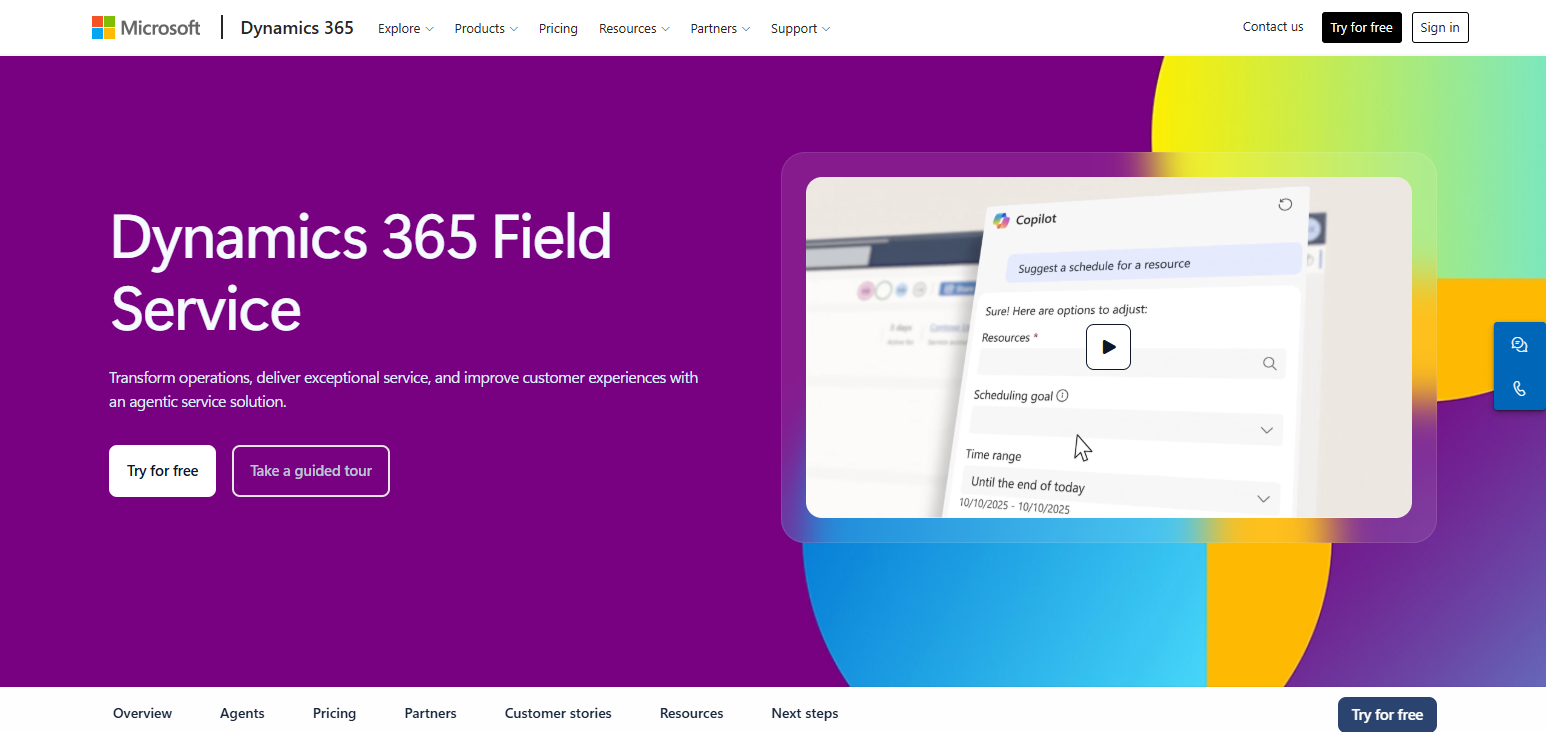
Integration with the Microsoft ecosystem enables companies to improve collaboration. Microsoft Dynamics 365 Field Service is the most commonly chosen platform to manage field services due to its scalability.
Microsoft Dynamics 365 Field Service – Pros & Cons
| Pros | Cons |
|---|---|
| Seamless integration with Microsoft ecosystem improves productivity. | Licensing costs can increase with additional features. |
| AI-powered tools enhance scheduling and maintenance planning. | Requires technical knowledge for advanced customization. |
| Strong asset management capabilities support complex operations. | Setup process may be challenging for small companies. |
| Scalable solution for businesses of different sizes. | Training is needed for new users. |
| Provides excellent reporting and data management features. | Some features depend on other Microsoft products. |
6. SAP Field Service Management
SAP Field Service Management is an enterprise-level software product that sits in our #1 position for the best field service management software.
Designed to support complex service operations, SAP Field Service Management is a great option for enterprises looking to optimize workforce management, service analytics, mobile operations, and the scheduling of technicians.
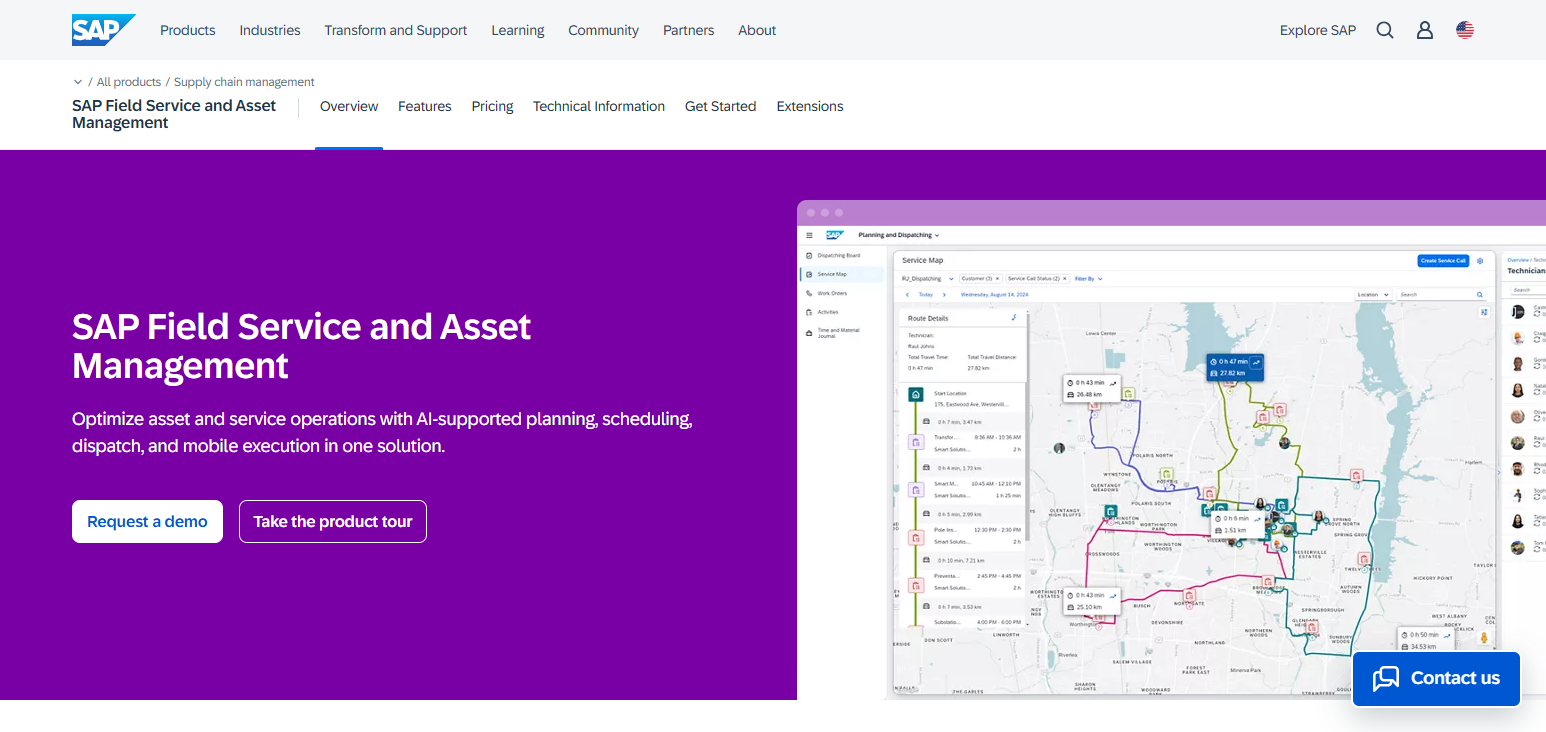
SAP Field Service Management supports technicians in the field and customer service representatives by providing real-time data that helps resolve problems and answer inquiries.
SAP Field Service Management integrates with other SAP business solutions to assist enterprises with the management of service performance, maintenance, and assets.
Organizations in complex service industries that require advanced control of their operations will benefit from SAP Field Service Management.
SAP Field Service Management – Pros & Cons
| Pros | Cons |
|---|---|
| Powerful enterprise solution for complex service operations. | High implementation and maintenance costs. |
| Strong integration with SAP business applications. | Requires experienced professionals for deployment. |
| Advanced analytics improves service performance monitoring. | Not ideal for small businesses. |
| Supports global workforce and asset management. | User interface can be complicated for beginners. |
| Mobile tools improve technician productivity and communication. | Customization may require additional development resources. |
7. Housecall Pro
Housecall Pro is an easy to use, mobile field service management solution that is among the best field service management software for small service businesses.
Housecall Pro is a great mobile field service management software solution for service businesses that need tools for scheduling jobs, processing payments, and managing customer communications and marketing, as well as invoicing.
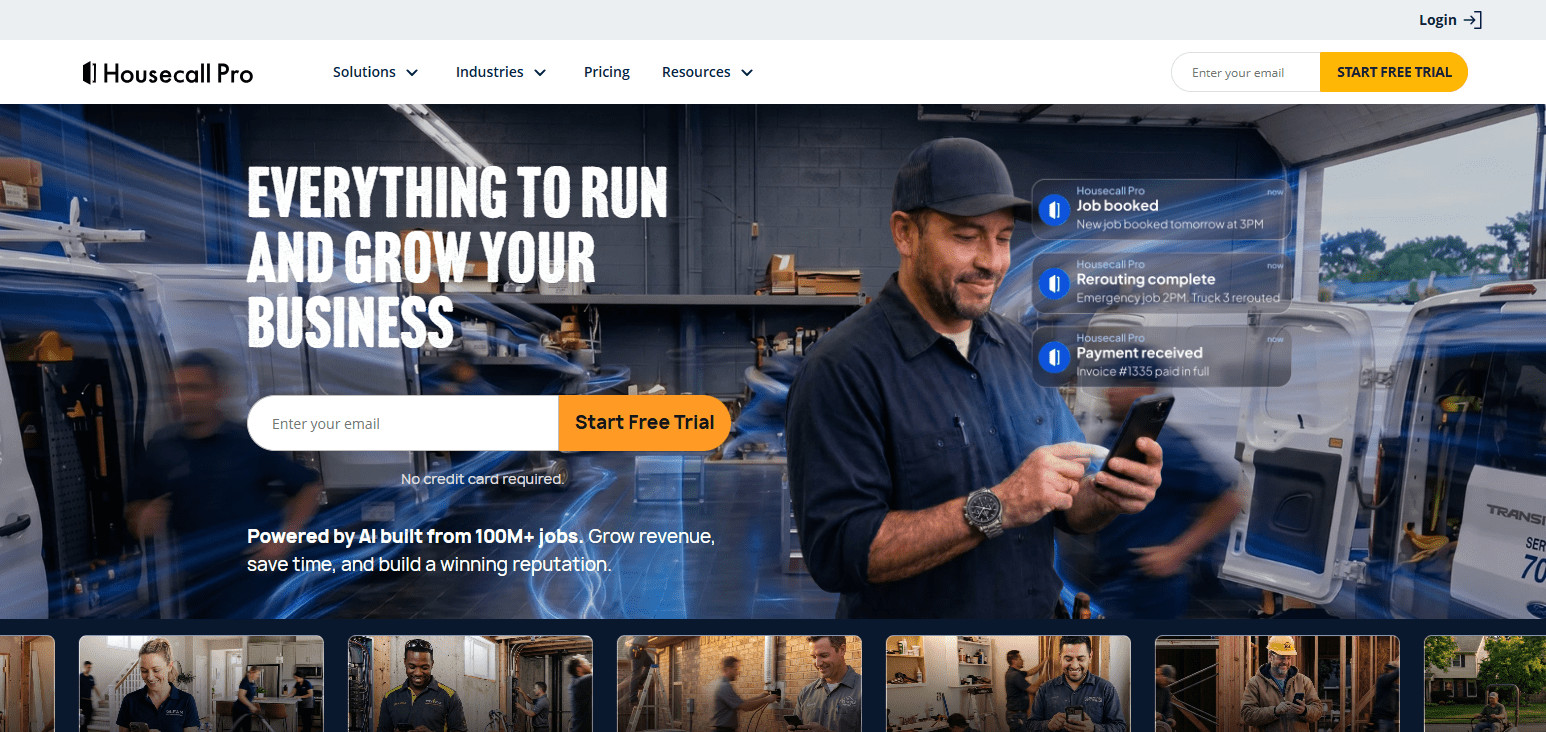
Service businesses that need a simple plan to manage service operations with mobile field staff will find that Housecall Pro helps them improve customer service with automated customer reminders and notifications.
Housecall Pro – Pros & Cons
| Pros | Cons |
|---|---|
| Easy-to-use platform designed for home service businesses. | Limited advanced enterprise-level features. |
| Provides scheduling, payments, and customer management tools. | Reporting options are less detailed than competitors. |
| Mobile app improves technician communication and job updates. | Mainly suitable for small and medium businesses. |
| Automated reminders improve customer experience. | Customization options are limited. |
| Helps reduce paperwork through digital workflows. | Some integrations require additional costs. |
8. ServiceMax
ServiceMax is field service management software that is designed primarily to support service management for enterprises and the management of assets.
ServiceMax is a strong solution for enterprises that want to manage the productivity of their service technicians and the maintenance of their service assets, as well as the automation of service processes.
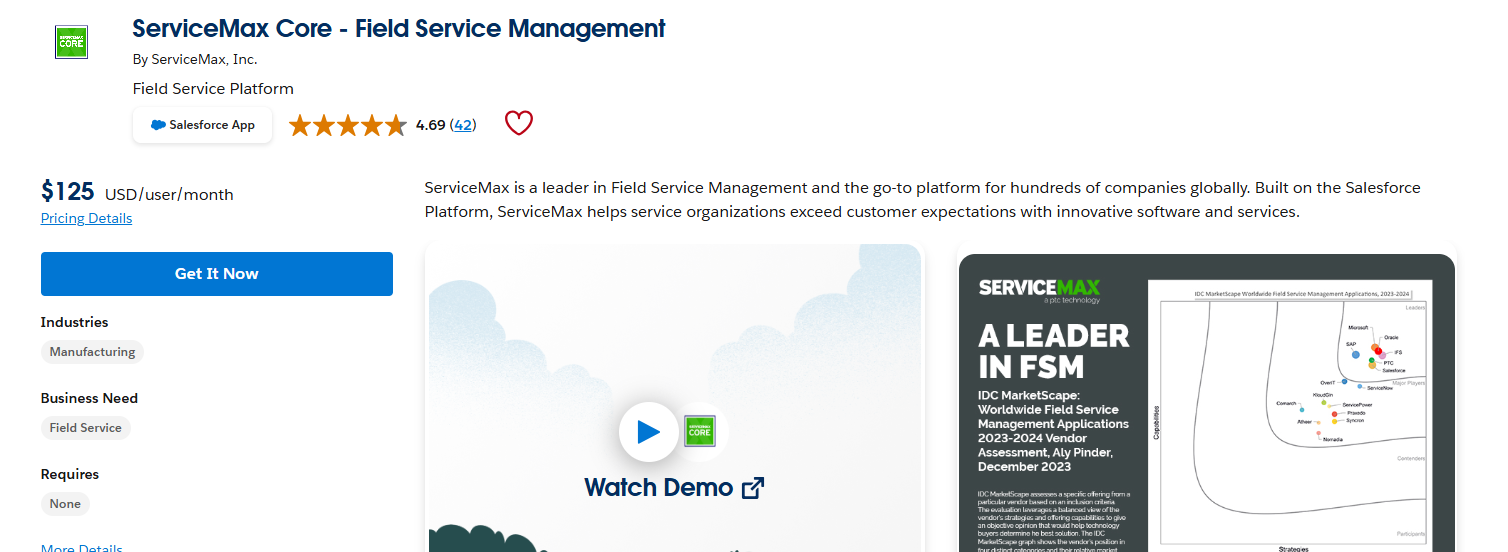
ServiceMax is software that helps service businesses gain visibility to service works and service assets, as well as management of field operations and service requests.
Service businesses that want to support the execution of field service operations and improve the efficiency of service assets will find that ServiceMax has a strong tool for support of the field service operations.
ServiceMax – Pros & Cons
| Pros | Cons |
|---|---|
| Excellent asset management capabilities for enterprise businesses. | Higher pricing compared with smaller field service tools. |
| Supports predictive maintenance and service automation. | Requires technical expertise during implementation. |
| Improves technician productivity through real-time information. | Complex features may require extensive training. |
| Provides strong reporting and analytics functionality. | Better suited for large organizations than startups. |
| Helps reduce equipment downtime through proactive maintenance. | Configuration process can be lengthy. |
9. Zuper
Zuper is a cutting-edge Best Field Service Management Software that focuses on managing workforces and operations. It provides functionalities for easy scheduling, tracking technicians, invoicing, managing customers, and integration with other services.
Zuper takes care of repetitive business processes and provides better communications between management and field staff.
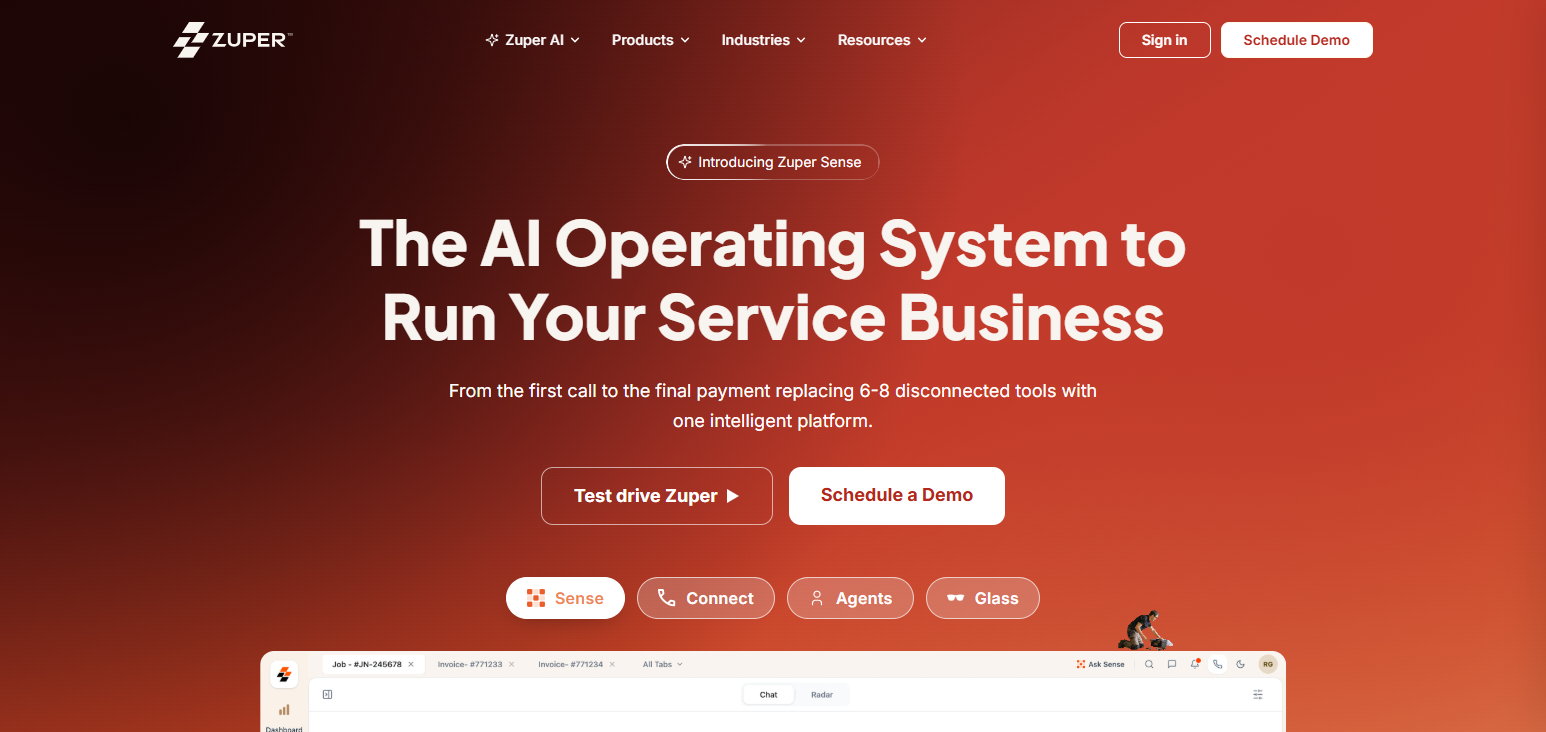
The software provides managers the capability to track jobs and make needed decisions on the fly. Zuper is field service management software most ideal for growing companies that need a flexible and scalable solution.
Zuper – Pros & Cons
| Pros | Cons |
|---|---|
| Flexible platform with smart scheduling and workforce tracking. | Limited advanced enterprise features compared to larger platforms. |
| User-friendly interface helps teams adopt quickly. | Some integrations may require additional setup. |
| Supports invoicing, customer management, and automation. | Reporting features may need improvement for large companies. |
| Mobile application helps technicians manage field activities. | Less established compared to older competitors. |
| Suitable for growing service businesses with scalable needs. | Advanced customization options are limited. |
10. Kickserv
Kickserv is an inexpensive Best Field Service Management Software that allows companies to manage jobs, customers, estimates, payments, and field staff. Kickserv is a simple scheduling tool, with a built-in customer relationship management (CRM) system, and provides mobile access to technicians.
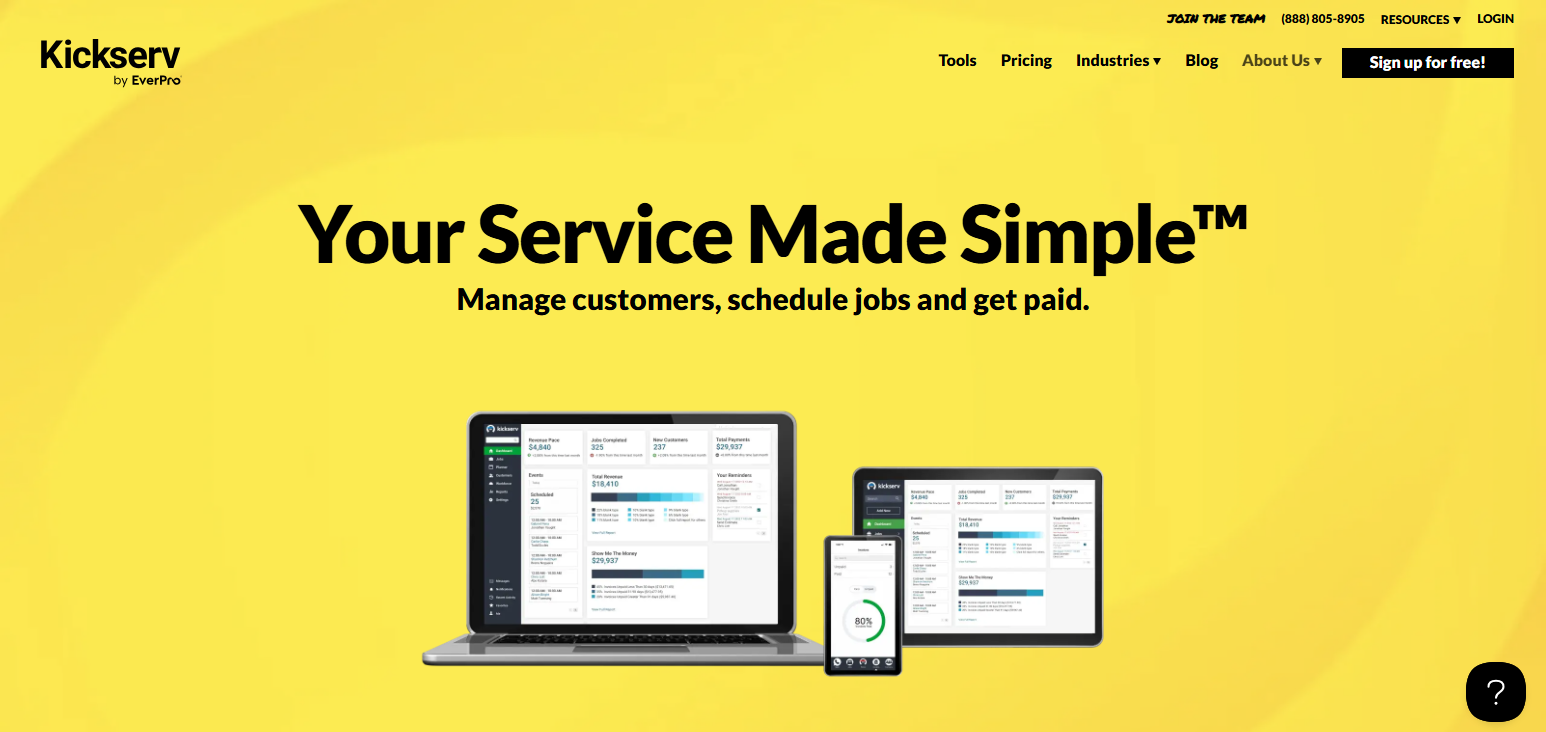
Kickserv allows services companies to improve their workflows, reduce time and costs associated with documentation, and improve customer service. This platform is field service management software that is best for small companies that need basic field service management, with little to no complex integrations.
Kickserv – Pros & Cons
| Pros | Cons |
|---|---|
| Affordable solution for small service businesses. | Limited features for large enterprise operations. |
| Easy job scheduling and customer management tools. | Basic analytics compared with premium platforms. |
| Mobile access helps technicians update job information. | Fewer automation capabilities than competitors. |
| Simplifies estimates, invoices, and payment management. | Limited integrations with advanced business systems. |
| Reduces paperwork through digital workflow management. | Customization options are somewhat restricted. |
Conclusion
To sum up, the Best Field Service Management Software assists to optimize operational efficiency, boosts the productivity of field technicians, and helps to improve customer satisfaction level. Some of the software like Salesforce Field Service, ServiceTitan, Jobber, and
Microsoft Dynamics 365 Field Service, offers robust systems for scheduling, automation and reporting. The type of organization determines the budget, specific needs and growth potential determines the type of software that is selected. The right software offers huge benefits for the organization and its users.
FAQ
What does Field Service Management Software do?
It helps manage scheduling, dispatching, technician tracking, customer service, work orders, and field operations.
Why should businesses use Field Service Management Software?
It improves productivity, reduces operational costs, automates workflows, and enhances customer satisfaction.
Which Field Service Management Software is best for small businesses?
Jobber, Housecall Pro, and Kickserv are suitable options for small service-based businesses.
Can Field Service Management Software track technicians?
Yes, most platforms provide GPS tracking, real-time updates, and technician performance monitoring.