Coordinating daily spending is tricky without access to effective financial tools. This article will tackle the Best Budgeting Apps to Finally Take Control of Your Daily Spending.
This should allow users to pinpoint the features, benefits, account costs, and overall usability of each app. If you prefer automated expense tracking, savings goals, or monthly investment goal tracking, these apps will simplify your overall financial performance management.
Key Points
| App | Explanation |
|---|---|
| You Need a Budget (YNAB) | Best for strict zero-based budgeting where every dollar gets assigned. |
| Monarch Money | Best for families and couples sharing dashboards to track finances. |
| Quicken Simplifi | Best for flexible savings goals and clean, easy-to-read spending charts. |
| EveryDollar | Best for straightforward zero-based budgeting with free and manual tracking. |
| PocketGuard | Best for overspenders wanting snapshots of money remaining after bills. |
| Copilot Money | Best for iOS users preferring AI-driven monitoring and automatic categorization. |
| Goodbudget | Best for beginners using envelope budgeting without linking bank accounts. |
| Rocket Money | Best for identifying and canceling unwanted recurring subscriptions and bills. |
| Origin | Best for all-in-one management with budgeting, forecasting, and tax planning. |
| Empower Personal Dashboard | Best for free tracking of investments, net worth, and expenses. |
10 Best Budgeting Apps to Finally Take Control of Your Daily Spending
1. You Need a Budget (YNAB)
For people who like to manage their budgets hands-on and in real time, YNAB is a great choice. YNAB is the company name as well as a budgeting technique. The latter was developed by Jesse Mecham, and is the principle of zero-based budgeting, in which every dollar is given a purpose before spending.
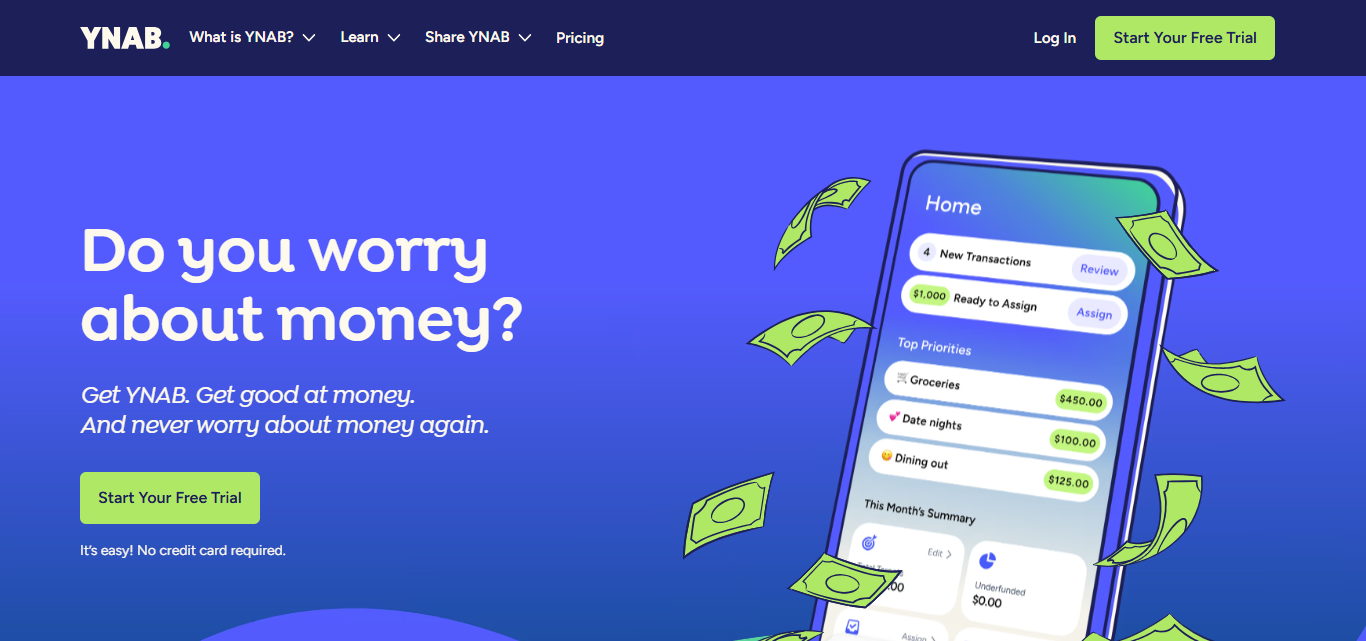
YNAB claims that their software has its roots in Mecham’s spreadsheets, but was first published in 2004. They offer a free 34 day trial, and their services are priced at $14.99 a month, or $109 for a year of use. The iOS App store weighs their software at 4.8 out of 5. The software is available for iPhone, iPad, iWatch, Android, and the web. YNAB boasts strong support for multiple currencies.
Key Features
- Zero-Based Budgeting: Every dollar you have must have a predetermined budget category.
- Goal Tracking: Create a finance goal for every emergency fund, expense, vacation, debt repayment etc.
- Bank Integrations: Add your accounts to import your transactions and update your budget.
- Reporting and Analytics: Get spending reports, net worth and income data, and progress toward your financial goals.
Pros
- Handle budgeting and planning with purpose.
- Detailed goal and spending management tools
- Budgeting resources to help beginners get started.
- Allow budgeting across mobile and web.
Cons
- Priced above average compared to free budgeting software.
- More hands-on than automated.
- Overwhelming with zero-based budgeting.
2. Monarch Money
Monarch Money will be a top choice for users looking for a financial and budgeting software that will consolidate budgeting, spending, investing, subscriptions, cash flow, net worth and financial goals. The service was launched in 2019 by Monarch.

Their software is designed to be a modern alternative to other budgeting software. New users are offered a 7 day free trial. Their software costs approximately $99.99 per year or $8.33 per month. Their software on iOS has been rated at 4.9 out of 5 stars. Monarch Money software is available for iPhone, iPad, Android and the web.
Key Features
- Sharing Household Finance: handles combining of finances as one for couples
- Valuation of Total Assets:combines all money, real estate, loans, and everything
- Monitoring of Money Flow: All money coming into and out of the wallet and what is going to be spent is tracked over time
- Budgeting: (Customizable) budgeting for households
Pros
- Good interface for couples and households
- Budgeting and tracking of investments together
- Great cash-flow and net-worth tracking
- Money management dashboard that includes many options
Cons
- No permanent free plan
- Higher subscription costs for lighter use
- Some advanced functionality takes time to build
- Tailored to users that will connect financial accounts easily
3. Quicken Simplifi
Quicken Simplifi appeals to budgeters who like flexible savings goals and automatic financial structuring. Simplifi combines years of personal finance knowledge at Quicken with a mobile first design. However, Simplifi lacks a permanent free plan unlike competitors; it does offer a 30-day free trial in the past.
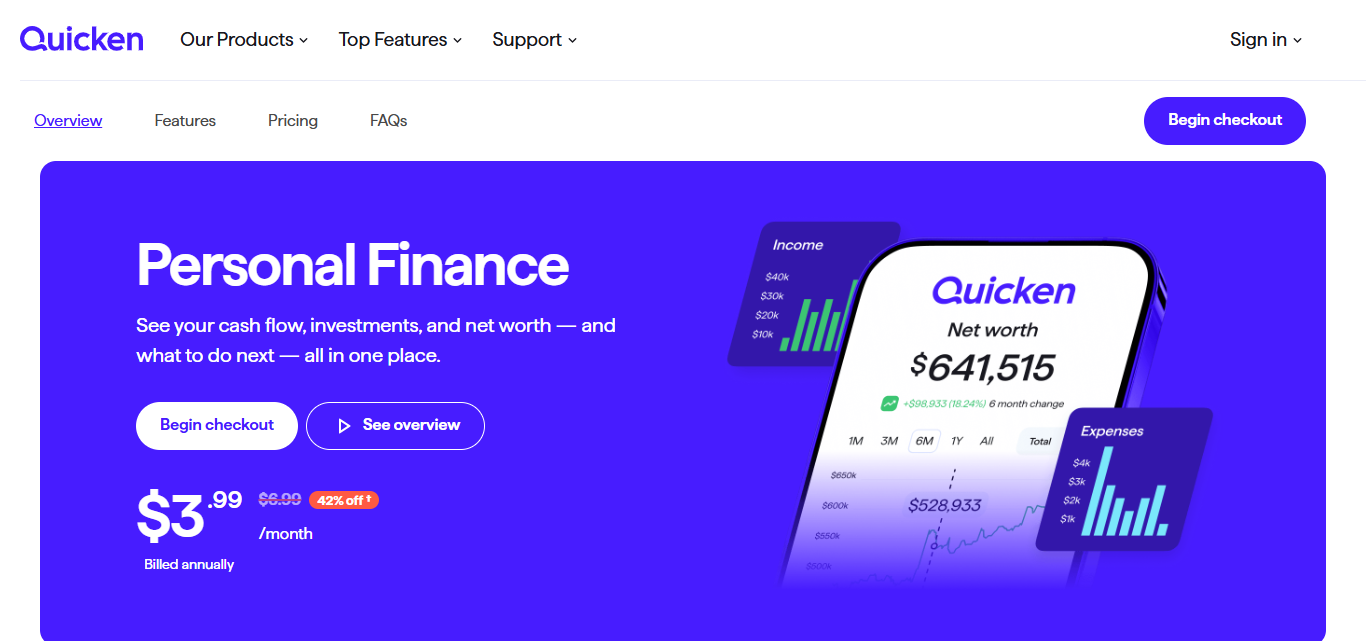
The current price is $3.99/month with a subscription that auto-renews annually. Currently, Simplifi supports web and mobile, including iOS and Android.
Simplifi prides itself on its clean design of spending, cash flow, savings goals, reports, and alerts. It supports a monitoring style of budgeting, unlike some apps, which require users to assign every individual dollar.
Key Features
- Spending Plans: Simply categorize your income and expenditures to create spending plans.
- Saving Goals: Set flexible goal targets for your savings goal like vacation, emergency, or anything you wish.
- Spending Reports: Learn about your spending habits as you view detailed spending reports by month.
- Cash Flow Forecasting: Look into expected incoming and outgoing cash to see how your cash flow is likely to be in the future.
Pros
- Clutter free interface.
- Autosaving features.
- Powerful savings goal feature.
- Less demanding compared to zero-based budgeting.
Cons
- No freemium version.
- Some users would desire more budgeting controls.
- Synchronization with certain banks can be tedious.
- Compared to YNAB and Goodbudget, less Envelope budgeting.
4. EveryDollar
For Ramsey budgeting fans, EveryDollar simplifies zero-based budgeting with its easy-to-use software. EveryDollar was developed in 2015 by Ramsey Solutions with the belief that every dollar should have a proposed destination.
It has grown in the intervening years and relaunched in 2026 with an added focus on personalized plans, coaching, and auxiliary tools to assist with financial planning.
There is a free plan, which is manual transaction tracking. Currently premium starts at $17.99/month or $79.99/year after a 14 day free trial. iOS users rate EveryDollar at 4.7/5. It is available on web and mobile in the US, as well as internationally through the web version.
Key Features
- Zero-based budgeting: Divide income among all budgeted categories for the month.
- Expense tracking: Choose a plan for manual or automatic expense recording.
- Budget categories: Group budget categories for housing, food, transport, entertainment, savings, and debt payments.
- Financial planning: Assist in the planning of budgets in accord with the Ramsey approach for budgeting and debt management with savings as a priority.
Pros
- Straightforward budgeting system.
- Free version available.
- Good for beginners into zero-based budgeting.
- Linked with Dave Ramsey educational programs.
- Cons
- Banking connection for automatic tracking is with the paid version.
- Less features for investment tracking than competitors.
- Probably don’t need the paid version if you’re a manual budgeter.
- Stuck with one way of budgeting.
5. PocketGuard
PocketGuard is designed to help people who frequently overspend and need to know their current cash balance after bills and planned spending. It simplifies financial decisions, rather than requiring users to manage complicated budgets.
PocketGuard was built in the mid-2010s with its signature “leftover money” approach. Although there is a free week trial, most features in PocketGuard’s Premium service are paid features. Premium is $12.99 per month; however, the annual plan costs $74.99 ($6.25 per month).
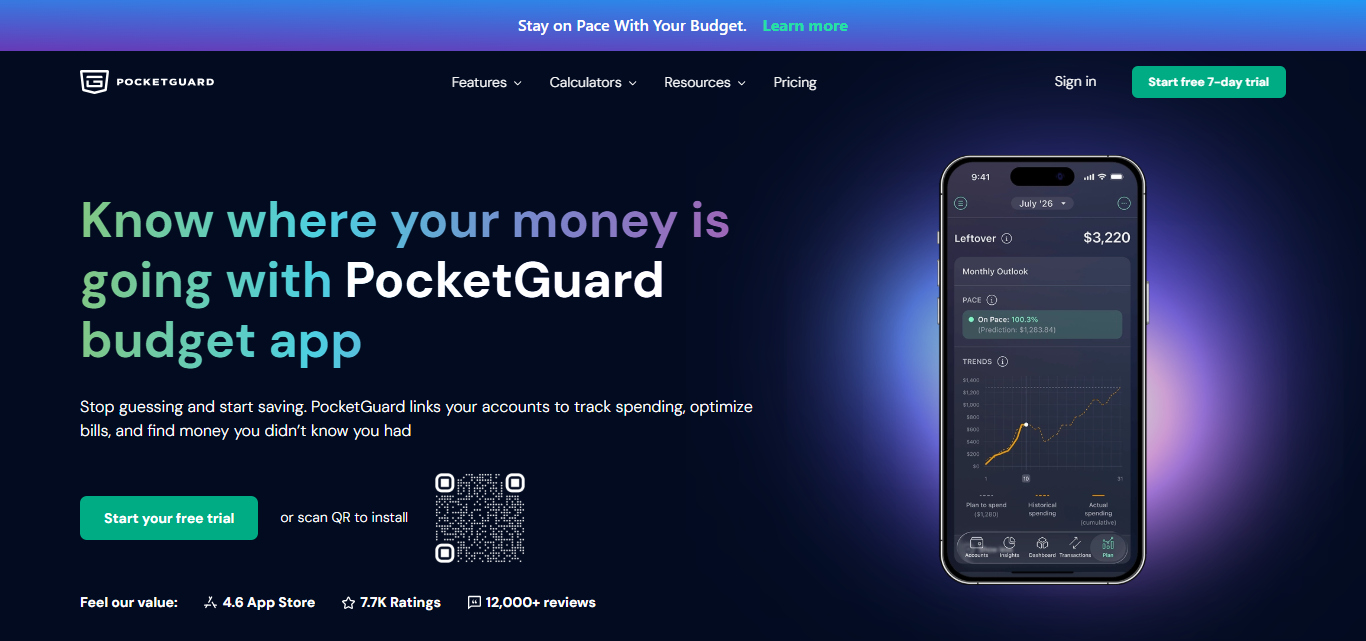
It has a rating of 4.6/5 in the App Store exclusively for the iOS version of the application. It has connected financial accounts and works in the United States and Canada. It supports bank tracking, subscription tracking, goals, and debt pay-off planning.
Key Features
- “Left to Spend” Calculation: Allows you to see how much money you have leftover after taking into account your expenses such as bills and savings.
- Subscription Tracker: Figures out where your subscription and recurring charges are affecting your budget.
- Budget Maker: Builds spending budgets around certain categories and your different financial goals.
- Debt Payoff Tools: Offers tools to help users organize and get out of debt faster.
Pros
- Great for controlling day to day overspending.
- Simplified remaining money calculation.
- Subscription and recurring expense tracking is useful.
- Less overwhelming than traditional zero based budgets.
Cons
- Have to pay for Premium to unlock advanced features.
- Free version has a lot of limitations.
- Connected banks depend on the country.
- Less appropriate option for detailed users of budgeting.
6. Copilot Money
Copilot appeals to many iPhone users. It offers a modern take on personal finance. With a built in visual dashboard, contextual data, and automated data categorization, Copilot ties together spending data in an efficient way.
Copilot was founded in 2019 by Andrés Ugarte as a premium alternative for people looking to modernize their personal-finance tools. Older personal finance tools may lack the graphic design and data integration that Copilot offers.
They also do not offer a permanent free plan, but users can try it free for a month. Copilot costs $13/month, which is roughly $7.92/month with annual billing at $95/year.
Copilot’s iOS app score of 4.8/5 shows positive early feedback, because they have over 30,000 reviews. Copilot runs on iPhone, iPad, Mac, Web, and connects to banks and credit unions in the United States.
Key Features
- Copilot Money uses Ai to suggest how best to organize expenses, saving time on the tedious task of categorization.
- Copilot Money’s clean and simple UI is easy to navigate and enables the user to quickly see how their spending looks.
- They provide financial insights and trends with their prebuilt reports.
- They use artificial intelligence to better understand their users spending behaviors.
Pros
- Sleek design.
- Great interface for apple users.
- Automatic categorization saves time.
- Insights are reported in neat visual displays.
Cons
- No free plan options.
- More geared to the US financial infrastructure.
- User friendly pricing may deter cost concise users.
- May not be the platform for the more traditional envelope based budgeting.
7. Goodbudget
Goodbudget enables traditional envelope-budgeting without connecting to a bank account, making it easier for beginners. Goodbudget’s founders started the service in 2009 as an experiment by the San Francisco based company, Dayspring Technologies.
The concept is based on building cash envelope systems in the digital world where users plan how they will spend money before it runs out, like a real cash system. Goodbudget has a free plan which gives a basic envelope system and Premium adds more envelopes and other features.
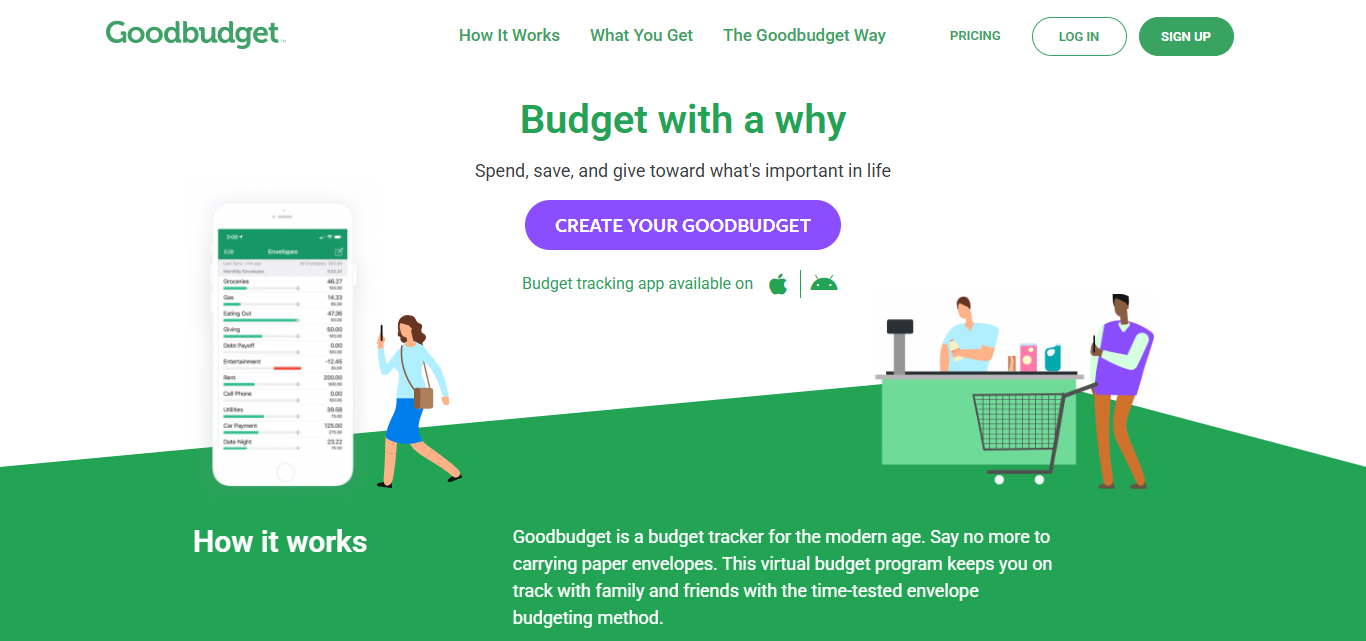
The app is available on almost all systems (Android, iOS, web), which makes it perfect for families who want to do budgeting together. The advantage of simplicity lets users input where they wish to spend money without heavy reliance on syncing their bank with the app.
Key Features
- Digital Envelopes: Makes virtual slides for different spending categories.
- Manual Expense Tracking: Allows users to enter expenses without connecting to their bank accounts.
- Household Sync: Coordinates family budgeting within a household.
- Budget Planner: Allows users to plan where they will allocate their income towards various categories such as groceries, rent, transportation, entertainment, savings, etc.
Pros
- Free basic plan.
- Many users find it simple and easy to follow.
- Does not require bank account connections.
- Great for learning envelope budgeting.
Cons
- Time consuming to enter expenses manually.
- Free version has limited functionality.
- Has less automation than other budgeting apps.
- Weakness: investment tracking.
8. Rocket Money
Rocket Money helps customers track their spending using features to track recurring bills, find subscription savings, make budgets, and more. It was created as Truebill in 2015 as a way to monitor subscription savings.
Rocket Money was acquired by Rocket Companies in 2021, and a convenient app was created in 2022. Rocket Money does provide a free version of the app that includes the basic features of subscription tracking, budgeting, and recurring bill reminders.
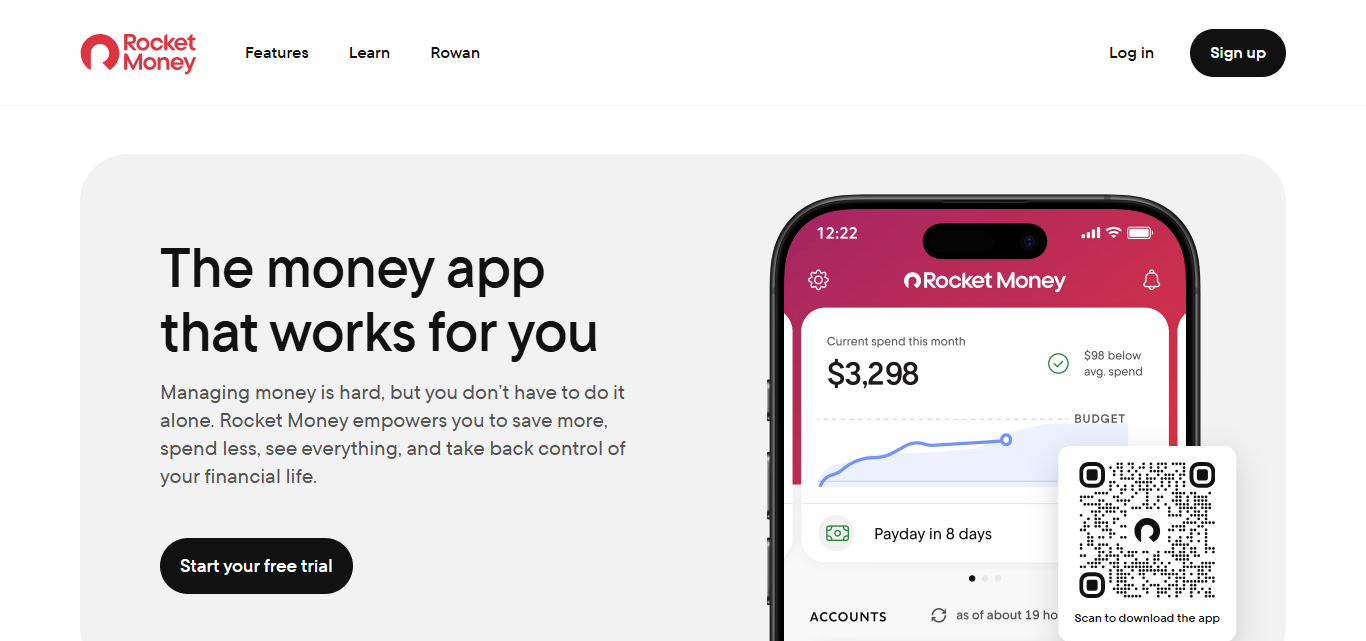
The flexibility of the pricing for premium features in Rocket Money’s iOS app shows different offers, but start at about $4.99 per month. The free version has a budgeting tracker with reminders for recurring subscription requests. The app provides a tracking service for subscriptions you may forget about. Negotiations for saving features are available as well.
Key Features
- Subscription identification: Analyzes spending patterns and shows users their subscription costs.
- Bill monitoring: Logs bills and the time associated with payment.
- Budgeting: Manage spending, spending limits, and monitor budget status.
- Cancellation assistance: Analyzes users’ subscriptions to find unwanted subscriptions. Where applicable, provides request cancellation buttons.
Pros
- Takes the guesswork out of finding forgotten subscription costs.
- Highly effective for recurring spending reduction.
- Free version usable.
- Simple to use for daily cash flow monitoring.
Cons
- More advanced features, like bill negotiation, lump in the Premium version.
- Bill negotiating services have added costs.
- Most features catered to the U.S. market.
- Does not compare to the investment management domain, nor does it compare with other zero-based budgeting apps.
9. Origin
Origin is more than just a budgeting software. Origin simplifies your finances with all of its features including general budgeting, spending and income analysis, investing, net-worth tracking, AI help, forecasting, and tax assistance tools for all of your financial planning.
Created as a financial-wellness software, instead of just a budgeting application, Origin aims to provide multiple financial services. Now centered around AI-automated financial management and household collaboration, their mobile app has something for everyone.

With a free plan and a 7-day free trial to the whole app for some users, membership costs $99 per year. During this time, members can get Origin for a dollar for the first year.
iOS users have rated Origin at 4.6/5. On Origin, users gain access to budgeting, investing, taxes, estate planning, and AI financial planning tools through the iPhone, iPad, or web apps.
Key Features
- The Ultimate Financial Dashboard: Includes budgeting, investing, spending, net worth, and financial planning all in one place.
- A.I. Financial Assistance:Helps users answer finance related questions and analyze data using A.I. tools.
- Tax Planning: Helps users make tax related decisions and assists them in preparing for taxes.
- Predicting the Future and Financial Planning: Helps financially savvy users predict the financial outcomes of future financial decisions.
Pros
- Free Personal Finance Dashboard
- Excellent Investment and Net-Worth Tracking
- Strong Retirement Planning
- It’s great for seeing financial accounts together
Cons
- Not as detailed for traditional household budgeting.
- Primarily built for U.S. usage.
- Investment Tools are stronger than Envelope Budgeting
- YNAB or Every Dollar may be preferred if you want more control over your spending.
10. Empower Personal Dashboard
Empower Personal Dashboard is perfect for the user looking for a no-cost interest to monitor their investments, net worth, retirement accounts, cash, and spending.
Empower Personal Dashboard started in 2009, as Personal Capital, an easy way to manage wealth digitally, then merged with Empower in 2020, gaining an entry into a complete financial services network.
Because Personal Dashboard is free, it offers great value to users looking for a way to have financial visibility without signing up for another budgeting app.

Currently, the Empower app has a 4.8/5 rating in the iOS App Store. Empower has alot of great reviews, but, because employees had the ability to sign in and review the app, this, of course, changes the rating.
Empower is available in the United States and can be downloaded to an Apple computer and Apple Watch as well. The app does much better tracking investments, and monitoring net worth, where other apps do a better job of tracking budgets.
Key Features
- Track investment: Manage retirement accounts, brokerage accounts, and all your investments in one centralized location.
- Track net-worth: automatically calculate your assets and liabilities to show you where you stand financially.
- Track cash-flow :look at your income, your expenses, transactions, and balances in all your accounts.
- Track retirement planning: tools to help users see how their investments will affect their future retirement.
Pros
- A personal finance dashboard is free.
- Good investment, net worth, and retirement tracking.
- Good for combining several financial accounts.
Cons
- Involved household budgeting lacks features.
- Primarily for U.S users.
- Stronger investment side than envelope budgeting.
- Users seeking strict spending control may prefer EveryDollar or YNAB
Cocnlsuion
In cocnlsuion Selecting Among the Best Budgeting Apps to Finally Take Control of Your Daily Spending hinges on what you’re trying to achieve and your personal budgeting likes and dislikes. YNAB is great for the disciplined budgeter, Monarch Money is great for families, while Rocket Money strives to help people cut back on their recurring expenses.
Great free options for beginners to this whole process are EveryDollar, Goodbudget, and Empower. The app that will accomplish the most for you will help you with expense tracking, help you make better decisions on how you spend your money, and help you gain confidence as you save money and adjust to budgeting.
FAQ
What is the best budgeting app for beginners?
Goodbudget and EveryDollar offer simple interfaces, making budgeting easier for beginners.
Which budgeting app is best for strict budgeting?
YNAB is excellent for users wanting detailed zero-based budgeting and spending control.
Which budgeting apps offer free plans?
EveryDollar, Goodbudget, Rocket Money, and Empower offer free options.
What is the best budgeting app for couples?
Monarch Money is ideal for couples managing shared finances and financial goals.